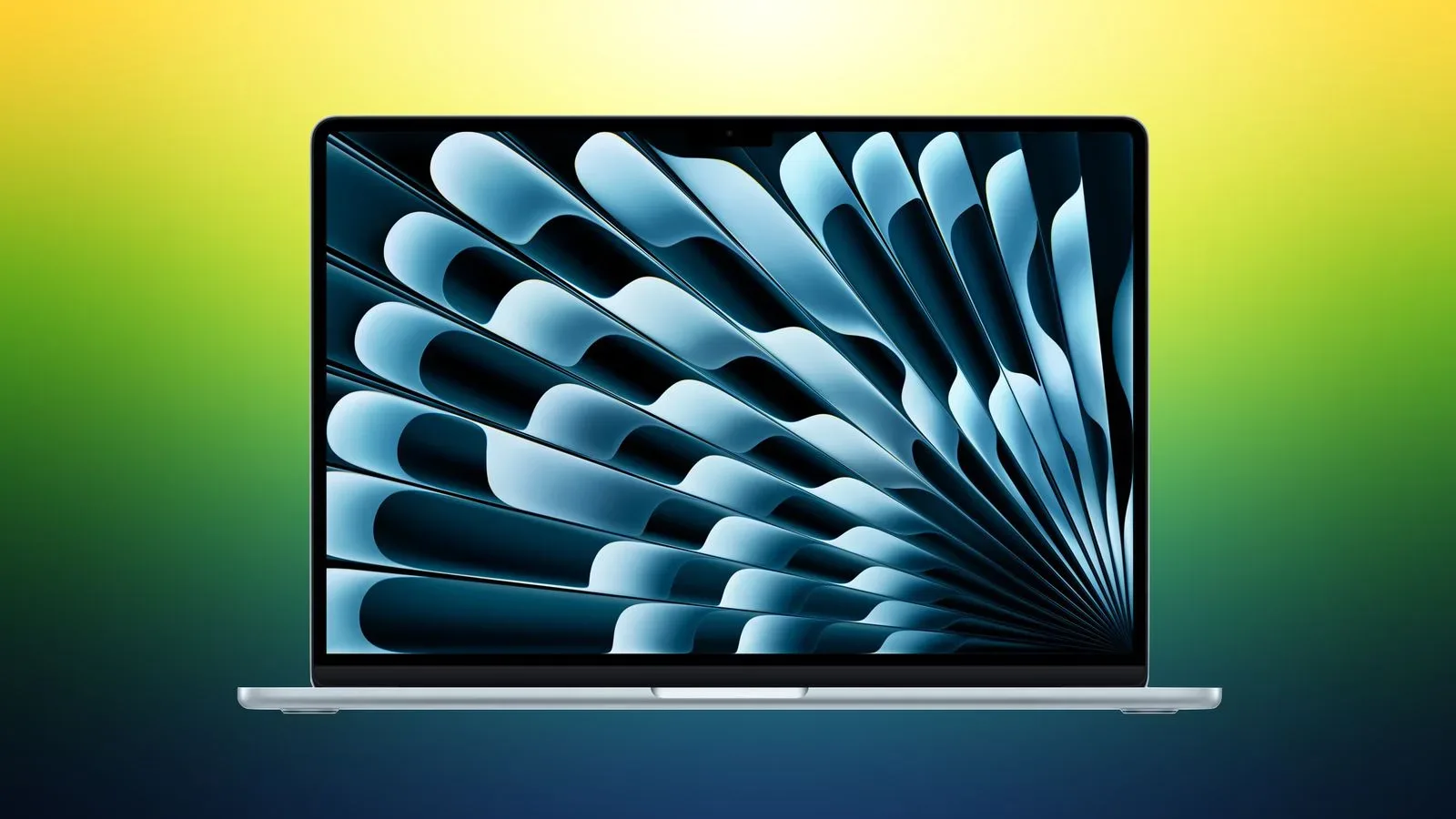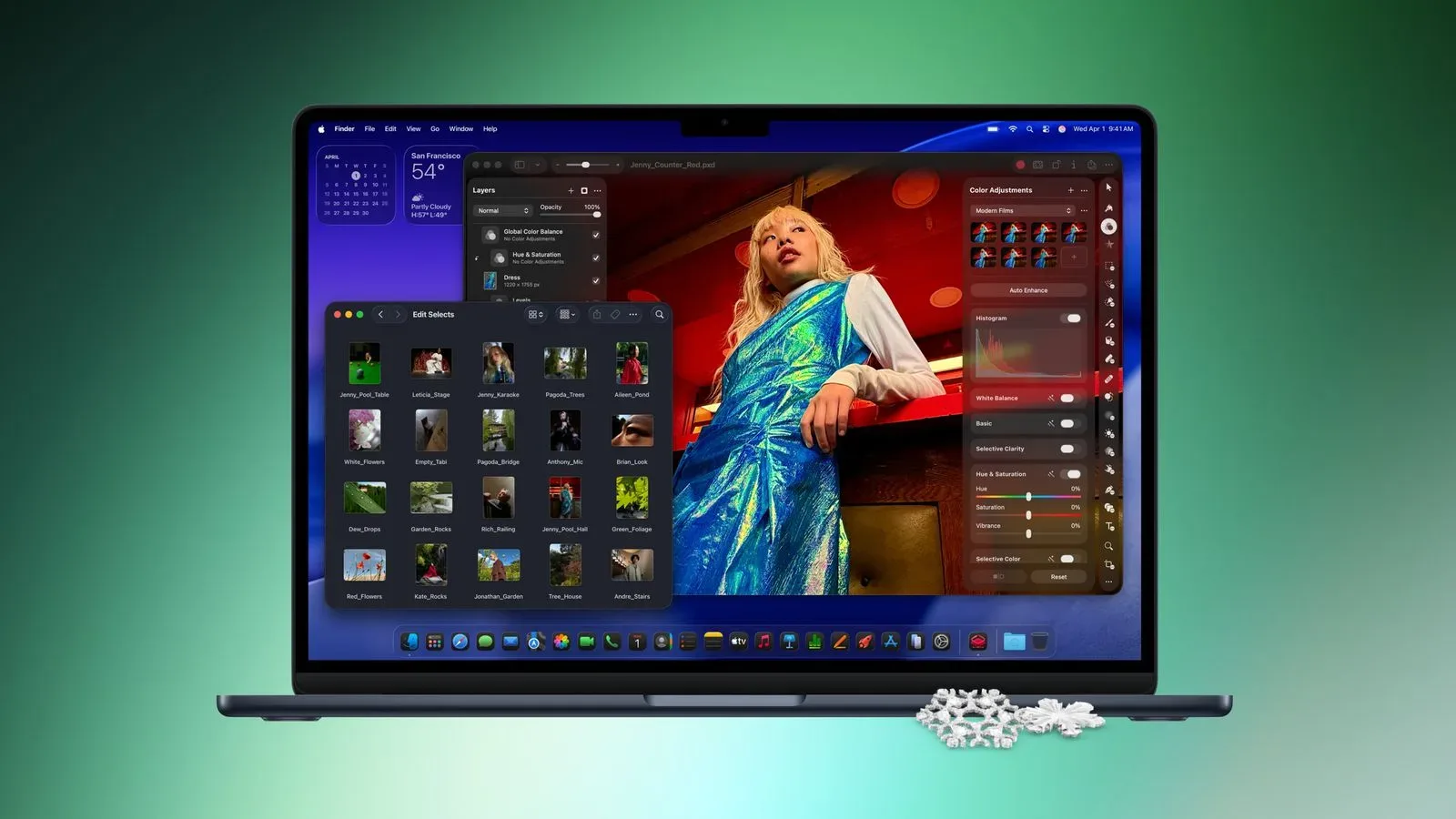
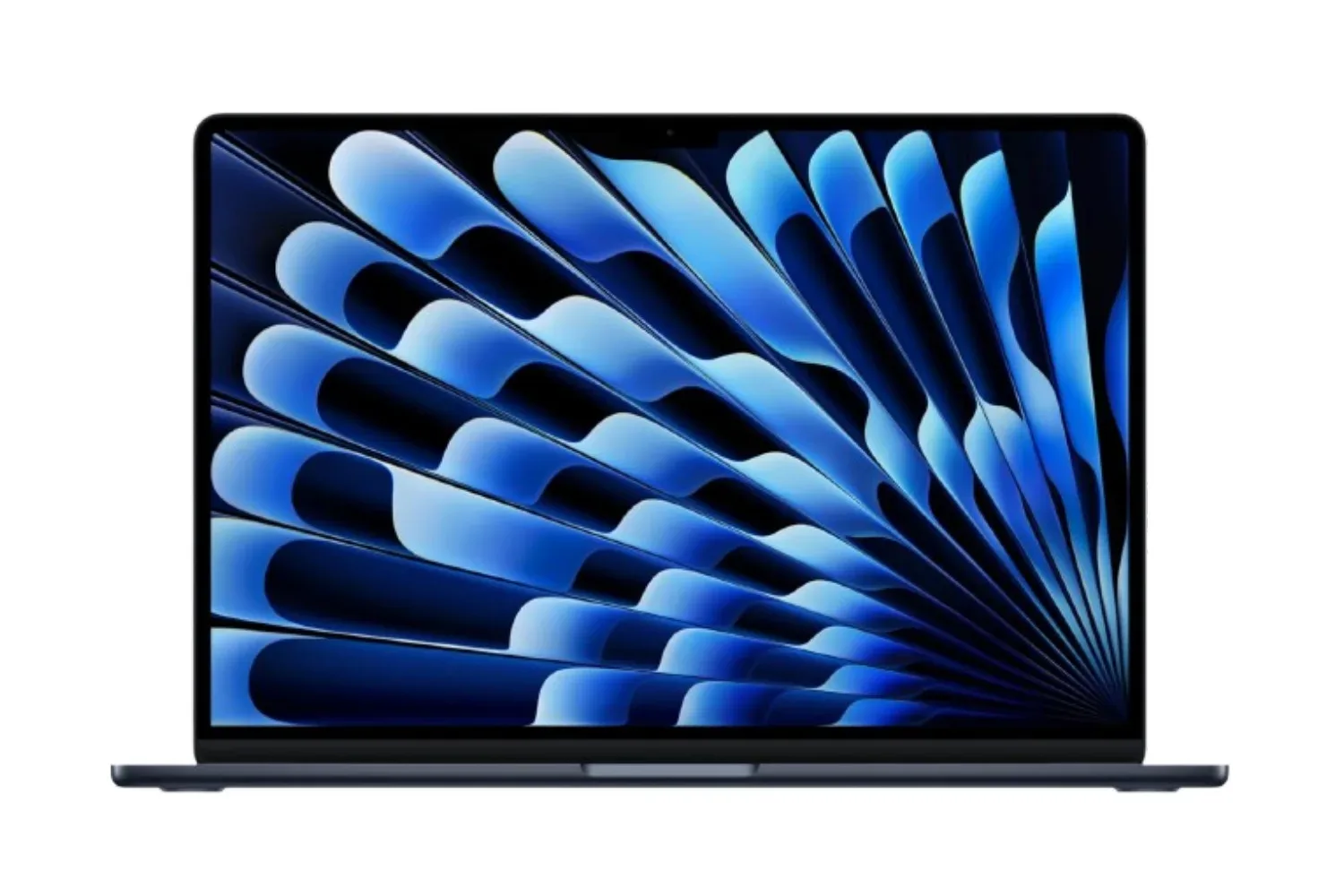
A seasonal laptop discount is usually a simple numbers game: a familiar machine costs less, shoppers decide whether the reduction is large enough, and somebody inevitably opens 14 browser tabs to compare configurations. The current listing for Apple’s 13-inch MacBook Air changes that equation a little. The version with an M5 chip, 16GB of unified memory and 512GB of storage is listed at $1,049, reduced from $1,299.
That is a $250 difference, but the configuration is the more important detail. Apple had raised prices before the summer amid a wider memory shortage. As a result, the 16GB model is not merely an entry-level Air with a modest sale badge attached; it is a version whose memory allocation is especially relevant to the price pressure that preceded it.
For people choosing a laptop for school, work, everyday creative tasks or a pile of simultaneously open applications, 16GB is likely to be the practical part of this offer. Storage capacity remains a personal calculation, ports remain limited, and a fanless laptop still has limits under sustained heavy work. But this pricing brings a more comfortable memory configuration below its listed $1,299 price without forcing a jump to a higher-capacity model.
Why 16GB is the actual headline
Memory, commonly called RAM, is the fast workspace a computer uses while applications and their active data are in use. It is distinct from the 512GB internal storage in this model. Storage holds files, applications and media over the long term; memory helps determine how much a laptop can keep readily available while it is working.
Apple calls the MacBook Air’s allocation unified memory. In broad practical terms, that means the chip’s processing components share the same memory pool rather than treating CPU and graphics memory as wholly separate reserves. The M5 combines a CPU, GPU, Neural Accelerators and Neural Engine-related capabilities in its overall design, so memory capacity has relevance beyond an old-fashioned checklist of open documents.
The supplied configuration is positioned for the kind of mixed workload many people actually create: browser tabs alongside a spreadsheet, a video call and photo editing. That does not turn 16GB into a guarantee that every demanding job will be effortless, nor does it make it a substitute for a more performance-oriented laptop. It does mean buyers should not treat RAM as a forgettable line item while focusing only on chip generation and storage.
In a period where memory availability contributed to higher Mac prices, the value of the listing is that it lowers the price of a 16GB configuration rather than asking buyers to settle for less memory in pursuit of a cheaper sticker. That distinction is likely to matter most to anyone intending to keep several demanding applications open at once or to use the laptop for more than a single narrowly defined task.
The M5 Air’s appeal is quiet, portable computing
The 13-inch MacBook Air is fanless. With no internal fan, it operates silently, an obvious benefit for quiet rooms, shared spaces, libraries and late-night work. There is no fan noise to compete with calls, music or concentration. The absence of a fan is not a magic trick, however. It is a design choice with a trade-off.
Related coverage includes Amazon Cuts the M5 MacBook Air With 16GB RAM to $1,049.
Long, intensive tasks can slow after the chassis becomes warm. A feature-length 4K video export is the supplied example, and it illustrates the point well: short bursts and general multitasking are not the same thing as a sustained workload that continuously pushes the system. A MacBook Pro is described as the better fit for that latter category.
That creates a useful buying divide. A person who needs silence, portability and a machine for documents, web work, calls, photos and routine multitasking may find the Air’s design highly compelling. Someone whose regular day involves lengthy high-resolution video exports should account for the possibility of reduced sustained performance and consider whether the Pro-oriented alternative fits their work better.
The M5’s next-generation GPU and built-in Neural Accelerators are also part of its pitch. The Neural Engine is described as handling Apple Intelligence functions, including writing tools and summaries, on the machine. “On the machine” here means the work is handled locally by the device rather than implying that every relevant task depends on a remote system. The practical takeaway is not that these features erase performance limits, but that the chip has dedicated hardware intended for this category of processing.
Shoppers considering macOS utilities should also remember that software capability can involve system-level access choices, not just raw specifications. Our look at a macOS utility’s permissions is a useful reminder that a powerful laptop does not remove the need to understand what software is allowed to do.
Battery claim and display features
Apple rates the MacBook Air for up to 18 hours of battery life. That is an advertised maximum, not a promise that every owner will see the same result. Actual runtime naturally depends on the work being performed and how the laptop is used. Still, the rating frames the Air as a computer intended to last through a day of classes or meetings, with potential room left for evening use.
The display is a 13.6-inch Liquid Retina panel supporting one billion colors. Sharp text is a particularly tangible benefit on a machine that may spend much of its life displaying documents, messages, web pages and spreadsheets. A large color range is also relevant to people viewing or editing photographs, although the supplied details do not make a broader professional-color claim beyond the billion-color support.
For calls, the laptop includes a 12MP Center Stage camera. Center Stage follows the user’s movement in the frame, while Desk View can show a top-down view of a desk. Those features could be meaningful for remote meetings, demonstrations, handwritten notes or simply the recurring problem of a laptop camera framing someone like they are broadcasting from the bottom of a well.
Three microphones and four speakers round out the communication and media hardware. The speakers support Spatial Audio and Dolby Atmos. Touch ID, built into the backlit keyboard, can unlock the Mac and fill passwords with a fingerprint. None of these features individually decides whether the listing is worthwhile, but together they describe a laptop designed to handle calls and day-to-day work without immediately demanding external accessories.
Ports are the less glamorous part of the decision
The Air includes two Thunderbolt 4 ports, a MagSafe charging port and a headphone jack. MagSafe is helpful because charging does not consume either of the two Thunderbolt connections. The laptop can also drive up to two external displays, a notable capability for users who work with a desk monitor setup.
Yet two Thunderbolt ports are still only two ports. Anyone regularly using an SD card reader, HDMI projector or legacy USB-A drive will need an adapter or hub. That is not necessarily a deal-breaker; it is simply a cost and convenience consideration that can get missed when a discount draws attention to the headline price.
The machine also uses Apple’s N1 chip for Wi-Fi 7 and Bluetooth 6. Those are connectivity specifications, while the larger everyday question is whether the laptop has the physical connections a particular setup needs. A photographer transferring cards, a presenter meeting unfamiliar projectors and a user with older accessories should plan for the relevant adapter rather than assuming the slim chassis has every port built in.
How the other listed configurations compare
The $1,049 model pairs 16GB of memory with 512GB of storage. If the storage figure is the limiting factor, a 1TB configuration is listed at $1,349, down from $1,599. That is also a $250 reduction, but it costs $300 more than the discounted 512GB version.
A model with 24GB of memory and 1TB of storage is listed at $1,549, reduced from $1,799. This version carries the same $250 reduction and costs $500 more than the 16GB/512GB machine.
- 16GB memory / 512GB storage: $1,049, listed down from $1,299.
- 16GB memory / 1TB storage: $1,349, listed down from $1,599.
- 24GB memory / 1TB storage: $1,549, listed down from $1,799.
The comparison makes the baseline model’s appeal easy to identify. It has the least storage and memory of the three listed choices, but it is also substantially less expensive while retaining 16GB of unified memory. Buyers who know their files will occupy more than 512GB, or who specifically need 24GB memory, have a clear upgrade path in the listed options. Buyers who do not have those requirements can avoid paying for capacity they may not use.
In other words, this is not a case where every MacBook Air shopper should automatically choose the lowest price. It is a case where the lowest listed price already includes a memory level with strong relevance to multitasking and to the recent pricing conversation around RAM. That makes $1,049 a more meaningful figure than it would be for a stripped-down configuration.
Who should weigh the offer carefully
The 13-inch M5 MacBook Air at this listed price makes the clearest sense for users who value a silent laptop, want 16GB of memory, can work within 512GB of storage and do not require an extensive built-in port selection. It also suits people who want long rated battery life, a compact display, a 12MP camera for calls and support for a two-external-display desk arrangement.
It warrants more caution for those with sustained, heavy video-export workloads, frequent need for HDMI, USB-A or SD cards without adapters, or an established need for more local file space. Those are not minor caveats to hand-wave away with a sale percentage. They are the practical conditions that determine whether a lower purchase price stays low after accessories and storage needs enter the picture.
The listing ultimately lands at an interesting moment: a 16GB M5 MacBook Air with 512GB storage is being offered for less after memory costs had helped pull Mac prices upward. For shoppers already looking at the Air, the discount is worth noticing precisely because it attaches to the configuration detail that has become harder to dismiss as an optional luxury.
Shop the products
Check current price, model and availability at the retailer.