A compact keyboard may not sound like the most thrilling upgrade for a gaming desk, until the moment a player needs to answer messages, manage a browser guide, type in chat, work from a tablet, or simply clear enough room for a mouse to roam. Logitech’s Pebble Keys 2 K380s wireless Bluetooth keyboard is currently listed at $34, a 15% reduction from its stated $40 retail price.
The listed reduction applies to the three available finishes: Tonal Graphite, Tonal Rose and Tonal White. Beyond the price, the core appeal is straightforward: a slim, round-keyed keyboard designed for typing across several devices and operating systems without turning a desk into a cable-management side quest.
For PC players in particular, it is best understood as a general-purpose companion rather than a specialist competitive-gaming board. The supplied details emphasize Bluetooth connectivity, portability-minded design, shortcut customization and long battery life; they do not establish gaming-specific features such as wired operation, mechanical switches, RGB lighting, dedicated media controls or advanced key remapping. That distinction matters when deciding whether a smaller wireless keyboard fits an existing setup.
What the $34 listing includes
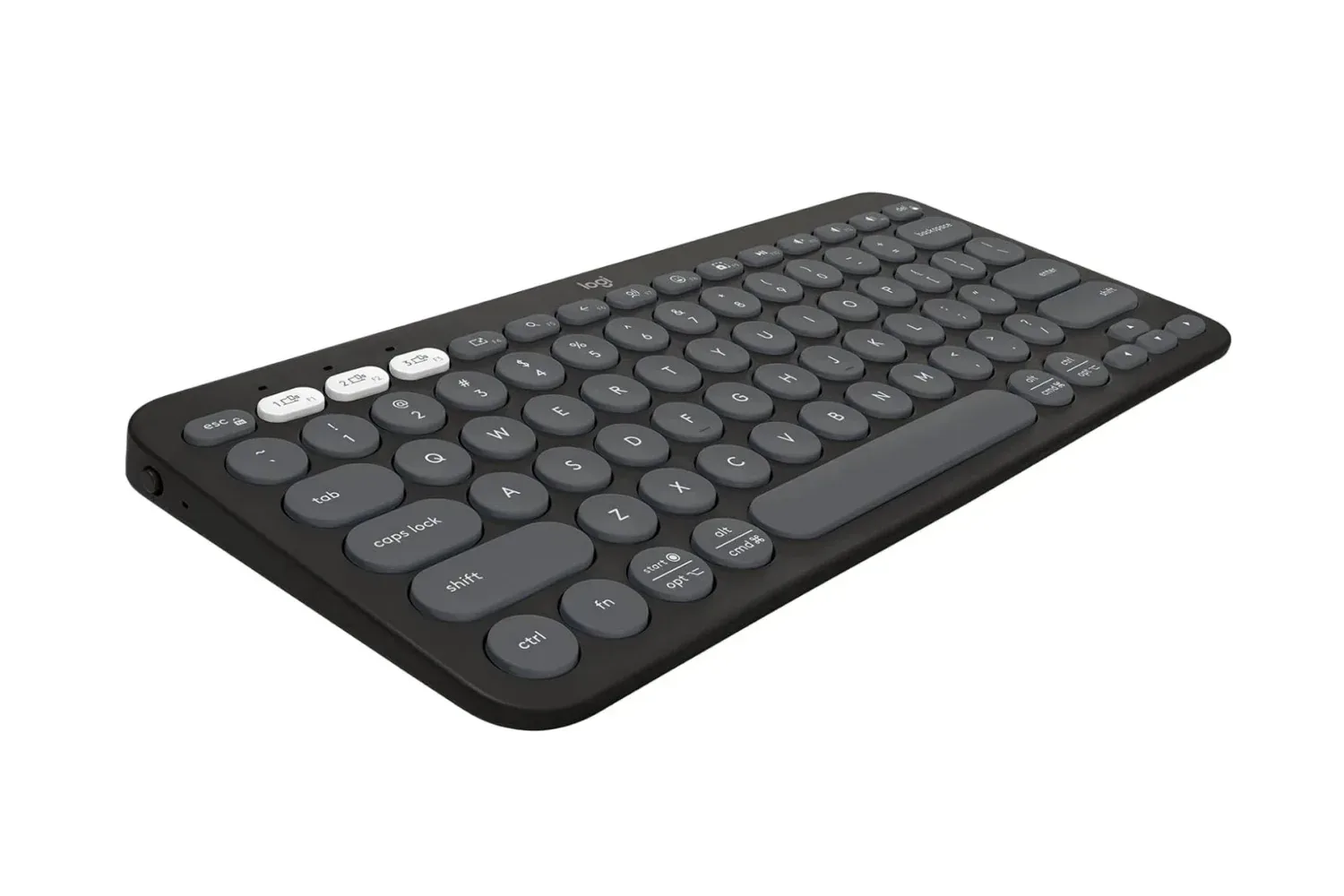
The Pebble Keys 2 K380s uses a slim body and scooped, circular keys. A scooped key has a shallow inward contour on its top surface. The practical intent is to give fingertips a more definite resting point than a completely flat keycap, which can make touch typing feel more natural for some users. Keyboard feel remains personal, of course: the listing identifies the shape and describes it as comfortable, but it does not provide switch specifications, key-travel measurements or a sound profile.
The keyboard is available in:
- Tonal Graphite
- Tonal Rose
- Tonal White
At this price, the choice of color is less about performance than making a compact peripheral suit the rest of a desk, laptop or shared workspace. It is nevertheless useful that all three colors are included in the stated offer rather than treating one finish as the only discounted option.
Three-device pairing is the feature with the broadest everyday use
The most consequential capability here is the ability to connect to up to three devices simultaneously and switch between them with one press. The keyboard supports Windows, macOS, iPadOS and ChromeOS. In this context, “simultaneously” means the keyboard can retain connections to three paired devices; it should not be read as entering the same keystrokes into all three at once.
That arrangement can be useful in several low-friction setups:
Related coverage includes Logitech Pebble Keys 2 K380s Is Listed at $34 in Early Black Friday Deal.
- A desktop PC for games or work, alongside a tablet used for a guide, Discord or video.
- A home computer paired with a work laptop, reducing the need to keep two keyboards on a desk.
- A ChromeOS, Mac, Windows or iPad device rotation for people who move between platforms.
Single-button switching is the important part. Pairing a Bluetooth device once is helpful, but having to dig through menus every time a player wants to respond on a second screen undermines the advantage. A hardware switch shortens that interruption. It will not replace a full multi-monitor PC workflow for every user, yet it can be a notably cleaner solution for a mixed-device desk.
Bluetooth is a short-range wireless standard intended to let devices communicate without a cable. Its upside in this case is broad platform compatibility and fewer occupied ports. Its trade-offs are equally worth recognizing: a Bluetooth keyboard depends on wireless pairing, whereas some users specifically prefer the simplicity of a permanently wired keyboard. Buyers who need a particular connection type should check their intended device’s Bluetooth support before treating compatibility as automatic.
Shortcut customization could matter more than the compact styling
The keyboard’s Fn shortcut keys can be customized through the Logi Options Plus app. “Fn” refers to a function layer: a modifier key that gives other keys alternate commands. With the companion app, users can assign shortcuts aimed at the applications they use most often.
That creates a modest but potentially meaningful productivity benefit. Rather than framing it as a way to gain an edge in games, it is more accurate to view the feature as a way to streamline the surrounding desktop routine. Launching regularly used apps or reaching common actions from a keyboard can reduce repeated clicks, especially for someone who alternates between play, communication, browsing and work.
The useful question is not merely whether customization exists, but whether it matches a person’s routine. A user who rarely changes shortcuts may get more value from the compact form factor and multi-device connection. Someone who repeatedly opens the same applications, on the other hand, may find that configurable Fn commands become the feature they notice most after setup.
It is also worth separating customizable shortcuts from full-scale keyboard programming. The information available identifies Fn-key customization in Logitech’s app; it does not describe a comprehensive gaming macro system, onboard profiles or per-key lighting controls. Keeping that line clear prevents a practical office-and-home keyboard from being judged against a category it is not presented as serving.
A three-year battery claim changes the maintenance calculation
Logitech states a battery life of up to three years for the Pebble Keys 2 K380s, describing that figure as 50% more battery life than standard options in the same range. Long battery life is often an unglamorous specification, but it has an obvious practical benefit: less routine attention paid to power and fewer occasions where a keyboard becomes unusable at an inconvenient time.
As with any battery estimate, prospective owners should regard it as a manufacturer usage claim rather than a guarantee for every setup. Actual endurance can depend on individual patterns of use and connection. The available information does not detail the battery type, charging method or the test conditions behind the three-year figure, so those are sensible items to verify before purchase if they are decisive for a buyer.
Still, the claim gives the keyboard a clear convenience-focused position. A compact wireless device is at its best when it can be placed where it is useful rather than where a cable or charger demands. A long stated battery life supports that goal, whether the keyboard lives at a main PC, travels between rooms, or exists primarily to make a tablet more capable for typing.
Where it fits in a PC and gaming setup
The Pebble Keys 2 K380s looks most appropriate for people who want to add flexible typing to an existing desk rather than replace a preferred primary gaming keyboard. A compact board can be a sensible second input device for a sofa setup, a laptop station or a multi-device household. It may also suit players whose PC time includes enough written communication and browser use that comfort and easy switching matter as much as game-focused hardware features.
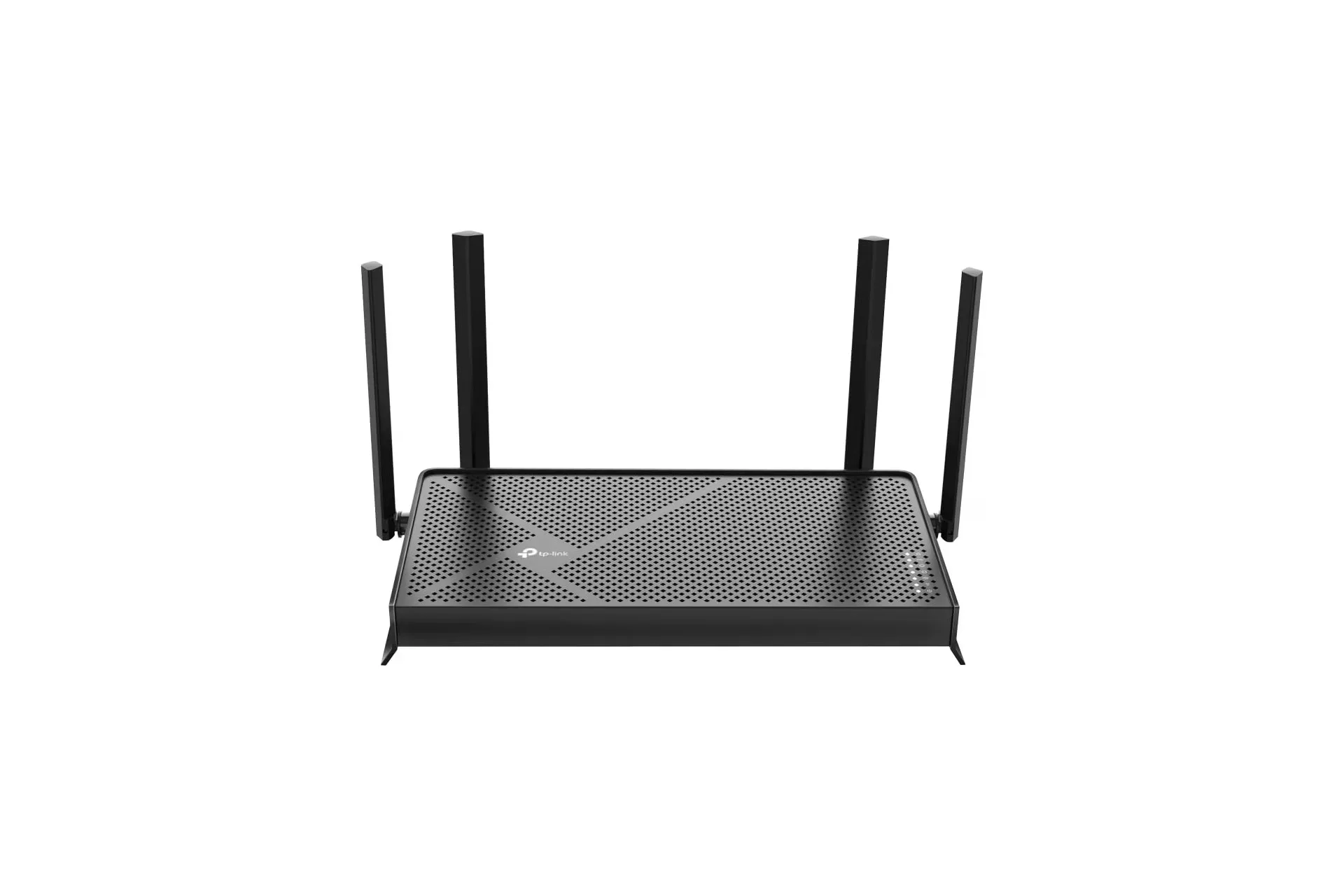
There is an ecosystem angle, too. A PC setup depends on more than the computer itself: wireless stability, a nearby tablet, a router and the peripheral layout all affect how smooth day-to-day play and communication feel. Readers considering a broader home-network refresh can also see the TP-Link BE3600 Wi-Fi 7 router listing, which outlines a separate connectivity-focused option.
That does not make a keyboard purchase dependent on a new router. It simply underlines that Bluetooth peripherals are one part of a wider desk and device arrangement. The K380s’ supplied support for Windows, macOS, iPadOS and ChromeOS makes it particularly relevant where one person’s setup does not revolve around a single machine.
Questions worth answering before checking out
The listed $34 price is lower than the stated $40 retail price, but a deal is only useful when the device solves the right problem. A brief checklist can prevent buying a peripheral because the discount looks good rather than because it belongs in the setup.
- Is Bluetooth the connection you want? This model is positioned as a wireless Bluetooth keyboard. Users who require a wired connection or a different wireless arrangement should not assume it offers either.
- Will you use more than one device? The three-device switching feature is a major part of the value proposition. For a single fixed PC, it may be less important than key feel, layout and other unlisted preferences.
- Does compactness help your desk? A slim keyboard can free space and travel easily, but users accustomed to a larger layout should consider whether the format suits their typing habits.
- Will shortcut customization save time? The Logi Options Plus app can personalize Fn shortcuts, particularly for repeat apps and tasks. If that sounds useful, it adds more than cosmetic value.
- Are the battery details sufficient? The stated three-year battery life is appealing, but buyers who need to know battery chemistry or charging specifics should seek confirmation before ordering.
At $34, the Logitech Pebble Keys 2 K380s is a straightforward discounted option for shoppers prioritizing a slim wireless keyboard, device switching across major desktop and tablet platforms, customizable Fn shortcuts and a long stated battery life. Its strongest case is convenience: one small keyboard serving a PC, laptop and tablet with a quick press. Its weaker case is for buyers looking for explicitly gaming-first specifications that are not identified in the available product details.
Shop the products
Check current price, model and availability at the retailer.