The abrupt black screen is one of the least dramatic ways a gaming session, download, save-file cleanup or work task can end. A laptop that reaches an empty battery does not usually suffer an immediate catastrophe, but allowing it to happen often is not the best long-term routine for the lithium-ion battery inside.
That distinction matters. “Don’t let it hit 0%” can sound like an alarmist rule, as though one missed charging window permanently wrecks a machine. The supplied evidence points to a more sensible reading: an occasional complete drain is not a disaster, while repeatedly running a battery down to very low levels can add wear and eventually affect how much charge it can hold.
For players, the practical issue is less about panic and more about planning. Gaming laptops tend to use more power than less demanding machines, so their unplugged time can be shorter. A battery that once comfortably covered a stretch of light use may have far less room for a game, connected accessory, background launcher and a warm room all at once.
“0%” is not always the moment a laptop has literally exhausted every last bit of power
Battery percentage is a useful status indicator, but it is not a command to treat the displayed number as a precise promise that the system will keep operating until an absolute physical zero. Some systems, including Windows machines, can hibernate or shut down before the battery reaches 0%. That protective behavior is important: the operating system may end the session before the laptop has drained as far as the number on screen suggests.
Hibernate is a power-saving state in which a system saves its current state and turns off, allowing the user to resume later. In this context, it is a safety net against a sudden loss of power rather than a convenient substitute for keeping a charger nearby. It can reduce the odds that a laptop simply dies while it is still busy, but it cannot make a dwindling battery ideal for routine use.
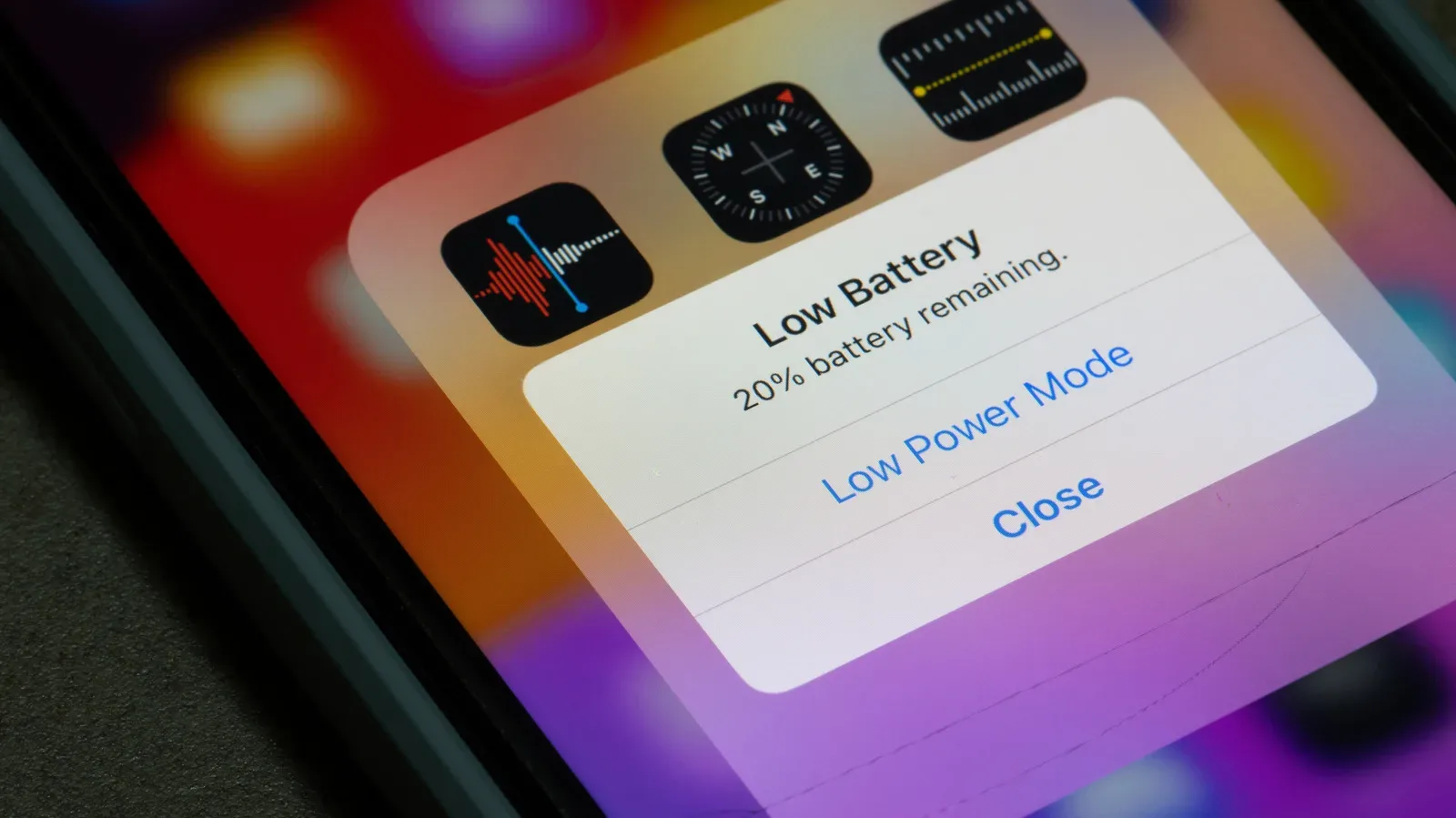
The bigger takeaway is straightforward: reaching a critical battery warning or seeing a machine hibernate is a cue to connect power, save anything important and stop treating the remaining percentage as a challenge mode.
Why repeated deep drains can be rough on lithium-ion batteries
Most laptops use lithium-ion batteries. They are generally low-maintenance and can charge relatively quickly, but they are not immune to aging. The battery works by moving lithium ions as it charges and discharges. The supplied information indicates that keeping the battery within a safer range helps those ions remain in a more stable state, while repeatedly letting charge fall very low can contribute to wear.
Battery degradation means the gradual loss of a battery’s ability to hold its original capacity. In day-to-day terms, that can mean the same laptop spends less time away from the outlet than it did when new. It does not necessarily mean a single drain has caused a detectable change. It is the repeated pattern that is the concern.
Related coverage includes What a Fully Drained Laptop Battery Can Mean for Battery Life.
This is also why an old rule about draining a battery completely before charging it does not fit the guidance here. For lithium-ion laptop batteries, fully exhausting the charge is not presented as a way to preserve longevity. The more battery-conscious approach is to recharge before the level falls too low whenever that is practical.
A commonly recommended target is keeping charge between 20% and 80%; another suggested range is 40% to 80%. These figures should be treated as helpful operating ranges, not a reason to obsess over every percentage point. A laptop owner does not need to interrupt normal work because the meter says 81%, and a one-off trip below 20% is not grounds for a eulogy. The useful habit is avoiding extremes as a routine.
Gaming changes the battery equation
Current laptops can last roughly four to 12 hours on one charge, with some lasting longer, but that range is not a promise for every task. What a person does on the laptop matters, and gaming laptops will not generally last as long as machines doing lighter work.
That has an obvious implication for anyone using a gaming notebook as a desktop replacement and then occasionally taking it away from its charger: the battery estimate from a quiet browsing or document session may not resemble the experience once a game is running. The sensible preparation is to assume demanding activity will consume charge faster, especially if the laptop is no longer new.
There is no need to invent a universal number of minutes a particular game will last. The supplied facts do not support that, and every laptop and workload differs. What they do support is a better decision rule: if a gaming session matters, start it with a healthy charge or access to power rather than intending to use the final sliver of the battery.
Low battery is also a session-management problem
A critically low battery is not only a question of cell health. It is an interruption risk. A sudden shutdown can break concentration during a match, cut off a file transfer or leave work unfinished. Saving periodically and watching the charge when unplugged are mundane habits, but they are more reliable than hoping the laptop will stretch to the next checkpoint or the end of a task.
It is worth separating this practical risk from the longer-term battery issue. One is immediate: a session ends at the wrong time. The other is cumulative: frequently pushing the battery to low levels may reduce capacity over time. Both favor plugging in earlier, but they are not the same claim.
If the battery seems to drain unusually fast, investigate the workload
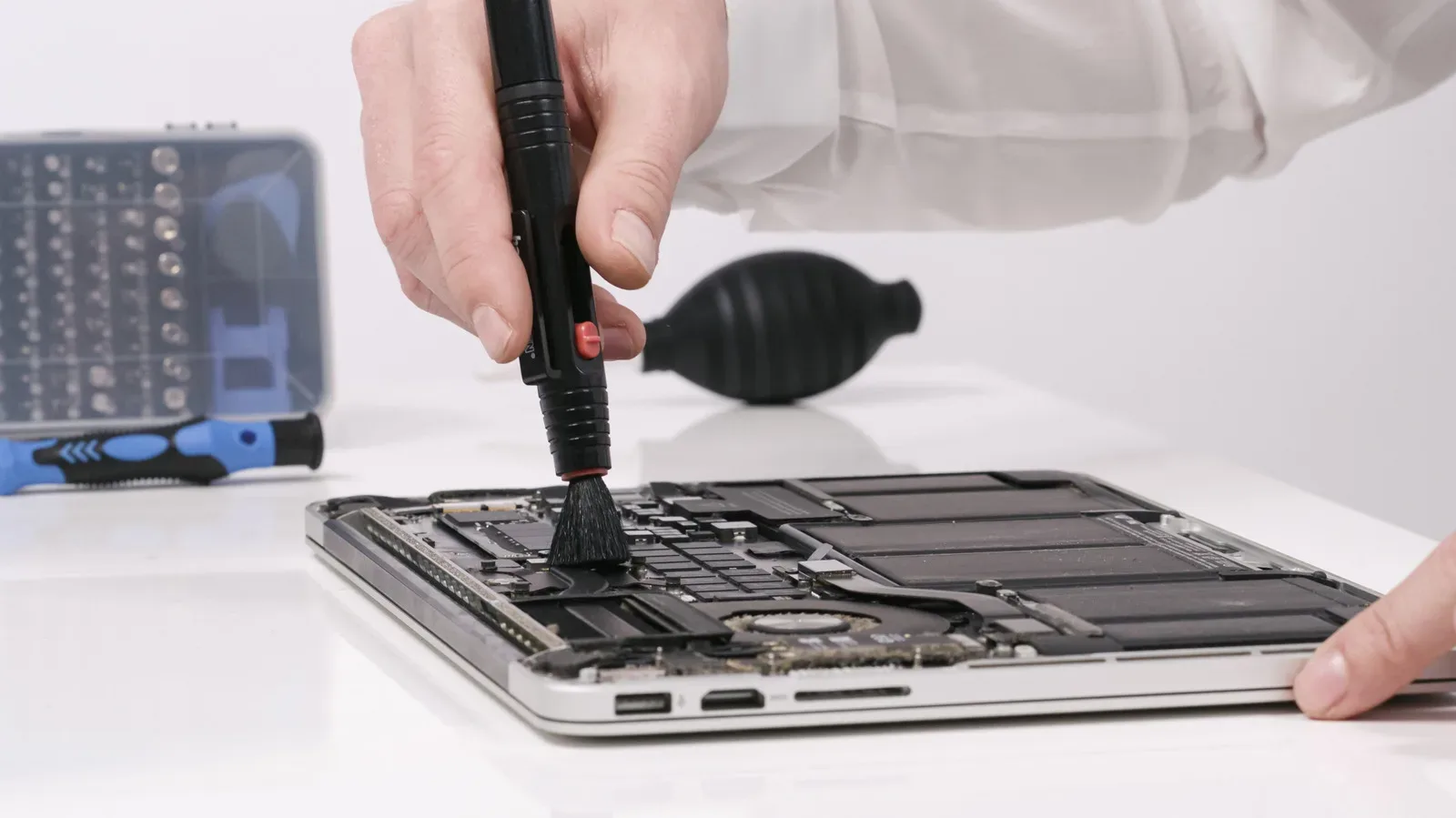
A laptop approaching empty more often than expected does not automatically prove its battery is failing. The evidence identifies several factors that can contribute to faster drain: unneeded background apps, energy settings, older software, higher temperatures and plugged-in devices.
Start with the simplest checks:
- Look for background apps you do not need. Apps running when they are not needed can consume power that would otherwise remain available.
- Review energy options. Depending on the laptop, available power settings may be worth checking and adjusting.
- Consider software age. Older software can be part of a faster-drain pattern.
- Pay attention to heat. Higher temperatures are identified as a factor that can contribute to battery drain.
- Disconnect nonessential devices. Plugged-in hardware can also play a role in consuming power.
These are not guarantees that every machine will suddenly gain hours of endurance. They are practical places to look before concluding that the battery alone is responsible. A laptop’s real-world battery life depends on both the hardware and what is being asked of it at that moment.
For a broader explanation of why a displayed charge reading can change abruptly, see why a battery percentage can suddenly drop and what to check first. The device category differs, but the core lesson is useful: a percentage reading is part of a larger power-management picture, not a complete diagnosis by itself.
A realistic battery-care routine
The balanced approach is neither “never go below 80%” nor “run it down every time.” It is to avoid making very low charge levels a normal destination. Charge before a long trip or extended session. Keep an eye on the meter when away from an outlet. When possible, operate within the suggested middle range rather than repeatedly bouncing between a full charge and a forced shutdown.
- Begin unplugged use with enough charge for the task, not merely enough to boot.
- Take low-battery warnings seriously, particularly during anything that must be saved or completed.
- Use hibernation or shutdown behavior as a safeguard, not as a regular charging strategy.
- If charge is disappearing faster than expected, check background activity, energy settings, heat, software age and connected devices.
- Accept the occasional accidental drain without assuming permanent damage, then adjust the routine so it does not become frequent.
That last point is the one most worth remembering. Laptop batteries are designed for everyday use, and life occasionally includes a forgotten charger, an unexpectedly long task or a game that consumed more power than anticipated. A single empty battery is mainly inconvenient. The avoidable problem is repeatedly driving a lithium-ion battery to low levels when a mid-range charging habit is available.
For gaming-laptop owners, the advice is especially unglamorous and especially useful: wall power is still the best companion for demanding play, while the battery is best treated as a finite reserve rather than a resource to exhaust for sport.