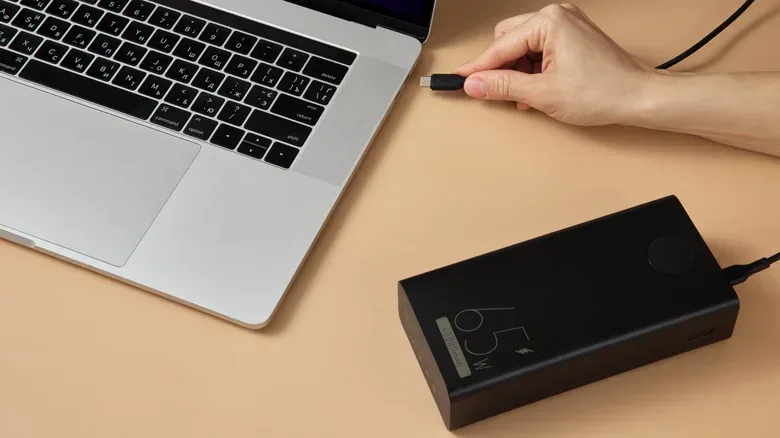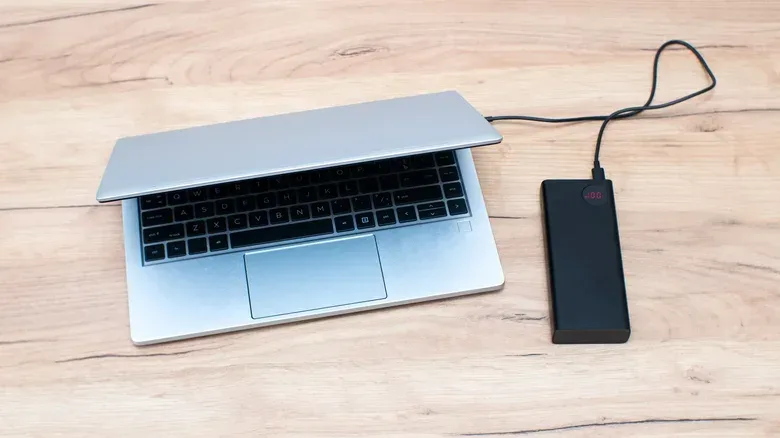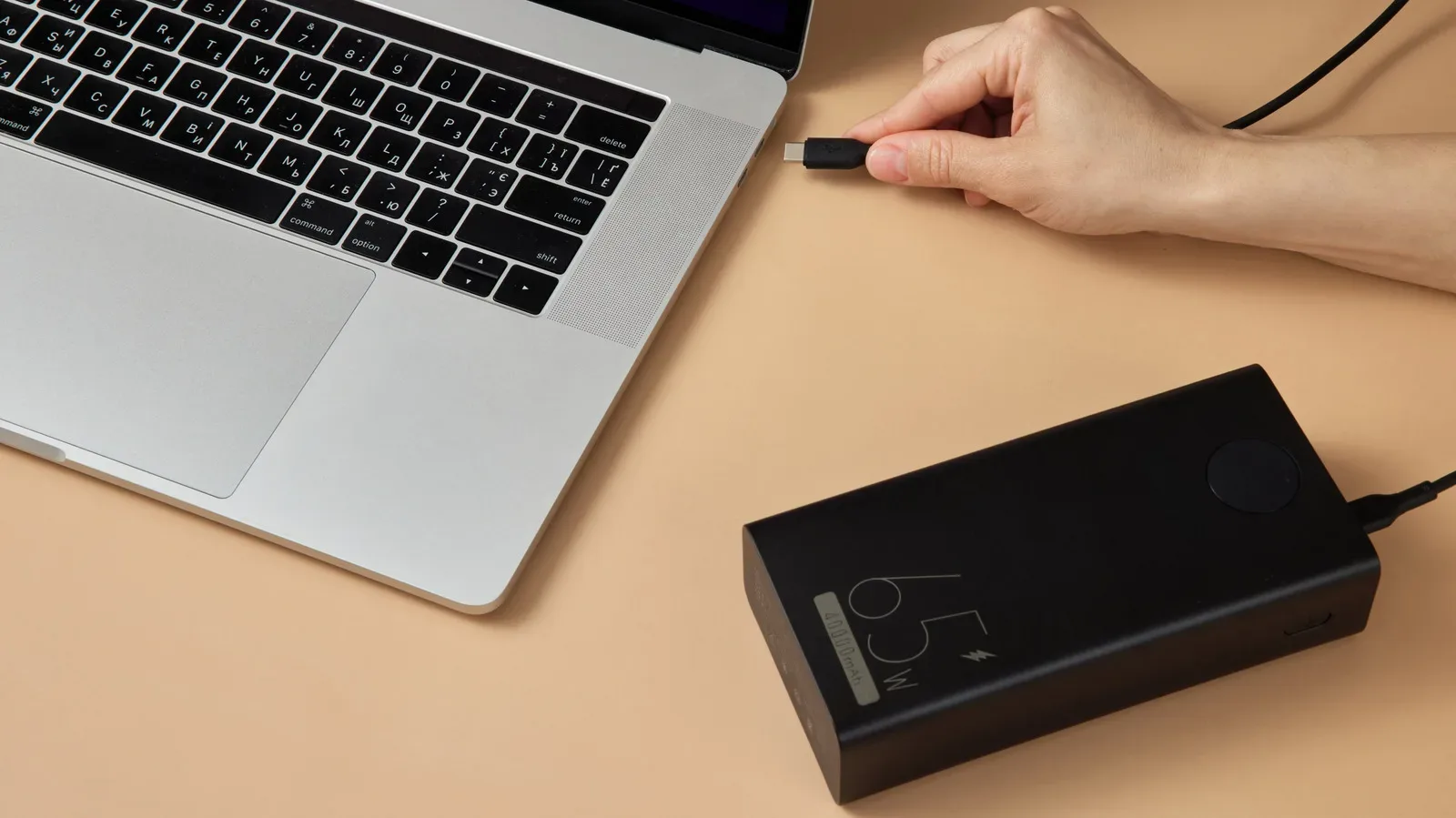
Power-bank shopping has a familiar trap: an enormous milliamp-hour number on the front of the box that looks like it ought to solve every battery problem in a backpack. For phones, that shorthand can be useful. For laptops, it is incomplete at best. A battery bank can hold plenty of energy yet still fail to charge a notebook meaningfully if it cannot deliver enough power through the right port.
The two measurements that matter are watt-hours (Wh), which describe stored energy, and watts (W), which describe the rate at which that energy can be delivered. Think of Wh as the size of the snack stash and W as how quickly it can be handed over. A laptop needs both a sufficiently large stash and a fast enough handoff.
That distinction has practical consequences whether the goal is keeping a game download, a work session, or a long trip from ending at a low-battery warning. It also explains why some USB-C power banks merely slow the drain rather than replenish a laptop battery. As with evaluating other portable tech, a specification that looks reassuring on a product page is only useful when it matches real operating requirements; the same caution applies to claims that need long-term validation, as explored in this look at why early hardware impressions are not the whole story.
Start with watt-hours, not just mAh
Power banks are usually marketed in milliamp-hours, abbreviated mAh. That unit measures electrical charge, but it does not by itself reveal the total energy available across devices operating at different voltages. Laptops are higher-drain devices than phones, so comparing their needs with a bank’s mAh figure alone is especially misleading.
To get a more useful approximation, convert the bank’s stated capacity to watt-hours. Lithium-ion cells in many power banks operate at roughly 3.7 volts. The calculation is:
Wh = volts × amp-hours
Because 1,000 mAh equals 1 amp-hour (Ah), divide the advertised mAh number by 1,000 before multiplying. A 10,000 mAh bank therefore works out to roughly 37Wh:
3.7V × 10Ah = 37Wh
Related coverage includes How to Choose a Power Bank That Can Actually Charge Your Laptop.
At the same cell voltage, a 20,000 mAh model works out to about 74Wh. That makes mAh useful as a starting point when comparing similarly constructed banks, but Wh is the clearer way to compare that stored energy with a laptop’s battery.
Find the laptop battery’s Wh rating
The next number to locate is the watt-hour rating of the laptop’s own battery. It should be available in the manufacturer’s specifications. Once both ratings are in Wh, the comparison becomes much more grounded.
Modern MacBook batteries provide a useful illustration of the range involved: roughly 37Wh for a MacBook Neo up to 100Wh for a 16-inch MacBook Pro. A 10,000 mAh bank at approximately 37Wh may sound substantial, but it is not likely to provide a full refill for most laptops, even before accounting for the energy lost during charging.
This does not make a smaller bank useless. It may provide enough extra time to send files, finish a document, make a booking, or keep a laptop alive between outlets. The key is to treat it as an emergency extender or partial-charge tool, not automatically as a spare copy of the notebook’s internal battery.
Capacity and charging speed are separate questions
A bank can contain a large amount of energy while offering weak output. Capacity is measured in Wh; charging output is measured in watts. The latter determines whether a laptop can charge at a useful pace while it is in use.
For a laptop-oriented power bank, look for USB-C Power Delivery, often abbreviated USB-C PD. USB Power Delivery is a charging standard that lets compatible devices negotiate an appropriate higher voltage and current, rather than being limited to the lower level associated with a basic USB port. In everyday terms, the laptop, cable, and power bank have to agree on a charging level they all support.
A 50,000 mAh power bank with only a 15W output rating is a good example of why capacity alone is not enough. It may have lots of stored energy, but 15W can be far below what a laptop needs. The result could be a warning about slow charging, a battery percentage that still falls during demanding work, or a laptop that refuses the charge altogether.
By contrast, a bank that supports USB-C PD at an appropriate per-port wattage can supply power quickly enough to make a meaningful difference. That does not mean it will always charge the internal battery rapidly. If the laptop’s workload suddenly requires more power than the bank can deliver, the computer can draw from the bank and its own battery at once. In that situation, the bank is supplementing runtime rather than fully sustaining the machine.
How to estimate added laptop runtime
No estimate will be exact because laptop power draw changes constantly. Reading a PDF uses far less energy than rendering a video, compiling a project, or running a graphically intensive game. Still, a simple calculation produces a reasonable planning estimate.
First, estimate the laptop’s average draw by dividing its battery capacity by its typical runtime. A laptop with a 70Wh battery that lasts around five hours is averaging approximately 14W:
70Wh ÷ 5 hours = 14W
Then reduce the bank’s headline Wh figure to account for conversion and charging losses. Charging is not perfectly efficient. The bank must raise voltage for fast USB PD charging, and energy is also lost as heat. Around 20% loss can be a general rule for ordinary charging, but around 30% or more is a more realistic estimate when fast charging is involved.
Consider a 20,000 mAh bank rated around 74Wh, with 45W USB-C output. Applying a 30% reduction leaves an effective capacity of roughly 52Wh:
74Wh × 0.70 ≈ 52Wh
For the theoretical laptop averaging 14W, that translates to approximately 3.7 additional hours:
52Wh ÷ 14W ≈ 3.7 hours
This is an estimate, not a promise. The laptop’s load may rise or fall, battery management can affect behavior, and the bank may be sharing output with other devices. But it is a much more informative expectation than assuming a 20,000 mAh label means two full laptop charges.
Why per-port wattage matters
Do not stop at a bank’s largest stated output number. A label saying “100W total” may refer to the combined output across multiple ports. It does not necessarily mean one USB-C port can supply 100W on its own. It may also mean the laptop gets less power when a phone, handheld, or another accessory is connected at the same time.
Check the specifications for the output of the exact port intended for the laptop. This is the per-port output. It is the figure that tells you what the laptop can receive when connected there, and it is more meaningful than a total shared-output headline.
Also compare it with the laptop’s own charging needs. A 45W bank can work as an extender for some use cases, but if a computer needs to draw more than 45W under load, its internal battery can still be called on. A basic 15W USB-C port is suited to phone charging, not a laptop that may draw 65W or more.
A practical buying baseline
For many people, a 20,000 mAh bank, equivalent to about 74Wh under the 3.7V assumption, is a sensible emergency or partial-charge option. It is large enough to offer a meaningful extension in the right setup, though conversion losses mean its usable contribution will be lower than its headline capacity.
A 27,000 mAh bank, around 100Wh, is closer to a practical sweet spot for someone who expects more substantial laptop backup. That number has an additional travel implication in the United States: 100Wh is the limit for power banks permitted on a plane without approval. Travelers should pay attention to the Wh rating rather than relying exclusively on mAh, particularly since the airline-relevant threshold is expressed in watt-hours.
The most useful shopping checklist is short:
- Capacity: Convert mAh to Wh and compare it with the laptop battery’s Wh rating.
- Protocol: Confirm USB-C Power Delivery support.
- Output: Check the wattage of the specific USB-C port, not merely total output.
- Shared charging: Read how output is divided when more than one device is connected.
- Travel: Keep the 100Wh U.S. no-approval threshold in mind for air travel.
When a power bank will not charge the laptop
If a bank appears to do nothing, the first question is whether the laptop supports charging over USB-C at all. USB-C is a connector shape, not a guarantee that every port accepts power input. A USB-C port might handle data, displays, or accessories while not supporting laptop charging. Check markings on the chassis, the laptop manual, or its official specifications.
Next, verify Power Delivery support and per-port output. A bank that lacks USB-C PD, or one whose port cannot provide enough watts, may be unable to charge the laptop. The system may reject it, or it may charge only under light use while reporting that the charger is slow.
The cable is the other frequent weak link. Not every USB-C cable is designed for high-wattage charging. A standard cable generally supports up to 3 amps. Higher-power 100W setups and Extended Power Range connections require a 5-amp-rated cable. USB PD 3.1 can reach up to 240W, but that upper level is available only when the laptop, power bank, and cable all support the required power level.
In other words, a capable bank cannot overcome an incompatible port or an under-specced cable. The entire chain matters. With compliant USB-C PD hardware, devices negotiate compatible voltage and current; with damaged or very old cables, that negotiation may not deliver the power a modern laptop needs.
The useful rule: match energy, output, and workload
The biggest mAh number is not a shortcut to laptop compatibility. Start by converting capacity into watt-hours, subtract a realistic allowance for charging losses, and compare the remainder with the notebook’s battery capacity and typical power use. Then separately confirm USB-C PD, per-port output, cable rating, and USB-C charging support on the laptop.
For light work, a lower-output bank can extend usable time even if it cannot fully keep pace. For heavier workloads, especially ones that make a laptop draw beyond the bank’s wattage rating, the same bank will act more like a battery-drain brake. Knowing which of those outcomes to expect is what turns a power bank from a hopeful accessory into reliable backup power.