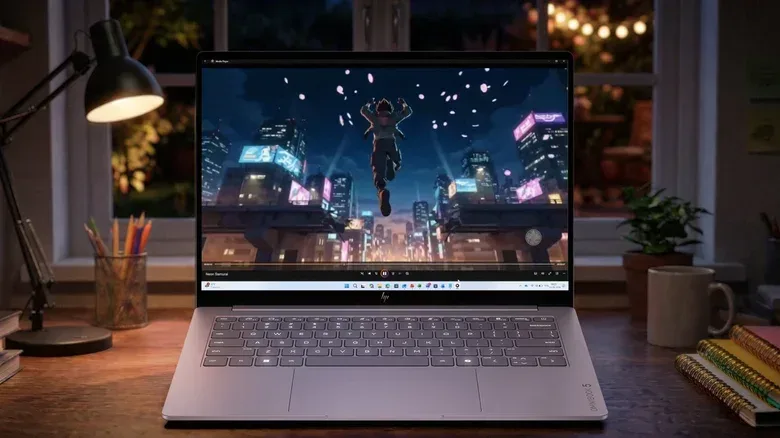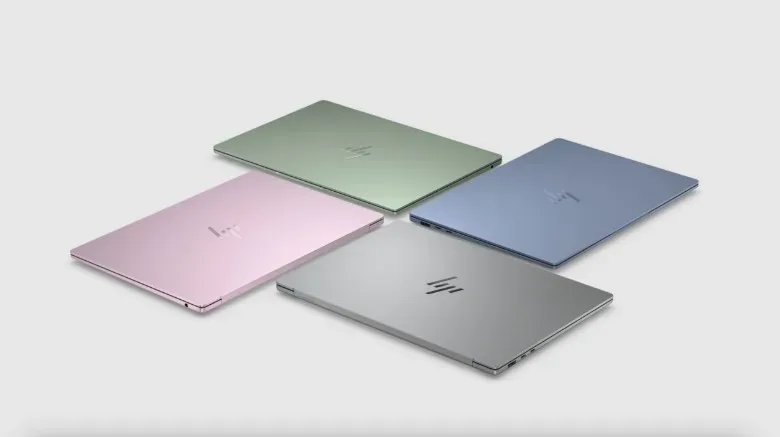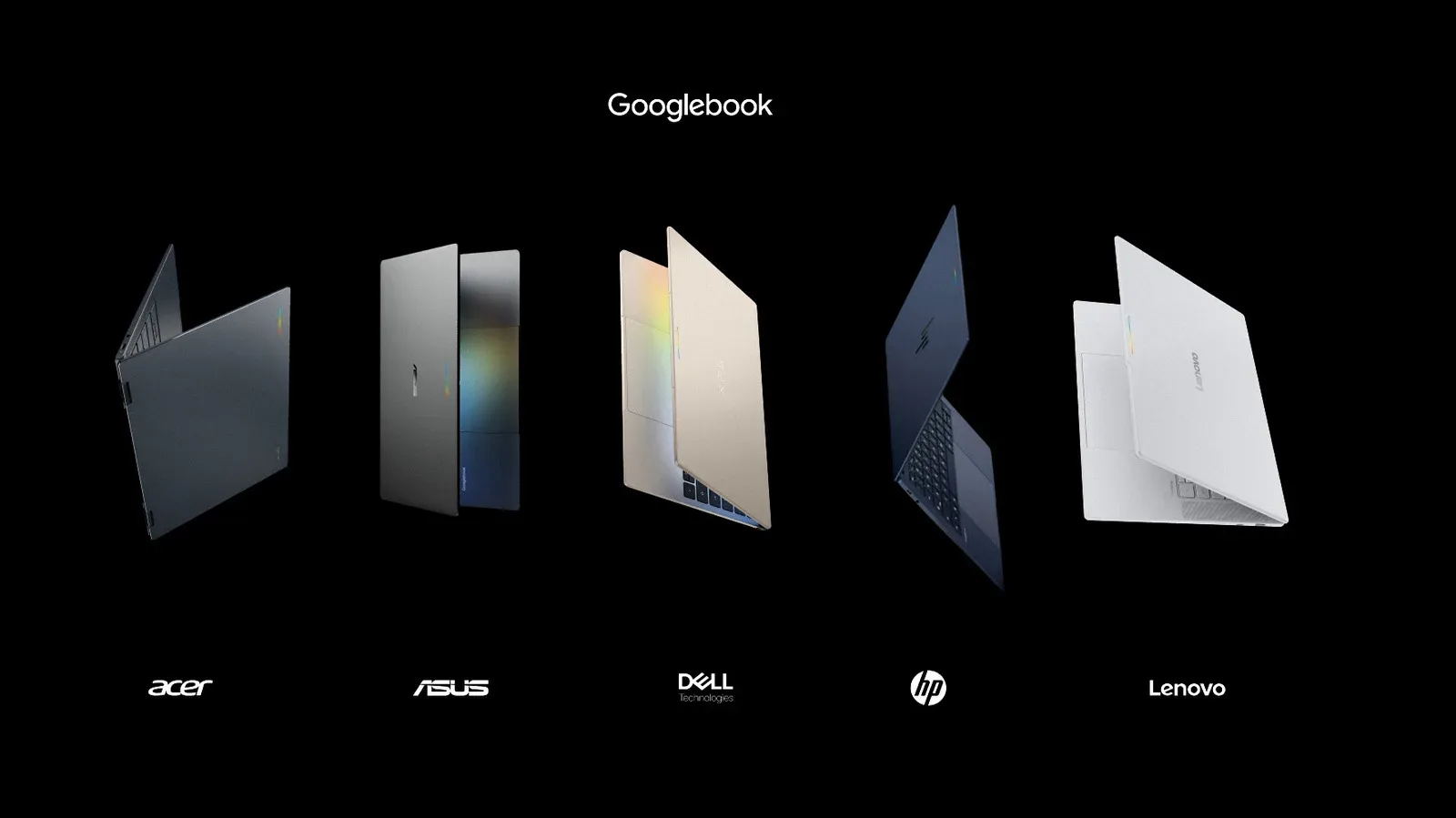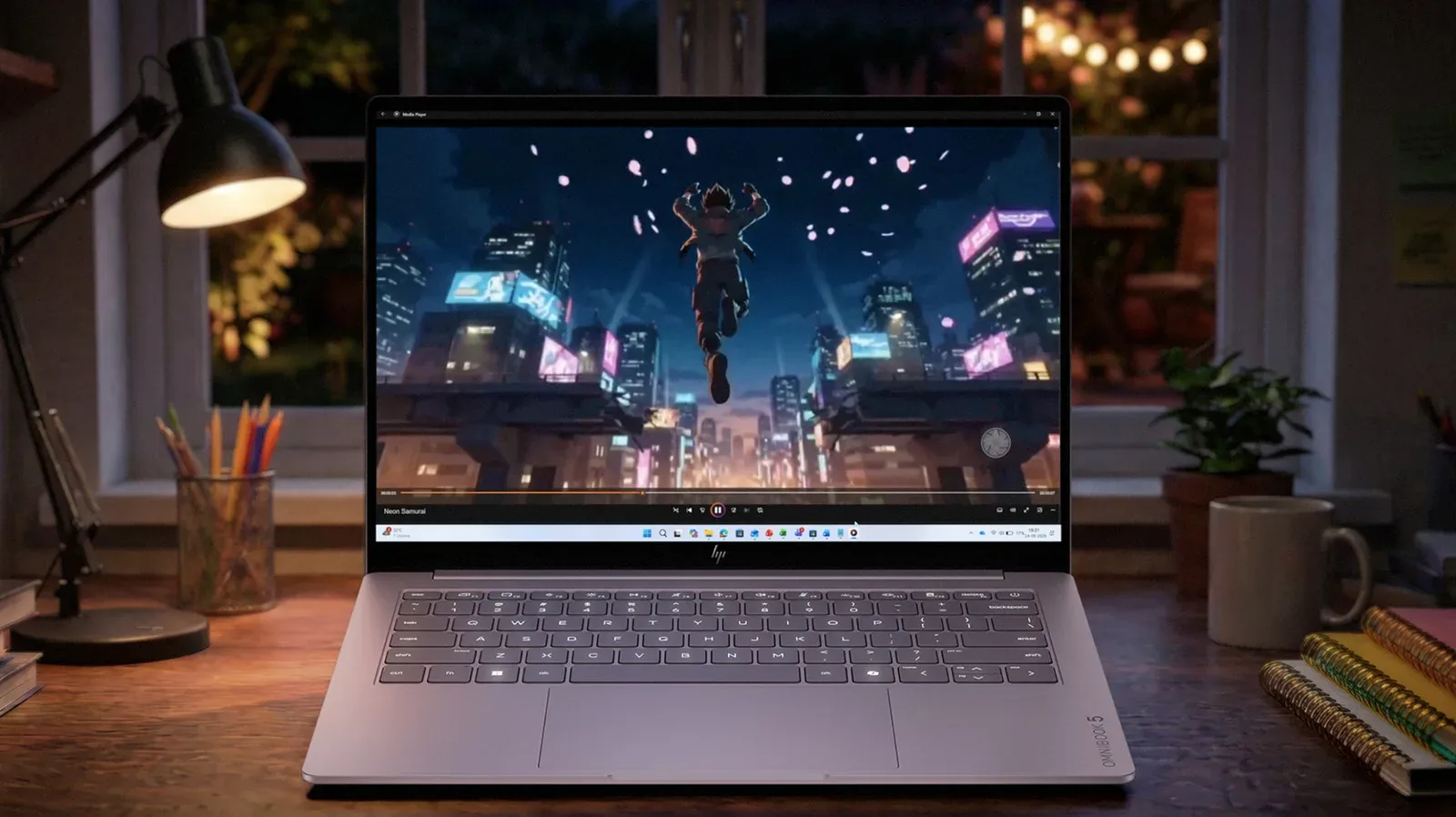
HP’s newly introduced OmniBook 5 aims to put a premium display feature into a more affordable Windows laptop: an OLED panel in a machine that starts at $699. The laptop combines that screen with a touchscreen layer, a 180-degree hinge, a slim 11.77mm chassis and a listed weight of just over 2.5 pounds.
The rest of the headline specification is similarly geared toward everyday flexibility rather than a single marquee component. HP says the OmniBook 5 can be configured with up to an Intel Core 7 processor and includes an integrated NPU, while the base configuration has 8GB of RAM and a 256GB SSD. Connectivity includes two USB-C ports, and the laptop has an FHD IR camera and two microphones. Four color options are planned.
Availability is expected sometime this month, though a specific purchase date has not been provided.
An OLED screen is the standout at this price
The OmniBook 5’s 2.5K OLED touchscreen is the central draw. OLED, short for organic light-emitting diode, is a display technology in which individual pixels emit their own light. The practical appeal is that pixels can turn off for black areas of an image, supporting very deep blacks and strong contrast. That can make dark game scenes, video and interface elements look more distinct than they might on a conventional backlit display.
“2.5K” is a marketing-friendly description of the panel’s higher-than-1080p resolution tier. HP has not supplied the exact pixel dimensions here, and it has not detailed other display factors that matter to players and creators, such as refresh rate, response time, brightness or color coverage. Those omissions are important. OLED is a meaningful feature, but it does not alone establish how suitable a panel will be for every gaming, editing or outdoor-use scenario.
Still, an OLED touchscreen is notable in a laptop beginning at $699. It puts visual quality and versatility front and center in a class that frequently requires compromises. The touchscreen and 180-degree hinge also mean the display can be angled far back for shared viewing, touch-based work or a more relaxed setup. A 180-degree hinge is not the same thing as a detachable tablet design, but it offers more positional flexibility than a typical clamshell lid.
What the processor and NPU details actually tell us
HP says the OmniBook 5 can be equipped with up to an Intel Core 7 processor. The wording establishes the upper processor branding available, but it does not identify a specific chip, core count, graphics configuration or memory configuration beyond the 8GB/256GB base model. Buyers should therefore treat “up to Core 7” as a broad configuration ceiling rather than a complete performance answer.
The laptop also has an integrated NPU, or neural processing unit. An NPU is specialized hardware intended for certain AI-related tasks. In a laptop, that can potentially handle compatible workloads without placing all of the burden on the main processor. It does not mean every application suddenly becomes AI-enhanced, and it is not a substitute for knowing the laptop’s full CPU and graphics specifications.
For game players, the available information does not establish the OmniBook 5 as a dedicated gaming system. No discrete graphics hardware, game performance figures or display refresh-rate information has been specified. That does not take away from the notebook’s appeal as a portable Windows machine, but it keeps expectations in the right place: the announced features make a case for a stylish, light general-purpose computer with a potentially impressive screen, not a confirmed gaming-performance contender.
The same restraint applies to creative work. The combination of OLED, touch input and a higher-resolution display may be appealing for viewing and light creative tasks, but HP has not given enough detail to determine how a particular configuration will perform in demanding editing, rendering or 3D workloads. The base model’s 8GB of RAM and 256GB SSD are concrete starting points, and prospective buyers should consider their own storage and multitasking needs before assuming the entry model fits heavier workloads.
The 42-hour battery claim needs context
HP lists battery life of up to 42 hours on a charge. That is an attention-grabbing claim, particularly for a laptop measuring 11.77mm thick and weighing a little over 2.5 pounds. But the testing condition matters: the stated result is based on local video playback.
Local video playback is a controlled, comparatively predictable workload. It is useful as a benchmark for understanding an upper-bound scenario, but it does not represent every-day use involving numerous browser tabs, video calls, software updates, high display brightness or demanding programs. CPU-intensive work will drain the battery more quickly, as HP notes. Gaming and other graphically demanding applications should likewise not be judged by the local-video number.
That distinction is less a knock against the laptop than a reminder to read battery claims as scenario-specific. “Up to” describes the most favorable tested result, not a promise that every owner will see the same figure. People who mainly stream or play local media, write, browse and use lighter software may have very different battery results from people compiling code, editing media or running intensive applications.
HP’s advertised 42-hour result is tied to local video playback, so it should be understood as a best-case measurement rather than an all-workloads estimate.
Portability and everyday hardware
The OmniBook 5’s 11.77mm thickness and weight of just over 2.5 pounds point to portability as a major part of its pitch. A light laptop is simpler to carry between classes, offices, travel stops and different rooms, while a thin profile can make a full-size computer feel less burdensome in a bag. Those traits pair naturally with the flexible hinge and touchscreen: the design is trying to be easy to move and easy to use in different situations.
Two USB-C ports provide the confirmed wired connections. USB-C describes the connector shape; the supplied information does not specify the data speeds, charging behavior, display output support or whether adapters may be necessary for older USB accessories. Anyone whose setup depends on HDMI, USB-A, wired networking, SD cards or other connections should wait for the complete port specification rather than making assumptions from the two USB-C ports alone.
The FHD IR camera and two microphones are also meaningful inclusions for video calls. FHD refers to full high definition, while an IR camera uses infrared imaging and can support compatible face-recognition sign-in features. HP has not specified the exact software features enabled by the camera, so the safest takeaway is that the notebook has hardware oriented toward modern calls and potentially more convenient authentication.
What to watch before buying
At $699, the OmniBook 5’s combination of an OLED touchscreen, light body and claimed long video-playback endurance makes it worth watching for Windows laptop shoppers who prioritize a display and portability. The base configuration is clearly defined as 8GB of memory and 256GB of solid-state storage, while the processor can scale as high as Intel Core 7. The final value will depend heavily on how those higher configurations are priced and what detailed specifications accompany them.
- Screen specifics: Exact resolution, refresh rate, brightness and other panel details remain important unanswered questions.
- Performance configuration: “Up to Intel Core 7” leaves room between the entry model and the highest configuration.
- Memory and storage: The starting point is 8GB RAM and a 256GB SSD; workloads and game libraries can quickly change what is practical.
- Ports: Two USB-C connections are confirmed, but their capabilities have not been outlined.
- Battery expectations: The 42-hour claim applies to local video playback, not every kind of work.
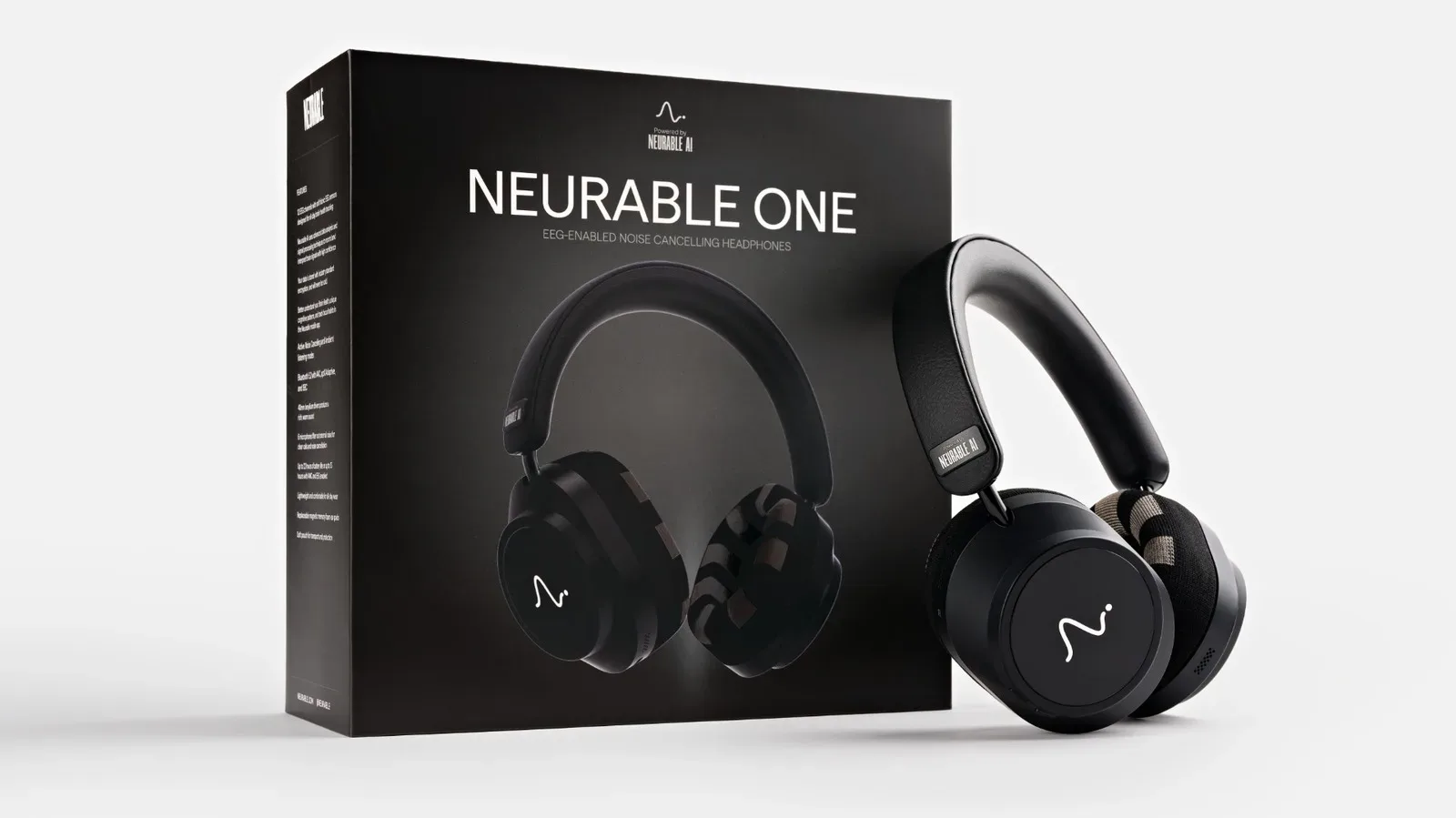
For a broader look at how nontraditional consumer tech can intersect with gaming interests, see our coverage of Neurable One’s EEG focus-tracking headphones and their potential gaming angle.
The OmniBook 5’s proposition is straightforward: bring a feature often associated with higher-end laptops—an OLED display—into a $699 starting configuration, then surround it with a touchscreen, flexible hinge and highly portable design. The unanswered technical details keep it from being possible to judge every use case today, but the announced package gives HP a clear place to compete among buyers seeking a compact Windows laptop that does not treat the screen as an afterthought.