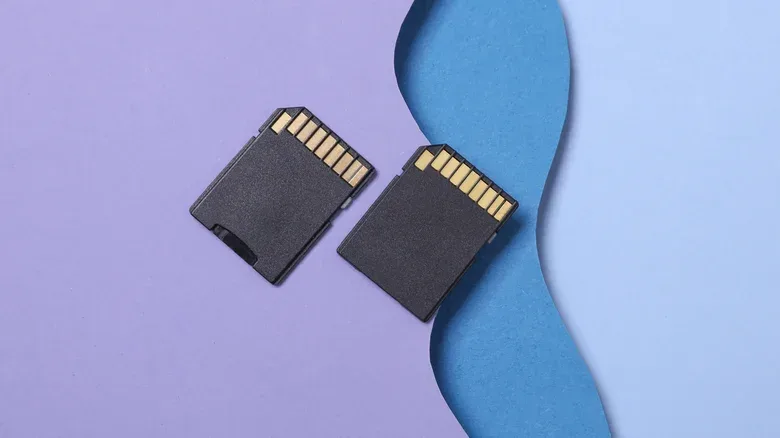
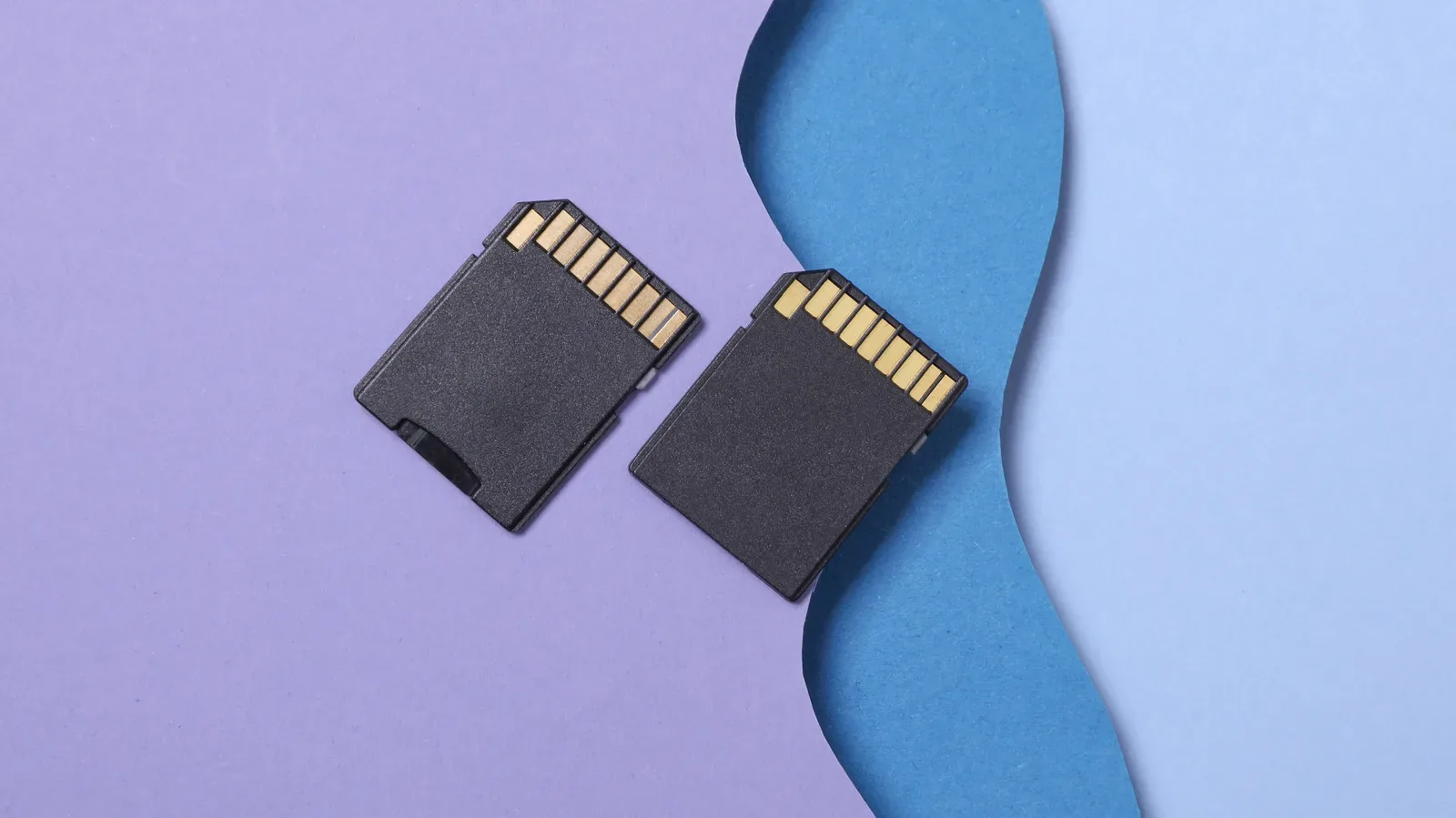
An SD card is supposed to be the unglamorous part of a setup: insert it, format it if necessary, and forget it exists until you need the files. Counterfeit cards turn that simple purchase into a risk for anything stored on them. The immediate bargain can become considerably less appealing when data is lost, corrupted or overwritten after the card reaches its real, much smaller limit.
The central problem is not merely that a fake card may be slow. A fraudulent storage device can be configured to claim more space than the physical flash memory inside it actually provides. A computer or device may initially show the advertised capacity, so copying a handful of files can look perfectly normal. Trouble can begin later, when writing data beyond the card’s genuine capacity. At that point, files may fail, become corrupted, or overwrite previously stored material.
That delayed failure is why checking a suspicious card before loading it with anything important is so useful. It also explains why a successful first transfer is not meaningful proof that a high-capacity card is legitimate.
The price is a warning, not a victory screen
Counterfeit SD cards have been an issue for years, and unusually low prices remain one of the clearest warning signs. Storage pricing can fluctuate, particularly amid shortages affecting memory-related products such as hard drives, SSDs and RAM. That can make a cheap listing look especially tempting. But a deal that sits well below comparable offers deserves scrutiny, rather than an immediate checkout.
Low price alone does not prove an item is fake. It is a prompt to look closer at the seller, listing and packaging. The aim is not to treat every discount as a scam; it is to avoid letting the desire to save money override the cost of replacing a card and recovering from lost files.
Unauthorized third-party sellers on large marketplaces are another meaningful risk factor. A familiar marketplace name does not automatically establish that every individual listing is supplied through an authorized channel. Cards from unknown brands can also deserve extra caution, although branding is not a complete safeguard. Counterfeits may use major brand names or names deliberately designed to resemble reputable ones.
Before buying, inspect the product presentation for basic gaps:
- A price that appears implausibly low for the stated capacity or class of card.
- A seller that is not an authorized retailer or whose supply chain is unclear.
- An unfamiliar brand, or a name that looks close to a well-known brand without quite matching it.
- Packaging with missing labels or absent warranty information.
- A refurbished card, if certainty and data preservation are the priorities.
Buying from a physical retailer can be a practical alternative for anyone who values a clearer purchase path over the lowest possible price. It is not about assuming retail shelves are magical anti-counterfeit force fields. It is about reducing uncertainty when the files intended for the card matter more than a modest saving.
Related coverage includes How to Spot and Test a Fake SD Card Before It Costs You Your Files.
Why a fake card can look legitimate at first
Capacity is the amount of data a storage device can hold. A counterfeit card may misrepresent that capacity to the operating system. In practical terms, a card advertised as having a large amount of space may report that amount when connected, even if it contains far less usable flash memory.
That false report can make superficial checks misleading. Seeing the expected capacity in a file browser is not enough. Nor is copying a small test folder. The important question is whether the device can reliably write and then read data across the amount of storage it says it provides.
This is also why the worst-case outcome is more serious than a failed transfer. If a card continues accepting writes after its actual memory has been exhausted, the files already on it can be affected. A user may not discover the damage until trying to open a video, photo, document, save backup or other file later.
For players, the sensible takeaway is broader than SD cards themselves: removable storage should be treated as untrusted until it has passed a basic validation check. That is particularly important when it will hold files that would be awkward or impossible to recreate. Reliable storage is part of a sensible backup plan, much like the wider principle of preparing for failure discussed in this guide to smarter backup plans.
Test capacity before storing anything valuable
Software tests can do more than report the capacity a card claims to have. They can write test data to the device and read it back, checking whether the data survives the round trip correctly. That is the distinction that matters: a genuine capacity test examines whether the storage works as advertised, rather than simply accepting the label at face value.
H2testw for Windows
Windows users can use H2testw, a free downloadable tool designed to check the speed and memory of storage devices including SD cards and USB flash drives. Its purpose is directly tied to the long-running problem of fraudulent flash storage.
After installing the program and connecting the card, select the device in H2testw and run its test. The tool can help establish whether the card functions correctly and whether its actual capacity aligns with the claim made on the product listing or packaging.
As with any utility that writes test data, users should be deliberate about choosing the correct device. The practical rule is simple: do not run a storage-writing test against a drive containing files you need. A newly purchased, empty card is the right candidate for validation.
F3 across operating systems
F3, short for Flight Flash Fraud, is an open-source alternative with instructions for different operating systems. Its testing approach is easy to understand even if the underlying process sounds technical: it fills the device with pseudorandom data, then verifies that the same data is returned when read back.
Pseudorandom data means data generated to behave like random data for the purposes of the test. Using a broad set of test data helps the program check the device rather than relying on a simplistic copy operation. If the card cannot return what was written, the test can reveal that the claimed capacity is not dependable.
F3’s cross-platform guidance makes it useful for buyers who do not use Windows. The key principle remains the same whichever tool is chosen: test the whole capacity being advertised, then trust the results rather than the printed number alone.
Capacity and speed are separate checks
A card can have a capacity problem, a performance problem, or both. Even where a card’s usable storage is genuine, unexpectedly low transfer performance may be an issue. That is why benchmarking can be a useful second step after verifying capacity.
A benchmark is a repeatable performance measurement. For storage, it commonly measures reads and writes. Reading is retrieving data from the card; writing is placing data onto it. Packaging commonly lists baseline read and write figures. A benchmarking program such as CrystalDiskMark can measure a card’s performance so the results can be compared with those stated figures.
The comparison should be handled sensibly. The relevant expectation is that measured results are in the general range of the listed performance, not that every result must land on an identical number. A substantial shortfall is the useful signal to investigate, particularly when combined with other concerns about the seller, price or packaging.
Slow performance matters because storage is judged not only by how much it holds, but by whether it can move data at an appropriate rate. A capacity test answers, “Can this card safely hold what it says?” A speed test asks, “Does it perform roughly as represented?” Both are reasonable questions after purchasing a card from an uncertain listing.
A cautious workflow for a newly bought card
There is no need to make this complicated. The best time to test is immediately after purchase, before the card becomes the only home for files that matter.
- Inspect what arrived. Check brand markings, labels and warranty information against what was expected from the listing.
- Record the claimed capacity and speed figures. Keep the packaging or listing details available for comparison.
- Run a full capacity test. Use H2testw on Windows or F3 using the instructions appropriate to your operating system.
- Benchmark performance if speed is important. CrystalDiskMark can provide read and write measurements to compare with the packaging’s stated baseline figures.
- Do not move irreplaceable files until the results are satisfactory. A card that fails validation should not become the destination for anything important.
This process cannot turn a dubious purchase into a safe one, and it does not eliminate the value of buying through reliable channels. What it does provide is evidence before a questionable card has the chance to do damage. In storage, that is a much better moment to discover a problem than after a device says there is no space left and a folder of files no longer opens.
What the risk means in practice
The most useful lesson is not that every inexpensive SD card is counterfeit. It is that appearance, branding and a capacity number shown by a computer are insufficient on their own. Counterfeit storage relies on the gap between what a device reports and what its hardware can actually retain.
Buy carefully, prioritize authorized sellers when possible, and treat missing warranty details, suspect packaging and extreme discounts as reasons to pause. Then validate the card’s actual capacity before depending on it. If performance is part of the purchase promise, benchmark that too.
Those checks take less faith than accepting a remarkably cheap listing, and they put the important question first: will the card preserve the data placed on it?