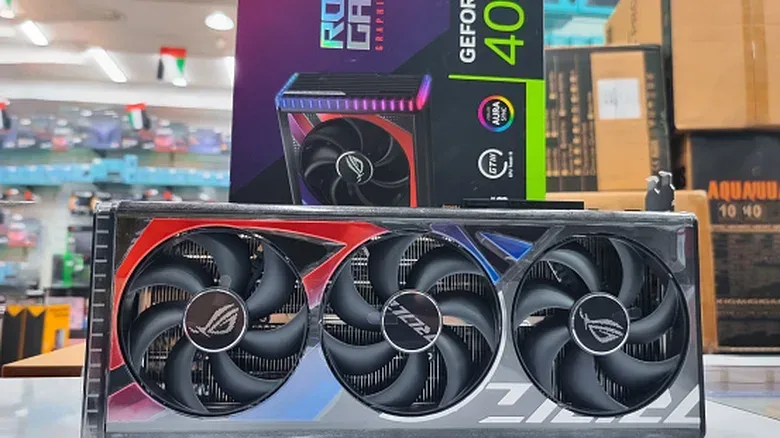
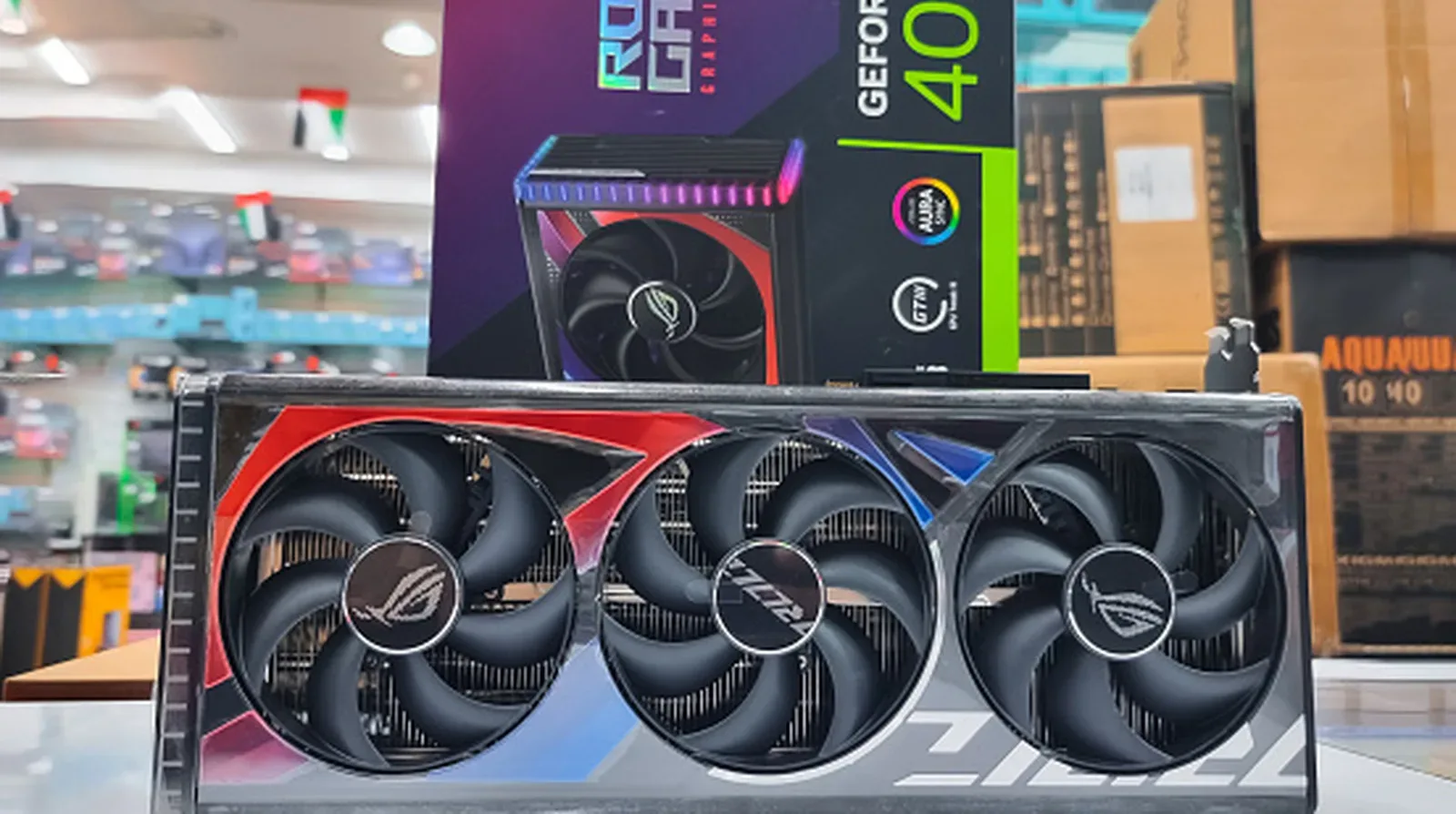
A graphics card is supposed to turn your PC into a better gaming machine, not transform your savings into a bag of pasta. Yet reports of bogus GPU sales now include packages containing food, printed pictures in place of hardware, and cards that are effectively empty shells after their memory dies were removed.
The backdrop is a tense market for affordable hardware. Demand from the AI sector, including companies and individual hobbyists, has pushed the value of GPUs upward, including older models. That makes a reasonably priced card especially tempting—and makes a too-good-to-be-true listing an effective lure. The practical response is not assuming every used card is fraudulent. It is slowing down, gathering evidence before payment, and choosing a transaction format that gives the buyer a meaningful chance to inspect the actual item.
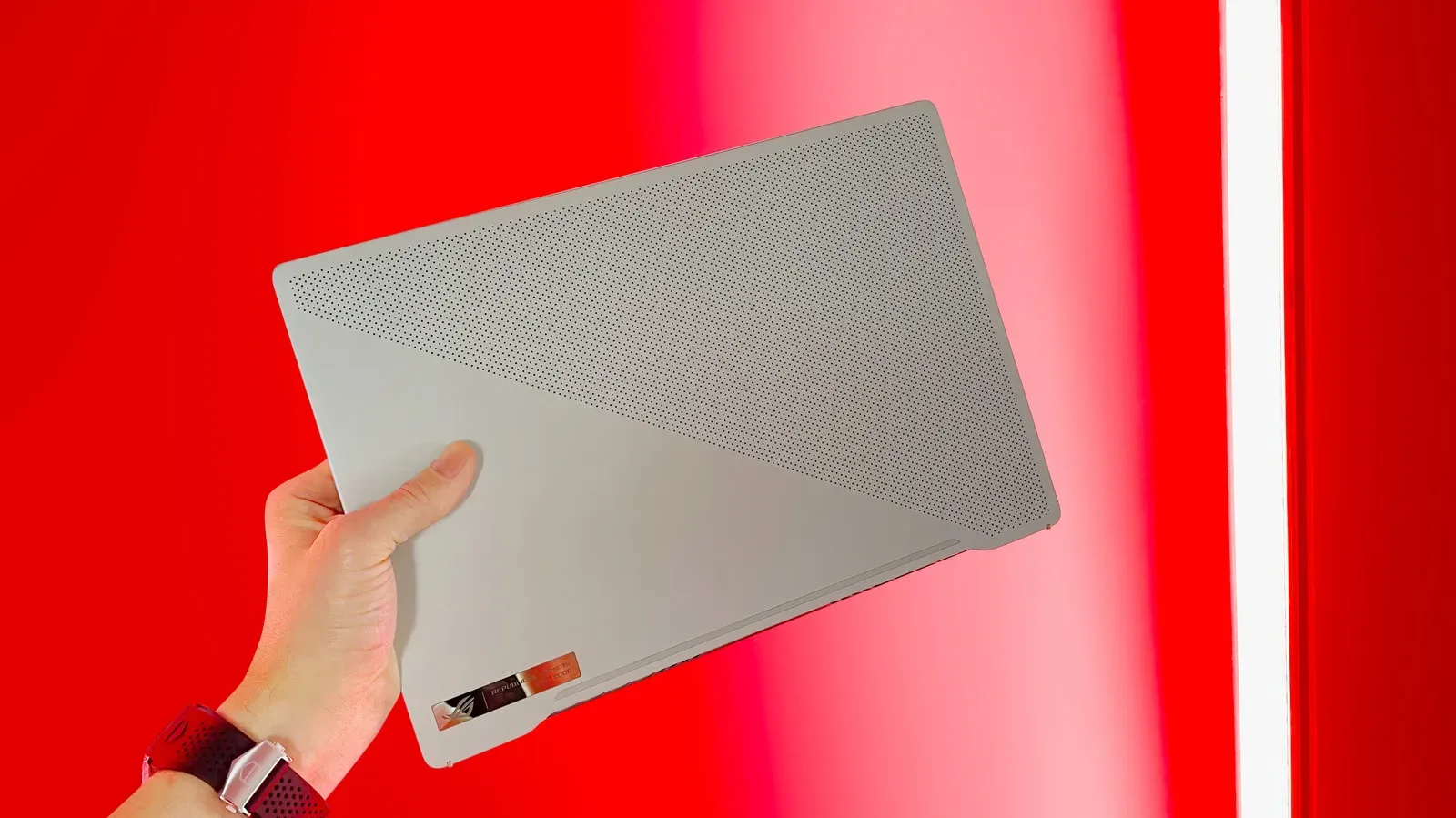
For PC players, this is part of the larger affordability pressure around gaming hardware. The cost of entry-level gaming laptops has also climbed sharply, as explored in this look at the ASUS ROG Zephyrus G14’s changing price. In that environment, a used GPU can be a sensible route to an upgrade—but only when the purchase process is as solid as the deal appears.
Why the bargain itself deserves scrutiny
A low price is not conclusive proof of a scam. A seller may simply want a quick sale. But an unusually cheap GPU should trigger verification rather than excitement. Fraud relies on urgency: a buyer worries that somebody else will claim the deal, accepts incomplete information, and pays before checking basic details.
That is why pricing should be treated as the first warning sign, not the only one. Look at the listing as a whole. Does it identify the exact card? Are the pictures of the item being sold or generic promotional images? Does the seller answer direct questions? Is the seller trying to rush payment or prevent a closer inspection? Several small inconsistencies can matter more than one dramatic red flag.
Stock photography is particularly weak evidence in a second-hand listing. A polished manufacturer image can establish what a model looks like; it cannot establish that the seller owns one. Even a photo that seems to show a card in hand deserves a closer look. A reverse-image search through Google Images can help reveal whether the picture was copied from another listing or an unrelated post.
Ask for evidence that is difficult to recycle
Requesting extra photos is not a guarantee, but it raises the effort required to sustain a fake listing. Ask for photographs from unusual, specific angles rather than another broad front-on shot. The point is to see whether the seller can actually access the item and respond to the request. A seller who repeatedly sidesteps straightforward questions, supplies only stock images, or becomes insistent that you pay immediately is giving the buyer useful information.
Questions should be concrete. Confirm exactly what is being sold, ask for more images, and ask for evidence that the card can operate. For a remote transaction, a video of a stress test is a more useful request than a vague assurance that the GPU “works.” It still does not replicate having the card in front of you, but it shifts the discussion from a listing description to observable behavior.
It is also worth distinguishing a listing photo from proof of condition. A graphics card can look intact while suffering from a fault not visible in a still image. More seriously, the reported empty-shell cards show why appearance alone is not enough: a card can have an exterior that resembles the expected product while crucial memory components are absent. The aim is therefore to verify both identity and operation.
In-person testing is the strongest practical safeguard
When a seller agrees, meeting in person offers a major advantage: the buyer can inspect and test the hardware before completing the deal. This does not make every in-person arrangement risk-free, and meeting a stranger always requires care. But it replaces an assumption with a direct look at the product.
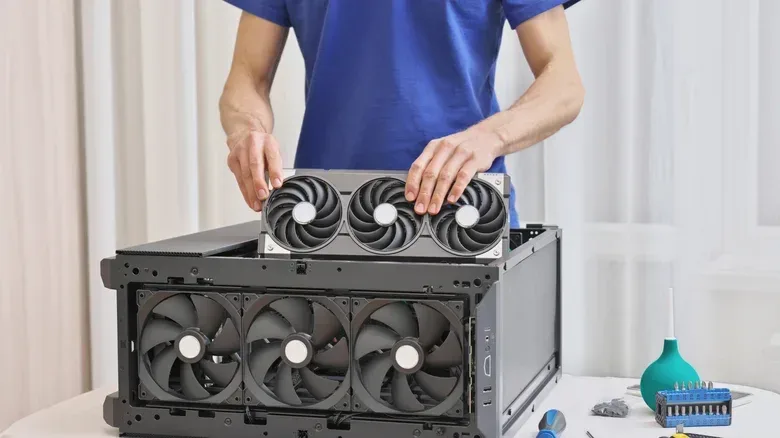
Arrange the test before traveling. A suitable meeting place needs space and permission to set up a test rig, such as a local tech shop or library. Do not assume a public location will have the equipment or policies needed for this; get agreement from the seller and venue in advance. If a seller who advertised a working GPU refuses any reasonable opportunity to demonstrate it, that changes the risk calculation.
Start with a visual inspection. Look for obvious physical damage before placing the card in a system. Then run a stress test. A stress test is software that puts sustained load on a component, making it possible to observe whether it continues operating and what readings it reports under pressure. In this case, it is useful because a GPU that merely displays an image briefly has not necessarily demonstrated stable behavior.
HWiNFO is one suggested tool for this check. Open it in full mode, select Sensors, then use its Stress Test control, represented by a red flame inside a blue square. During the run, the sensor window can show readings including peak temperatures and clock speeds. Clock speed refers to the operating frequency of the GPU; peak temperature is the highest temperature reported during the session. These readings offer a practical view of how the card behaves while working rather than sitting idle.
A roughly 15-minute test is the proposed baseline. If the card completes that period and its readings appear in order, the buyer has substantially better evidence than a photo or a promise. This is not a universal certification of a card’s remaining lifespan, nor does a brief test eliminate every possible fault. It is a sensible screening step designed to catch the most immediate and costly failure: paying for a card that cannot credibly function as advertised.
A simple in-person GPU checklist
- Agree on the test setup before meeting, rather than after arriving.
- Inspect the physical card for visible damage.
- Install it in a test rig and verify that it operates.
- Run a stress test and watch reported temperatures, clock speeds and other sensor readings.
- Give the test approximately 15 minutes rather than relying on a quick boot.
- Remain cautious throughout the meeting; access to a test does not remove the need for personal safety when dealing with a stranger.
Online purchases require a different kind of discipline
Sometimes an in-person test is impossible. Online marketplaces widen the selection of used hardware, but they also remove the buyer’s ability to verify the exact unit prior to shipment. The best substitute is a deliberate evidence trail: ask detailed questions, request additional images from specific angles, ask for a stress-test video, and read the seller’s reviews and buyer feedback.
Use a platform that provides buyer protection when purchasing from an unknown seller. That protection is a valuable layer, but it should not be mistaken for an automatic solution. A dispute can still consume time and require the buyer to document what happened.
One reported tactic complicates the delivery side of the dispute. A scammer may obtain a tracking ID connected to the buyer’s area and provide that number to the selling platform, making it harder for the buyer to show that the expected package was never received. In practical terms, a tracking number alone should not end the buyer’s scrutiny. It may establish that some shipment data exists, not necessarily that the promised GPU arrived.
If a shipment goes wrong, evidence from the courier can become important in demonstrating the problem and pursuing a refund. The broader lesson is preventative: buyer protection is a fallback, not permission to disregard obvious warning signs. A seller’s answers, the originality of their photos, their willingness to provide operating evidence, and the plausibility of the price all matter before a payment is sent.
Red flags are strongest in combination
No single behavior should be treated as a magic scam detector. A real seller might take poor photos. A legitimate listing might be inexpensive. A seller might be unfamiliar with the terminology a buyer uses. But the combined pattern matters: an unreal price, reused or stock photos, evasive replies, pressure to act fast, refusal to provide fresh pictures, and resistance to testing are much harder to explain away together.
Conversely, a better transaction has verifiable details. The seller engages with questions, supplies new photos when asked, permits an in-person demonstration where feasible, or provides a meaningful stress-test video for an online sale. None of that erases risk, especially in a market where components can be costly and in demand. It does give a buyer concrete grounds for confidence rather than a hope that a good deal will work out.
Buy the card, not the story around it
The most effective anti-scam habit is simple: treat every claim as something to verify. A compelling explanation for a low price, a clean-looking photograph, or a platform’s protection policy should not outweigh the absence of direct evidence. Buyers should be able to establish that the seller possesses the actual GPU, that the images are not lifted from elsewhere, and—ideally—that the hardware can withstand a short, observed load test.
Demand for GPUs may keep affordable listings scarce and keep pressure on buyers to move fast. That makes patience a practical advantage. Passing on a suspicious bargain is frustrating. Paying for rice, a photo, or a stripped-out shell is worse.