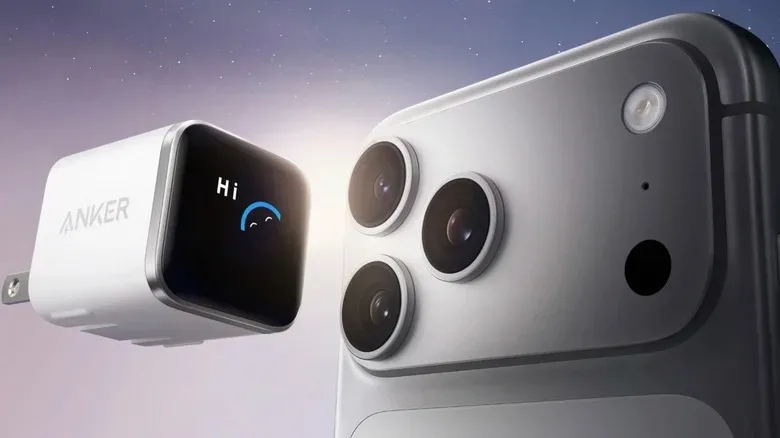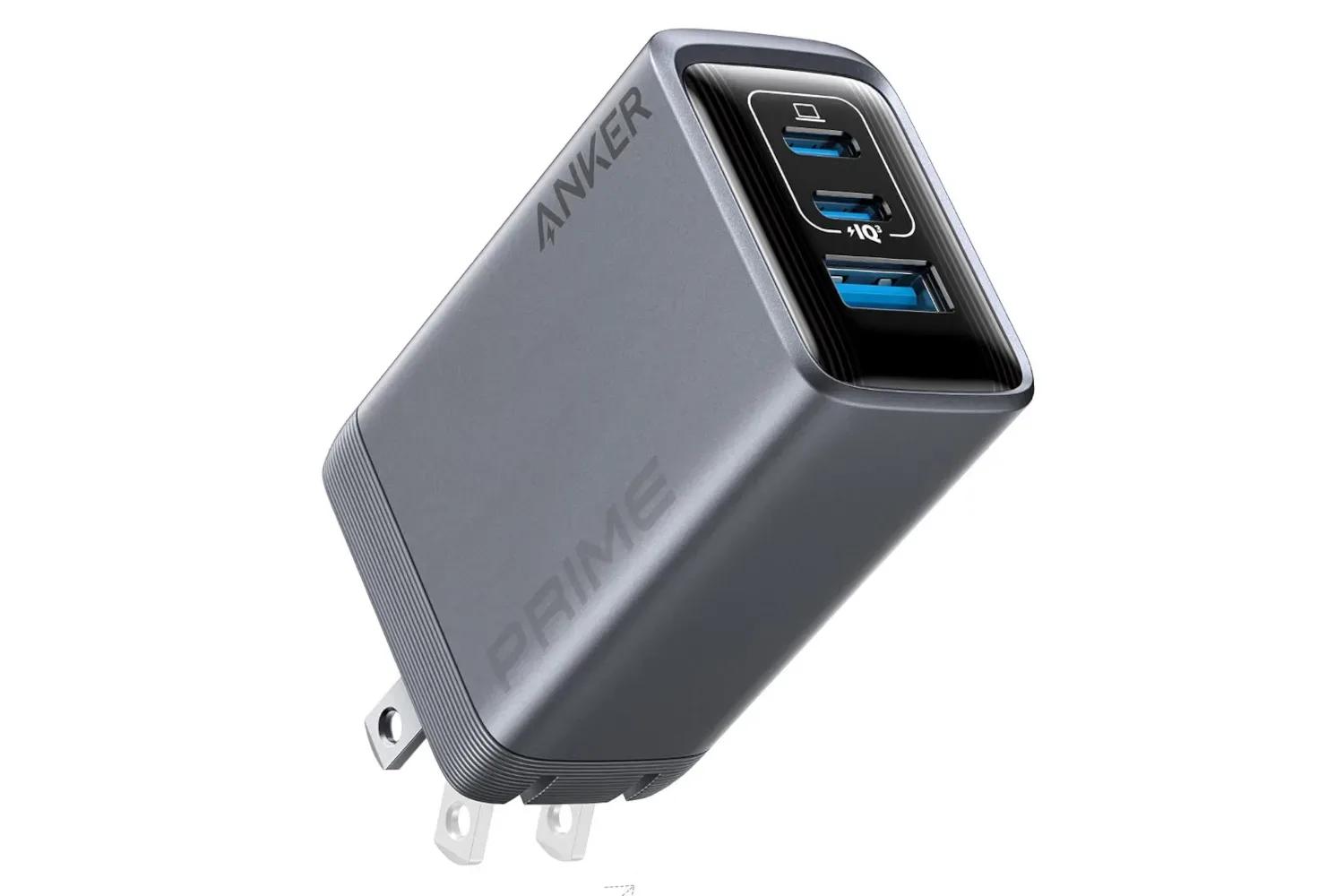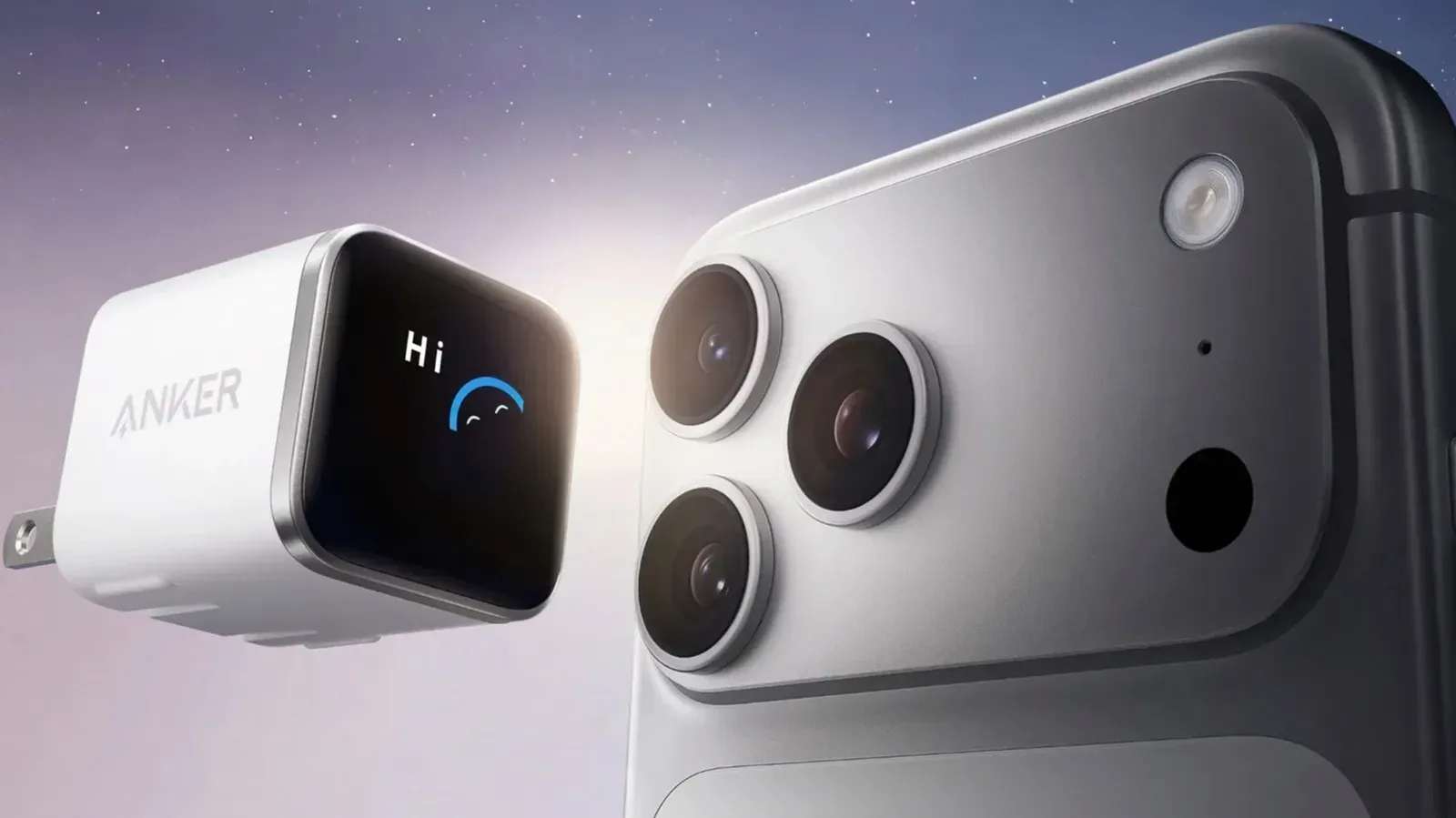
Chargers usually lead a quiet, thankless existence. They disappear into a wall socket, deliver whatever power a connected device requests, and receive attention only when a phone seems to be charging suspiciously slowly. Anker’s smart display charger range takes a more talkative approach. These plug-in wall chargers add a screen intended to make the charging process easier to understand, putting live data directly on the charger rather than leaving users to infer everything from a battery icon.
The premise is straightforward: device charging is not a fixed, one-speed activity. A phone, tablet, handheld, laptop, or accessory may accept different amounts of power depending on its battery level, thermal state, connected cable, and supported charging standard. A charger that exposes some of those moving parts can potentially make odd behavior less mysterious. The screen also has another job: hosting an animated little digital character that makes the wall plug feel marginally less like a beige rectangle with career ambitions.
What the smart display is designed to show
The display can present several pieces of charging information at a glance. That includes the charger’s temperature, its active charging mode, charging status, and the real-time wattage currently being delivered. For supported connected devices, it can also show battery progress.
That combination matters because a power rating printed on a charger is a maximum capability, not a guarantee that every device will constantly draw that figure. A 45W charger, for example, does not necessarily send 45W every second to every product connected to it. Devices negotiate for power and often change their request as conditions change. Battery management systems commonly reduce charging speed as a battery approaches a higher state of charge, while heat can lead to more conservative behavior.
Seeing current output on the charger could therefore answer a basic question without requiring an extra meter: is the device drawing substantial power right now, or has the rate dropped? Temperature information provides another useful clue. If output looks unexpectedly low and the charger is running warm, thermal management may be part of the explanation. If the display suggests little power is being delivered despite a device needing a charge, a cable or compatibility issue may be worth investigating.
A small troubleshooting panel, not a repair manual
The screen should not be mistaken for a universal diagnosis tool. It cannot, by itself, identify every fault in a charging setup. But it can reduce guesswork by showing a few otherwise hidden variables. A low figure on the display might point a user toward checking the cable, changing ports where applicable, confirming a device’s supported fast-charging behavior, or allowing a warm device time to cool.
That is particularly relevant for people whose charging setups move between desks, travel bags, bedside tables, and gaming spaces. The same USB-C cable that is adequate for one lower-power accessory may not be the best choice for a higher-demand device. Likewise, a device can be perfectly functional while charging slowly because its own battery controls have chosen a gentler pace.
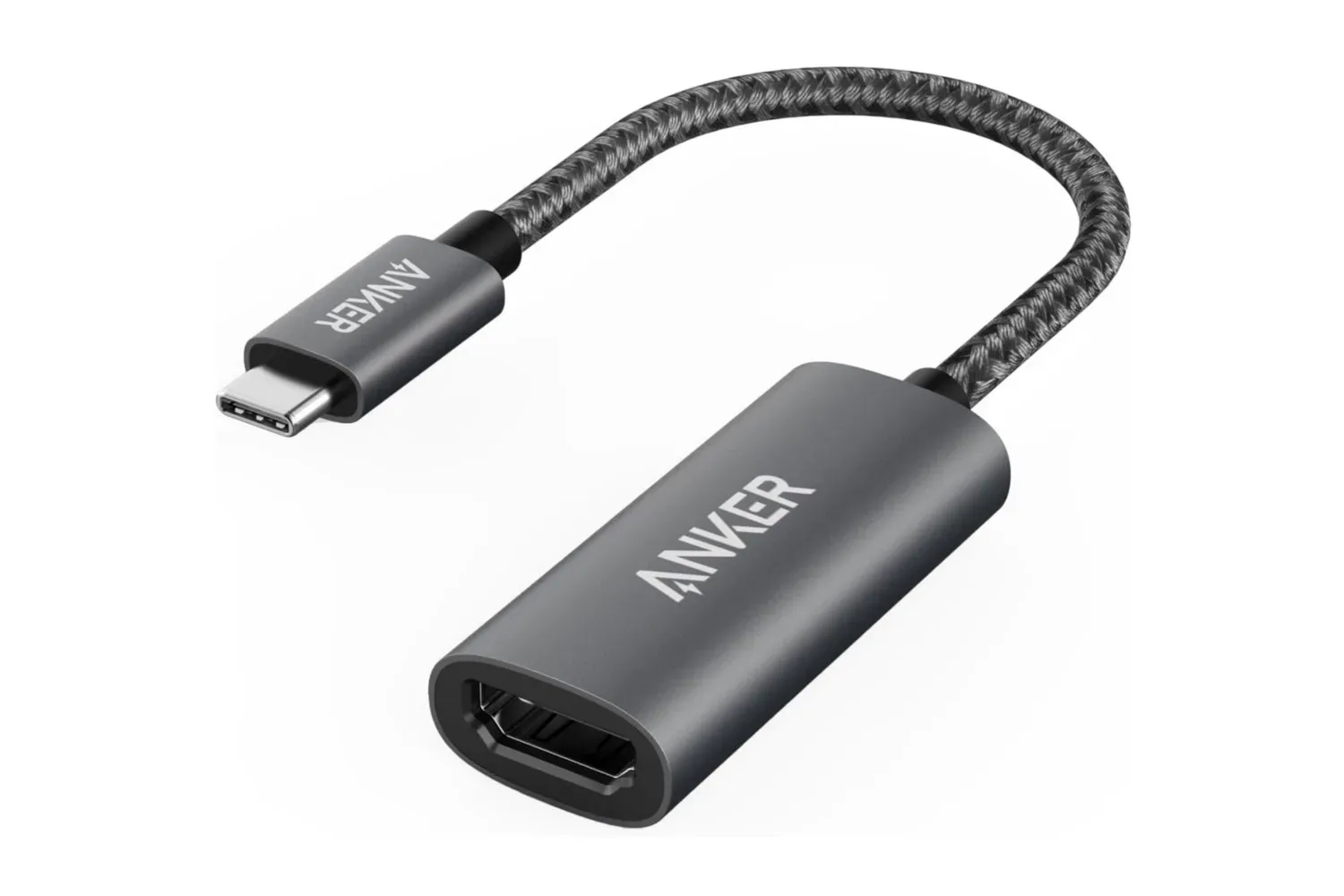
For broader cable-and-display accessories, Joking Joystick has also covered the Anker 310 USB-C to HDMI Adapter, another example of the small components that can have an outsized effect on a portable setup. The smart display charger is focused on power rather than video output, but both sit in the category of gear that is often ignored until it becomes the bottleneck.
The screen also has a tiny animated resident
Not all of the smart display’s work is analytical. Anker has included an animated charging companion: a cheerful, blob-like character that appears in different situations on the screen. Its animations include sleeping and swinging a baseball bat, adding a deliberately playful layer to a piece of hardware that normally has all the personality of a wall outlet.
The plug is touch-sensitive as well. A gentle pat on its top makes the character appear happy. More aggressive tapping produces a wobbly, dizzy-looking response, complete with swirly eyes. It is a small novelty rather than a core charging feature, but it helps explain why a display may be appealing beyond raw diagnostics. The charger can communicate useful information while also acknowledging that a device used daily need not look permanently stern.
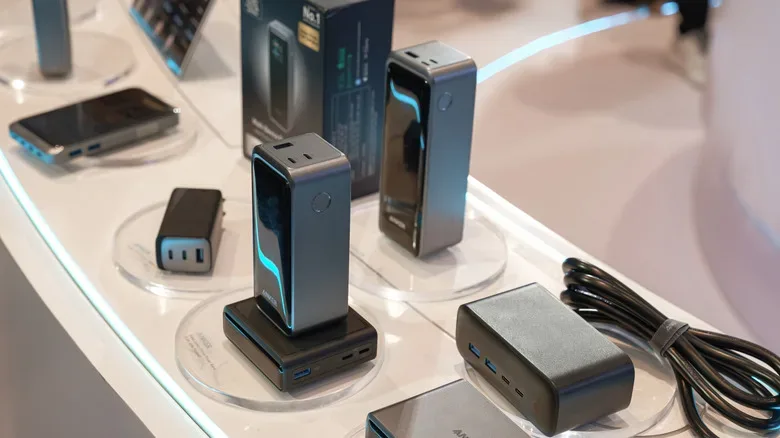
There is precedent for Anker mixing utility with visual flourishes. Some earlier products have provided basic information such as power readings and included playful visual touches, including the company’s Laptop Power Bank. The smart display range expands that concept by making more detailed charging status part of the everyday interface.
PowerIQ adapts output to the connected device
The display is only one part of the charging equation. Anker also uses proprietary charging features throughout its charger and power-bank lineup. PowerIQ is designed to intelligently allocate power based on the device that is connected. That is useful because different products do not share identical wattage needs or fast-charging profiles.
Apple’s iPhone 17 Pro and Samsung’s Galaxy S26, for instance, require different wattage levels to reach their respective maximum charging speeds. A charger’s task is not simply to deliver the largest number it can advertise; it needs to provide an appropriate power level for the attached hardware. Intelligent allocation is intended to handle that matching process.
In practical terms, the display can make the normally invisible result of this system easier to see. Instead of assuming a device is receiving a particular amount of power because of a charger’s headline rating, users can look at the real-time output. That does not mean every lower reading signals a problem. It may simply reflect the device’s current needs, its charge level, or its heat-management behavior.
ActiveShield and the role of temperature monitoring
Many newer Anker products also include ActiveShield technology. The system combines temperature sensing with a tuner chip that actively adjusts the current needed for safer charging. The latest version is described as carrying out 3 million temperature checks per day.
Temperature is one of the most understandable but frequently overlooked parts of modern charging. Faster charging can create more heat, and device makers build in safeguards to manage it. A warm charger or warm phone does not automatically indicate trouble, but it can be relevant context when charging rates change. By displaying temperature while using a system intended to monitor it closely, the smart display charger presents a more visible version of that safety-oriented process.
The distinction is worth keeping in mind: a live temperature reading is informative, while ActiveShield is the underlying technology intended to respond to changing conditions. Together, they aim to make charging behavior both more transparent and more controlled.
Care Mode on the 45W Nano Charger
One model in the smart display line, the 45W Nano Charger, includes a dedicated Care Mode. This mode is positioned as a companion to ActiveShield and is designed with long-term battery health in mind. Rather than prioritizing the quickest possible refill, Care Mode slows charging to a more gradual rate, reducing stress on the battery.
The intended scenario is overnight charging, when a device has hours available and maximum speed is less important. Anker says Care Mode can reduce temperatures by as much as nine degrees Fahrenheit compared with standard 45W chargers. That claim describes the mode’s thermal advantage in comparison with standard 45W charging, not a promise that every device will always show the exact same difference.
Care Mode reflects a useful split in charger design. Sometimes the goal is to add power as quickly as compatible hardware permits. Other times, especially when a device will remain plugged in for much of the night, a slower and cooler approach may be more appropriate. Giving the user a visible mode and a screen full of context helps make that choice feel less abstract.
Why a display on a charger is more than decoration
A smart display cannot change the basic reality that charging depends on the device, cable, adapter, and environment working together. It also will not make every charging decision for the user. What it can do is expose information that is typically hidden behind a single battery percentage icon.
- Real-time wattage can show how much power is currently being supplied.
- Temperature provides context when heat may affect behavior.
- Charging status and mode make the charger’s current operation easier to identify.
- Battery progress on supported devices can keep status closer to the outlet.
- The animated companion makes the necessary act of plugging in a cable a little less joyless.
For users who prefer technology to explain itself, that is the central pitch. The product category may still be a wall charger, but the interface turns it into a compact status display, a limited troubleshooting aid, and, apparently, a tiny electronic creature with strong opinions about being poked.