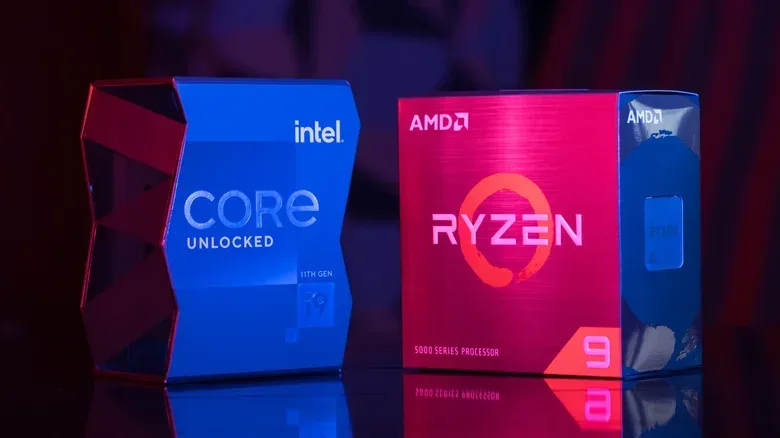
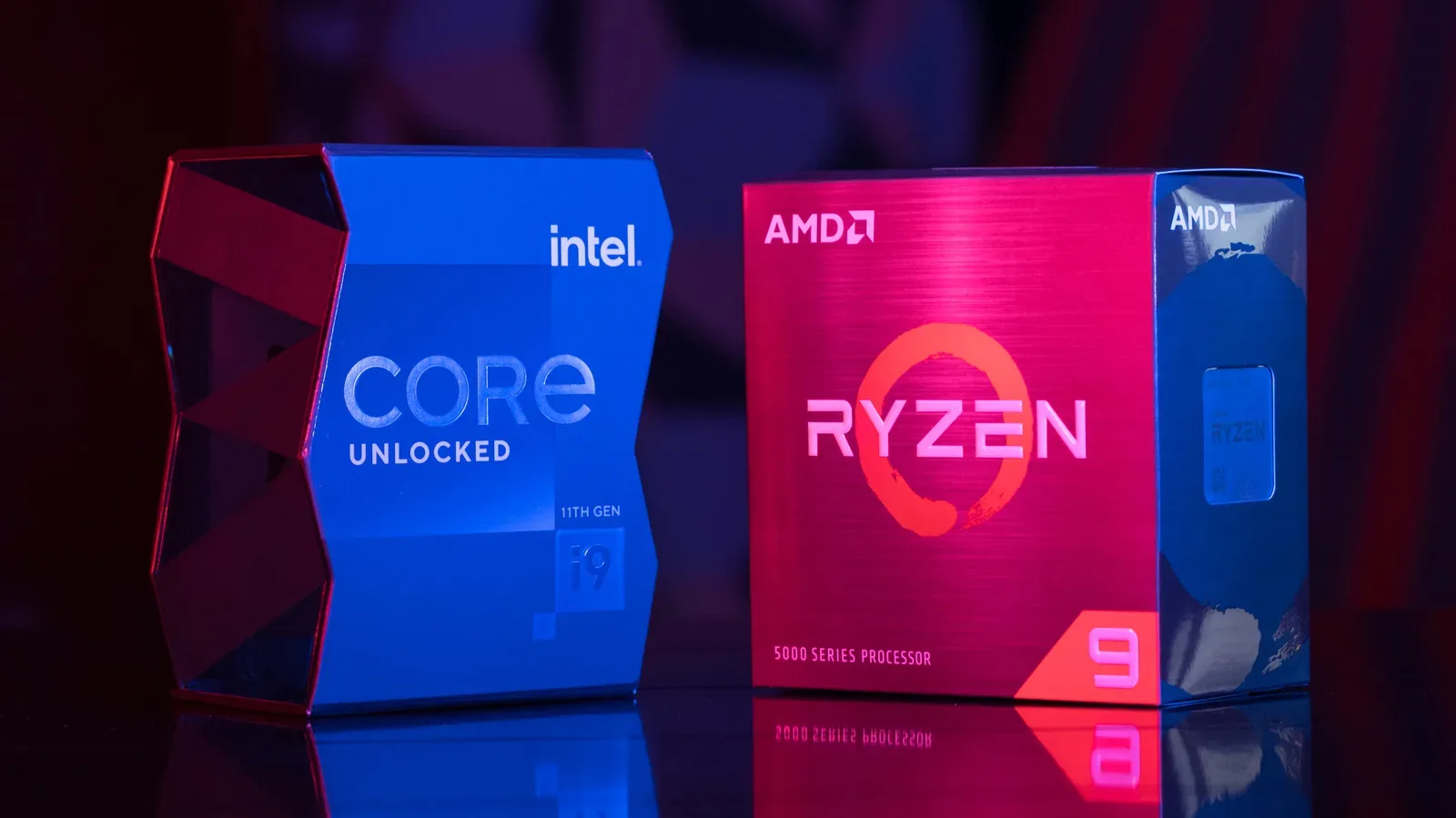
Buying a processor in 2026 is less about declaring allegiance to AMD or Intel and more about identifying the job your PC needs to do. The two companies have made markedly different bets: AMD has built an enviable gaming position around chips with unusually large cache pools, while Intel’s current desktop lineup leans on a high total core count that can be compelling in rendering, exports, compiling and dense multitasking.
That distinction matters because a processor is not selected in a vacuum. A gaming-focused build still needs a capable graphics card, memory, storage, cooling and a motherboard. A creator may care more about finishing a render sooner than adding a few frames per second. And a builder planning to keep a PC for years needs to think about the motherboard socket as carefully as the CPU model printed on the box.
AMD’s desktop shipment share reached 34.9% in the second quarter of 2026, leaving Intel with roughly two-thirds of desktop CPU shipments. That does not contradict AMD’s gaming reputation. Shipments reflect the entire market, including prebuilt systems, business machines and laptops, rather than a simple measure of which chip is fastest in a particular game. Intel remains substantially ahead in laptop shipments, too.
The practical answer, then, is pleasingly un-dramatic: AMD is generally the stronger choice when gaming performance is the priority; Intel can provide exceptional productivity value at key price points; and AMD’s AM5 platform currently carries the clearer long-term desktop upgrade commitment.
The technical split: cache versus cores
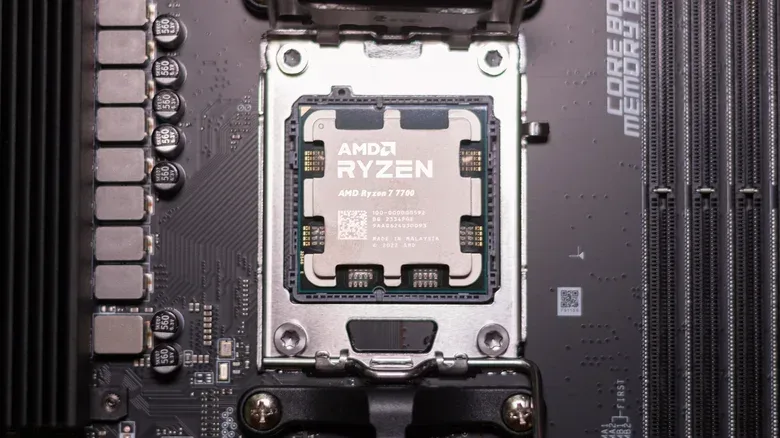
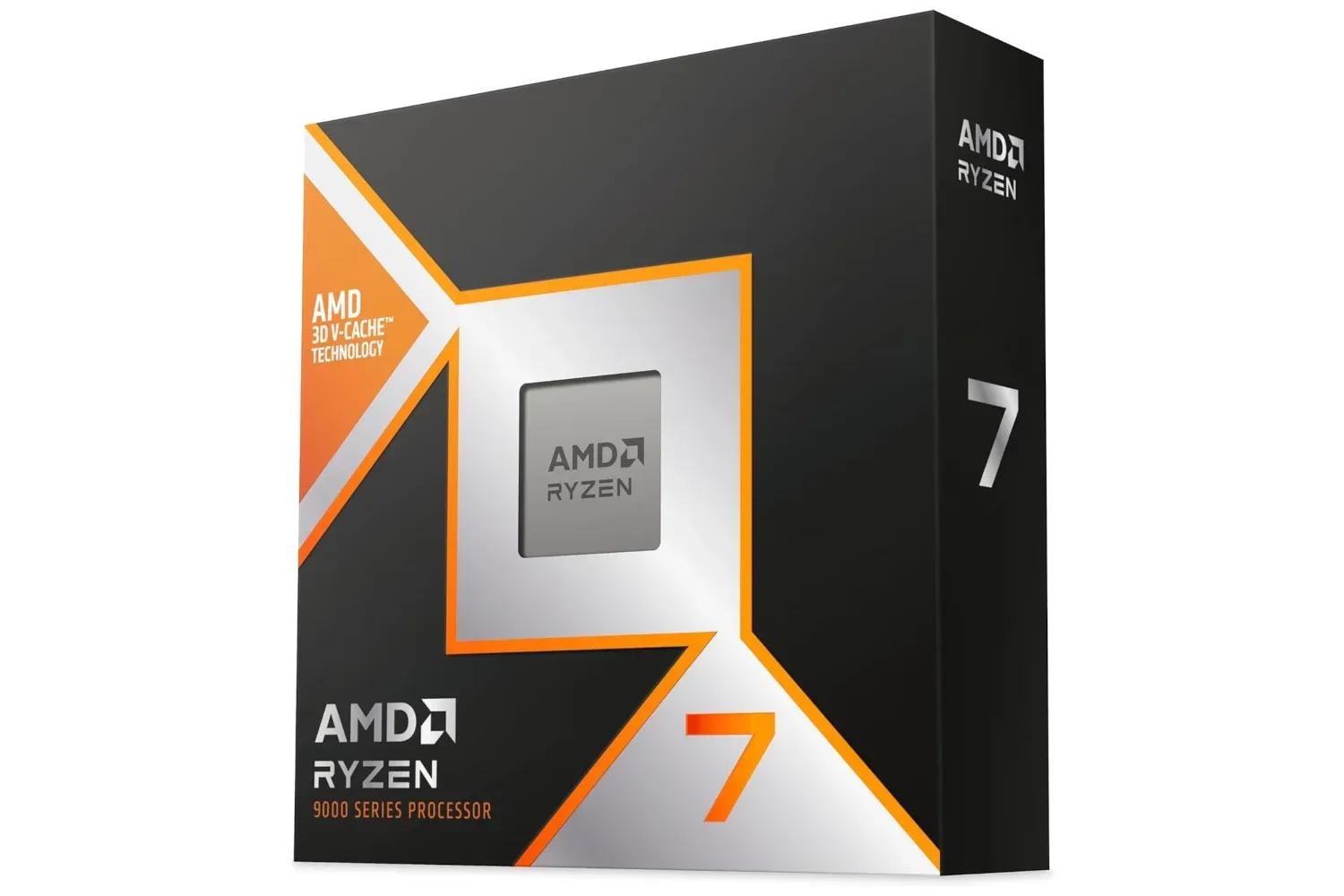
AMD’s Ryzen 9000 desktop processors use the company’s Zen 5 design. They are built with chiplets, meaning the processor is assembled from separate pieces of silicon. An eight-core compute die handles processing, while a distinct I/O die manages communication with memory and other PC components. Higher-end products such as the Ryzen 9 9950X use two compute dies. Zen 5 cores support two instruction threads per core, so an eight-core Ryzen 7 9800X3D can handle 16 threads.
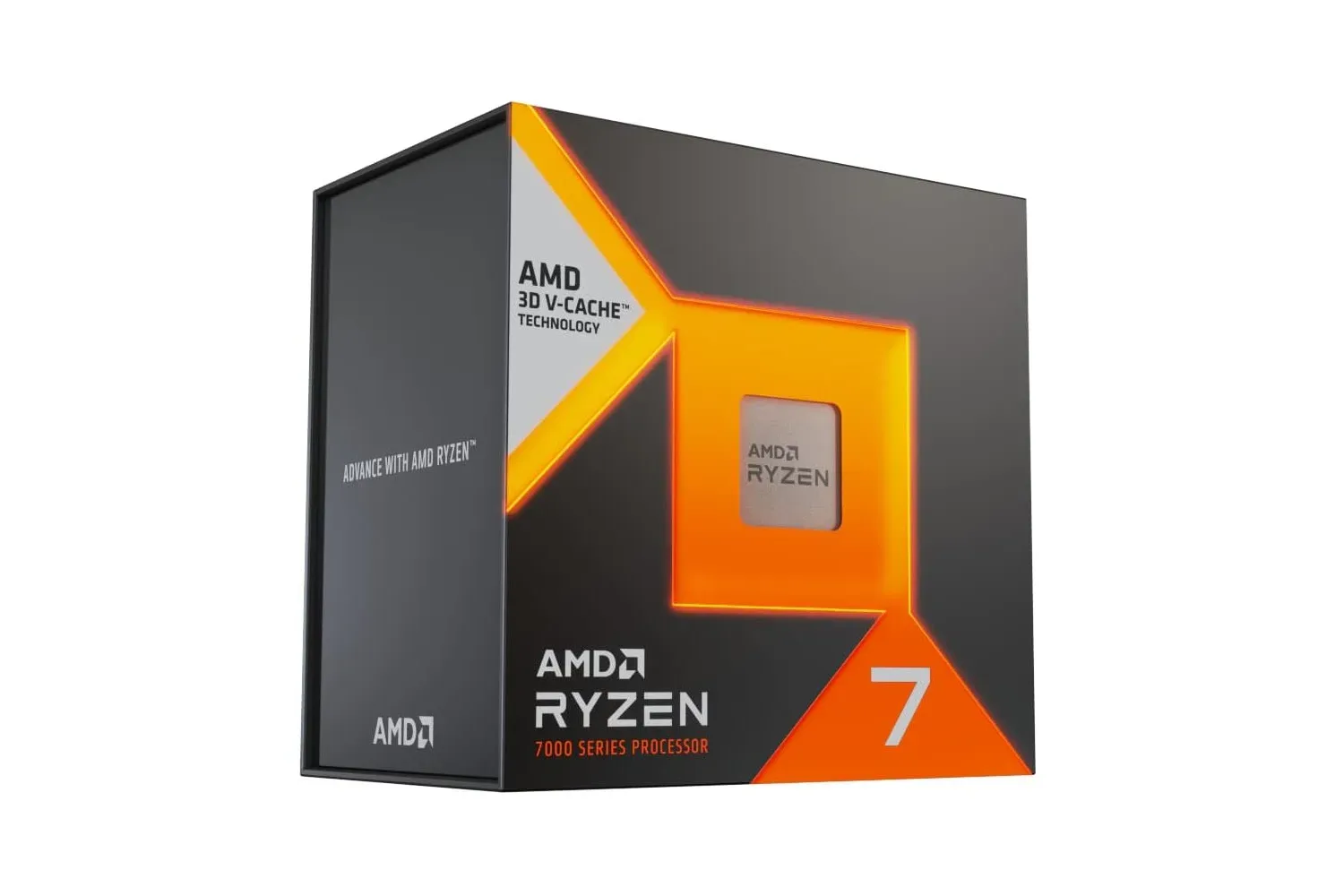
The key gaming models carry the X3D label. They add 64MB of stacked cache to the 32MB already on the processor for 96MB of L3 cache in total. Cache is extremely fast memory located close to the processing cores. When game data can remain in that cache rather than being fetched from the system’s slower RAM, certain workloads can finish more quickly. Games frequently benefit from exactly this arrangement, although the size of the gain changes by title, resolution and graphics-card limit.
Zen 5 places the added cache die beneath the CPU cores rather than above them. That design helps heat dissipate from the cores and contributes to the Ryzen 7 9800X3D reaching a 5.2GHz boost clock, compared with 5GHz for the previous Ryzen 7 7800X3D. Clock speed alone is not a complete performance measure, but the physical layout illustrates why these parts are more than an ordinary Ryzen chip with a different badge.
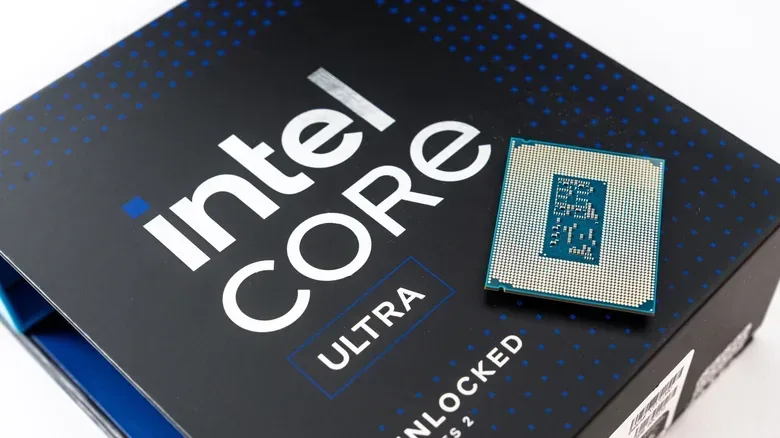
Intel’s Arrow Lake desktop products, including the Core Ultra 200S family and 200S Plus refresh, take a tiled approach. Computing, graphics, and input/output functions are separate tiles mounted together on a shared base. The company also combines two core types: larger performance cores for demanding foreground work and smaller efficiency cores intended to help with background and parallel tasks.
Related coverage includes AMD vs. Intel CPUs in 2026: Gaming, Work and Upgrade Value Compared.
The Core Ultra 7 270K Plus, for example, has eight performance cores and 16 efficiency cores, for 24 cores and 24 threads. Intel no longer uses Hyper-Threading on this chip, so each core corresponds to one thread. It has 36MB of L3 cache—considerably less than AMD’s 96MB X3D design—but much more total core hardware than an eight-core Ryzen 7. That is the essential trade: AMD’s cache-heavy approach tends to favor games, while Intel’s core count can turn up the pace in workloads that readily use many cores at once.
For gaming PCs, AMD’s X3D lineup is the benchmark to beat
For a buyer pursuing the highest frame rates, AMD has the strongest case. The Ryzen 7 7800X3D, which arrived in 2023, remains particularly important because it can sell around the same $300-to-$350 range as Intel’s Core Ultra 7 270K Plus, which has recently been seen around $250 to $300. Across a broad game suite, the 7800X3D was about 10% faster than the Intel chip in comparative testing. An average is not a promise for every game, but it is a meaningful advantage at similar prices.
Efficiency strengthens that argument. In the same comparison, the 7800X3D delivered 68% more frames per watt than the 270K Plus. Frames per watt measures how much game performance a CPU produces for a given amount of power. It does not by itself tell a buyer exactly how warm or quiet every finished PC will be—case airflow and cooler selection remain important—but it is useful context for a gaming system expected to run for long sessions.
At the premium end, the divide can be larger. The $699 Ryzen 9 9950X3D averaged roughly 37% faster at 1080p than Intel’s $589 Core Ultra 9 285K in one game-test aggregate. The $499 Ryzen 7 9850X3D is identified as the fastest gaming CPU in the available results, but its margin over the $479 Ryzen 7 9800X3D is slight. That makes the 9800X3D a very serious gaming-first option rather than a consolation prize.
There is an important caveat behind every CPU gaming chart: 1080p testing often exposes the processor’s contribution more clearly because the graphics card has fewer pixels to render. At a higher resolution or with a less powerful GPU, the graphics card may become the limiting component and narrow the real-world difference. That is why CPU shopping should not turn into buying the most expensive processor by reflex. For a gaming machine, redirecting savings toward the graphics card can be the smarter performance decision.
A new display can also alter what “enough” performance means for a build. Refresh rate, resolution and features all shape a gaming PC’s priorities, so shoppers considering a screen upgrade can also consult this look at gaming TV deals before allocating too much of the budget to a CPU.
Intel’s productivity value is especially strong below the flagship tier
Intel is far from out of the desktop conversation. The Core Ultra 5 250K Plus carries a $199 launch price and showed an 85% lead over AMD’s Ryzen 5 9600X in Cinebench 2026 multi-core testing. Cinebench is a rendering-oriented benchmark that can load many cores simultaneously, making it an informative, if best-case, example of the sort of all-core demand created by exports and rendering.
At roughly $300, the Core Ultra 7 270K Plus presents a similarly unusual value proposition. It was close to AMD’s Ryzen 9 9950X in Blender rendering tests despite the latter having launched at $649. Blender is a 3D-creation application whose rendering work can benefit heavily from available cores. Against AMD’s similarly priced Ryzen 7 9700X, the comparison is stark on paper: Intel offers 24 cores to AMD’s eight.
This does not make core count a universal substitute for performance. Software has to divide its workload effectively across those cores, and some tasks still benefit most from fast single-core execution. Yet for people repeatedly exporting photos, editing video, compiling code or keeping a mountain of applications, browser tabs, chat clients and music software active, extra cores can matter more day to day than an esports frame-rate lead.
The high-end productivity picture is more mixed. The Ryzen 9 9950X3D and Core Ultra 9 285K were effectively tied in single- and multi-core Cinebench results in one test set, while other productivity testing gave the AMD part wins in many workloads. That makes it hard to justify a broad claim that either flagship is categorically superior for all professional software. Buyers with one revenue-critical application should seek benchmarks for that specific program rather than relying on a general chart.
How to choose by budget without overspending
In the approximately $200 class, the Core Ultra 5 250K Plus is the better all-round productivity choice. It is roughly comparable to the Ryzen 5 9600X in games while holding a large advantage in heavy multi-core work. Gaming results between those two are not perfectly consistent: some testing has them level, while other results place the 9600X ahead. The Ryzen remains sensible for a gaming-centric AM5 system whose owner values the prospect of a later CPU upgrade.
Near $300, the Core Ultra 7 270K Plus matches or narrowly beats the Ryzen 7 9700X in games while offering a strong blend of game and productivity performance. But a purchaser primarily interested in games should compare its current price against the Ryzen 7 7800X3D. If they cost about the same, the AMD chip’s stronger game results and efficiency make the decision far simpler.
From $450 to $700, AMD offers a more specialized ladder. The Ryzen 7 9800X3D and 9850X3D are aimed at gamers chasing maximum performance. The 16-core Ryzen 9 9950X3D is the fuller hybrid solution: its additional cores are valuable for rendering and encoding while it retains X3D gaming strength. It is not the automatic choice for somebody who only plays games, however. The older 7800X3D matched the 9950X3D in gaming in the cited results while costing $250 less, and it was also reported to perform comparably to the 9850X3D for $115 less.
That is the central value lesson of this generation: a flagship CPU is not automatically the best gaming CPU purchase. The expensive Ryzen 9 makes most sense for someone combining high-end play with recurring serious creative workloads, such as recording, encoding and editing their own content. Otherwise, an eight-core X3D part may leave more money for the graphics card, RAM or storage.
Platform longevity may be AMD’s most durable advantage
Raw performance describes a PC on the day it is built. Socket support affects what it costs to improve that PC later. AMD has committed to supporting AM5 through 2029, extending an earlier commitment through 2027. Support does not guarantee that every older AM5 motherboard will handle every future CPU; firmware availability and board-level power delivery can still matter. It does mean, however, that an AM5 owner has a more defined possibility of replacing only the processor rather than motherboard, memory and CPU together.
That prospect matters while memory and storage pricing are increasing. A new AMD gaming build has been estimated at about $900 once RAM and a motherboard are included, with roughly $400 attributed to memory and $200 to the board. Reusing those parts in a later CPU upgrade could avoid a substantial fraction of a new-platform bill.
Intel has not announced an equivalent upgrade route for current desktop buyers. Nova Lake has been described as arriving by the end of 2026, although another company timetable places it between late 2026 and 2027. That uncertainty does not invalidate a Core Ultra purchase today—especially where its value fits the workload—but it is relevant to anyone who treats a motherboard as a long-lived investment.
Laptop shopping follows a different set of rules
Intel’s lead in laptop CPU shipments means availability itself is a practical advantage. Budget Core Series 3 processors appear in mainstream machines including Acer Aspire Go and Asus Vivobook models. Intel rates those chips for 12.5 hours of office work and 18.5 hours of Netflix streaming, though real battery life will vary with the laptop’s screen, battery, configuration and workload.
At the higher end, Core Ultra Series 3 chips, code-named Panther Lake, debuted at CES 2026 as Intel’s first products built on its 18A manufacturing process. Early testing has highlighted power efficiency and battery life, including about 22 hours in an Asus Zenbook Duo. Laptop purchasers should remember that a processor name alone never guarantees endurance: manufacturers determine the battery capacity, display and thermal design around it.
Mac shoppers are in a separate category. Modern Macs use Apple’s own silicon rather than Intel processors. macOS Tahoe, released in 2025, is the last major version supported by Intel-based Macs, although security patches are expected through September 2028.
Models and labels worth scrutinizing
Not every discounted CPU is a bargain. Intel’s 13th- and 14th-generation desktop processors experienced an overvoltage issue associated with crashes and permanent damage over time. Microcode updates addressed the problem but cannot reverse prior damage. Intel extended the warranty for affected chips from three to five years. A deeply discounted Core i7 from those generations can still be viable if the latest BIOS is installed before normal use, but used examples require special caution because their previous operating history is unknowable.
Intel’s newer names also demand attention. Core 7 and Core Ultra 7 are distinct families: Core 7 is the mainstream line, while Core Ultra 7 is positioned more prominently. Always check the entire model number, not only the large number on a retailer listing.
On AMD’s side, the Ryzen 7 7700X3D is hard to recommend on value when it is near its $330 launch price and the faster 7800X3D is available around the same level. Intel’s original Core Ultra 7 265K is another model to inspect carefully: the 270K Plus is reported to be 23% faster in multithreaded work, making the newer chip worthwhile if the price difference is small.
The short version: choose an AMD X3D processor when game performance is the unmistakable priority, look closely at Intel’s Core Ultra 5 250K Plus and Core Ultra 7 270K Plus for heavily threaded work at their respective prices, and give AM5 extra weight if a future CPU-only upgrade is part of the plan. Check current retail pricing before committing, because the best recommendation changes quickly when two models drift closer together—or farther apart—on the shelf.