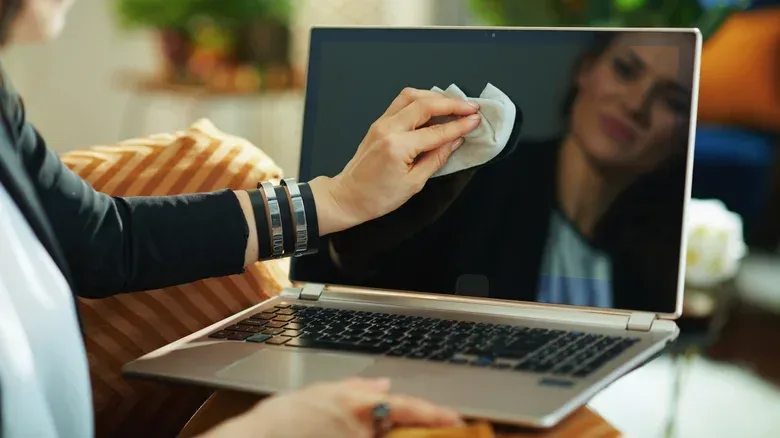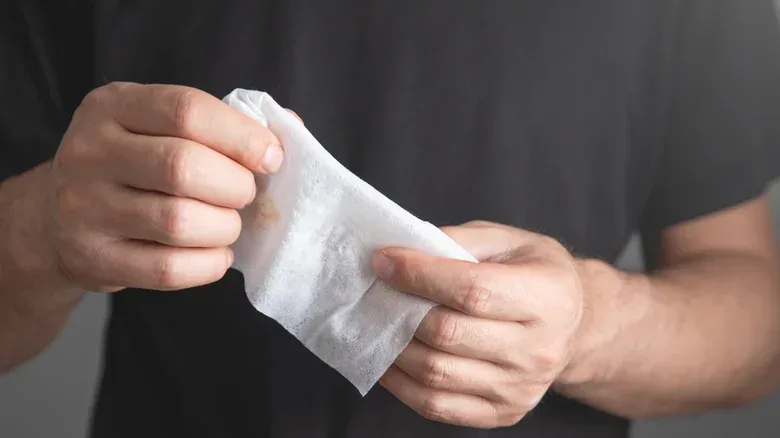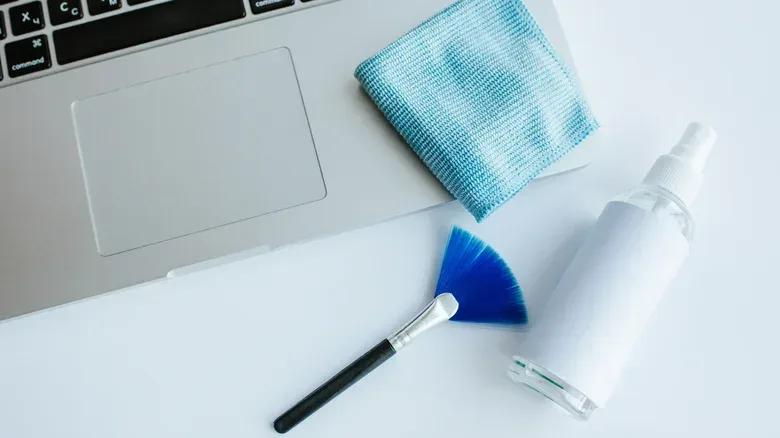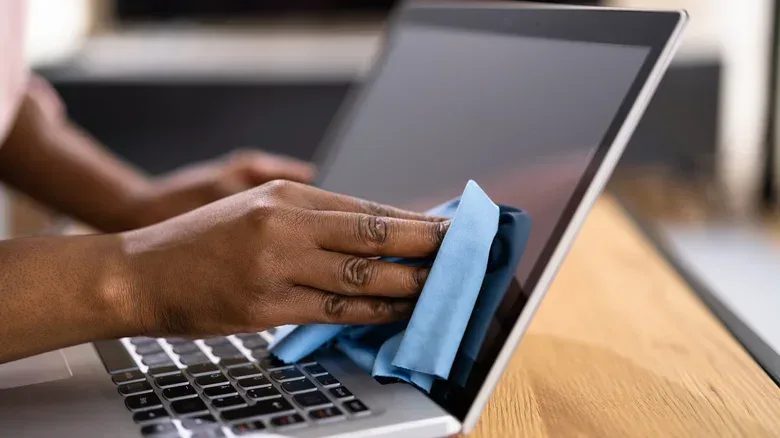
Your laptop screen is not a tavern table. It does not necessarily want a vigorous alcohol wipe-down after every session, no matter how many fingerprints, snack smudges, or mysterious controller-adjacent marks have appeared since lunch.
The trouble is that “alcohol wipe” sounds like a simple category while manufacturers treat it as a highly conditional tool. Apple permits certain wipes and alcohol concentrations for its displays. Microsoft advises Surface owners not to use disinfectant wipes on touchscreens. Dell, HP and Lenovo generally point toward isopropyl alcohol mixtures while warning against ethyl alcohol. The safest universal opening move is much less exciting: power down, unplug, and begin with a clean, dry microfiber cloth.
That lack of a one-size-fits-all answer matters. A laptop display can have protective, anti-reflective, or glossy surface coatings. A cleaner that seems harmless in the moment may leave discoloration, cloudiness, uneven patches, or other lasting marks after repeated use. And although alcohol evaporates relatively quickly, a dripping cloth or a direct spray can still send liquid where it does not belong.
For anyone trying to keep a gaming laptop, work machine, or retro-PC setup presentable without unlocking the “why does my screen look foggy?” achievement, the central rule is simple: follow the instructions for the specific laptop first, then use the least aggressive method that does the job.
The manufacturer guidance is not identical
It is tempting to assume the major laptop brands all endorse the same cleaning routine. They do not. The differences are meaningful enough that a wipe approved for one display should not automatically be treated as approved for another.
Apple permits specific wipes, but still puts water first for normal cleaning
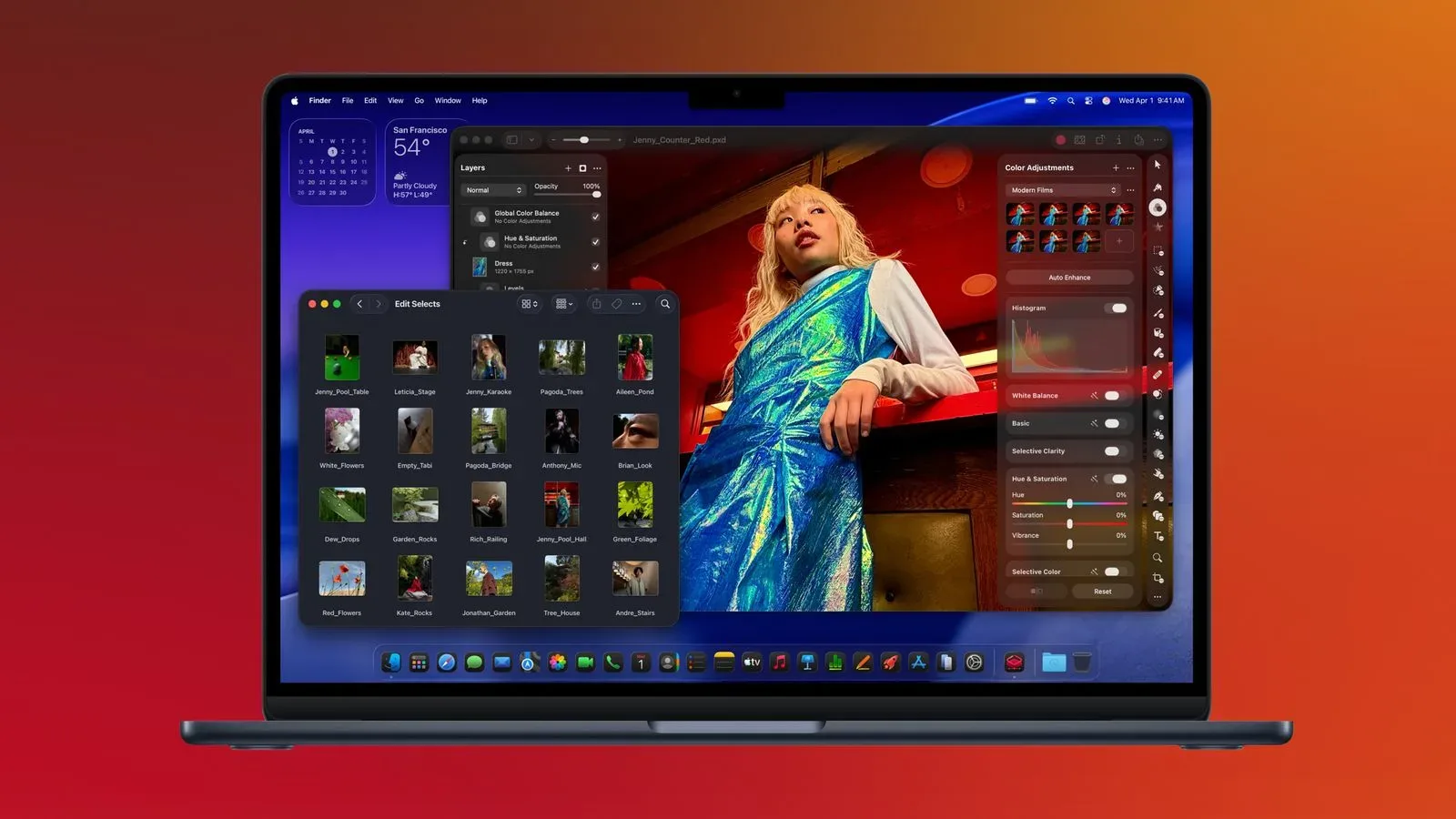
Apple’s guidance is the most accommodating of the group. It says users can gently clean a display with a 70% isopropyl alcohol wipe, a 75% ethyl alcohol wipe, or a Clorox Disinfecting Wipe. For difficult smudges, it also allows a cloth moistened with a 70% isopropyl alcohol solution.
That is not the same as a recommendation to reach for a disinfecting wipe every time a fingerprint appears. For routine screen cleaning, Apple’s direction is to use a soft, lint-free cloth dampened only with water. Apple also has separate instructions for Macs fitted with nano-texture displays, so owners of those models should not assume the standard display guidance applies.
There is a second practical reason to be conservative: Apple states that liquid damage is not covered by its warranty or AppleCare Protection Plans. Even an allowed cleaner cannot rescue a method that leaves liquid running into openings or around the display.
Related coverage includes Can you use alcohol wipes on a laptop screen?.
Microsoft draws a hard line against disinfectant wipes on Surface touchscreens
Microsoft’s Surface guidance is more restrictive. A screen-cleaning wipe or a soft, dry, lint-free cloth is acceptable for the display. If further cleaning is needed, the company says a cloth may be dampened with water or with an isopropyl alcohol solution at 70% or less.
However, Microsoft specifically says not to use disinfectant wipes, glass cleaner, or other chemical cleaners on a Surface touchscreen. That distinction is important because “screen-cleaning wipe” and “disinfectant wipe” are not interchangeable labels. A household or medical-style disinfecting product can contain ingredients a device maker does not want on its display surface.
Dell, HP and Lenovo favor controlled isopropyl mixtures
Dell’s direction calls for a microfiber cloth moistened with a mixture of 70% isopropyl alcohol and 30% water. HP similarly recommends a 70% isopropyl alcohol and 30% water solution for disinfecting, while advising that regular display cleaning begin with a soft, dry cloth.
Lenovo says persistent display smudges can be addressed with a lint-free cloth moistened with water or with a 50-50 mixture of isopropyl alcohol and distilled or deionized water. Distilled and deionized water are specified because they are less likely to leave residue behind than ordinary water.
All three brands advise against ethyl alcohol for this job. HP additionally warns that ethyl alcohol, ammonia, and certain other chemicals can permanently harm LCD screens. So the word “alcohol” on a package is not enough information: the alcohol type and concentration matter, as does whether the laptop maker has approved it.
Why a clean-looking wipe can create an ugly-looking screen
The risk is not merely that a cloth might be too wet. Display surfaces often use coatings designed to manage glare, reflections, or the screen’s glossy finish. Those coatings are part of the screen’s viewing experience; they are not just cosmetic polish waiting to be scrubbed off with whatever happens to be under the sink.
Harsh or incompatible cleaners may damage an anti-reflective or glossy coating. Repeated use can leave the display looking cloudy or uneven. In other words, a cleaning product can remove today’s fingerprints while creating a more permanent visual problem that is visible every time a bright scene, white document, or loading screen appears.
Isopropyl alcohol, often shortened to IPA, is the form of alcohol repeatedly mentioned in the guidance for Dell, HP, Lenovo and Microsoft’s conditional instructions. Its concentration matters. A 70% or lower solution is the ceiling in several of these directions, while Lenovo specifies a 50-50 alcohol-and-water mixture for stubborn marks. Do not improvise a stronger blend on the assumption that more cleaning power is automatically better.
Ethyl alcohol is a different alcohol. Apple permits a 75% ethyl alcohol wipe for its displays, but Dell, HP and Lenovo recommend avoiding it. This is the clearest illustration of why brand-specific guidance wins over crowd wisdom. A wipe can be accepted in one product family and unsuitable in another.
Other substances have clearer red flags. Apple and Microsoft identify products and chemicals to avoid that include glass cleaner, ammonia, bleach, hydrogen peroxide, acetone, and paper towels. The common household instinct to use window cleaner is especially unhelpful here: a laptop screen is not a window, and cleaning chemistry that works on glass may not work safely on the coatings layered over a display.
Wipes are not all built for the same mission
A wipe may be sold for office use, home cleaning, disinfection, screens, lenses, or medical environments. Those labels signal different intended surfaces and chemical formulas, not a universal permission slip for electronics.
Lenovo notes that disinfecting wipes intended for office or household use can be safe for its computers, but some wipes made for medical applications may cause discoloration, damage surfaces, or even affect how the device works. That warning is useful beyond one brand: choosing an especially forceful product because it sounds more sanitary can be the wrong priority for a coated display.
Read the label before using any pre-moistened wipe. Look for the active ingredients rather than relying on a broad “disinfecting” claim. If the label indicates ethyl alcohol and the laptop is from a maker that advises against ethyl alcohol, stop there. If the computer maker prohibits disinfectant wipes outright, as Microsoft does for Surface touchscreens, a wipe’s general claim of electronics compatibility does not overrule that device-specific instruction.
Also remember that cleaning and disinfecting are separate tasks. A dry microfiber cloth can remove dust and loose fingerprints without chemicals. A little water on a cloth can tackle routine marks. Disinfection adds a different objective and, potentially, different risks. It should not be the automatic response to every smudge.
A cautious screen-cleaning routine
When the screen needs attention, start with the approach that has the broadest support across the manufacturers discussed here.
- Shut the laptop down and unplug it. This removes power from the device before cleaning and makes marks easier to see on a dark screen.
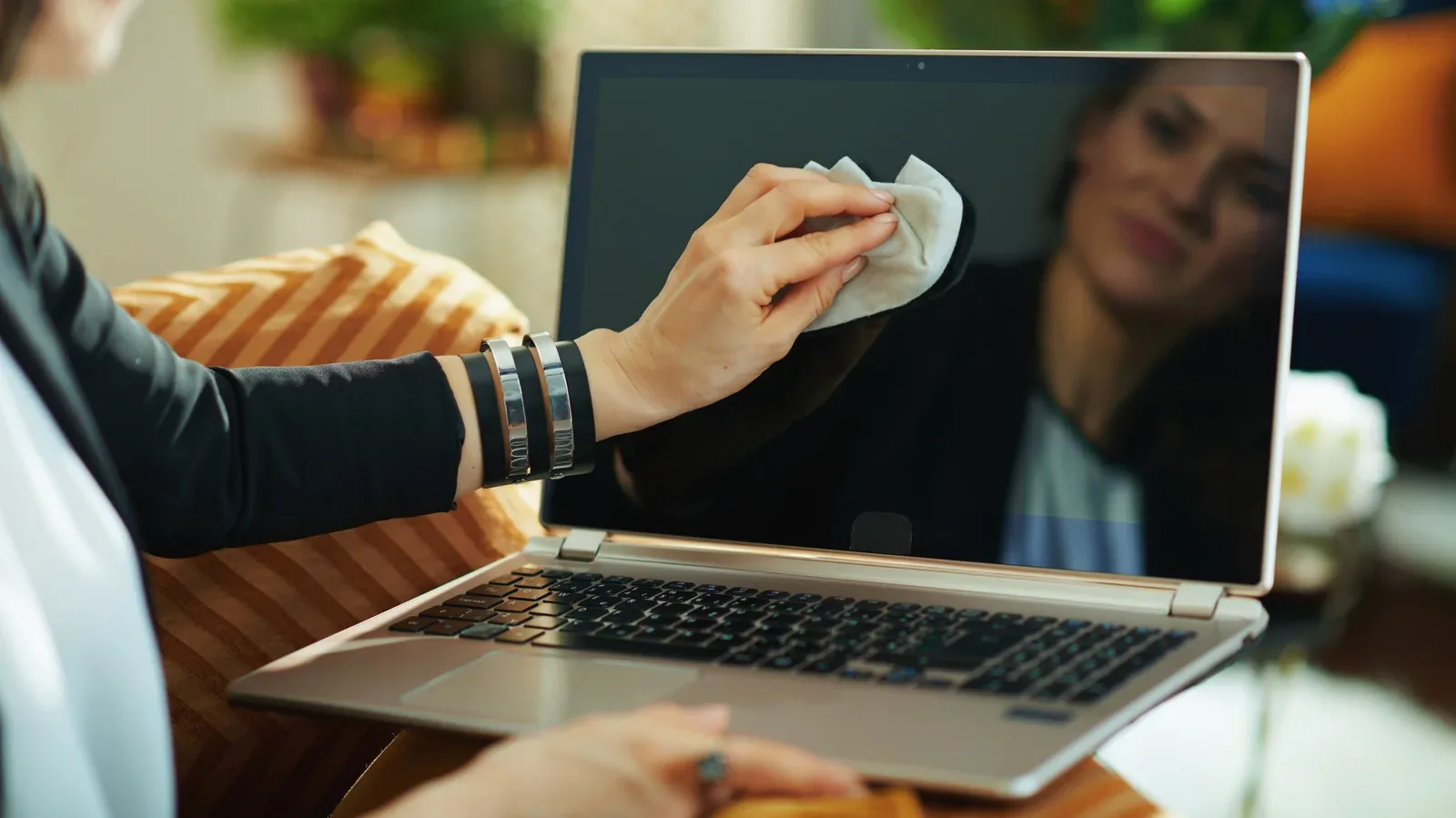
- Use a clean, dry microfiber cloth first. Wipe gently. Microfiber is the preferred material because it is soft and lint-free; paper towels are on the avoid list.
- If marks remain, use only a small amount of water on the cloth. The cloth should be damp, never dripping. Do not spray water—or any liquid—onto the laptop itself.
- Use alcohol only if the maker permits it for that model and the mark genuinely needs it. Follow the stated alcohol type and concentration. For several brands, that means isopropyl alcohol at 70% or less; Lenovo’s cited option is a 50-50 IPA-and-distilled-or-deionized-water mixture.
- Wipe lightly and allow the screen to dry completely before closing the lid. Do not rush the drying stage, and do not press hard in an attempt to polish away a mark.
“Damp” is the important word in this sequence. Dell and HP explicitly say the cloth should be damp rather than wet. Saturating a cloth increases the chance that liquid can gather at edges, seams, ports, or other openings. Fast evaporation is not a license to flood the boss arena.
This cautious approach overlaps with sensible care for other personal electronics. For example, screen residue and dust often require different handling from debris trapped in audio openings; see this guide on what to check when tablet audio sounds muffled. The larger point is that electronics maintenance works best when the method matches the component rather than when one cleaning product is deployed everywhere.
The practical decision tree: start mild, escalate only with permission
If your laptop screen has ordinary fingerprints, the answer is straightforward: dry microfiber cloth first. If the print is stubborn, a lightly water-dampened cloth is the next step. Distilled water can be a prudent choice where the maker’s guidance permits water, because it is less likely to leave residue.
If that still is not enough, pause and check the laptop manufacturer’s current cleaning instructions. This is where the paths split:
- Apple permits certain disinfecting and alcohol wipes, while still favoring water for everyday cleaning.
- Surface touchscreen owners should avoid disinfectant wipes and other chemical cleaners, using a screen-cleaning wipe, dry lint-free cloth, water, or permitted low-concentration IPA instead.
- Dell, HP and Lenovo users should pay close attention to their recommended IPA-and-water solutions and avoid ethyl alcohol.
The goal is not to be frightened of cleaning a screen. It is to avoid treating all screens, wipes, and alcohols as identical. A gentle cloth, minimal moisture, and the right manufacturer-approved solution will handle most messes without turning a few fingerprints into a persistent haze.
Save the chemical heavy artillery for when it is explicitly approved and actually necessary. Your display has survived countless tabs, cutscenes, spreadsheets, and suspiciously long loading bars. It should not have to survive an avoidable cleaning experiment too.