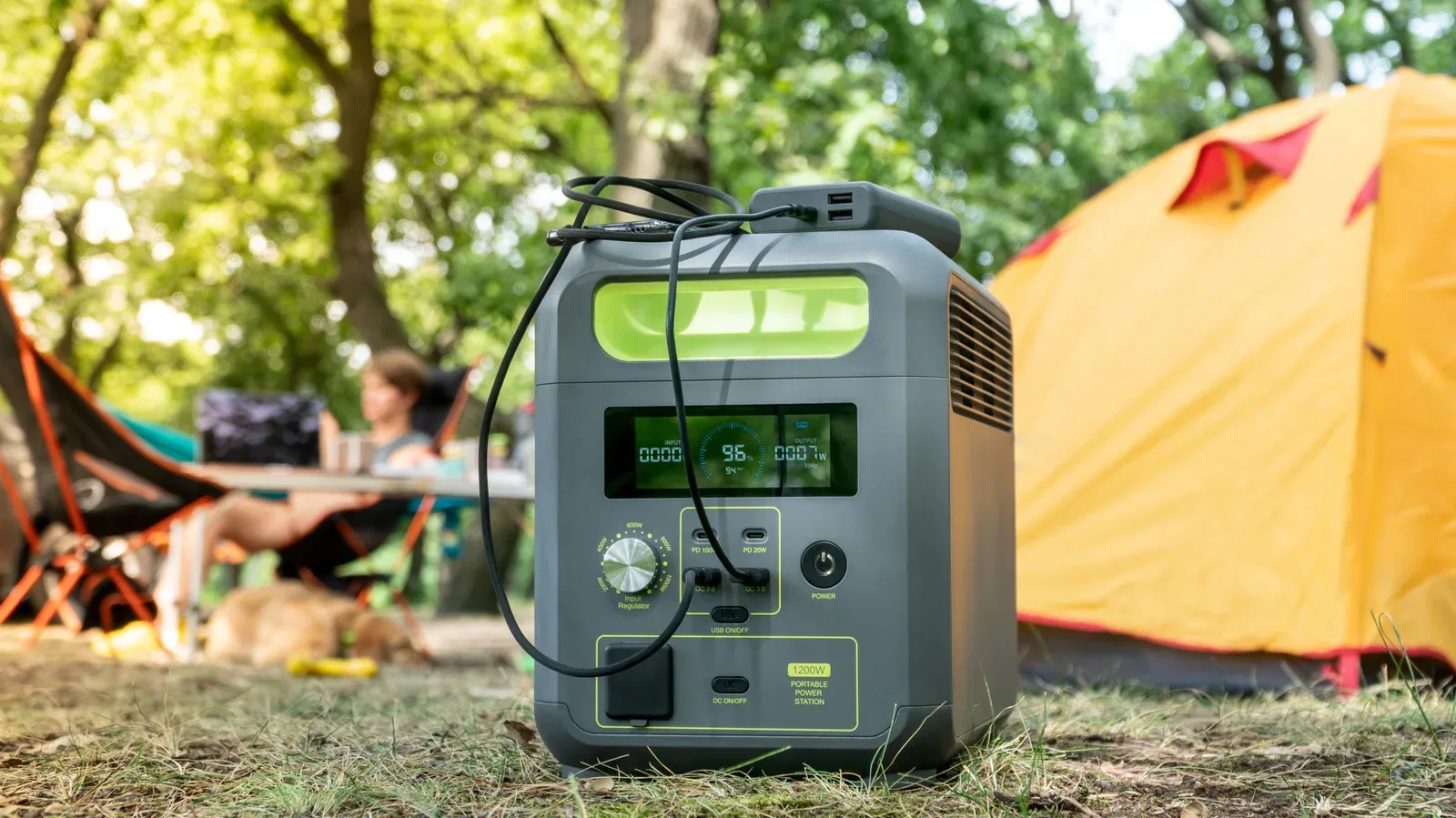
A portable power station rated at roughly 1,000 watt-hours sounds wonderfully simple: connect a 1,000-watt device and expect about an hour; connect a 100-watt device and expect about 10. That is a useful first-pass estimate, but it is not a promise. For anyone planning an outage kit, a camping setup, or a way to keep a gaming laptop and mobile gear alive away from a wall outlet, the number on the box is only the beginning.
The practical question is not merely how much energy a station stores. It is how much of that stored energy reaches a particular device, how that device behaves while it is being used, and whether the battery is operating under favorable conditions. A 1,000Wh-class unit can be a sensible middle ground, but it is not an infinite extension lead with a handle.
Watt-hours and watts answer different questions
Watt-hours (Wh) describe stored energy. Think of them as the size of the energy reserve. Watts (W), meanwhile, describe power: the rate at which a connected device is drawing energy at a particular moment.
The basic estimate is straightforward:
Estimated runtime in hours = battery capacity in Wh ÷ device power draw in W.
At face value, a 1,024Wh station paired with a device drawing 200W works out to a little over five hours. A 65W laptop, under the same simplified calculation, would appear to run for well over 15 hours. Those figures are useful for comparing broad scenarios, but they assume every stored watt-hour can be delivered to the device without loss and that the device pulls the same number of watts continuously. Real use meets neither assumption.
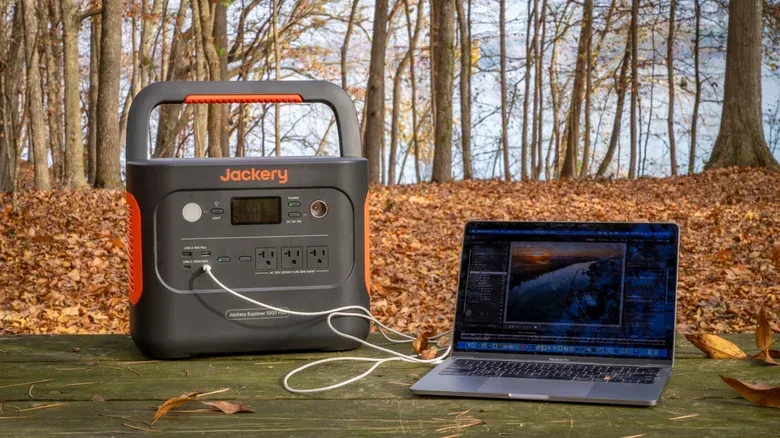
The distinction also helps prevent a common purchasing mistake. Capacity is not the same thing as output capability. A power station may hold around 1,000Wh but also have a separate maximum output rating. For example, the Jackery Explorer 1000 v2 is rated at 1,024Wh and up to 1,500W of output. The capacity tells us the size of its stored-energy pool; the output figure indicates the amount of power it can deliver at once. Both matter when deciding what to connect.
Why the simple runtime math is optimistic
Most portable power stations store energy as DC, or direct current. Their household-style AC outlets must use an inverter to turn that stored DC energy into AC, or alternating current. That conversion consumes some energy itself.
Related coverage includes How Long a 1,000Wh Power Station Can Run Your Devices.
Losses through this conversion can be in the range of 5% to 20%. The exact result depends on the station and the load, but the important takeaway is uncomplicated: a battery rating is not the same as usable energy at an AC outlet.
There may be another conversion step after that. A phone, tablet, or laptop wall charger generally turns AC back into DC so the device can charge or operate. Every additional conversion is an opportunity for more energy to be lost as heat rather than reaching the device.
This explains why a manufacturer’s real-world estimates can sit noticeably below headline arithmetic. For the 1,024Wh Jackery example, a 200W refrigerator might seem likely to exceed five hours on paper, while the stated estimate is four hours. A 65W laptop may calculate to more than 15 hours, while the stated estimate is 11 hours. Neither number means the capacity rating is meaningless; they show why the rating should be treated as a starting point rather than a guaranteed runtime at every outlet.
A gaming laptop is not a fixed 65W load
Another complication is that devices rarely consume their rated power at a constant pace. A laptop’s workload matters enormously. A gaming laptop could use only a few dozen watts while browsing the web, managing a game library, or handling lightweight work. Under a demanding game or another intensive task, it can climb beyond 200W.
That variability makes “How long will it run?” a more useful question than “What wattage is printed on the charger?” A charger’s rating indicates what it can supply, not necessarily what the laptop is consuming every second. Likewise, a momentary high-demand session is not the same as a steady draw over an entire evening.
For portable play, this means that the most realistic planning begins with the activity. If the station is intended for communication, a little web browsing, and keeping a laptop available, its effective runtime may look very different from a setup intended to sustain intensive gameplay. The same principle applies to phones: streaming a show over 5G can use substantially more energy than recording food in a calorie counter.
That is also why it helps to separate essential loads from optional ones during an outage. A power station’s limited energy is more useful when it has a job. Decide whether its primary role is keeping a laptop available, charging phones, supporting a refrigerator, or serving some mix of those needs. Adding a high-draw task to the same reserve changes the runtime available to everything else.
Use direct USB charging when the station provides it
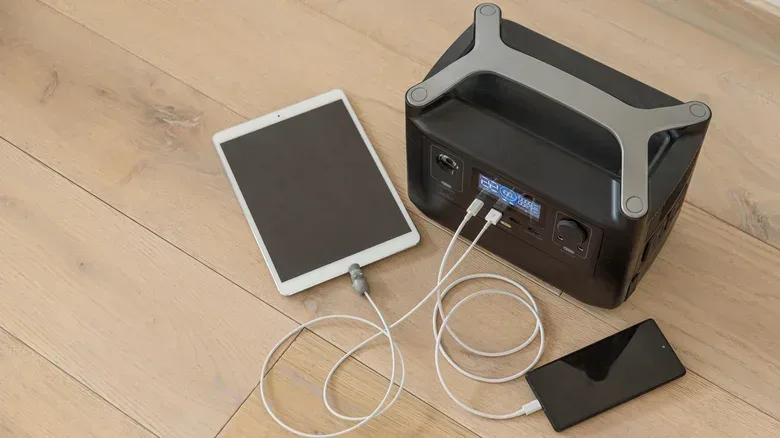
For phones, tablets, and other mobile devices, built-in USB ports are typically the better choice when they are available. Connecting a device through USB avoids the detour of using the station’s AC inverter and then the device’s separate wall adapter. Fewer conversion stages generally means less wasted energy.
There is a practical benefit beyond efficiency: using USB also leaves the AC outlets open for equipment that genuinely needs them. In a limited-power scenario, that makes the station more flexible without needing a larger, heavier unit merely to add more outlets.
This is not a claim that USB will magically make a power station last forever. Phones and tablets still have changing demand, and the station itself is still doing power management. It is simply a sensible way to avoid an unnecessary AC-to-DC round trip for devices that are designed to accept USB power directly.
Temperature can change the amount of power you can actually use
Battery performance is sensitive to ambient temperature. The Explorer 1000 v2 is rated for output from 14 to 113 degrees Fahrenheit, or minus 10 to 45 degrees Celsius. Its LiFePO4 battery chemistry has a more favorable operating range of about 59 to 95 degrees Fahrenheit, or 15 to 35 degrees Celsius.
LiFePO4 is shorthand for lithium iron phosphate, a rechargeable battery chemistry used in this type of power station. The key practical point here is not the acronym; it is that temperatures at either extreme can reduce the power available from a battery.
In real terms, a station might remain within its permitted output range but still perform less favorably than it would in a mild environment. That matters for a power station sitting in direct sun at a campsite, in a hot vehicle, or in a very cold space during an outage.
Basic placement is therefore part of runtime planning. Keep the station shaded where possible and make sure it is properly ventilated. Those steps do not add capacity, but they can help avoid making the existing capacity less useful. They also fit the broader rule of treating the station as battery equipment rather than as an appliance that can be forgotten once plugged in.
Capacity loss over time is separate from today’s runtime
There are two battery concepts worth keeping apart. Capacity is the energy the station can store and provide now. Battery life is how that usable capacity changes across the product’s life.
Like other rechargeable battery-powered products, a portable power station gradually loses usable capacity as it goes through charging cycles. A full cycle does not have to mean one uninterrupted trip from 100% to empty; partial use can add up to the equivalent of a full cycle over time. The result is that a station that once provided a certain practical runtime may eventually provide less, even if the connected device and its workload have not changed.
That is a reason to be deliberate with a kilowatt-hour-class reserve. It can be tempting to run every convenient device from a large station because it feels plentiful. But avoiding needless full discharges preserves the reserve for times when it is genuinely needed and reduces unnecessary cycling over the long term. The same battery-care mindset applies to the laptop connected to it; for related context, see why regularly letting a gaming laptop hit 0% is a habit worth avoiding.
A practical way to plan around a 1,000Wh station
The most reliable approach is to work from conservative expectations rather than the most favorable number from a quick division equation.
- List what must stay powered. Identify the essentials first, such as a phone, a laptop needed for communication or work, or a critical appliance.
- Check whether each item needs AC. Phones and tablets that can use the station’s USB ports should not automatically occupy an AC socket through their usual wall adapters.
- Consider the actual task. A gaming laptop browsing the web and that same laptop playing a demanding game should be planned as very different loads.
- Allow for conversion loss. Do not allocate the entire advertised Wh figure as though all of it will emerge from an AC outlet.
- Protect the environment around the station. Avoid temperature extremes where possible, and keep airflow in mind.
- Preserve the reserve. A station is most valuable when its stored energy is available at the moment it matters, rather than after unnecessary cycling.
A 1,000Wh portable power station can still be a very capable tool. It can support personal electronics far beyond what a small power bank can reasonably cover, while also offering the flexibility to run selected AC equipment. Just do not plan around the label alone. Start with watt-hours and watts, account for the energy conversion path, recognize that device demand rises and falls with use, and leave yourself a margin. That is the difference between an encouraging estimate and a power plan that holds up when the outlet is no longer an option.