One USB-C port can be a frustratingly small doorway for a laptop desk setup. A monitor, wired controller, external storage, camera card and charger quickly compete for space—especially when a machine has moved toward a slim, port-light design. Anker’s 7-in-1 USB-C Hub is intended to turn that single connection into a more practical set of everyday I/O, and it is currently listed at $22 for Prime members, a reduction from its regular $26 price.
The reported discount is 15%, putting the hub close to a previous low of $20 reached in August of last year. The lower price is described as Prime-exclusive, while non-members are seeing the $26 regular price. As with retailer membership promotions generally, the important qualification is that such pricing can change or end; it should be treated as a snapshot rather than a guaranteed long-running rate.
For PC players, this is not glamorous hardware. It will not improve frame rates, make a game load faster by itself, or give a laptop a graphics-card upgrade. What it can do is remove some small but persistent setup friction: plug in a display, move captures from a card, attach a peripheral, and keep the laptop charged through one connection. That mundane utility is often exactly what a portable gaming or work machine needs.
What the seven connections cover
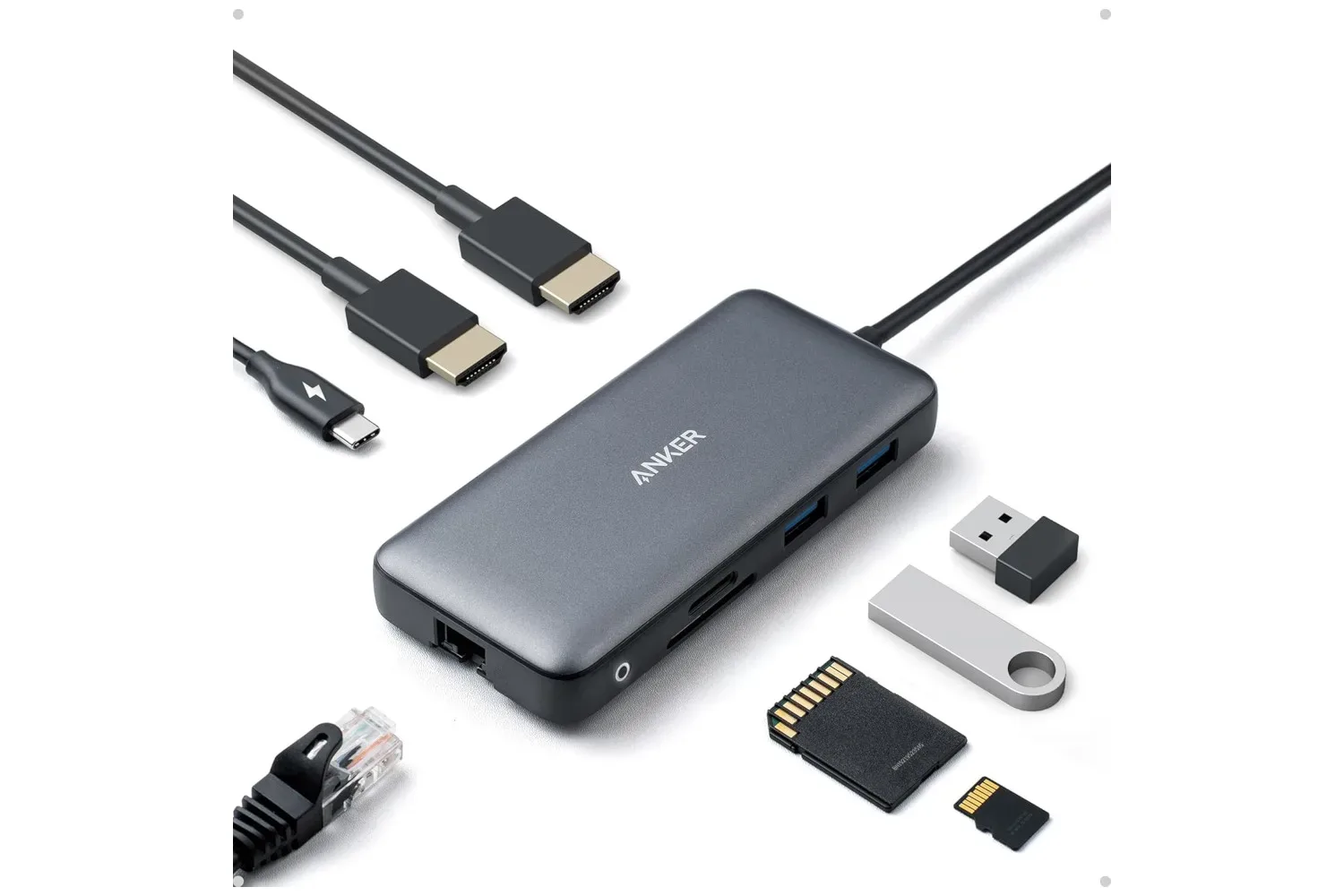
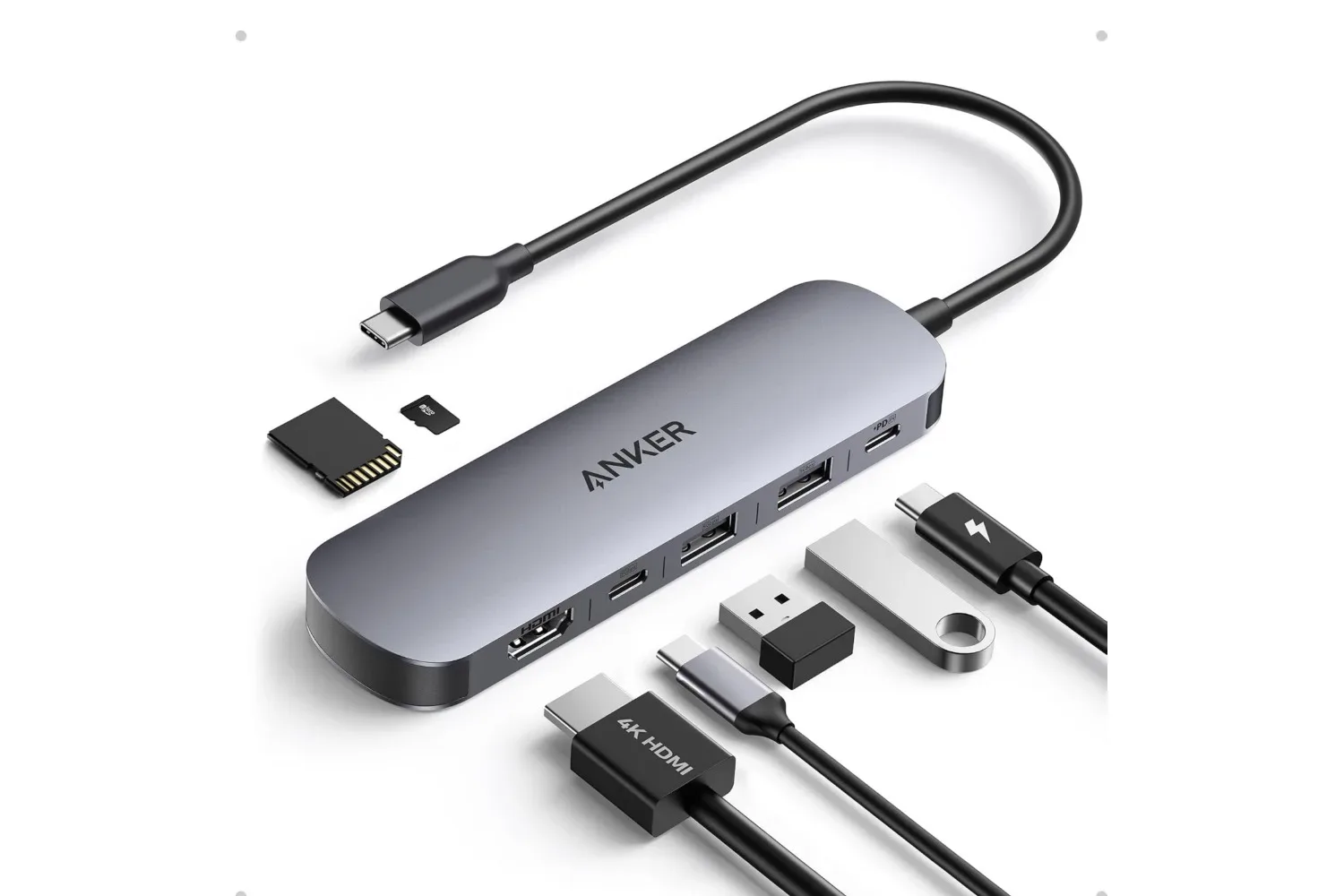
The Anker unit connects to a laptop through USB-C and provides a combination of charging, display, storage-card and USB data connections. Its stated selection is:
- One USB-C Power Delivery input supporting up to 85W charging
- One HDMI output supporting up to 4K at 60Hz
- One SD card slot
- One TF card slot
- Two USB-A 3.0 ports with up to 5Gbps data transfer support
- One USB-C data port with up to 5Gbps data transfer support
“7-in-1” counts those functions and ports collectively. In practical terms, the hub is chiefly an expansion dock for a laptop rather than a full desktop docking station. Its feature set is focused on one external screen, common USB accessories, removable media and pass-through power.
The USB-C Power Delivery, or PD, input is for receiving power from a compatible charger and passing it onward to the attached laptop. The stated 85W figure describes the hub’s supported charging capability, not a charger included with the hub. Buyers should therefore avoid assuming the package contains a power brick; the listed box contents are the 7-in-1 hub, a welcome guide and an 18-month warranty.
That distinction matters. A hub can simplify a desk by letting the laptop connect to display and accessories through one USB-C link while charging, but it does not create charging power independently. The charger and laptop both still need to be suitable for the intended power arrangement.
A single-display solution, not a multi-monitor dock
The HDMI port is the headline feature for anyone who wants a larger screen for games, streaming, editing or ordinary desktop work. Its listed maximum is 4K resolution at a 60Hz refresh rate. Resolution is the number of pixels shown on the display, while refresh rate is how often the image can update each second. A 60Hz display updates up to 60 times per second under supported conditions.
That ceiling makes the hub a potentially neat fit for a living-room television or a 4K desktop monitor where a standard 60Hz signal is the goal. It also gives a laptop a straightforward route to an external screen without claiming that the hub can magically raise the computer’s performance. Whether a particular game reaches a smooth frame rate at 4K remains dependent on the laptop’s own hardware and settings.
There is an equally important limitation: the HDMI connection is the hub’s only video output. It can support one external display, not two. Players building a compact one-screen station may find that entirely sufficient. Anyone who expects a laptop to drive a second monitor alongside the first should not mistake this model for a dual-display answer.
That limitation also helps define the best use case. This is for the person who wants a simple cable arrangement—one monitor, a few accessories, storage-card access and charging—rather than a sprawling workstation full of screens and specialized connections.
Why the USB ports and card readers may matter to gamers
The two USB-A 3.0 ports and the USB-C data port are rated for data transfers up to 5Gbps. “Gbps” means gigabits per second, a measure of link bandwidth. It is not a promise that every file transfer will always reach that number: real-world speed can depend on the connected drive, card, device, files and the wider setup. Still, the listed 5Gbps support identifies these as faster data connections intended for direct transfers, not merely basic charging outlets.
For a gaming laptop, three extra USB data connections can be useful for less dramatic reasons. A wired controller, mouse, keyboard, USB headset receiver or external drive all compete for ports. The hub potentially provides a more organized way to connect some of those items, particularly when the laptop itself offers only a limited selection.
The SD and TF readers broaden that usefulness for people moving media. TF, short for TransFlash, is commonly used as another name for the microSD card format. Having both slots means users working with full-size SD media or smaller microSD/TF cards have a direct place to insert them. That could be relevant when transferring captures or other files from a compatible camera or device.
There is a sensible expectation to set here: the supplied details identify the presence of the slots but do not establish every possible card standard, capacity, transfer mode or simultaneous-use behavior. Buyers with an unusually demanding media workflow should verify the precise support they need before treating any compact hub as a replacement for a dedicated reader.
How to judge whether this hub fits a setup
The strongest reason to buy a hub is not its port count in isolation; it is whether its particular mix solves the bottleneck in front of you. This Anker model is likely most relevant when a laptop has USB-C but needs one HDMI display, a way to pass through charging, several basic USB data connections and quick access to common card formats.
Before purchasing, it is worth running through a short compatibility checklist:
- Identify the laptop’s USB-C function. A physical USB-C connector can serve different capabilities. The supplied information says this hub uses USB-C and provides HDMI output, but a buyer should confirm their computer supports the functions required for their own intended display setup.
- Plan around one external monitor. The hub has a single HDMI video option. It is not presented as a multi-monitor product.
- Match expectations to 4K/60Hz. That is the listed maximum display mode. It may be ideal for a standard 4K screen, but it is a separate question from whether a particular laptop and game can perform well at that resolution.
- Check the charging plan. The hub supports up to 85W PD input. Confirm that the laptop and existing charger suit the power level you expect to use, and remember that no charger is listed among the included items.
- Count the accessories that need data. There are two USB-A data ports and one USB-C data port, all listed at up to 5Gbps. If more gear must remain connected, a different setup may be more appropriate.
These checks are not glamorous, but they prevent the most common disappointment with compact connectivity hardware: buying for an imagined all-in-one desktop replacement when the product is designed for a narrower, portable role.
A modest accessory with a clear lane
At $22 for Prime members, the appeal is straightforward. The discount is only $4 off the stated regular price, yet it brings a practical USB-C expansion hub closer to its prior $20 low. The value is in the concentration of ordinary necessities: a 4K/60Hz HDMI path, 85W PD input, card readers and three 5Gbps USB data ports in one small accessory.
For someone playing PC games from a laptop at a desk or TV, the hub could make a one-display setup less cluttered without pretending to be more than it is. For capture-minded players, its SD and TF slots could reduce the need for a separate card reader. And for people whose laptop’s ports are already claimed by storage and peripherals, it offers extra breathing room.
It is also a reminder that not every useful PC-gaming purchase is a component upgrade. Sometimes the more meaningful improvement is simply making it easier to use the hardware already owned—whether that means adding a monitor, connecting a controller, or moving files before sitting down with something new such as a PC platformer demo.
The package is listed with an 18-month warranty, alongside the hub and welcome guide. Anyone considering the deal should weigh the membership-only price against the relatively small standard-price difference, confirm their laptop’s needs and limitations, and regard the $22 figure as subject to change.
Shop the products
Check current price, model and availability at the retailer.