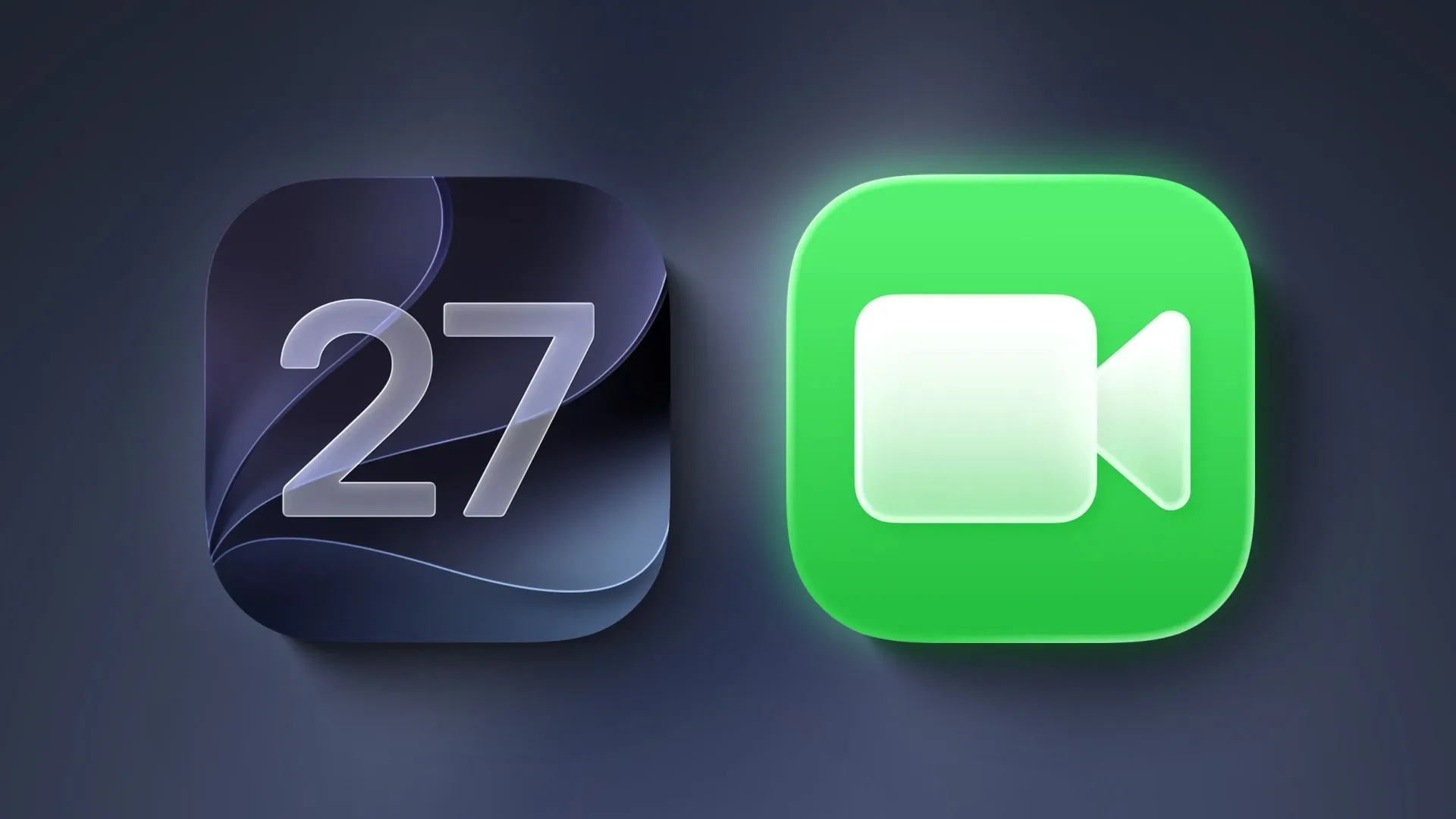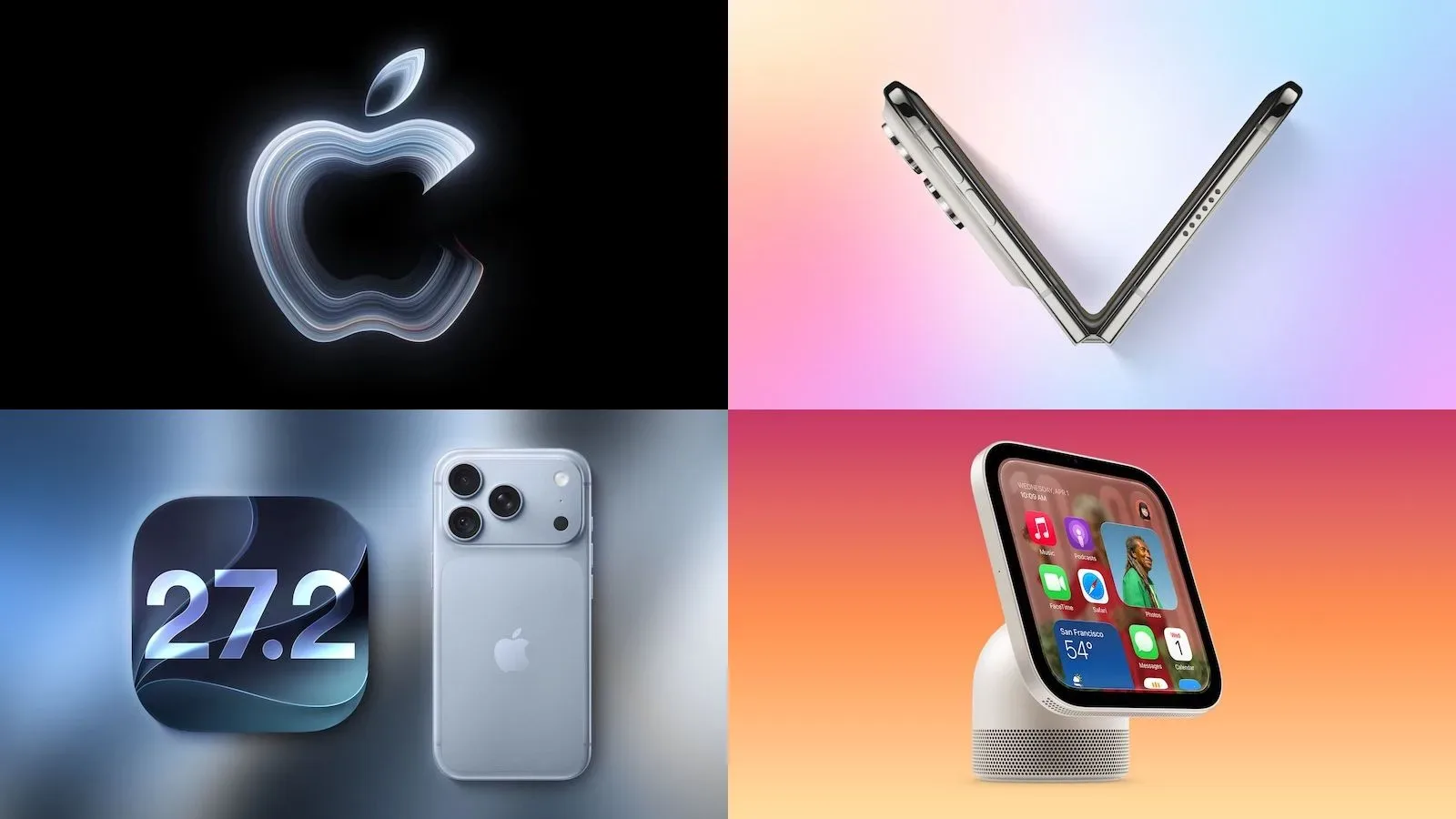
Apple’s iOS 27.2 update expands FaceTime Dual Capture to Group FaceTime calls. The feature sends video from an iPhone’s front and rear cameras at the same time, meaning a caller can remain visible while also showing the people, place, object, screen-adjacent setup, or activity in front of them.
That may sound like a small camera trick, but group calling is the context where it becomes substantially more useful. One-person video conversations can usually get by with a camera flip: show your face, turn the camera around, then turn it back. In a group, that flip can abruptly remove the presenter from view and make the call feel less conversational. Dual Capture is intended to keep both perspectives available instead.
The update also adds an option to include a third-party sign language interpreter or live captioner in a call. Together, the additions make iOS 27.2 a notable FaceTime update for groups that need to share a physical view without losing the person explaining it, as well as for calls that benefit from dedicated communication support.
What Dual Capture does in a group call
Dual Capture streams the front-facing and rear-facing camera feeds concurrently. The front camera is the one typically used for a caller’s face, while the rear camera is normally used to show the surrounding environment. With the feature enabled, participants can see both at once rather than relying on a single feed that swaps between them.
On compatible iPhones running iOS 27, flipping the camera during a FaceTime call automatically activates Dual Capture. iOS 27.2 now extends that behavior and capability to Group FaceTime.
The practical distinction is worth spelling out. This is not merely a way for the local caller to switch views. It is a simultaneous two-camera broadcast to the people in the call. A caller can therefore continue speaking face-to-face with a group while pointing the other camera at something relevant to the discussion.
Supported iPhones
Dual Capture is limited to the following compatible devices:
- iPhone 17
- iPhone 17 Pro
- iPhone 17 Pro Max
- iPhone Air
- iPhone 18 Pro
- iPhone 18 Pro Max
- iPhone Duo
Owners of other iPhones should not assume that updating to iOS 27.2 alone will add the dual-camera option. The feature depends on a supported handset as well as iOS 27.
Why the change could matter to game groups
For gaming communities, the strongest use cases are likely to be social and organizational rather than a replacement for direct gameplay capture. Dual Capture is a FaceTime camera feature, so it should be understood as a way to share the person and their surroundings simultaneously—not as evidence of a new game-streaming pipeline or an iPhone screen-sharing feature.
Still, the group-call addition can help with the situations that surround play. A tabletop group could keep its host in frame while showing a board, miniatures, cards, rulebook page, or encounter layout. A retro-gaming collector could talk through a console, controller, cartridge, or shelf display without disappearing from the conversation. A local multiplayer group could show a room setup or a television while retaining a face-to-face presence with friends who are joining remotely.
Those are potential applications rather than newly announced Apple workflows, but they illustrate the appeal of two perspectives in a group setting. The caller no longer has to choose between being the presenter and showing the thing being presented.
The feature could also be useful for troubleshooting a physical setup. If someone is helping a friend identify a port, cable, controller issue, or placement problem, the rear camera can focus on the hardware while the front feed keeps the person holding it visible. In a group call, more than one person can weigh in without asking the presenter to repeatedly rotate the camera back and forth.
Accessibility additions are a separate, significant change
iOS 27.2 also permits a third-party sign language interpreter or live captioner to be added to a FaceTime call. An interpreter is a human participant who translates communication into sign language. A live captioner is a participant providing real-time written transcription. The update’s wording points to an option for adding these participants, rather than suggesting that every FaceTime call automatically gains either service.
For group calls, that distinction matters. Accessibility support often works best when it is planned into the conversation and when all participants know who is handling interpretation or captioning. Giving a group a way to include that person directly in the call can make a remote session more workable for participants with different communication needs.
It also creates a natural complement to the new camera capability. Dual Capture concerns what people can see; interpreters and captioners concern how participants can follow and contribute to what is being said. They solve different problems, but both are especially relevant once a conversation moves beyond a simple one-to-one call.
What iOS 27.2 does not establish
The available details do not specify video layout, quality settings, bandwidth requirements, participant limits, regional availability, or whether every person in a group call needs a compatible device. They also do not describe additional controls beyond the camera-flip behavior that triggers Dual Capture on supported iPhones.
That means prospective users should avoid treating the update as a guarantee that every possible multi-camera calling arrangement will work identically. The confirmed change is narrower and clear: supported iPhones can now use FaceTime Dual Capture in Group FaceTime calls, and iOS 27.2 provides an option to add a third-party interpreter or live captioner.
The FaceTime changes arrive alongside other iOS 27.2 additions, including an iPhone sports feature covered in our look at four-stream sports multiview for MLS, F1, and Friday Night Baseball.
Quick takeaway
If you own an iPhone 17-series model, iPhone Air, an iPhone 18 Pro model, or iPhone Duo, iOS 27.2 brings Dual Capture into Group FaceTime. Flip the camera during a FaceTime call and, on supported hardware, the front and rear feeds can be shared together. For groups showing a real-world activity, gear, collection, or gathering, that can be more useful than an ordinary camera switch. The added interpreter and captioner option makes the update broader than a camera enhancement alone.