Messages may soon get a more selective way to handle its context-aware shortcuts. Evidence in the iOS 27.2 beta indicates Apple is preparing controls that would let iPhone users turn specific Suggested Actions on or off rather than treating every one-tap recommendation as an all-or-nothing feature.
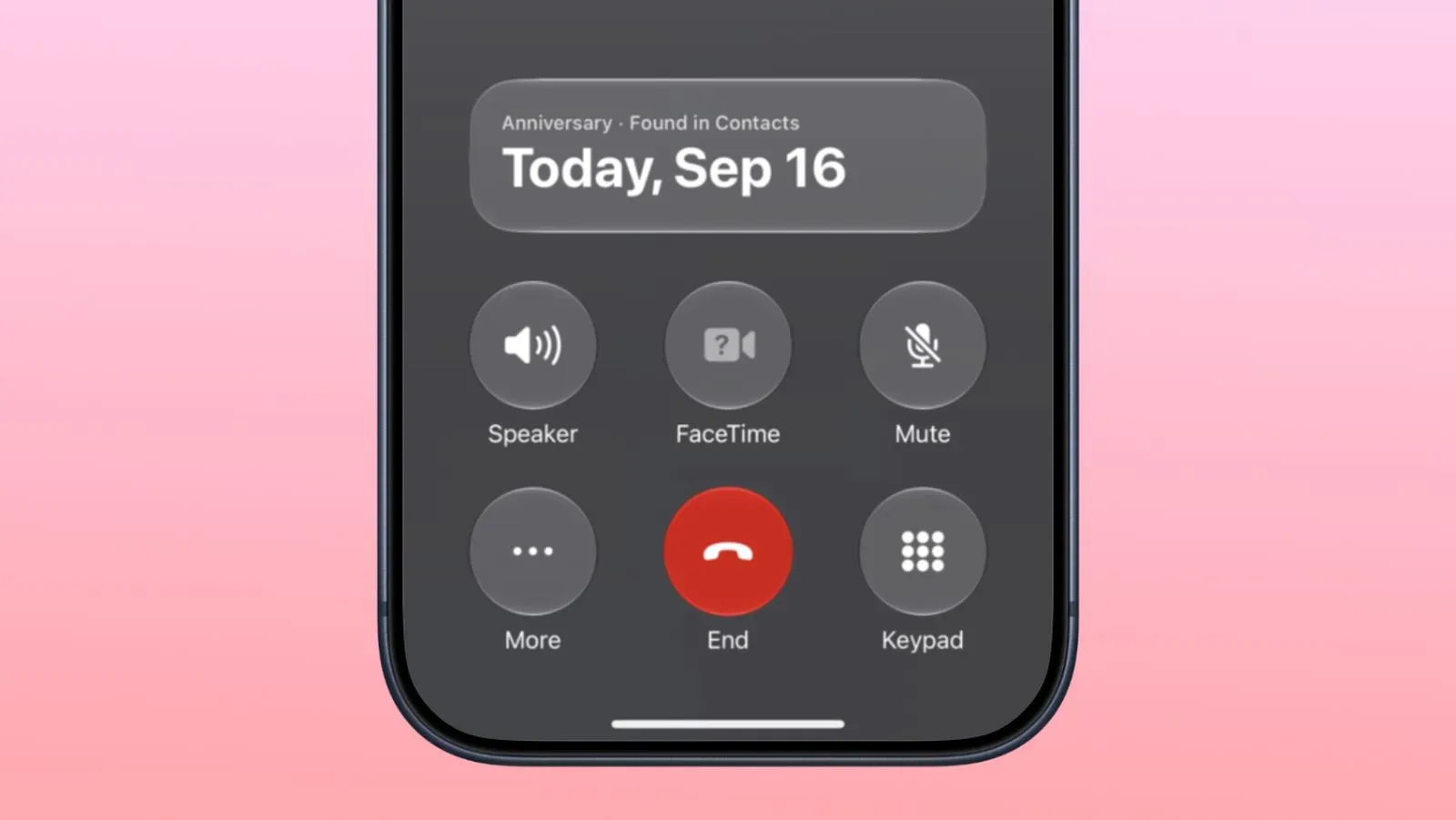
Suggested Actions are prompts in Messages intended to turn the subject of a conversation into a quick next step. When somebody asks for a photo, for example, Messages can offer an option to insert one. An invitation could lead to an Add to Calendar prompt. The point is convenience: less copying, fewer app switches and fewer steps between recognizing a task in a chat and acting on it.
That convenience can be uneven in practice, though—not because a suggestion is necessarily wrong, but because not every type of shortcut is useful to every person. A user who lives in their calendar may welcome event prompts while having no use for package or flight-related suggestions. Someone who relies on another workflow for notes or reminders may prefer not to see those buttons at all. The newly discovered controls would address that distinction.
What the iOS 27.2 beta appears to add
Code explorer pdfu identified a new settings screen in the third iOS 27.2 beta. The screen includes individual toggles for these Suggested Action categories:
- Add to Calendar
- Add to Reminders
- Add to Notes
- Show in Maps
- Flights and Packages
Those labels matter because they frame the feature as a set of separate message-to-app handoffs. A calendar suggestion relates to an event; a reminder suggestion relates to a task; Maps likely concerns a location; and Flights and Packages covers travel or shipment information. Notes occupies a slightly different role: it would be for preserving information rather than scheduling or navigating it.
At this stage, the important qualifier is that these controls were found in beta software. A beta is a pre-release version used to test features ahead of a public update. Interface elements and settings in a beta can change before release, and the presence of code or a settings page is not the same as a final availability commitment. Still, the discovery offers a clear indication of the level of control Apple is considering for Suggested Actions in Messages.
A proposed answer to repetitive prompts
The most notable option is called Hide Unused Suggestions. When it is enabled, suggestions that go unused would stop appearing in Messages after 30 days. The available description does not establish exactly how the system counts use, what happens when a person receives a similar prompt later, or whether the setting treats every conversation independently. What it does establish is the basic intended behavior: a suggestion that repeatedly goes untouched can be removed from view rather than remaining a permanent part of the Messages interface.
That is a meaningful distinction from simply disabling a feature. A manual toggle asks the user to decide up front that a category is unwanted. Hiding unused suggestions is adaptive: the system can reduce the visibility of shortcuts that appear not to fit someone’s habits. For people who want to give a feature a chance without continuously seeing it, that can be a useful middle ground.
The beta evidence also suggests that a hidden suggestion need not be gone forever. The shared screenshot indicates users can reactivate it by switching its individual setting off and then back on. That gives the feature a reset path. If someone changes their workflow, travels more often, starts tracking deliveries differently or simply wants to revisit a dismissed prompt, the relevant category can be brought back.
There is a practical benefit to keeping this control granular. A person could leave photo and calendar prompts active while suppressing Maps, Notes, reminders, or travel and delivery suggestions. That preserves the useful bits of the system without forcing a choice between a busy Messages surface and no assistance at all.
Suggested Actions’ return is itself significant
Suggested Actions in Messages had already appeared during the iOS 27 beta cycle, but the feature was removed from the final iOS 27 release. Its reappearance in the iOS 27.2 beta shows that Apple has not abandoned the idea. Instead, it appears to be returning with more options for people to decide which types of assistance belong in their conversations.
The sequence is worth keeping in mind when interpreting the latest beta. The feature is not simply a brand-new iOS 27.2 addition; it is a returning capability that now seems to have a more developed preference model. The earlier removal means there is precedent for changes in its rollout. Until a public version arrives, users should regard the labels, timing and final behavior as subject to revision.
Why individual toggles are more useful than one master switch
Contextual recommendations can be helpful precisely because they are specific, but specificity also creates different thresholds for interruption. An Add to Calendar button may save time after receiving plans from a friend. A package prompt may be irrelevant in the same conversation. A single master control cannot express that difference.
Per-feature settings give users three broad ways to shape the experience:
- Keep everything enabled. This best suits people who want Messages to surface every available shortcut.
- Choose only trusted categories. A user can retain the action types that match established habits and remove the rest.
- Enable adaptive hiding. A user can keep suggestions available initially while allowing unused ones to disappear after the stated 30-day period.
In that sense, the proposed controls are not just about reducing clutter. They acknowledge that calendar planning, personal task tracking, note-taking, mapping and delivery monitoring are separate activities with separate preferences. A setting that says “Suggested Actions” is broad; individual switches make the feature legible in terms of the actual things it can do.
What iPhone users should and should not expect yet
Users should not assume the feature is live in the current public iOS release merely because it has been spotted in an iOS 27.2 beta. Nor does the beta evidence confirm the final placement of the settings screen, the exact wording of each switch, or whether every category will be offered on every iPhone configuration.
What is supported by the beta finding is narrower and more useful: Apple appears to be testing a version of Suggested Actions in Messages with separate controls for Calendar, Reminders, Notes, Maps, and Flights and Packages, plus a setting designed to hide suggestions that are not used after 30 days. The ability to reactivate hidden suggestions by cycling an individual toggle further suggests the system is meant to be adjustable rather than permanently self-pruning.
This is also a useful reminder that one-tap prompts do not replace the underlying apps. Suggested Actions merely offer a shortcut into an existing action, such as adding an event to Calendar or opening location information in Maps. Turning off a suggested button would concern the prompt in Messages, not the availability of the destination app itself.
Release timing remains an informed expectation, not a confirmed date
Apple released an iOS 27.2 beta ahead of an iOS 27.1 beta, an unusual order explained by plans for the iPhone Duo to ship with iOS 27.1. The iPhone Duo is set to launch on October 23. Apple had previously said that new Siri AI languages in iOS 27.2 would arrive in October, making a public iOS 27.2 release shortly after the iPhone Duo launch a reasonable expectation.
That remains an inference from the available timing rather than a confirmed iOS 27.2 release date. It is also separate from whether all beta features make the public build. People interested in broader Apple software changes can also follow the reported Apple Music logo changes appearing in iOS and macOS betas.
For Messages users, the key development is less about another shortcut and more about agency over shortcuts already on the screen. If the beta controls ship as shown, Suggested Actions could become easier to tailor: keep the prompts that genuinely save a step, turn off the categories that do not, and optionally allow ignored recommendations to fade away after a month.