Apple’s AI image tools now leave a mark that is designed not to look like a mark at all. With iOS 27.2, images made in Image Playground include a SynthID watermark, while some pictures edited through Apple Intelligence in Photos also receive one. The watermark is not a visible badge, a corner logo, or a conventional file tag users can inspect in the iPhone interface. It is embedded at the pixel level and is intended to signal that generative AI had a role in creating or materially changing an image.
The change makes provenance—information about where digital material came from—a practical part of Apple’s image workflow. It also sets a clear distinction between simply taking a photograph and using an AI-powered tool to extend, reframe, or substantially alter it. That distinction may matter wherever an image’s origin is relevant, from a casual post to a piece of promotional material or a shared screenshot.
What SynthID is designed to do
SynthID is a system created by Google to identify AI-generated content. Rather than relying on ordinary metadata, it places its information in the pixels of images and videos. Metadata is the descriptive information stored alongside a file: details that can include the device, date, editing application, or location, depending on the file and settings. Pixel-level watermarking is a different approach. The identifying signal is incorporated into the image data itself.
Google says SynthID does not affect image quality and is designed to remain detectable through common transformations such as cropping, applying filters, and compression. Those are important goals for any provenance system. A label stored only as metadata can be lost when a file is exported, converted, uploaded to a service, or shared in a way that strips file information. A watermark meant to persist through routine image handling is attempting to preserve a clue about an image after it has moved beyond the app that made it.
Apple is not alone in using the system. Google, Apple, OpenAI, and others use SynthID. That broader use does not make detection a universal answer to the question of whether any image has been AI-altered. Instead, it means a compatible detector can potentially recognize marks placed by participating tools. A result can be useful provenance evidence, but the supplied information does not establish that an unmarked image is necessarily untouched or non-AI-generated.
Which iPhone images receive a watermark
The most straightforward case is Image Playground. Every image created in Apple’s image-generation tool receives a SynthID watermark under the new iOS 27.2 implementation. Someone making a wholly new image with Image Playground should therefore treat that image as carrying an embedded AI-origin signal from the start.
The line is less absolute for existing photos edited in the Photos app. The available findings show that edits made with Extend and Reframe had detectable SynthID watermarks. These tools can change an image beyond ordinary color correction or a simple crop: Extend creates more image area, while Reframe changes the composition. In either case, AI is being used to produce or reshape visual content, so a provenance marker aligns with the purpose of the system.
Clean Up behaved differently. Its watermarking appeared to depend on how much was changed. Small Clean Up edits did not show a watermark in the reported checks, while larger Clean Up changes did. Clean Up is an Apple Intelligence photo-editing feature used to remove unwanted visual elements. The observed difference suggests that the system may assess the scale or significance of an edit rather than treating every invocation of the tool identically.
That is an important practical detail. The presence of a mark can indicate that qualifying AI generation or alteration took place. But the absence of a detected mark on a photo that has received a minor Clean Up edit should not be interpreted as proof that no AI-assisted adjustment occurred. The available evidence supports a size-dependent result for that tool, not a blanket rule for every possible Photos edit.
Hidden does not mean visible in Photos
For iPhone users, the immediate limitation is discoverability. There is no iPhone option for detecting SynthID watermarks. Photos does not present a visible status label for them, and iOS 27.2 does not provide an on-device control to check an image for the embedded signal.
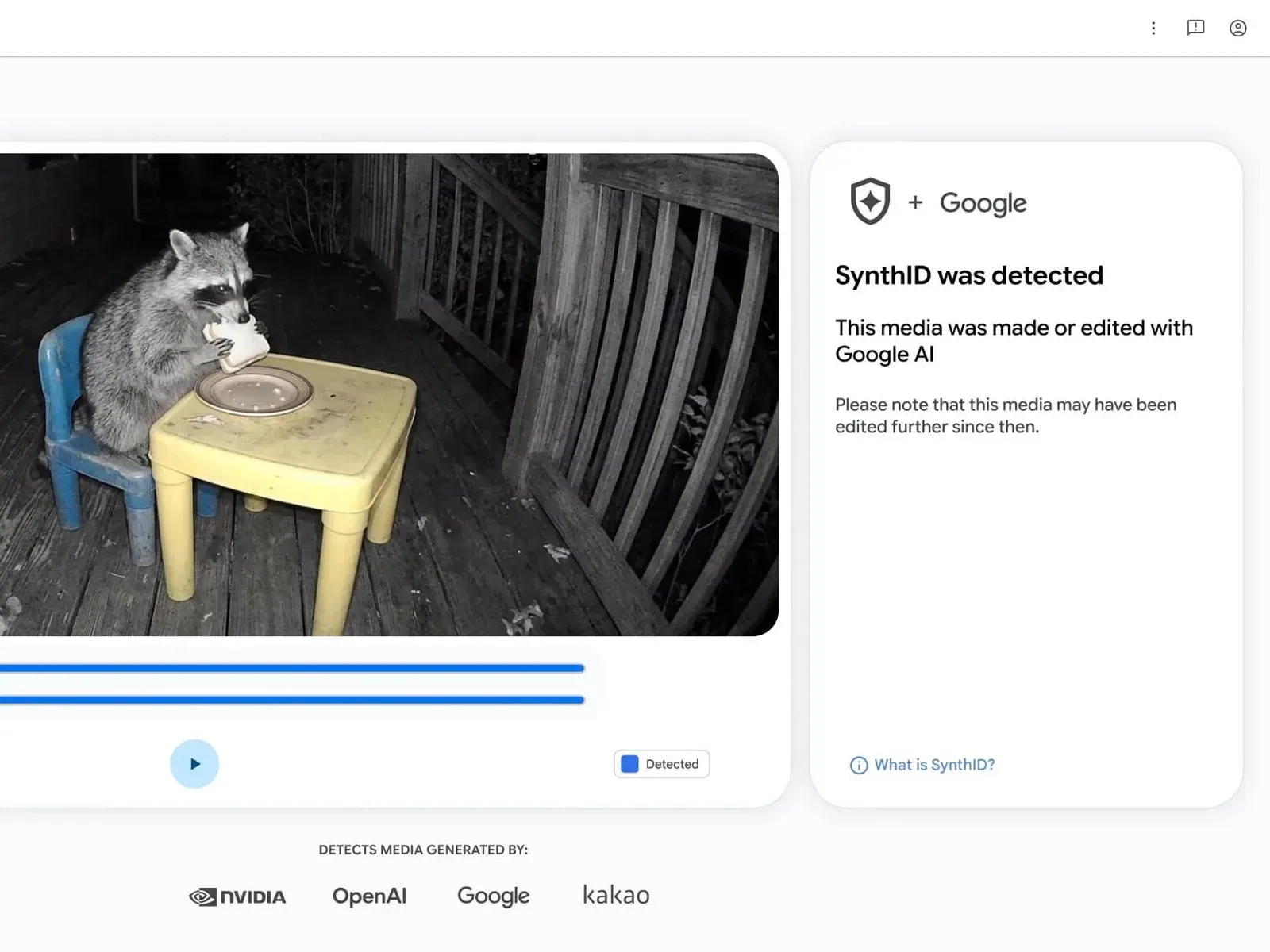
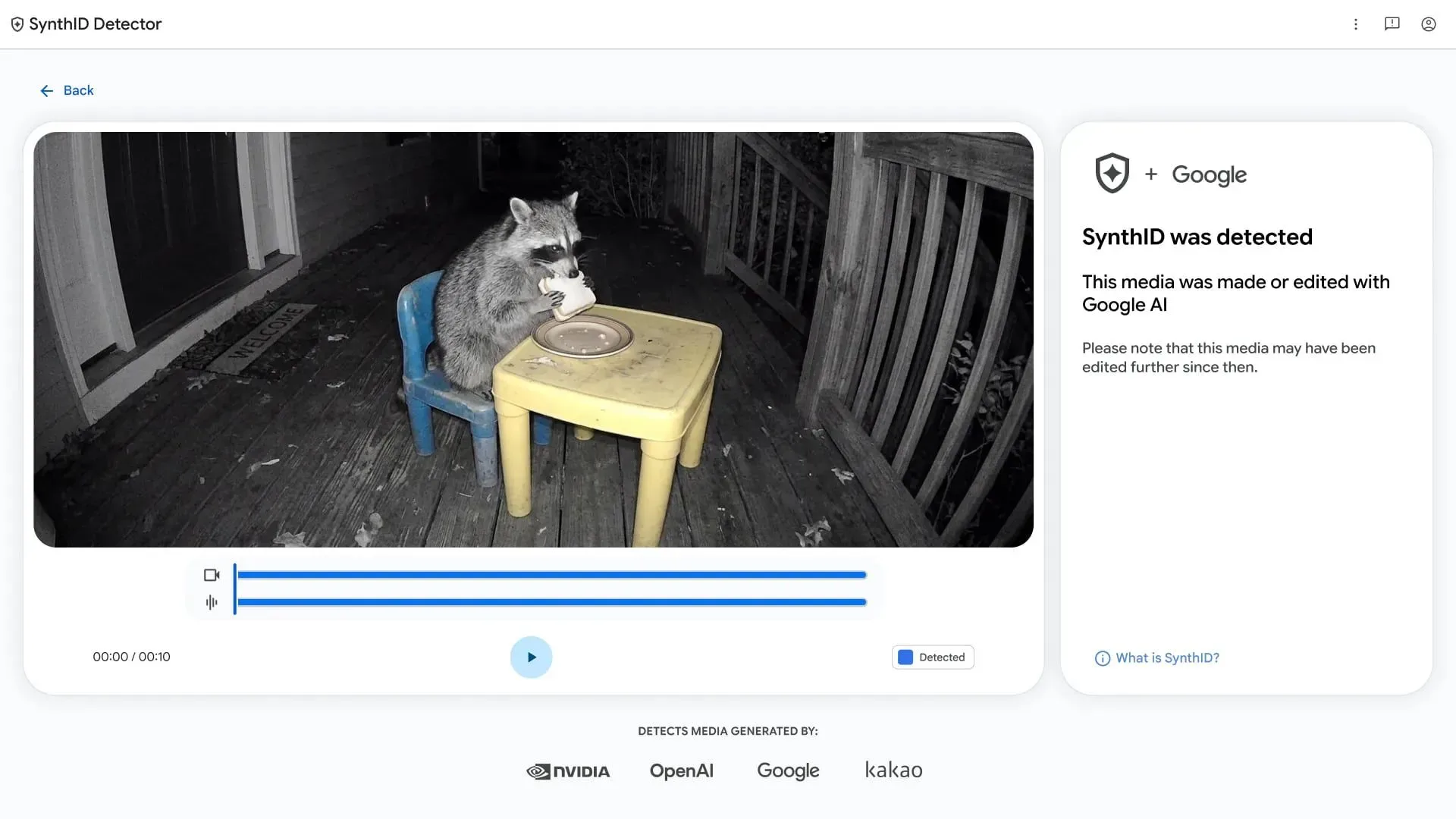
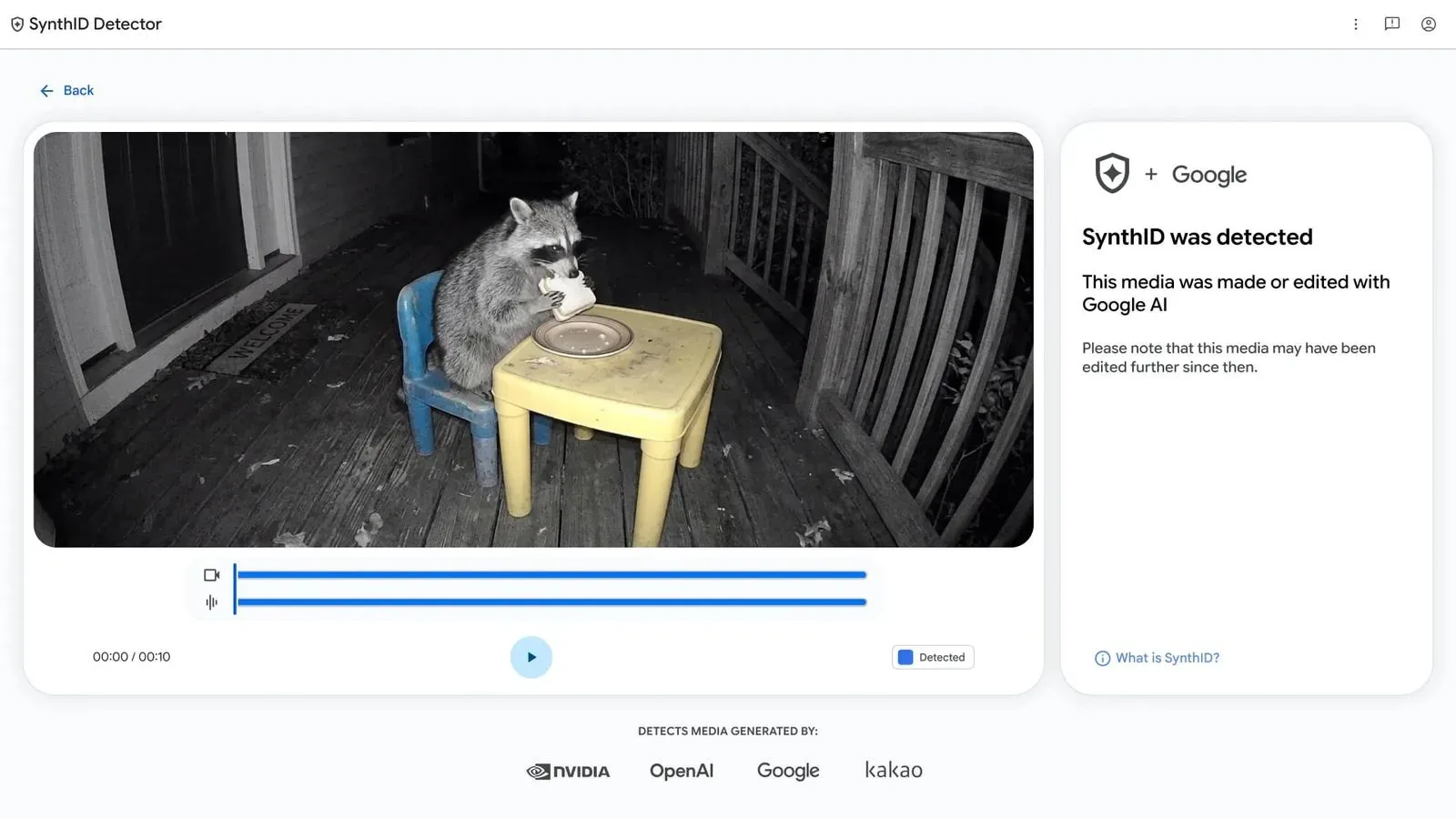
Checking requires the SynthID Detector website. That makes the system more useful as a verification tool than as an everyday visual indicator. A person viewing a shared picture cannot tell at a glance whether it contains the watermark. They need access to the image and need to run it through the detector.
This is also why calling SynthID a “hidden watermark” is more accurate than imagining a sticker placed on every AI picture. The user experience is deliberately unobtrusive: the image remains visually normal, while detection is deferred to a separate verification process. That design seeks to avoid degrading the picture while retaining a machine-checkable provenance signal.
What this means for people who edit on iPhone
For most people, the update changes very little about the mechanics of making a picture. Image Playground can still be used to create images, and Apple Intelligence features remain part of Photos. The meaningful change is downstream: a compatible detector may be able to identify that an Image Playground creation, an Extend edit, a Reframe edit, or a sufficiently large Clean Up edit has been generated or altered with AI.
- Image Playground users: expect generated images to carry SynthID consistently.
- Photos editors using Extend or Reframe: expect those altered pictures to be detectable as carrying a SynthID watermark.
- Photos editors using Clean Up: do not assume identical treatment for every change; reported results differed between small and larger edits.
- People checking an image: there is no detector built into the iPhone, so verification requires the SynthID Detector website.
For creators, this is worth considering before an AI-altered image is sent to someone else or incorporated into a project. The embedded signal is designed to survive routine changes such as cropping, filtering, and compression, so an attempt to make ordinary presentation edits may not remove it. Conversely, the marker is not presented as a punishment or a quality warning. It is a provenance mechanism intended to help identify the role AI had in an image’s creation.
A more specific signal than a broad “AI” label
The most useful way to read the iOS 27.2 change is not as a binary verdict on authenticity, but as a more specific record attached to certain workflows. Image Playground is generative by design, and its images are all marked. Extend and Reframe can create or recompose visual material, and the reported checks found marks there as well. Clean Up shows the complexity at the boundary: a modest removal and a large alteration may not be handled in the same way.
That nuance matters because AI editing is not one single action. There is a difference between creating an image from a prompt, expanding a photographed scene beyond its original edges, recomposing the framing, and removing an object. SynthID’s current iPhone behavior reflects that distinction imperfectly but meaningfully: some actions are consistently marked, while Clean Up appears contingent on the extent of the edit.
The addition arrives as part of iOS 27.2, an update that also includes other iPhone changes detailed in our coverage of iOS 27.2’s Siri, games and sports features. For image makers, though, SynthID is a quieter addition with a potentially long afterlife. It does not alter the appearance of a picture, and iPhone owners cannot check it from Photos, yet it adds persistent provenance information to eligible AI-generated and AI-edited images.