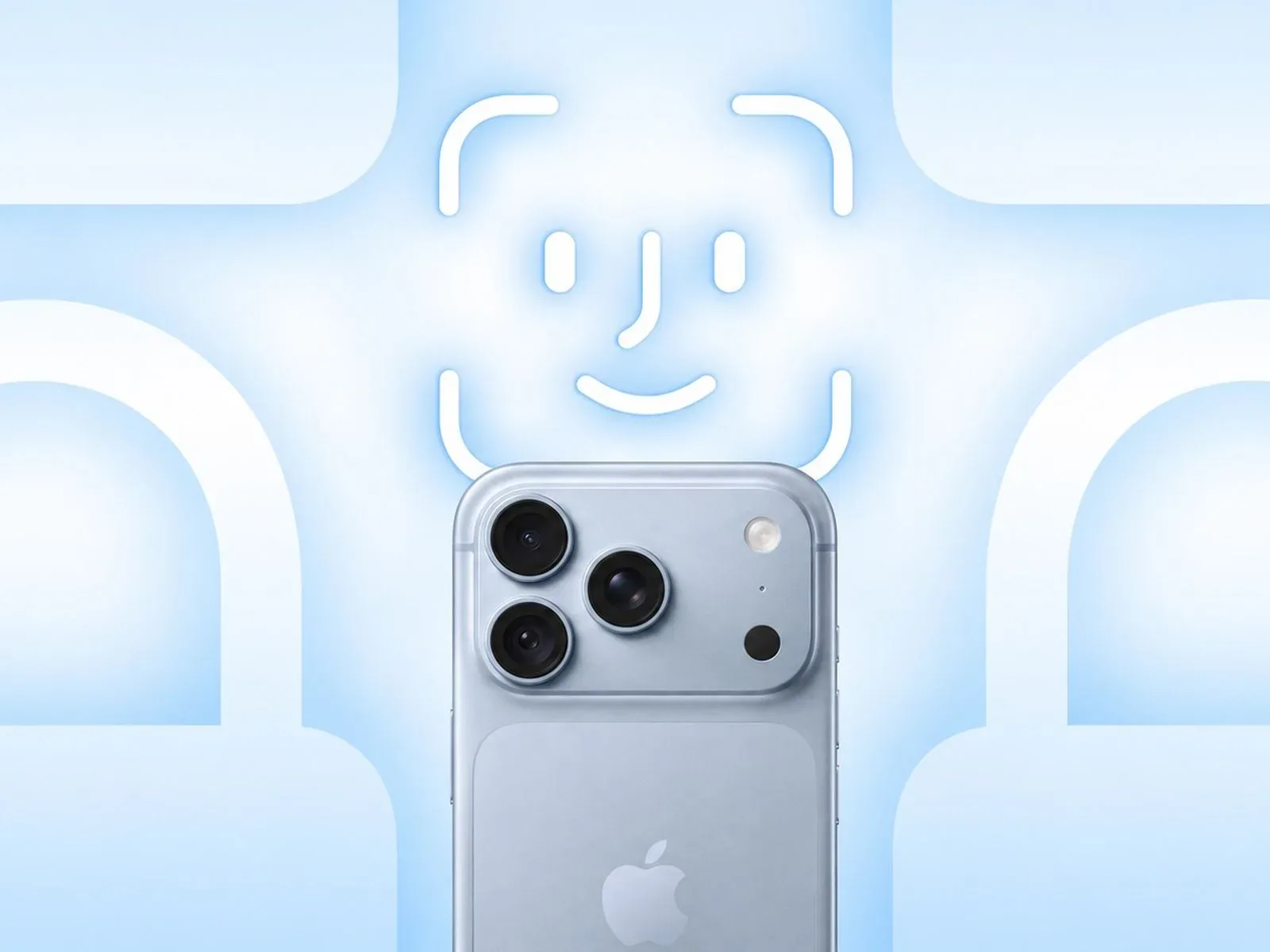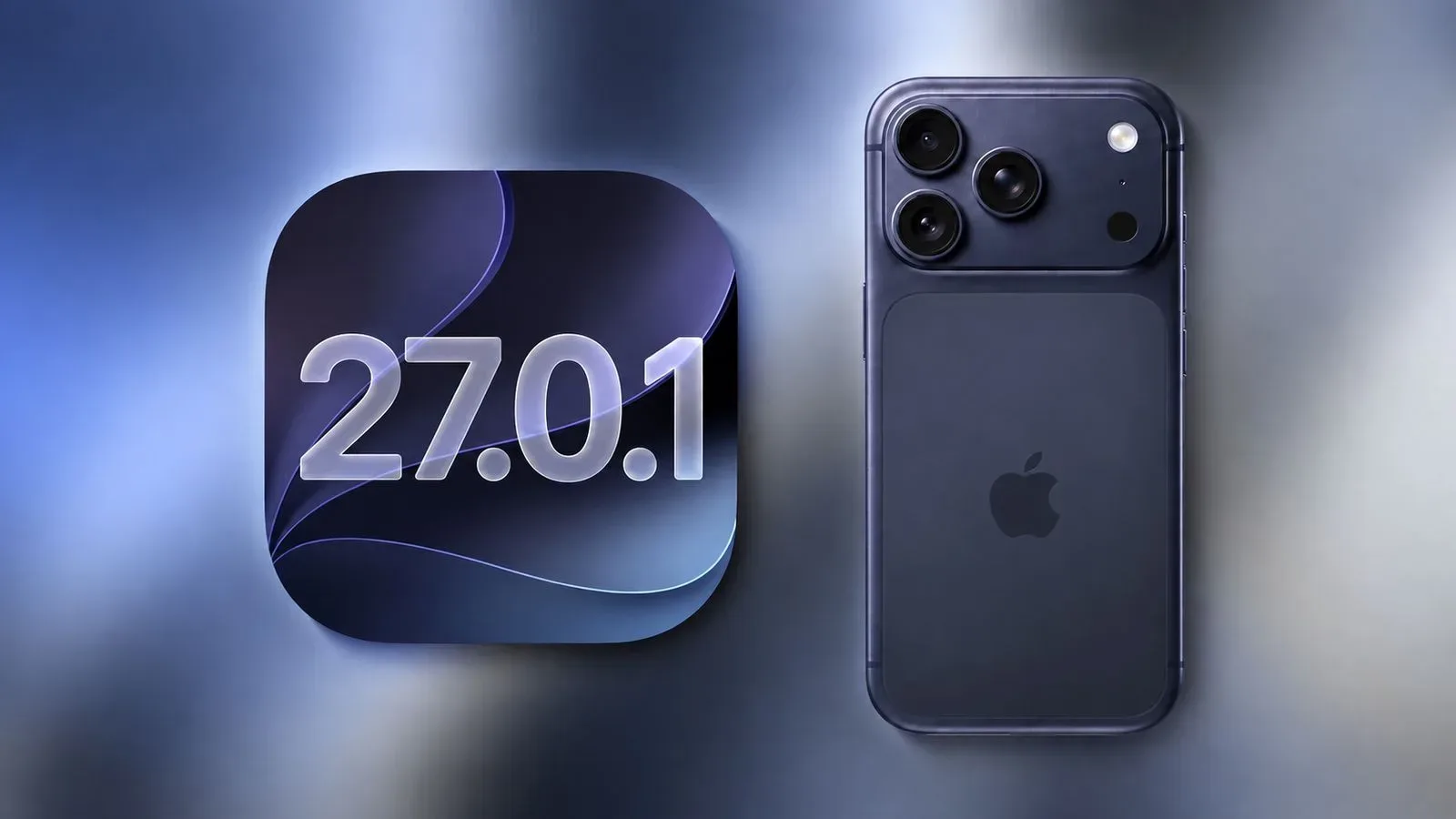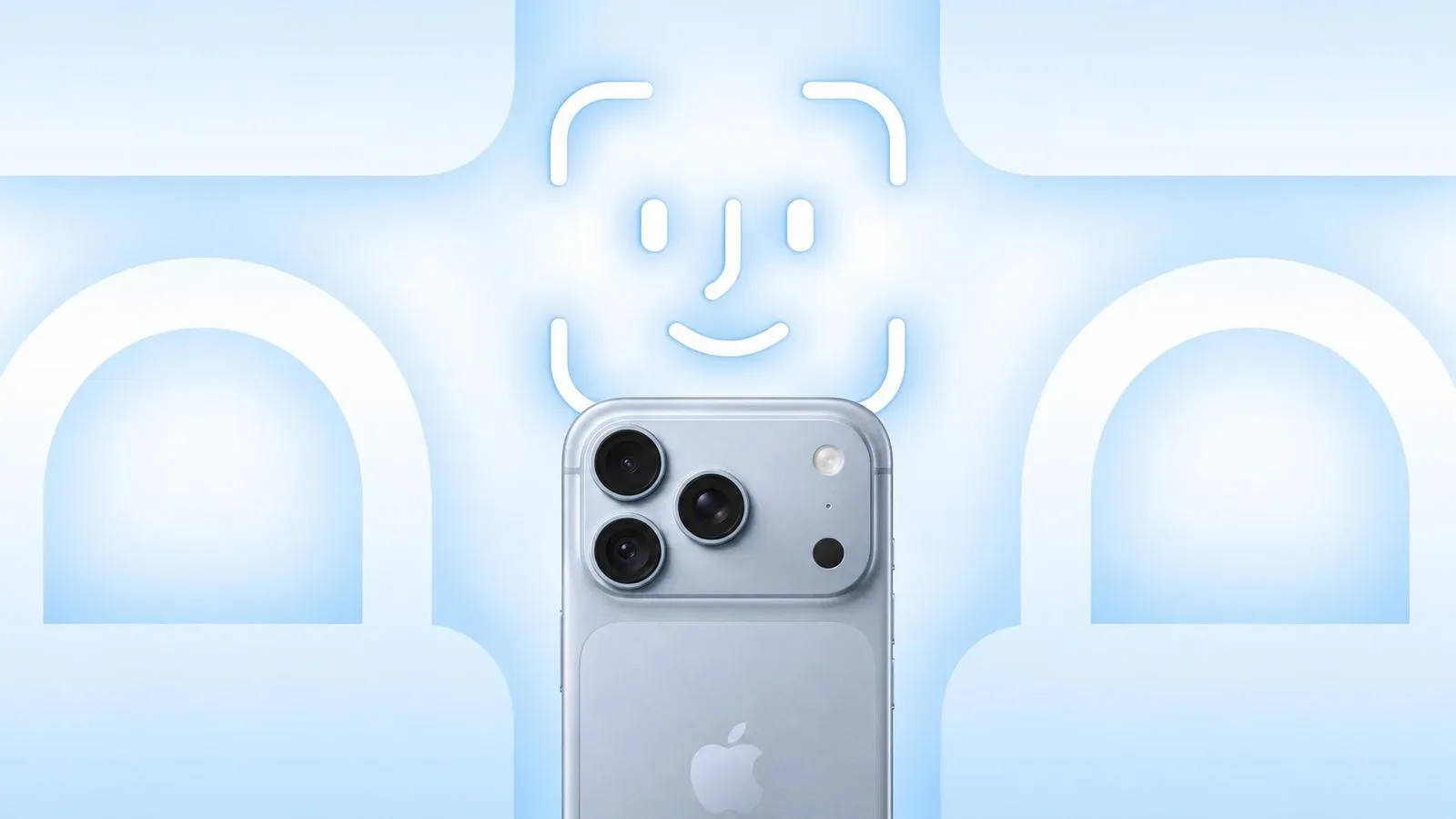
Apple has released iOS 27.0.1, the first follow-up update to iOS 27, two weeks after the larger version arrived. It is a narrowly focused maintenance release, but an important one for iPhone 18 Pro and iPhone 18 Pro Max owners affected by Face ID failures that could escalate into an unexpected restart.
The update’s release notes also identify two other fixes: a color artifact that can show up in certain 2x photographs on a small number of iPhone 18 Pro models, and a touchscreen problem triggered when Notification Center and Control Center are opened at the same time.
For the iPhone 18 Pro line, the Face ID repair is the headline item. Authentication is a basic part of using a modern phone: it can be used to unlock the handset and to verify access to protected apps. When that process stops working, the inconvenience is immediate. When a failed authentication attempt can be followed by a freeze and reboot, it moves beyond a simple failed scan into a stability problem.
What iOS 27.0.1 fixes
Apple’s notes say iPhone 18 Pro and iPhone 18 Pro Max devices may unexpectedly restart when Face ID fails to authenticate. Reports surrounding the problem described several different symptoms: Face ID failing when used for an app lock, a device freezing before restarting, an unavailable-message appearing during Face ID setup, and trouble with the Require Attention for Face ID option.
Those details matter because they suggest the issue was not limited to a single moment, such as unlocking the phone. It could appear during both everyday authentication and the initial configuration process. iOS 27.0.1 is intended to address the bug through software.
“This update provides bug fixes for your iPhone,” Apple says in its release notes, including a fix for iPhone 18 Pro and iPhone 18 Pro Max devices that may restart when Face ID fails to authenticate.
The release notes also list a camera issue affecting a small number of iPhone 18 Pro and iPhone 18 Pro Max devices. Under certain lighting conditions, photos taken at 2x and f/1.48 may display a color artifact. An artifact is an unwanted visual defect in an image rather than a deliberately captured detail. The notes do not specify what color the defect takes, how often it occurs, or the precise lighting setup that exposes it.
The f/1.48 reference is an aperture setting: in basic photography terms, the f-number describes the lens aperture configuration used for a shot. Here, it is best read as a specific condition attached to the reported issue, not as a broad statement about all photography on the two phones. Likewise, “2x” identifies the capture mode cited in the notes; the update notes do not say that every 2x image is affected.
Finally, iOS 27.0.1 addresses an interface failure where opening Notification Center and Control Center at the same time can leave the touchscreen unresponsive. Notification Center is the iPhone area for alerts, while Control Center provides quick access to system controls. A touch failure in either area can be particularly disruptive because both are designed for rapid, routine interactions.
Why the Face ID fix is the most consequential change
Face ID is an authentication system: it verifies that the person attempting to access the device or an app is the enrolled user. In this case, the reported failures had practical consequences beyond the inconvenience of trying a scan again. A locked app may require Face ID before it opens, so a failure can block access until another supported authentication route is available. A reboot following a failure adds an extra interruption and can force the user back through the phone’s unlock process.
Face ID setup errors are different, but no less frustrating. A “Face ID is Not Available” message during setup can prevent an owner from enabling the feature in the first place. Problems with Require Attention for Face ID can affect a separate security-related setting. The supplied information does not describe the exact behavior of that setting problem, so it would be premature to assume every Face ID configuration was affected in the same way.
The iPhone 18 Pro models use an under-display infrared camera for the first time. That hardware change is relevant context, but it is not proof that the component itself caused the failure. Apple had said it could resolve the Face ID bugs in software, and iOS 27.0.1 is the update delivering that stated remedy. The available details do not establish whether the underlying trigger involved hardware behavior, software handling of the camera system, or another part of the authentication chain.
That distinction is useful for owners weighing what to do next. A software fix means affected users should install the update before treating the issue as evidence of a hardware fault. If a problem remains after the update, the release notes alone cannot explain the cause or promise a next step; they only identify the issues Apple says this version fixes.
How to install the update
iOS 27.0.1 is available as an over-the-air update. On the iPhone, open Settings, choose General, then select Software Update. The device should display the available version and provide the installation controls.
- Open Settings.
- Tap General.
- Tap Software Update.
- Choose iOS 27.0.1 when it appears, then follow the on-screen installation steps.
Owners who encountered Face ID trouble should pay particular attention to whether the update completes successfully, then try the action that previously exposed the problem. That might be unlocking a protected app, attempting Face ID setup, or checking the affected Face ID setting. This is not a guarantee that every authentication issue has the same cause, but it is the most direct way to determine whether the documented fix changes the behavior on a particular phone.
For the camera fix, the most relevant check is whether the color artifact reappears in the specific combination named in the notes: 2x photos, certain lighting conditions, and f/1.48. Testing unrelated photo modes would not necessarily confirm or disprove the targeted repair. Similarly, anyone who ran into an unresponsive display while pulling down both system panels can check whether the issue recurs after updating.
A small point release with a clear purpose
Version numbering can make a release like iOS 27.0.1 look minor, and it is: this is not presented as a feature-heavy update. But the scope of a point release does not determine the importance of the bug it repairs. Face ID sits at the center of device and app access for people who use it, while a restart tied to a failed authentication attempt has obvious reliability implications.
The other two fixes are also concrete rather than vague. Apple points to a limited photo-quality defect under defined circumstances and to a reproducible interface scenario involving Notification Center and Control Center. That specificity gives owners a useful reason to update even if Face ID has been working normally.
For readers who mainly arrive here for games, iOS reliability still matters in the background: phones are often where accounts, app access, notifications and everyday communication converge between sessions. It is a different kind of update from the creative technical projects covered in this SNES Super FX reworking of Super Mario 64, but both are reminders that the software layer can strongly shape the experience of the hardware underneath.
iOS 27.0.1 does not offer a broad diagnosis, and it does not claim to solve problems beyond the three listed categories. What it does provide is a targeted response for iPhone 18 Pro and iPhone 18 Pro Max users: a software fix for Face ID-related restarts, a correction for a limited 2x camera artifact, and a repair for a touchscreen freeze involving two system panels. For anyone affected by any of those issues, it is a sensible update to install promptly.