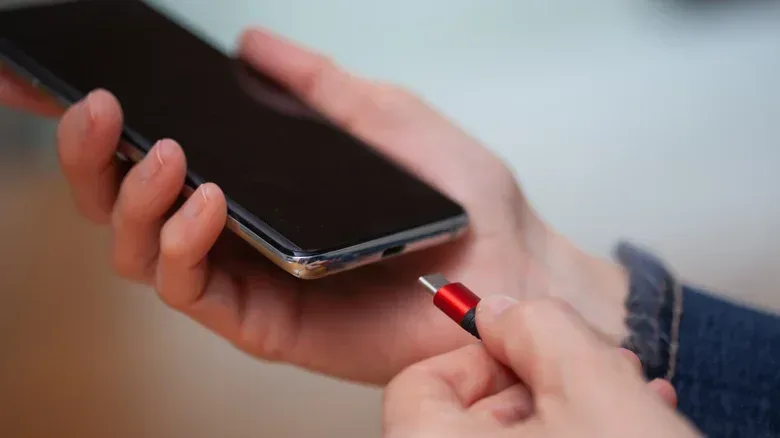
The “C” in USB-C has inspired an impressive amount of guesswork for a connector that is supposed to make life simpler. It is easy to see why. USB-C is compact, reversible and used for charging phones, moving files, connecting accessories and, in some cases, running a display. “Charging” and “connectivity” sound like perfectly plausible expansions of the letter.
They are not. USB Type-C does not stand for a C-word at all. The C is a connector designation: it is simply the type that follows USB Type-A and USB Type-B. The name describes the physical connector format, not a promise about speed, charging rate, video output or any other feature.
That distinction is the useful part to remember, especially for anyone building a desk setup around a gaming PC, laptop, handheld, controller or monitor. A USB-C-shaped port is not a complete specification sheet. It tells you what plug fits. What that port and cable can actually do depends on the hardware at both ends and the cable between them.
The short answer: Type-C comes after Type-A and Type-B
USB began with two deliberately different connector shapes. USB 1.0 arrived in January 1996 with Type-A and Type-B.
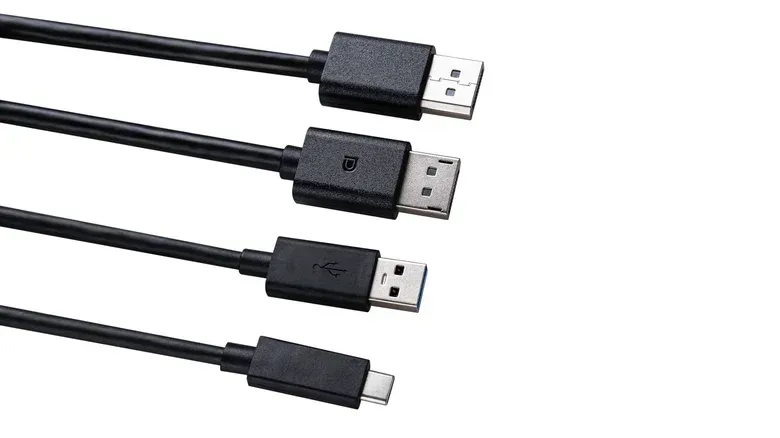
Type-A is the familiar flat rectangular plug associated with computers and power sources. Type-B was the squarer, chunkier connector commonly found on devices such as printers and scanners. The mismatch was intentional. Early USB was organized around a host-and-peripheral relationship: the host provided power and controlled the connection, while the peripheral sat at the other end. Different connector shapes helped prevent a cable being inserted at the wrong end.
From there, the naming scheme continued. Type-C is not an acronym and not a secret technical claim; it is the later connector type in that sequence. The letter does not mean the port has superior performance by itself, just as the shape of a keyboard key does not reveal which command it will trigger in every game.
The three popular meanings that are still wrong
USB-C’s capabilities make several myths feel natural, but none explains its name.
- “C” does not mean connectivity. USB-C is versatile, but the letter is not a description of its broad device support.
- “C” does not mean charging. Many people encounter the connector while powering a phone, laptop or accessory, yet charging use did not create the name.
- “C” does not refer to the plug’s shape. The connector may look more rounded than older USB plugs, but the designation is not a visual abbreviation.
These are more than trivia corrections. Treating the letter as a feature label can lead to a very real shopping mistake: assuming any cable with identical USB-C ends will deliver identical results.
Connector shape is not the same thing as capability
USB-C is a physical connector standard. It describes the slim, reversible plug and socket. It does not automatically determine the amount of data a connection can transfer, whether a display can be driven, or how much power can be delivered.
A port and cable need to support the relevant capabilities for the task in question. In practical terms, the same-looking connector can be used in very different ways. One USB-C connection might handle basic charging or modest data needs, while another may support substantially faster data transfer. A device might have a USB-C port but not provide every capability people associate with the format. The source of confusion is simple: the outer shape remains the same even as the technology carried through it changes.
Thunderbolt is a separate point of confusion. USB-C and Thunderbolt are not interchangeable names. A USB-C connector can be used by Thunderbolt, but the USB-C shape alone does not establish that a port is Thunderbolt. Likewise, it does not guarantee that a laptop will fast-charge or that the connection will operate a monitor.
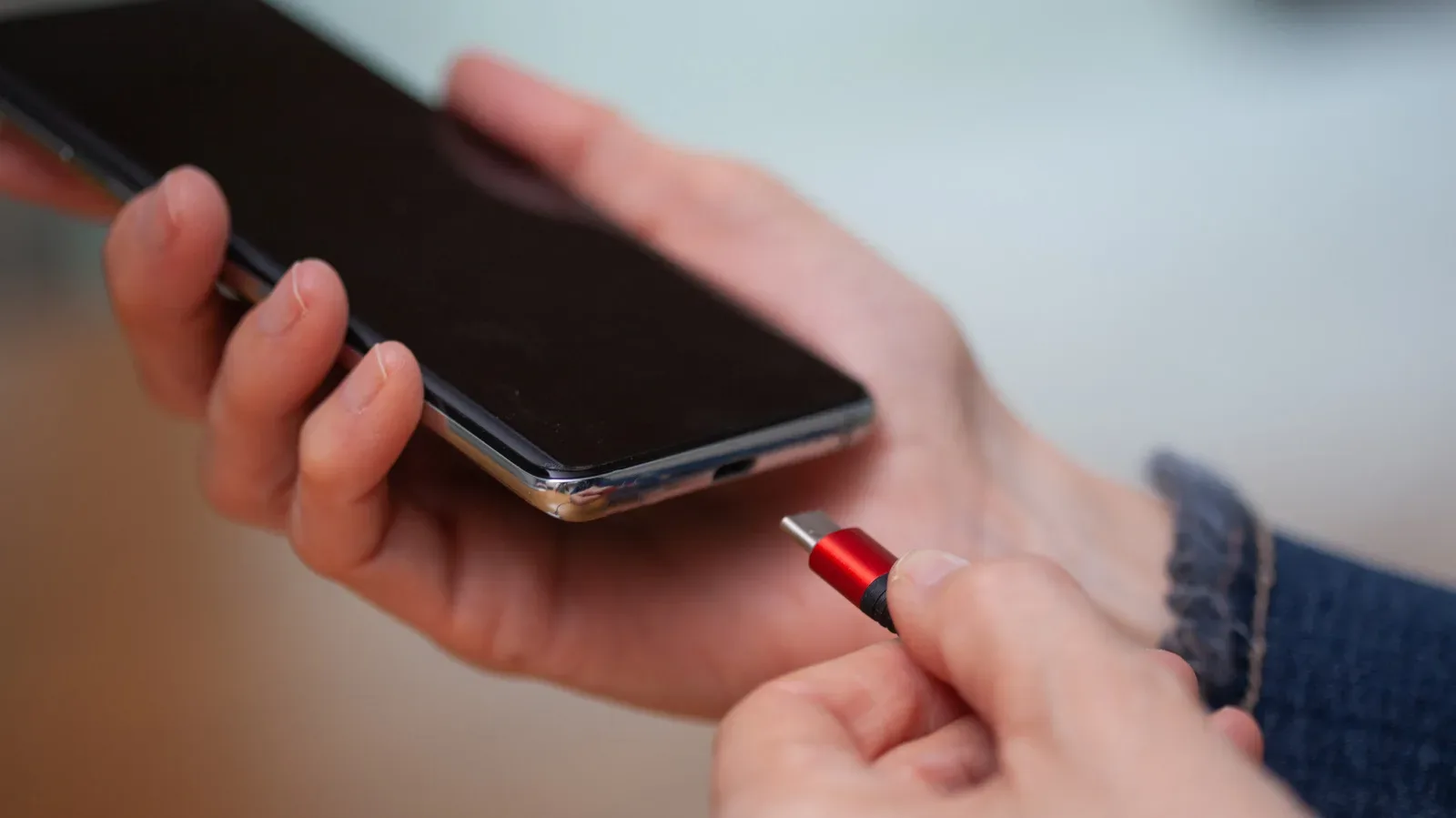
For gaming setups, that means a USB-C cable should be chosen around a specific job rather than the label alone. If the goal is to charge a device, move data, connect a monitor, or use an accessory, check what the device port and the cable are designed to support. The connector only answers the first question: will it physically plug in?
Why the same shape is still valuable
This flexibility is not a flaw in the connector itself. It is largely the point. Older USB formats accumulated a confusing set of device-side variants as electronics got thinner. USB 2.0, introduced in 2000, brought mini connectors, and micro connectors followed as phones and cameras needed smaller ports. Many setups retained Type-A at the host end, while the device end used one of several B-style variants.
Color also became an imperfect shorthand. Black was often used for USB 2.0, blue for USB 3.0, and red or yellow could indicate a port that continued supplying power while a computer was asleep. Those colors were conventions rather than dependable universal rules. Manufacturers could use them inconsistently, and orange did not carry one fixed meaning everywhere.
USB Type-C, finalized in August 2014, replaced that pile-up of shapes with a single small, reversible connector. There is no need to turn the plug over and try again. There is also no longer a Type-A-versus-Type-B physical split at either end of a Type-C cable. Instead, the devices determine their roles during the connection and negotiate the data and power arrangement.
That is why USB-C can feel universal even though not every port behaves identically. The universal part is primarily the connector shape. The specific function comes from the agreement between compatible devices and the cable.
What “up to 80Gbps” actually means
One example of the format’s headroom is USB4 Version 2.0, which can reach up to 80Gbps through the Type-C connector. Gbps means gigabits per second, a measure of data-transfer rate. The important wording is “up to”: it identifies a maximum supported rate, not an automatic speed that every Type-C port or every cable reaches.
This is a useful way to read USB claims in general. A familiar plug does not equal a fixed performance tier. Newer cables and compatible devices can carry more through the same connector, while other USB-C equipment may operate with fewer capabilities. That consistency of shape reduces physical clutter, but it moves more of the buying decision into specifications.
It also explains why port color has become less central for Type-C. With one shared connector format, the devices can communicate and determine how much power and data to use. A color-coded socket is no longer needed to distinguish the physical plug type, although the absence of colors does not make the capability question disappear.
A quick USB-C reality check before buying a cable
When replacing a cable or trying to solve a setup problem, begin with the function you need rather than the connector name. The following checklist stays within what the USB-C label can and cannot establish:
- Identify both ports. Confirm that the device and charger, computer, monitor or accessory each use USB-C.
- Define the task. Are you charging, transferring data, or attempting to connect a display? These uses do not necessarily demand the same support.
- Check the device’s documented capabilities. USB-C alone does not promise high transfer speeds, laptop fast charging or monitor output.
- Check the cable as well. The devices negotiate what they can do, but the cable is part of the connection and can limit what is possible.
- Do not infer Thunderbolt from the plug shape. A Type-C socket is not, on its own, proof of Thunderbolt support.
This may sound less magical than “one cable for everything,” but it is a clearer and safer way to approach a universal connector. USB-C has made the physical connection far more convenient; it has not erased the need to match equipment to the task.
The design win — and the physical weak point
Type-C was welcomed for its small footprint, speed potential and versatility, with the reversible connection standing out immediately. For devices that need to stay thin, it offered a practical alternative to the succession of mini and micro ports. For users, not having to orient a plug correctly is a small daily improvement that becomes noticeable only when returning to an older cable.
It is not indestructible, though. Inside a USB-C socket is a thin plastic tab, often called the tongue, which holds the pins. If that part bends or breaks, the port can be ruined. The small connector can also be a little finicky to insert.
That is a reminder that “universal” is not synonymous with invulnerable. A port that seems loose, resists insertion or shows visible internal damage deserves caution rather than force. Since the connector’s greatest advantage is convenience across so many devices, preserving the port matters as much as picking the right cable.
There are no clear plans for a USB Type-D connector. For now, Type-C remains a useful case study in how technology names can create accidental myths. Its letter carries no hidden definition. Its shape is exceptionally handy. And its capabilities are real — just not guaranteed by the letter printed beside the port.
For another example of why technical symbols deserve a little context rather than a quick assumption, see our guide to Samsung’s H+ mobile-data symbol.