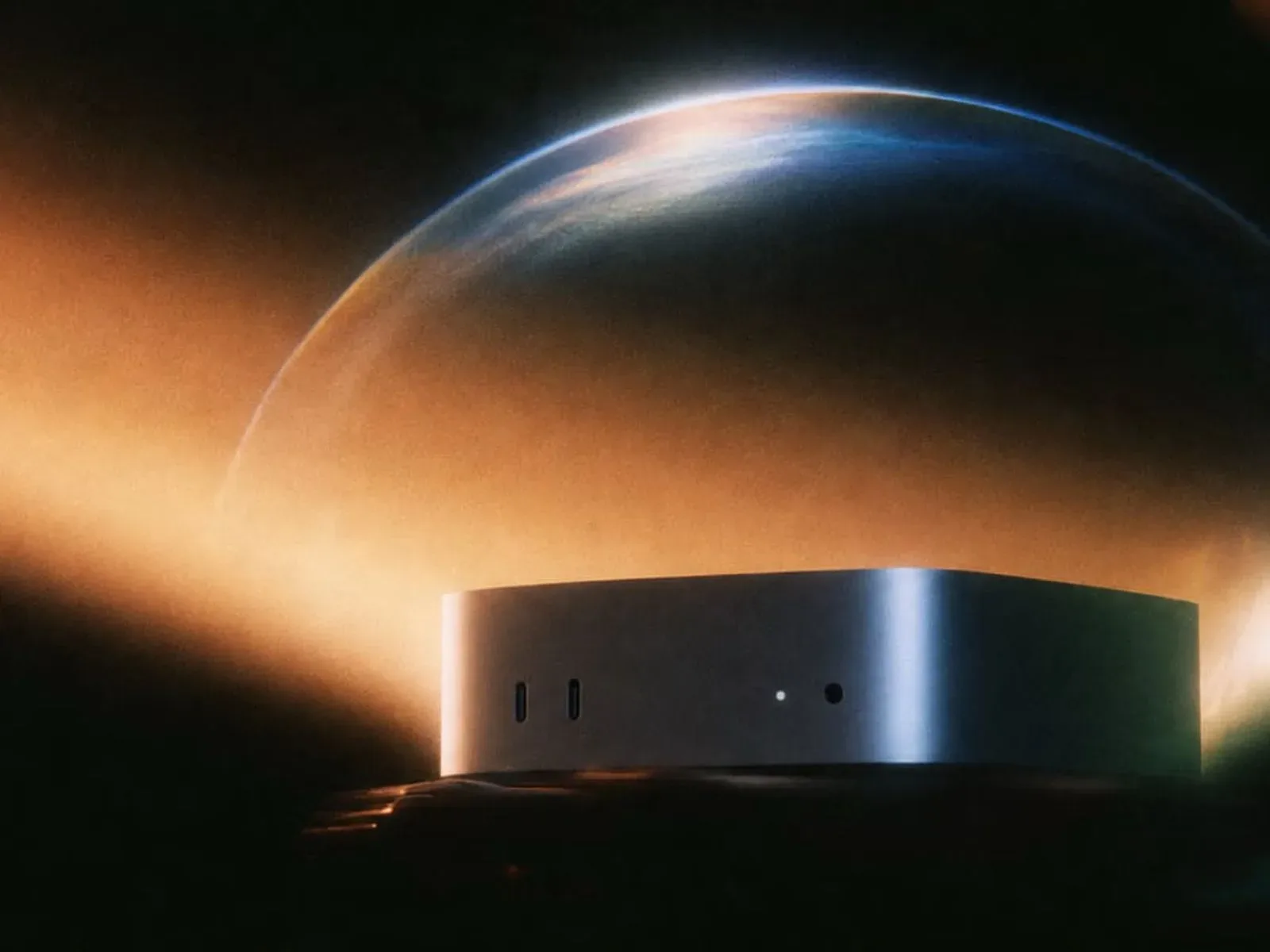
Perplexity Computer now has a fully local mode for supported Apple silicon Macs, shifting the model itself, task planning, reasoning and file processing onto the user’s machine. The capability is available through the Perplexity app for Mac and uses either Qwen 3.6 or PPLX Pro, described as a post-trained version of Qwen.
That distinction matters because “local” here refers to more than drafting text on a device. Perplexity says the system’s core work can happen on the Mac: it can interpret a task, plan the steps, reason through it and process files without sending that personal material to the cloud. The company also says code and tool execution occur in isolated sandbox environments.
For people whose work regularly crosses documents, messages and spreadsheets, the appeal is straightforward. Perplexity says Computer can work with native Mac apps including Notes, Messages, Mail, Keynote and Numbers. A request may therefore involve information held across applications rather than being restricted to a single chat window.
The important qualifier is that local processing does not turn every task into an offline task. Requests that need current information, browser use or a cloud-connected app may still require cloud access. In those cases, users can authorize access and choose when to spend credits. Perplexity also offers access to more than 15 frontier models for more difficult problems when users decide they need that option.
What is actually being kept on the Mac?
Artificial-intelligence features are often described as private or on-device without spelling out which parts of the workflow remain local. Perplexity’s description is relatively specific: the AI model, task planning, reasoning and file processing are handled on-device in the fully local setup.
Task planning is the process of breaking a larger instruction into actions. If an assistant is asked to organize information across several files and apps, planning is the part that determines the sequence of work. Reasoning, in this context, is the model’s internal problem-solving stage: assessing the request and producing a response or next action. File processing means dealing with the contents of files on the Mac rather than first transferring those contents for remote processing.
This architecture is especially relevant when the material involved is personal or work-related. Notes, email, messages, presentations and spreadsheets frequently contain information users may prefer not to put through a remote service simply to ask an assistant for help. Fully local mode is designed around that preference, with the stated aim of letting Computer complete tasks without sending personal data to the cloud.
That is a practical privacy boundary, not a promise that a local workflow can answer anything without connectivity. A question involving fresh information is dependent on current external data. Likewise, browser tasks and cloud-connected apps inherently introduce services beyond the local machine. The useful control is that users can keep the normal workflow local, then deliberately permit cloud help for the cases that call for it.
Memory is the headline hardware consideration
Perplexity recommends 36GB of memory or more to run Computer locally and specifically highlights new Mac mini systems. Memory, often called RAM, is the working space a computer uses while programs and models are active. It is different from long-term storage capacity. For a local AI model, available memory is central because the model and the information it is actively using need room to operate on the computer.
The recommendation should be treated as a recommendation rather than a blanket statement that every Mac at that level is identical. The supplied details identify supported Apple silicon Macs but do not list every compatible model, define performance expectations or provide a complete hardware matrix. Anyone considering the feature should therefore check compatibility in the Mac app before assuming a particular configuration qualifies.
Perplexity’s alternative is Hybrid Compute, which is intended for people who want some of the privacy advantages of local processing but do not have a Mac powerful enough for the full local arrangement. Hybrid Compute combines local models with frontier models that run in the cloud, while processing information privately. It works on Macs with as little as 24GB of memory.
The difference between the two options is worth keeping clear. Fully local mode places the model and the described task work on the Mac. Hybrid Compute is a mixed approach: local and cloud models are both part of the setup. For a user deciding between them, the key questions are likely to be available memory, how consistently they need cloud-scale model assistance, and whether their particular task depends on live web or cloud-app access.
Sandboxing is a separate layer from local processing
Perplexity says Computer runs code and tools in isolated sandbox environments. A sandbox is a separated environment intended to contain an action or program rather than letting it operate freely across the broader system. In this case, the claim concerns code and tool execution, not merely where the language model runs.
That separation matters in an assistant built to take actions. There is a material difference between an AI that only returns text and one that can interact with apps or use tools while completing a task. Local model execution addresses where specified data handling and reasoning occur; sandboxing addresses how code and tool actions are isolated. They are complementary concepts, but they are not interchangeable.
Perplexity has not detailed the limits of those sandbox environments in the information provided, so users should not infer capabilities or guarantees beyond the stated isolation. The concrete takeaway is narrower: the product’s local Mac design combines on-device handling for its main AI workflow with isolated environments for its code and tool execution.
Cloud access becomes a deliberate choice, not an all-or-nothing setting
The most useful design idea in this update may be the ability to move between local and cloud-backed work depending on the job. Fully local mode is positioned for tasks involving local information and native Mac apps. But the system also allows a user to authorize cloud access when current knowledge, browser activity or cloud-connected services are needed.
This means “fully local” should not be read as a permanent loss of web-aware assistance. Instead, it is a default processing option with an explicit path to use remote resources. Perplexity says users decide when to spend credits for that cloud access, and they can call on one of more than 15 frontier models for tougher problems.
Frontier models is the company’s term for advanced cloud models offered as an additional option. The update does not identify the individual models or establish how each compares with Qwen 3.6 or PPLX Pro. What is established is the intended role: they are available when a task is more demanding than the user wants to handle through the local setup alone.
That choice-based structure also avoids framing privacy and capability as a simple either-or decision. A user can reserve local processing for a task involving sensitive material, then permit a cloud connection for a separate task that relies on newly available information. The boundary is meaningful only if it is understood: once browser use, cloud-connected apps or a cloud model are authorized, the workflow is no longer exclusively local.
Who can use Local Computer for Mac?
Local Computer for Mac is available now to Perplexity Pro, Max and Enterprise subscribers. The starting point is the Perplexity app for Mac, where eligible users can select the fully local option. Supported Apple silicon hardware remains a requirement, and Perplexity recommends 36GB or more memory for local operation.
For Macs with 24GB of memory, Hybrid Compute offers a separate route that combines local and cloud processing. Users should distinguish that option from the fully local configuration rather than assuming the lower-memory requirement applies to both.
For the broader Apple silicon Mac landscape, this arrives as more software work is being directed toward those machines; readers interested in that wider Mac software context can also see an Apple silicon Mac story focused on an unofficial Skyrim and modding path.
Perplexity’s update is ultimately about putting more control over where assistant work happens. The supported local configuration keeps the central AI workflow and file handling on the Mac, while optional cloud access remains available for tasks that genuinely require it. The trade-off is spelled out in hardware terms: full local use calls for more memory, while Hybrid Compute lowers that threshold but introduces a mixed local-and-cloud approach.