Meta’s latest avatar pitch is not simply about putting a cartoon stand-in on a video call. Its new holographic avatars are designed to resemble the caller closely enough that, in a brief interaction, the distinction may not be immediately obvious. That is a much more ambitious goal than the stylized digital characters that have long been familiar in virtual spaces—and it makes the details of how the system works, where it does not work, and how it identifies itself especially important.
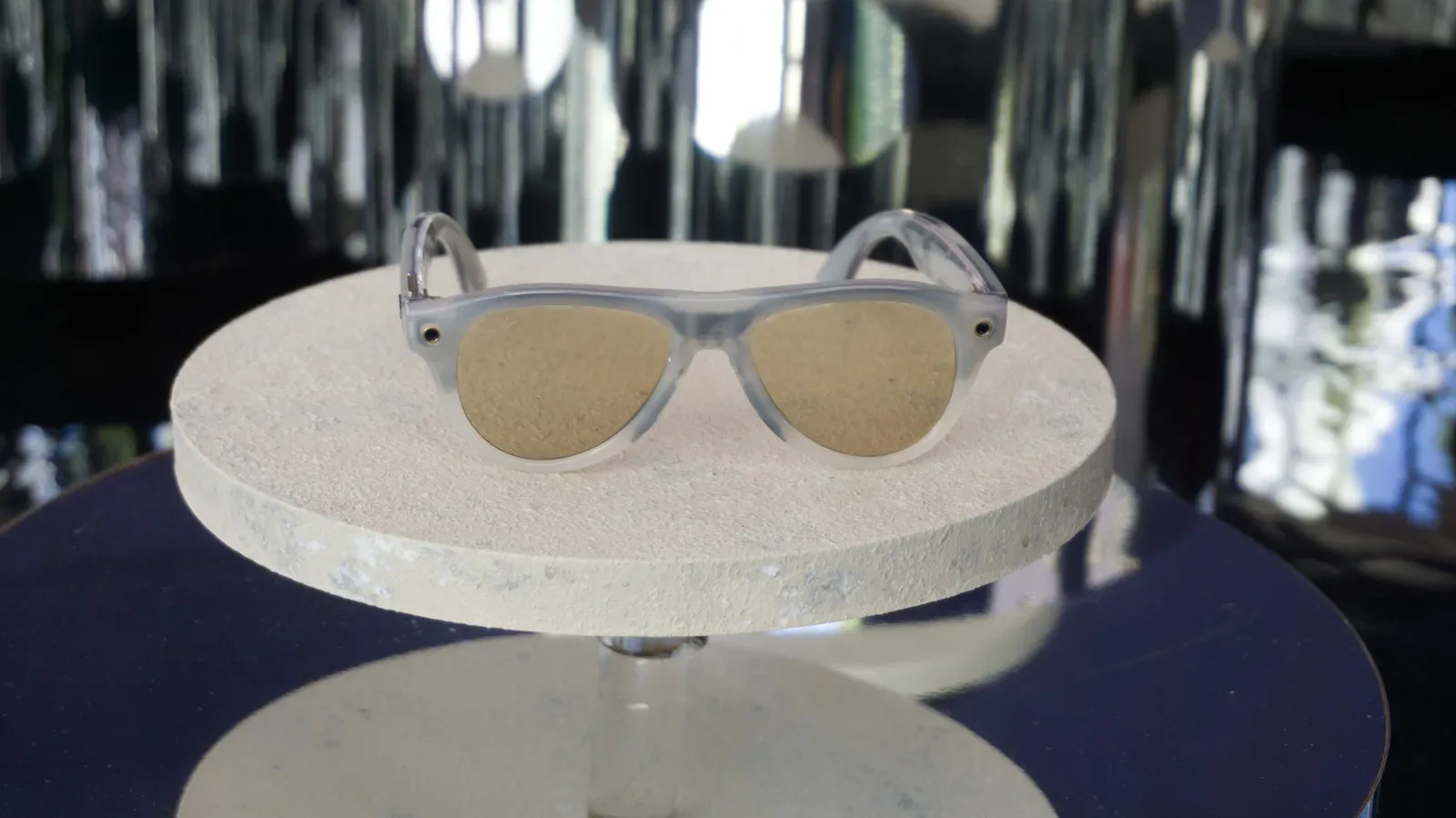
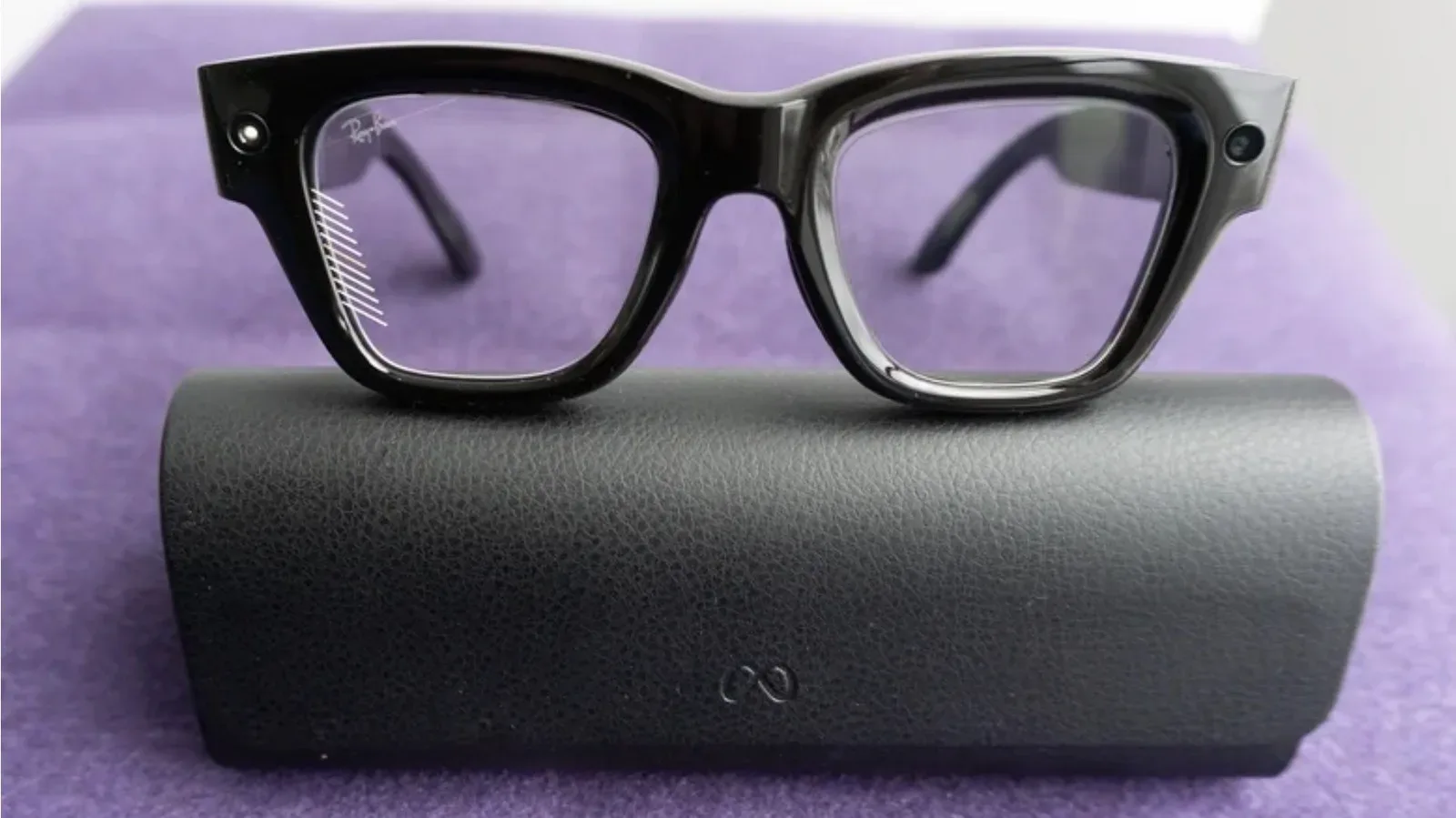
The feature was shown for two different kinds of wearable hardware: Meta’s new VR glasses and Meta Ray-Ban Display frames. Both approaches place an avatar into a live call, but they use different capture systems and have notably different capabilities. Meta describes the technology as being in early preview, rather than presenting it as a finished, universally compatible calling platform.
For the display-enabled glasses, the immediate use case is relatively easy to understand: a person wears the glasses and joins a WhatsApp or Zoom video call through an avatar that reflects their appearance and facial behavior. The appeal is obvious for someone who wants to be present in a call without placing an ordinary camera feed of themselves on screen. But this is not a simple profile picture or a prerecorded clip. The avatar is intended to react while its user speaks.
A short setup produces a speaking digital likeness
Creating an avatar for Meta Ray-Ban Display begins in the Meta AI app on a phone. The user is asked to turn their head so the phone camera can record different views of their face. They also answer spoken prompts meant to capture vocal behavior in several conversational contexts, then perform a few directed expressions, including smiling with teeth visible and delivering a phrase with a surprised expression.
Meta says the whole process should take roughly five minutes. That short enrollment period is central to the product proposition. A system that requires a lengthy facial scan, studio-style photography or a painstaking manual recreation of someone’s face would be much harder to treat as a spontaneous call option. A five-minute flow makes the avatar closer to a device feature a person can set up once and keep available for meetings.
The model behind this is called Muse Realtime Avatar. In practical terms, “realtime” here means the avatar is meant to respond during the conversation rather than being rendered after a recording is complete. The brief capture session provides material from which the model approximates the user’s facial expressions as they talk. It is an approximation, not a claim that the system has recreated every mannerism or built a complete digital duplicate of the user.
That distinction matters. Seeing one’s own avatar in a small display preview can still make its artificial nature apparent, even when it looks highly recognizable. The experience can be different for the person on the receiving end of the call, particularly when they have only just met the caller and do not have an established sense of that person’s expressions, gestures or on-camera presence.
The watermark is a necessary part of the call experience
Meta says every video call using an avatar will include a transparent watermark. In one demonstration, the mark was easy to overlook at first, appearing more like an element on a speaker’s clothing than an indicator attached to the video. Once recognized, it serves as a clear sign that the listener is seeing an avatar rather than a conventional live camera feed.
Related coverage includes Meta Holographic Avatars Bring More Realistic Video Calls to Its Glasses.
That watermark is not a minor cosmetic footnote. It is one of the most important practical design choices described so far. A more convincing visual representation changes the expectations around a call: a viewer should be able to tell when they are speaking with a rendered likeness. Transparency is particularly relevant when the technology’s success is partly measured by how natural it seems at a glance.
The system does not remove every cue that something unusual is happening. A close look may reveal that a background does not behave quite as expected, and users familiar with the watermark can identify it. Still, the underlying lesson is straightforward: realism in communication software raises the value of clear labeling, not the reverse. That sits alongside wider questions around wearable devices and data practices, including the separate issues discussed in Meta’s AI-glasses visual-data training opt-out and audio questions.
VR glasses take the idea beyond a face in a call window
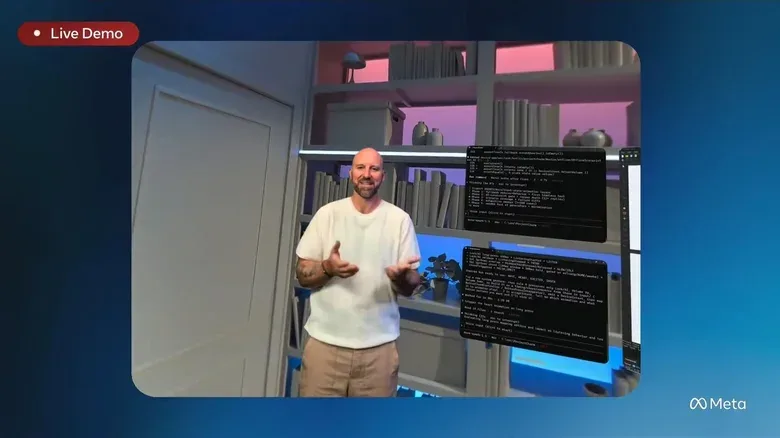
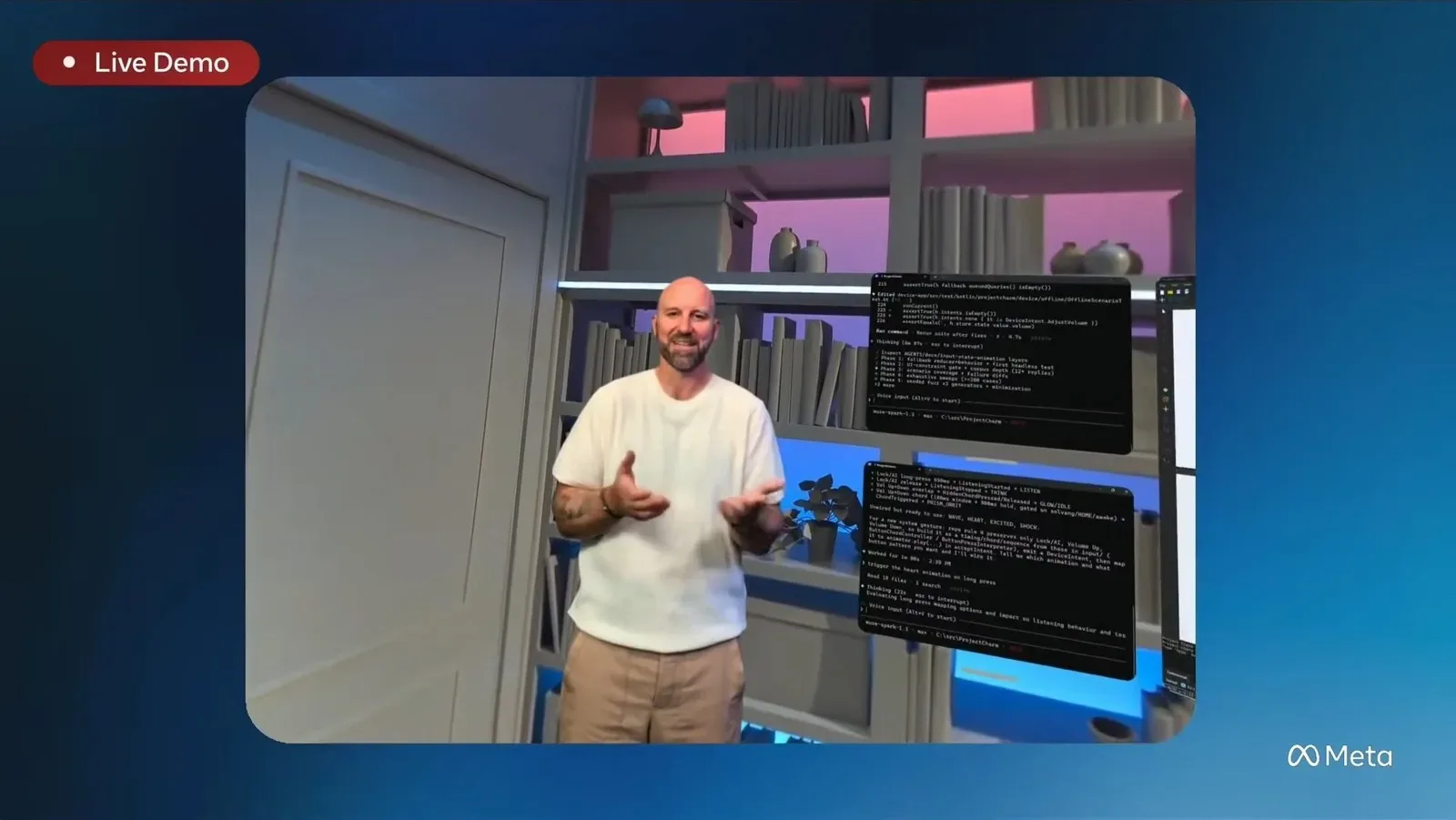
The VR-glasses version is the more expansive demonstration. Meta says the device’s more advanced cameras and sensors allow it to make a full-body avatar without requiring the user to teach the system a catalogue of expressions through the kind of setup flow used on display glasses. Instead, inward-facing cameras and sensors are used to interpret facial expressions.
This is where the word holographic needs a little clarification. In this context, it describes a life-size, spatially presented representation seen through the glasses, rather than an independently physical projection standing in a room. The avatar can feel like it occupies space in front of the wearer, which helps explain why Meta frames the feature around presence—the impression that another person is sharing the same environment.
The current result is not a fully volumetric, all-angle person. Meta’s avatars presently show a frontal view, which creates clear boundaries. As the viewer moves around, there can be distortion near the feet and blur at the edges of the head. Those limitations are useful to keep in mind because “full-body” can suggest a complete three-dimensional model that remains convincing from every direction. That is not what has been described here.
Even so, a frontal full-size representation can alter the character of a remote conversation. Typical video calls keep the other participant inside a rectangle, usually limited to face and upper body. A larger likeness with visible arms and lower body can convey more posture and movement, even if it remains technically constrained. The result does not need to perfectly recreate reality to feel different from a standard video tile.
Why the technology may feel more natural—and why it may not
Meta’s argument is that these avatars can bring a greater sense of presence to remote conversations. The claim is plausible in a narrow, practical sense: faces, expression and body language are all cues people ordinarily use when talking. A digital presentation that carries more of those cues may feel more socially immediate than a voice-only call or a static profile image.
But presence and authenticity are not identical. For some people, using an avatar in a work meeting could be a sensible compromise on a day when they are not ready to appear on camera. It preserves something more expressive than turning video off while avoiding an ordinary camera feed. For others, deploying a realistic likeness while talking to a close friend or family member may feel oddly indirect, even if the avatar accurately follows their speech and expressions.
Neither reaction is a technical failure. They describe a social choice the feature leaves with the user. A realistic avatar may be most comfortable where the call itself is structured and functional—such as a workplace meeting—rather than intimate. That does not mean its use is limited to work; it means the context of a conversation is likely to shape whether a digital likeness feels helpful, playful, practical or unwelcome.
Meta employees have reportedly used the avatars for work calls. That suggests the company sees the feature as an alternative to a webcam feed, not merely a VR novelty. Yet early-preview status is a reminder that the experience is still being refined. One setup demonstration had a voice-detection glitch that skipped through spoken questions. The problem did not appear to prevent avatar creation in that case, but it illustrates the ordinary reliability issues that matter once a feature moves from a staged demo to regular use.
Compatibility is currently a major limit
The most important caveat may be who can actually use these avatars with whom. Availability is tied to the device involved. A Meta Ray-Ban Display wearer can make an avatar call while wearing those glasses, but the early arrangement does not bridge all hardware categories. Someone using display glasses cannot call someone wearing the VR glasses through this avatar system. VR avatar calls are presently limited to glasses-to-glasses interactions.
This matters because communication tools become more valuable as they work across the devices people already own. A convincing avatar is only one part of the equation; the feature also needs an understandable calling path, compatible contacts and reliable recognition of what kind of call participants are receiving. At this stage, the device boundaries make the rollout feel more like an early ecosystem feature than a replacement for ordinary video calling.
There is also a difference between an avatar being available in WhatsApp or Zoom and every call participant having the same equipment or viewing mode. The source material establishes that display-glasses users can use the avatar for calls on those services, but it does not establish a broader interoperability map beyond the stated restrictions. It is therefore better to treat this as a limited preview with defined device conditions, rather than assume it will behave identically across every Meta product or calling scenario.
What arrives first
Holograms are planned for Meta Ray-Ban Display in early access this fall. That is the clearest availability detail provided so far. The feature remains early preview software, and Meta has not eliminated visible artifacts or setup bugs. Its VR implementation is technically more ambitious, with full-body presentation and sensor-based expression tracking, but it is also constrained to glasses-to-glasses interactions for now.
For gaming and virtual-reality audiences, the interesting development is less that people can appear as avatars—games and social VR have done that for years—and more that Meta is attempting to make the avatar function as a credible communications layer. The company is moving from expressive, obviously digital characters toward a recognizable speaking likeness used in ordinary calls. Whether that becomes a compelling habit will depend as much on trust, clarity and compatibility as it does on facial rendering.
For now, the technology’s promise is specific: a short setup session can produce an avatar that handles live calls, a transparent mark identifies its use, and VR glasses can present a larger but still front-facing version of another person. That is a meaningful step beyond simpler avatars, but not a reason to overlook the boundaries Meta itself has acknowledged.