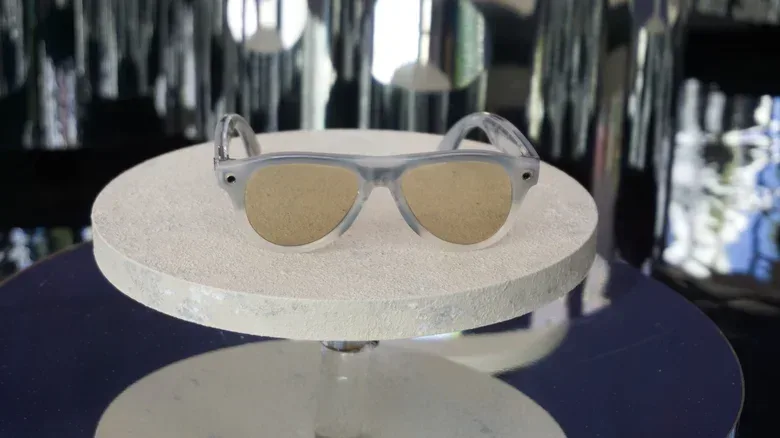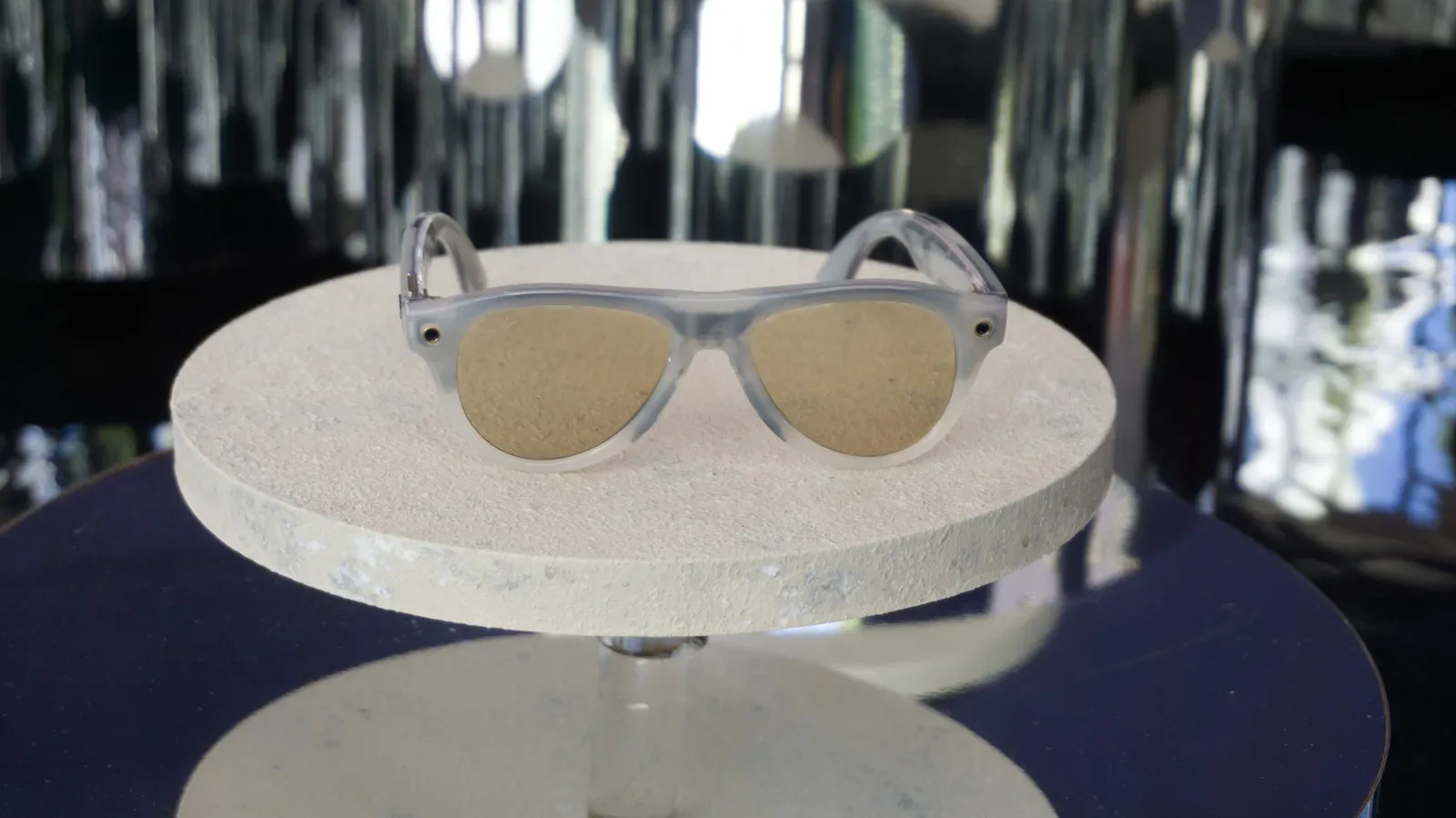
Meta is introducing an opt-out for the visual data generated when people use the camera-based AI features of its smart glasses. The change is consequential not because it alters what a wearer deliberately saves as a photo or video, but because it addresses a different and less obvious category: images and video captured when someone asks Meta AI to look at something.
With the opt-out enabled, Meta says the visual information used to answer a request will be used for that request and then discarded. It will not be used to train the company’s AI models, and it will not be sent to third-party reviewers for product-improvement work. A menu translation is Meta’s example: the glasses can process the menu to provide the translation, but the visual input should not become retained training material when the setting is active.
That is a meaningful boundary, but it is not a blanket privacy switch for Meta AI. The stated change applies to visual data. Audio interactions with Meta AI may still be used for training and review, though users can manually delete those recordings. Anyone assessing the new control should therefore distinguish between what the camera sees and what the microphones capture.
Why camera-based AI prompts are different from ordinary photos
Meta has said that the actual photos and videos people take with the glasses’ camera are not shared or used to train its models. The privacy concern centers on another workflow: a user points the glasses at the world and makes a request such as asking what a sign means.
That interaction needs an image or video input for the AI to identify, interpret, translate, or otherwise respond to what is in view. Meta has allowed those camera-based AI inputs to be retained and used to train its systems. Unlike a conventional photo, however, that material is not saved in the wearer’s camera roll. That makes the data path considerably easier to miss.
In plain terms, a camera prompt can feel momentary to the person wearing the glasses: look at a sign, ask a question, receive an answer, move on. But it may create a record that is distinct from the photos and clips the person intentionally captured for themselves. The product behavior is the source of much of the confusion. A camera is involved in both cases, yet the result can be treated differently depending on whether it was a normal capture or input to Meta AI.
The new setting is designed to give users control over that latter category. It does not change the immediate functional requirement of the feature: if a wearer asks the assistant to translate a menu, the system still has to process the menu in order to answer. The difference is what happens after the answer has been delivered.
What “AI training” and review mean here
AI training is the process of using examples to improve a model’s future performance. In this case, visual prompts could help a company evaluate whether an AI understood a scene, read text correctly, recognized an object, or produced a useful response. More examples can be valuable to a model builder, but the examples may also contain information about people, homes, workplaces, documents, screens, or locations that users never intended to archive.
Related coverage includes Meta Adds AI Glasses Visual Data Training Opt-Out.
The work can also involve review and labeling. Human reviewers may examine material and add descriptions or other labels that help evaluate or improve an AI system. Meta’s revised visual-data setting says that opted-out camera-based interactions will not be shown to third-party contractors in other countries for this product-improvement work.
That detail matters because the concern is not merely abstract storage. Reports earlier in the year indicated that at least some contractors had encountered highly personal and intimate images while carrying out review work. A smart-glasses camera can be useful precisely because it is fast and hands-free; those same qualities mean it can encounter sensitive scenes in ordinary life without the deliberate framing and selection that usually precede a saved photograph.
The opt-out is therefore a limit on two downstream uses: incorporation into AI training and human review for product improvement. It is not a claim that the glasses can answer a visual question without handling the image at all. It is a claim about retention and subsequent use after that request has been fulfilled.
The important limitation: audio is not covered
The sharpest caveat is that the announced control applies only to camera-derived material. Audio conversations and requests made to Meta AI remain eligible for training and review under the described policy, even when a user has opted out of visual-data use.
Meta does offer a way to manually delete audio recordings, but deletion is not the same thing as an upfront opt-out. The first is an action a person must remember to take after recordings exist. The second establishes a standing instruction about whether a class of data can be used for model development and reviewer assessment. Users who want to reduce their AI-data footprint should not assume that turning on the visual control settles the microphone side as well.
There is also a broader practical lesson for connected devices: privacy settings often map to data types, not to an entire product. “Visual,” “audio,” saved media, and AI requests can be governed differently. A setting’s name may sound comprehensive while its scope is narrow. Reading what a switch specifically covers is more useful than treating any single choice as a universal opt-out.
What smart-glasses owners should check
For people who use Meta AI through the glasses, the new control creates a fairly direct checklist. The point is not to stop using visual assistance altogether; it is to decide whether the company may use camera-based requests beyond delivering the requested answer.
- Find the visual-data training option: Confirm that the setting is enabled if you do not want camera-based Meta AI prompts used to train models or reviewed for product improvement.
- Separate ordinary captures from AI camera requests: Photos and video you intentionally take are described differently from imagery collected when you ask the assistant to identify or interpret something.
- Review audio controls separately: The visual opt-out does not apply to audio interactions. If those recordings are a concern, review the available deletion option and any related settings.
- Think about surroundings, not only your own information: A quick visual question can include other people, papers, screens, signage, or private spaces in the camera’s field of view.
- Use the feature with purpose: Asking the glasses to translate text or explain a sign is convenient, but it is worth recognizing that an AI prompt may have a different data lifecycle than a normal photo.
A concession with a narrow but concrete effect
The revised policy responds to a specific criticism of AI glasses: the gap between a person’s expectations of a fleeting, hands-free interaction and the possibility that the material may be retained, reviewed, and used to improve future systems. That gap is especially hard to understand when the relevant images and videos do not appear in a person’s camera roll.
Giving people an opt-out makes the choice clearer for visual Meta AI use. It also reduces exposure for those who do not want sensitive camera prompts viewed by outside contractors or incorporated into training datasets. The change may help answer concerns that have drawn privacy criticism and at least one proposed class-action lawsuit, but its value will depend heavily on whether the setting is easy to find, plainly explained, and understood as visual-only.
Meta has also revealed a Ray-Ban-branded glasses lineup without cameras. That does not resolve the policy questions around camera-equipped products, but it illustrates an alternate hardware approach for people who want glasses-based technology without a visual capture component. Readers following Meta’s wider hardware and AI strategy can also see how the company is positioning AI more broadly in its latest Connect focus.
What this means for everyday use
For the practical wearer, the new opt-out changes the trade-off rather than eliminating it. Visual AI still requires a camera view to answer visual questions. The benefit is that a user who enables the control can use that immediate assistance without allowing those images to feed a later training or review pipeline, as Meta describes it.
For everyone around the wearer, the development reinforces why wearable cameras demand unusually clear product disclosures. The person asking a question may understand that they are invoking an assistant, while bystanders may simply see someone wearing glasses. A durable privacy approach needs controls that are not just technically available, but intelligible enough that owners recognize which interactions generate separate data and what happens to it afterward.
Meta’s visual opt-out is a specific step in that direction. It gives users an explicit choice over a previously contentious data category. But the split between visual and audio treatment means the privacy picture remains fragmented. The most informed decision is not simply whether to use AI glasses; it is which modes to use, what each mode captures, and which downstream uses the available controls actually prevent.