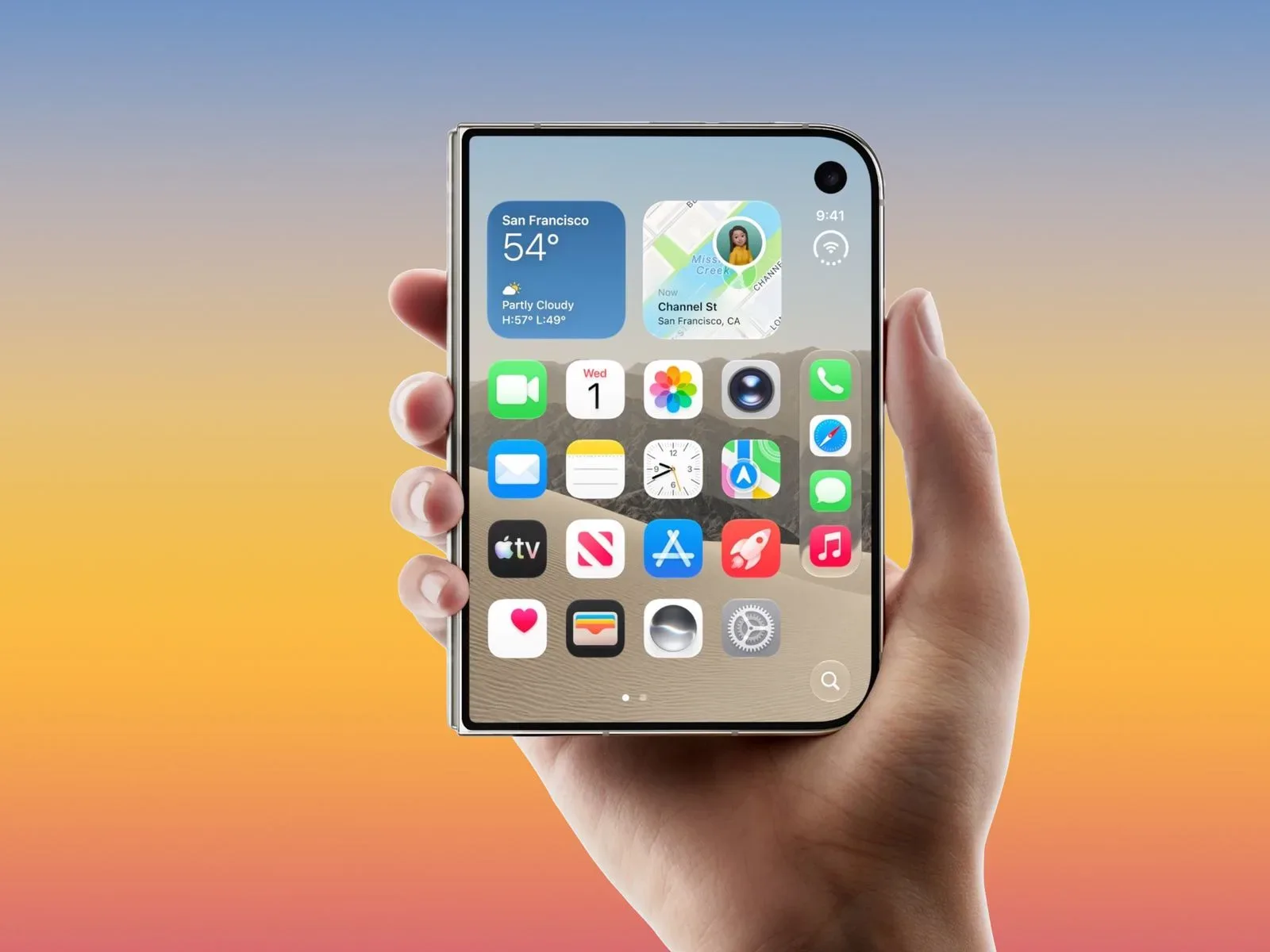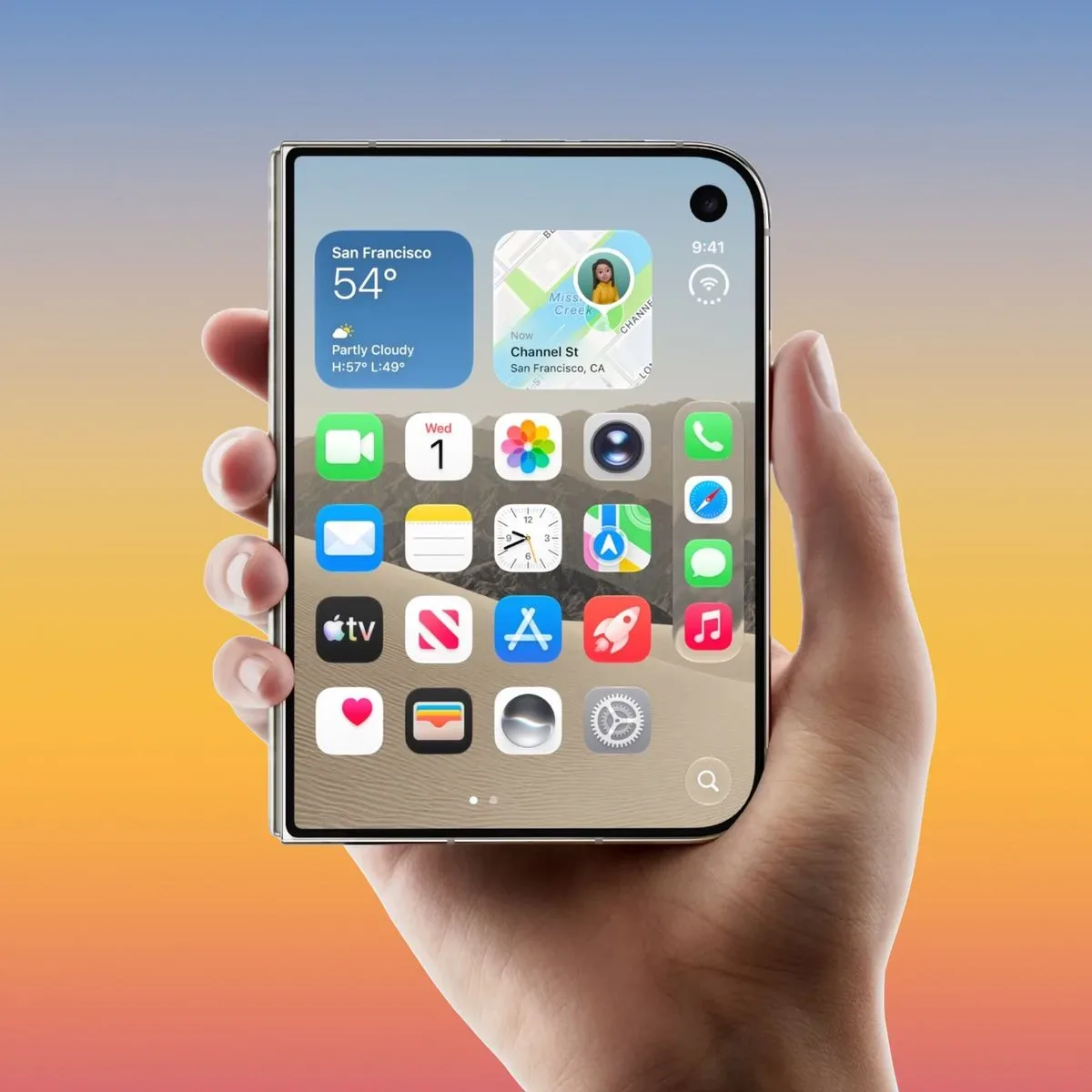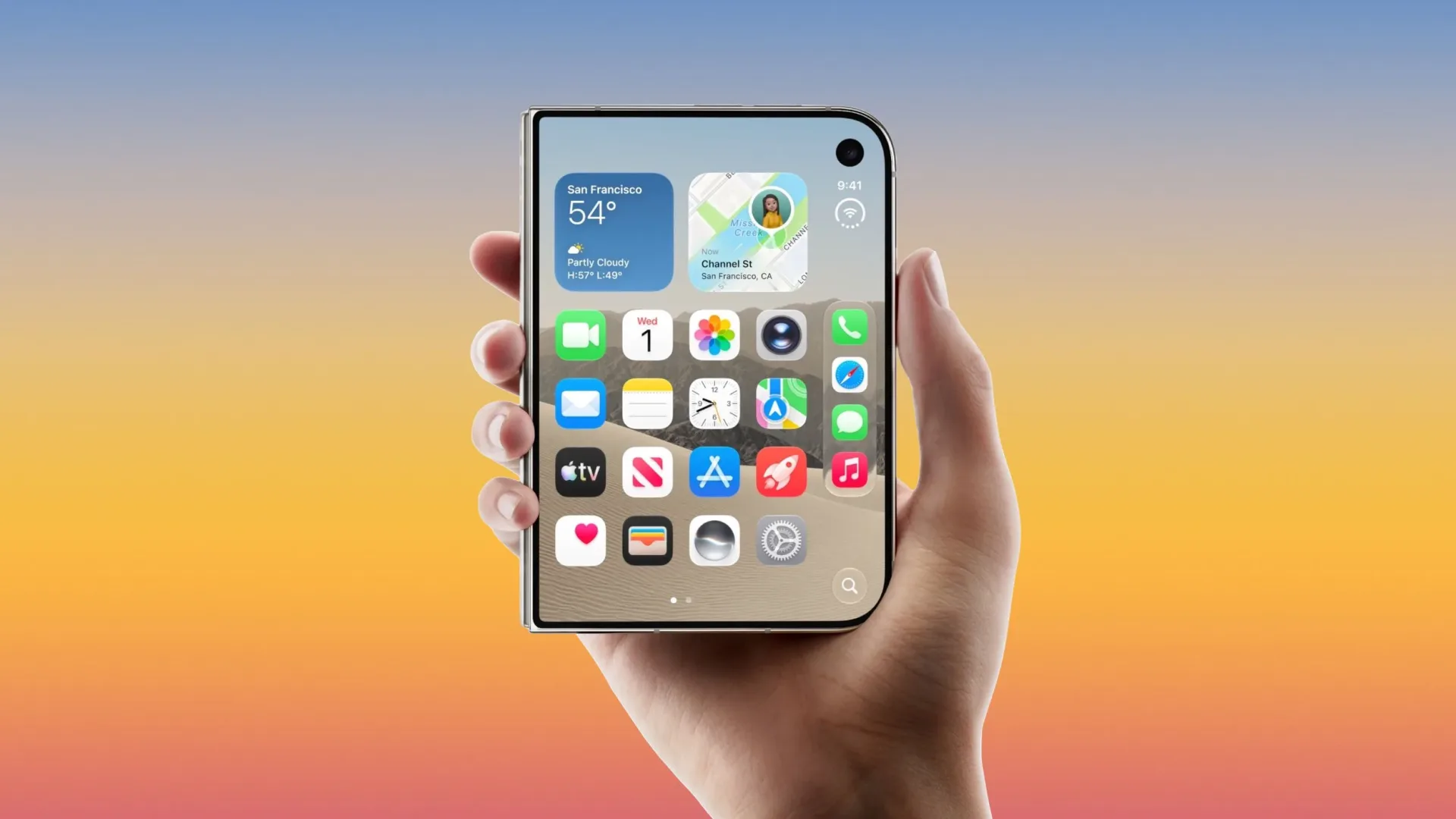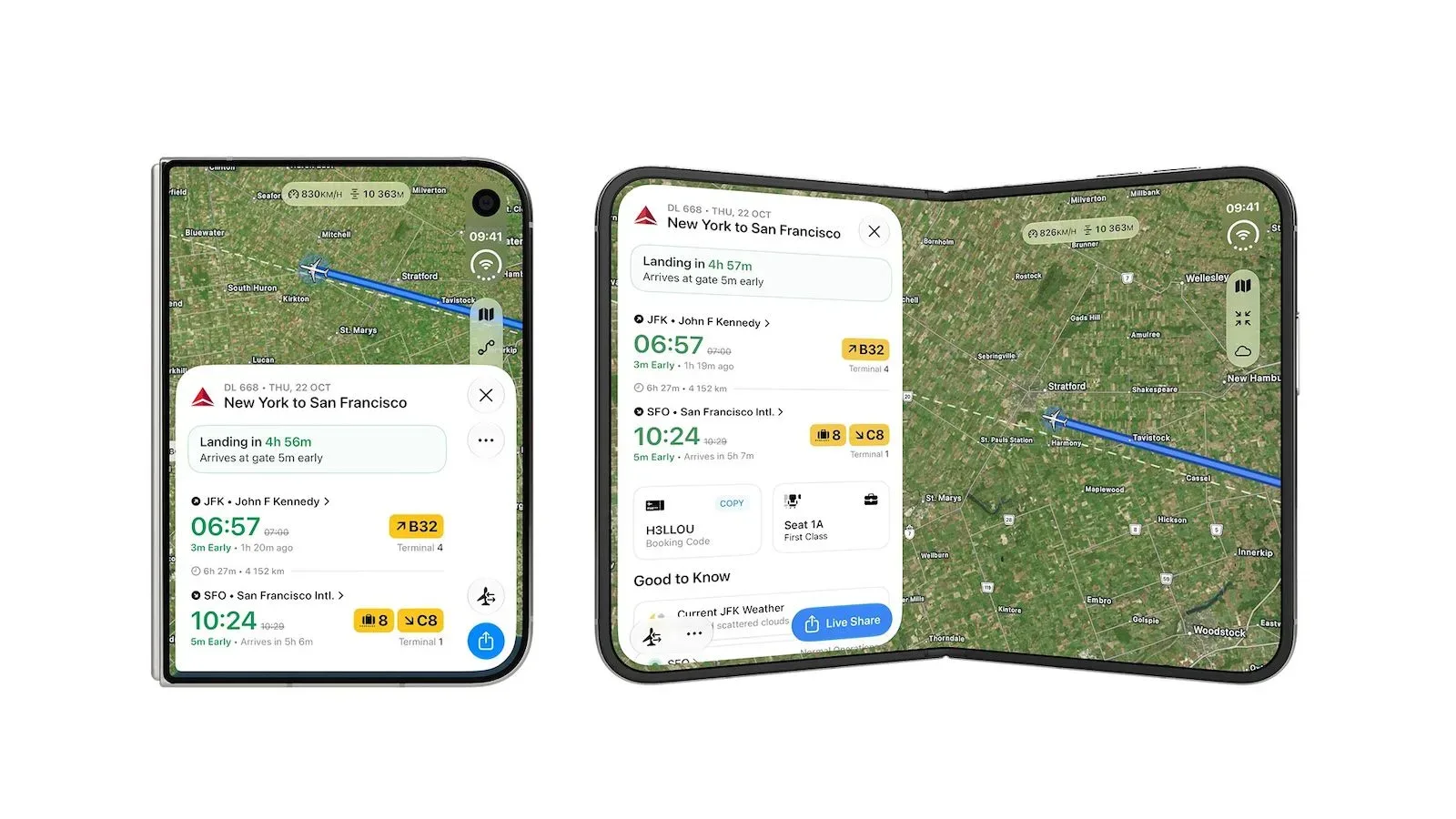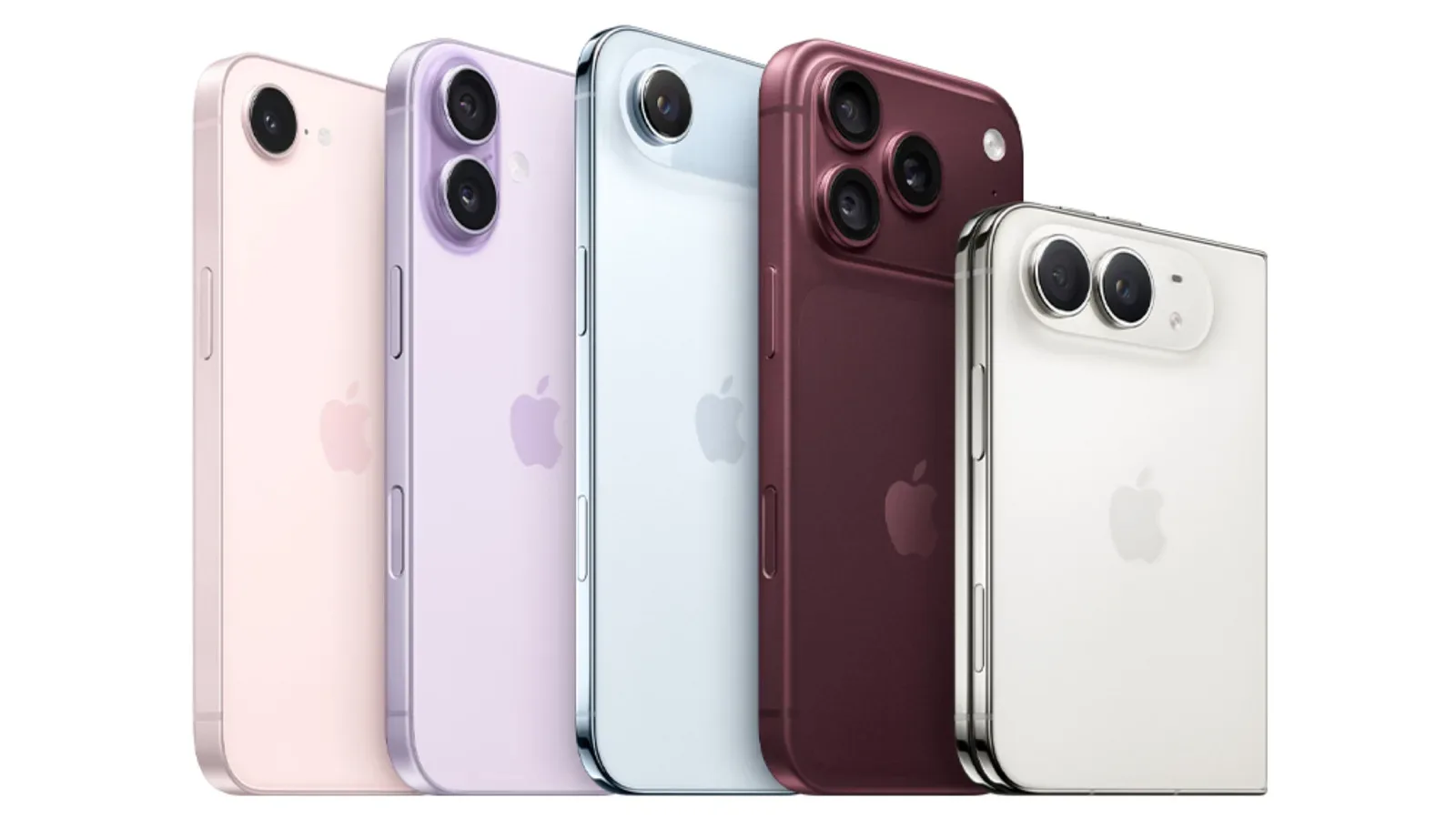
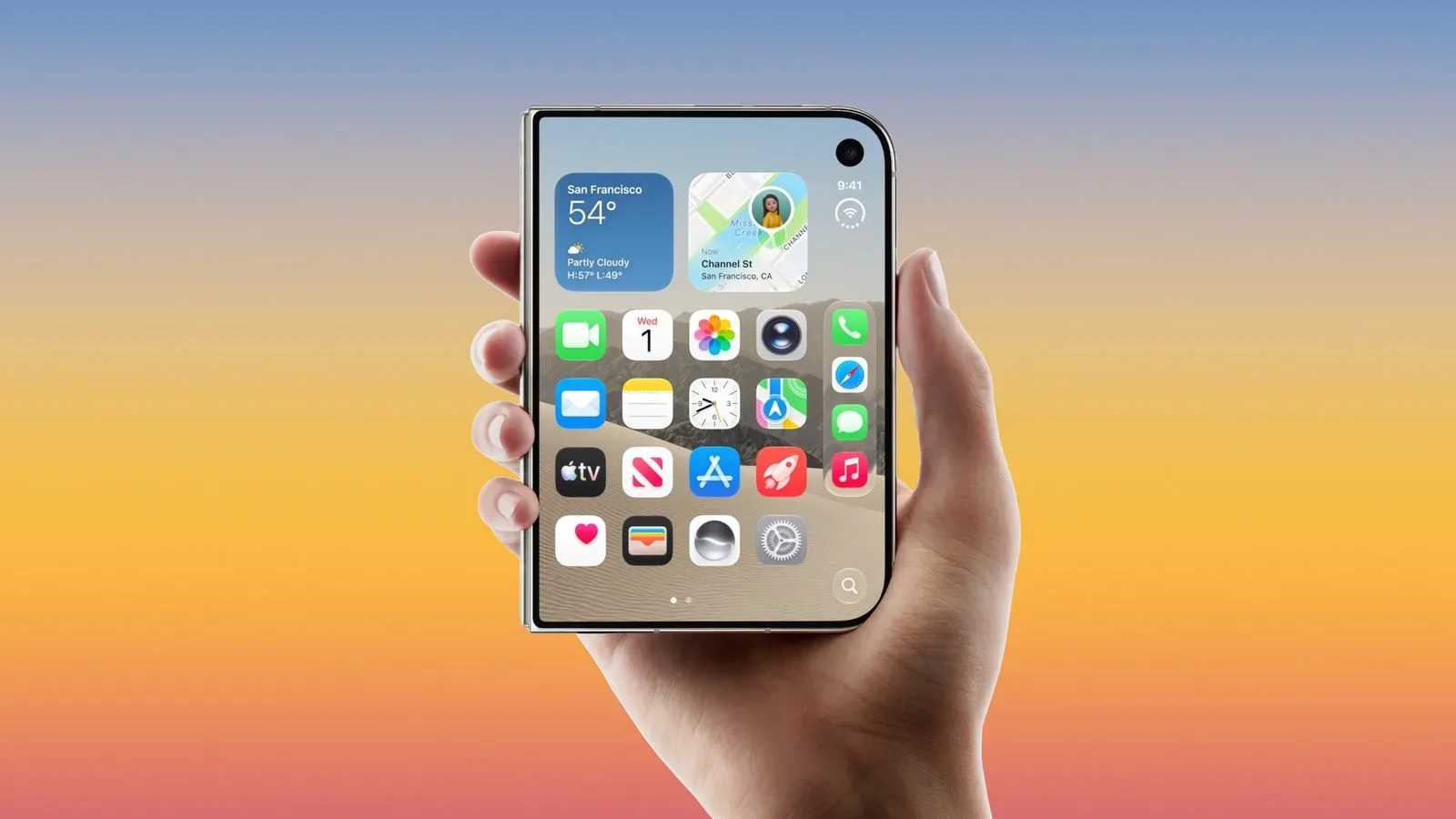
The iPhone Duo is getting another way past its Lock Screen in the second iOS 27.3 beta: facial unlocking through the front-facing camera. The new setting gives owners an additional route into the device, but it is deliberately narrower than a full replacement for Touch ID.
That distinction is the important part. The camera-based option can unlock the phone at the Lock Screen, while Touch ID remains necessary for Apple Pay purchases, adding passwords and logins, and other sensitive authentication tasks. iOS 27.3 also adds a separate behavior choice for the Duo’s folded state: owners can set the device to lock when it is closed instead of moving content to the front display.
Both additions are small on paper, yet each adjusts a basic interaction people repeat throughout the day. One governs how an owner gets into the Duo; the other governs what happens when they shut it. Neither should be read as a wholesale change to the device’s security model, particularly while the software remains in beta.
What the front-camera unlock option does
The new facial-recognition setting is limited to the Lock Screen. In plain terms, it can be used to open an already-secured iPhone Duo when the user is looking at the front-facing camera. It does not extend camera authentication to every task for which the phone asks for proof of identity.
Touch ID continues to handle higher-stakes prompts, including:
- Apple Pay purchases
- Adding passwords and logins
- Other actions that require authentication beyond a Lock Screen unlock
That split creates a two-tier flow. Facial unlocking can reduce friction for ordinary access, while the fingerprint sensor remains the authentication method named for transactions and credential-related changes. For owners, the practical takeaway is straightforward: enabling the camera option should not mean expecting it to authorize every protected prompt that appears after the phone is unlocked.
Touch ID, passcodes and the timing rule
Apple’s beta includes two safeguards around the camera unlock feature. First, it requires recent Touch ID or passcode authentication. Second, Touch ID is required again after roughly 45 minutes of inactivity.
“Recent authentication” means the face-based Lock Screen route is not presented as a stand-alone, indefinite method of device access. A user must have established access with Touch ID or their passcode within the relevant recent period. The inactivity rule then puts a further limit on convenience: after about 45 idle minutes, the user will need to authenticate with Touch ID again.
This is worth separating from a claim about how facial-recognition technology works internally. The beta details describe the behavior and conditions of use, not the technical implementation, accuracy characteristics or biometric data handling of the camera system. What is clear is the user-facing policy: camera unlock is conditional, time-limited, and confined to the Lock Screen.
Where to enable it
iPhone Duo owners running the second iOS 27.3 beta can find the front-camera unlock control in Settings > Touch ID & Passcode. Its placement is revealing in a practical sense. Rather than being presented as a separate, device-wide identity system, the option sits alongside the Duo’s existing passcode and fingerprint security controls.
People deciding whether to turn it on should keep the stated limitations in mind. It may make a quick Lock Screen entry more convenient in situations where the front-facing camera is available, but it does not eliminate the need to use Touch ID for the specific tasks iOS continues to reserve for it. And after the stated inactivity window, Touch ID returns to the foreground for unlocking as well.
Because this is a beta feature, users should also treat its current behavior as pre-release software behavior. The supplied details establish that it is present in the second iOS 27.3 beta; they do not establish a public-release timetable or guarantee that the feature will retain precisely the same design in a later build.
Closing the Duo can now mean locking it
The same beta adds an option that changes what happens when the iPhone Duo is closed. Instead of transferring content to the front display, users can choose for the device to lock upon closing. The control is located in Settings > Display & Brightness.
The choice acknowledges two different expectations for a foldable-style device. One owner may want continuity, closing the handset and carrying on with content at the front display. Another may see closing it as a clear signal that the current interaction is over and want an immediate lock. The new option supports that latter preference without describing it as the universal default.
There is a useful privacy implication here, though it should not be overstated. Selecting lock-on-close gives users an explicit way to make closing the hardware correspond to ending access to whatever had been on screen. That can suit people who prefer a more decisive boundary between active use and putting the device away. The provided information does not detail every screen state or app behavior affected by the setting, so users should not assume unlisted exceptions or capabilities.
Why the two settings fit together
At first glance, a front-camera unlock option and a close-to-lock preference may look unrelated. In day-to-day use, they both concern the rhythm of short phone interactions: open, glance, use, close. One offers a potentially easier start to a session under defined conditions; the other lets a user make the end of a session more deliberate.
Crucially, iOS 27.3’s approach does not turn convenience into blanket authorization. The operating system preserves Touch ID for purchases and credential-focused changes, demands recent Touch ID or passcode use before front-camera unlocking is available, and requires Touch ID again after around 45 minutes of inactivity. The result is a feature set built around choice rather than a simple migration from one biometric method to another.
The context also matters for the iPhone Duo as a platform. Its app ecosystem has already been expanding, with more than 200,000 Duo-optimized apps reported to have passed review. Software made for the hardware’s display arrangements is one part of the experience; controls for moving between active use, a front display and a locked device are another. The iOS 27.3 beta changes speak to that latter layer.
What iPhone Duo users should expect
For eligible beta users, the immediate changes are settings choices rather than a mandatory new workflow. Those who prefer the existing approach can continue using Touch ID and passcode authentication as they have. Those who enable front-camera unlocking gain an alternative on the Lock Screen, with Touch ID still needed for the protected actions listed by Apple and after the inactivity threshold.
Likewise, the close behavior is a preference. Users who want content to continue on the front display can retain that behavior, while those who would rather close the device and secure it can select lock-on-close in Display & Brightness.
The most accurate way to view the update is as a refinement of access and device-state controls. It adds flexibility, but the boundaries are explicit: Lock Screen use for the camera option, continued Touch ID for sensitive authentication, a recent-authentication requirement, and a renewed Touch ID prompt after about 45 minutes without activity. Anyone evaluating the beta should judge it on those stated terms rather than expecting it to replace the Duo’s established security checks across iOS.