Apple has released iOS 26.6.2, a small iPhone update focused on one notably inconvenient problem: a bug that could prevent a software update from downloading through a cellular connection. The release is rolling out for the iPhone 11 series and newer, while iPad owners are receiving iPadOS 26.6.2 with the same correction.
It is not the kind of update that arrives with a parade of new visual features, game-changing settings, or a lengthy tour of what has changed. Instead, iOS 26.6.2 is the digital equivalent of fixing the one door in the house that will not open when you are carrying groceries: quiet work, perhaps, but extremely welcome for the people who run into it.
For affected iPhone users, the practical benefit is straightforward. A cellular connection should once again be able to handle the download of a software update, removing a barrier for people who cannot readily switch to Wi-Fi when an update becomes available. The issue concerns downloading the update itself over cellular data; it should not be read as a promise that every part of the update process can ignore device settings, carrier conditions, data allowances, or other requirements.
A narrowly targeted iPhone update
The stated purpose of iOS 26.6.2 is specific: it addresses an issue that prevented downloading a software update over a cellular connection. Narrow release notes can look modest, especially in an era when operating-system updates are often judged by the size of their feature lists. But a focused fix can matter far beyond its one-line description.
Software updates are how a phone receives fixes, stability changes, and the broader improvements delivered through later releases. When the route to downloading one is blocked for a portion of users, the friction is particularly awkward. The person affected may know an update exists and may be prepared to install it, yet still be stopped before the download gets going because the connection available to them is cellular rather than Wi-Fi.
That can be especially relevant when traveling, commuting, living with unreliable home internet, or managing devices away from a familiar network. Cellular service is not merely a backup for everyone; for some people, it is the connection at hand when they need it. This update is therefore about restoring an option rather than adding a flashy new destination.
Apple says the update is for the iPhone 11 family and later models. Owners of eligible iPhones can look for it in the usual place:
- Open Settings.
- Select General.
- Choose Software Update.
As with many software rollouts, it may take a few minutes before iOS 26.6.2 appears for every eligible device. Seeing the previous version first does not necessarily mean the update is unavailable permanently; availability can take a little time to propagate.
Why a connectivity fix matters before a larger platform release
iOS 26.6.2 arrives about three weeks after iOS 26.6.1, which brought security fixes. The timing places this latest maintenance release in a familiar moment in the annual platform cycle: a smaller current-version update lands while attention is beginning to move toward the next major release.
iOS 27 is expected later this month, and Apple is likely to announce a release date at its event on Wednesday. That expectation remains just that until Apple gives the date, but the existence of iOS 26.6.2 is a useful reminder that the present software still needs care even when the next version is close. Major releases draw the headlines; maintenance updates keep the route to those releases from becoming needlessly troublesome.
For players, collectors, and anyone who uses an iPhone as a pocket-sized entertainment hub, keeping the update pipeline functional is not an abstract housekeeping chore. Phones increasingly sit alongside dedicated hardware as the place where people manage game accounts, receive event alerts, watch trailers, scan collectibles, read storefront news, and keep in touch with communities. A small fault in an operating-system download flow can create an outsized annoyance precisely because the phone is expected to handle so many small jobs without drama.
The fix does not announce any changes to games, controllers, cloud services, or Apple’s broader mobile ecosystem. Nor does it provide a reason to assume a particular game or app will perform differently after installation. Its purpose is more fundamental: making sure the device can download future software updates through cellular data when that connection is being used.
What iPadOS 26.6.2 adds to the picture
Apple has also released iPadOS 26.6.2, carrying the same cellular-download fix. That parallel release is important because iPhones and iPads often share software habits but fill different roles. An iPad can be a home-screen companion, a travel display, a portable streaming device, or a second screen for browsing game guides and watching showcases. In all of those cases, cellular-capable models may be used away from Wi-Fi more often than a stationary tablet would be.
The wording around the iPad release points to the same issue and the same remedy, rather than an expanded set of iPad-specific changes. Users should therefore treat iPadOS 26.6.2 as a focused maintenance update, not as a surprise feature package hidden behind an incremental version number.
It is also worth keeping expectations proportionate. The available details identify one resolved problem. They do not establish that every update-related connectivity issue on every network, device configuration, or carrier arrangement has been changed. If a user has a separate problem involving storage, an account, a carrier limit, or a connection that drops out, this release note alone cannot diagnose or guarantee a solution for that different situation.
A sensible update checklist
For an eligible iPhone, the process begins with Settings, General, and Software Update. Before starting any operating-system update, a little routine preparation can make the task less stressful. These are general precautions rather than special requirements newly announced for iOS 26.6.2:
- Check that the device has enough battery power or is connected to power.
- Confirm there is sufficient available storage for the update.
- Consider a current backup if the phone or tablet contains material that matters to you.
- Review your own cellular plan or data situation if downloading over mobile service is a concern.
- Give the rollout time if the new version does not appear immediately.
Those steps are deliberately boring, which is exactly the point. The best outcome for a minor update is often that it installs uneventfully and the formerly broken pathway ceases to demand attention. No fanfare, no troubleshooting rabbit hole, and no need to hunt for a Wi-Fi network merely to fetch the next patch.
Keeping the hardware side in perspective
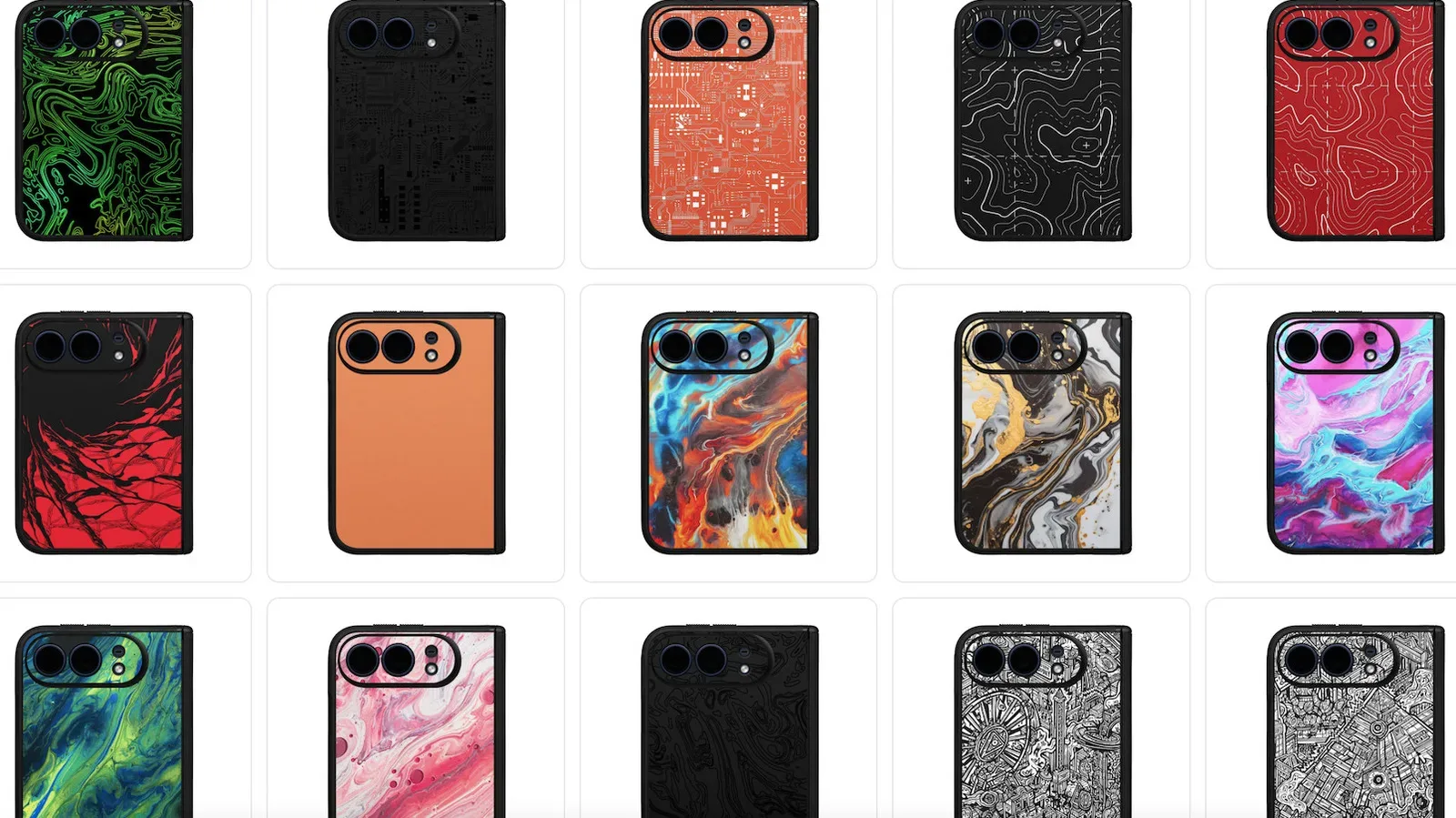
The iOS 26.6.2 release lands amid ongoing interest in Apple hardware ahead of the company’s Wednesday event. Separate discussion around accessories has included case listings that have added to iPhone speculation, but that wider hardware chatter should not be confused with this update. iOS 26.6.2 is available now as a software maintenance release for the iPhone 11 series and newer, and its documented job is the cellular software-download fix.
That distinction matters in a busy news cycle. An imminent event can make every Apple-related detail feel like a clue to something larger. Sometimes the clearest reading is also the correct one: a practical patch has arrived to fix a practical connectivity problem. iPadOS 26.6.2 follows the same pattern, while the expected iOS 27 timing awaits formal confirmation.
For now, users of supported iPhones and iPads who encountered difficulty downloading system updates over cellular service have a new version to check for. It is a modest release with a specific target, arriving shortly after iOS 26.6.1’s security-focused update and just ahead of the anticipated transition to the next major iOS generation.