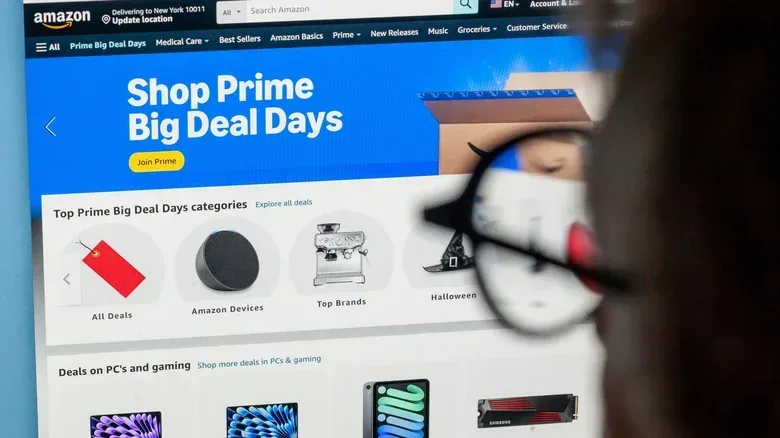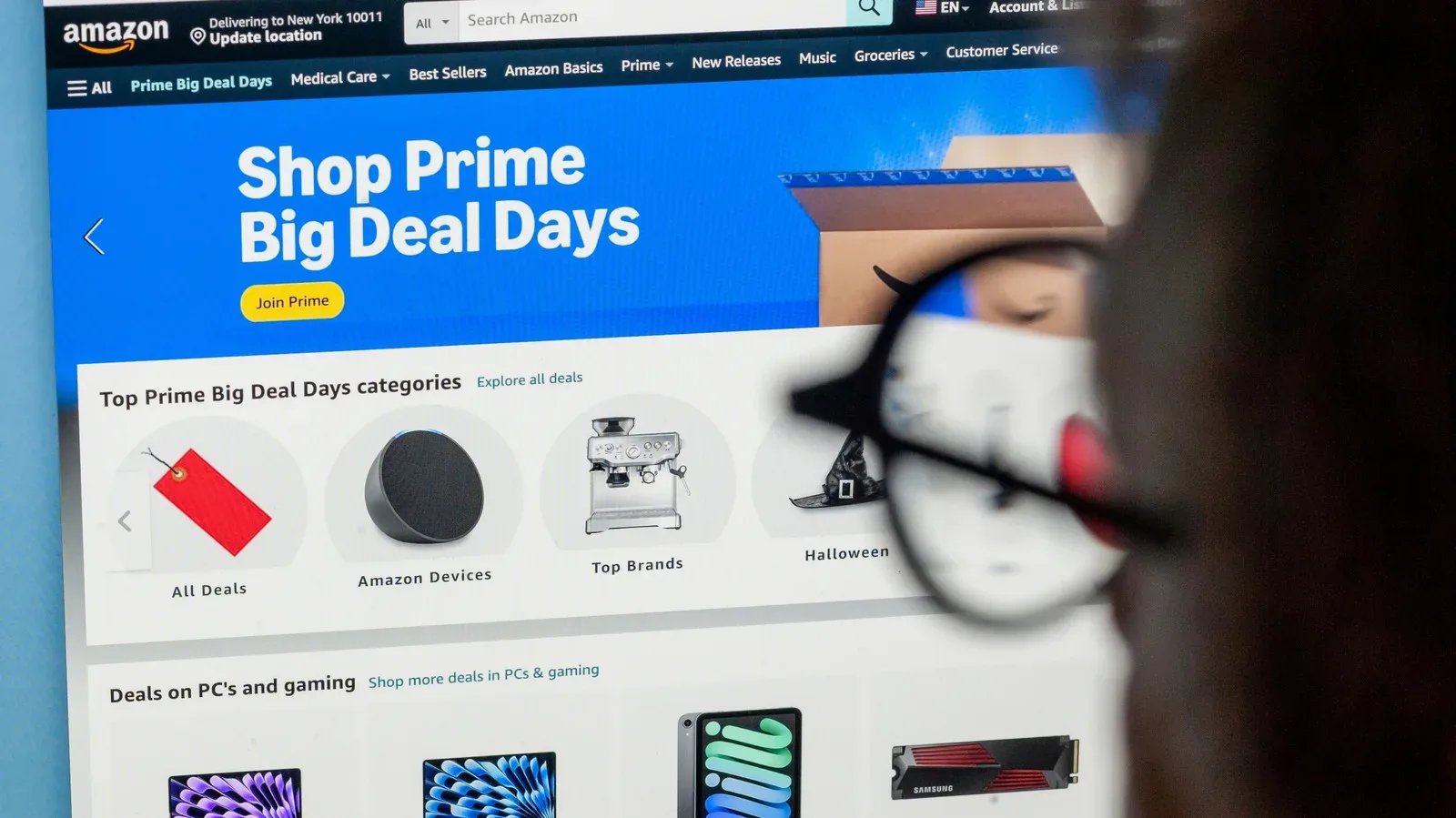
Waiting for a game, controller, headset or other piece of hardware to hit a sensible price can feel like its own side quest. Amazon’s Alexa for Shopping offers a way to hand off some of that vigilance: shoppers in the US can ask it to watch an item at a selected price and receive a notification when that threshold is met. Eligible Prime members can go one step further with Auto Buy, which can place an order when the item reaches the chosen target.
The useful part is not merely automation. It is setting a target based on a product’s own price pattern, then understanding exactly what the alert or purchase instruction will—and will not—do. A low sticker price is not necessarily the final checkout cost, and an impossible target is less a saving strategy than a way to ensure no alert arrives.
Alexa for Shopping is available to US customers through the Amazon app, Amazon.com and Echo devices. A Prime membership is not required to browse or set a price alert, but it is required for Auto Buy purchases.
Start with the listing’s price history
Before asking for an alert, open the product listing and check Amazon’s built-in Price History control. On desktop, it appears as a small blue button beside the listed price. In the app, it may appear as a white button outlined in blue or as a text link. The tool displays how that specific product’s price has changed over the preceding 30, 90 or 365 days.
That history is the key bit of context. A target price should be informed by prior movement, not just by the number a shopper hopes to see. If an item is currently $100 and its history repeatedly shows drops to $75, a $75 threshold is grounded in the observed pattern. Choosing $40 instead may be possible as an instruction, but it could result in a very long wait—or no notification at all.
This distinction is particularly helpful for gaming purchases where similarly named listings can represent meaningfully different packages. A base game, bundle, special edition, controller color variant or hardware configuration may each have its own listing and price changes. The history shown belongs to the listing being viewed, so it is worth confirming the exact version before setting a watch.
Alexa for Shopping can also be asked questions about a product and its price history through its conversational interface. The assistant was previously known as Rufus. Shoppers who prefer to avoid that interface can use price-monitoring services such as CamelCamelCamel or Keepa to look at Amazon price history and create watches. Those third-party options can monitor and report prices, but they cannot place an order on the shopper’s behalf.
Set a specific price alert
Once a target is chosen, open the relevant Amazon listing and ask Alexa for Shopping to watch the item at that price. Amazon will then check the listing regularly and notify the shopper when it reaches the selected point.
The practical value of a precise request is control. General Alexa announcements may relate to products in a person’s purchase history, while a listing-specific request focuses attention on the product currently under consideration. For someone weighing a particular headset or a replacement controller, that can reduce the need to keep reopening the product page to see whether a sale has appeared.
A simple target-setting checklist
- Verify the exact item: Check the edition, color, bundle or model on the listing before creating the alert.
- Read the 30-, 90- and 365-day history: A longer view can show whether a low price is a recurring result or a brief outlier.
- Choose a realistic threshold: Repeated past lows provide a more practical benchmark than an arbitrary dream price.
- Decide whether the alert is enough: An alert gives the shopper a chance to assess the offer before buying; Auto Buy trades that extra decision for automation.
- Keep notification permissions active: A correctly configured watch is not much use if the Amazon app cannot send its alert.
For shoppers who are browsing rather than tracking a single SKU, Alexa for Shopping can also handle broader requests. A shopper can provide constraints such as a budget, preferred color or desired features for a category like noise-canceling headphones. This creates a category-style alert rather than a watch for one product, and matching offers generally produce daily updates.
That flexibility is useful when a purchase has not yet narrowed to one model. It also requires a little more care: broad constraints may surface offers that technically fit the outline while not matching every subjective preference. An alert is an information tool, not a substitute for checking whether a particular product is actually the right one.
What changes when Auto Buy is enabled
Auto Buy is the commitment option. Instead of asking Alexa for Shopping to watch an item, the shopper gives a direct instruction such as: “Buy these headphones when they are $75 or less.” When the price reaches the specified level, Amazon can purchase the item using the account’s default payment method.
For eligible Prime members, the appeal is obvious: a short-lived price change does not require the shopper to notice a notification, open the app and finish checkout in time. The trade-off is equally clear. The order happens based on the rule supplied in advance. That makes the chosen item, price cap and payment defaults worth checking before an Auto Buy instruction is made.
Price alerts are a prompt to decide. Auto Buy is a pre-authorized decision triggered by a price condition.
That difference should guide which option makes sense. A price alert is usually the more cautious choice for an item with several competing versions, an uncertain need or a purchase that depends on seeing the full offer first. Auto Buy is better suited to a clearly identified product where the shopper already knows that the stated threshold represents an acceptable purchase.
Importantly, Auto Buy does not incorporate coupons or promotional discounts. If a deal depends on applying one of those offers, the shopper needs to monitor and complete that purchase personally. Automation therefore works best when the target is achievable through the listing’s price itself, rather than through a checkout incentive that Auto Buy cannot use.
There is another arithmetic detail to keep in mind: a target price and a final order total are not always the same thing. Sales tax and delivery charges can affect what is paid. Anyone determined not to exceed a particular all-in budget should leave room for those costs when selecting the product-price threshold, rather than treating the visible listing price as the complete expense.
Make sure the notification can arrive
Price monitoring only helps if the device is allowed to deliver the result. On iPhone, the path provided for the Amazon app is Settings > Apps > Amazon > Notifications > Allow Notifications. On most Android phones, it is Settings > Apps > Amazon > Enable Notifications.
Echo owners may already hear periodic price-related announcements. Those can be useful, but app notifications remain important for a targeted watch, especially when the shopper is away from home. If notifications are disabled, telling Alexa for Shopping to monitor an item will not create the timely nudge the feature is meant to provide.
Practical shopping implications for gaming gear
The most useful approach is modest: use price history to define a credible price, then select the least automated tool that fits the purchase. A headset needed only if it reaches a particular price can be watched with a listing-specific alert. A shopper still comparing options can describe a category and constraints, then inspect the daily matches. A known item that will be bought without hesitation at a chosen price may be a candidate for Auto Buy, provided the shopper has accounted for the lack of coupon support, potential tax and delivery charges, and the default payment method.
This is also a good moment to separate deal tracking from purchase protection. A lower price does not change the need to retain order details and evidence if a marketplace purchase later needs attention. Our guide to keeping evidence for retro game marketplace claims covers that separate, but related, habit for buyers of older gaming items.
Ultimately, the tools are strongest when they support a decision already made with care. Price History provides a record of recent movement over 30, 90 or 365 days. Alerts let shoppers wait for a chosen threshold. Auto Buy can act on that threshold for eligible Prime members, but it has defined limits. Set the target with the checkout total in mind, make sure notifications are enabled, and reserve fully automated ordering for products and prices that have already passed the “yes” test.