Some display upgrades improve the picture itself; others persuade the wall behind the television to join the cast. The Govee TV Backlight 3 Lite, in its 11.8-foot version, is currently listed at $70, reduced from its usual $90 price. That is a $20 difference, and the listed price is described as the lowest seen in the past 90 days.
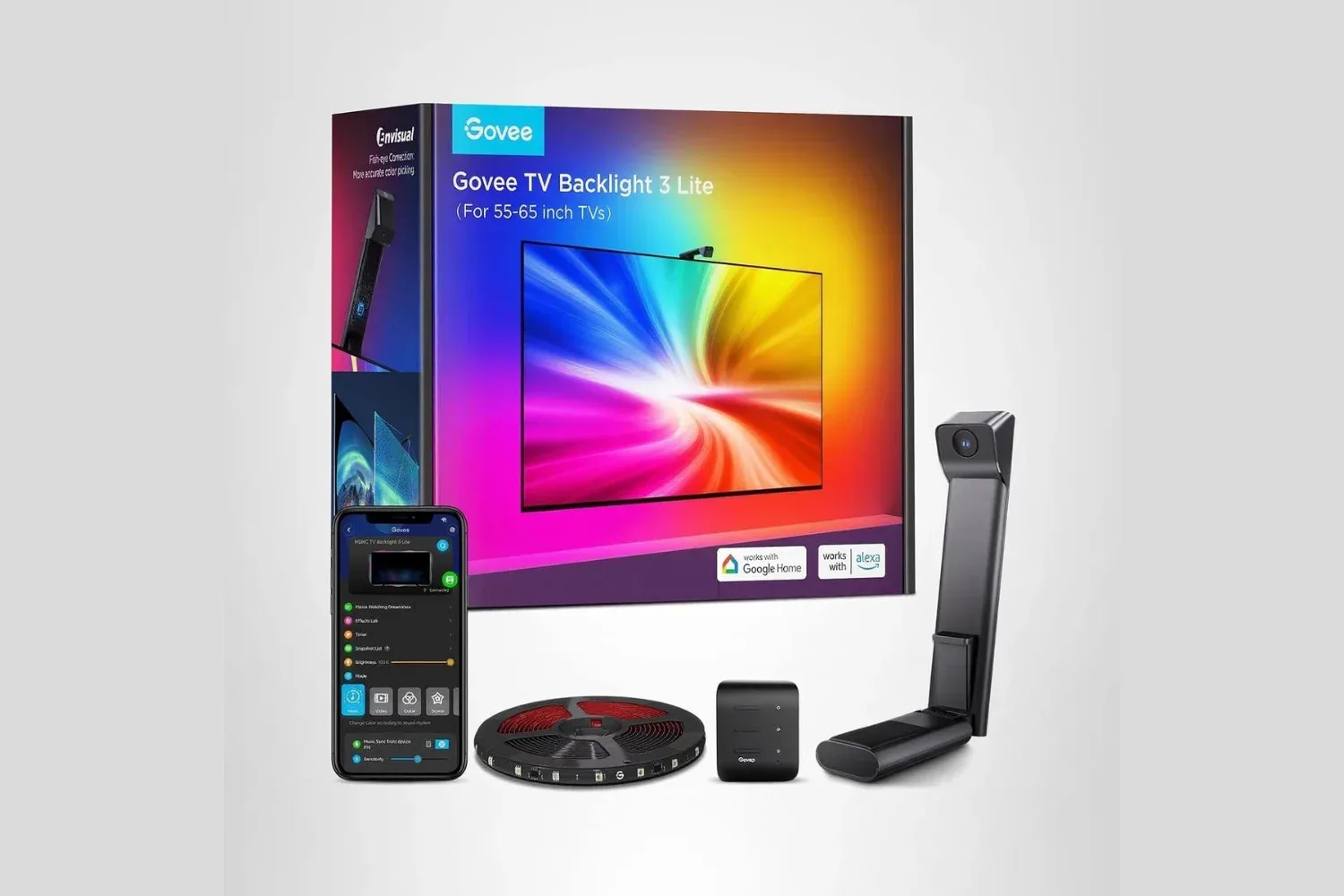
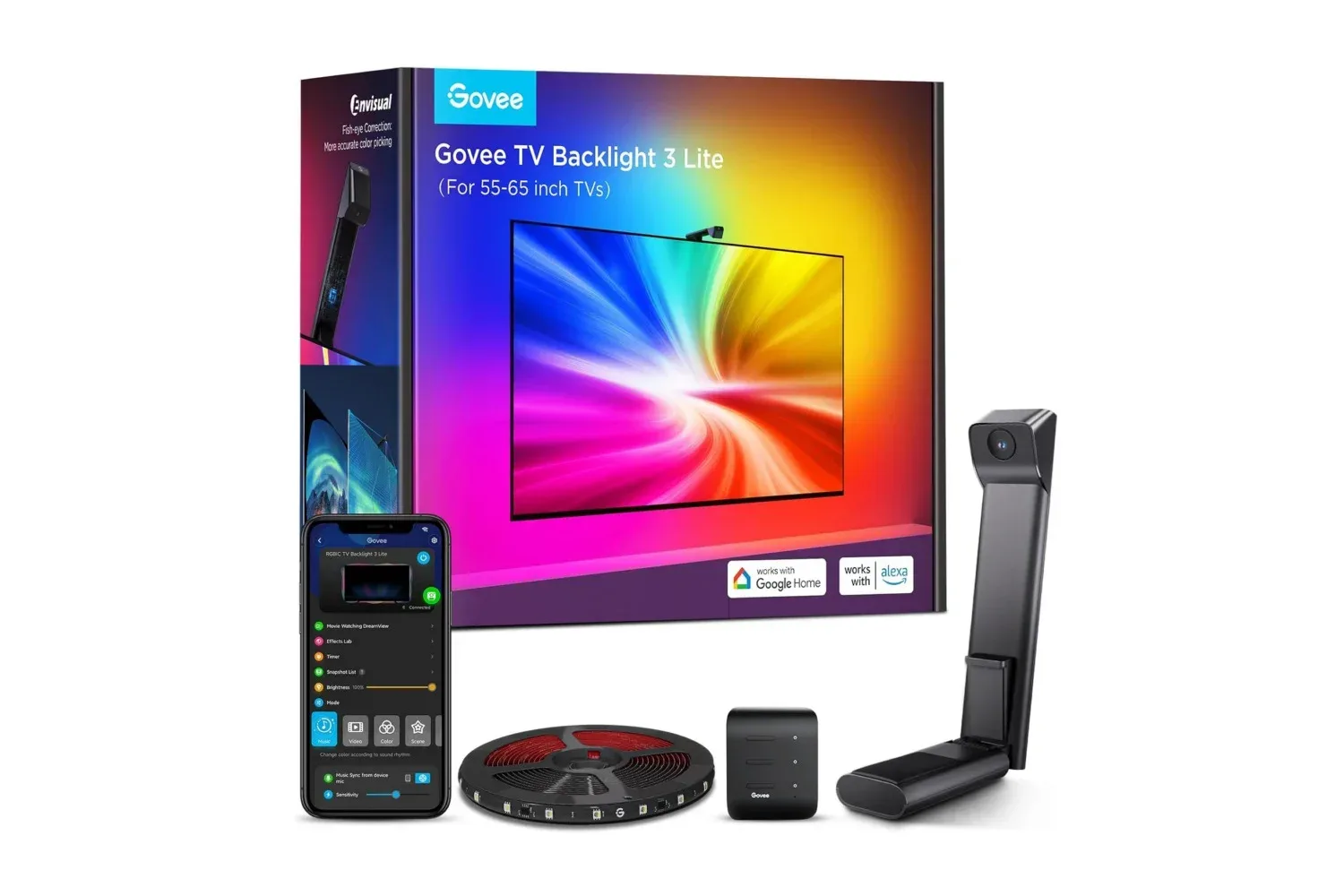
The kit is designed to add color-matched illumination around a TV while games, films, and other video play. Rather than requiring a particular television brand or a built-in lighting system, it uses an included camera positioned above the screen to read the colors being shown. The light strip mounted behind the display then responds to that image. In plain terms: a blue ocean scene can cast blue light onto the wall, while the glare of a neon sci-fi city can spread corresponding hues beyond the panel’s edges.
For players putting together a living-room gaming setup, that is the appeal. A conventional TV presents the game within a rectangle. Screen-synced lighting attempts to soften that visual boundary by extending some of the color information into the surrounding room. It will not change frame rate, resolution, input latency, or a game’s underlying image quality. It is an environmental accessory, not a display-performance upgrade. But for somebody who wants their setup to feel more theatrical without replacing a TV, it is a more approachable category of add-on.
What the 11.8-foot kit is intended to cover
Govee’s 11.8-foot strip is intended for most TVs in the 55- to 65-inch range. Installation involves adhering the strip around the rear of the television, mounting and adjusting the camera at the top of the screen, and using the Govee Home app to manage the setup.
That description is useful because it sets expectations for how the product works. The strip does not merely play a static color of the buyer’s choosing—although its app includes adjustable settings and preset modes. Its principal screen-reactive effect depends on the camera observing what is on the display. This makes the TV, camera placement, and physical layout part of the experience. A prospective buyer should first confirm that their screen size fits the stated 55- to 65-inch target and that there is enough room around the television for the strip and a camera positioned above it.
Camera-based synchronization also means the lighting is designed to follow what viewers can see on the panel. The effect may be especially suited to colorful games, animated films, sports broadcasts, and high-contrast scenes where big areas of color are easy to distinguish. It is less about adding new visual detail to the game and more about echoing its palette. Think ambience, not a secret graphics setting.
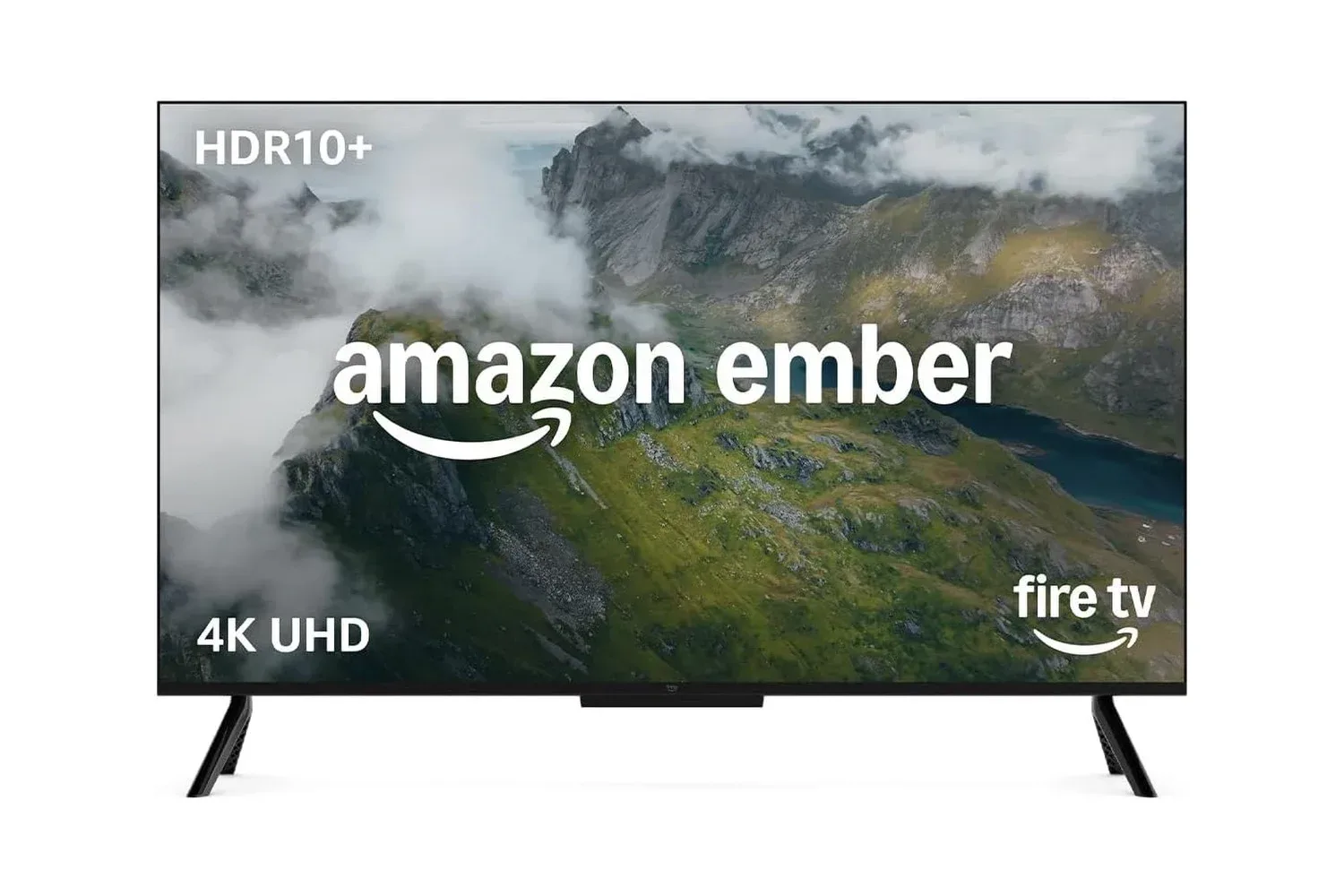
Those considering a new television at the same time may also want to compare screen size carefully with accessory fit. A deal on a 50-inch set, for example, is not automatically a match for a kit marketed for 55- to 65-inch displays. Our look at the Amazon Ember 50-Inch 4-Series Fire TV illustrates the separate question of choosing a television; backlighting accessories should be selected around the dimensions of the TV already in the room or the model a shopper actually plans to buy.
Why the camera matters
There are multiple ways for lighting systems to react to entertainment content. This Govee setup’s included camera is the crucial component in the supplied product description. It observes the screen’s colors and sends that information into the lighting effect, allowing the strip to react regardless of whether the on-screen material is a game, movie, or other video source.
Related coverage includes Govee TV Backlight 3 Lite Drops to $70 for a More Immersive Game and Movie Setup.
This approach has a practical advantage: the TV backlight is framed as working with almost all TVs, avoiding a requirement for a specific display ecosystem. For gamers with a console, PC, streaming box, or a mix of devices attached to one television, broad TV compatibility is valuable because the lighting behavior is based on the screen rather than the identity of the connected player.
It also explains why setup should not be treated as an afterthought. The user is expected to adjust the camera after mounting it. That adjustment is part of giving the system a clear view of the panel it needs to interpret. The supplied information characterizes the process as straightforward, but “straightforward” still includes physically applying the strip, placing the camera, and completing configuration in the app. Buyers looking for an entirely plug-and-forget accessory should account for that initial installation step.
4-in-1 lamp beads and the stated goal of more natural color
The Backlight 3 Lite is described as using 4-in-1 lamp beads that add a white tone to the color output and increase pixel density. In lighting language, pixel density refers to how closely the individually controllable lighting points are arranged along the strip. More densely distributed light points can help an effect appear less segmented and make transitions around the rear edge of the TV feel smoother.
The added white tone is also relevant to the product’s stated aim. Purely saturated colored light can look dramatic, but scenes on a TV are not made only from intense red, green, and blue. White and pale tones are common in daylight scenes, snowy environments, menus, UI panels, and bright effects. Incorporating a white component is intended to make the wall illumination feel more natural and closer to the hues viewers perceive on screen.
That should not be confused with a claim that the wall will become a pixel-perfect duplicate of the television image. The strip is an ambient extension around the set, not another display. Its value lies in broad color response and a more enveloping viewing environment. For a co-op session in a dark room, that may mean the game’s color energy reaches beyond the bezel. For a quieter narrative game or a film, it may mean the room feels less abruptly divided between a bright screen and a blank wall.
App controls, presets, and voice control
The Govee Home app is the hub for the Backlight 3 Lite’s settings. It can be used to adjust brightness and choose from more than 99 preset modes. The number matters less than the practical choice it represents: a setup does not have to remain in screen-sync behavior all the time. Users can switch the lighting’s look to suit the room or the occasion through the app.
The product description also says users can make their own lighting mode with Govee’s AI Lighting Bot 2.0. This is presented as a mode-creation option rather than a substitute for the screen-reactive camera system. Custom modes may be helpful for players who want a repeated aesthetic around a desk or TV corner, rather than colors that continuously follow gameplay.
Alexa and Google Assistant support is included as another control route. In practical terms, voice support may reduce the need to open the app for routine adjustments when a user simply wants to alter the lighting. The available information does not spell out every possible voice command, so buyers should avoid assuming specific commands beyond the general ability to control the setup through those assistants.
Building beyond the TV itself
The Backlight 3 Lite can synchronize lighting effects with up to seven sub-devices. That figure is the main expansion consideration for buyers who are not interested in stopping at a single strip behind the television. The system is positioned as a way to coordinate additional compatible lighting around the room so that the colors shown on screen can extend through a wider area.
This is the difference between television backlighting and a broader ambient-lighting layout. With only the strip, the effect is concentrated behind the set. With synchronized additional devices, the intended result is a more surrounding presentation. Whether that is worthwhile depends on the room and the buyer’s goals. Someone in a compact space may be happy with the TV perimeter alone; someone treating a game room or movie area as a lighting project may value the potential to add devices over time.
The important boundary is that those additional devices are not stated to be included with this 11.8-foot kit. The box is described as containing the strip, while the ability to add up to seven sub-devices describes an expansion path. Shoppers should therefore separate the base purchase from any possible larger-room plan.
Who this deal makes sense for
At the listed $70 price, the Govee TV Backlight 3 Lite is most clearly aimed at people who already have a compatible 55- to 65-inch TV and want a more reactive entertainment space without changing the television itself. It may be particularly compelling for console players, couch co-op groups, movie watchers, or streamers who put visual atmosphere high on their setup checklist.
- It is a sensible fit for a 55- to 65-inch television with accessible rear edges for the strip and room to place a camera on top.
- It is useful for mixed devices because the stated setup watches the TV’s on-screen colors rather than being tied to one named console or playback device.
- It offers room to grow for users interested in linking up to seven additional lighting devices later.
- It needs a little setup patience: strip placement, camera adjustment, and app configuration are all part of the process.
- It is not a TV replacement: the accessory affects the room’s lighting, not the television’s resolution, refresh behavior, or response time.
The reduction from $90 to $70 makes the proposition easier to weigh, especially for buyers who have been waiting to add reactive lighting to an existing screen. Standard shipping is listed as free for both Prime and non-Prime shoppers. As with any temporary retail price, availability and the displayed price can change, so the relevant figure is the one shown at checkout rather than an assumption that the $70 listing will remain in place.
For the right screen size and the right room, the Govee TV Backlight 3 Lite is a straightforward route to making game worlds feel a little less confined to the TV frame. The camera-led color matching, app controls, preset selection, voice-assistant support, and multi-device synchronization are the core reasons to consider it—not because it transforms the game itself, but because it gives the space around the game something useful to do.
Shop the products
Check current price, model and availability at the retailer.