A television’s picture does not have to stop at the edge of its panel. The Govee TV Backlight 3 Lite is built around that exact idea: an LED strip attaches to the rear of a compatible set while a small camera watches the display, allowing the lights to shift in response to the colors on screen. It is a form of bias lighting with considerably more ambition than a static glow in one chosen color.
The Govee TV Backlight 3 Lite is currently listed at $70, reduced from a usual price of $90. That is a $20 difference, or roughly 22% off. The model is intended for televisions measuring 55 to 65 inches, so buyers should check their TV’s size before treating the discount as an automatic living-room upgrade.
For game nights, movie marathons, and the ceremonial attempt to make a streaming menu feel like a premium home theater, the appeal is straightforward. Instead of leaving the wall behind a TV dark, the strip can spill matching colors outward. A deep blue sea scene can create blue illumination around the set; a green woodland sequence can push green onto the wall; a huge orange explosion can bring a little extra fiery drama to the room without anyone needing to light an actual barrel of gasoline.
What the camera does
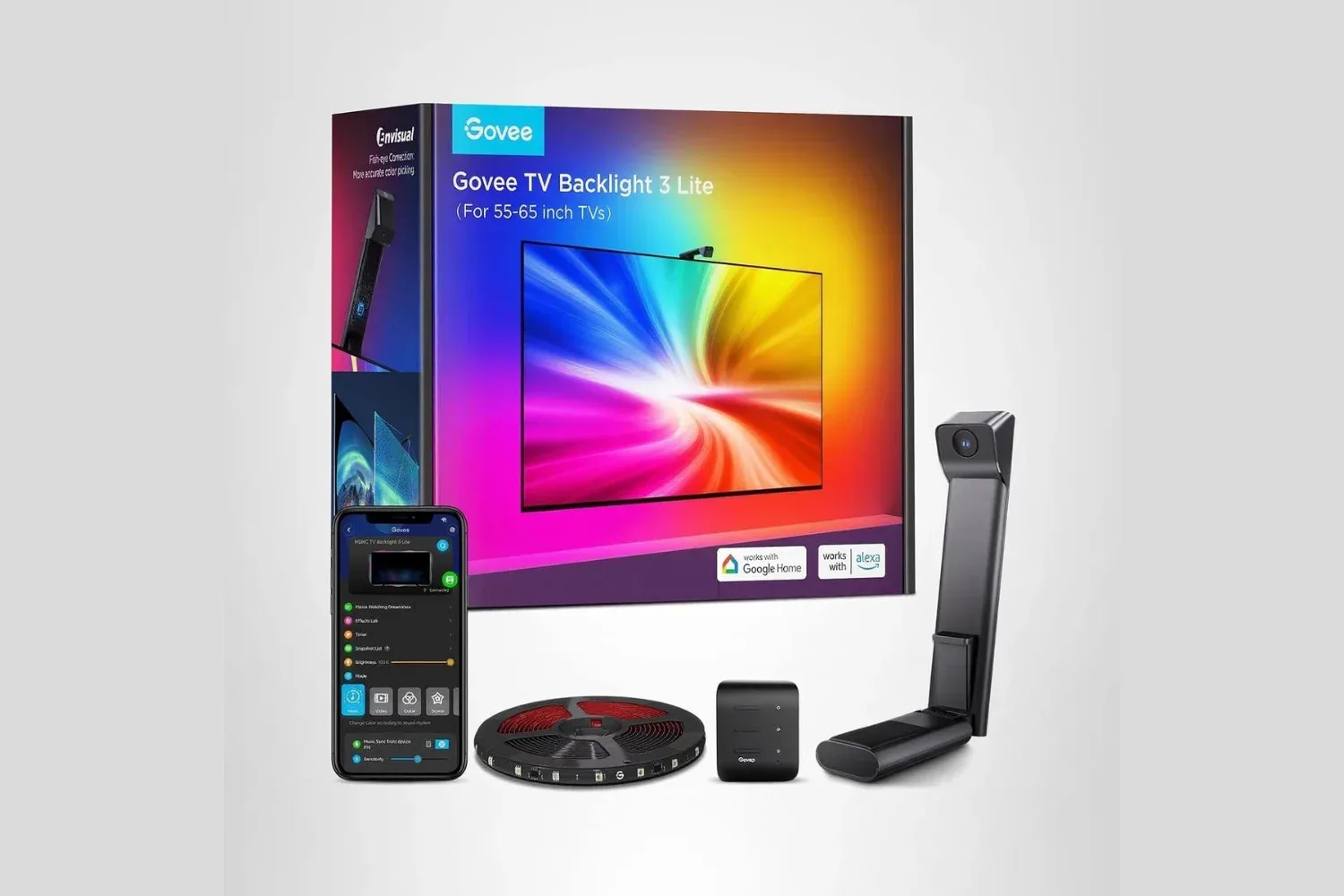
The essential difference between this and a basic RGB strip is the camera. The camera clips onto the top of the television and reads the image being displayed in real time. The system then tells the LEDs which colors to show around the rear perimeter of the screen.
That approach is designed to make the lighting respond to the current content rather than simply cycling through a preset palette or maintaining one color for an entire evening. It can visually extend the image beyond the bezel, especially when the material on screen has large, distinct blocks of color. Whether the TV is displaying a game’s neon cityscape, a sports broadcast’s grass-heavy field, or a dark fantasy film whose characters have apparently declared war on visible lighting, the backlight is meant to follow along.
Bias lighting can also make viewing in a dark room more comfortable for some people by reducing the stark contrast between a bright screen and an unlit wall. That benefit is separate from the synchronized-color effect. One is about the surrounding visual environment; the other is about turning the area behind the television into an extension of the scene. The Govee design aims for both, while leaving users able to adjust the look through its app.
Why fisheye correction matters
A camera-mounted television lighting system faces a practical challenge: wide-angle lenses can distort the edges of what they see. If that distortion is not accounted for, colors detected at the far left or far right of the TV could be mapped incorrectly to the corresponding ends of the LED strip. That is precisely where mismatched lighting is likely to stand out.
Govee includes fisheye correction to address this. The software compensates for the camera lens’s wide-angle distortion so the system can more accurately relate portions of the screen to positions on the strip. The goal is not merely to see that a scene is blue or red overall, but to place those colors around the back of the display in a way that better reflects where they appear on the panel.
In plain English: if something bright and blue is happening near one side of the image, the light effect should have a better chance of appearing on the matching side of the television rather than wandering off like a confused side quest marker. It is a small-sounding technical feature, but it addresses one of the key details that separates a convincing screen-matching system from decorative ambient lighting that is only vaguely paying attention.
Installation is designed to stay simple
Setup is described as taking around 15 minutes. The LED strip adheres to the rear of the TV using the supplied adhesive, and the camera clips to the top of the screen. From there, the Govee app guides users through calibration, including identifying the boundaries of the display.
No wall mounting or screws are required for the stated installation process. That is meaningful for renters, people who prefer not to drill into a carefully chosen paint color, or anyone whose DIY history includes a shelf that still leans slightly to the left. The system is focused on the television itself and the wall immediately behind it, rather than requiring a permanent room-lighting project.
Calibration deserves attention because it is what tells a camera-based setup where the usable image area begins and ends. The camera can only translate screen colors to the correct LED locations if the software understands the display’s borders. Spending a few careful moments on this stage is likely more productive than expecting the system to infer the geometry of the television through vibes alone.
Compatible TV size remains the first checklist item
The advertised fit is for 55- to 65-inch televisions. That range is not a minor footnote: an LED strip needs to match the dimensions of the panel it is going behind, and a lighting kit designed around one size bracket may not suit a substantially smaller or larger display. Before ordering, confirm the screen measurement and consider the television’s placement. A wall-facing set gives the reflected colors a surface to work with, while a TV positioned far from a wall may produce a different result.
It is also worth remembering that this is a camera-based product. The camera’s placement atop the screen is central to how the color matching works, so buyers who strongly dislike any accessory visible at the top edge of their television should factor that into the decision.
App controls add options beyond screen matching
The Govee app handles the remaining controls, including brightness and saturation adjustments. That flexibility matters because not every room needs the same intensity. A small, dim apartment may call for a more restrained glow than a large entertainment space, and high saturation can be fun for games or action movies while becoming a bit much during a quiet show or late-night viewing.
The app also includes preset scenes for times when the television is not actively being watched. In that role, the strip can function as general decorative lighting rather than only as a companion to video. It gives the product a second job: it can create background color in a room even when the screen is not feeding it changing visuals.
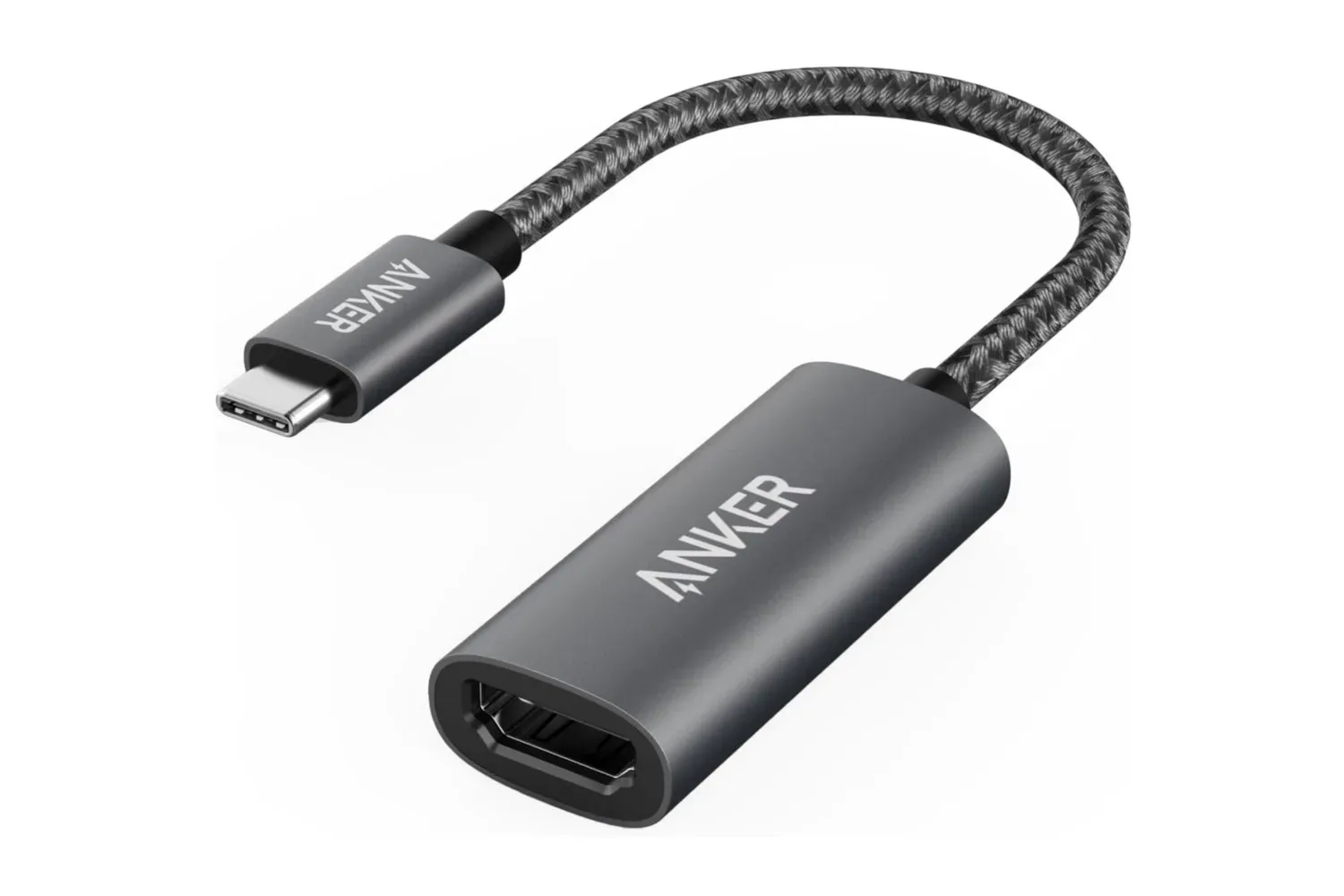
There is a music mode as well, allowing the lights to synchronize with audio playing in the space. That expands its potential use beyond films and TV, though the core proposition remains the real-time camera-driven color matching behind a television. People considering a broader desk, PC, or living-room setup may also want to review the basics of the display connection itself; our guide to the Anker 310 USB-C to HDMI adapter covers a separate route for getting compatible laptops and tablets onto a larger screen.
Voice controls and TV-linked power behavior
The TV Backlight 3 Lite supports voice commands through both Alexa and Google Assistant. That means users can make basic adjustments, such as dimming or switching off the strip, without opening the phone app. It is a practical feature when a movie has already started, the remote has migrated into sofa territory, and nobody wants to interrupt the room’s carefully cultivated atmosphere to hunt for it.
The strip is also designed to power on and off with the television. That behavior is useful for keeping the backlight aligned with actual viewing rather than leaving it lit after the screen has been turned off. As with the rest of the product, the emphasis is on reducing the number of steps between sitting down to watch something and having the ambient lighting ready to contribute.
Who the $70 listing may suit
At the listed $70 price, the Govee TV Backlight 3 Lite is most relevant to owners of compatible 55- to 65-inch TVs who want reactive ambient lighting without moving into a more involved installation. The camera-based matching, fisheye correction, app adjustments, preset scenes, music mode, and Alexa and Google Assistant support give it a broader feature set than a simple single-color strip.
It will not be equally compelling for every room. Those who want completely invisible hardware should keep the top-mounted camera in mind, while shoppers with out-of-range television sizes should not assume this version will fit. But for an appropriately sized screen and a wall-backed setup, the current reduction makes the kit a more approachable way to add synchronized color to games, movies, and television. The display provides the pixels; the Govee strip’s job is to let a few of them escape into the room.
Shop the products
Check current price, model and availability at the retailer.