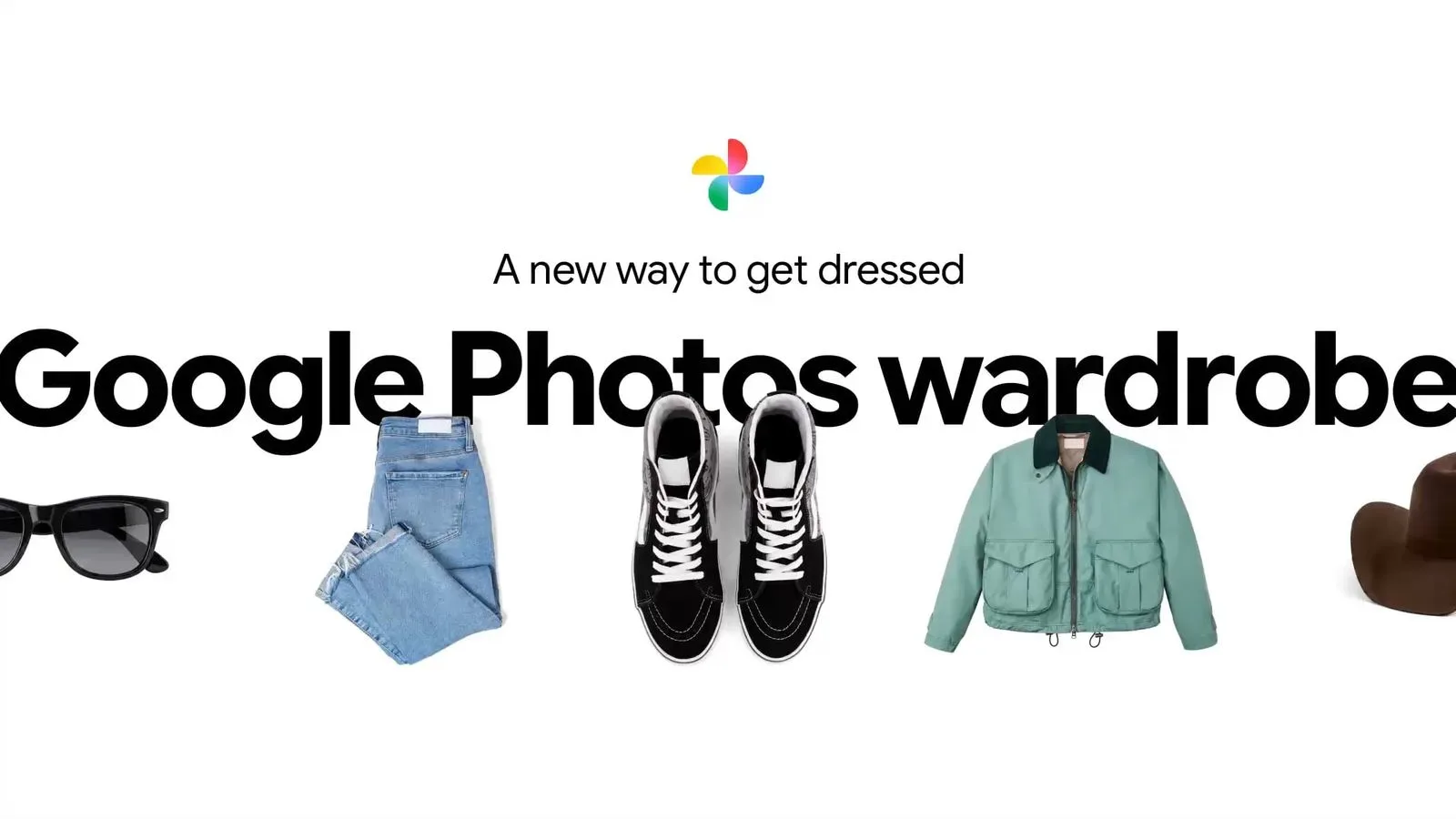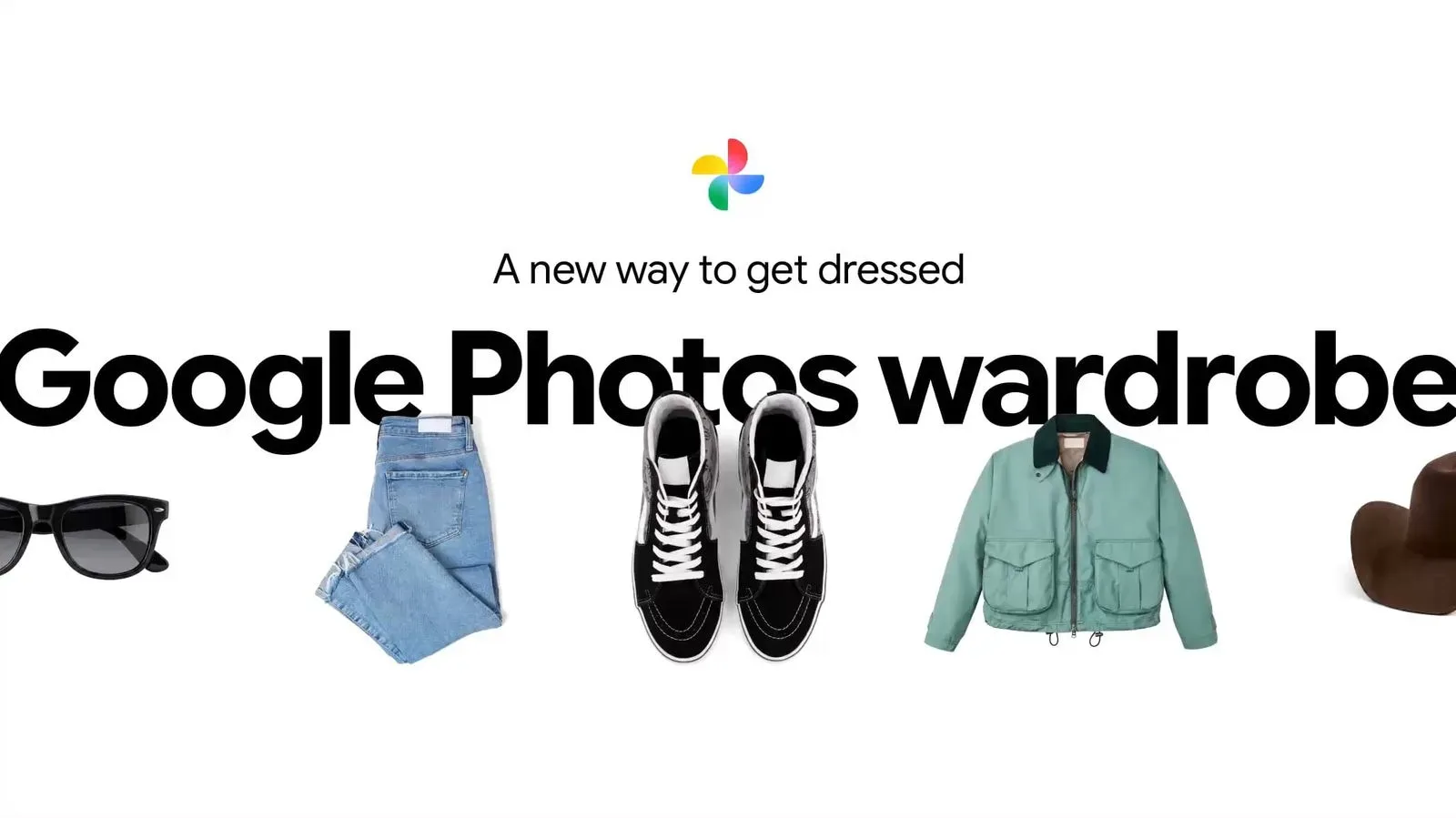
Google Photos’ digital Wardrobe is now available in the iOS app for users in the United States, India and Brazil. The feature uses AI to identify clothing in a person’s Google Photos library and arrange those images into a digital closet, giving iPhone users a new way to browse items they have photographed rather than leaving those pictures scattered across years of camera-roll history.
The rollout closes a platform gap that had existed since Wardrobe was announced in April, when it was limited to Android. Its arrival on iOS does not turn Google Photos into a shopping app or a conventional inventory system. Instead, it works from photographs already held in a user’s library, with the central idea being organization: finding images of clothes, grouping them, and presenting them in a dedicated space.
Where to find the Wardrobe
Wardrobe lives in the Collections tab of Google Photos. Within that tab, users should see a new Wardrobe section. The feature can also break clothes into more specific groupings, including categories such as tops and bottoms.
That structure matters because photo libraries are rarely organized around the practical question Wardrobe is trying to answer: “What do I own, or at least what have I photographed?” A clothing image could be buried among holiday pictures, delivery snapshots, mirror selfies, packing photos, receipts, and saved outfit references. Wardrobe is intended to bring the clothing-related material together without requiring someone to build albums manually one image at a time.
What “AI-powered” means here
In this setting, AI is doing image-recognition and organization work. It examines photos in the library to pull out pictures containing clothing, then places the resulting items in the Wardrobe. The useful distinction is that the feature is based on visual material a person has already saved in Google Photos; it is not described as creating a precise catalogue from a retailer’s product database.
That also sets sensible expectations. A digital closet based on photos will only be as complete as the photos available to it. An item never photographed cannot appear from nowhere, while a photo that contains several garments may be more complicated to interpret than a clear picture of a single shirt or pair of trousers. The announced feature is best understood as an AI-assisted view of a photo library, not a guarantee of a perfect real-world wardrobe ledger.
Category labels such as tops and bottoms are similarly practical browsing tools. They can reduce the work of scrolling through every recognized item when someone only wants to look at one part of an outfit. That is a small change to navigation, but it addresses the difference between a large archive of images and an archive that can actually support a quick decision.
Outfit combinations, moodboards and sharing
Google Photos also lets people mix and match clothing items in Wardrobe. The resulting combinations can be shared with friends or saved to a moodboard.
A moodboard is a visual collection used to collect ideas around a look, style, occasion, or theme. Within Wardrobe, it gives the outfit-mixing feature a place to keep combinations for later instead of forcing every decision to happen in the moment. Someone might use it to collect possible looks, compare color combinations, or simply preserve ideas created while browsing their photos.
The sharing option shifts the feature beyond solitary image management. A user can assemble an outfit combination and send it to friends rather than trying to describe several pieces of clothing in text. The details released do not establish how broadly sharing works or what editing controls are available, so it is better to treat this as a way to pass along an assembled visual idea—not as evidence of a fully fledged social styling network.
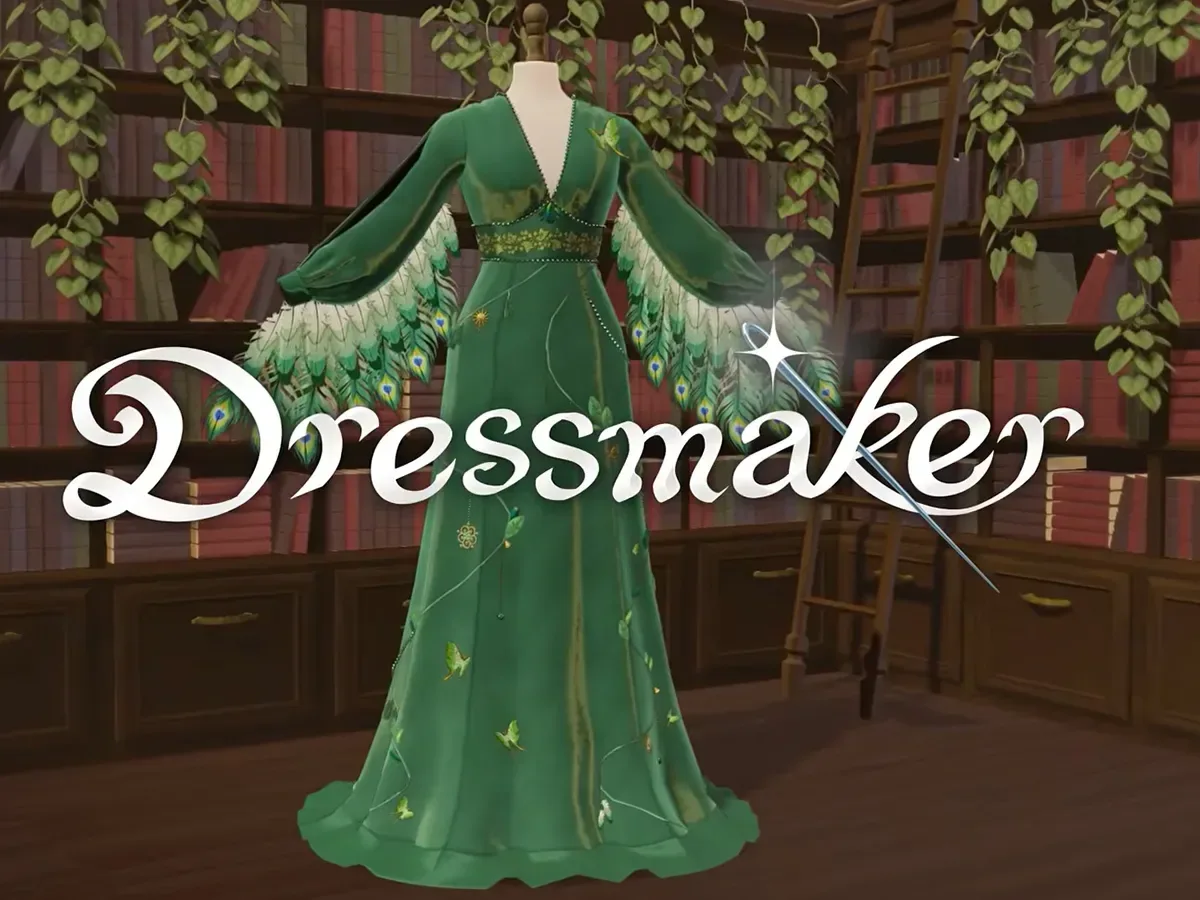
There is a small but interesting overlap here with fashion-oriented digital experiences elsewhere. For example, Dressmaker’s boutique-focused game premise shows how arranging clothes and curating a look can become its own kind of interactive appeal. Google Photos is pursuing a much more practical use: organizing a person’s own picture archive. Still, both ideas recognize that selecting, combining and presenting clothing can be a creative activity rather than only a purchase decision.
Why the iOS expansion is important
Wardrobe’s iOS availability is significant primarily because it lets Google Photos users in the supported countries access the same feature regardless of whether they use an iPhone or Android device. The original Android-only limitation meant the tool’s usefulness depended in part on phone platform. With the new rollout, iOS users in the United States, India and Brazil are included.
The country list is equally important. Availability has been stated specifically for those three markets, not as a worldwide iOS launch. People outside the United States, India and Brazil should not assume the Wardrobe option will appear in their app based on this announcement alone. Rollouts of this kind can be defined by both device platform and location, so “available on iOS” needs the regional qualifier attached to it.
For people who switch phones over time, use multiple devices, or simply keep an extensive cloud photo archive, an iOS version also makes the feature less tied to the platform on which the photos were taken. The relevant material is the Google Photos library, and the newly supported iOS app becomes another way to inspect it through the Wardrobe interface.
Remix also gains 15 templates
The Wardrobe expansion arrives alongside another Google Photos change: 15 new templates for Remix. Remix is an AI feature that transforms images. The new templates add more preset paths for those transformations, though no individual template names or effects were specified.
Templates generally matter because they frame an image-editing or image-transformation task in a more guided way. Rather than beginning with an undefined instruction or a blank creative space, a template supplies a starting format. Here, the confirmed point is limited but clear: Google Photos is adding 15 new options to the Remix feature.
Wardrobe and Remix address separate needs. Wardrobe is about extracting order from an existing image library and using clothing pictures for combinations, sharing and moodboards. Remix concerns transforming images with AI. Grouping both updates together nonetheless underlines a broader direction for a photo app: photos are being treated not only as records to store and retrieve, but also as material that can be categorized, reassembled and creatively reworked.
Practical use cases and limits
The clearest practical use case for Wardrobe is reducing the friction of locating clothing photos. If somebody has documented purchases, packed for trips, taken outfit pictures, or saved snapshots for personal reference, the new section can make that material more accessible. Browsing by category could be particularly helpful when a person remembers a garment but not the date, album, or circumstance in which it was photographed.
The mix-and-match component adds a second layer: it turns a collection of pictures into a set of possible combinations. Saving those to a moodboard provides continuity, while sharing provides an easy route to a second opinion. These are modest functions on paper, but they are directed at a familiar annoyance: an image library may contain useful visual memory, yet be difficult to use at the point when someone is deciding what to wear.
At the same time, the feature should not be mistaken for a confirmed substitute for taking stock of every garment. The announced description does not say that Wardrobe verifies ownership, tracks purchases, records condition, identifies brands, measures clothing, suggests weather-appropriate choices, or knows whether a garment is clean, available, or still in someone’s closet. Those are different problems. What Wardrobe does, as described, is organize images of clothing and give users tools to browse and combine them.
For supported iPhone users, that may be enough to make a long-neglected photo archive more useful. Google Photos’ AI Wardrobe is now positioned as a digital closet built from the images people already have: accessible through Collections, sortable into clothing categories, and able to turn separate snapshots into outfit ideas that can be saved or shared.