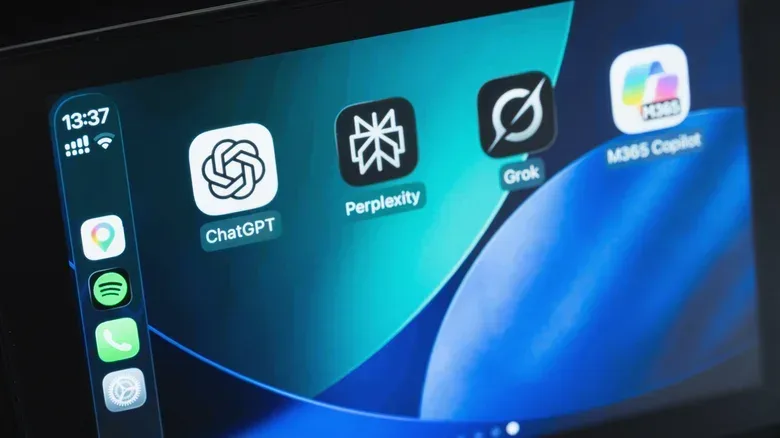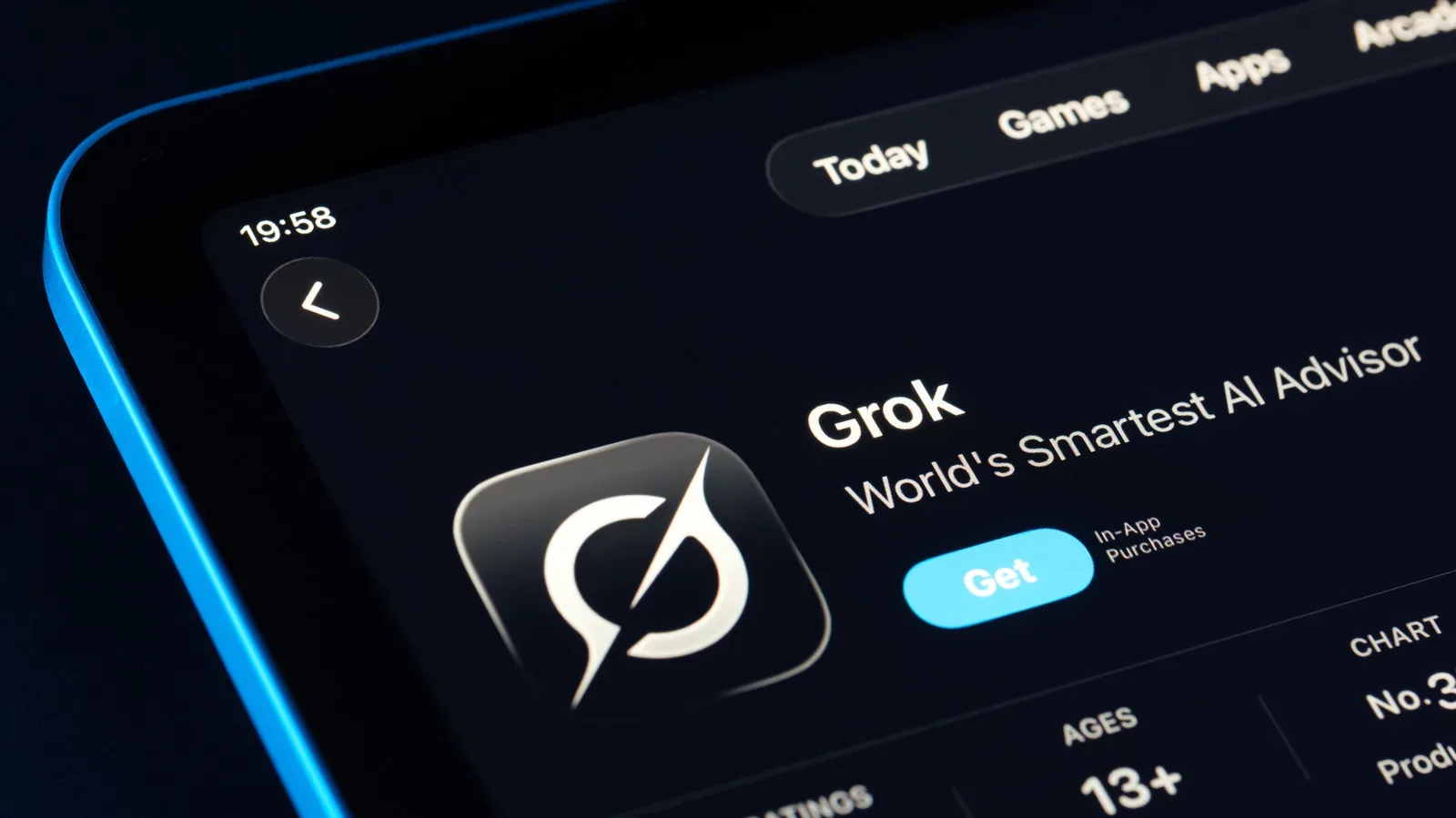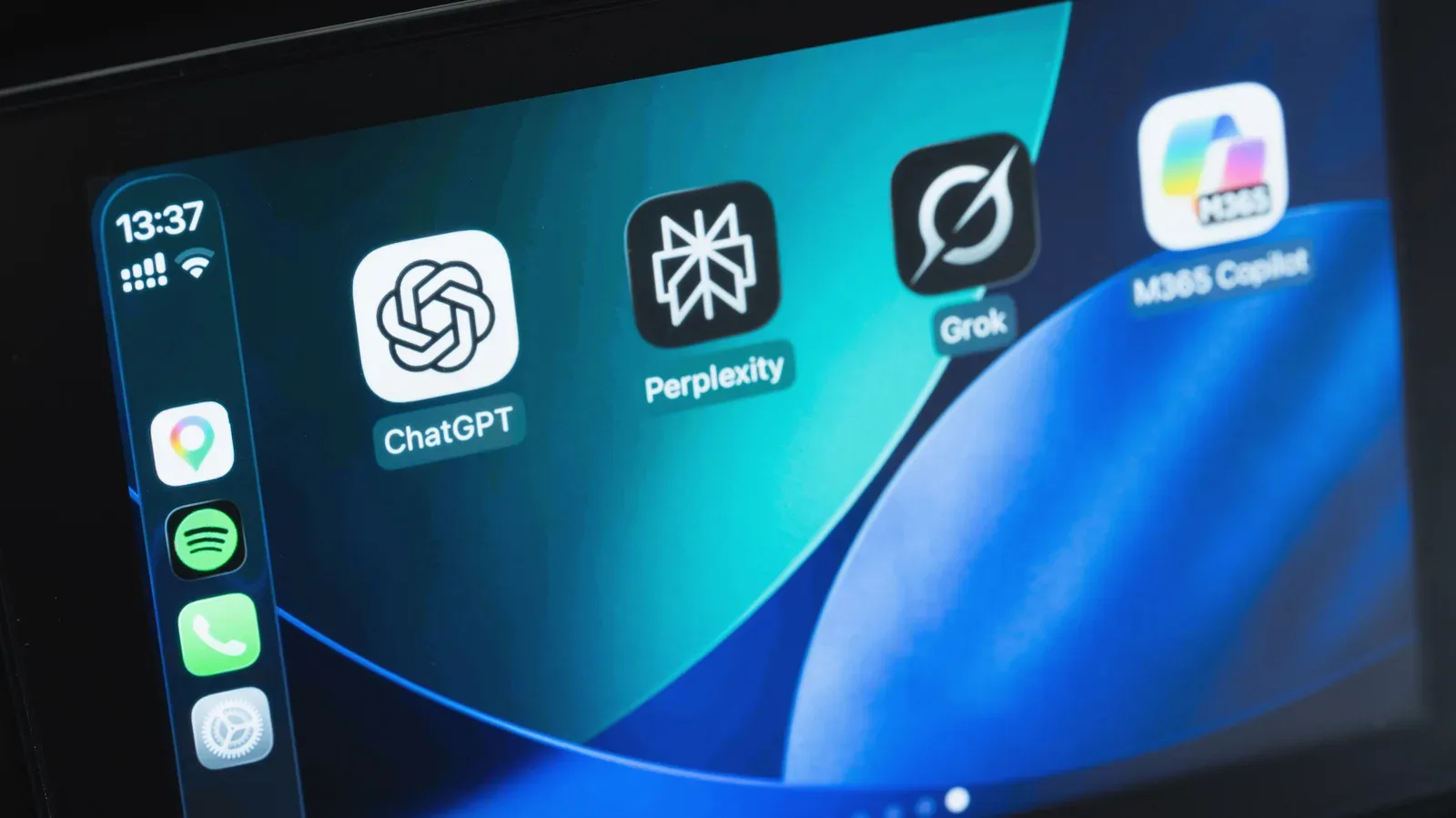
Apple CarPlay has opened a new lane for conversational AI. With iOS 26.4 or later, compatible third-party chatbot apps can appear in CarPlay, letting drivers use them through voice rather than by handling an iPhone. ChatGPT, Perplexity, Meta AI, Grok and Anthropic’s Claude are among the supported options described so far. Siri AI is also available on iOS 27 for iPhone 15 Pro or later models that support Apple Intelligence.
That is a notable expansion of what CarPlay can be used for, but it comes with boundaries that are more important than the novelty. These chatbots are voice-based in CarPlay, require an internet connection, cannot operate vehicle functions or other apps, and generally need to be opened manually rather than summoned with a wake word. They are conversational tools, not navigation replacements, not hands-free control hubs, and certainly not a reason to let a discussion compete with the road for a driver’s attention.
The practical question is therefore less “which bot is smartest?” and more “what is safe and useful to ask while driving?” The answer will vary by trip, vehicle microphone quality, cellular coverage and the driver’s ability to keep a conversation brief. The software makes AI more accessible in the car; it does not make every AI use case appropriate there.
Which AI chatbot apps work with CarPlay?
The CarPlay-compatible chatbot lineup includes ChatGPT, Perplexity, Meta AI, Grok and Claude, provided the iPhone is on iOS 26.4 or newer and each app has been updated to a version that supports CarPlay. The change is enabled by an API, or application programming interface, introduced in iOS 26.4. In plain terms, an API is the technical connection Apple provides so outside developers can build a controlled version of their app for the CarPlay environment.
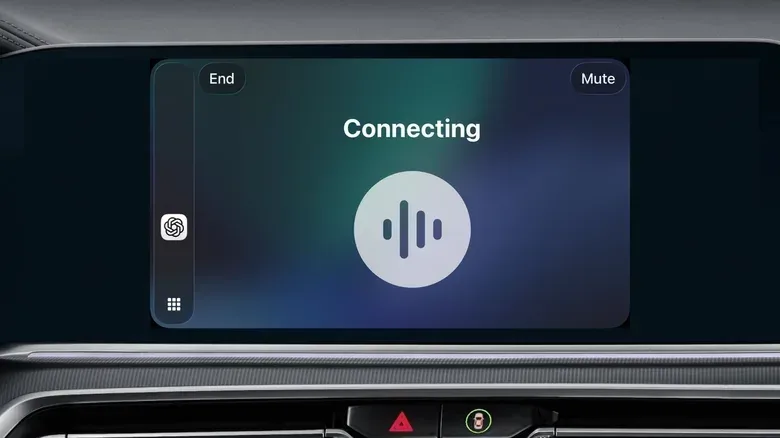
That controlled environment matters. The chatbot experience is restricted to voice commands for safety, rather than presenting a full phone-like chat interface to read and type through while the car is moving. Users can initiate a new voice conversation or, in many cases, resume a conversation begun on another device.
ChatGPT is one of the straightforward options: after the iPhone is connected to the vehicle, its CarPlay icon can be selected and a new voice chat started. The same basic approach applies to the other supported apps. Their presence in CarPlay does not mean they offer identical capabilities or answer quality; it means their apps can accept spoken interactions through Apple’s in-car interface.
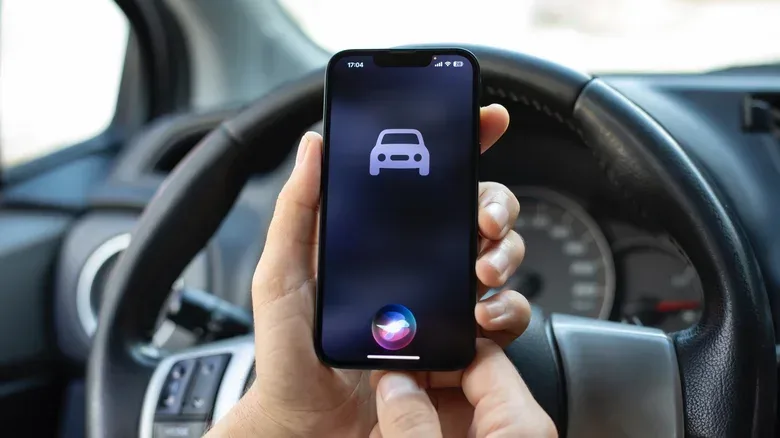
Siri AI occupies a different position. On iOS 27, it is available to users with an iPhone 15 Pro or newer compatible with Apple Intelligence. Unlike the third-party chatbot apps, Siri AI can use “Hey Siri” where that command is available in the car. It also has access to Apple Maps, which is the key functional difference for route-related assistance.
For readers already following the broader Grok rollout, our guide to the Grok bot’s early beta, eligible plans and safer first tasks covers the value of starting with limited, lower-stakes uses. The same mindset is especially sensible in a vehicle.
How to set up chatbot apps in CarPlay
There are two prerequisites: an eligible iPhone software version and an up-to-date app. On the iPhone, check Settings > General > Software Update and install iOS 26.4 or a later release if it is available. Then open the App Store, select the profile icon in the upper-right corner, enter App Updates, refresh the list and update installed chatbot apps. Installing an app alone may not be enough if its CarPlay support arrived in a newer version.
Once the phone is connected to a CarPlay-equipped vehicle, newly supported apps are ordinarily placed at the end of the CarPlay Home Screen. They can be moved closer to the front through Settings > General > CarPlay on the iPhone. Select the vehicle, choose Apps, then drag entries into a preferred order. Unwanted apps can be removed from the layout with the red minus control.
This small piece of organization has a real safety implication. CarPlay’s third-party chatbots do not have Siri’s wake-word access, so a driver must open the app to begin. Putting one genuinely useful tool in an easy-to-find location can reduce fiddling with the display. Conversely, installing every available chatbot simply creates more icons and more choices at the precise moment when a driver should make fewer of both.
What “voice-only” actually changes
Voice-only does not mean distraction-proof. It means the interaction is designed around speech instead of typing or reading a long on-screen answer. That removes an obvious visual and manual distraction, but a sustained conversation can still draw a driver’s concentration away from traffic.
There is also a distinction between speaking a prompt and understanding the response. A short request for ideas at a destination may be manageable when the driving conditions are calm. A long, detailed exchange involving planning, troubleshooting, debate or instructions could demand more mental attention than is sensible on the move. The available chatbot apps are capable of continuing conversations, including ones started elsewhere, but capability should not be confused with a recommendation to continue every conversation in the car.
The source material explicitly notes that some topics are better saved for home. That is a useful rule of thumb: if an answer needs to be checked, compared with another source, remembered in detail, or acted on immediately, pull over or wait until the trip is over. Generative AI can produce incorrect information, and voice delivery does not make that information more reliable.
Good uses versus poor uses while driving
These tools are best treated as optional spoken companions, not as authoritative assistants. The clearest example offered is asking for ideas about what to do at a destination. A chatbot may suggest activities or places to consider, while the driver later verifies details and chooses how to get there.
They should not be used for active navigation. The third-party chatbot apps do not have real-time location data or a mapping service through CarPlay. They may offer broad suggestions, but cannot guide a car to a destination. Siri AI is the exception because it integrates with Apple Maps. Even then, the distinction is useful: map-aware guidance is a navigation function; a chatbot’s general recommendation is not.
- Potentially suitable: short, non-urgent conversational prompts, such as asking for destination ideas.
- Better handled when parked: involved questions, lengthy replies, fact-sensitive planning and anything requiring close verification.
- Not a job for third-party CarPlay chatbots: turn-by-turn routing, real-time location guidance, vehicle controls or controlling other apps.
For people who drive alone, the appeal may simply be companionship or entertainment. That can be legitimate, but it still needs the same limit applied to any in-car conversation: stop if it starts pulling focus from driving. “Hands-free” describes how the input is made, not how much attention the exchange consumes.
Why a chatbot may fail to hear—or respond—in the car
Several limitations can make the experience inconsistent. First, the quality of the vehicle’s microphones affects how well apps understand speech. Road noise, open windows and weak microphone hardware can make requests harder to recognize. Closing the windows may reduce outside noise. Trying the feature while parked can help separate a recognition issue from the normal noise of driving. If the problem persists, trying the same app in another vehicle may reveal whether one car’s microphone setup is the likely cause.
Second, these apps depend on an internet connection. A weak signal or no signal can stop them from working while traveling. This is not a minor caveat for a car-based service: connectivity can change over the course of a drive, particularly outside strong coverage areas. A chatbot that works at the start of a trip may become unavailable later, so it should never be relied upon for information that needs to be available without interruption.
Third, third-party bots lack wake-word activation in this implementation. Siri can be invoked with “Hey Siri” where the car supports that command, while the other apps must be opened before a voice conversation begins. This is both a convenience limitation and a design boundary. It prevents a chatbot from acting like an always-listening vehicle assistant, but it means users should configure the CarPlay app layout before driving instead of searching through screens during a trip.
The bigger change: CarPlay is becoming a conversational app surface
The iOS 26.4 API is important because it turns CarPlay into a supported destination for a growing class of AI apps rather than limiting in-car AI interaction to Apple’s own assistant. Drivers who already use a preferred chatbot on an iPhone can carry an existing conversation into the car through voice. That continuity is the compelling part of the feature: the app does not need to become a navigation system or vehicle controller to be useful.
Still, the current division of responsibilities is clear. Third-party chatbots provide spoken conversation and general assistance. Siri AI, where the hardware and software requirements are met, has an advantage for Apple Maps-related help. Traditional CarPlay functions remain the better choice for the tasks they are already designed to do.
The sensible setup is also the simplest: update iOS and the chosen chatbot app, place only frequently used apps where they are easy to reach, make short requests, and treat answers as suggestions that may need checking. If conditions are noisy, connectivity is weak or a subject becomes absorbing, wait until the car is parked. AI has arrived in the dashboard, but the driver should remain firmly in charge of the route and the attention budget.