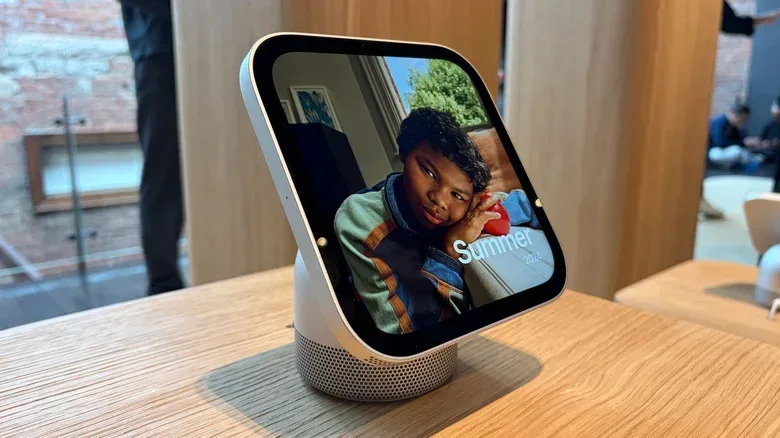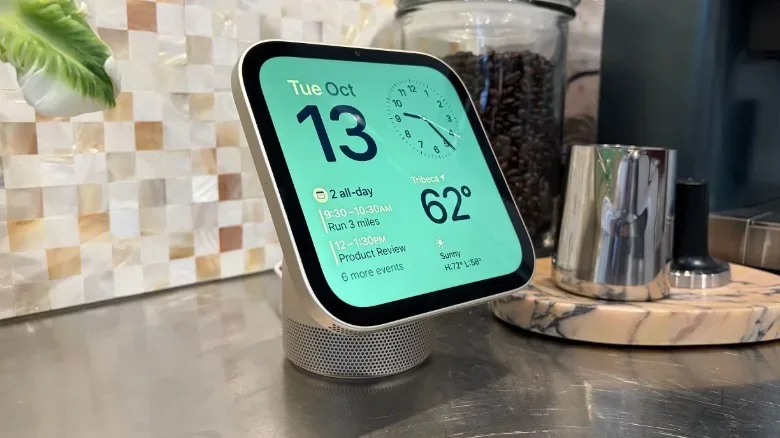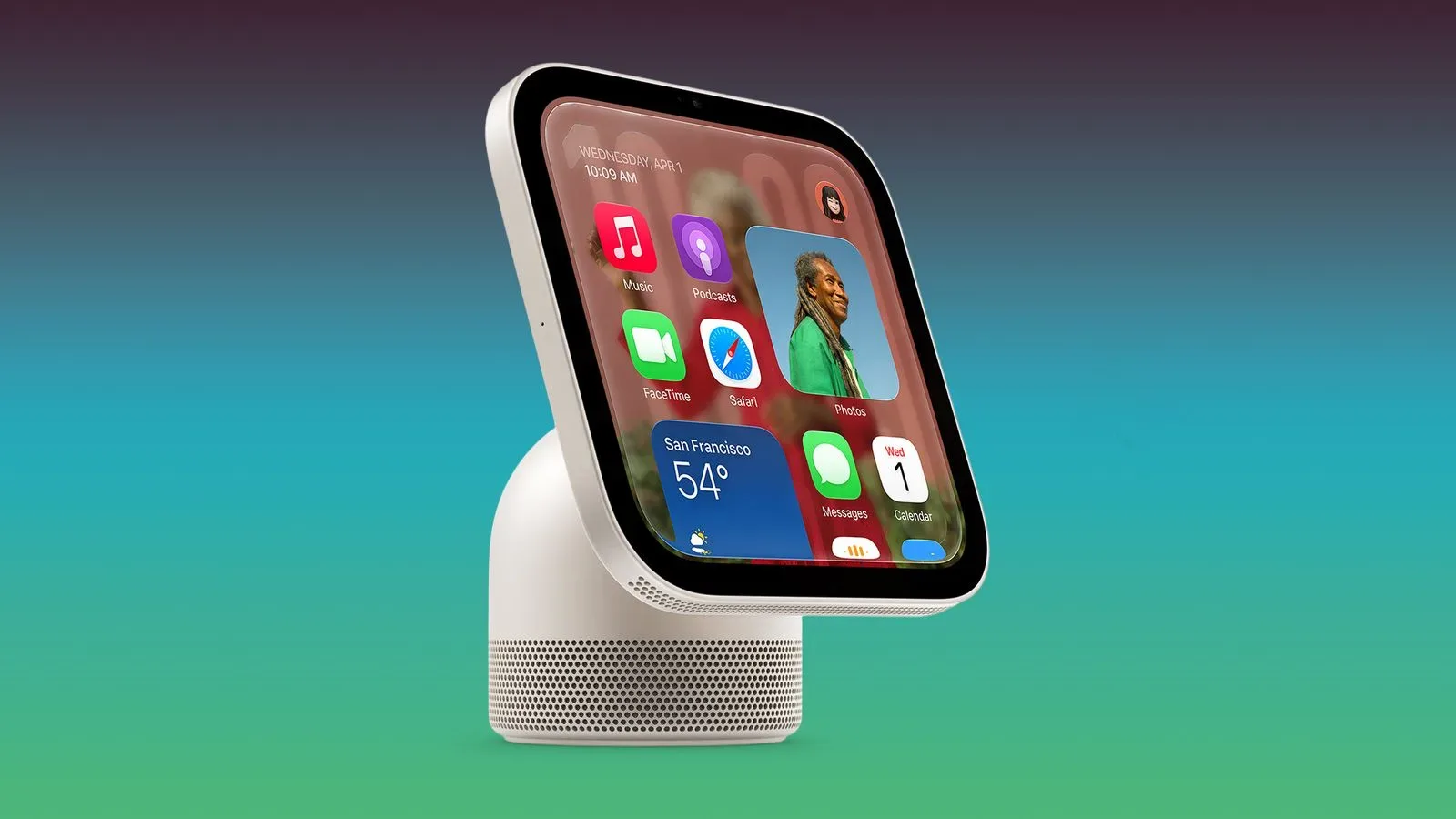
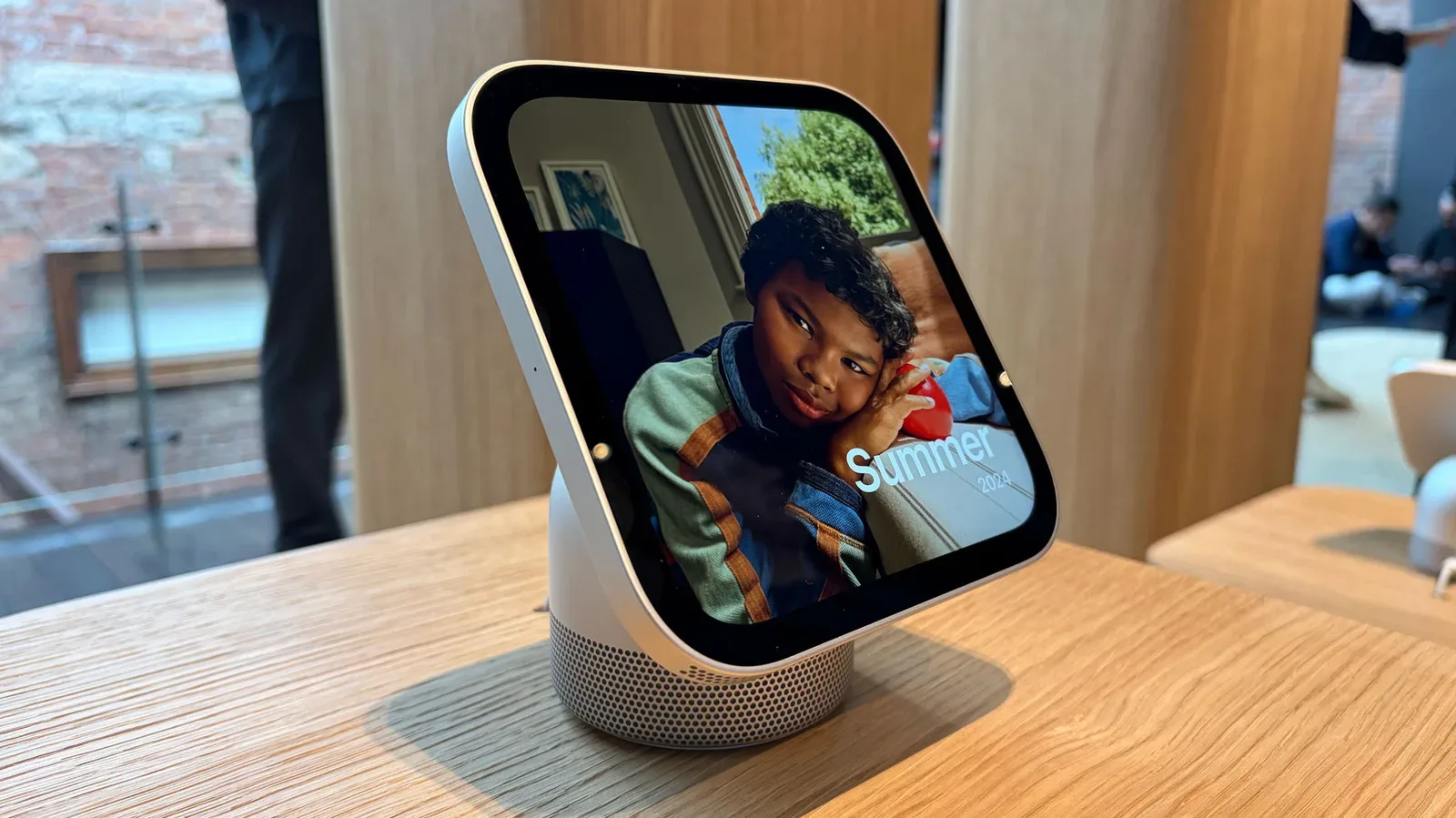
Apple’s HomeView is built to sit in one of the trickiest places for personal technology: the shared home. It is meant to be a display, speaker, smart-home controller, FaceTime station, recipe helper and photo frame, yet it is not designed to become a permanent repository for every resident’s messages, appointments and app data.
That is why the HomeView leans so heavily on an iPhone or iPad. The nearby mobile device is not merely an accessory or a setup requirement. It is the personal half of Apple’s approach to a communal screen. The HomeView can serve a household at a glance, while an iPhone or iPad determines when the screen is allowed to become specific to one person.
Apple has described its design priorities for home products as intelligence, personalization and privacy. Those goals can pull in opposite directions on a device that is visible to anyone walking through the room. A home display that knows enough to answer useful questions needs personal context. A home display that protects that context needs a reliable way to keep it from lingering after its owner leaves.
HomeView’s answer is to put the iPhone or iPad at the center of that decision.
The HomeView is a screen for apps, not an independent app device
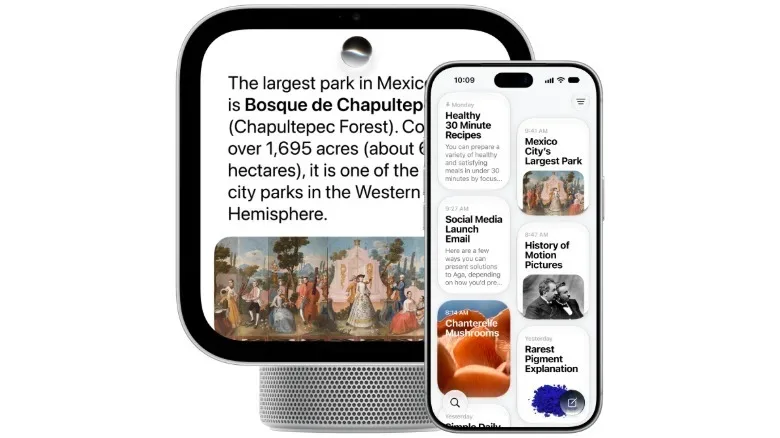
HomeView does not run downloadable apps in the usual sense. Instead, it presents compatible apps already installed on a person’s iPhone or iPad, alongside Apple’s own core services such as Calendar, Messages, Reminders and Weather. The arrangement is comparable to CarPlay: a separate screen provides an interface for supported software from a connected personal device rather than acting as a conventional App Store computer.
That distinction explains much of the product’s behavior. An app ecosystem is normally associated with independence: download software directly to the device, sign into services there, then expect it to work as a self-contained machine. HomeView is aiming for a different split. The dedicated display offers an always-available location for brief interactions, while the phone or tablet remains the place where a person’s personal information and app environment live.
For users, this can make the HomeView feel familiar rather than like another platform to populate from scratch. Compatible apps are already part of the Apple device a person uses day to day. For Apple, it reduces the need to turn a household display into a separate destination for private accounts and content.
The trade-off is equally clear: a HomeView’s personal capabilities are tied to the Apple hardware a person already owns. Someone expecting a fully autonomous smart display will need to account for that dependency, particularly in rooms where a phone is not always brought along.
Related coverage includes Why Apple’s HomeView Needs an iPhone or iPad Nearby.
Presence and recent unlocking are the privacy gate
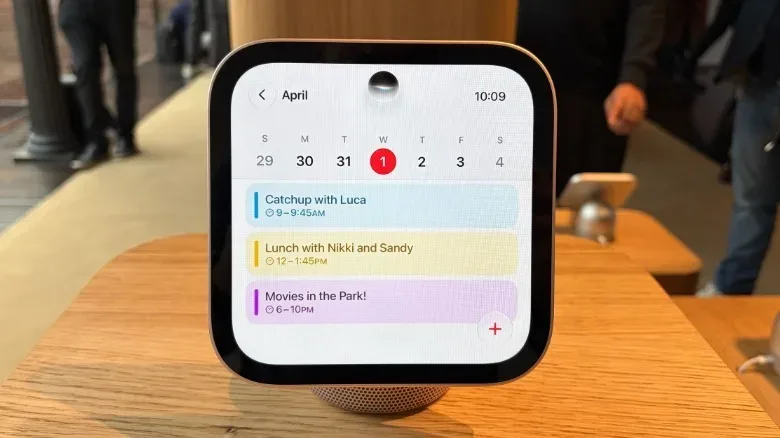
HomeView uses built-in face and voice recognition, but recognition alone is not enough to surface private information. For content such as Messages or Calendar, Apple says the recognized user must also have their paired iPhone or iPad nearby and recently unlocked.
This is an important technical and practical distinction. Recognition identifies who appears to be interacting with the display. Device presence establishes that their paired personal device is close. A recent unlock adds a further signal that the owner has recently authenticated on that device. Taken together, those requirements are intended to make a shared screen useful without treating it as a wall-mounted archive of everybody’s private life.
If the HomeView does not recognize a user, it is limited to basic tasks. That makes sense for a device intended to remain useful to an entire household: people should still be able to manage appropriate smart-home functions, such as controlling lights or checking who is at the door, without inheriting another person’s inbox or schedule.
When a recognized person walks away, the personal material is meant to disappear with them. Apple’s stated position is that this information is not posted on or stored by the HomeView itself. The screen becomes personal during an interaction, rather than staying personal as a default condition.
Why a shared display needs stricter boundaries than a phone
A phone is generally understood as a private object. It is carried by one person, commonly locked, and typically looked at from close range. A home display flips those assumptions. It occupies a kitchen counter, a living room or another common area. Relatives, guests and passersby can see it. Its role is closer to a household appliance, but it may need access to the kind of context that normally belongs on an individual’s phone.
That is the core tension HomeView is trying to resolve. It must be broad enough to control shared devices and respond to voice requests, but narrow enough that a calendar invitation, family message or surprise plan does not appear to the wrong person.
Apple’s model is therefore not simply “the display knows who you are.” It is “the display may show a limited personal view when it knows who you are and can verify that your private device is currently part of the interaction.” This approach shifts the most sensitive part of the experience back to an item that is normally already under the user’s possession and protected by its own authentication.
It also frames the iPhone as an identity anchor, not just a remote control. Apple’s leadership has positioned the iPhone as an intelligent personal hub, and HomeView extends that hub into a fixed, glanceable location in the home. The product can be communal in placement without becoming communal in its access to personal data.
Siri’s context depends on the device where life is organized
The nearby-device requirement is also connected to Siri AI. More conversational and context-aware assistance needs access to the apps that contain a user’s schedules, reminders, messages and other relevant details. Those apps hold the context that can turn a generic answer into one tailored to the person asking.
“Context” in this setting means information that helps an assistant understand what a request refers to. It could include appointments, reminders or other app content, though HomeView’s described behavior does not mean every piece of data is automatically visible on the display. The point of the iPhone- or iPad-based design is that the personal source remains separate from the common screen, and only becomes available after the required checks.
That arrangement may be more restrictive than a smart display that stores or permanently syncs a broader profile directly on the device. But restraint is the product feature Apple is emphasizing. HomeView is intended to offer information in the moment, then remove it when the person and their paired device are no longer there.
There is a broader consumer implication here. Convenience and privacy are often framed as a binary choice: either a device is deeply personalized, or it is carefully locked down. HomeView’s design argues that the phone can mediate between those outcomes. Whether that feels elegant or cumbersome will depend on a household’s habits, but the principle is straightforward: the screen is shared; the phone is personal; the combination permits a temporary personal screen.
Handoff turns the dependency into a workflow
The phone or tablet connection does more than authorize access. It also enables handoff for music, FaceTime calls and other activities. Handoff is the process of moving an activity from one device to another so that a user can continue it in a more suitable place. In HomeView’s case, the larger fixed display and speaker can take over when an interaction moves from individual use to a room-based experience.
Recipe integration in Safari is a particularly revealing example. A person can begin with a recipe on their iPhone or iPad and hand it to HomeView for use while cooking. That makes the display a helpful kitchen companion, but it also reinforces that the personal device starts the process.
Apple describes this not simply as dependency, but as ecosystem behavior. The HomeView is meant to work with the devices already holding a person’s content, apps and established routines. It resembles the logic behind other device ecosystems: separate products have distinct jobs, while the value of each increases when they can pass work between them.
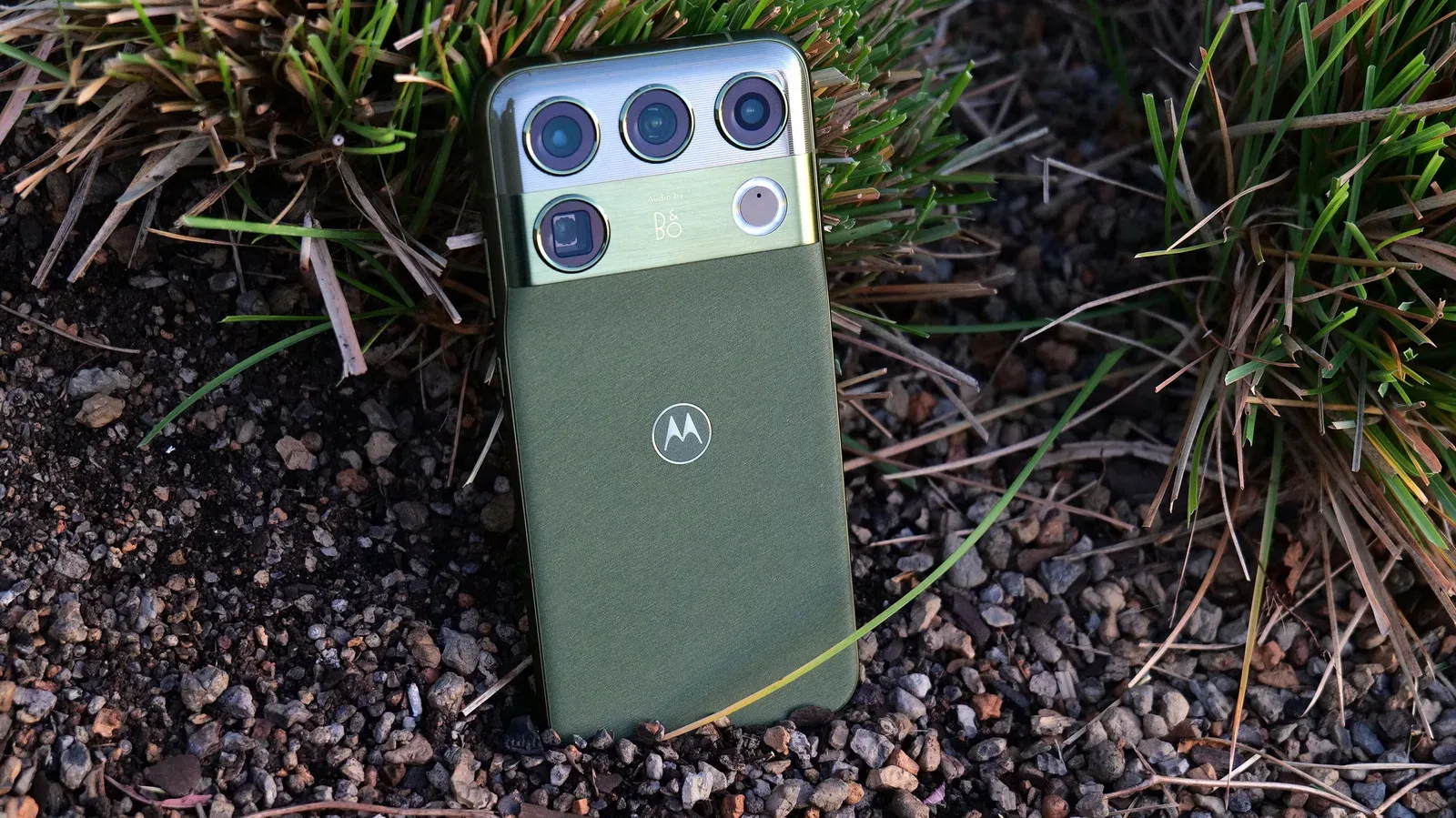
That philosophy also helps explain why a capable phone remains central even as smartphones continue to stretch into premium territory. Devices such as the Motorola Signature 27 illustrate how much hardware and personal computing buyers may carry in their pockets; Apple’s HomeView strategy treats the iPhone or iPad as the persistent personal layer that a room-based screen can temporarily extend.
Voice first, touch second, and no physical buttons
HomeView’s reliance on personal devices is paired with another deliberate limitation: it has no physical buttons. Apple says the product was conceived as voice first and touch second, so dedicated buttons and physical controls were excluded from the design.
That choice fits the idea of a display intended for quick, ambient interaction. A user can ask Siri for help or make a brief touch adjustment, rather than approaching the product as a small tablet meant for prolonged app management. It also distinguishes HomeView from the iPad-like expectations its screen might create.
There are implications beyond industrial design. Physical buttons offer immediate, predictable controls, particularly for volume or quick actions. A voice-first device instead relies more heavily on voice requests, its touch interface and the surrounding Apple-device workflow. Some households may view that as a clean simplification; others may find it makes the product feel more dependent on the rest of the ecosystem.
Apple’s description of the development process makes clear that this was intentional. Building a new home product did not mean bringing every familiar feature from the company’s other devices into one square screen. The difficult task was deciding what to omit in order to maintain a simple experience.
What prospective users should take from the design
The practical question is not just whether a household wants a smart display. It is whether its members want one whose best personalized functions are deliberately anchored to nearby, recently unlocked iPhones or iPads.
- For shared-home tasks: HomeView is designed to remain useful for basic smart-home actions even when it cannot identify the person in front of it.
- For private content: Recognition, paired-device proximity and a recent unlock are all part of the access path for information such as messages and calendars.
- For app use: Expect compatible iPhone or iPad apps to be mirrored rather than a separate HomeView app-download model.
- For continuity: Activities including music, FaceTime and Safari recipe use can move from a personal Apple device to the household screen through handoff.
- For interaction: The device is designed around voice commands first, with touch as a secondary method and no physical buttons.
HomeView’s central compromise is therefore also its defining idea. It wants the convenience of an always-there household display without making a household device the permanent home of personal information. The iPhone and iPad requirement is the mechanism that makes that possible, while also ensuring that Apple’s newest home screen remains firmly tied to its existing personal-device ecosystem.