The most interesting thing about the latest wave of iPhone Duo software is not merely that it fits two displays. It is that developers are treating the hinge as an input, a prop and sometimes the entire punchline. A marble rolls differently when the device becomes a ramp. A bird flaps when the phone folds. A horror game turns closing the handset into a panicked defensive move.
That distinction matters. A dual-screen layout can simply divide information between two panels, but these apps also make the physical positions of the hardware part of their design. Laptop mode, tent mode, a partly open hinge and a closed device each become contexts with their own controls or presentation. Just two weeks after the iPhone Duo’s launch, the range already runs from compact games and novelty cameras to reading, project planning and browser extensions.
For players, the game selections are the clearest illustration of what this form factor can change. For everyone else, the more practical titles show why a folding phone does not need to be a novelty-only machine: one half can remain visible as a status display while the other handles controls, writing, selection or capture.
Games built around the hinge instead of beside it
Marbles Unhinged, priced at $2.99, is perhaps the most literal expression of the idea. It is a marble maze in which folding changes the floor into a ramp, standing the upper half upright allows a bank shot, and snapping the hinge launches the marble upward. The device is not just displaying a maze; its changing shape is tied directly to how a player moves through it.
Several other games likewise convert an ordinary folding action into a command. The free Chirpfold uses folds to make a bird flap in a Flappy Bird-style setup. Valley Run, at $0.99, asks players to fold the Duo to steer a marble through neon racing tracks. The $2.99 Fold Match puts a shape on one half and its destination on the other, then withholds the result until the device is closed. That creates a small but meaningful twist: players must make a spatial judgement before the final confirmation.
Who’s at the Door? makes the hardware itself the premise. Open the Duo to reveal whoever—or whatever—is on the other side of a virtual door, then shut it quickly if the visitor looks threatening. It is free, and its central interaction is deliberately simple. That simplicity is useful here: a folding-phone game need not become a complicated simulation to communicate why the hinge exists.
Other titles use the Duo less as a motion-sensitive toy and more as a miniature two-part game station. In Battlefleet Duo, a free Battleship-style game, laptop mode separates a player’s fleet on the lower screen from enemy waters on the upright half. Greens: Mini Golf, also $2.99, works in every orientation; when set up like a laptop, the lower display is the putting surface while the raised display acts as a caddie camera. The game’s function is familiar, but its presentation borrows the division of labor normally found in a console setup: action below, a secondary view above.
Load Bearing takes that split-screen principle into a denser game format. The $5 roguelite, described as Tetris-style, is meant to be played half-open, with controls at the bottom and falling blocks above. Its deck-building elements let players assemble a preferred set of block pieces for each level. “Roguelite” generally refers to a game structure built around repeatable runs and evolving choices rather than a single uninterrupted campaign; here, the relevant point is that the block selection is part of the strategy. The Duo layout keeps input and the main playfield physically distinct.
There is a similar desktop-like arrangement in PianoFold. It is free to download, with a $4.99 full unlock, and is played with the Duo in a laptop position. Players press and hold keys to match the accompanying music. By contrast, Midnight Fridge costs $2.99 and uses the phone as a tiny refrigerator for a memory challenge involving fridge magnets and items inside.
The common thread is not genre. These range from rhythm play to mini golf, arcade racing, puzzle design and horror. It is that each title asks a more useful question than “How can a game fill two screens?”: What does a movable screen arrangement make possible? That is still an early-stage software question, but it gives these games a clearer identity than a conventional app merely stretched across a larger canvas.
For readers following wider game-design experiments, see our coverage of how changing a game mode’s role can affect its overall design. The iPhone Duo examples operate on a smaller scale, but they similarly show how a structural change can reshape the player’s routine rather than simply add screen space.
Little objects, recreated in software
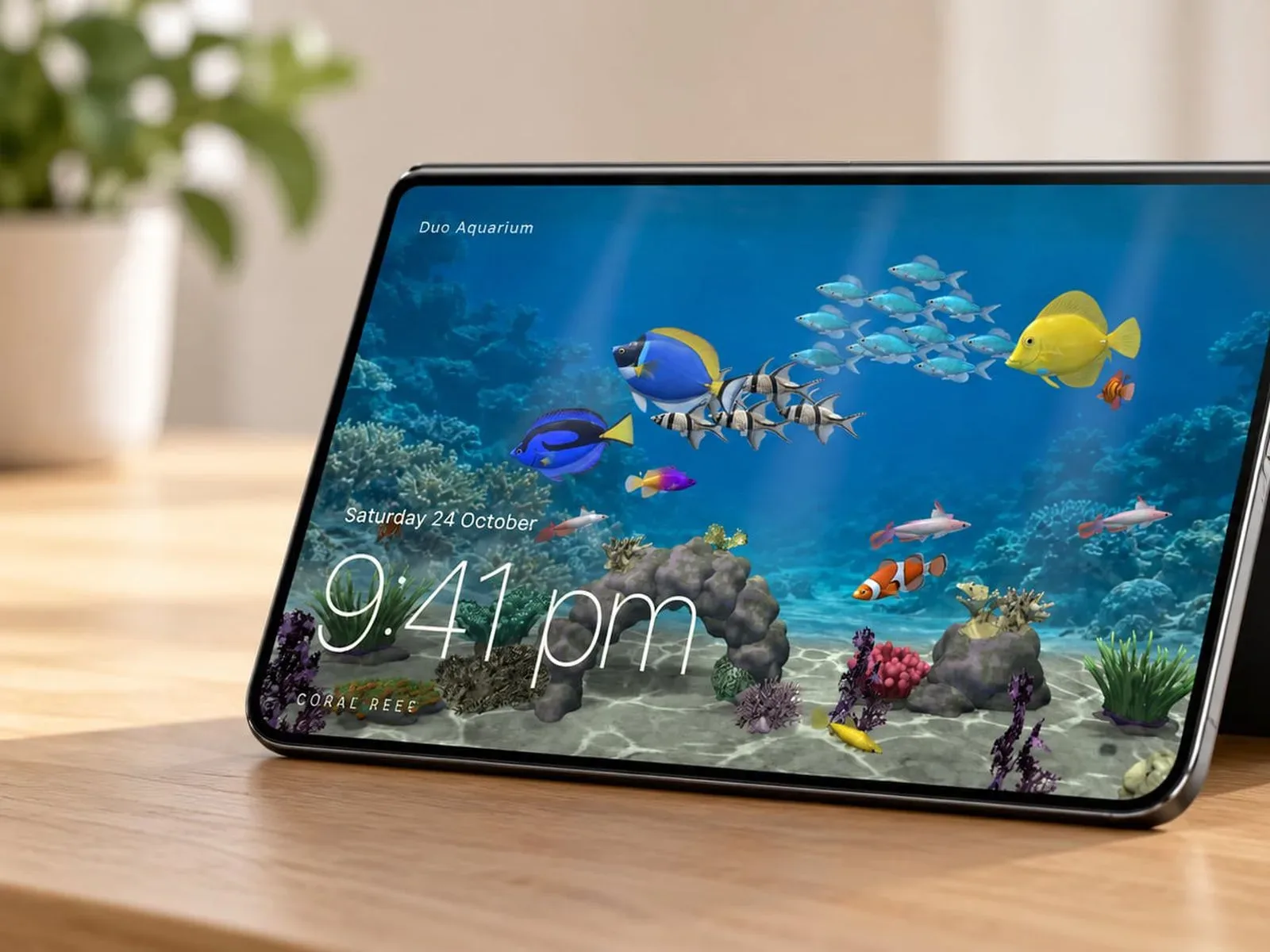
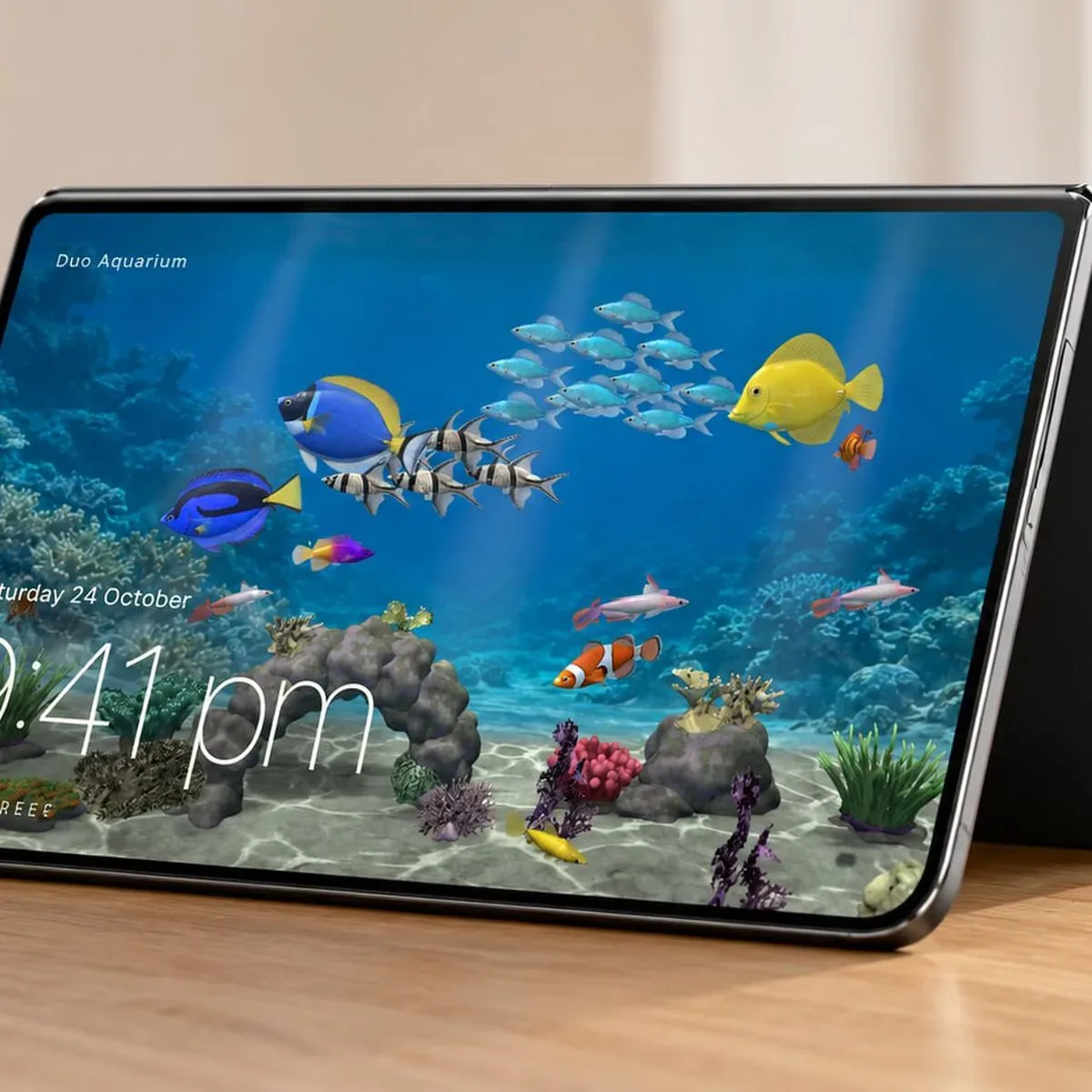
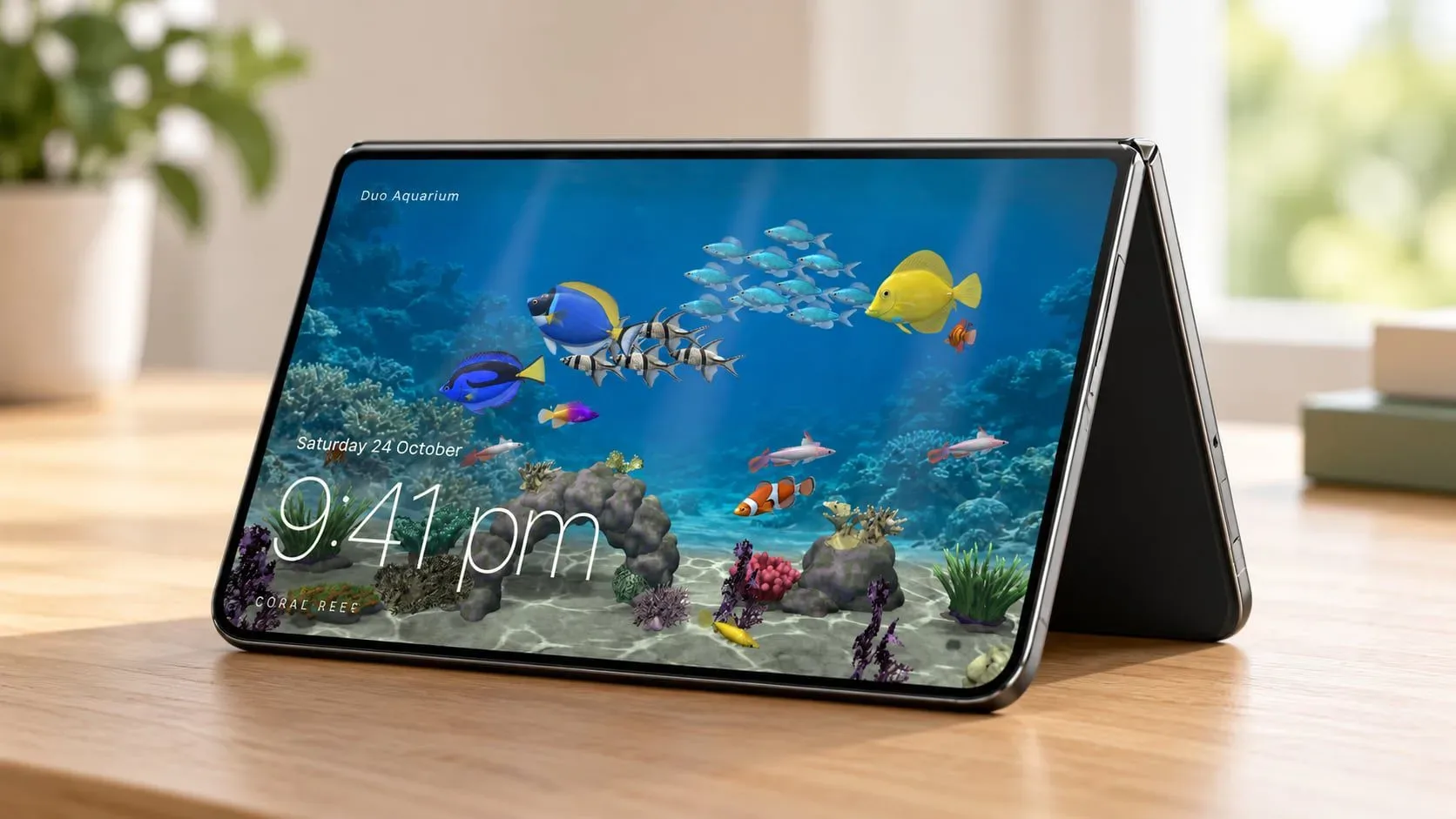
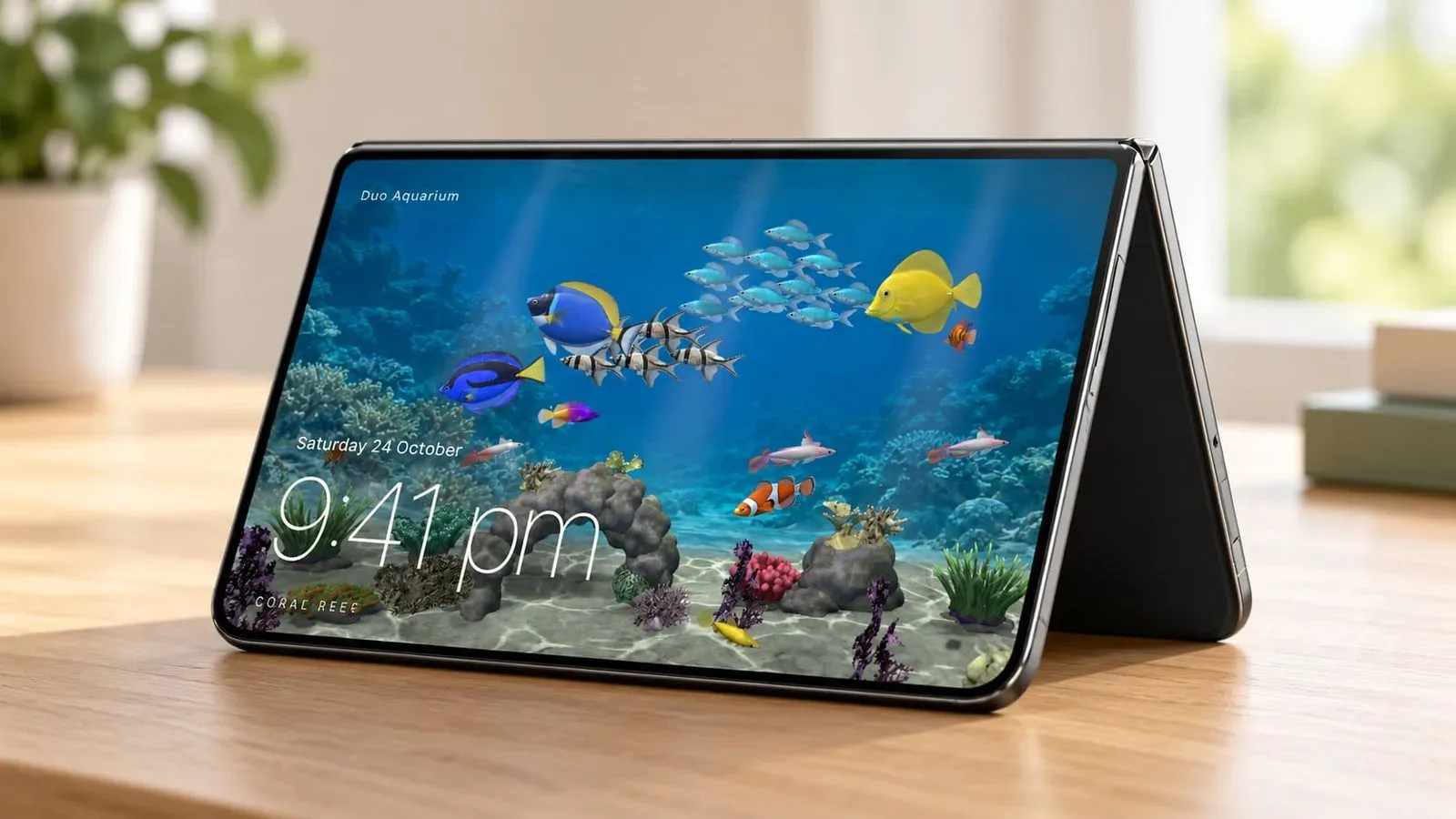
The less game-like apps tend to turn the Duo into an object with a familiar physical identity. In tent mode, Duo Aquarium is a $1 virtual fish tank and clock. Users choose fish and additions, then feed them. Lullabox, a free music-box app, lets a user wind a key, lift a lid and watch a porcelain ballerina spin; the music grows louder as the phone is opened further.
These are small ideas, but the choice of form is important. Tent mode allows the Duo to sit up on a surface instead of lying flat in a hand. That makes an aquarium, a clock, an ambient sound display or a busy/free sign more plausible as a shared, glanceable object.
Callsign makes the shared-display use explicit. The free download can be placed in tent mode to indicate whether someone is available or busy on a call. Optional visual packs are one-off $1.49 purchases. Blankie, another free app, gives its soundscapes a two-panel arrangement with Now Playing on one side and Sound Mixer controls on the other; in tent mode it shows what is playing.
Two digital writing apps lean into a different familiar object: the small laptop or typewriter. Post Club, $4.99, offers 10 typewriters and 14 paper styles for letter writing with the Duo folded into a laptop-like position. Halfpage, $2.99, takes a simpler route, putting keys on the lower half and writing on the upper one. Neither needs an elaborate hinge mechanic to benefit from the hardware. The practical gain is separation: the text remains readable above the controls instead of constantly giving way to an on-screen keyboard.
AltoPaint, at $5.99, similarly turns the handset into a small canvas and palette, offering watercolor, oil and gouache with mixable colors. AskZine costs $1.99 and takes a Magic 8 Ball-like approach: ask a question, unfold the phone and reveal the response. DuoBook is free and fashions the device into a small Mac-like interface with keyboard and trackpad behavior, plus photo and file transfers to a Mac.
Reading, fitness and media browsing make the two panels functional
The Duo also supports apps where the two halves have an immediately legible job. CalibReader, a free EPUB and PDF reader, presents a title cover on the outer screen and opens to a two-page spread with page-turning animations. EPUB is a common reflowable ebook format, while PDFs usually preserve a fixed page layout. A book-like two-page presentation is therefore particularly easy to understand as an interface choice, even though individual files may differ in how well they suit that arrangement.
Faro is another free app that uses a split view for choice rather than movement. It is designed to help people select a movie instead of endlessly browsing. On the Duo, it can place two films side by side for a decision, or reserve one half for a list and the other for film details. The design does not necessarily give a viewer more information than a normal phone interface; it gives competing information a more stable place.
Wakeout, a fitness app priced at $59.99 per year, offers brief workout games. Tent and laptop modes let the Duo stand while a user follows exercises and plays with body movements. The app was named Apple’s App of the Year in 2020. The stand-up positions are particularly practical for this kind of use because an exercise routine is one of the occasions when holding a phone is inconvenient.
Retrocade, included with Apple Arcade, turns the Duo into a miniature arcade machine and supports multiple folded positions. The source material does not specify its individual games or exact control arrangements, but the concept fits the broader theme: a folded device can evoke a dedicated object rather than a flat all-purpose slab.
Cameras that stage the act of opening and closing
Camera software is another natural home for a device with an outer display and a changing physical posture. The free IncrediBooth turns the Duo into a photo booth: press a red button to capture an image and the photo strip appears on the external screen. Its free tier includes five strips a day.
VNTG frames the folding motion as a version of instant-film ritual. Close the Duo to take a photograph, then open it to develop the result. The app is free to download and offers in-app purchases for camera lenses. Flipcorder, available for $4.99, treats the hardware as a retro camcorder for daily video diaries. Users unfold the phone to film, and completed recordings appear as tapes on an in-app shelf with VHS-style effects.
None of these camera concepts claim to alter what a camera sensor captures. Their appeal is interaction and presentation. The physical action surrounding a photo or clip becomes part of the app’s personality, much as the opening of Lullabox changes the volume of its music.
The serious utilities may matter most over time
Novelty is valuable for discovering an unfamiliar device category, but the longer-term test is whether the form factor removes everyday friction. Several utilities are pointed directly at that question.
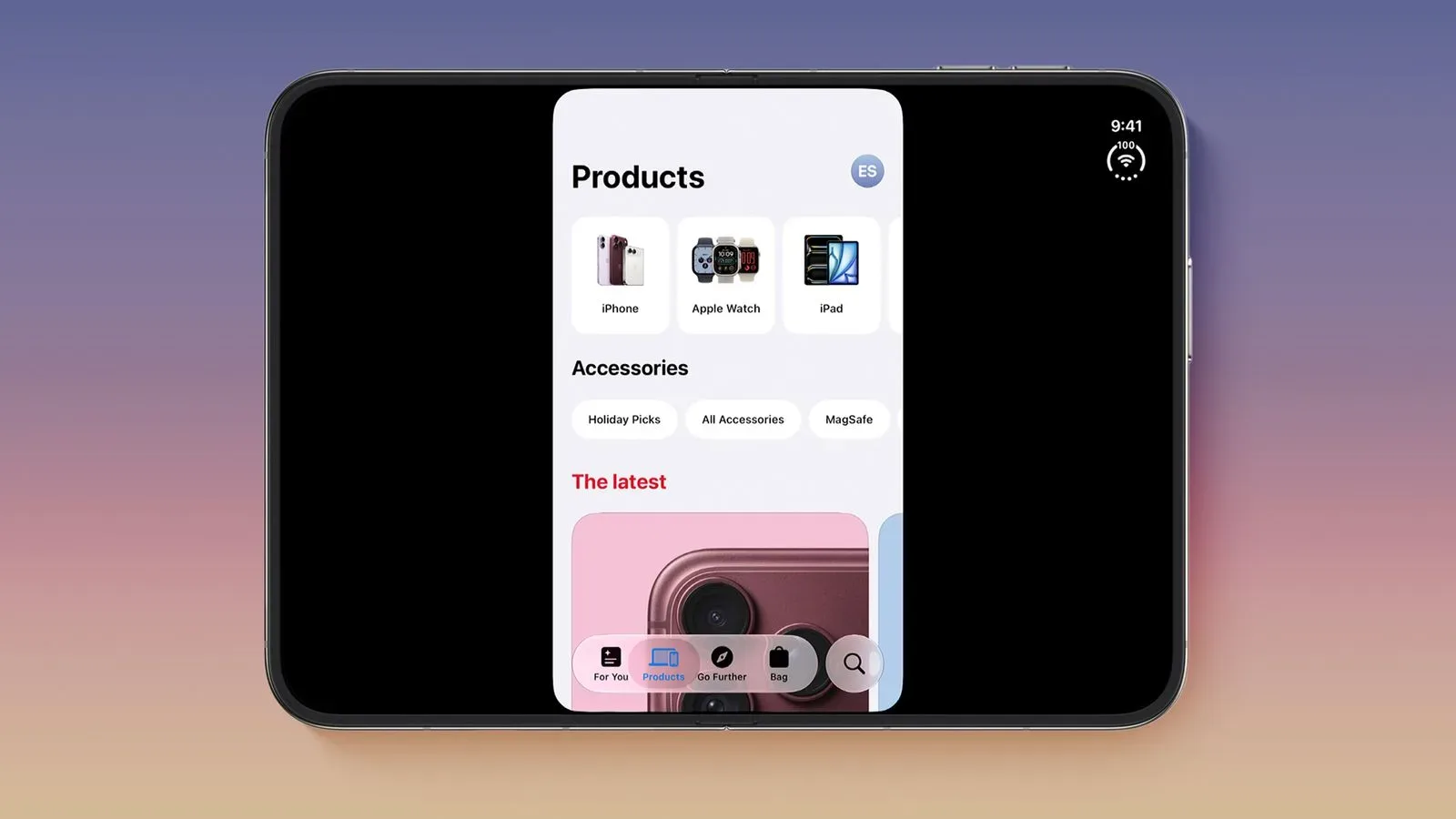
Brim, an $0.89 Safari extension, lets websites use the full width of the Duo’s outer display, recovering blank space and moving links and buttons away from the side controls. Widen, priced at $3.99, also expands Safari’s use of the outer display, hides cookie banners and works in Split View. Its settings can expand images alone or both images and text. A browser extension is software that modifies or adds functions to a browser; in this case, the extensions target layout behavior specific to the outer display.
SPAN is a project tracker and timer with views tailored to different Duo orientations. It is free for the current week, while a $4.99-per-month Pro subscription unlocks unlimited projects plus full monthly and yearly reports. BrainDrain, also free, is a 60-second thought-capture tool: use it half-open like a laptop, closed for typing, or in tent mode for voice capture. Its orientation-specific approach gives different modes a distinct purpose rather than treating every posture as interchangeable.
The early iPhone Duo app scene is therefore not defined by one killer category. It is a collection of experiments, from a folding-powered marble maze to a Safari layout fix. The playful releases make the hardware’s possibilities easy to see, while the writing, reading, browsing, fitness and planning apps suggest where a folding design could become routine. The strongest ideas are not simply dual-screen apps. They are apps that recognize the device can be held, propped, opened, closed and glanced at in more than one meaningful way.