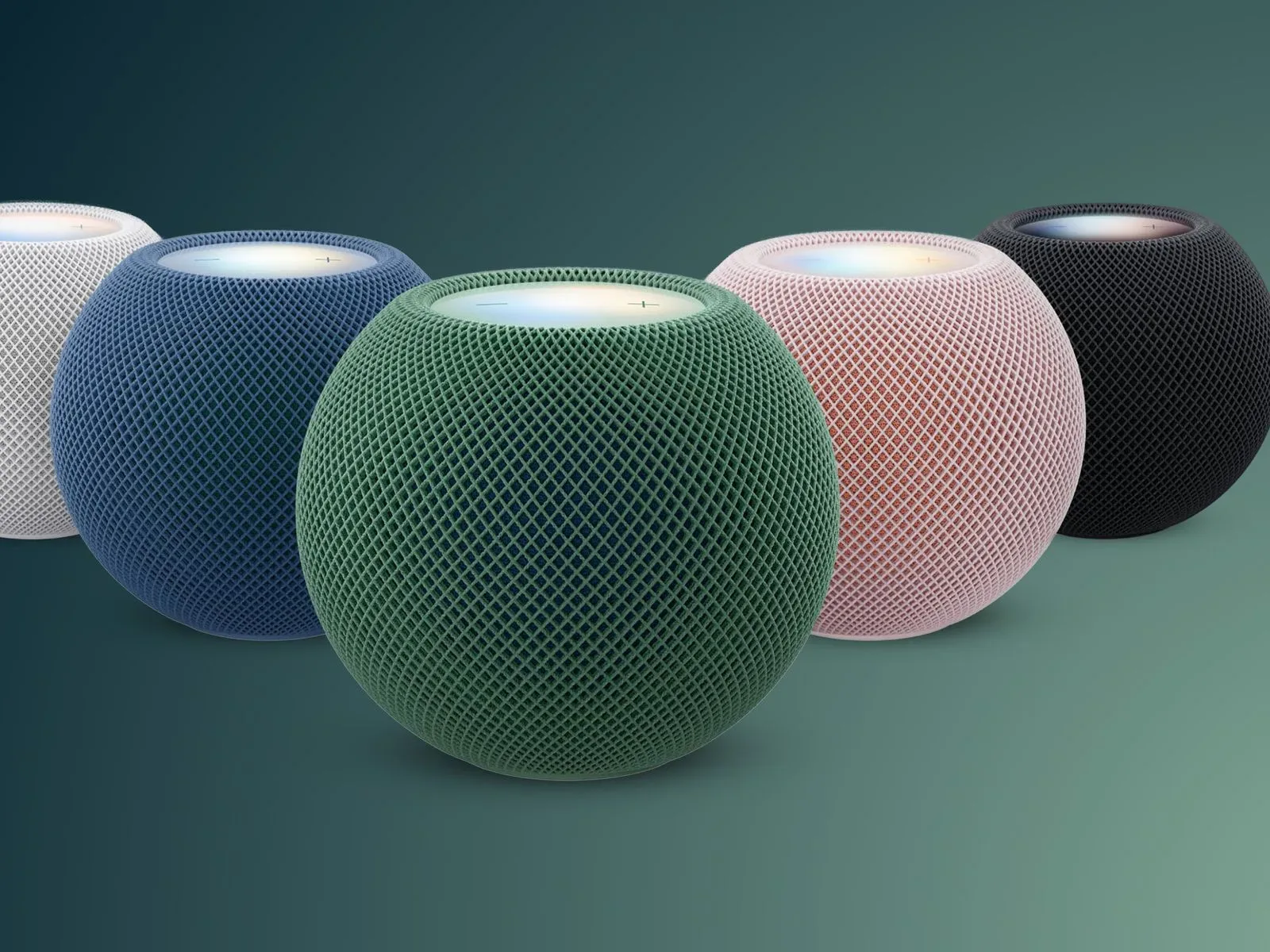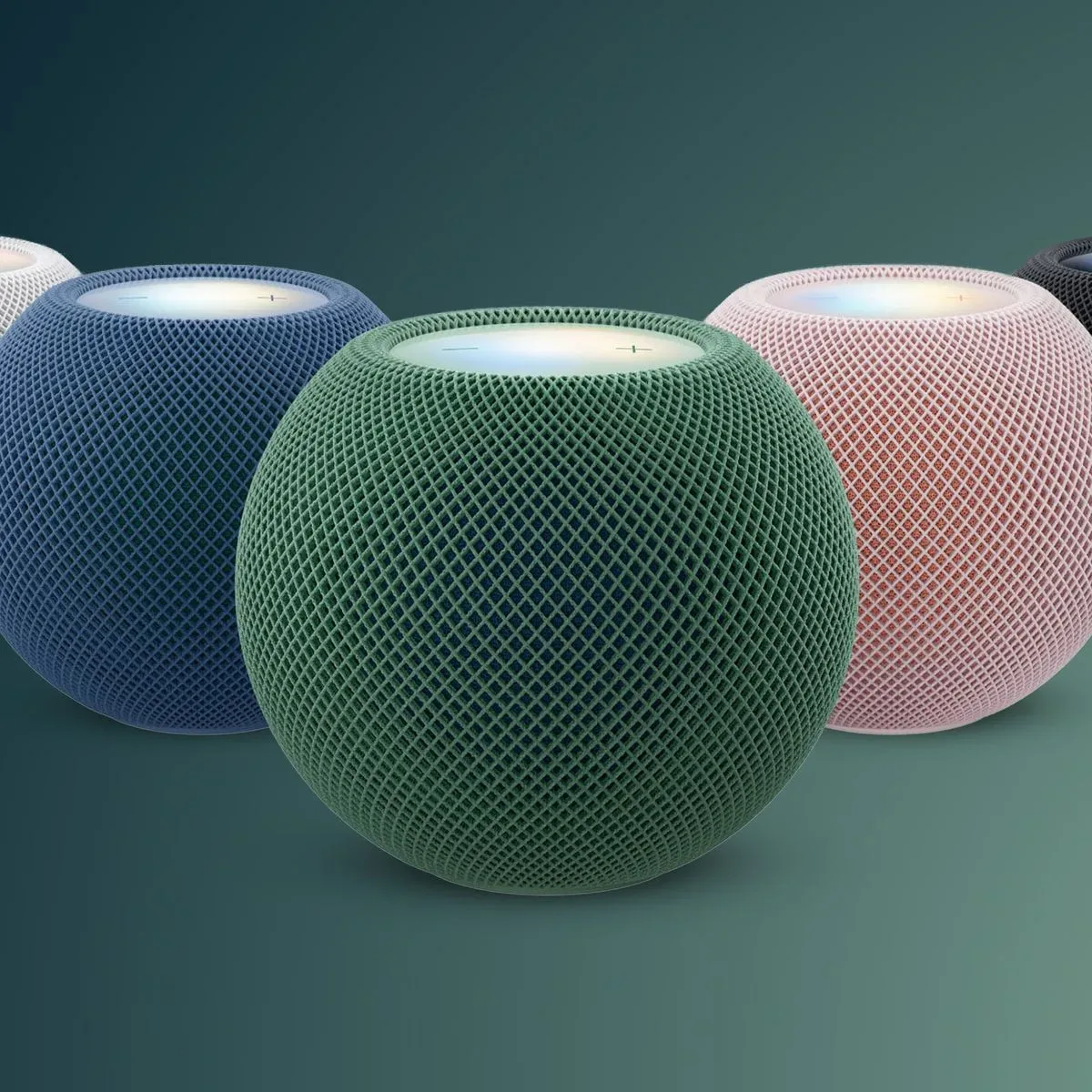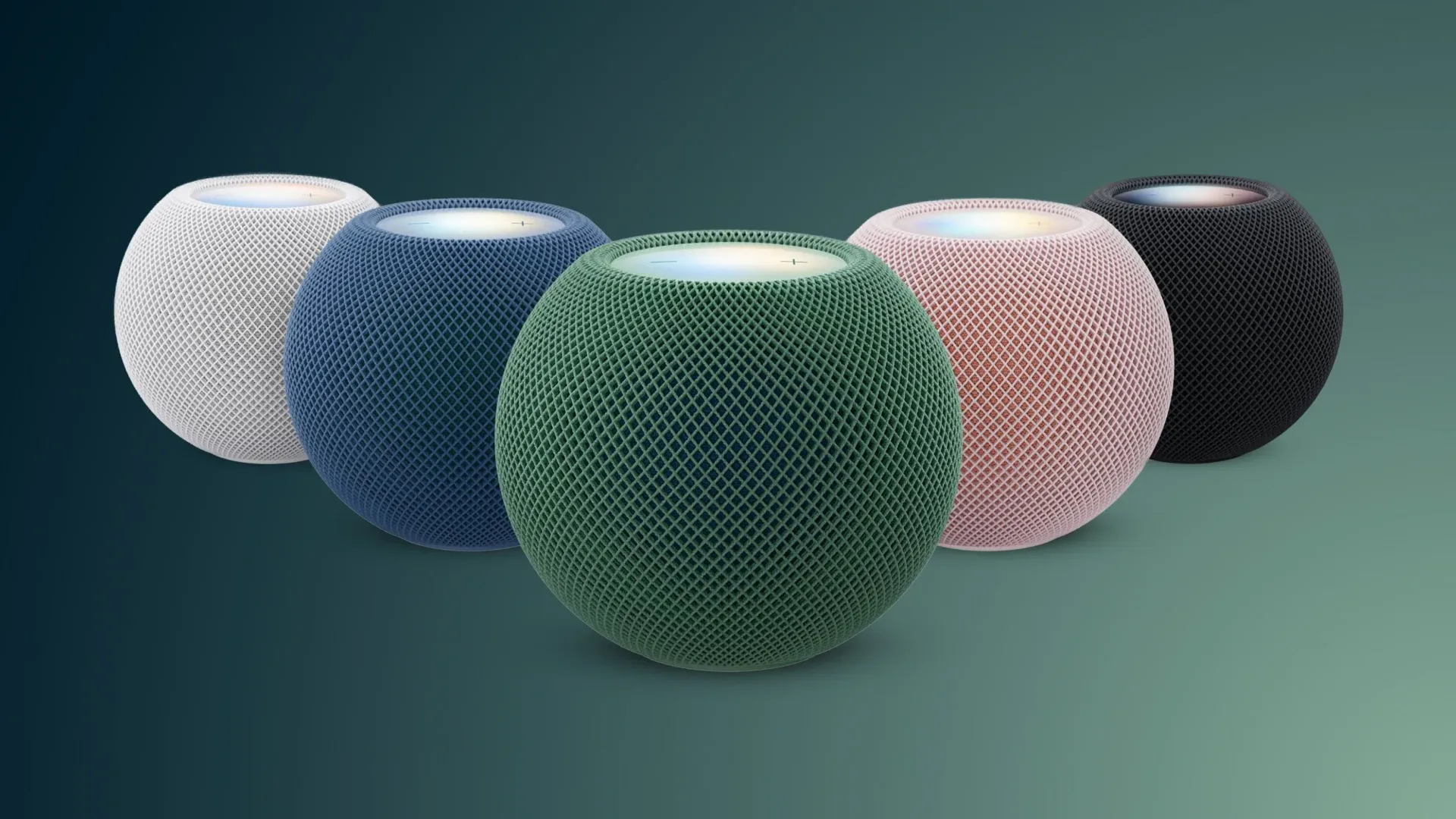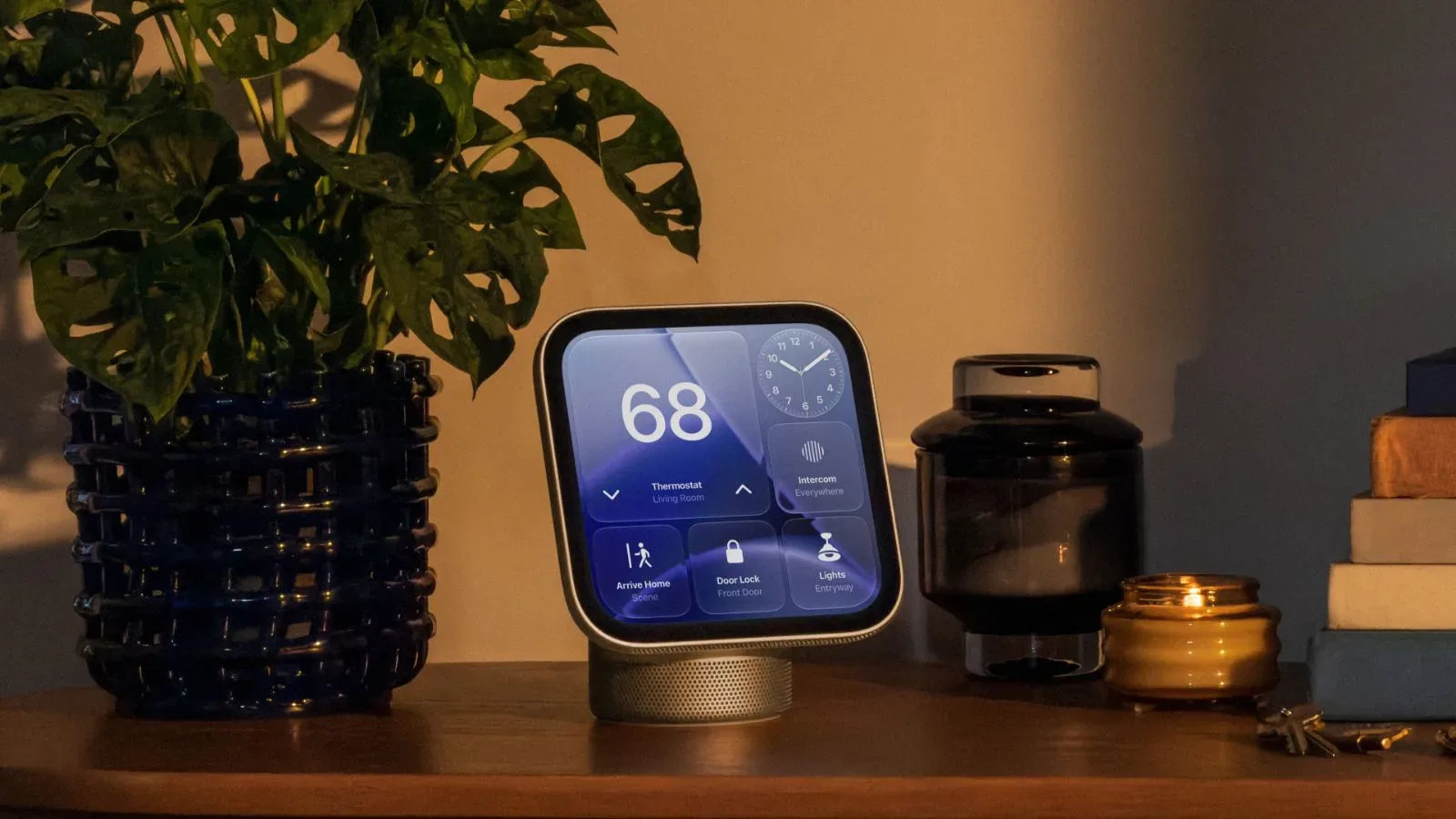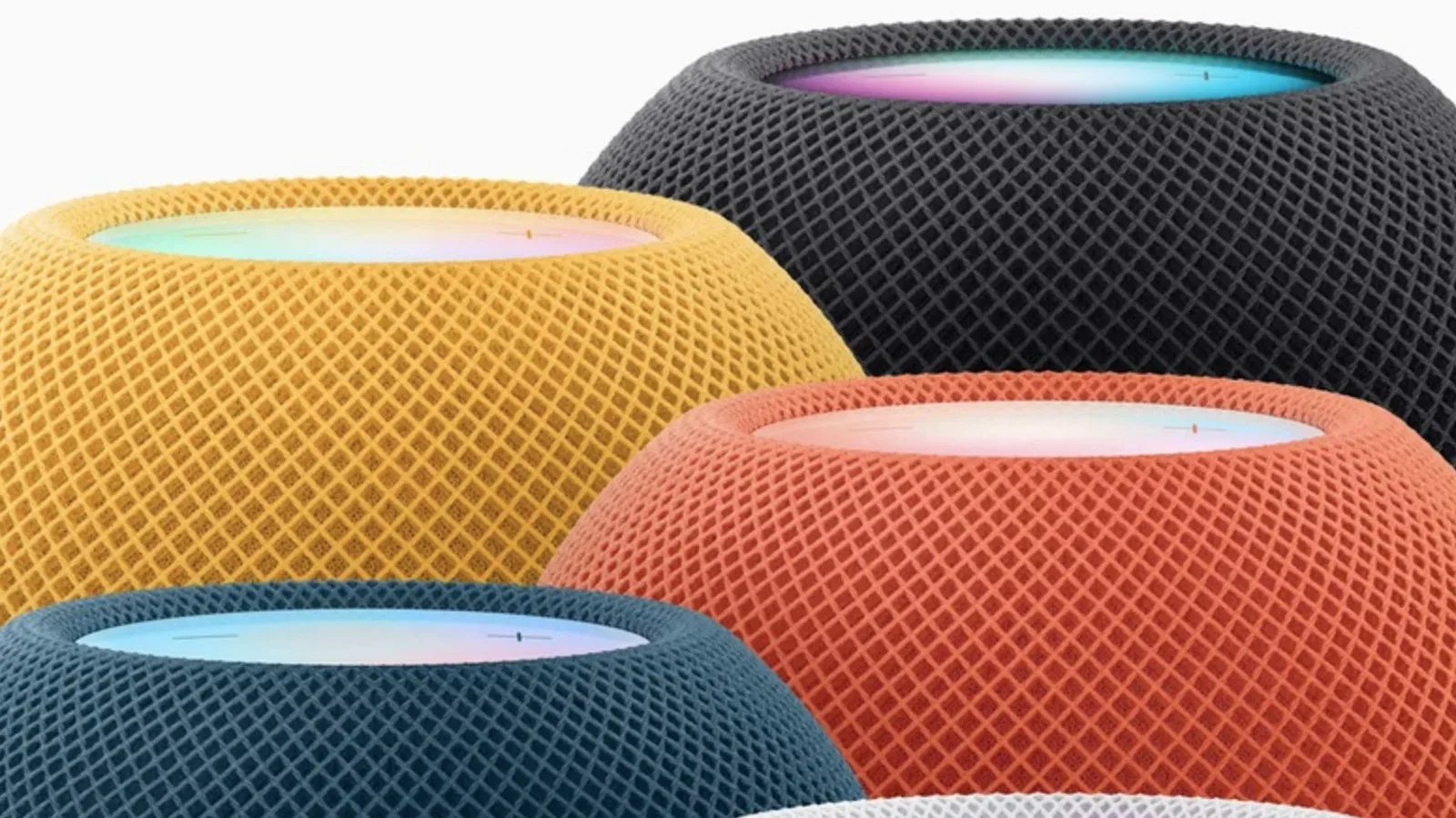
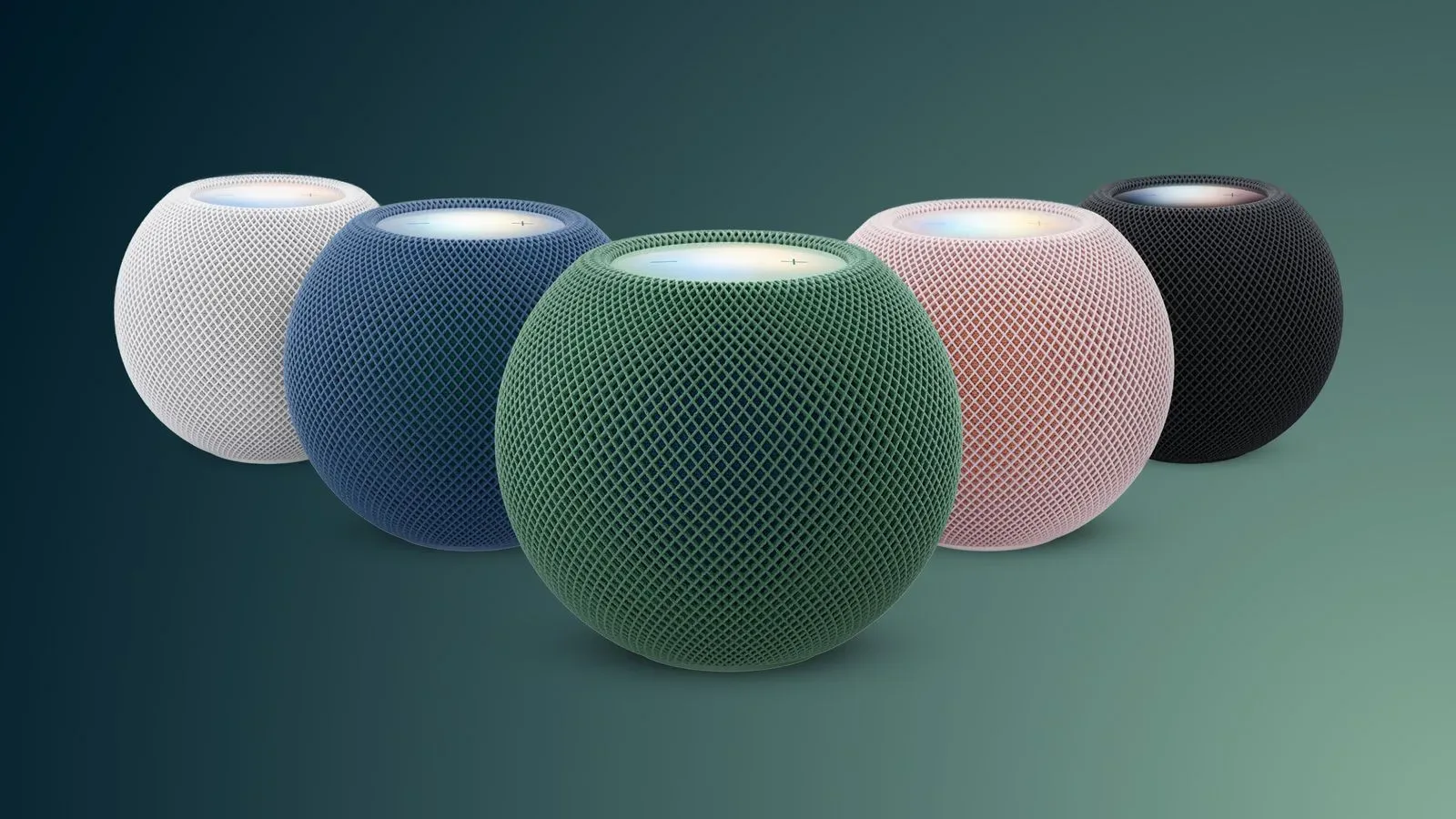
Apple’s latest software releases create a notably uneven Siri AI rollout across the living room. HomePod software version 27.2.1 does not enable Siri AI on the HomePod mini 2, even as tvOS 27.2.1 brings the feature to the Apple TV 4K (second generation) and Apple TV 4K (third generation).
For HomePod mini 2 owners, the immediate takeaway is simple: updating to version 27.2.1 will not make Siri AI appear on the speaker. Apple continues to describe it as coming in a future software update, but there is no stated timing for that update.
The divide also highlights an important practical distinction in how the feature is expected to work on the small smart speaker. The HomePod mini 2 has 2GB of RAM, while dedicated Siri AI requires at least 8GB. As a result, personal-context requests on the speaker will require a paired iPhone or iPad that supports Apple Intelligence and has Siri AI enabled.
What the HomePod mini 2 update does not change
Version 27.2.1 is a software update, not the arrival of Siri AI on HomePod mini 2. That may sound obvious, but it matters because a device can be on its newest available software and still not have every new capability associated with the broader platform rollout.
Apple’s current wording leaves two separate unknowns:
- When Siri AI itself will be enabled for HomePod mini 2.
- What future software version will deliver that enablement.
Neither question has a supplied answer yet. Owners should therefore treat an up-to-date HomePod mini 2 as a device awaiting a separately enabled feature rather than one with an activation step that has been overlooked.
The hardware detail explains why expectations should be calibrated. RAM, or random-access memory, is the temporary working memory a device uses while it is actively handling tasks. The reported 2GB in HomePod mini 2 falls far short of the stated 8GB minimum for dedicated Siri AI. In plain terms, the speaker does not meet the cited memory requirement to run that dedicated version on its own.
Personal context has a paired-device requirement
The stated workaround is not that the HomePod mini 2 independently gains the missing memory through an update. Instead, personal-context requests will rely on a paired iPhone or iPad that is both Apple Intelligence-enabled and switched on for Siri AI.
Personal context here refers to a category of requests that need information tied to the user, rather than a general question with a generic answer. The supplied details do not list specific request types, so it would be premature to promise which questions will work or how they will behave. What is clear is the dependency chain: HomePod mini 2, a paired compatible iPhone or iPad, and Siri AI enabled on that companion device.
That has a useful setup implication. A HomePod mini 2 owner who is preparing for the feature should not assume the speaker alone determines readiness. Compatibility and settings on the paired phone or tablet are part of the requirement for personal-context use. If the companion iPhone or iPad is not Apple Intelligence-enabled, or if Siri AI is not turned on there, the described personal-context path is not available.
This does not establish that every Siri function requires the companion device, nor does it define all eventual HomePod mini 2 behavior. It specifically describes the requirement for personal-context requests. Keeping that boundary clear is important, particularly while the speaker’s own Siri AI rollout remains pending.
Apple TV 4K gets an opt-in Siri AI beta
The situation is different on two Apple TV models. With tvOS 27.2.1, Siri AI is enabled for the Apple TV 4K (second generation) and Apple TV 4K (third generation). However, the feature is opt-in, meaning it is not automatically activated merely by installing the operating-system update.
On an eligible Apple TV 4K, the activation route is:
- Install tvOS 27.2.1.
- Open Settings.
- Select General.
- Select Siri.
- Select Siri AI (Beta).
Choosing that option initiates a download with support for the beta feature. The beta label is meaningful: it identifies Siri AI on these Apple TV models as a feature that users must deliberately elect to download rather than the replacement default experience.
If nothing else is done after updating to tvOS 27.2.1, Siri Classic remains enabled by default. That means a successful system update alone should not be interpreted as an automatic change to the Apple TV’s assistant experience.
Why opt-in status matters for shared TVs
The manual activation requirement is particularly relevant for Apple TV, a device often used by more than one person. The available facts do not explain Apple’s reason for making Siri AI a beta opt-in, and no claim should be made about its performance or privacy characteristics from this update alone. But the user-facing result is clear: the decision is left to the account holder or household member who changes the Settings option.
For anyone troubleshooting whether Siri AI is present on an eligible Apple TV 4K, there are two checks rather than one. First, confirm that tvOS 27.2.1 is installed. Second, confirm that the Siri AI (Beta) setting has actually been selected and its download initiated. Without the latter action, Siri Classic is still the default.
The distinction is also worth remembering when comparing Apple TV with HomePod mini 2. Apple TV owners with the specified second- or third-generation hardware can access the opt-in beta through the listed settings path. HomePod mini 2 owners do not have an equivalent activation route in version 27.2.1 because the feature has not yet been enabled for that product.
A split rollout, not one living-room switch
It is tempting to view a Siri update as one universal change across Apple’s living-room devices. This release shows why that assumption can lead to confusion. The software versions share a number, 27.2.1, but their visible Siri AI outcomes are different:
- HomePod mini 2: Siri AI is still marked for a future software update, with no timeframe provided.
- Apple TV 4K, second generation: Siri AI is available through tvOS 27.2.1 as an opt-in beta.
- Apple TV 4K, third generation: Siri AI is available through tvOS 27.2.1 as an opt-in beta.
- Apple TV after updating but taking no extra action: Siri Classic remains the default.
The memory figures provide the strongest technical clue in the supplied information for why HomePod mini 2 has a different arrangement. Its 2GB of RAM is below the stated threshold for dedicated Siri AI, so the speaker’s personal-context capability is expected to involve a supported paired iPhone or iPad instead of a wholly self-contained implementation.
That does not turn the HomePod mini 2 into an obsolete device or establish a release date for its pending feature. It does, however, set a clear expectation: its eventual use of Siri AI for personal context is tied to a broader device setup than the speaker alone.
What to do now
For HomePod mini 2 users, there is no supplied setting to enable Siri AI today. The sensible next step is simply to recognize that version 27.2.1 does not contain the activation and that Apple has not given a schedule. Those intending to use personal-context requests when support arrives will need an Apple Intelligence-enabled iPhone or iPad with Siri AI turned on.
For eligible Apple TV 4K owners, the action is available now: install tvOS 27.2.1, then navigate to General, Siri, and Siri AI (Beta) in Settings. Leaving the setting untouched retains Siri Classic.
The rollout also fits a broader conversation about Apple’s home-device software direction, including the company’s privacy-first living-room hub settings. For this particular update, though, the operational detail matters more than broad labels: Siri AI is live as an elective beta on the two listed Apple TV 4K generations, while HomePod mini 2 remains on the waiting list.