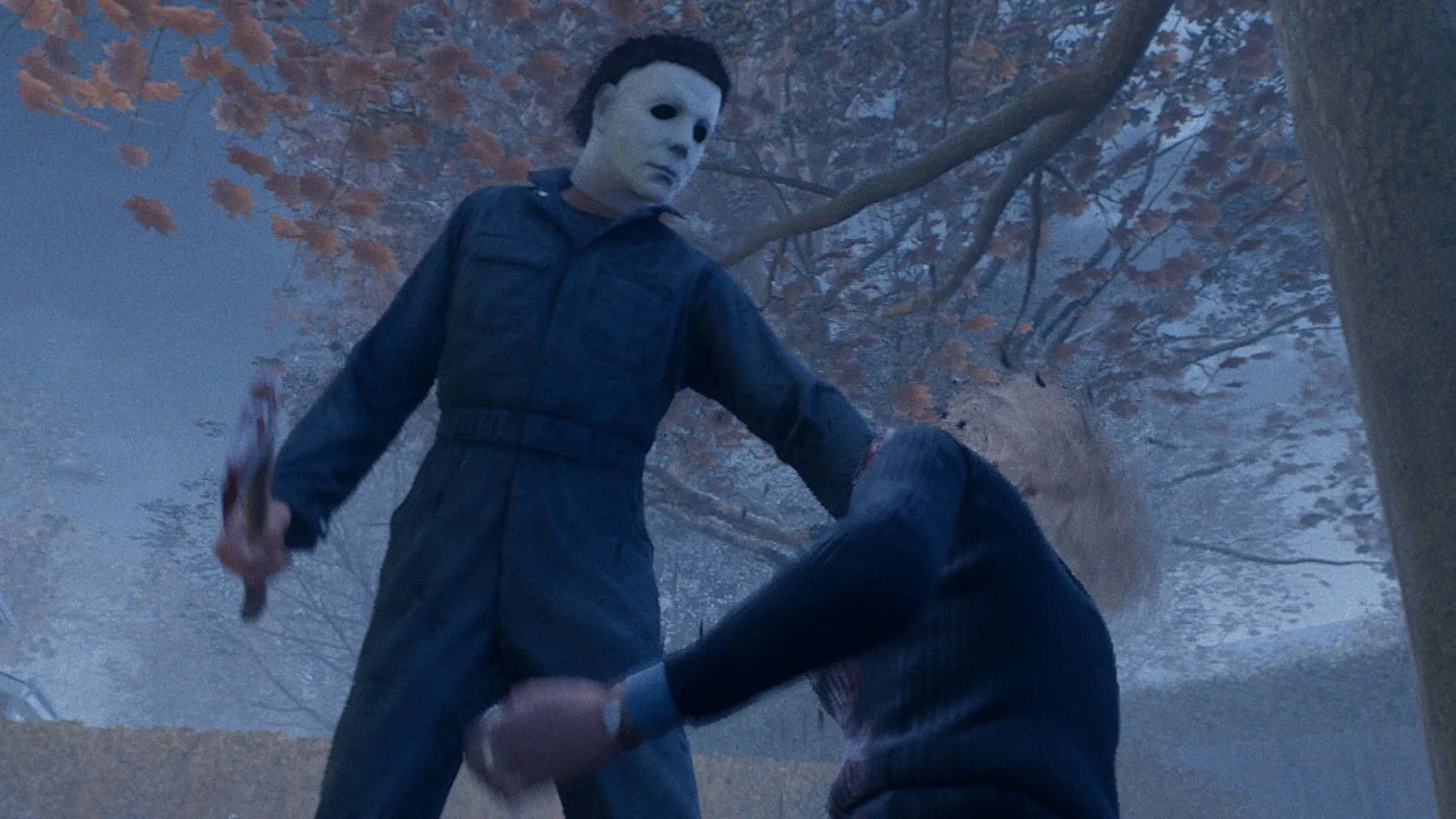
Halloween the Game supports crossplay, but it does not support cross-progression. Those two similarly named features answer very different questions, and the difference matters if a group is split between PC, PlayStation, and Xbox—or if one player owns the game on more than one platform.
Crossplay is the social and matchmaking feature. It permits players using different hardware ecosystems to enter multiplayer games together, whether they are joining people they know or being matched with other players. Cross-progression concerns a player’s individual account progress: their level, challenge completion, redeemed rewards, and customization unlocks moving from one platform to another. In Halloween the Game, the first feature is available and the second is not.
In practical terms, a PC player can play multiplayer with someone on Xbox or PlayStation when crossplay is enabled. But a player who begins building their profile on PC should not expect that profile to appear with the same level or collection of unlocked items on PlayStation or Xbox. Each platform keeps that progression separate.
Crossplay is available in Halloween the Game
Halloween the Game’s crossplay support covers multiplayer sessions across its PC, PlayStation, and Xbox versions. That is useful for groups that do not all use the same device, and it also means the pool of potential matchmaking participants is not limited to one platform when crossplay matchmaking is switched on.
There are two distinct pieces to understand:
- Crossplay matchmaking: the setting that determines whether matchmaking can include people on other platforms.
- Crossplay friends: the friend-code system used to connect with specific players who are outside a player’s native platform friend list.
They work alongside one another but serve separate purposes. A player can use crossplay matchmaking to encounter strangers across platforms, while crossplay friend codes are the route for deliberately sending a request to a friend using another ecosystem.
That distinction can prevent a common bit of menu confusion. Seeing a console friend in the normal platform list does not necessarily mean a player on another platform will be shown there as well. For cross-platform connections, the game provides its own dedicated Crossplay area.
How to turn crossplay matchmaking on or off
The crossplay matchmaking switch is found through the multiplayer menus. The path is:
Related coverage includes Halloween the Game Crossplay Guide: Settings, Friends and Cross-Progression.
- Open the Multiplayer tab.
- Press Tab on a keyboard, or press the controller’s Menu button.
- Select Settings.
- Move to the General section.
- Find the cross-play matchmaking option and toggle it on or off.
With the option enabled, matchmaking may include players using other supported platforms. With it disabled, cross-platform matchmaking is excluded. The setting is therefore a choice for players who want the widest possible cross-platform multiplayer pool as well as for those who would rather keep their matchmaking restricted.
It is worth separating this setting from the act of adding a cross-platform friend. Turning on crossplay matchmaking is about the people who can enter the matchmaking pool. Adding a friend with a code is about creating a direct social connection in the game’s crossplay system. Players looking to meet a specific person should use the friend-code process below rather than expecting the matchmaking toggle alone to solve that problem.
Cross-platform communities are increasingly normal in multiplayer games, even though their menus often put platform-specific and game-specific friend tools in different places. Players interested in a different multiplayer event built around bringing people together can also see how Golf With Your Friends Live is using donations to influence a mini-golf tournament.
How to add friends on other platforms
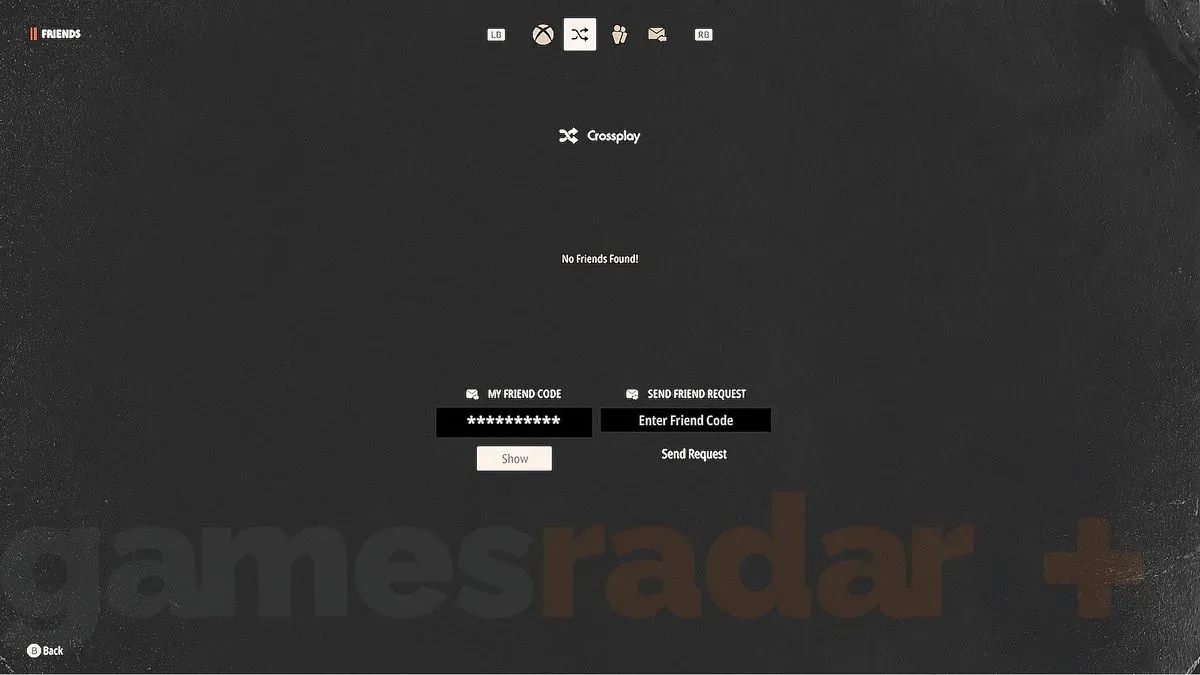
Halloween the Game uses a permanent friend code to handle cross-platform friend requests. The route begins in the same Multiplayer area, but then moves into the Friends screen and its separate Crossplay tab.
- Go to the Multiplayer tab.
- Press Tab on keyboard, or the Menu button on a controller.
- Select the Friends icon, represented by three person silhouettes.
- Move to the Crossplay menu, which is the second tab on that menu bar.
- Either reveal and share your own code, or enter another player’s code to send them a request.
The initial Friends view is for players on the same platform as the person currently using the game. It can show those platform contacts whether they own Halloween the Game or not. That is why a player trying to locate a friend from a different platform should not stop at this first list: the relevant destination is the second tab, labeled Crossplay.
On the Crossplay page, each player can reveal an unchanging friend code. Sharing that code lets another player submit a request. Conversely, entering a friend’s code into the provided field sends a request to them. The fixed nature of the code means it can be retained and shared when needed, instead of requiring a newly generated code for every invitation attempt.
A quick checklist for cross-platform groups
- Confirm everyone is using the multiplayer portion of Halloween the Game.
- Make sure cross-play matchmaking is enabled if the group also wants broad cross-platform matching.
- Open Friends from Multiplayer, then select the second, Crossplay tab.
- Exchange the friend codes shown in that menu.
- Use the code field to send the request to the intended player.
This is particularly helpful because native console or PC friend services are not interchangeable. A player’s standard platform friends list handles contacts within that platform environment, while the Crossplay tab is the game’s bridge for contacts on the other supported systems.
Halloween the Game does not have cross-progression
The important limitation is that Halloween the Game does not offer cross-progression. Owning or playing the game on multiple platforms does not combine those profiles into one shared progression track.
Progress is platform-specific. A player’s level rises independently on each platform, and customization items unlocked on one platform do not transfer automatically to another. Challenges also need to be completed separately wherever a player wants the associated progression or unlocks to exist.
For example, consider a player who spends time on PC, reaches a particular player level, finishes challenges, and gains customization items. If that same player then uses Halloween the Game on Xbox or PlayStation, they should expect a distinct progression state rather than the PC profile carrying over. The reverse is true as well: console progress does not merge into the PC version.
This does not prevent crossplay. The two systems are independent. A person may still play with friends across PC, PlayStation, and Xbox through crossplay while maintaining separate levels and unlock collections on every platform they personally use. Crossplay affects who can play together; cross-progression would affect what a player brings with them from one platform to another. Only the former is supported here.
What separate progression means for challenges and customization
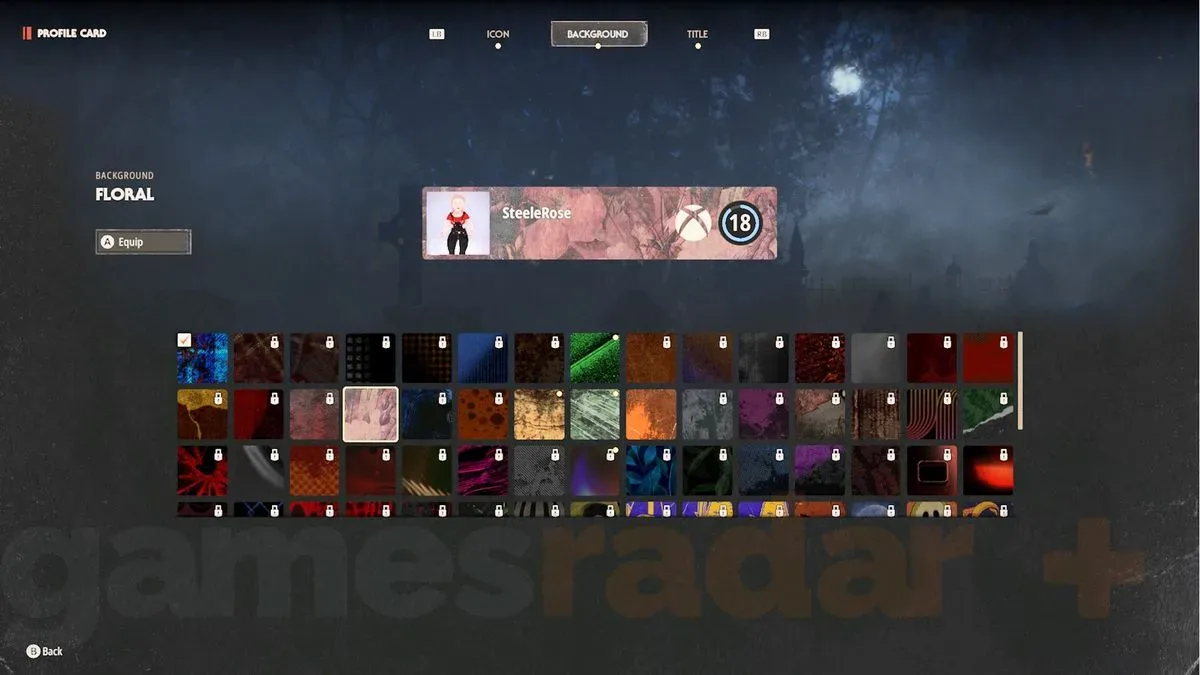
The lack of cross-progression has several practical consequences for anyone who regularly switches devices. Challenges must be completed per platform. Unlockable customization items are earned per platform. Player level is also tracked per platform. Time spent advancing a profile in one version should not be treated as progress toward that same profile in another version.
Players who have a preferred main platform may therefore want to concentrate their challenge progress there, especially if a particular customization collection or player level matters to them. Those who choose to play across multiple systems can still do so, but should plan for each platform’s progress to remain its own track.
The same rule applies to codes. Any Halloween the Game code a player redeems needs to be redeemed separately on each platform where they want to claim it. Redeeming a code on one version does not establish the reward on another version automatically.
The simple answer
Halloween the Game lets PC, PlayStation, and Xbox players share multiplayer through crossplay. Cross-play matchmaking can be changed from Multiplayer settings under General, while cross-platform friends are added through the Crossplay tab in the Friends menu using permanent friend codes.
However, levels, challenge progress, customization unlocks, and code redemptions do not transfer between platforms. Players can cross the platform divide to play together, but their individual progression does not cross with them.