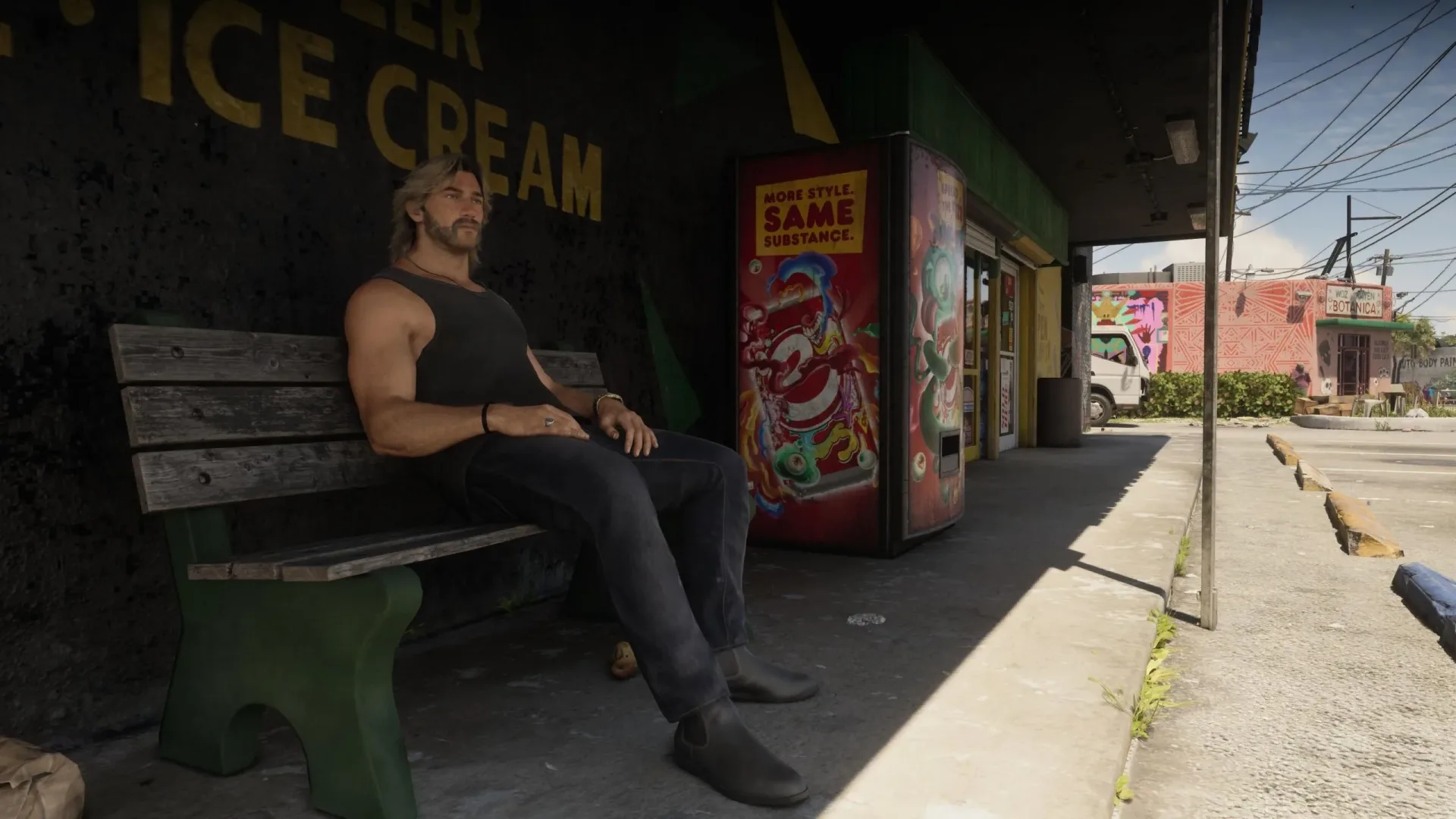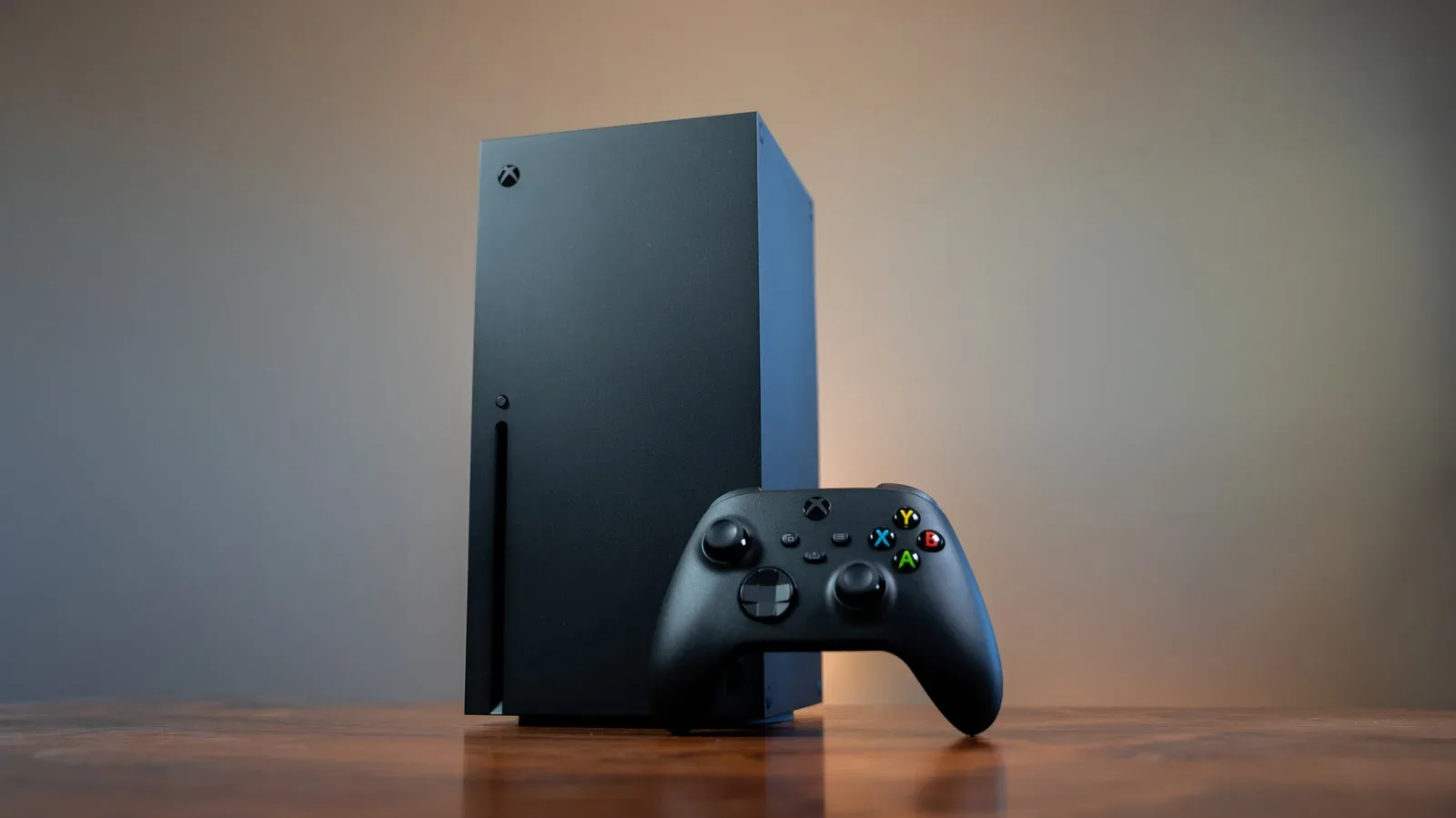

A reported Xbox Series X Quick Resume workaround is giving Grand Theft Auto 6 players a glimpse of frame rates above the game’s intended console target. There is a very large catch: the same behavior reportedly makes gameplay—and at least some character animations—run faster than designed.
That distinction matters. A higher frame rate is usually desirable because it can make motion look smoother and controller response feel more immediate. But if the game’s simulation is advancing faster along with the frame rate, this is not a hidden 60fps performance mode waiting to be enabled. It is an unstable state in which GTA 6 may no longer be operating at its normal speed.
The workaround was shared by a player using an Xbox Series X and relies on changing the console’s display refresh-rate setting around launch, then switching away from GTA 6 and back through Xbox Quick Resume. The report is specifically tied to game version 01.002.001, and its discoverer was uncertain whether it remains possible on later versions. That uncertainty should be treated as central, not incidental: software updates, game restarts, console settings, and display behavior can all affect whether a glitch appears at all.
What is reportedly required
The reported setup calls for an Xbox Series X, GTA 6 on version 01.002.001, and a display capable of 120Hz output. A 120Hz display refreshes the image up to 120 times per second. That does not automatically mean a game renders 120 unique frames each second, but it gives compatible games and consoles room to present frame rates beyond 60fps.
The shared sequence is unusual because it does not describe a standard in-game graphics option. In outline, it involves setting the Xbox display to 60Hz, launching GTA 6, waiting for the six-star image during the introduction, restoring the Xbox setting to 120Hz, cold-booting another game from the Xbox Guide without quitting GTA 6, then returning to GTA 6 through the suspended session.
Quick Resume is the Xbox feature that preserves a game’s suspended state so players can move between games without fully relaunching each one. In ordinary use, it is a convenience feature. Here, it is reportedly part of the condition that leaves GTA 6 running with its frame-rate limit bypassed. That is why this should not be confused with an official Xbox display configuration, a Rockstar-provided toggle, or a permanent system-level enhancement.
Why “unlocked” does not automatically mean “better”
The player who documented the behavior reported reaching a stable 90fps, with cutscenes apparently functioning normally. During gameplay, though, the game speed seemed connected to the frame rate. Animations inside Jason’s house in Chapter 1 were described as running at roughly double speed or more. Once outside, the broader game world was also said to move faster, while cutscenes remained unaffected.
That observation is the key warning. Games generally separate several jobs that happen while a player is in control: rendering the image, processing input, playing animations, updating physics, moving AI and advancing the wider game simulation. A well-behaved frame-rate option allows rendering to occur more often without making those other systems progress faster in real time.
Related coverage includes GTA 6 Xbox Series X Glitch Reportedly Unlocks Higher Frame Rates, but Speeds Up Gameplay.
When a higher frame rate also speeds up movement or animation, it can indicate that one or more gameplay processes are improperly tied to the number of rendered frames in this glitched state. The exact underlying cause has not been established, so it would be wrong to claim a specific engine flaw. Still, the visible outcome described by the player is enough to explain why the workaround is not equivalent to native 60fps support.
For a simple illustration, imagine a character animation advancing by a fixed step every frame. At 30 frames per second, that fixed step may yield the intended pace. At 90 frames per second, it could advance three times as often in a second unless the system compensates for elapsed time. Modern games commonly use timing methods intended to avoid that result, but an unintended Quick Resume state can expose behavior that normal play never enters.
The 30fps target remains the intended console experience
GTA 6 was confirmed to target 30fps across consoles, including PlayStation 5 and Xbox Series X|S. Even PlayStation 5 Pro was not presented as capable of running the game’s large, complex world at higher frame rates. That context makes the reported Xbox Series X behavior interesting, but it does not overturn the stated design target.
A locked 30fps target means the developer is balancing the game’s performance budget around presenting a consistent image every 33.3 milliseconds. At 60fps, the budget falls to about 16.7 milliseconds per frame. Reaching that target is not merely a case of telling the hardware to draw twice as many frames. The game must also keep its world simulation, streaming, lighting, traffic, crowds, effects and other workload within the shorter interval.
That is especially relevant for a densely simulated open-world game. The reported glitch may demonstrate that an Xbox Series X can sometimes render GTA 6 at a higher rate under particular conditions, but it does not show that every part of the intended game can reliably meet a 60fps performance target while maintaining normal timing and the developer’s chosen visual settings.
In other words, a frame-rate counter is only one measure of a game’s performance. If the world is racing ahead, a higher number is not a meaningful replacement for a stable, correctly paced mode. Smoothness, frame pacing and simulation integrity are all part of what players actually experience.
Practical risks for players considering the workaround
There is no indication that this is a supported GTA 6 feature. Players should therefore expect it to be inconsistent, temporary, or removed by an update. The original report explicitly leaves open whether later game versions still permit the sequence. Any patch could change the result, and restarting the game rather than resuming it may return it to normal operation.
The clearest practical downside is obvious: fast-forwarded gameplay can make ordinary play feel wrong. It may affect traversal, driving, combat timing, character movement, ambient behavior, or any activity that depends on the world advancing at its intended speed. Even if cutscenes retain normal timing, that does not resolve the issue during the portion of the game where players actually control events.
It is also worth separating display capability from game behavior. Buying or owning a 120Hz television or monitor does not provide GTA 6 with an official 60fps option. The display is one stated requirement for reproducing the reported glitch; it is not proof of supported high-frame-rate output. Players who simply want the most predictable experience should leave the game and console in their normal supported configurations.
Quick Resume itself has sensible everyday uses, but it can be worth understanding the power and session behavior of the console when troubleshooting suspended games. Our guide to Xbox Series X sleep versus shutdown explains the distinction between keeping a console ready and fully closing down a session.
Technical curiosity, not a recommended performance fix
The report does have value beyond the novelty of seeing a number above 30fps. It reinforces how much more is involved in a polished performance mode than lifting a cap. A proper 60fps mode needs normal-speed animation and simulation, reliable frame pacing, stability across gameplay situations, and testing across supported displays and console configurations.
Frame pacing is particularly important. It describes how evenly frames are delivered over time. A game can display a high average frame rate yet still feel uneven if the gaps between frames vary wildly. The current report emphasizes a stable 90fps in one player’s experience, but it does not establish broad stability across the game, hardware setups, or versions. Nor does it demonstrate that the accelerated gameplay state is suitable for a normal campaign playthrough.
For now, the most accurate reading is modest: an Xbox Series X Quick Resume sequence has reportedly produced higher frame rates in GTA 6 version 01.002.001 when used with a 120Hz display, but it seems to do so by placing gameplay in an unintended fast-motion state. That makes it an intriguing technical edge case for players curious about the game’s behavior, not evidence that GTA 6 has a functional console 60fps mode.
Players looking for campaign-related help rather than experimental settings can also see our explanation of what GTA 6’s endgame save means for free-roam play.