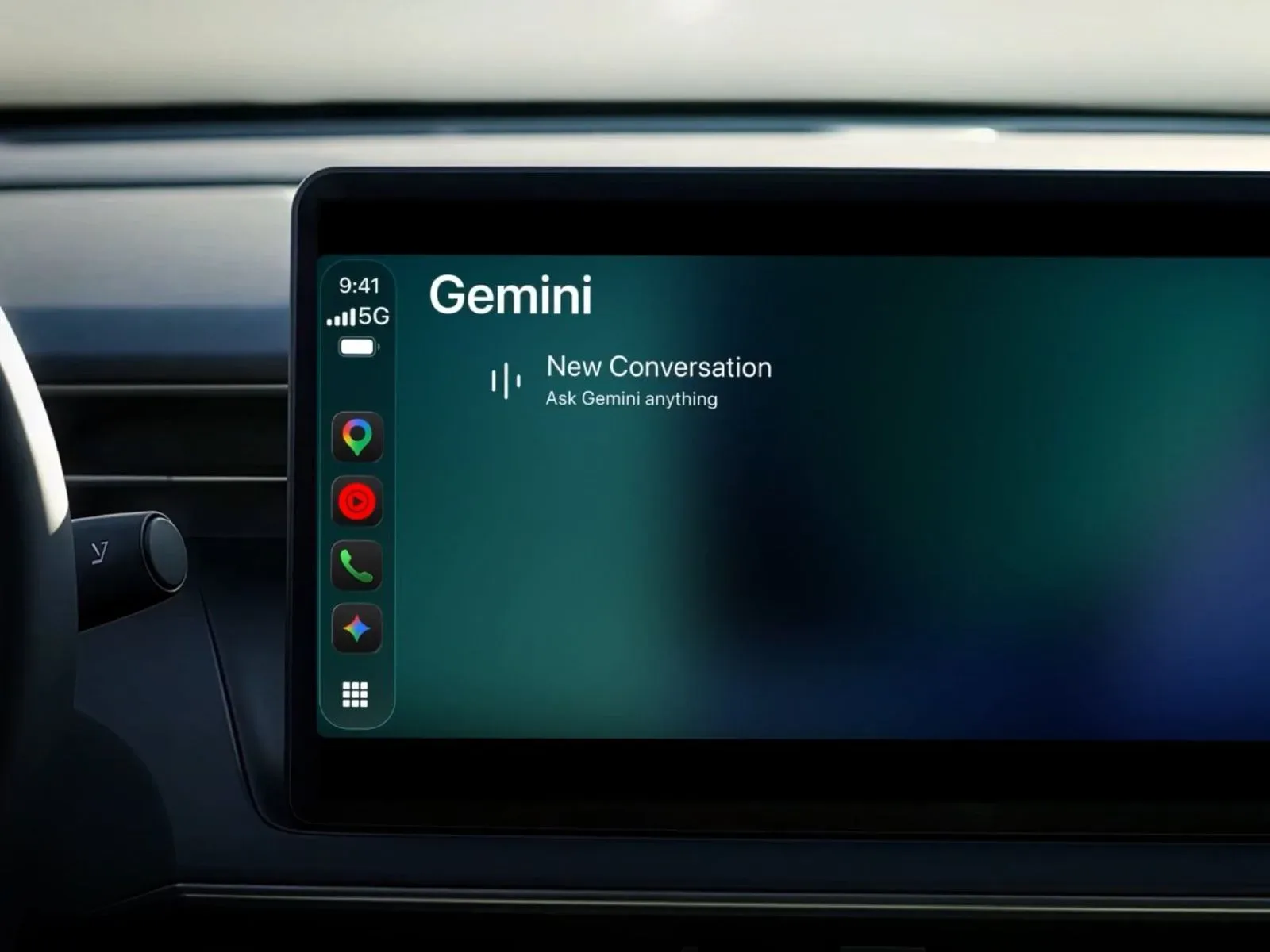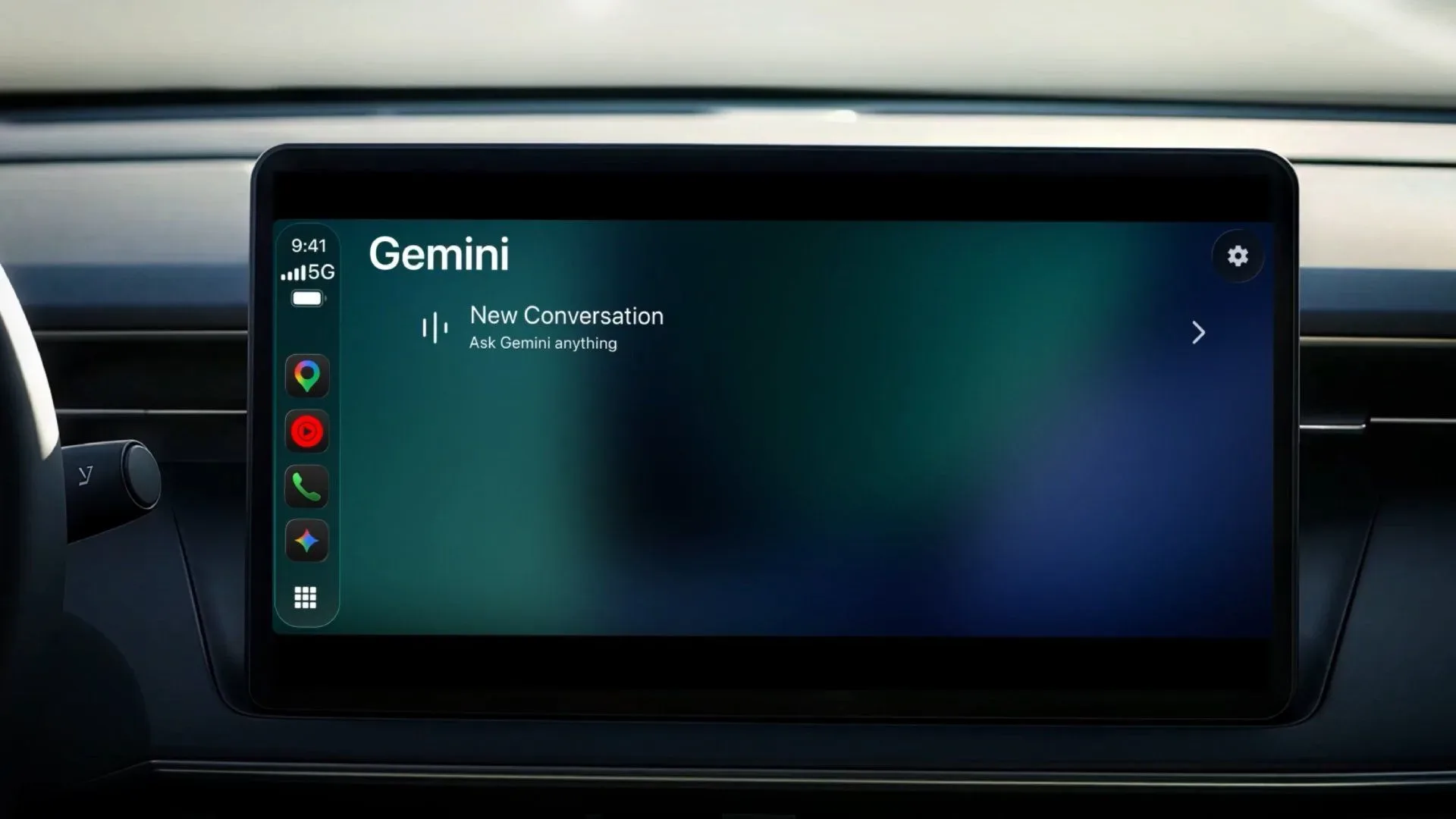
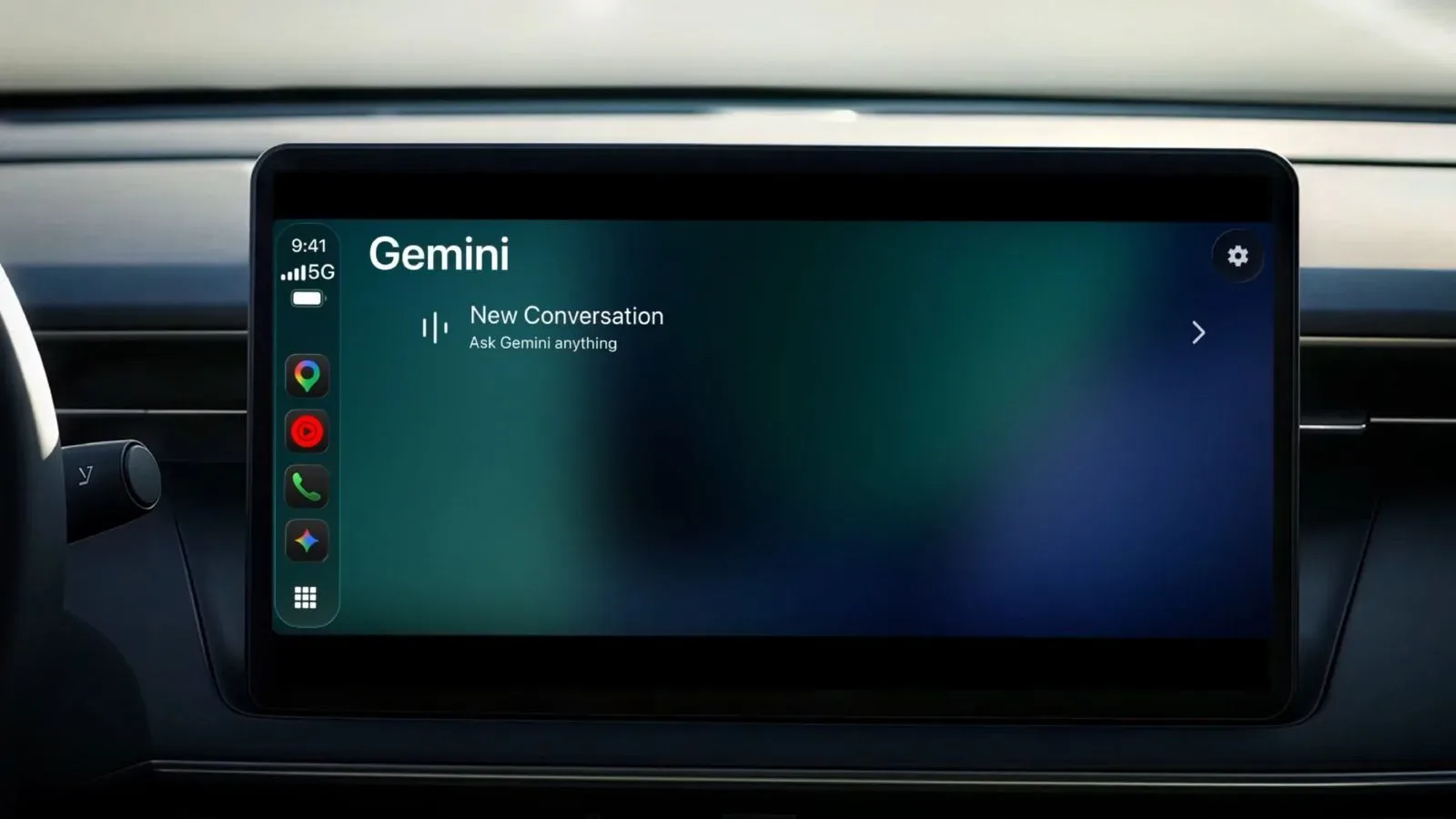
Google’s Gemini app is beginning a worldwide Apple CarPlay rollout in several languages, giving iPhone users a dedicated dashboard entry point for conversations with the company’s AI assistant. The addition moves Gemini beyond its existing presence inside Google Maps on CarPlay and places it among the growing group of conversational AI apps available through Apple’s in-car interface.
The practical pitch is continuity. A Gemini conversation begun on an iPhone can automatically appear in CarPlay, allowing someone to pick up an earlier thread after getting into the car or begin a new request from the dashboard. Rather than treating the vehicle as a separate destination, the implementation is designed to extend the Gemini session already associated with the phone.
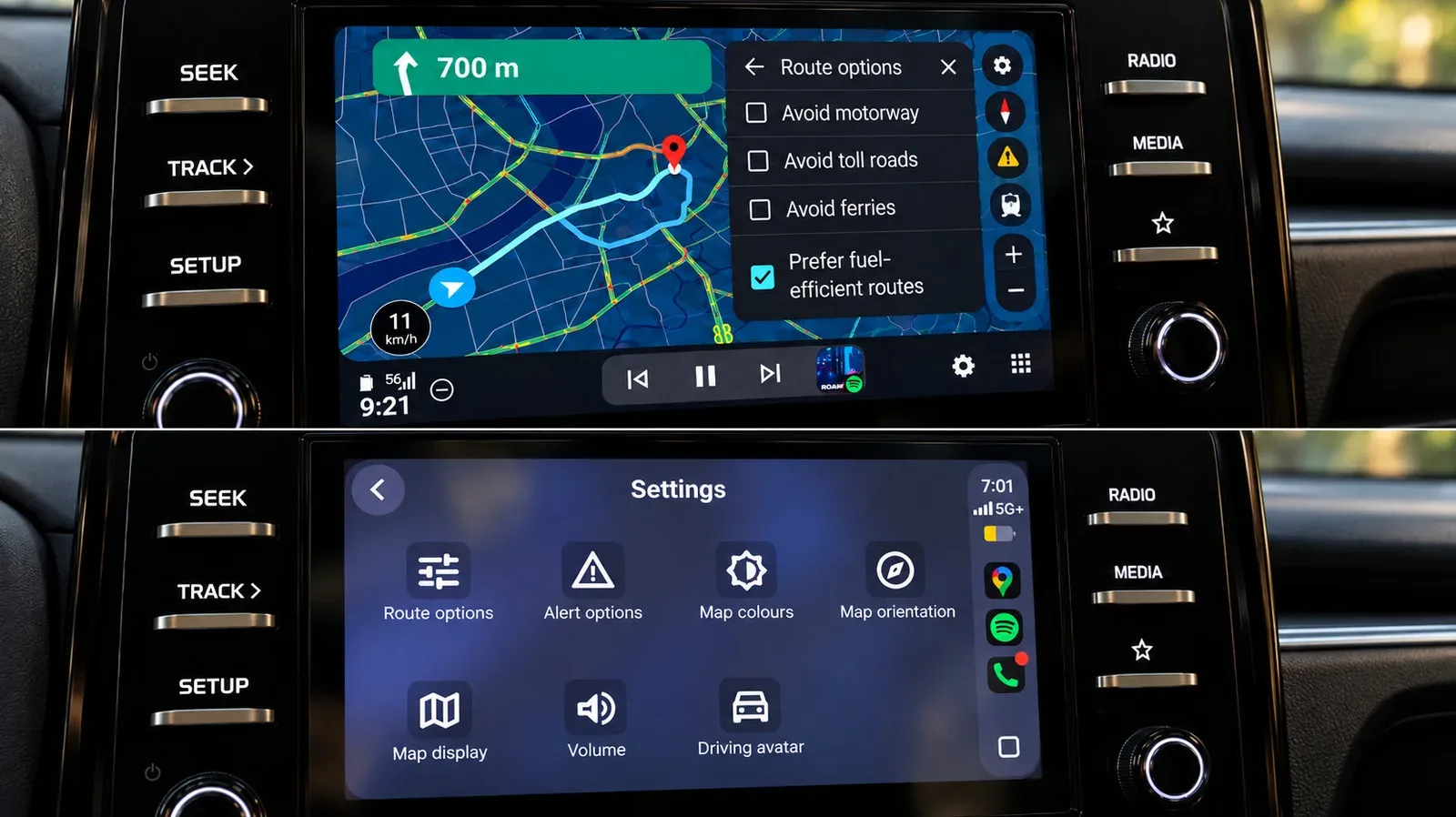
That is a meaningful distinction from simply having navigation access. Google Maps on CarPlay already gave Gemini a route into the car environment, but a dedicated Gemini app makes the assistant itself the starting point. Users can tap the Gemini icon in CarPlay to begin a conversation after updating the Gemini app on their iPhone to the latest version.
What Gemini on CarPlay is intended to do
Google’s examples focus on requests that fit the rhythm of a drive: getting a briefing for the day and finding somewhere to eat without needing to describe every search filter through a screen. A request such as “Give me my daily brief for today” can return a personalized response using information available through apps including Gmail and Google Calendar.
For more context, explore Snoop Dogg’s ‘Christmas With Snoop’ Will Bring Music, Friends and Martha Stewart to NBC.
That use case turns a broad AI prompt into something closer to a spoken agenda check. The assistant is not merely answering a general knowledge question; it can potentially bring together information from the user’s connected Google services. In another example, a driver could ask for a quick lunch option in downtown Austin that is easy to enter and leave. The wording matters: it combines location, meal type, time sensitivity and a practical accessibility preference in one natural-language request.
Conversational AI refers to an assistant designed to accept ordinary, multi-part requests rather than requiring a fixed menu of narrowly phrased commands. On CarPlay, that can make the interaction feel less like operating an app one action at a time and more like stating the outcome needed. Whether an answer is useful will still depend on the question, the information Gemini can access and the quality of the assistant’s response.
How to get started
- Update the Gemini app on the iPhone to its latest version.
- Connect the iPhone to Apple CarPlay as usual.
- Find and tap the Gemini icon in the CarPlay interface.
- Start a new conversation or continue one that has synced from the phone.
The rollout is described as global and available in several languages, though the supplied details do not specify a complete language list or whether every feature is identical in every region. People who do not immediately see the icon may need to confirm that their Gemini app is current and allow time for the staged rollout to reach their setup.
Related coverage includes Gemini App Arrives on Apple CarPlay With Gemini Live Support.
Why CarPlay support matters
CarPlay is Apple’s system for presenting compatible iPhone apps and controls through a vehicle’s dashboard display. For a conversational assistant, CarPlay support puts the interaction in a setting where a phone may be physically out of reach and where short, voice-oriented requests are especially appealing.
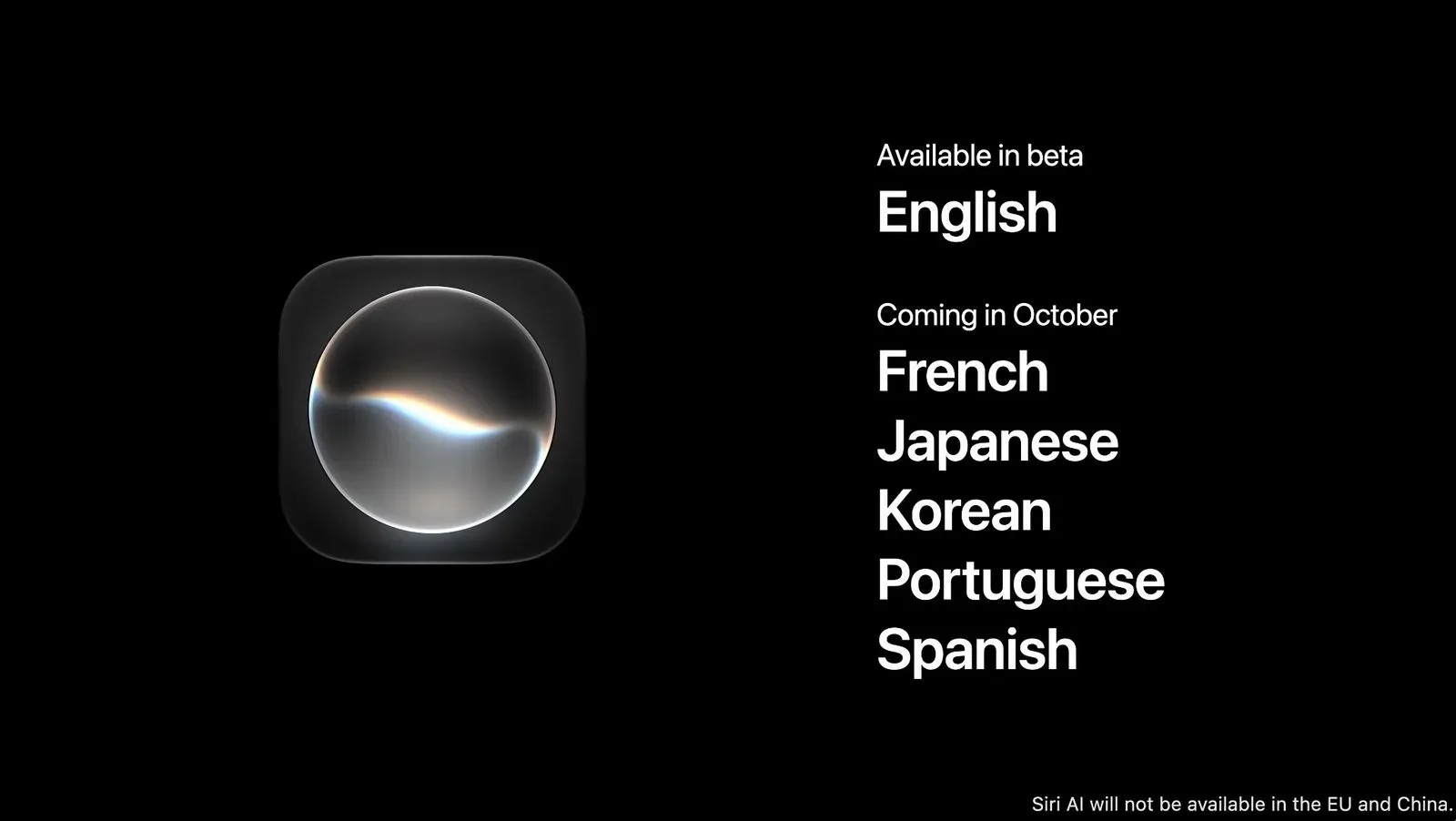
Apple opened CarPlay to voice-based conversational AI apps with iOS 26.4. Gemini now joins a field that already includes ChatGPT, Claude, Grok, Copilot and Perplexity. iOS 27 also brought Siri AI support to CarPlay, including a dedicated Siri app. The result is an unusually crowded assistant layer on the dashboard: Apple’s own AI-enhanced Siri is present alongside products from several major AI companies.
For users, more choices do not automatically mean that one assistant replaces every other. The differentiator is likely to be the kind of information a person wants to use. Gemini’s examples emphasize Google-connected personal context, including Gmail and Google Calendar, while the existing Google Maps integration establishes a familiar link to navigation-oriented use. Someone who already uses Gemini on their iPhone may value the ability to continue that same conversation in the car rather than shifting to a different assistant.
Continuity is the key feature, not just another icon
The ability to resume an iPhone conversation on the dashboard is the most consequential part of this release. A driver might begin organizing a day on the phone, then continue asking follow-up questions through CarPlay. Conversely, a request made during a trip can remain part of the conversation when the person leaves the vehicle and returns to the iPhone.
In AI terms, that is a form of cross-device continuity: the discussion is not treated as a fresh interaction merely because the display has changed. It can reduce repeated setup in a request, especially when the original conversation contains context that would be tiresome to restate. At the same time, users should be thoughtful about what they ask for in a shared vehicle, since responses related to schedules or email-derived briefings may concern personal information.
The new app also illustrates a change in what dashboard software is becoming. Traditional in-car tasks are discrete: start navigation, play media, make a call, send a message. A conversational assistant is more open-ended. It can be asked to summarize, suggest, organize or search in language that does not neatly fit one conventional in-car app category.
That flexibility is useful, but it is also why the best early use cases are likely to be bounded and easy to verify. Checking the day’s schedule or requesting a nearby lunch suggestion are understandable tasks with a clear purpose. More complicated requests may require follow-up questions, and an assistant’s response should not be treated as a substitute for a driver’s own judgment.
What this changes for existing Gemini users
For people already using Gemini on an iPhone, the rollout removes a gap between phone use and car use. Previously, Gemini could be encountered in Google Maps on CarPlay. Now the dedicated app provides a direct conversational route and preserves synced conversations from the phone.
For everyone else, the release is another sign that CarPlay has become a platform for competing AI assistants rather than a single-assistant environment. The immediate value will depend on whether a person uses Gemini, has relevant Google app information connected to it and prefers its style of responses over the other assistants already available in CarPlay.
Google has framed the launch around everyday help: a daily briefing, a restaurant search and the ability to carry a conversation between iPhone and dashboard. Those are modest examples, but they get at the larger shift. The car display is increasingly becoming a place where users can ask for an answer in their own words, not only select an app and tap through its interface.