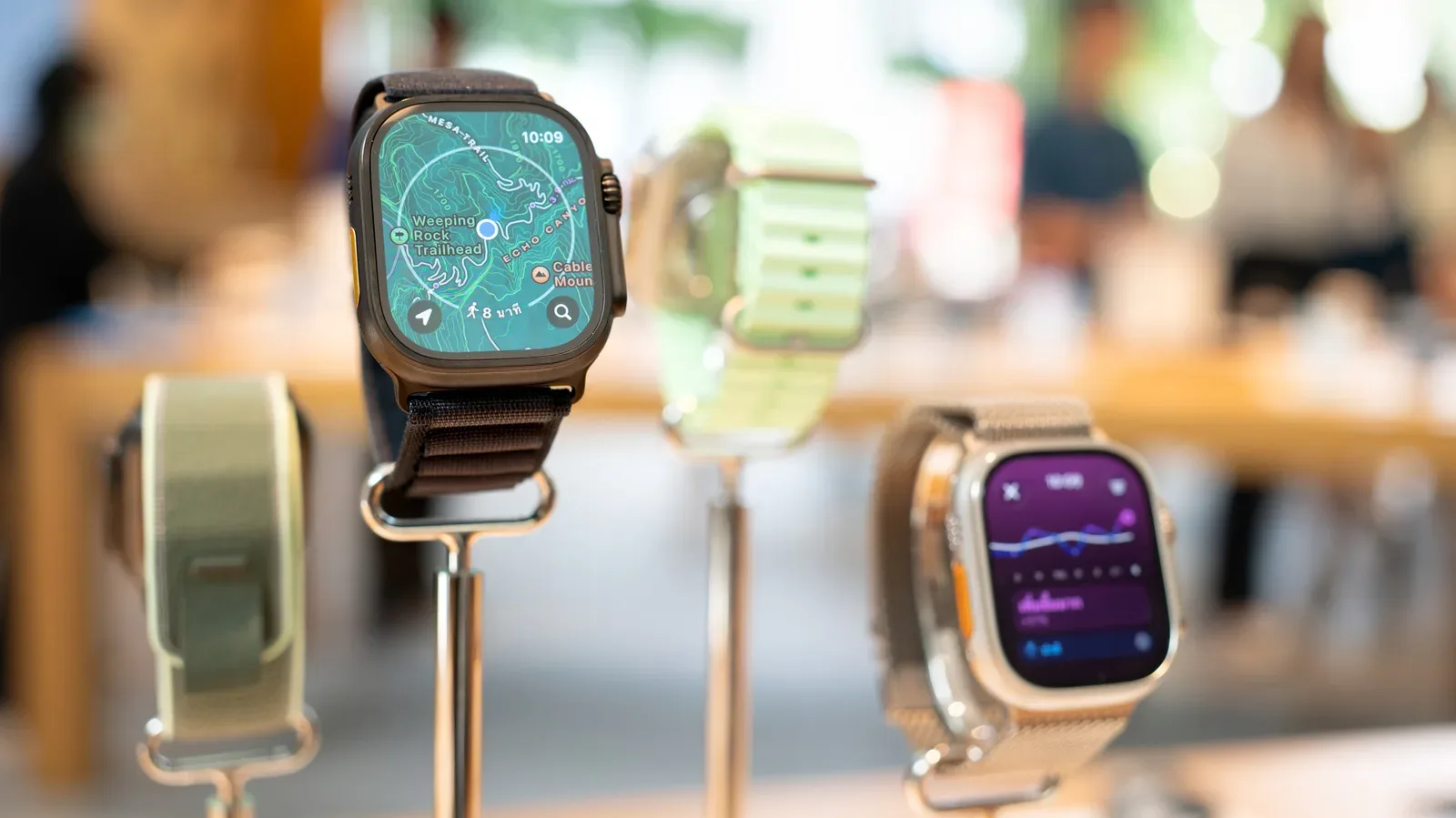
“Free” is one of the slipperiest labels in an app store. An Apple Watch app may cost nothing to install, yet reserve the feature that makes it useful on a wrist—standalone audio, workout tools, route transfer or deeper stats—for a monthly plan. That does not automatically make a paid app bad, but it does mean Apple Watch owners should distinguish a free download from an app whose important watch functions remain usable without paying.
Five apps stand out for offering substantial wrist-first utility at no required subscription cost: Pedometer++, Nike Run Club, Bevel, Overcast and Shazam Music Recognition. They cover everyday movement, coached running, wellness summaries, phone-free podcast listening and music identification. Their approaches differ: some include optional paid upgrades or advertising, while Nike Run Club and Shazam have no in-app purchases mentioned for their core offerings. The shared point is that their primary Apple Watch jobs are not blocked at the door.
Compatibility still matters. Pedometer++, Nike Run Club, Bevel and Overcast are listed as working on watchOS 27 and Apple Watch Series 9, Ultra 2, SE 3 and newer models. Shazam Music Recognition requires watchOS 11 or later. Before installing anything, it is worth checking the individual App Store listing and the developer’s support material, especially if a particular feature—such as cellular playback or offline maps—is the reason for downloading.
What to look for before calling a watch app free
Apple’s “Get” button signals that an app can be downloaded without an upfront purchase. It does not promise that every capability is unlocked. In-app purchases are optional transactions offered inside an app, often in the form of a recurring subscription. With watch software, the divide can be particularly important because a phone companion and a watch companion may not have equal permissions on the free tier.
For example, a free music plan may let the Apple Watch act only as a remote control for playback happening on an iPhone or another device. Standalone playback, by contrast, means the watch itself can play downloaded or streamed audio without the phone nearby. That difference is crucial for people who run, walk or commute with only a watch and headphones.
The same warning applies to fitness. Recording an activity for free is not identical to receiving route guidance, comparisons against past performances, workout plans or advanced analysis. A useful pre-download checklist is simple:
- Can the watch perform the task without the iPhone present?
- Is the desired feature available in the free tier, rather than merely visible in the interface?
- Does it work through Bluetooth, Wi-Fi or cellular, and what does that mean for battery use?
- Will ads, a subscription or a separate service be involved?
- Does the app sync the information into Apple Health, iCloud or its own account?
That last item is easy to overlook. Syncing can make a wrist app more practical over time, since information captured in a short walk or workout need not stay isolated on the watch.
Pedometer++: steps and workout tracking without a compulsory upgrade
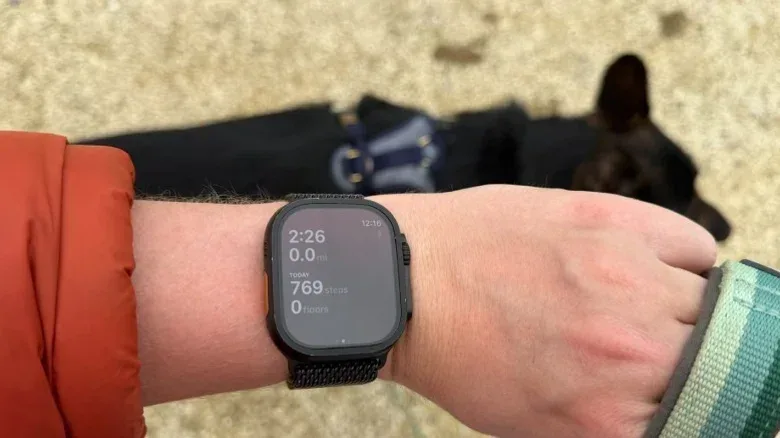
Pedometer++ is an independent app maintained by David Smith, with a watch redesign arriving in version 8 in April. Its no-cost core includes a continuously updated step count, watch-face complications, and the ability to begin and track indoor or outdoor walks, runs and hikes directly from the Apple Watch. The activity information syncs with Apple Health.
Related coverage includes Five Apple Watch Apps With Useful Free Features on Your Wrist.
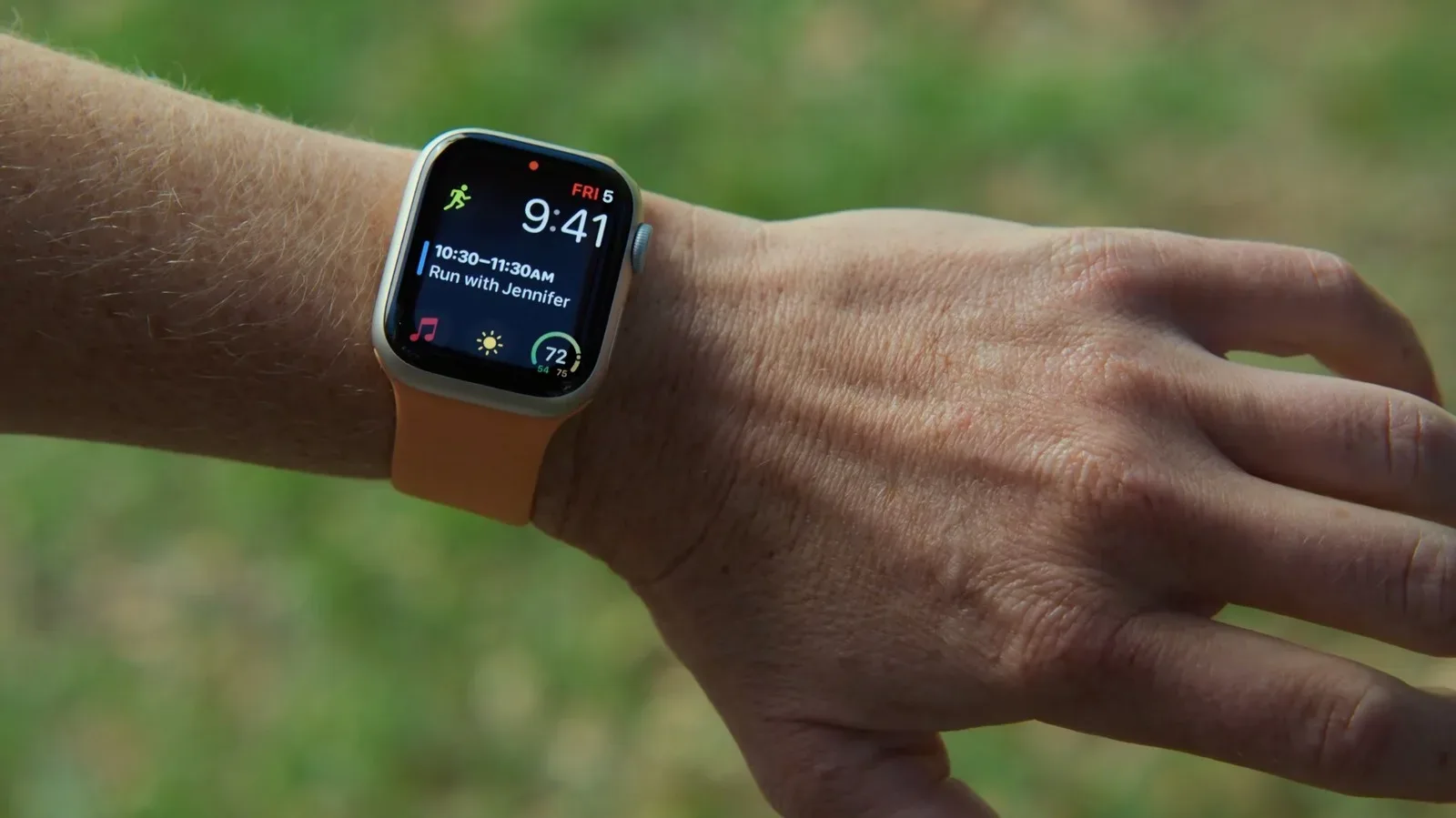
A complication is a small piece of app information placed on a watch face: a step total, for example, or a shortcut that opens the app. It sounds like Apple jargon because it is, but the practical value is straightforward. A good complication reduces the number of taps needed to see the number that matters. For a step-focused app, keeping a count visible can be more useful than building a long list of secondary screens.
Pedometer++ does offer Premium at $3.99 per month or $29.99 per year. The paid extras include watch maps, offline workout maps, iPhone Lock Screen Live Activities and Expedition Mode. The latter reduces constant heart-rate checks to potentially extend battery life by up to 40%, according to Smith. That is a meaningful option for people taking longer outings, but it is separate from the free ability to count steps and record core activities.
The free version displays ads, so “free” here means ad-supported rather than entirely monetization-free. Still, the basic division is relatively clear: everyday step visibility and activity logging are available, while mapping and specialized battery management are part of the upgrade.
Nike Run Club: coached runs with no paid tier
Nike Run Club is the cleanest pick for a runner who wants coaching without encountering a subscription screen. It has no paid tier or in-app purchases, and its Apple Watch app has supported phone-free run tracking since 2019. The app puts audio-coached Guided Runs, always-on statistics, live pace charts, streak badges and a Nike watch face on the wrist.
Guided Runs are audio-led sessions designed to accompany a run, while a pace chart visualizes how quickly the runner is moving over time. These are different kinds of help: coaching offers direction and encouragement; live data offers feedback. Someone who wants structured prompts may value the former, while a runner chasing a steadier effort may spend more time looking at the latter.
For owners of a cellular Apple Watch, a 2026 update also enables live location sharing during a run. Cellular is the watch’s own mobile-data connection, allowing certain features to work away from an iPhone. It is useful for leaving the phone behind, although it has battery implications that become especially relevant with audio streaming.
There are alternatives with worthwhile free activity recording. Strava’s watch app can record and share a phone-free run, show saved routes with off-route alerts and offer three complications. But its Live Segments personal-record comparisons are subscriber features, with a $79.99 annual subscription. Apple’s built-in Workout app is also free, while Fitness+ costs $9.99 monthly or $79.99 annually. Nike Run Club’s appeal is not that other running apps are unusable without payment; it is that its coached-run proposition does not place a payment tier between the runner and the feature.
Bevel: turning existing watch data into daily scores
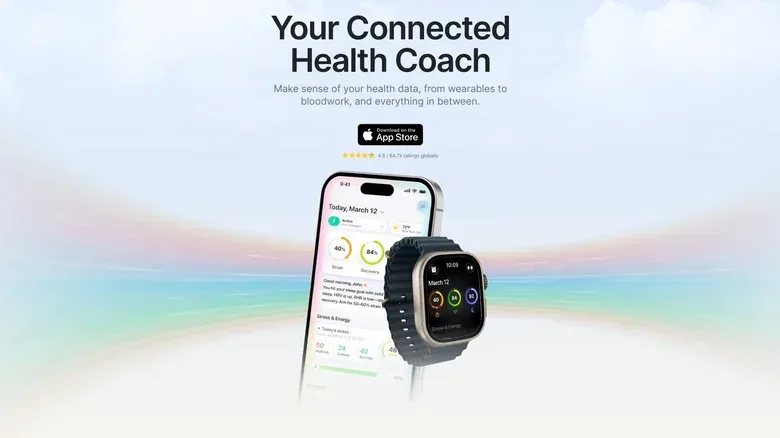
Bevel takes a different approach from a workout recorder. It uses data Apple Watch already gathers to produce daily recovery, sleep, strain and stress scores. It also provides nutrition tracking, strength-training logs, cycle tracking, a journal, widgets, complications and an Apple Watch app. Much of this became free in December 2025.
The key terms deserve a little translation. Heart rate is the number of heartbeats per minute. HRV, short for heart-rate variability, describes variation in the timing between beats. Alongside sleep information, Bevel uses these inputs for its scores. A recovery or strain score is an app-generated summary, not a diagnosis or a replacement for professional health advice. Its practical role is to present measurements collected in the background in a form a user can review when deciding how demanding a day or training session feels.
Bevel Pro remains available for $14.99 per month or $99.99 per year. The upgrade adds an AI health coach, health records, an estimate of biological age and training plans. On the watch listing itself, the named watch function is strength workouts, with workout data syncing between wrist and phone. That boundary is worth noting: a broad health dashboard may exist across the app, but prospective users should check precisely which view or workflow they expect to use on the smaller watch screen.
For someone curious about recovery-style metrics but unwilling to commit to a separate subscription wearable, Bevel’s free baseline is its central advantage. The Apple Watch is already collecting the underlying heart-rate, HRV and sleep data; Bevel’s job is organizing it into additional summaries.
Overcast: a strong route to untethered podcasts
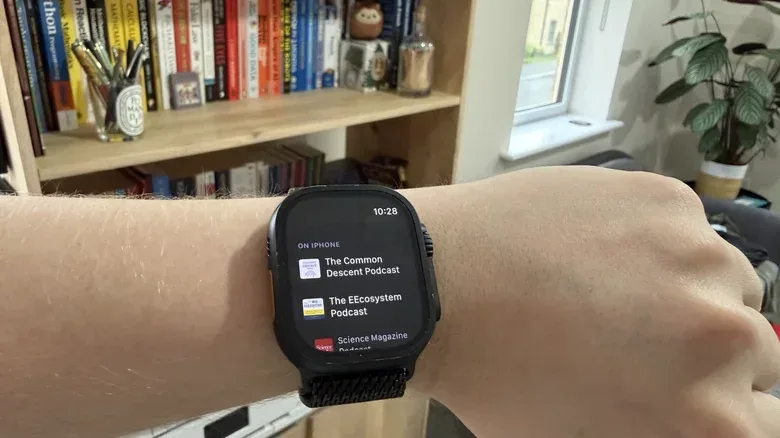
Overcast is the standout option for podcast listeners who want actual Apple Watch listening rather than playback controls for a phone. Its watch app offers standalone playback and cellular streaming. Episodes can be downloaded in advance, then played while the phone is left behind. The core app is free and supported by restrained promotion for other shows, while an optional subscription removes those ads.
Its feature set also includes Double Tap support for play and pause, Smart Speed and Voice Boost. Smart Speed removes silences from episodes, shortening listening time without changing the spoken content. Voice Boost evens out quieter speech. Together, those tools address two common podcast problems: dead air and uneven voice levels.
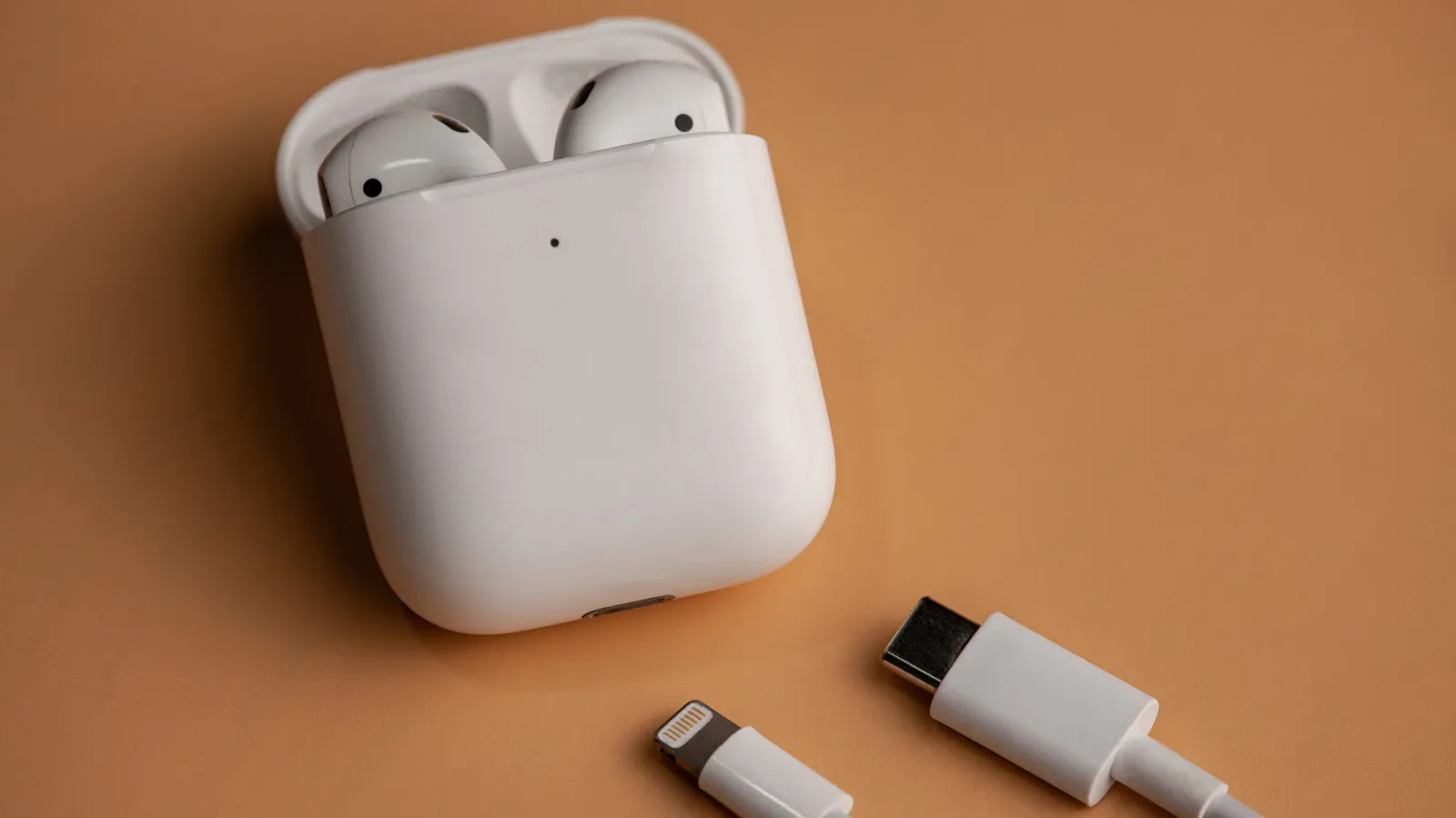
There is a practical caveat: cellular streaming has a battery cost. The watch uses the least power when connected to the phone by Bluetooth; Wi-Fi is less demanding than cellular. A weak mobile signal can increase drain, and playing through the watch speaker takes more power than using headphones. The sensible routine is therefore to download an episode before leaving home and listen through headphones. For users choosing new earbuds or headphones, Joking Joystick has also examined how AirPods pricing has changed as features accumulated.
Overcast is maintained by a single developer, who rewrote the watch app last year with speed and reliability in mind. That does not guarantee every listener’s preferred podcast workflow, but it helps explain why the app’s attention is focused on the specific task that matters here: getting an episode onto the watch and playing it there.
Shazam Music Recognition: make song identification a one-press action
Shazam is now available on the Apple Watch as a separate watch-only app named Shazam Music Recognition. Developed by Apple, it is free and has no in-app purchases. Its history syncs through iCloud, meaning a song identified on the watch also appears in the iPhone app’s history.
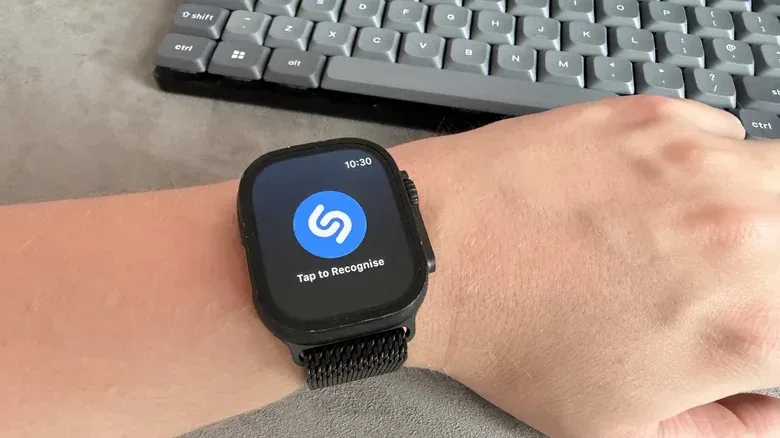
The core interaction is appropriately simple: tap the app’s button to identify music. It can also be placed in a watch-face complication, accessed through a Smart Stack widget, or launched by asking Siri what song is playing. On an Apple Watch Ultra, Recognize Music can be assigned to the Action button in Settings under Action Button.
This is a good example of matching a feature to the watch form factor. Music recognition is often needed in a fleeting moment—at a shop, on a walk, or before a song ends. A complication or Action button assignment turns it from a hunt through apps into an immediate control. Identifications are saved, and users who subscribe to Apple Music can preview a track or add it to their library.
Installing and choosing wisely
All five apps can be installed from the App Store on the Apple Watch itself or through the iPhone Watch app in My Watch > Available Apps. The best option depends on the job, not on how many features a listing can claim. Pedometer++ favors simple movement tracking with Apple Health sync. Nike Run Club suits runners who want phone-free tracking and audio coaching without a paid level. Bevel is for people who want their existing data shaped into broader wellness scores. Overcast serves independent podcast playback. Shazam is the fast utility for identifying a song.
None of that removes the need to read the fine print. Optional Premium tiers can be useful, and advertising can be an acceptable trade-off, but neither should be mistaken for a fully unlocked free experience. On a device built around quick glances and short interactions, the most valuable app is often the one that lets the watch do its central job immediately.