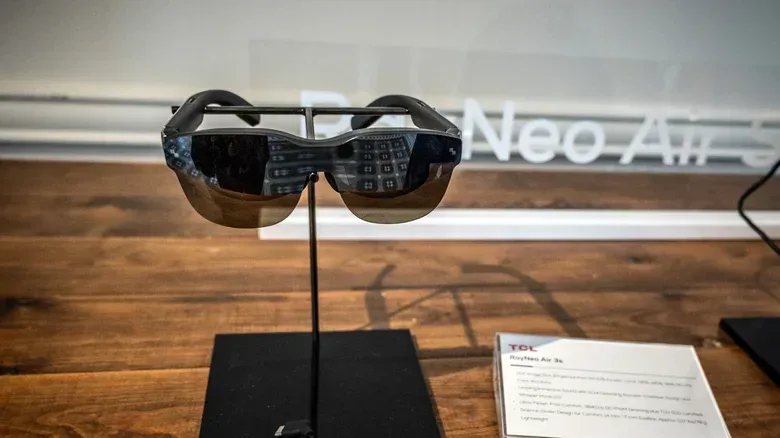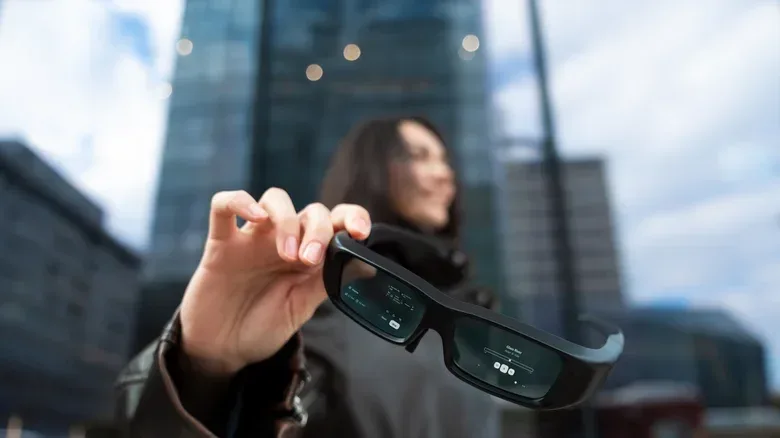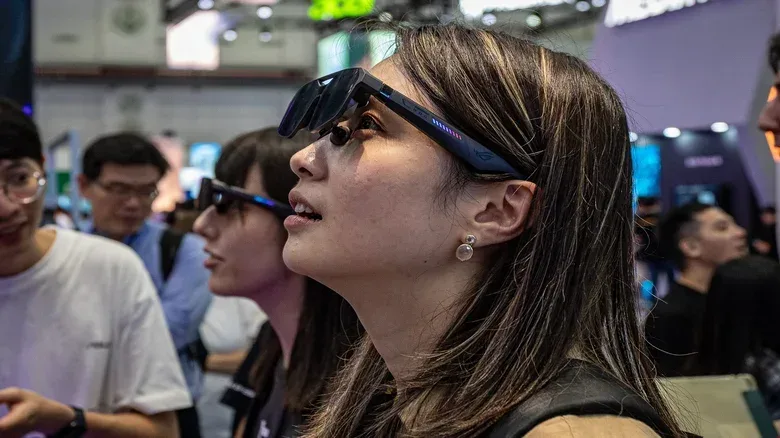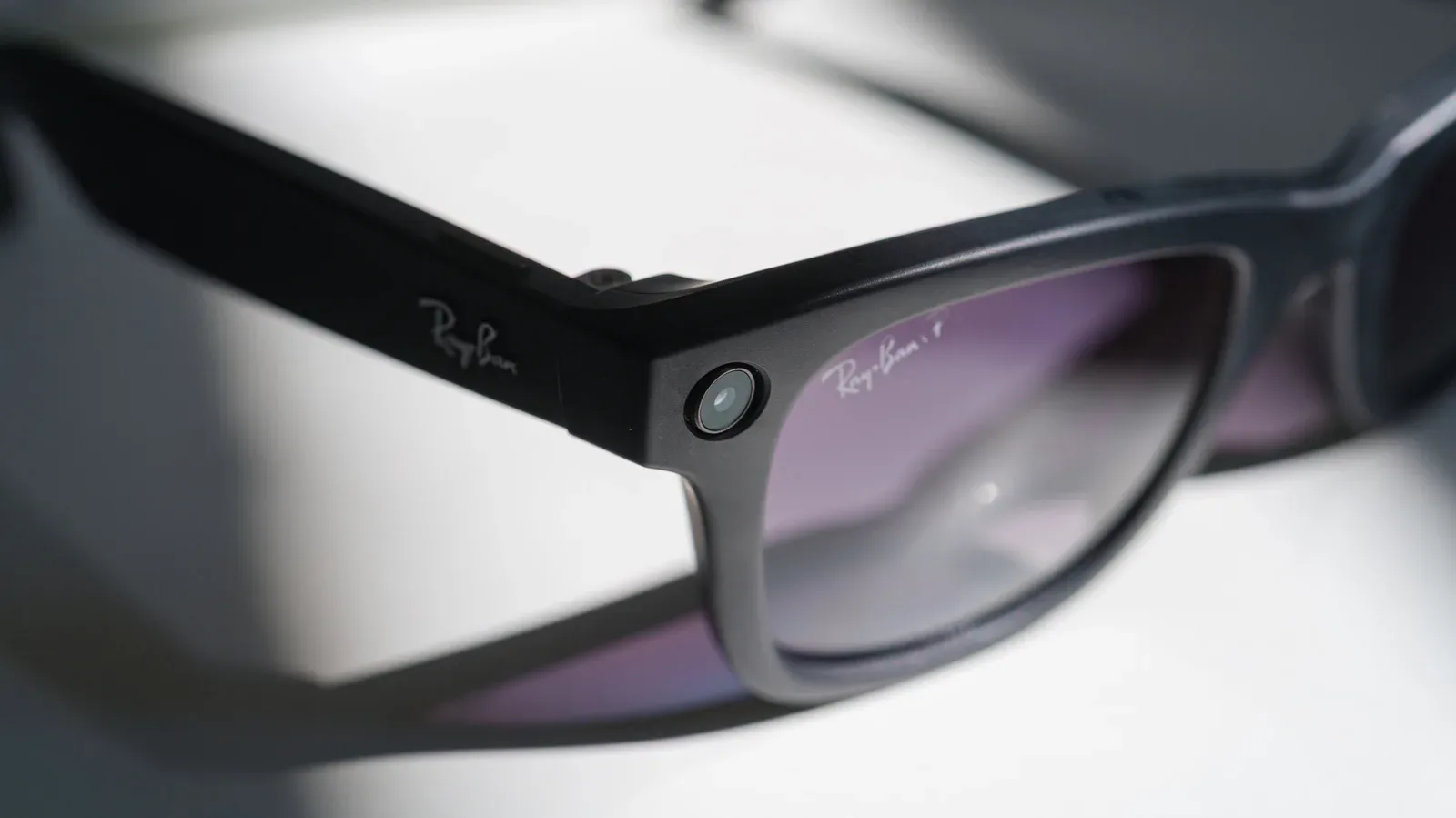
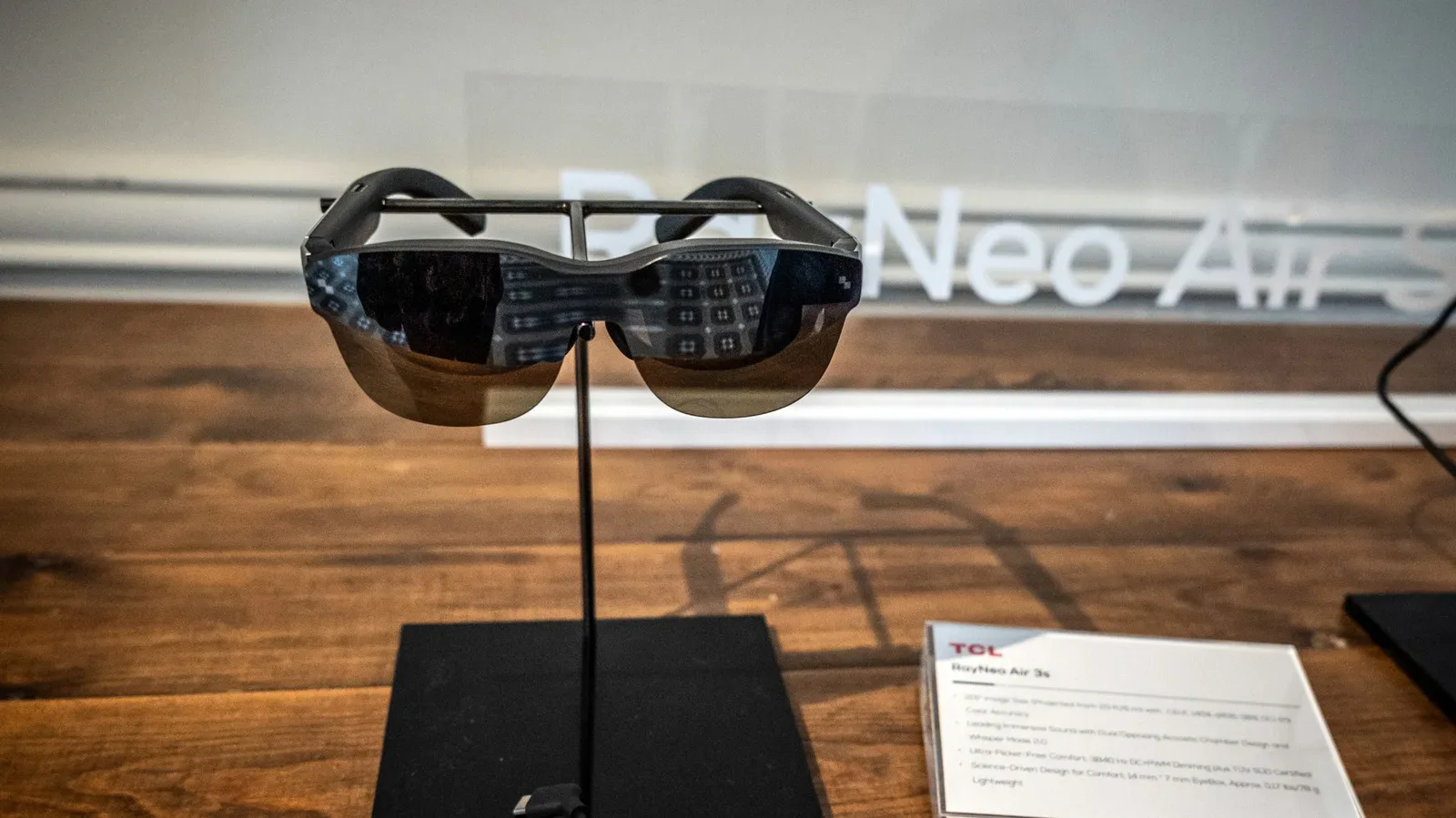
The dream is wonderfully tidy: retire the monitor, put on a pair of smart glasses and summon a huge private display wherever a laptop, handheld or compatible device can travel. For gaming, that idea has real appeal. A virtual screen can be positioned to suit the wearer, shield a game from nearby eyes and remove the need to pack a physical monitor for a trip.
But replacing a monitor is a much bigger job than merely displaying an image in front of someone’s face. A monitor has to remain comfortable, readable and practical through changing tasks: playing a game, joining a call, answering a message, checking notes, and occasionally looking at the actual room. Reports from people attempting the all-glasses desk setup suggest today’s hardware can be compelling in selected situations, while still carrying substantial trade-offs for long work sessions.
The short version is simple: smart glasses look more convincing as a personal entertainment display than as an eight-hour replacement for a conventional monitor. That does not make them a gimmick. It means the best use case matters.
Why the virtual-monitor pitch is so appealing
Smart glasses can create the impression of one or more displays placed in a user’s field of view. That flexibility is the heart of their appeal. Instead of arranging a body around a fixed laptop panel or desktop monitor, a wearer may be able to position the virtual view more comfortably. One tester found this helped posture because the display could be adjusted to the body rather than the other way around.
Privacy is another practical benefit. A conventional laptop or monitor is visible to anyone who walks behind or beside its user. A glasses display is inherently more personal. That could be useful for playing games on a flight, watching a film in a shared space, or simply avoiding the feeling that everyone nearby can see a game, message or document.
There is also the appeal of a cleaner desk. For people with limited room, a wearable display could reduce the physical clutter associated with multiple screens. In travel scenarios, it can potentially offer a much larger perceived viewing area than a laptop alone without requiring another panel in a bag.
For players, these are meaningful advantages. Games and movies generally ask the viewer to settle into one activity for a sustained stretch. If the glasses are comfortable for that stretch and the image is clear enough, the format fits naturally. The same is true of a solo movie session: privacy and immersion are assets, while collaboration and constant real-world interaction are not central requirements.
A screen near the eyes is not automatically comfortable
The most important caveat is physical comfort. A device can be light and streamlined yet still become tiring because it is worn on the face for an extended period. One long-session account involving Xreal One Pro glasses described heat building up enough to be felt on the forehead. Heat handling can differ between models, so that result should not be treated as a universal verdict on every pair. It is nevertheless a reminder that a face-worn computer has constraints a desk-bound monitor does not.
Weight distribution, pressure points and warmth become more significant as a session extends. A monitor may contribute to fatigue through poor desk ergonomics, but it does not rest on the bridge of the nose or against the forehead. Smart glasses shift the ergonomic problem rather than erasing it.
Usage length is especially relevant. Another user described smart glasses as comfortable but generally wore them for around an hour and a half to two hours at a time. That is a promising span for a gaming session, a movie or travel entertainment. It is not the same as demonstrating effortless all-day use.
Before treating glasses as a desktop replacement, buyers should ask a narrower question: How long can I comfortably use this particular pair in the way I actually intend to use it? A person who wants a private display for a 90-minute flight has a different threshold from somebody hoping to write, attend meetings and game through an entire workday.
Eye strain needs a plain-English definition
Eye strain is the tired, uncomfortable feeling that can come from sustained focus, bright light or screen use. It is usually not serious and commonly eases with rest, but that does not make it irrelevant. Headaches, visual fatigue and irritation can quickly turn an exciting display setup into one that gets left in a drawer.
The challenge with smart glasses is not simply that a display appears physically close to the wearer’s eyes. The relevant issue is the sustained visual experience: brightness, clarity, the effort needed to read fine text and the length of uninterrupted focus. A virtual monitor may feel large, but a large apparent image does not guarantee that tiny menus, spreadsheets or dense documents are comfortable to read.
This is where a gaming use case can be more forgiving than office work. Many games prioritize motion, large interface elements and audiovisual immersion. Office tasks often involve small fonts, precise selections and long passages of text. If a display lacks sufficient sharpness, the friction from reading and precise work can overwhelm the benefit of portability.
Resolution is the key technical term here. It describes the amount of detail a display can show. In practical terms, a higher-resolution image can make text and fine interface elements look sharper, while insufficient resolution can make them harder to read. Accounts from testers indicate that lower-cost glasses may not provide the clarity needed for detailed work. That makes product-to-product variation important: “smart glasses” is a category, not a promise of identical display quality.
The productivity problem is task-switching, not just pixels
A desk monitor exists in a shared physical environment. You can glance from a document to a notebook, look at a keyboard, address a colleague or check something beyond the screen without changing what is on your face. Smart glasses can complicate those ordinary movements.
Users who have experimented with a glasses-first setup have noted that switching activities can be awkward. Taking the glasses off, looking around or looking past the lenses adds a small interruption. Repeated across a day, small interruptions matter. Writing in a physical notebook is one cited example: it becomes less straightforward when the virtual display is in the way or when the wearer must continually transition between display-focused work and the world around them.
This is a useful distinction between a device that is technically capable of showing multiple virtual monitors and one that is a complete monitor replacement. The latter must accommodate a person’s entire workflow, including the moments that do not happen on-screen.
Video calls introduce a social wrinkle too. Dark lenses can look unusual during a meeting, and spending a day visually separated from the surrounding environment may feel isolating. That will not bother everyone, particularly in private settings, but it makes a difference in offices, shared homes and collaborative work. A traditional display is not worn; it can be ignored, glanced away from or shared without becoming part of the user’s appearance.
Gaming is currently the clearer fit
For games, the weaknesses of an all-day virtual desktop may be less damaging. Players often want a large personal view without monopolizing a television or carrying a monitor. Smart glasses may provide that while also keeping the screen private. They can also suit situations where a desk is unavailable or inconvenient.
The caveat is that comfort and visual clarity still apply. A game with very small text, fine inventory management or intricate interface details may expose limitations more readily than a film. Similarly, a game that lasts many hours can run into the same heat, pressure or eye-fatigue concerns that affect work. The glasses should be judged against the actual game and session length, not only against an idealized virtual cinema screen.
That makes smart glasses a complementary display for many players rather than a reason to throw out a monitor. Use them when private viewing, portability or flexible virtual screen placement solves a real problem. Keep the monitor for long seated sessions, detailed text-heavy tasks and situations where it helps to move naturally between screen and surroundings.
It is the same broader lesson that applies when weighing a technology switch driven by habits rather than hardware alone: a feature list does not decide whether a device fits daily life. The routine does.
What to consider before making the switch
- Session length: Consider whether the glasses are for a movie, a gaming session, occasional travel or full workdays. Comfort reports at one to two hours do not automatically predict comfort for eight.
- Text and precision: If the goal involves documents, tiny menus or detailed creative work, display sharpness is central. A cheaper option may be less suitable for that workload.
- Heat and fit: Since models can handle heat differently, a design that is comfortable for one person may be distracting for another during extended use.
- Real-world interruptions: Think about notes, calls, conversations and any task that requires looking away from the virtual display often.
- Privacy versus connection: A private screen is helpful in public, but wearing glasses around coworkers or during calls can create social friction.
Do not mistake a promising category for a finished replacement
Smart glasses have become lighter and more streamlined, and their ability to deliver private, flexible virtual screens is genuinely useful. The category points toward a future in which physical monitors could be less necessary for some people and some tasks.
Today, however, the evidence supports a more measured conclusion. Smart glasses can be a strong entertainment accessory and a potentially helpful travel companion. They can even improve posture for users who successfully position the virtual screen around their body. Yet heat, eye strain, varying resolution, face-worn comfort and the awkwardness of moving between digital and physical tasks keep them from being a universal monitor substitute.
For now, the sensible setup is not necessarily monitor or glasses. It is monitor and glasses, with each used where it is strongest: the monitor for stable, readable, all-day work; the glasses for private, portable and immersive play.