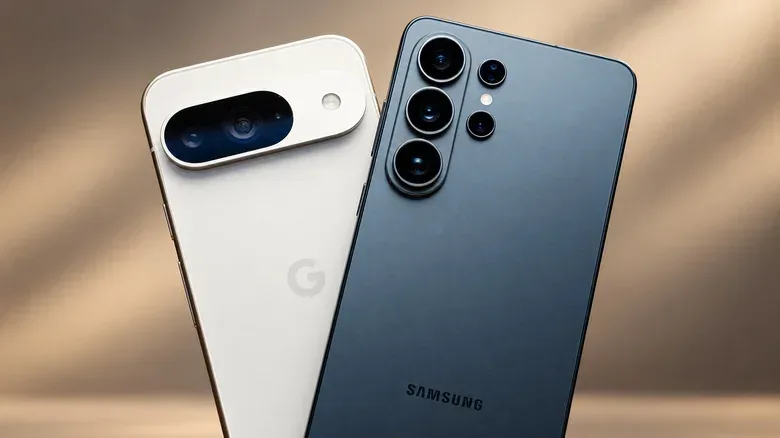
Moving from a Google Pixel to a Samsung Galaxy is not the kind of switch that erases an entire digital life. Google apps still run on a Galaxy, and both families are Android phones. Yet it can change the small interactions that make a phone feel effortless: which app opens by default, how notifications are organized, where a familiar shortcut lives, and whether a favorite Pixel-only convenience is still there.
That is why a headline comparison between the brands can be less useful than a practical one. Samsung supplies substantially more device shapes and price tiers in the United States, along with unusually deep interface customization and hardware options that Google does not match across its range. Google, meanwhile, makes a strong case for staying put through a simpler-feeling Android presentation, capable cameras and some model-specific advantages. The question is not whether either company makes a capable Android phone. It is which trade-offs are meaningful enough to justify the disruption of changing handsets.
Samsung’s argument starts with choice
Google’s US store lists seven main Pixel products: Pixel 10, Pixel 10 Pro, Pixel 10 Pro Fold, Pixel 10a, Pixel 11, Pixel 11 Pro and Pixel 11 Pro Fold. Samsung’s US store lists 15 distinct Galaxy models spanning the A, S and Z lines. That difference matters before specifications even enter the conversation.
The Galaxy A37 and A57 occupy budget-to-mid-range territory below the Galaxy S25 and S26 families. The Z Flip8 and Z Fold8 provide two folding-phone formats for buyers who want a very different physical design rather than another conventional slab. The Galaxy portfolio therefore gives a shopper more opportunities to decide what to prioritize: a lower entry cost, a larger screen, a flagship model or a foldable.
More choice is not the same as every feature on every phone, however. The Galaxy A37 illustrates the point. It has a 45W wired-charging rating, exceeding the standard Galaxy S26’s 25W rating, but it does not support wireless charging or DeX. DeX is Samsung’s desktop-style interface for compatible phones connected to an external display. It can be a major attraction for somebody who wants a phone to behave more like a workstation on a larger screen, but it should be verified on the particular Galaxy under consideration rather than assumed from the brand name.
Google’s supported Pixel phones now offer desktop windowing as well, so a display-connected productivity experience is no longer a simple Samsung monopoly. The meaningful distinction is in the overall package and in each model’s supported features, not a single checkbox on a comparison chart.
Customization is Samsung’s clearest software advantage
Pixels can be personalized, but Samsung provides a more granular approach through Good Lock, which can alter elements including Quick Settings and the lock screen. For people who care about arranging controls exactly where they want them, changing visual behavior, or making a phone feel less default, that degree of adjustment is a real feature rather than a novelty.
Samsung’s Modes and Routines adds automation to that flexibility. It can trigger selected system settings based on a user’s routine. In practical terms, the attraction is not merely making a lock screen look different; it is having the device apply chosen settings without manually changing them every time a situation repeats. Anyone considering a Galaxy for this reason should think first about which repeated changes are actually irritating on their current phone. The value is highest when the answer is specific.
Samsung also has proprietary software alongside Google’s apps. Features cited for its AI experience include Photo Assist, which can remove unwanted objects from photographs, and Note Assist, which can summarize notes inside Samsung Notes. Those functions may be useful, but they also underscore an adjustment Pixel owners can encounter: Samsung can encourage its own alternatives to Google applications that a former Pixel user may already prefer.
That does not mean a Galaxy owner must abandon Google’s services. It means the new phone may require a deliberate pass through default apps, app placement, notification preferences and shortcuts. A buyer who wants the Android experience to stay as uncluttered and Google-centered as possible may see this as unnecessary friction. A buyer who wants choices and controls may see it as the point.
Hardware differences can be decisive—if they fit your use
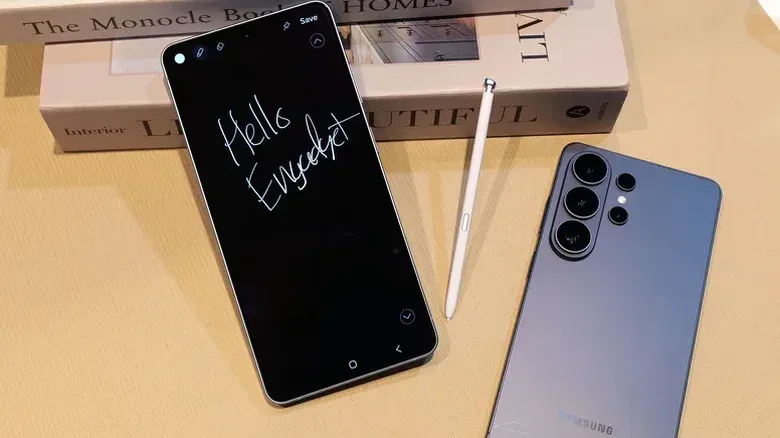
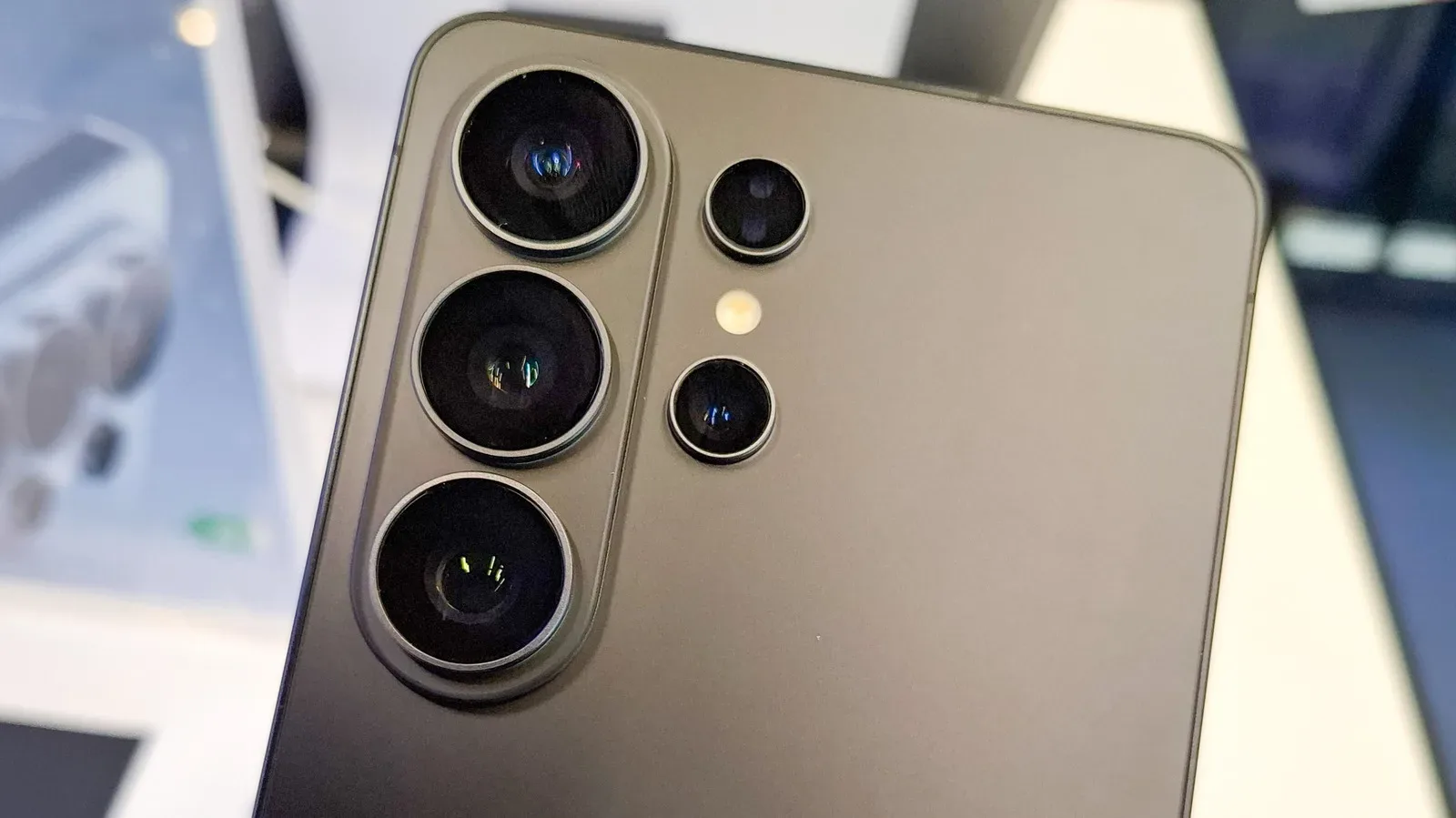
At the top end, the Galaxy S26 Ultra has hardware that speaks directly to particular workflows. It includes an integrated S Pen, avoiding the need to carry a separate stylus, and a Privacy Display intended to reduce the chance of nearby people viewing the screen. Neither feature automatically makes it the right premium phone, but both are clear examples of Samsung selling distinct tools rather than simply another high-specification handset.
Foldables are another advantage of Samsung’s breadth. The Z Flip8 and Z Fold8 exist for shoppers whose priority is a flip-style design or a larger folding format. Pixels include the Pixel 10 Pro Fold and Pixel 11 Pro Fold, but Samsung’s larger range still broadens the paths into different Galaxy categories.
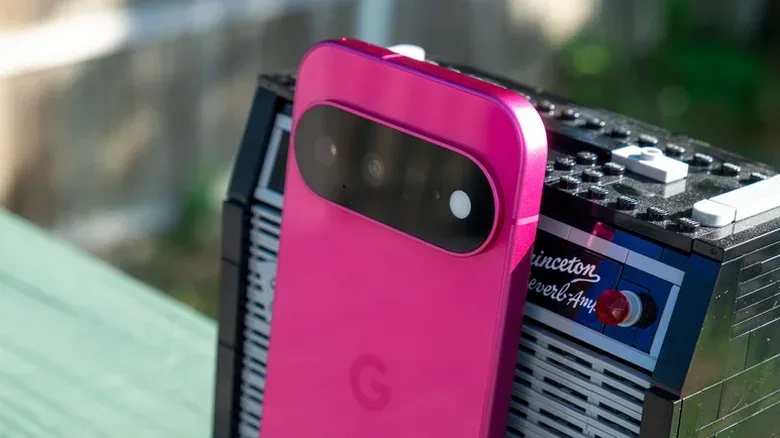
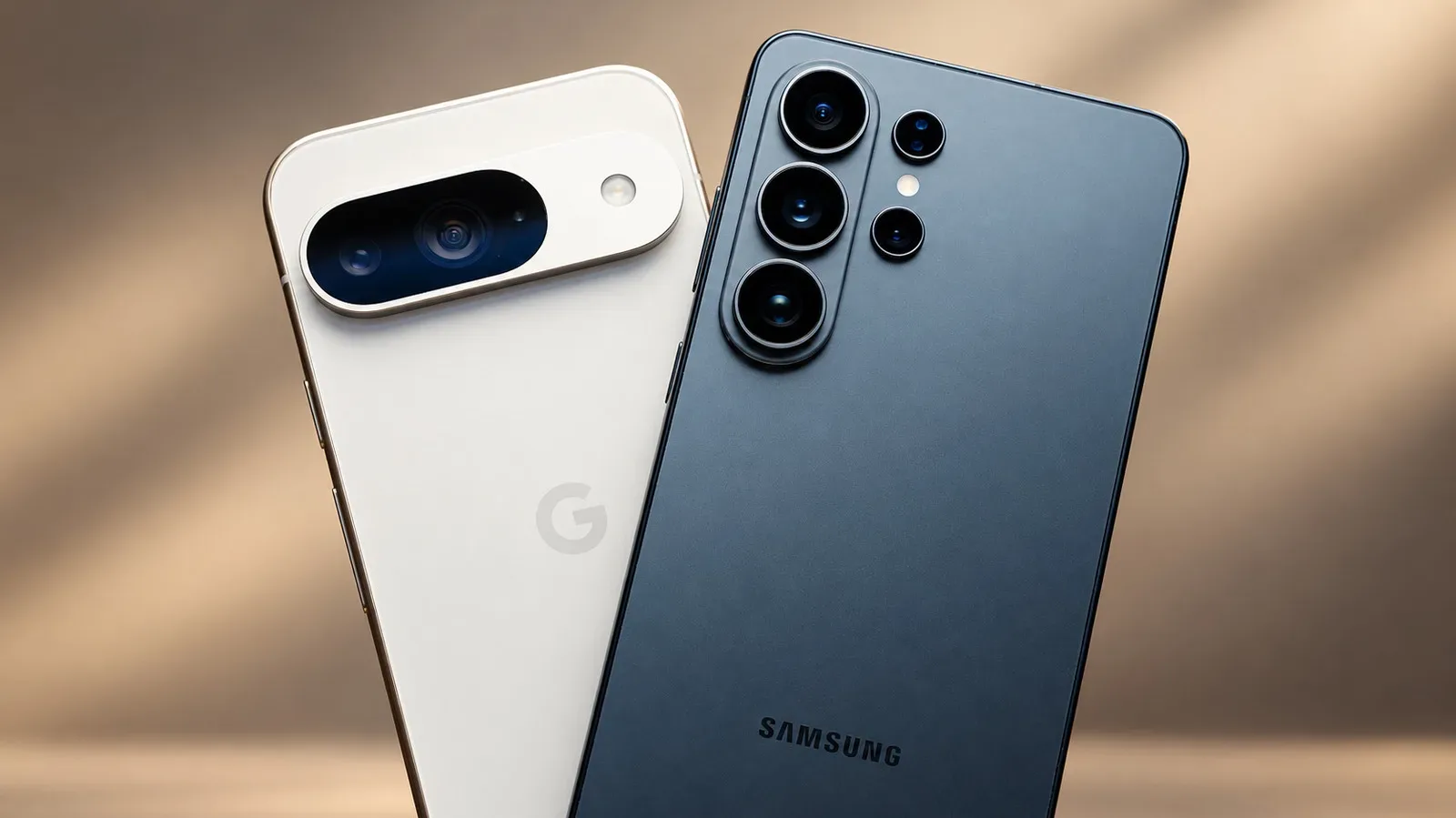
On the regular flagship comparison, the Pixel 11 has a notable camera specification advantage in telephoto reach: a 5x optical telephoto camera versus the Galaxy S26’s 3x. “Optical telephoto” refers to a dedicated camera lens that magnifies the scene optically, rather than relying only on digital cropping or processing. It is especially relevant for people who frequently photograph distant subjects and want greater reach built into the phone.
The Pixel 11 also has built-in magnets for Pixelsnap accessories. A Galaxy S26 owner needs a compatible case for comparable magnetic convenience. That can sound minor, but accessory behavior is part of the purchase: it affects what is attached to the back of the phone and whether the buyer must add a case to get the feature they want.
Pixel remains compelling on software, cameras and baseline experience
The strongest reason not to switch is that a Pixel owner may already have the phone experience they want. Google’s cleaner Android approach is an advantage for people who would rather spend less time managing duplicate app ecosystems or reshaping the interface. Pixel users also receive early access to Google’s new features, another benefit for someone invested in Google’s way of doing Android.
Performance assessments also do not produce a blanket Galaxy win. The Pixel 11 received a 92/100 score in reported reviews, compared with 80/100 for the Galaxy S26. That is a meaningful gap, reinforced by the Pixel’s 5x telephoto camera and magnetic support. At the premium end, the choice becomes less straightforward: both the Pixel 11 Pro and Galaxy S26 Ultra received 90/100. In that pairing, Samsung’s S Pen, privacy display, charging and customization may matter more than a broad score, while Pixel’s software style and camera priorities may matter more to others.
The lower-priced contest is similarly feature-specific. The Pixel 10a includes wireless charging and seven years of software updates. Its close Galaxy counterpart, the A37, has a slightly larger 6.7-inch screen and 45W wired charging, but six years of updates. No single item settles that comparison. Wireless charging and one additional year of support could be more important to a buyer who keeps a phone for a long time; a larger screen, faster wired charging and the lower listed price may carry greater weight for someone else.
For broader context on battery trade-offs and why one specification rarely tells the entire story, see why energy density is not the whole battery story. The same principle applies here: charging ratings are useful, but they are only one part of a phone’s daily fit.
Price comparisons need timing, storage and promotions
List prices provide a starting point, not necessarily the amount a shopper will pay. The Pixel 10a lists for $599. The Galaxy A37 lists for $490, while the Galaxy A57 lists for $600. At that level, the A37’s price difference is substantial enough that it should be considered alongside its screen size and charging speed rather than dismissed as a minor alternative.
At the standard flagship level, the Galaxy S26’s US list price rose from $899 to $999 in October, placing it $100 above the Pixel 11’s $899 starting price. Samsung’s flagship schedule can complicate direct price snapshots because its principal Galaxy S models arrive months before Google’s late-summer Pixels and therefore have more time to receive discounts. A 256GB Galaxy S25, for example, fell from $860 to $660 during an October 2025 sale.
That history does not guarantee an identical discount on a future model, but it does make one buying rule sensible: compare the actual offer available on the day of purchase, not only the manufacturer’s starting price. Major carriers promote both brands aggressively, and the result can turn on exact model, trade-in value and plan terms. A seemingly cheaper phone can be the less attractive deal if its promotion demands terms that do not suit the buyer.
Switching checklist: protect the things Smart Switch may miss
Samsung’s Smart Switch can move photos, messages and supported apps from a Pixel to a Galaxy. It is useful, but it should not be treated as a guarantee that every important piece of a phone transfers intact. Private app data and game progress may not move over. For gamers, that last point is particularly important: a game being installed again is not proof that its save state will be restored.
Before a Pixel is traded in, sold or wiped, a careful switcher should do the following:
- Identify must-keep app data. Check apps that contain private information, work material, authentication details or game progress, and determine whether they need their own backup, cloud sync or new sign-in.
- Confirm account access. Make sure needed passwords, authentication methods and recovery options are available before the old phone is gone.
- Review Pixel-specific habits. Google’s Call Screen does not travel with the user’s data. Samsung has a screening feature on compatible phones, but it is not simply the same Pixel feature transplanted to a Galaxy.
- Plan defaults and notifications. Decide which phone, browser, notes and other apps should open by default, then expect to recreate preferred notification behavior and shortcuts.
- Check the exact Galaxy’s feature list. Do not infer DeX, wireless charging, magnetic convenience or any other feature from the Galaxy name alone.
- Delay the trade-in until the essentials work. Confirm backups, logins, messages and vital apps before surrendering the Pixel.
The best reason to move to Samsung is not that it is universally better. It is that the selected Galaxy brings a concrete benefit: an S Pen, a foldable form factor, deeper customization, a desired charging setup, DeX support or a deal that genuinely improves the value. The best reason to remain with Pixel is equally concrete: a preferred clean interface, Google-first feature access, telephoto reach, Pixelsnap magnets, wireless charging on the 10a or longer software support.
In a market where both sides offer competent Android devices, the decision is best made by listing the features used every day and the ones that will be missed after the migration. A phone is less a spec sheet than a collection of repeated actions. Switching makes sense when the new set is clearly better for the person holding it.