A new router purchase often gets reduced to a version-number contest: Wi-Fi 6 or Wi-Fi 7, then whichever box promises the biggest number. That is not the first decision that matters for many homes. The more practical choice is topology: whether one standalone router can serve the space well, or whether a mesh system with multiple units is needed to carry a reliable signal where people actually use their devices.
For gaming households, the distinction can be particularly noticeable. A weak connection in a far bedroom, upstairs office, garage setup, or backyard can mean inconsistent downloads, unreliable game streaming, and a generally frustrating experience across phones, consoles, PCs, and smart-home hardware. But buying mesh simply because it sounds more advanced can create unnecessary cost and introduce trade-offs around band control and the connections between mesh units.
The short version: choose mesh when coverage is the problem across a larger or physically challenging property. Choose a standalone router when one centrally located unit can cover the space, especially in a typical apartment. A router that is right-sized and placed sensibly is usually more valuable than a more elaborate network bought for rooms that do not need it.
What a mesh Wi-Fi system actually changes
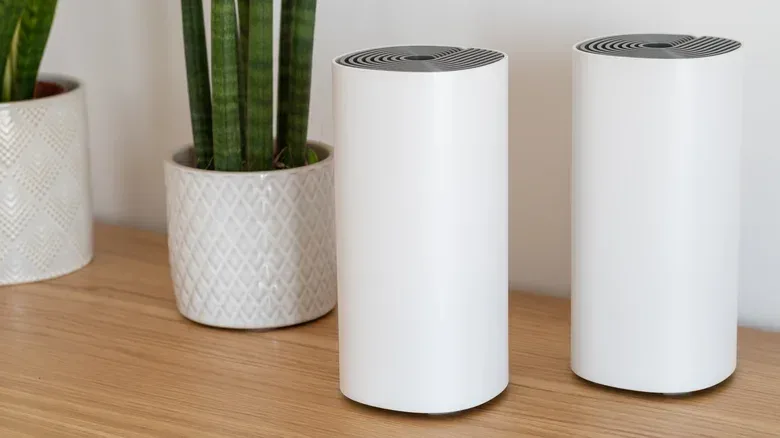
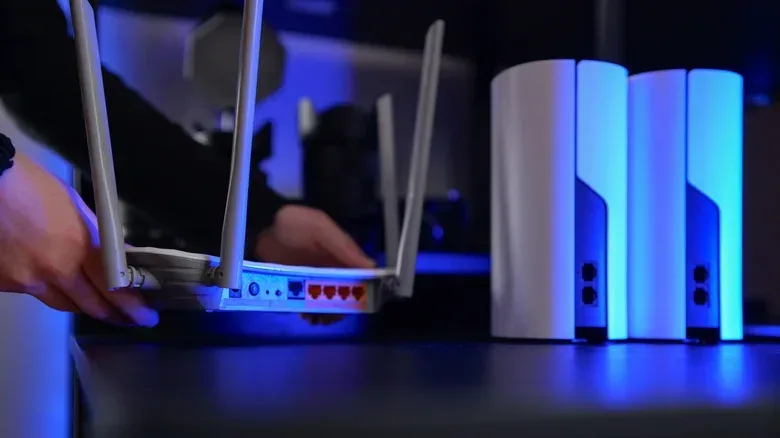
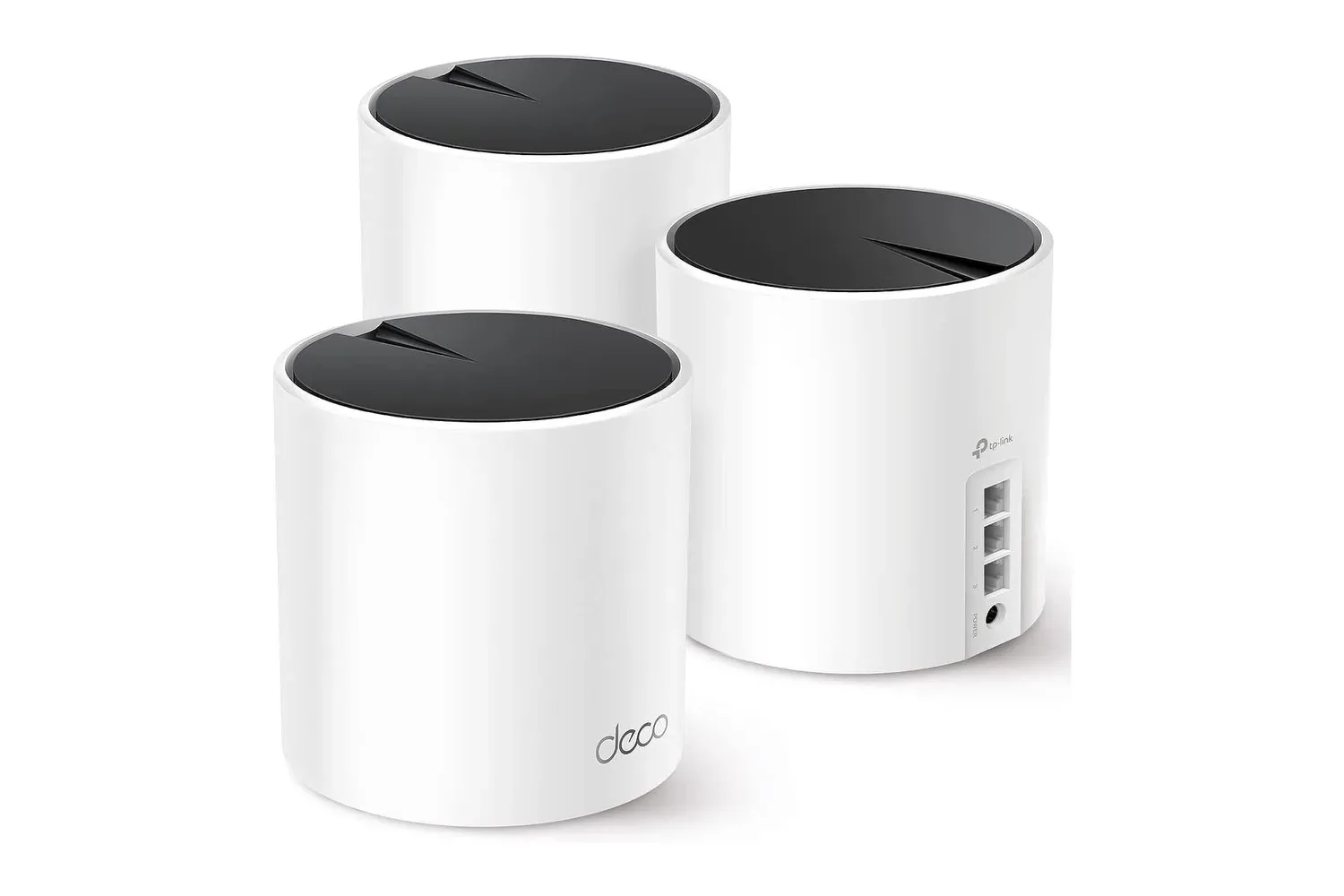
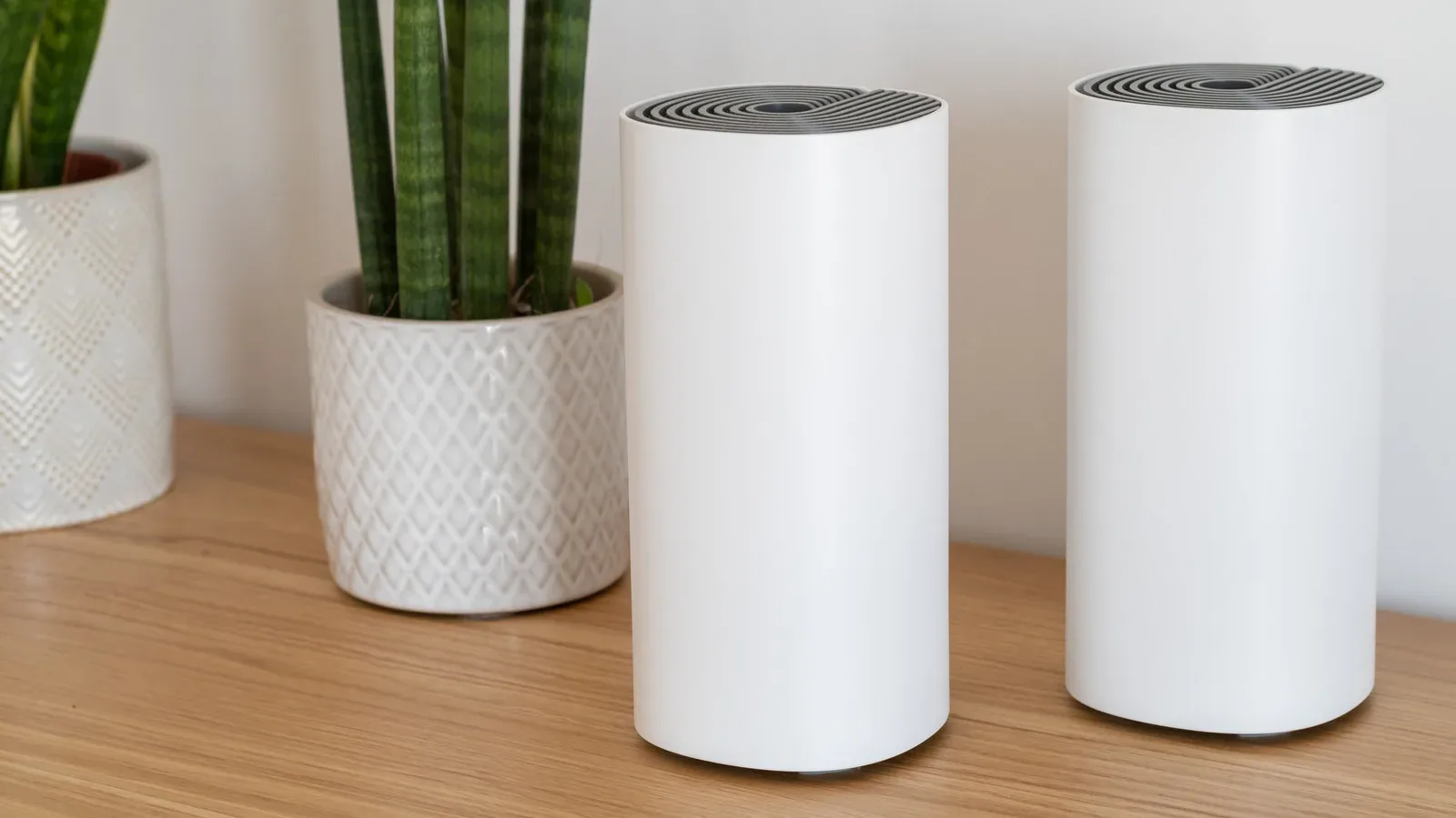
A standalone router is one device connected to a modem or fiber terminal. It broadcasts Wi-Fi from that single point, so its coverage has a finite radius. A mesh system starts with a gateway unit connected to the internet connection, then adds satellite routers around the property. Those additional units extend coverage outward from the gateway.
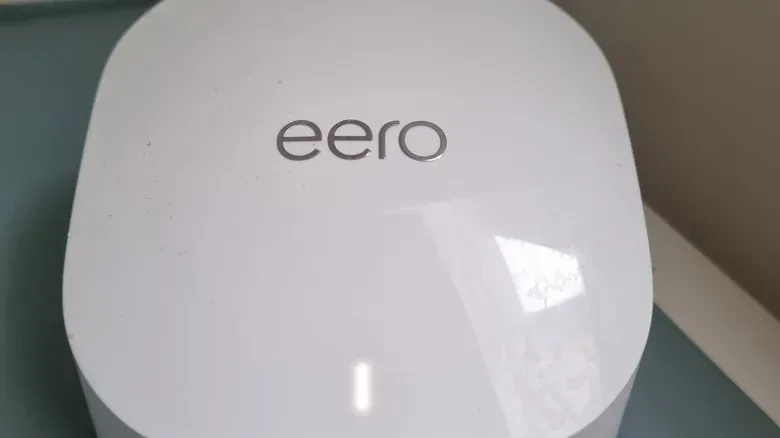
That expansion is mesh Wi-Fi’s clearest advantage. An Eero 7 two-pack, for example, is described as covering up to 4,000 square feet in theory. More importantly than any advertised square-foot figure, compatible units can be added when coverage needs to reach another part of the home. That modularity is useful for multi-floor layouts, detached garages or sheds, and outdoor areas where a single router’s signal falls away.
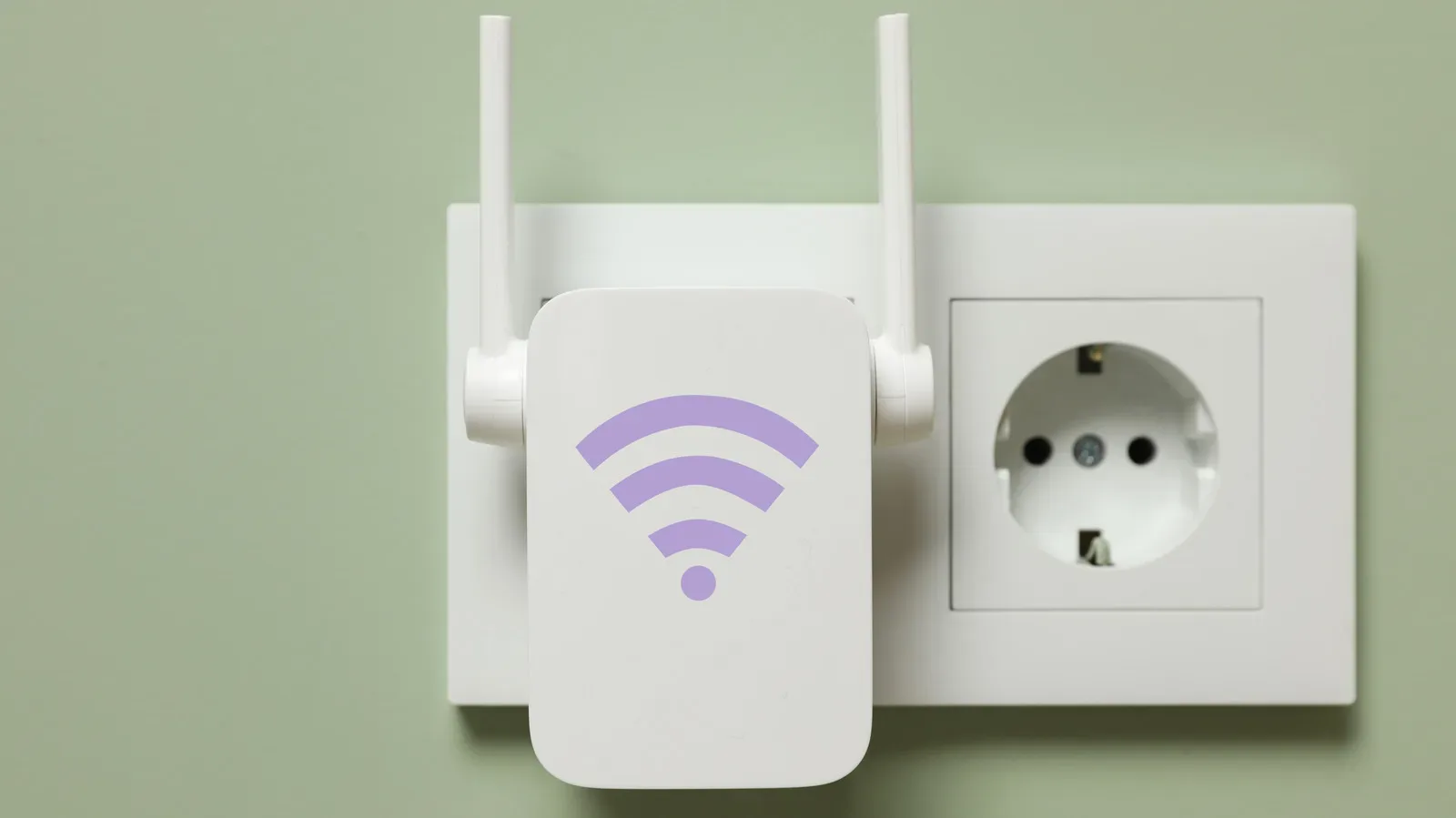
A standalone setup can also be expanded with a Wi-Fi extender, but mesh is designed around a unified system rather than a collection of separate coverage points. The practical difference is roaming. Instead of manually changing between multiple network names as someone moves through a building, a mesh system can transfer a device from one unit to another under one network identity.
SSID and seamless roaming, in plain language
An SSID is the visible name of a Wi-Fi network: the label selected on a phone, console, computer, or smart device. Mesh systems commonly use one SSID across their units. As a device moves nearer to a satellite and farther from the gateway, the system can hand it off without requiring the person holding the device to select a different network.
That is useful beyond convenience. Devices that communicate across the local network can run into trouble when they behave as though they are not on the same shared network. A unified mesh setup is intended to avoid that complication. It also helps keep a device from lingering on a distant, weakening signal when a nearer mesh point is available.
Related coverage includes Mesh Wi-Fi vs. a Standalone Router: How to Choose.
For someone playing in different rooms, moving between floors with a handheld, or using a phone as part of a smart-home setup, that can make the house feel like one network instead of a patchwork of signal islands. It is a coverage and continuity benefit—not a guarantee that every internet connection or every game service will suddenly become faster.
The strongest case for mesh: difficult coverage, not marketing labels
Mesh makes the most sense when a home has persistent slow zones or dead zones. Multi-floor houses are an obvious example. So are properties where the internet connection enters at one end of the house but the places people use devices sit at the other end. A backyard, a detached shed, or a garage can also justify satellite units if dependable connectivity is needed there.
Building materials matter as much as floor area. Metal and concrete can interfere with Wi-Fi signals, so a large open home and a smaller structure full of signal-blocking surfaces may have very different networking needs. A single router placed poorly can leave a home with a frustrating split personality: excellent service nearby and unstable connections elsewhere.
For a household with several connected systems, poor coverage is not merely an inconvenience. A far-away console may struggle with updates while a smart accessory may drop offline or create setup headaches. The right mesh layout puts a usable Wi-Fi point closer to the area that needs it rather than demanding that every device fight its way back to one router.
Some mesh systems can use a wired Ethernet connection between units when wireless interference remains a problem. This is called wired Ethernet backhaul. In simple terms, the mesh nodes use Ethernet cables to communicate with one another instead of relying entirely on Wi-Fi for that link. Where it is possible to run cables, that can be a practical workaround for difficult wireless conditions.
Backhaul is the mesh specification worth understanding
Backhaul is the connection that carries network traffic between the gateway router and the satellite units. It is central to how a mesh system performs, because a satellite needs a route back to the gateway before it can deliver internet access to devices nearby.
On less expensive mesh products, the backhaul may share the same wireless bands that phones, computers, consoles, and other devices use. When the satellites and client devices are competing for that same wireless capacity, performance can decline considerably. This is especially important for a gaming room or media area connected through a satellite rather than directly to the gateway unit.
Tri-band and quad-band mesh systems are relevant here because they can offer more wireless-band resources than lower-end alternatives. The practical buying question is not just whether a product says “mesh.” It is whether its design has enough capacity for the coverage job it is being asked to do. If the budget does not stretch to a tri-band or quad-band system, mesh may still be worthwhile for filling an otherwise unusable dead zone—but it should not automatically be assumed to be the best performance-oriented upgrade.
A wired Ethernet backhaul changes the equation because it avoids relying on the shared wireless route between nodes. The source of interference is not magically removed from every device connection, but the link among the mesh units is no longer consuming the same Wi-Fi path in the same way.
Unified network names can be less flexible than they sound
Mesh systems gain simplicity by treating the network as a unified whole, but that can limit direct control. In a typical mesh arrangement, separate SSIDs cannot be assigned to individual frequency bands. The system uses band steering automatically.
Band steering means the router decides which band a device should use. The bands named here are 2.4GHz, 5GHz, and 6GHz. The goal is to manage devices without forcing people to choose a separate network name for each band. For everyday use, this can be a welcome reduction in clutter: one network name, one password, and automatic decisions in the background.
Yet automatic decisions can clash with specific setup needs. Cheap smart-home accessories that use only 2.4GHz can be troublesome during installation when their setup app cannot find them while a phone is using 5GHz or 6GHz. The issue is not that 2.4GHz devices are incompatible with all mesh systems; it is that a unified, automatically steered setup can make a fussy setup process harder to manage.
The opposite need exists for higher-demand devices. A PC or VR headset may be a device a user wants to place on 5GHz or 6GHz specifically, in pursuit of the best available bandwidth. A setup that offers less manual band selection gives up some of that control in exchange for simplicity.
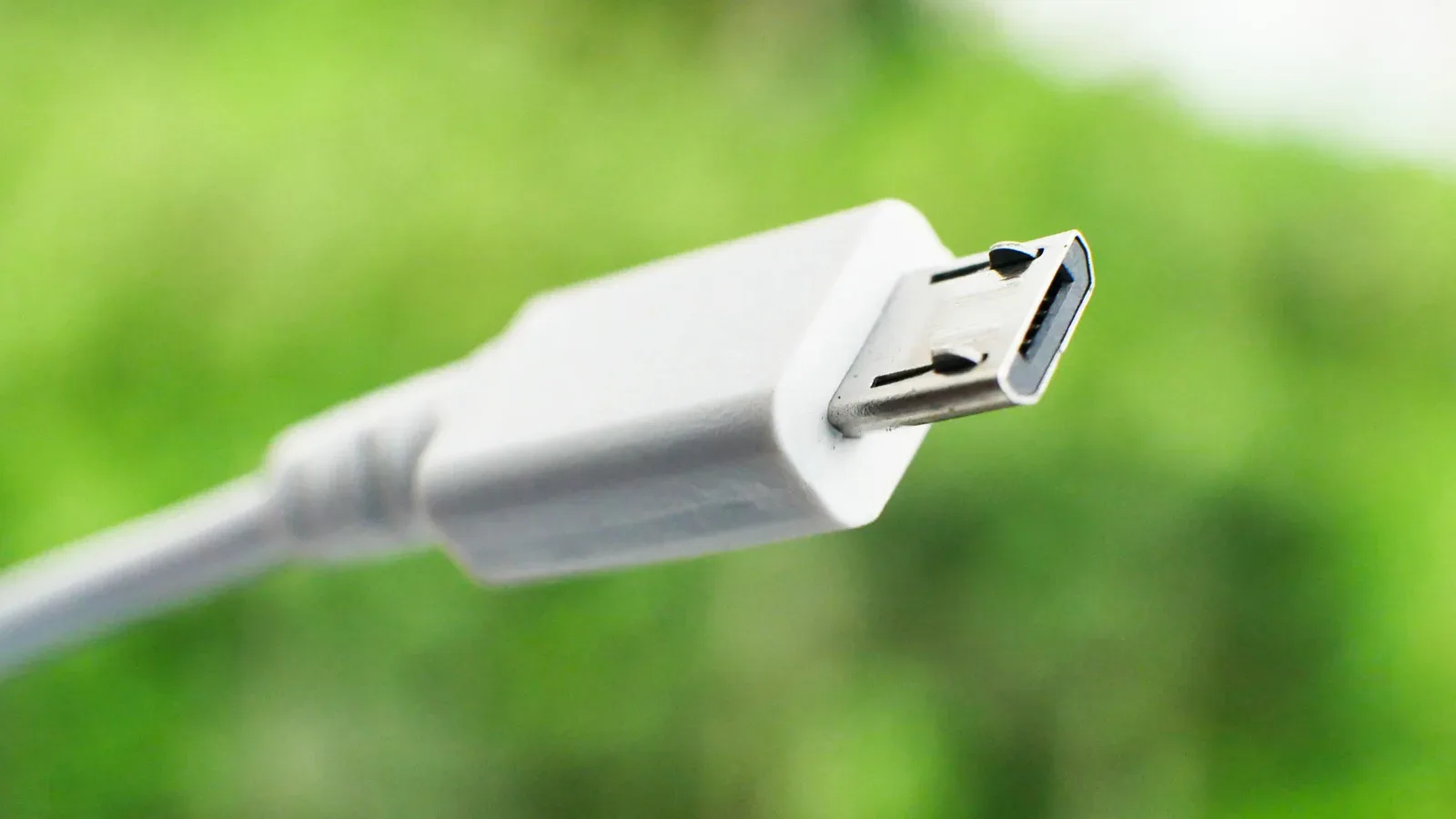
This is a useful reminder that “automatic” is not synonymous with “better for every device.” Households with lots of inexpensive smart accessories should consider the setup process they may face. Households focused on a PC, VR headset, or other bandwidth-hungry gear should consider whether they want explicit control over band choice. The same broader principle applies when shopping for gaming accessories: connection details can outlast a flashy spec sheet, as with the practical reasons to treat Micro USB as a warning label on a new controller or gadget.
When one router is the better buy
Most apartments should be covered thoroughly by a standalone router unless there is a demonstrated speed or range issue. In that situation, the lower cost of a one-router setup is meaningful. Money not spent on mesh hardware can instead go toward a faster router, which may be the more relevant upgrade when a single device can already reach the whole living space.
Small multi-floor homes are also not automatic mesh territory. Size and layout are more important than the number of floors by itself. Some homes with multiple levels are still compact enough for one suitably positioned router to cover them effectively.
Placement is the first thing to address before concluding that a house needs a mesh kit. Put the router in a relatively central location where possible. Keep it unobscured, rather than surrounding it with objects or placing it where materials and distance put as much of the home as possible on the other side of the signal path. Thinking of a router like a small radio broadcast point is a helpful model: the clearer and more central its path through the home, the better chance it has of reaching listeners—or, in this case, devices.
A practical choice checklist
- Choose mesh if important rooms remain slow or disconnected, the home spans multiple floors, or coverage must reach a yard, garage, or detached outbuilding.
- Choose mesh with wired backhaul where available if interference from materials such as metal or concrete persists and Ethernet can connect the units.
- Check backhaul design carefully when comparing lower-cost mesh kits. Shared wireless bands between nodes and devices can meaningfully affect performance.
- Consider band-control needs if the household has 2.4GHz-only smart devices that can be awkward to set up, or if a PC or VR headset needs a specific higher-band connection.
- Choose a standalone router for most apartments and compact homes that do not have proven dead zones or range problems.
- Improve placement before escalating hardware by moving a standalone router toward a central, unobstructed location.
Mesh Wi-Fi is best treated as a coverage tool with a strong roaming benefit, not as a mandatory premium tier. For the right home, it solves a real problem: getting a stable network beyond the reach of one router. For a smaller space already served well by a centrally placed standalone unit, it can be an expensive way to add complexity. Identify the actual weak spots, consider how the mesh units will connect to each other, and account for the devices that need the network most. That approach will produce a more useful result than buying based on Wi-Fi branding alone.
Shop the products
Check current price, model and availability at the retailer.