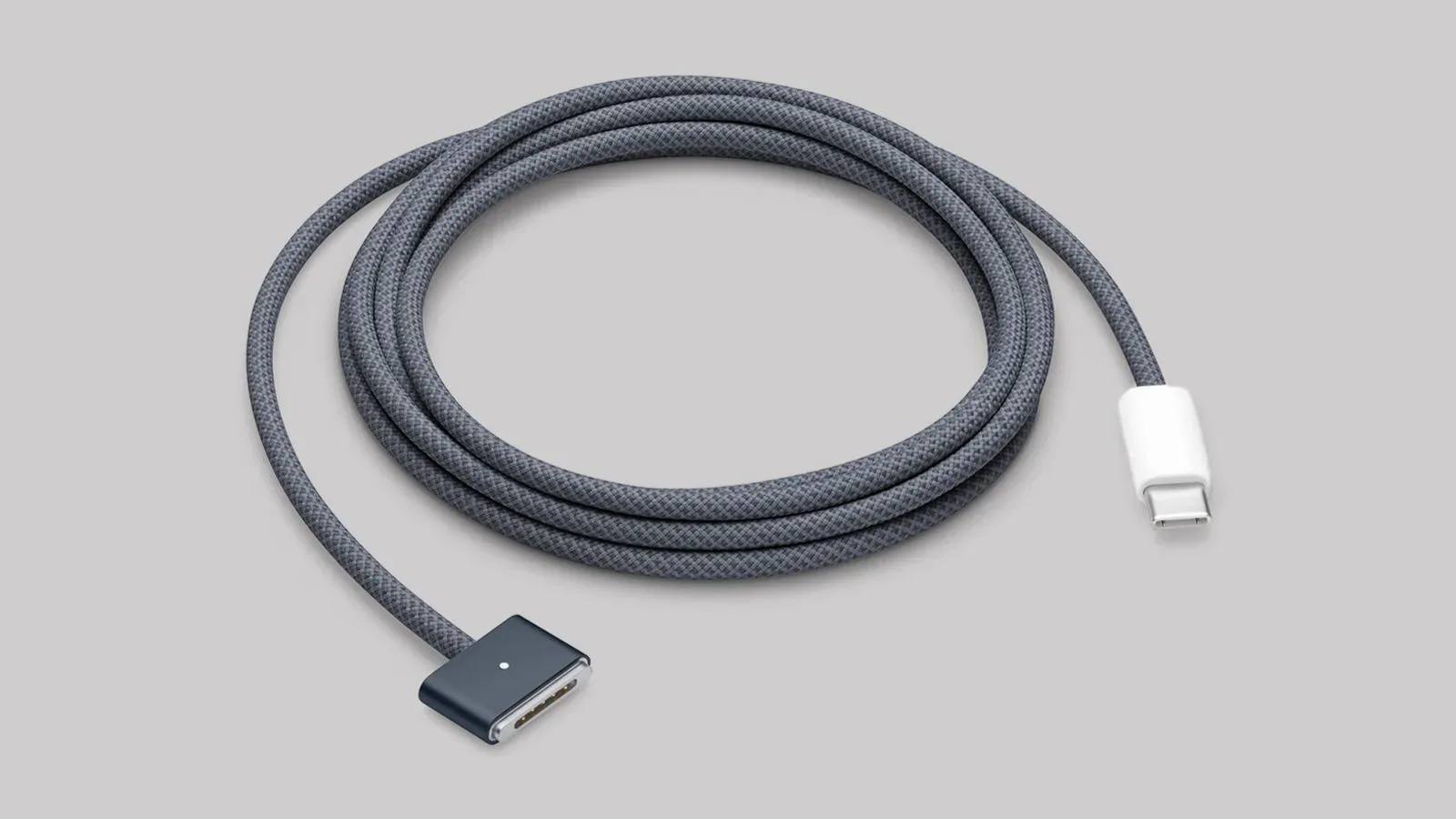
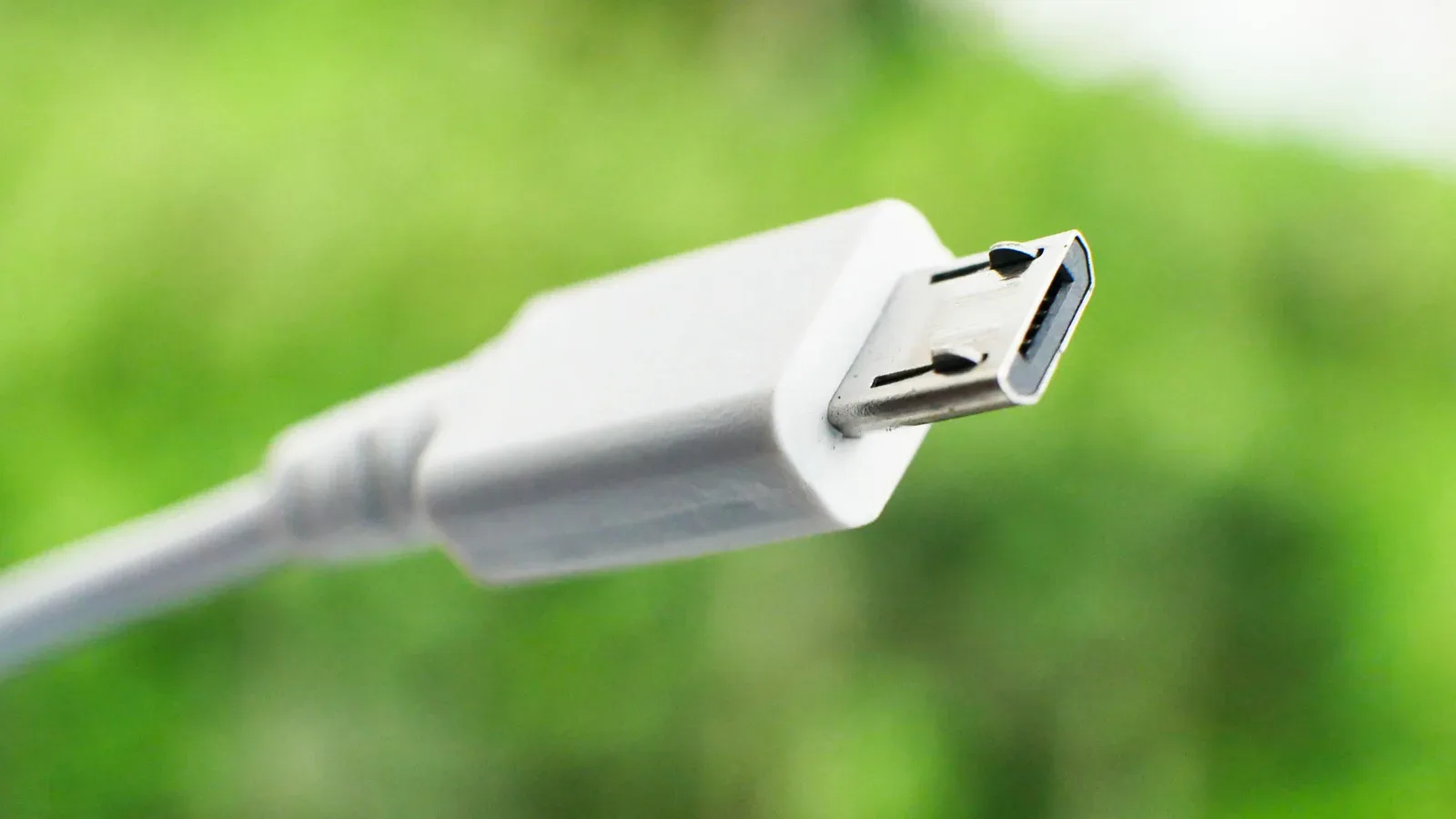
Micro USB deserves a small measure of respect. It helped bring compact charging and data connections to countless controllers, e-readers, headphones, lights and other pocketable gadgets. Many of those devices remain useful. A perfectly functional older controller should not be discarded simply because its charging port is unfashionable.
But shopping for a new gadget is a different decision. If two otherwise comparable game controllers, wireless headsets, charging accessories or portable devices are on the shelf and one still uses Micro USB, that port should prompt a closer look. It can indicate older underlying hardware, a design built to a lower price point, or a product that will force another separate cable into an increasingly USB-C-based setup.
The practical recommendation is simple: keep and use working Micro USB gear, but strongly favor USB-C when purchasing new equipment. That is not a demand to replace every old cable in a drawer. It is a way to avoid adding fresh cable clutter and unnecessary limitations to a gaming setup.
Micro USB is old, but “old” is not the whole argument
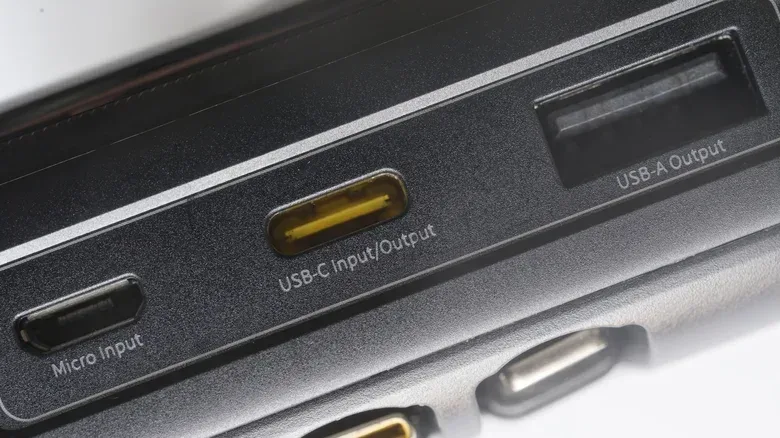
USB has never quite lived up to the serenity implied by “universal.” USB 1.0 dates to 1996, and the years since have produced a long lineup of connectors and capability tiers. Even a modern PC may combine familiar rectangular USB-A sockets with USB-C ports, while USB 4 cables introduce another layer of naming that buyers have to decode.
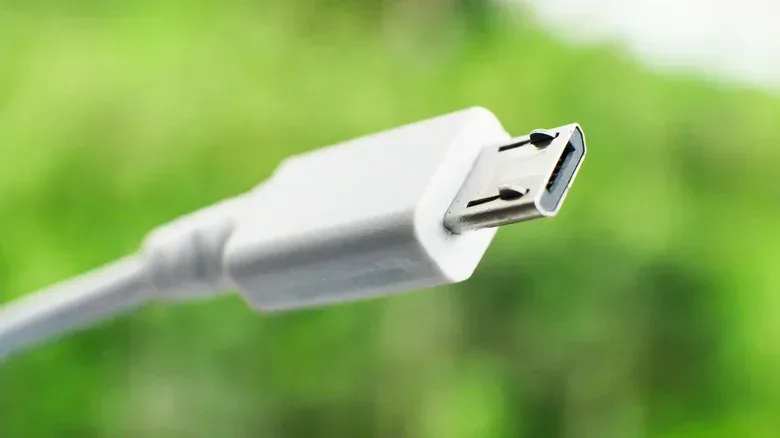
Micro USB arrived in 2007, following smaller connectors such as Mini USB. It became exceptionally common on compact electronics because it made charging and data transfer practical on devices that did not have room for the full-sized USB ports of the era. Its long run means plenty of people still own Micro USB controllers, Kindles, flashlights, earbuds and accessories.
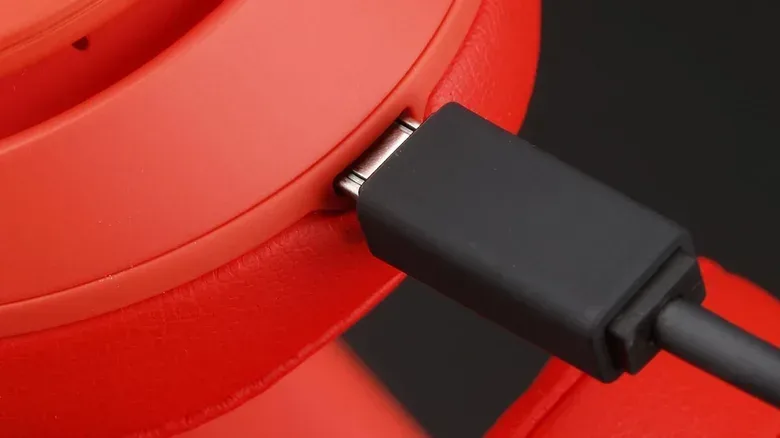
USB-C arrived in 2014 and is now the newer standard buyers are more likely to encounter across phones, computers and inexpensive accessories alike. A Micro USB port therefore does not prove that every part of a product is bad. It does, however, tell shoppers that the device is using a connector from a much earlier stage of the USB ecosystem.
For gamers, the most important distinction is not nostalgia or connector aesthetics. It is whether the purchase will fit the equipment already used every day: a console-adjacent charging station, a PC desk, a travel kit, or a living-room drawer full of controller cables.
The three drawbacks: speed, power and cable sprawl
Micro USB is associated with older data and power limits. Its data transfer rates are liable to top out at USB 2.0’s 480 Mbps. For perspective, USB 3.0 supports 5 Gbps, while USB 4 starts at 40 Gbps. Mbps means megabits per second; Gbps means gigabits per second. The difference matters most for large transfers, not necessarily for every accessory.
Related coverage includes Why USB-C Is the Better Choice When Buying New Gadgets.
A controller generally is not moving enormous files each day, so 480 Mbps can be adequate for modest jobs. If the data being transferred is below a gigabyte, that older speed can be entirely serviceable. The point is that a new Micro USB product begins with far less headroom than a USB-C alternative, even before considering how the rest of its specification compares.
Charging is likely the bigger concern. Micro USB wall chargers are unlikely to provide more than 7.5 watts. Wattage is a measure of power: in charging terms, more available watts can support faster charging when both the charger and device are designed for it. USB-C equipment can exceed 100W in some laptops and Android phones using modern fast-charging standards. At the high end, USB Power Delivery, often shortened to USB PD, can reach 240W on devices that fully support it.
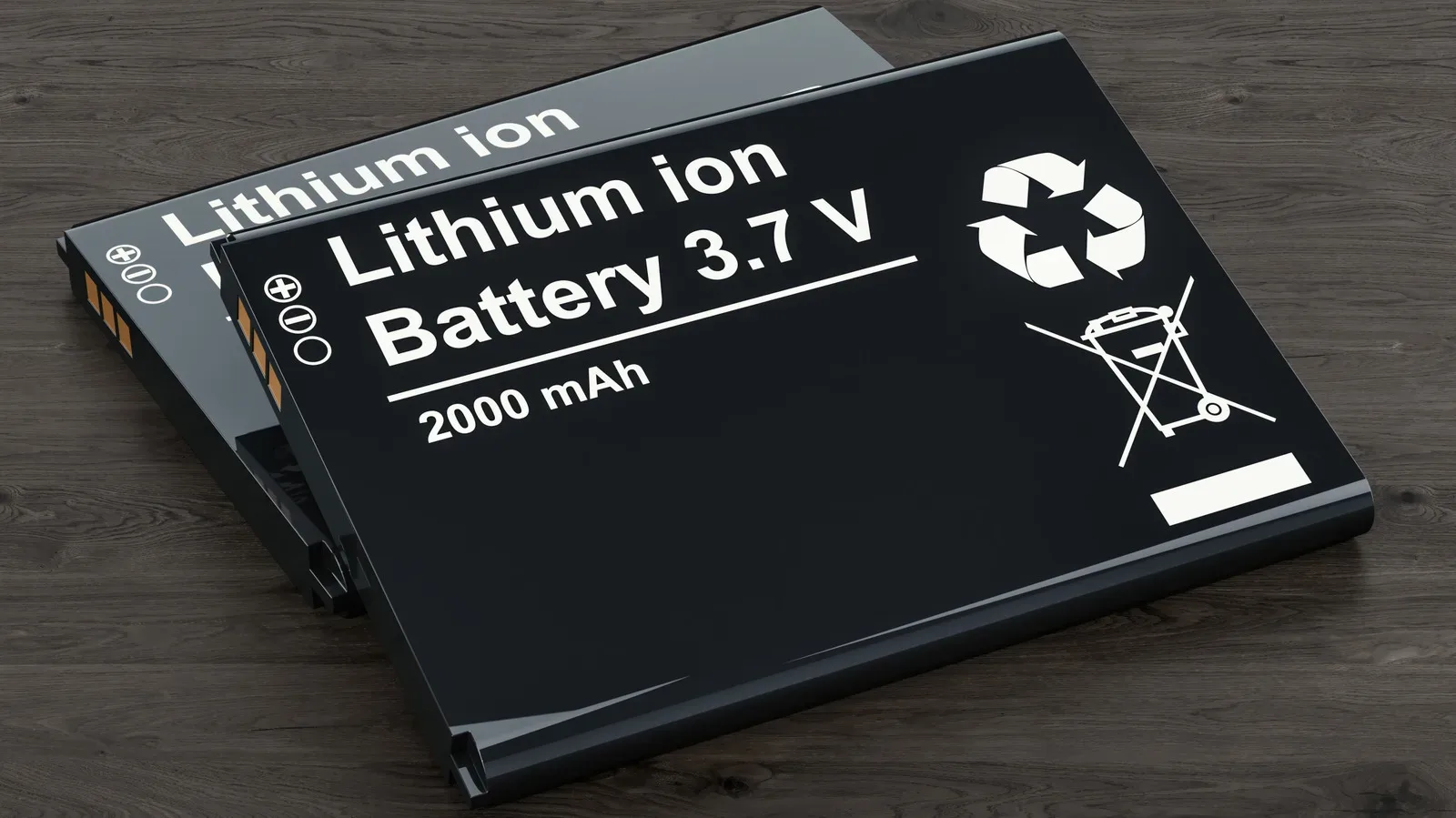
That does not mean a USB-C controller automatically charges at laptop-class power, or that it needs to. A small battery does not require 100W or 240W to be useful. The relevance is flexibility. USB-C belongs to an ecosystem that can serve small peripherals as well as power-hungry hardware, while Micro USB is tethered to a much narrower and older charging expectation.
Then comes the annoyance no specification sheet can fully capture: cable management. A household that has moved phones, computers and newer accessories to USB-C must retain at least one distinct cable for every Micro USB holdout. One cable is manageable. Several accessories scattered around a desk, entertainment unit or travel bag turn it into needless friction.
That friction has practical effects. A spare Micro USB cable takes up a slot in a bag that might otherwise be used for a USB-C cable shared by more devices. A Micro USB charger can occupy an outlet or charging port that could support the newer gear. Adapters can bridge the gap, but add another piece to carry, lose or awkwardly connect.
Why the plug itself remains less convenient
USB-C is reversible: either orientation can be inserted. Micro USB is not. That means the familiar brief pause before connecting a cable, followed occasionally by the realization that it was upside down. It is a trivial problem in isolation, but it recurs precisely when a controller needs charging before a session or a device is being packed in a hurry.
The older connector also makes it easier to bend pins accidentally. This is not an argument that every Micro USB socket will fail; many have lasted for years. It is a reminder that the design asks for more care every time it is plugged in than USB-C does. A port is an ordinary wear point on a device intended to be recharged repeatedly, so convenience and durability are meaningful purchase considerations.
Availability compounds the issue. New smartphones and computers are not expected to offer Micro USB, and the connector is likely to become harder to find on new products over time. New cables and accessories can still be found now, but future-proofing does not mean predicting every technical change. It means declining to buy into a connection that is already fading from new mainstream hardware.
When Micro USB is absolutely fine
There is no reason to turn functional hardware into e-waste because it has a Micro USB port. If an older game controller, flashlight, Kindle or set of earbuds still meets the need, a dedicated cable is a low-cost inconvenience compared with replacing an otherwise sound device.
Small-battery accessories are the clearest example. Wireless earbuds do not need much energy compared with a phone or laptop, so 7.5W can still be enough to recharge them promptly. The Micro USB-based Powerbeats3, for instance, were capable of providing an hour of listening after five minutes of charging and offered up to 12 hours of playback without a charging case. Those figures show why blanket claims that Micro USB makes every device unusable would be wrong.
Likewise, USB 2.0-class transfer speeds are not automatically a deal-breaker when the files are small. Technical capability should be judged against the job. A low-demand accessory can remain satisfying despite an old port.
The better rule is not “replace old Micro USB devices.” It is “do not make Micro USB the default for newly bought devices when USB-C is available.” Keeping a known-good cable with existing gear is sensible stewardship. Buying another newly made product that requires that special cable is a separate choice.
What to check before buying a gaming accessory
A port alone should not decide every purchase. Comfort, reliability, platform support, battery life and price can all matter more depending on the product. Still, the charging connector belongs on the checklist, especially for wireless game accessories that may be charged frequently.
- Check the port before checkout. Product photographs and specifications should reveal whether the device uses USB-C or Micro USB. Do not assume a new-looking accessory uses the newer connector.
- Think about the cables you already carry. A USB-C accessory may be able to share cables with a phone, computer or other current devices, reducing what has to stay on a desk or go in a bag.
- Match charging needs to battery size. For a small peripheral, Micro USB’s lower power may be tolerable. For a product expected to recharge quickly or operate within a broad modern setup, USB-C is the safer bet.
- Do not confuse connector shape with every capability. USB-C is the physical connector, while USB PD refers to a power-delivery standard. A USB-C port offers a better path to modern capability, but buyers should still examine a product’s stated charging and data specifications.
- Keep working older gear in service. Replacing a device solely for its connector is hard to justify when the port is its only meaningful shortcoming.
USB-C can enable better accessory design, but it is not magic
USB-C’s advantages can be visible even in categories where Micro USB remains technically workable. Consider the contrast between the Powerbeats3’s quoted 12 hours of playback without a case and the Powerbeats Pro 2, whose USB-C charging case is rated for up to 45 hours of total playback. A charging case changes the everyday proposition by storing additional power alongside the earbuds, and that type of setup is far more aligned with the newer connector ecosystem.
It would be a mistake to attribute every improvement in a newer product solely to USB-C; battery capacity, component efficiency and overall design all matter. But the comparison illustrates the broader point. A modern charging standard gives manufacturers more room to build products around contemporary expectations, rather than around a legacy port’s constraints.
For gaming, the result is less glamorous but more useful: fewer proprietary-feeling cable exceptions, easier packing, a reversible connector, and a purchase less likely to feel dated early in its life. Anyone planning to travel with a controller, handheld accessory and phone will appreciate having fewer cable types to remember—particularly when preparing devices for trips, where being able to power on a phone can matter at security checkpoints. Here is why airport security may ask travelers to turn on a phone.
Micro USB hardware can still earn its place in a collection of everyday gadgets. It is not garbage, and it does not invalidate a capable controller or accessory. Yet a new purchase should solve problems, not add a legacy cable requirement. When the alternatives are otherwise close, USB-C is the more compatible, more convenient and more future-facing choice.
Shop the products
Check current price, model and availability at the retailer.