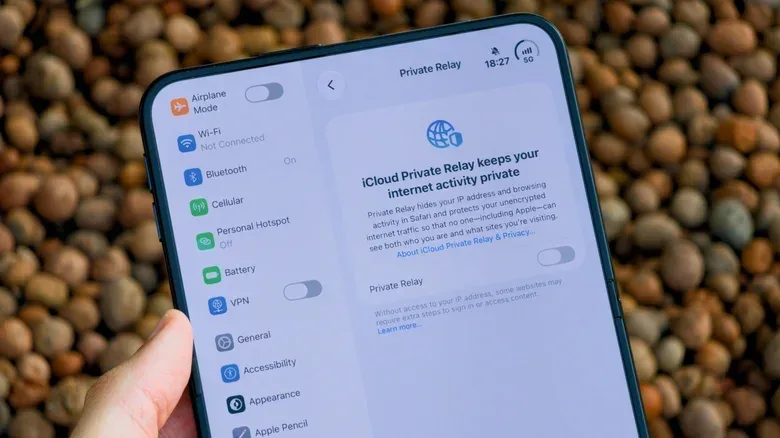
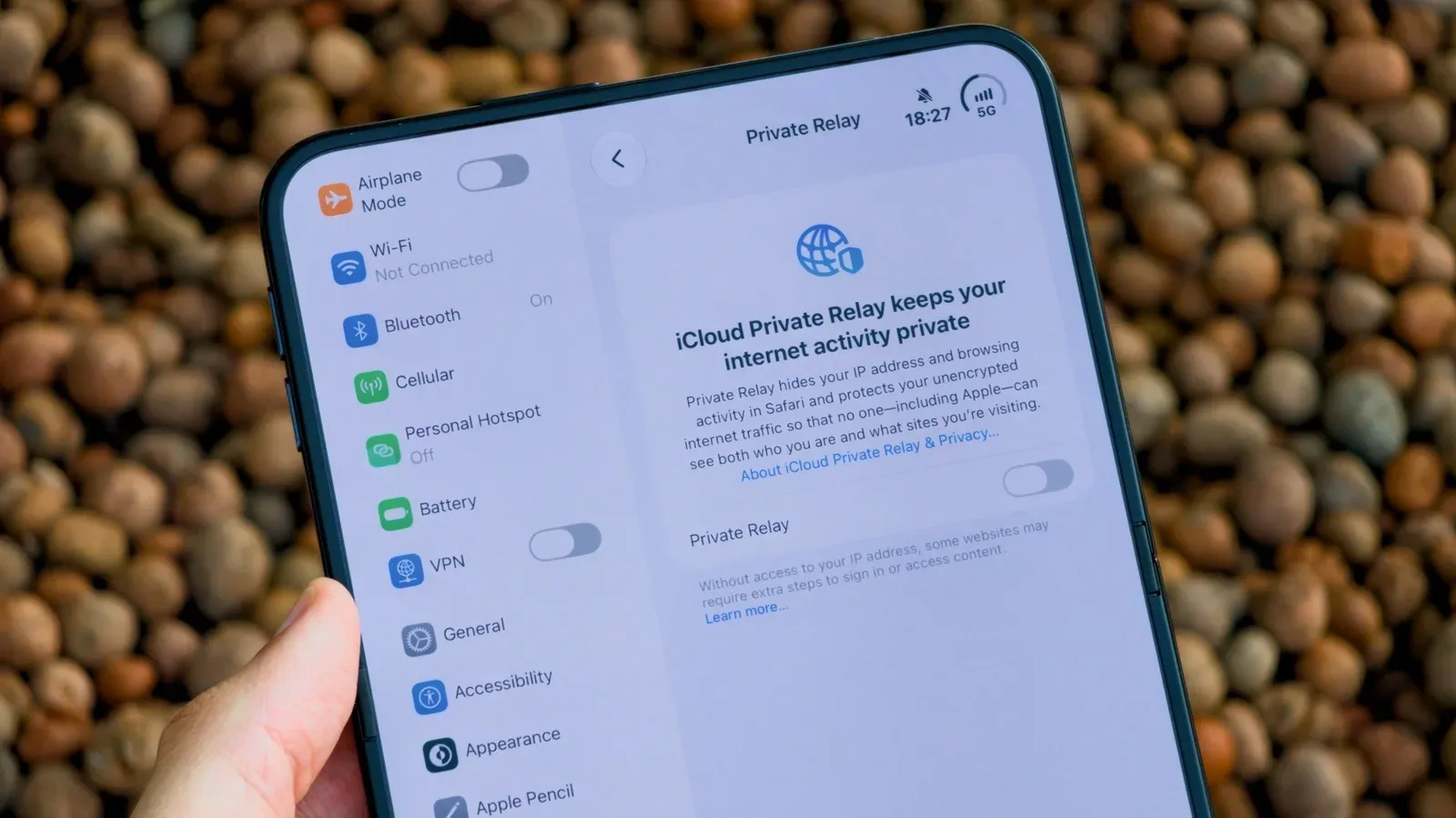
iCloud Private Relay is easy to mistake for an Apple-made VPN. Both can obscure the IP address a website sees, and both are aimed at making ordinary browsing less exposed. But they solve different privacy problems, cover different traffic, and ask users to make different trade-offs.
Private Relay is an iCloud+ feature, also available through an Apple One plan. It is a useful privacy setting for people who browse in Safari and already have access to it. It is not, however, a universal shield around an iPhone, iPad, or Mac. Its limits matter most when browsing moves beyond Safari, when apps are involved, when someone travels, or when privacy needs extend to a whole connection.
A conventional virtual private network, or VPN, takes a broader approach: it routes device traffic through a VPN provider and encrypts traffic leaving the device. That broader coverage can be valuable, but it also concentrates trust in the VPN company. The practical question is not which label sounds safer. It is which tool matches the traffic and threat a person is actually trying to protect.
Private Relay’s central idea: split the identifying details
An IP address is a network identifier. Websites can use it to communicate with a device, and it can also reveal an approximate geographic area. It is one of the ingredients sites and advertising systems can use for tracking, particularly when combined with other information.
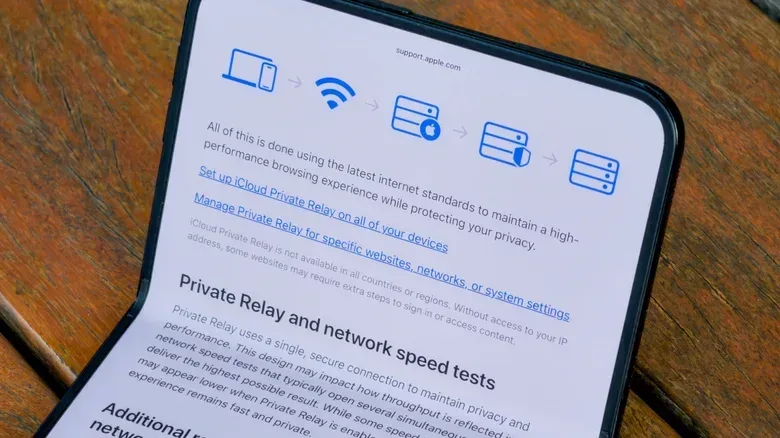
Private Relay is designed so that no single participant in its relay path has the complete pairing of a person’s original IP address and the site they are visiting. It uses two stages:
- The first relay, run by Apple, receives the user’s original IP address but does not see the destination website.
- The second relay, operated by a partner such as Cloudflare or Akamai, connects to the destination site. It knows the destination but does not know the request’s original source IP address.
That division is the notable distinction. A website receives a relay-provided address rather than the person’s original IP, while Apple and the second relay operator are each prevented from seeing the full browsing picture described above. In simple terms, Private Relay makes routine cross-site identification harder by keeping the two key pieces of information apart.
It is a thoughtful design for the particular job it performs. But privacy tools should be judged by scope as well as design. A feature can be strong inside its boundary and still be a poor substitute for a tool built to cover everything outside it.
The boundary is Safari, not the entire device
The biggest practical constraint is that Private Relay protects Safari browsing and app traffic sent over unencrypted HTTP. Activity in other web browsers and other apps can bypass it. Someone who uses Safari exclusively may get meaningful day-to-day value from turning it on. Someone who splits time among multiple browsers, communication apps, games, launchers, streaming services, or other software should not assume the same protection extends to all of that activity.
That difference is why the shorthand “Private Relay is a VPN” leads to bad decisions. A full VPN is intended to protect traffic leaving the device regardless of the browser or application. Private Relay is purpose-built for a narrower privacy layer centered on web browsing.
It is also not a location-switching service. Sites receive an address associated with a general region, and users cannot select another location to work around regional restrictions. The goal is IP privacy without presenting Private Relay as a way to appear broadly located somewhere else.
There is a further caveat for people who are especially sensitive to IP exposure. Passkey use with Private Relay can reveal the user’s real IP address because the request occurs outside the browser. Apple was investigating that issue as of August 2026. That does not erase Private Relay’s everyday value, but it means passkeys should not be treated as operating inside the same Safari relay boundary.
Availability and compatibility can shape the decision
Private Relay is not available everywhere. It does not work in China, Russia, or Saudi Arabia. That makes it an unreliable sole plan for someone whose privacy needs include travel. Even in supported areas, some websites may have compatibility problems while Private Relay is enabled.
Those restrictions reinforce a useful principle: a privacy feature is only helpful when it is both available and compatible with the service being used. If a site fails to load correctly, switching the feature off may be necessary to use that site—but doing so also changes the privacy posture for that browsing session. Users should recognize this as a trade-off rather than assume a setting is silently protecting every connection at all times.
For the basic device-security side of the equation, home-network hygiene remains separate from either tool. A relay or VPN does not replace checking who is connected to a local network, securing that network, or removing unfamiliar devices. Our guide to identifying an unknown device on Wi-Fi and securing a home network covers that adjacent problem.
What a VPN changes
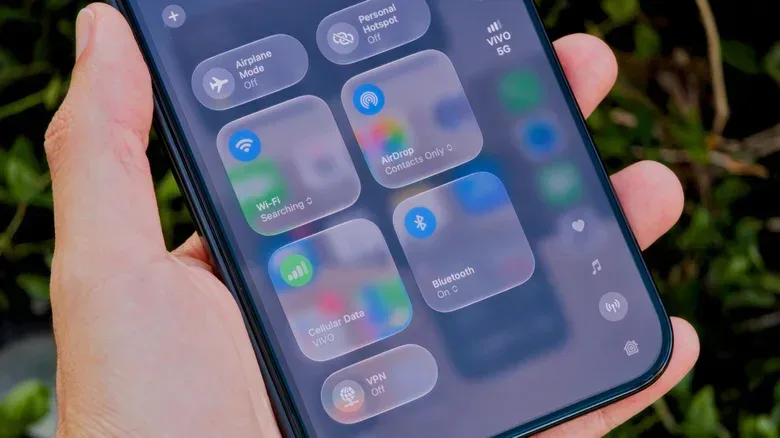
A VPN creates a different arrangement. Instead of applying a privacy relay principally to Safari, it encrypts traffic leaving the device and sends it through the VPN service, regardless of the app or browser. This can cover browsers other than Safari and traffic from apps, giving it a much wider footprint than Private Relay.
That footprint can extend beyond Apple hardware. VPNs can be used on Windows computers and Android phones, and some can be configured on a router so the connection is protected at the router level. For a household or a set of devices spanning several platforms, that flexibility is a meaningful advantage.
VPNs also allow users to change the IP address and select locations. That can be used to reach content or downloads that are restricted by region, including country-specific streaming catalogs. It is a capability Private Relay deliberately does not offer. Whether that is useful depends on the service involved and its rules, but technically it is one of the clearest differences between the two categories.
Put plainly: Private Relay reduces how easily Safari traffic can be linked to an original IP address; a VPN is the wider tunnel for device traffic. Neither description means one is automatically “better” in every circumstance. The right choice turns on coverage, availability, and whom the user is prepared to trust.
The VPN trade-off: one provider becomes important
A VPN’s broader coverage introduces its most important caution. Traffic goes through the VPN provider, so the provider is in a powerful position. Selecting an unknown service can therefore make privacy worse rather than better.
This is especially relevant to free VPN apps from unfamiliar developers. Some malicious apps have presented themselves as free VPNs, and malicious developers may track browsing behavior or sell that data to advertisers. Free is not, by itself, evidence of misconduct, but an unfamiliar free service is not a sensible default when the product is handling a person’s network traffic.
For iPhone users looking for a VPN, ProtonVPN and ExpressVPN are examples of established services mentioned in this context. The larger takeaway is not that every user needs a VPN, or that a recognizable name eliminates all risk. It is that the provider should be evaluated as a core part of the security decision. A VPN is not merely an on/off privacy button; it is a service entrusted with traffic that would otherwise leave directly from the device.
For another breakdown of the distinction between the two approaches, see this comparison of iCloud Private Relay and VPN coverage.
A practical way to use both
Private Relay and a VPN are not mutually exclusive. A sensible split is to keep Private Relay enabled for Safari if it is available and working normally, then use a reputable VPN for activity that falls outside Safari, for other apps, on public Wi-Fi, or while in a country where Private Relay is unavailable.
That approach reflects the strengths of each tool rather than forcing either into a role it does not fill. Private Relay is the low-friction Safari option for iCloud+ subscribers who want reduced IP-based tracking in browser use. A VPN is the broader option when all-app, all-browser coverage, cross-platform support, or selectable locations are the priority.
How to turn on iCloud Private Relay
On an Apple device, open Settings, select the Apple Account at the top, open iCloud, then scroll to iCloud+ Features. Select Private Relay and turn it on.
Before relying on it, remember the limits: it is Safari-focused, it is not worldwide, it may conflict with some sites, and it does not make a user untraceable. Used with those expectations, it is a worthwhile included feature for eligible iCloud+ and Apple One subscribers. Used as though it were a complete VPN replacement, it can leave blind spots exactly where a person expected coverage.