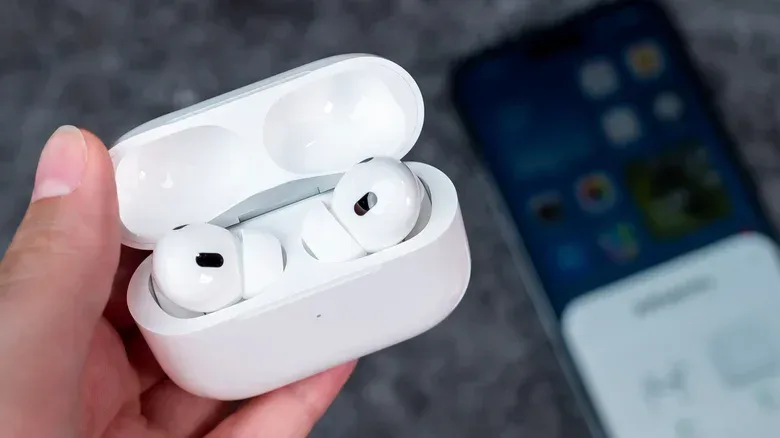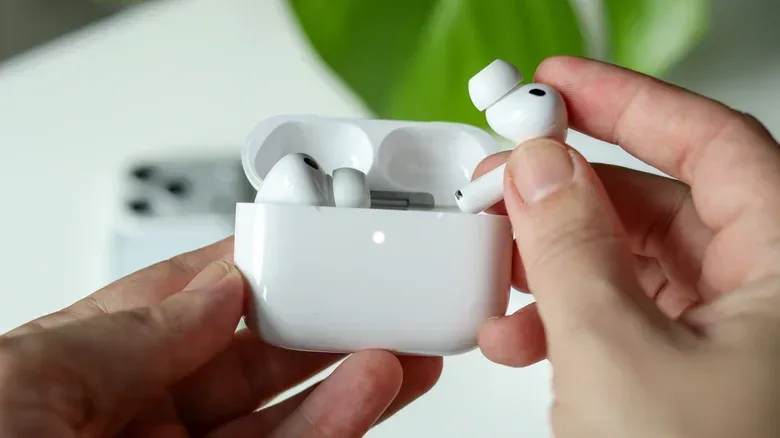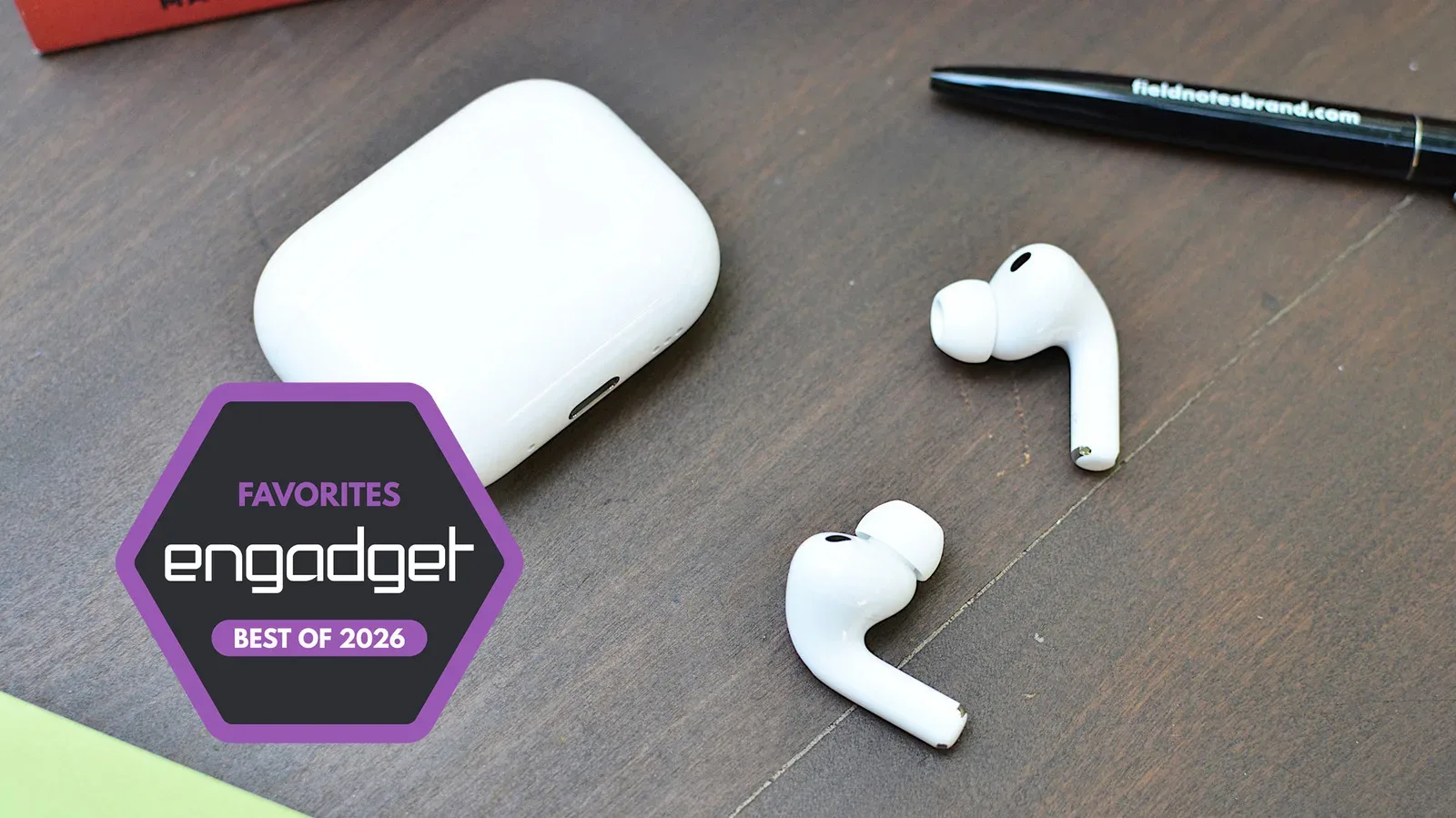
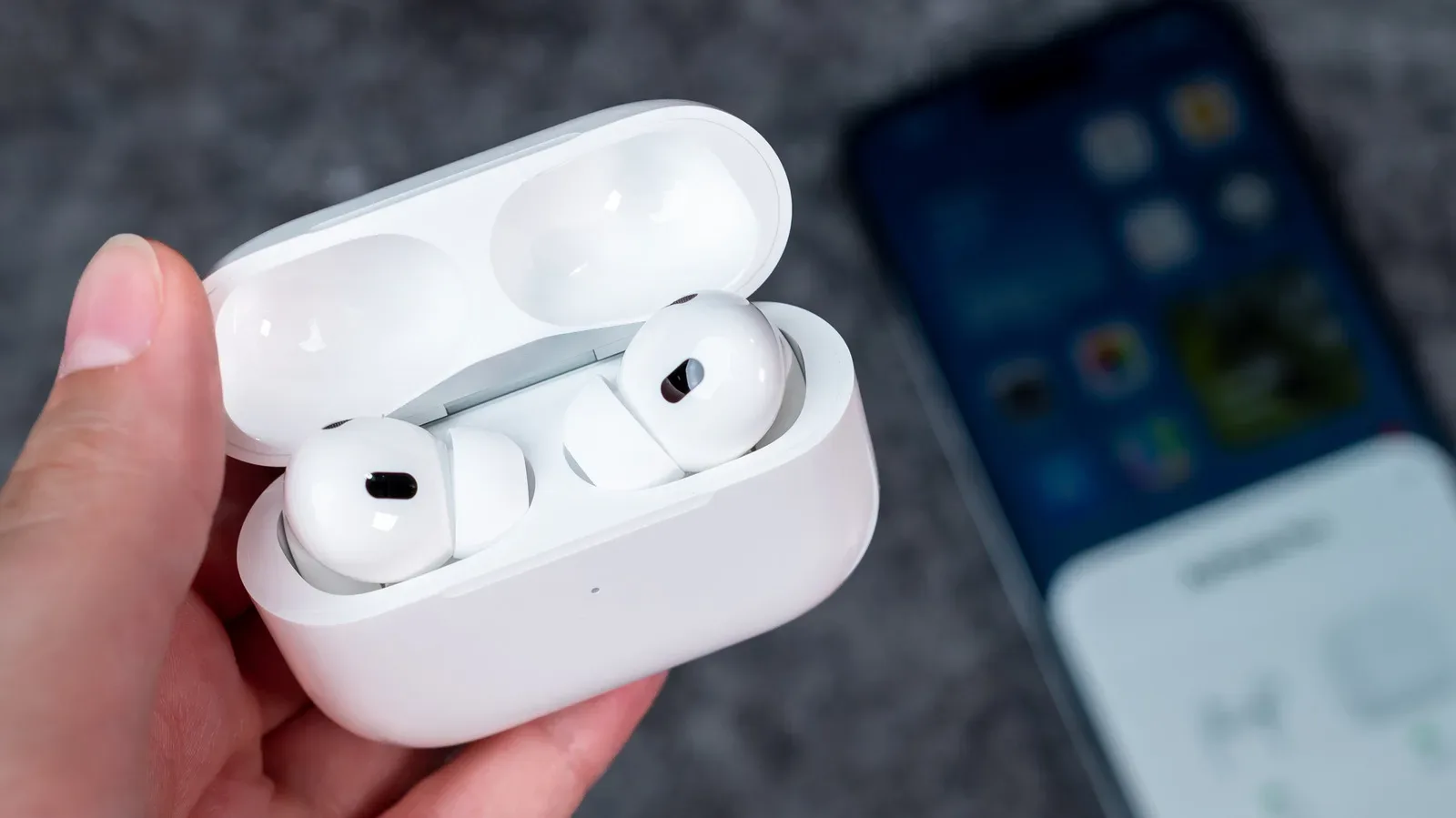
Wireless earbuds solve a small but persistent modern problem: keeping sound close at hand without adding another cable to untangle. They also create another routine to manage. An AirPods set is not one battery but a tiny system of batteries: one in each earbud, plus a larger reserve in the charging case. When that system is new, it can carry a listener through commutes, calls, games, workouts and travel. Over time, though, the practical question becomes less “what was the headline battery rating?” and more “how long can this pair still get through my day?”
The honest answer is that there is no fixed expiration date supplied for AirPods. Their batteries are expected to lose capacity with use, and that decline can show up as faster drain or, eventually, a device that no longer works reliably. Estimates suggest careful ownership may keep an AirPods battery usable for roughly two to three years before capacity is affected, but that is an estimate rather than a promise. Individual usage, charging routine and exposure to heat all matter.
That uncertainty makes it useful to separate two different battery questions. Single-charge listening time is the duration the earbuds can run before they must return to their case. Total listening time with the case includes the extra recharges stored in that case before the case itself needs power. Both numbers are useful, but they describe different parts of a daily routine.
Current listening-time estimates by model
Apple’s quoted battery figures differ substantially across the supplied AirPods lineup, especially when Active Noise Cancellation is enabled. Active Noise Cancellation, often shortened to ANC, is the listening mode used in these estimates, so it is important not to compare the figures as if every model has the same stated endurance.
- AirPods 5: up to four hours of listening with ANC switched on, and up to 20 hours in total when the charging case is included.
- AirPods 5 with a wireless charging case: up to one additional hour in the earbuds and two additional hours from the case, compared with the standard figures above.
- AirPods Pro 3: up to eight hours with ANC enabled, or up to 24 hours when counting the case.
- AirPods Max 2: up to 20 hours on one charge.
Those numbers immediately reveal why “AirPods battery life” is too broad a phrase to be helpful. AirPods 5, at up to four hours per charge with ANC, may be perfectly adequate for short sessions and routine top-ups. AirPods Pro 3 have a stated eight-hour figure under the same ANC condition, which offers considerably more breathing room for an extended conference call or long journey. AirPods Max 2 work differently from the earbuds-and-case products and are rated for up to 20 hours from their own direct charge.
For an owner, the case changes the meaning of a lower earbud figure. A four-hour earbud does not necessarily mean only four hours of listening in a day if its case is available for breaks. Conversely, someone who regularly spends long stretches away from the case should focus far more on the single-charge rating. The right comparison is therefore tied to the situation: desk work and short errand runs are different from a flight, all-day travel or a day of calls.
The five-minute recovery that can change a day
AirPods 5 and AirPods Pro 3 can gain an extra hour of battery life after five minutes in their cases. That is not a replacement for charging the whole setup, but it is a meaningful convenience feature. A brief pause before leaving home, during a break or while switching tasks can turn an almost-empty pair into something useful again.
It also illustrates why keeping the case charged is as important as keeping the earbuds charged. With standard earbuds, the case is effectively the recovery station. If it has no remaining power, placing the buds inside provides storage but not a recharge. AirPods Max are the exception described here: they charge directly rather than through a case.
Related coverage includes How Long AirPods Batteries Last and How to Protect Them.
How AirPods charging works
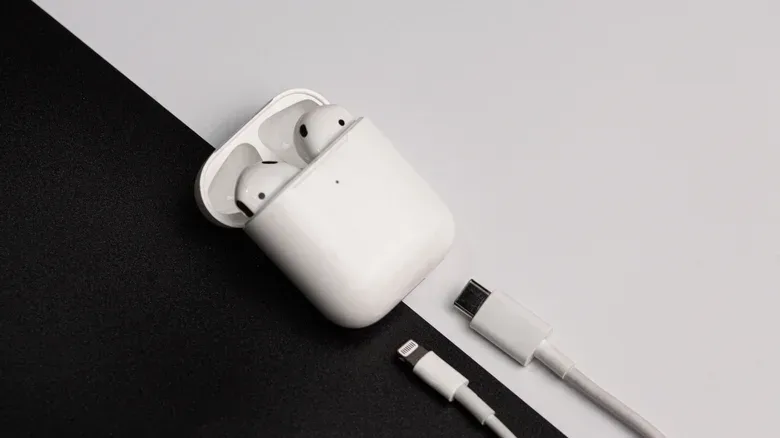
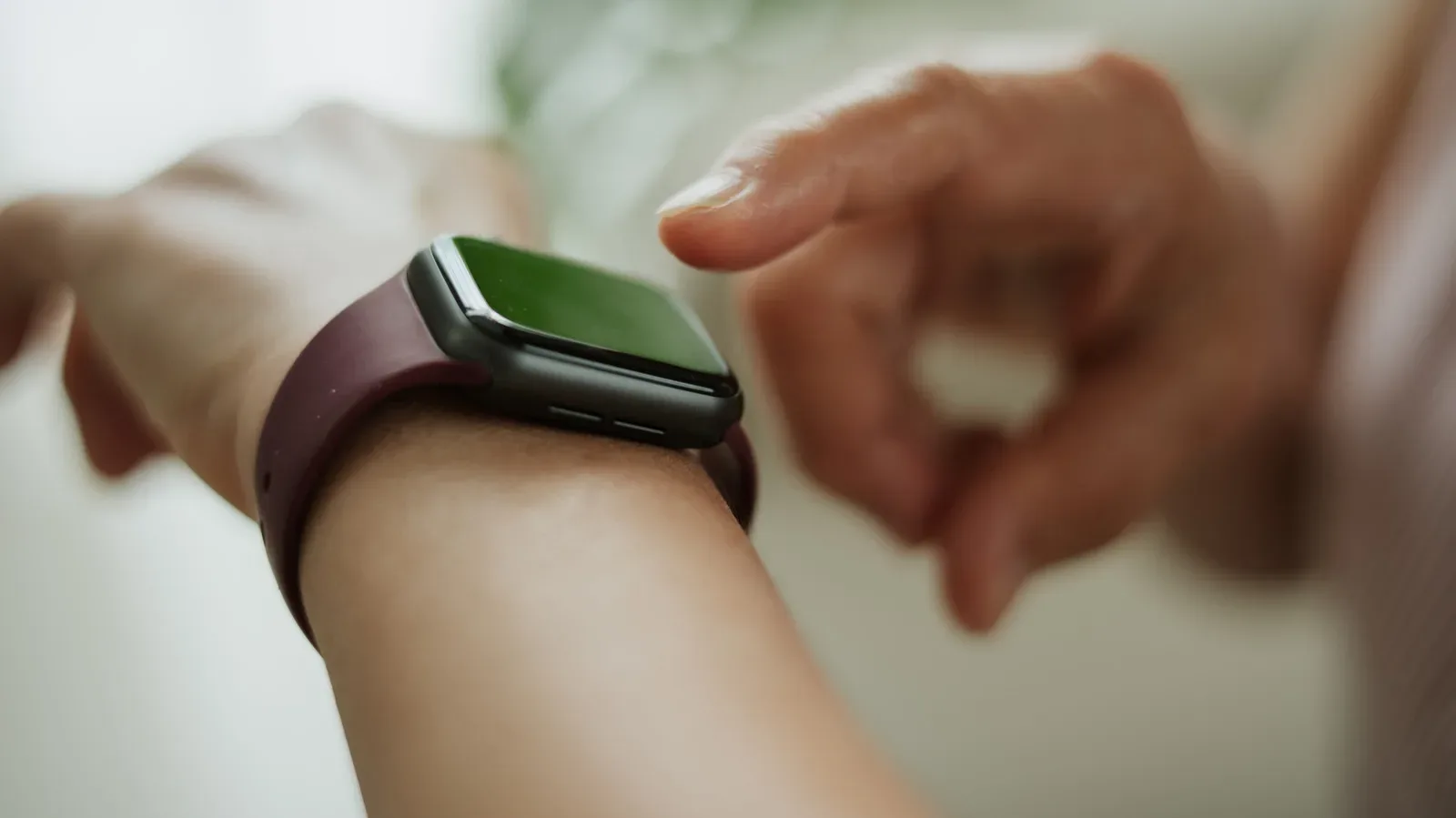
Except for AirPods Max, the earbuds charge when they are seated in their charging case; no button press is required. The case itself can be charged by cable, using USB-C or Lightning depending on the version. Certain models also support wireless charging with MagSafe or Qi chargers, and an Apple Watch charger can be used as well.
There is one simple practical detail worth checking before a cable goes missing: AirPods 4 and later do not include a charging cable. That does not mean they cannot be charged by wire. It means owners need a compatible cable already available. For people who move their earbuds between office, bedside and travel bag, planning around the connector used by their particular case avoids an irritating surprise at the exact moment the case runs down.
Wireless charging is convenient because it removes another plug-and-unplug step, but convenience is not the only consideration. The supplied guidance warns that leaving AirPods on a wireless charger overnight may be unwise because wireless charging can create additional heat. Heat is relevant here because it can shorten battery life. The sensible takeaway is not that wireless charging is forbidden; it is that a habitual all-night placement on a wireless pad may not be the most battery-conscious routine.
Optimized Battery Charging: what it is trying to do
Recent AirPods include Optimized Battery Charging, a feature intended to reduce unnecessary battery wear. It learns the owner’s usual routine and can delay fully charging the earbuds until a more appropriate time, often overnight. In plain terms, it is designed to avoid having the earbuds sit fully charged longer than necessary when the system can anticipate when they will be needed.
The feature is generally enabled by default, but it is worth confirming rather than assuming. Connect the AirPods to an iPhone, then open Settings > AirPods > Battery. That Battery section is also where the relevant charging controls can be checked.
This is a useful distinction: a feature that manages charging timing does not make the battery permanent. It is a way to reduce avoidable wear, not a guarantee that capacity will never drop. Battery degradation remains the underlying reality of a compact rechargeable device. A buyer or owner should treat the feature as a maintenance tool rather than a reason to ignore how and where the product is charged.
Charging notifications are a small fix for a common problem
Many AirPods frustrations are not caused by long-term degradation at all. Sometimes the case was simply never recharged. Charging Notifications can help with that more immediate failure point by alerting the owner when power is low and again when charging is complete.
To enable them on an iPhone, connect the AirPods and go to Settings > AirPods > Battery, then turn on Charging Notifications. The setting can also be enabled on an Apple Watch. It is a modest tool, but it encourages a better charging cadence: respond before a depleted case turns a quick case recharge into an impossible one.
A practical routine for getting the most from a pair
None of these steps can stop battery aging, but they target the problems identified by the available information: avoidable heat, needless full-charge time and forgotten charging.
- Keep the case part of the routine. Earbuds other than AirPods Max replenish in the case. A charged case matters as much as the percentage shown for the buds.
- Check that Optimized Battery Charging is enabled. On an iPhone, look under Settings > AirPods > Battery after connecting the pair.
- Be selective about overnight wireless charging. Since wireless charging can produce more heat, avoid making an all-night wireless pad the automatic default if longevity is the priority.
- Turn on Charging Notifications. Low-battery and full-charge reminders can prevent a dead case from becoming a surprise.
- Match expectations to the model. Someone whose use regularly exceeds AirPods 5’s stated four hours with ANC may need the five-minute case top-up or may place greater value on the AirPods Pro 3’s stated eight-hour rating.
- Remember the cable situation. AirPods 4 and newer do not include a cable, so retain or obtain the appropriate USB-C or Lightning cable for the case you own.
What declining battery capacity looks like in real use
The warning signs are practical rather than mysterious: a pair that once lasted through a usual listening session begins needing a case visit sooner; the case itself needs power more frequently; or an earbud may eventually cease to operate as expected. It is easy to mistake every short session for permanent degradation, so compare performance with your own familiar routine and with the model’s intended role. A short single-charge rating may be normal for one model, while a noticeable departure from what that pair ordinarily delivered is more relevant to the owner.
For gamers and other long-session listeners, the useful planning principle is redundancy, not wishful thinking. Keep the charged case nearby for earbuds, leave time for the five-minute boost when applicable, and avoid assuming a quoted total-with-case number means uninterrupted listening. The case total is a reserve spread across multiple earbud charges; the single-charge number is the more important limit when the case is inaccessible.
Battery stewardship also fits a larger device-care habit. Before replacing a wearable or audio accessory that no longer suits its original role, consider the practical options available for older hardware; our guide to giving retired wearables a useful second life explores that mindset in another category. For AirPods, however, the immediate task is simpler: charge deliberately, use the built-in battery settings, and treat heat as a factor worth avoiding where possible.
The bottom line is not a dramatic deadline. AirPods may last for years, while their battery capacity gradually becomes less generous. The best preparation is to understand the rating for the exact model, distinguish a quick earbud refill from a full case recharge, and use the settings designed to make charging less wasteful. Those habits cannot make a battery immune to age, but they can make its usable life less needlessly short.