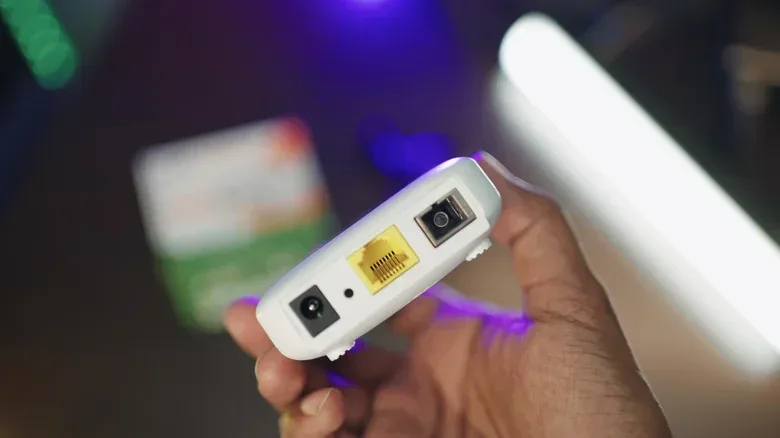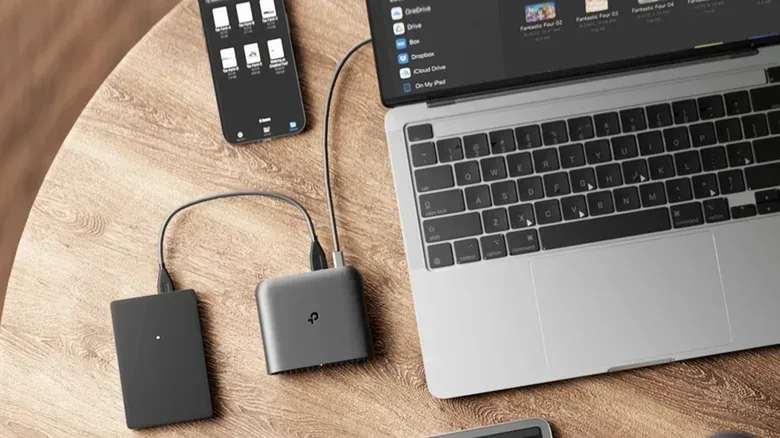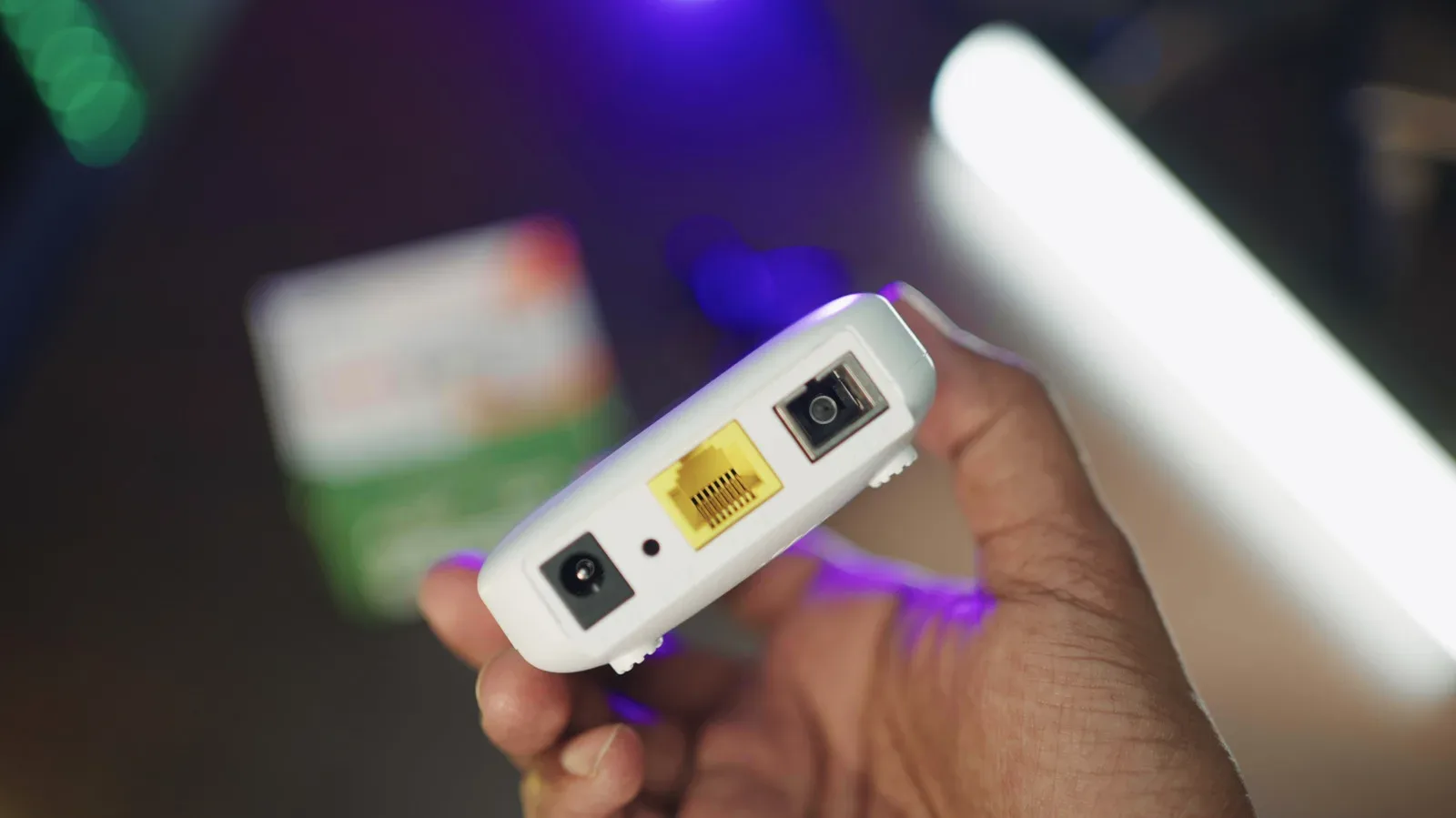
Travel routers are a tempting piece of kit for anyone who travels with more than one connected device. They are compact, designed to join an existing internet connection, and then create a Wi-Fi network of their own. For a gaming trip, that can mean a laptop, handheld, phone, tablet and streaming device reconnecting to a network with a name and password they already know.
That is the useful version of the pitch. The less exciting reality is that a travel router is still another object to pack, power, configure and occasionally troubleshoot. It does not create internet speed from nowhere, bypass every hotel login screen, or turn a dubious public network into a place where caution is unnecessary.
For players trying to keep a portable setup manageable, the right question is not whether a travel router is universally necessary. It is whether it solves a repeated problem that a phone hotspot, a direct hotel connection or a wired Ethernet port does not solve as neatly.
What a travel router actually does
A travel router connects to an available upstream internet source. That source may be a hotel Wi-Fi network, an Ethernet connection, USB tethering, or, on certain models, a cellular modem. It then shares that connection with the devices on its own local Wi-Fi network.
Upstream connection means the internet connection feeding the router: for example, the hotel’s Wi-Fi. The router’s own network is the local connection used by a laptop, handheld or other device in the room. This distinction is central to setting sensible expectations. The travel router can make the local setup easier to manage, but its internet performance still depends on the connection it receives.
In practical terms, a player may connect the router to the hotel network once, then join their laptop, phone, tablet, streaming stick and other gear to the router’s familiar network name. That name is called an SSID, short for Service Set Identifier. It is simply the label devices see in a list of Wi-Fi networks.
Reusing the same SSID and password each time can save an irritating amount of setup effort. It is particularly handy for devices that are inconvenient to manage on a hotel login page. A streaming stick is an obvious example, but the broad benefit applies whenever several devices would otherwise each need to be connected separately.
Why hotel Wi-Fi can be especially awkward for a game setup
Hotels often use a captive portal: the webpage that appears after joining Wi-Fi and asks a guest to accept terms, enter a room-related detail, or otherwise sign in. A phone or laptop can usually handle that workflow without much drama. Devices with limited browsers or no convenient keyboard can make it much more cumbersome.
A travel router does not guarantee that captive portals disappear. The router itself may still need to complete the hotel’s login process. But once it is online, devices connected behind it can use the router’s local network rather than each independently navigating the portal. That is the main convenience proposition, not magic.
Some hotel networks may also treat the router as the connected device while the player’s other devices sit behind it. This can make device-count limits less troublesome. It should not be read as permission to ignore a hotel’s access rules or other restrictions. The useful goal is a tidier, more consistent personal setup, not an excuse to work around terms of access.
This can matter for travelers who move between hotels and carry a little digital ecosystem with them. A laptop used for games or work, a tablet, several phones and a device used for video can quickly turn one hotel sign-in into a series of repetitive chores. For that person, the router’s value is less about raw network power and more about reducing friction.
A travel router will not rescue a bad connection
The biggest misconception to avoid is that a second router somehow upgrades the hotel’s broadband. It does not. If the hotel’s connection is slow, congested or unreliable, adding a travel router between it and a gaming device cannot add bandwidth.
Bandwidth is the capacity available for data to move over a connection. It is the ceiling imposed by the upstream service. A router can distribute that connection to devices, but it cannot raise the hotel’s ceiling. In a room with a poor Wi-Fi signal, moving the router to a better location may help its connection to the hotel network. Using Ethernet, when it is available, may also help in some circumstances. Neither option changes the fact that the hotel’s own connection remains the limiting factor.
That matters especially for online games and cloud-based play. A stable, sufficiently capable upstream link remains the foundation. Players weighing cloud gaming options should keep that limitation in mind alongside service rules and usage limits; our look at Xbox Game Pass Ultimate’s 2026 cloud cap is another reminder that the practical experience involves more than simply having a Wi-Fi symbol on screen.
A travel router may make connecting multiple devices more orderly. It cannot guarantee low latency, eliminate congestion or compensate for an inadequate hotel connection. Latency is the time it takes for data to travel between a device and a destination; it is particularly noticeable in interactive online activity. The supplied connection still sets the boundaries.
Privacy: useful control, not automatic protection
There is a legitimate privacy angle to travel routers, but it needs careful framing. The router creates a separate local network for the traveler’s own devices. Certain models support OpenVPN or WireGuard, tools that can route the connected devices’ traffic through a VPN.
VPN stands for virtual private network. In this context, it can create an additional encrypted connection between the router and a VPN service. That can be useful on an unfamiliar network, but it is not the same as saying the router encrypts everything by default or makes the hotel network inherently trustworthy.
Most websites already use HTTPS, which encrypts traffic between a browser and the website. A VPN can add another layer for traffic traveling from the router to the VPN service. Those are different protections operating at different points. A travel router without a VPN does not automatically wrap all outgoing traffic in encryption simply because it is a router.
The practical takeaway is modest but worthwhile: the router can give a traveler greater control over their own local network and may support a VPN-based setup. It should be treated as part of a cautious approach to unfamiliar Wi-Fi, not as a reason to drop that caution.
When a phone hotspot is the cleaner answer
For a lighter travel load, the phone already in a player’s pocket may cover the essential need. Android phones can generally share mobile data with several devices through Wi-Fi, USB or Bluetooth. Apple’s Personal Hotspot can likewise share an iPhone’s cellular connection.
For someone traveling with just one laptop and a phone, this may be the more sensible arrangement. There is no extra router to buy or charge, no extra network box to configure, and no hotel captive portal to wrestle with if cellular service is good enough. If the main objective is getting a single device online, adding another gadget can be needless complication.
There are limits. A carrier may restrict tethering or charge extra for it, and cellular reception can be poor in some locations. The behavior also differs by platform: many Android phones can share a Wi-Fi connection over a hotspot, while an iPhone shares its cellular data rather than its Wi-Fi connection. That distinction could decide which option is workable when hotel Wi-Fi is available but mobile service is not.
Phone tethering is therefore not a universal replacement for a travel router, just as a router is not a universal improvement over a hotspot. The right choice depends on how many devices need connectivity, what internet source is available, and how much setup overhead a traveler is willing to carry.
Who should pack one?
A travel router earns its space most clearly for travelers who regularly connect several devices and repeatedly face hotel Wi-Fi sign-ins. It may be especially appealing when a setup includes devices that do not handle captive portals gracefully, or when a single familiar SSID would reduce repeated configuration.
- It is a strong fit for a multi-device traveler who values one consistent local Wi-Fi network.
- It can be useful when Ethernet, USB tethering or a supported cellular option may be available as the router’s internet source.
- It is less compelling for a person carrying only a laptop and phone, particularly if phone tethering is permitted and reliable.
- It is not a speed upgrade for weak hotel broadband.
- It requires realistic security expectations: VPN support can be valuable, but neither the router nor a VPN removes every risk of an unfamiliar network.
Remember the added overhead
The cost of a travel router is not limited to bag space. It is another device to purchase, keep charged and troubleshoot. Captive portals can still be awkward. A router-level VPN arrangement may require a separate VPN subscription. None of these tasks is necessarily difficult after initial setup, but they are obligations that should be weighed against the benefit.
There is also a modest at-home use case. A travel router can serve as a Wi-Fi extender, a makeshift guest network or a similar limited-purpose tool when it is not traveling. It should not be mistaken for a substitute for a whole-home mesh network.
For gamers, the decision ultimately comes down to repeatability. If trips commonly involve multiple devices, troublesome hotel logins and a desire for one private local network name, a travel router can remove a meaningful amount of friction. If travel connectivity usually means one laptop, one phone and an adequate cellular signal, the phone’s hotspot may already be doing the job without asking for another cable, charger or troubleshooting session.