Handheld gaming’s eternal magic trick is making a full controller disappear without making its compromises disappear with it. Nintendo Switch 2 players can have familiar sticks, face buttons, shoulder inputs and a portable screen in one tidy package—but conventional handheld controls still ask both thumbs to do nearly all the urgent work.
That is why rear buttons, paddles, or “back buttons,” remain such a meaningful hardware upgrade. They move selected inputs away from the face of the controller and under the fingers already supporting it. The immediate benefit is simple: a player can potentially keep a thumb on the right stick for camera control, or on the left stick for movement, while another finger handles a jump, item shortcut, dodge, or other command.
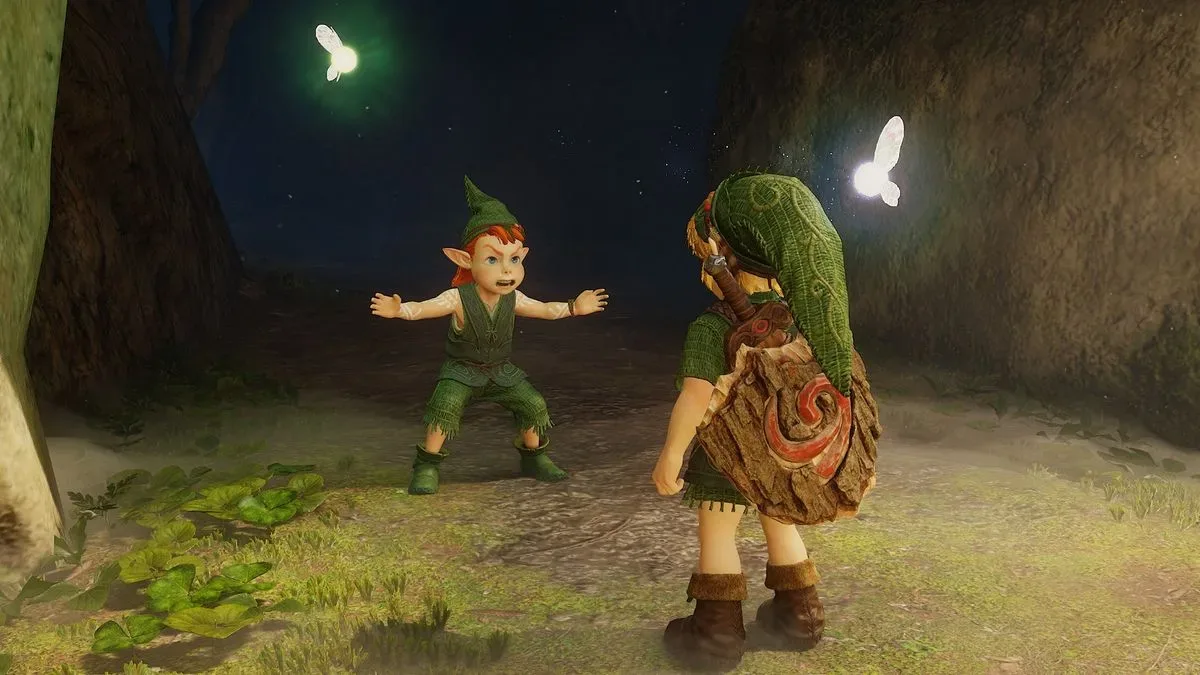
With The Legend of Zelda: Ocarina of Time Remake due next week, that functionality looks especially appealing for players intending to experience the adventure in handheld mode. The important caveat is that the remake’s complete final control layout has not been detailed. Available gameplay footage offers clues, rather than confirmation, about actions such as weapon switching, changing items, and jumping while climbing. Back buttons could be very useful for those commands; whether they actually are will depend on the game’s mapping options and final controls.
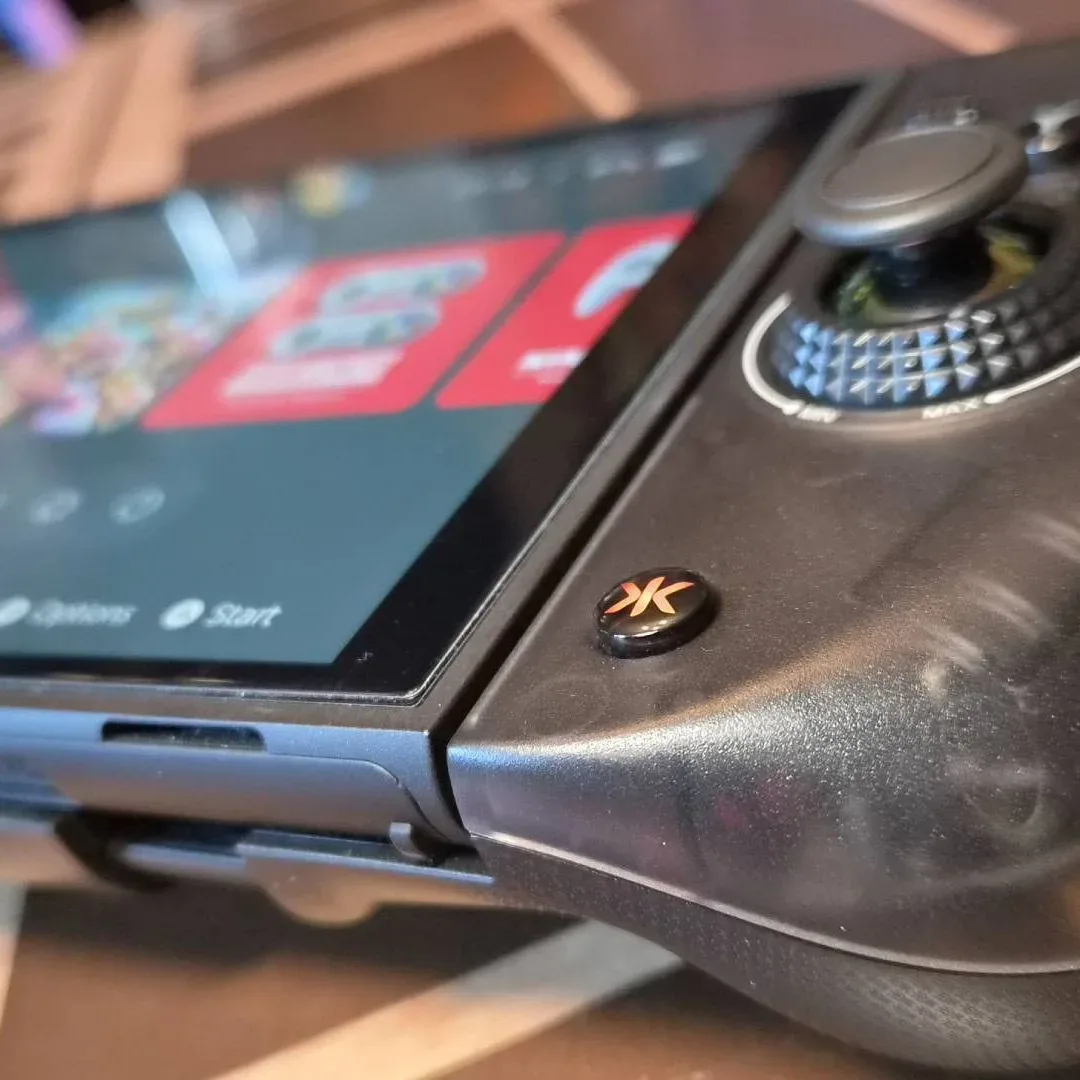
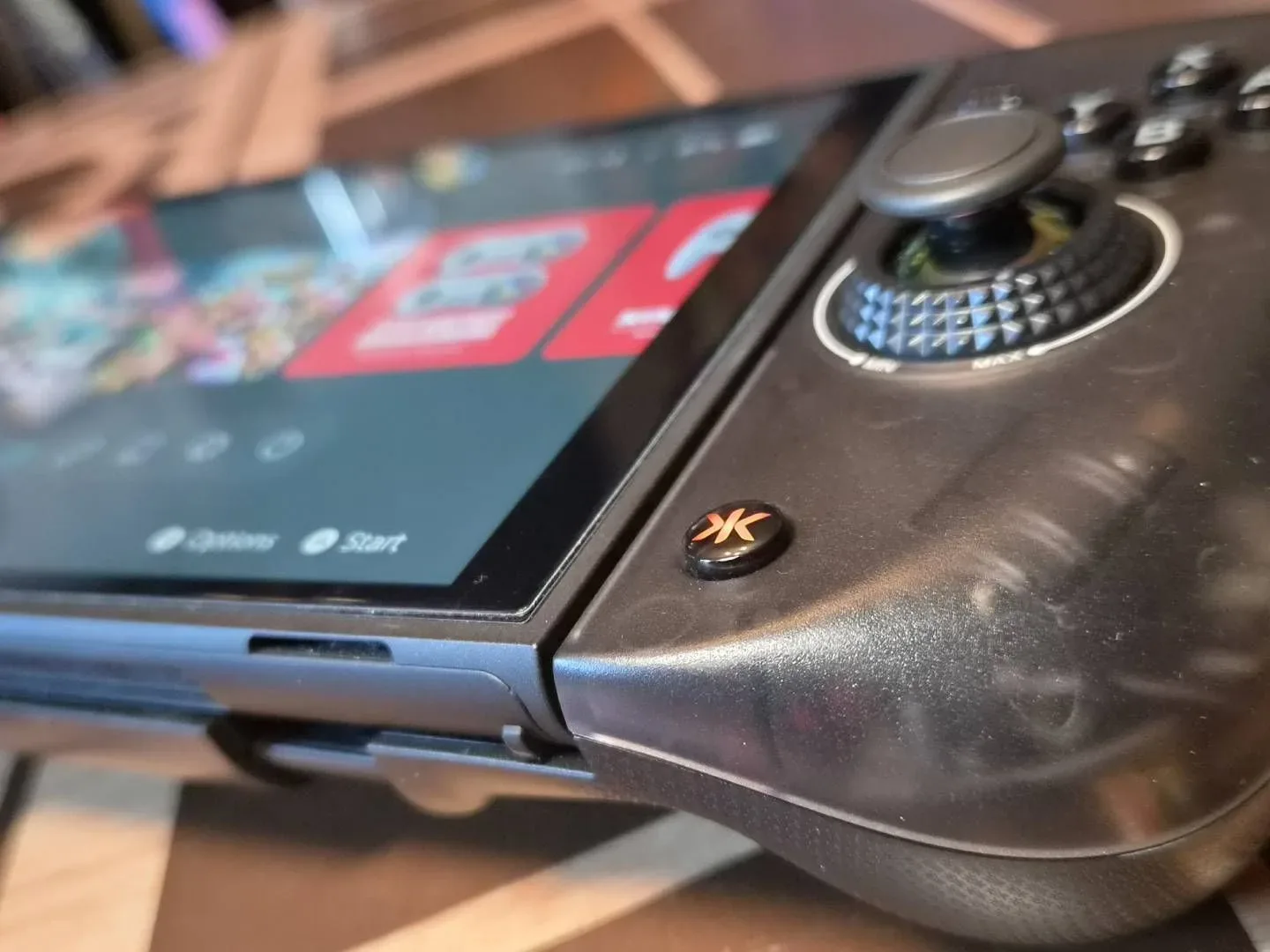
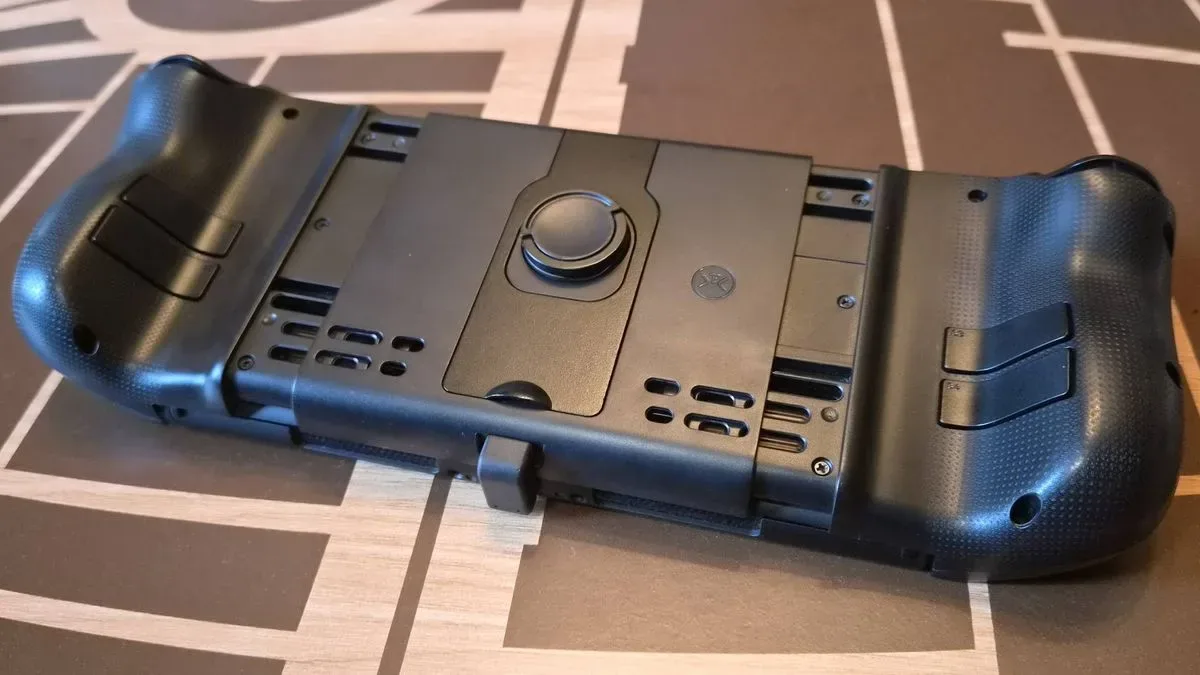
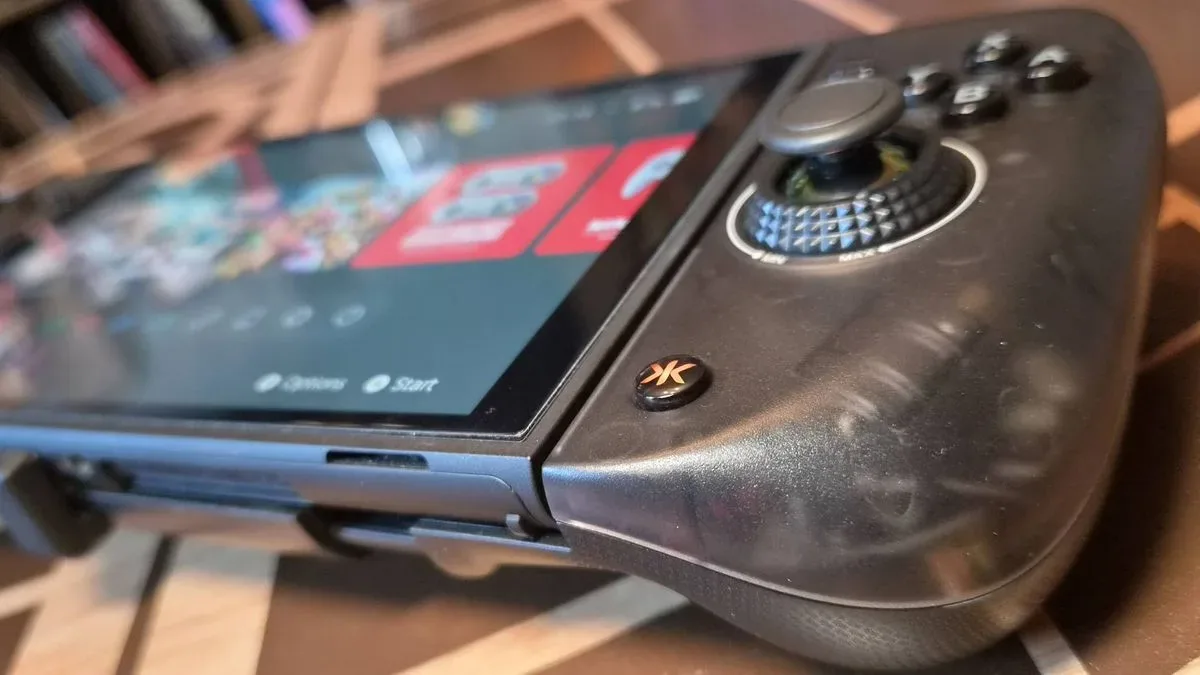
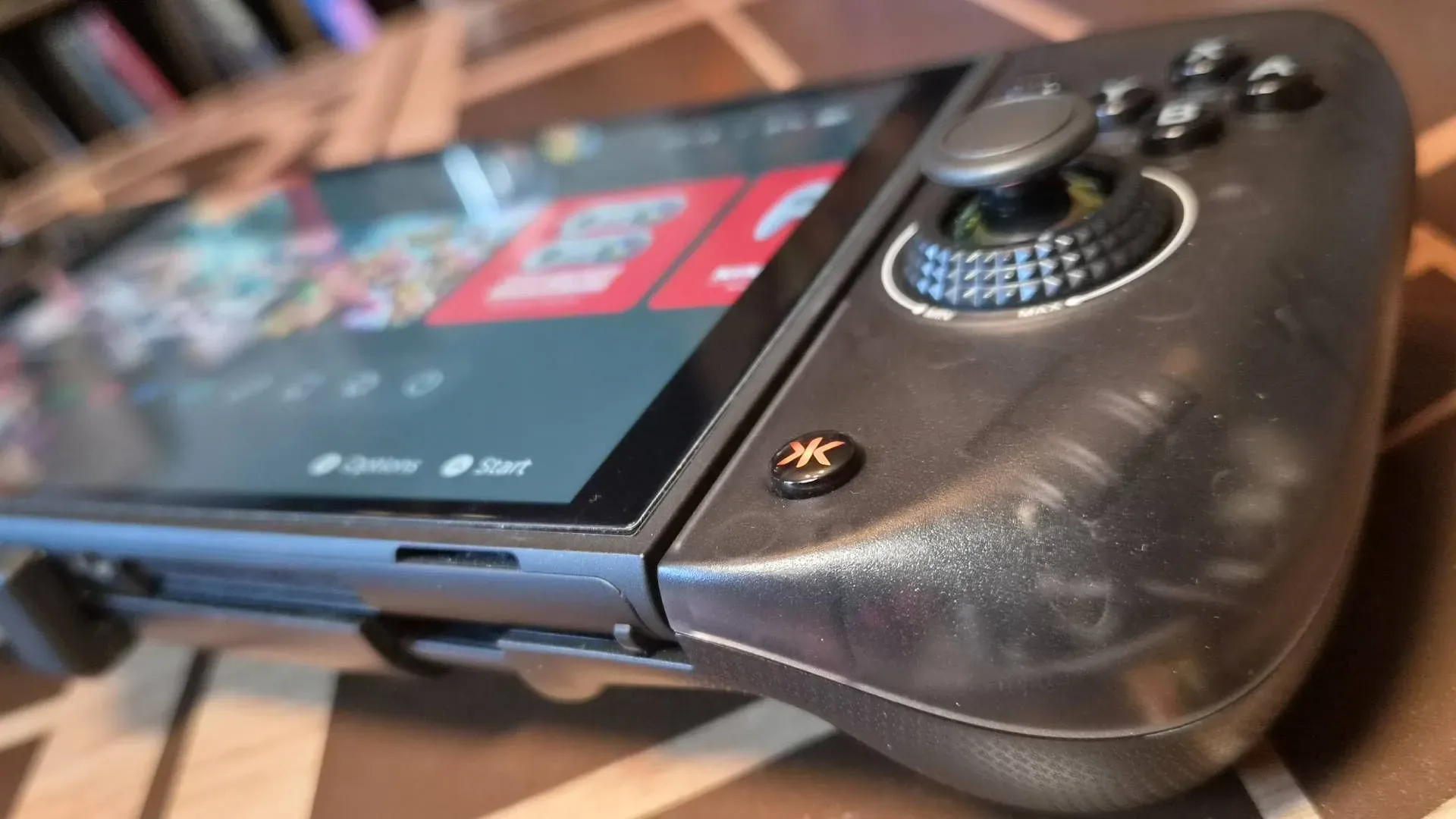
Still, the broader issue is clear. Docked Switch 2 users have a growing selection of controllers with rear inputs, including the Switch 2 Pro Controller, 8BitDo Ultimate 2 and GameSir Super Nova. Handheld users have historically had fewer comparable choices. The CRKD Nitro Deck 2 is one notable attempt to close that gap: a replacement control shell designed for Switch 2, Switch OLED and the original Switch that includes four back buttons.
Why rear buttons change handheld play
A standard layout creates a small but repeated trade-off. To press a face button, the right thumb leaves the right stick. In slower games that may barely register. But whenever camera positioning, aiming, movement, or timing matters at the same moment as an action, the interruption can be felt. It is not necessarily about gaining a competitive advantage. It is about reducing hand movement between controls.
Mapping is the technical term for assigning a controller input to a particular in-game command. A rear button may be mapped to duplicate a face button or directional input, depending on the controller and the game. The point is not to add commands that a game does not support. It is to place existing commands somewhere more convenient for a particular player.
For an adventure game, the most sensible candidates are often functions a player reaches for during movement: item access, weapon changes, a jump-related input, or an action that would otherwise require a thumb to cross the controller. If a player can preserve camera control while switching an item, the result may feel less fussy even in a game that is not built around high-speed competition.
That distinction matters. Back buttons have a reputation as enthusiast gear because they are frequently associated with shooters, competitive multiplayer, and elaborate controller profiles. In practice, they can be just as valuable to someone who wants less button-mashing, fewer awkward thumb movements, or a more settled grip during a long single-player session. Convenience and comfort are legitimate reasons to care about control customization.
Related coverage includes Nintendo Switch 2 Back Buttons Could Be a Smart Upgrade for Ocarina of Time Remake.
Why Ocarina of Time Remake is a natural test case
There is no need to pretend a Zelda adventure becomes an esports game because it gains a few extra inputs. The potential benefit is quieter than that. An action-adventure experience regularly asks players to watch the world, control their character, manage the camera, and select tools. Every occasion where an input can happen without disrupting stick control is a chance for the interface to feel more direct.
The footage discussed so far suggests weapon switching, item swaps, and jumping while climbing may use face buttons or the directional pad. That is not a final control guide, and players should not buy hardware on the assumption that any exact arrangement is guaranteed. It does, however, identify the sort of inputs that could make rear controls worthwhile.
Four rear buttons provide more flexibility than two because a player can separate several commonly used functions rather than choosing only one or two priorities. But more buttons are not automatically better. They have to be reachable without accidental presses, and they need to be easy to remember. A player who only wants one frequent action off a face button may find two rear inputs sufficient. Someone aiming to shift several shortcuts may value a four-button layout.
There is also a practical continuity argument. Players who use paddles on a docked controller can find it disruptive to abandon that arrangement when they take the system out of the dock. A handheld accessory with rear inputs can make the control logic more consistent between play styles, even if the physical feel remains very different.
The Nitro Deck 2’s appeal—and its trade-offs
The Nitro Deck 2 is currently the most thoroughly evaluated option among Joy-Con replacement systems with back buttons in this comparison. It combines four rear controls with a larger, more ergonomic shape, additional shoulder buttons, thumbstick tightening, adjustable deadzones, and the ability to work as a docked Pro-style controller.
Deadzones are the portions of a thumbstick’s travel near its center that do not register as movement. Adjustable deadzones can help tailor stick response, though the best setting is personal: too much deadzone can make a stick feel unresponsive, while too little can amplify tiny unintended movements. Thumbstick tightening refers to changing the resistance of the stick. More resistance may make the stick feel firmer; less can make it easier to move. These are useful customization options, but they are not universal improvements for every hand or genre.
The Nitro Deck 2’s strengths are therefore fairly specific. It offers the highest rear-button count of the options outlined here, while giving Switch owners a single accessory that can cover handheld and docked use. At the time described, it is listed at $79.99, reduced by $20 from its $99.99 launch price. Prices and promotions move quickly, so that figure should be treated as a snapshot rather than a permanent benchmark.
Its compromises deserve equal attention. The system’s larger, Steam Deck-like proportions can make storing or transporting a Switch more awkward. Its rumble is described as overly strong, and the thumbstick-tightening mechanism does not feel as premium as its price might suggest. Those are not trivial points for an accessory meant to be held for extended sessions and carried outside the house.
In other words, the Nitro Deck 2 makes the most sense for someone who values grip comfort, rear-button capacity, and the dual handheld/docked role more than compactness. It is not simply a replacement for standard portable controls; it changes the physical footprint of the device considerably.
Two alternatives make different bets
The Mobapad M12S is presented as another option at $99.99, down from $124.99. It has two back controls rather than four, but uses TMR thumbsticks. TMR, short for tunnel magnetoresistance, is a stick-sensing technology. The relevant practical point here is not a blanket declaration that one technology will feel better for everyone, but that the M12S prioritizes its thumbsticks while accepting a smaller number of rear inputs.
That makes it a plausible alternative for players whose priority is stick technology and who only need one or two commands moved to the rear. It is less obviously suited to someone specifically trying to relocate a larger group of Ocarina of Time Remake actions away from face buttons and the directional pad.
The Nyxi Hyperion 3 Ultra takes a more expensive path. It is listed at $149.99, reduced from $199.99, and includes TMR thumbsticks while retaining the original Joy-Con mouse functionality. It also has two back buttons, again half the Nitro Deck 2’s count. Mouse functionality refers to a control mode that lets a controller act like a pointing device, which may be valuable for games or system interactions designed around it. That feature is separate from the rear-button question.
For this specific use case, the price gap is difficult to ignore. A buyer paying substantially more for the Hyperion 3 Ultra is choosing its thumbstick technology and mouse-related capability, not maximizing rear-button quantity. There is no universally correct winner because the products solve different priorities. The Nitro Deck 2’s case is strongest when four rear inputs and the lower listed sale price are the core requirements.
A sensible buying checklist before release
The temptation around a big remake is to buy a whole pile of accessories before playing the first hour. A better approach is to isolate the exact frustration an accessory is meant to solve. For a handheld controller upgrade, that means answering a few practical questions.
- Do you play handheld often enough to justify the added bulk? A docked controller may be a better answer for a mostly-TV setup.
- Which actions do you actually want on the back? If the answer is one or two, a two-button model may be sufficient. If it is several distinct shortcuts, four is more persuasive.
- Can you tolerate a larger travel setup? The Nitro Deck 2’s ergonomic profile comes with storage and transportation consequences.
- Are final game controls confirmed before you buy? Gameplay impressions can indicate likely mappings, but they should not be mistaken for final documentation.
- Is the accessory compatible with your Switch model and preferred play mode? The Nitro Deck 2 is described as supporting Switch 2, Switch OLED and the original Switch, plus docked controller use.
This checklist is more valuable than treating rear buttons as an automatic upgrade. The best accessory is the one that fits a player’s hands, habits, library, and tolerance for a larger handheld setup—not the one with the longest feature list.
The bigger Switch 2 accessory question
Controllers increasingly matter as much as raw button counts suggest because they determine how the same game feels across play modes. A player may accept a basic portable layout for short sessions but prefer rear controls for a longer adventure. Another may want a lightweight system for commuting and decide that a chunkier grip is a bad trade regardless of ergonomic gains.
That is also why it helps to distinguish a deal from a recommendation. A reduction from $99.99 to $79.99 makes the Nitro Deck 2 more compelling for shoppers already seeking four handheld back buttons. It does not erase the size, rumble, or mechanism concerns. Conversely, a more expensive option with TMR sticks may be entirely reasonable for a player who has decided stick hardware matters more than four paddles.
Nintendo’s calendar is busy enough that accessory choices will not be made in a vacuum; the company also has an Indie World Showcase scheduled for October 28. For players building a Switch 2 library across big remakes and smaller releases, flexible controls can potentially pay off across more than one game. That long-term utility is a better reason to consider a controller upgrade than tying the purchase to one launch alone.
For Ocarina of Time Remake specifically, the evidence supports a measured verdict. Rear buttons could make handheld controls more comfortable by keeping thumbs on the sticks while other fingers handle selected actions. The CRKD Nitro Deck 2 has the clearest advantage for players who want four such inputs in a single handheld-and-docked accessory, particularly at the cited sale price. But the final game control scheme remains the deciding detail, and its bulk means it will not be the universal portable answer. This is a potentially smart upgrade—not an essential one for every Hyrule-bound Switch owner.
Shop the products
Check current price, model and availability at the retailer.