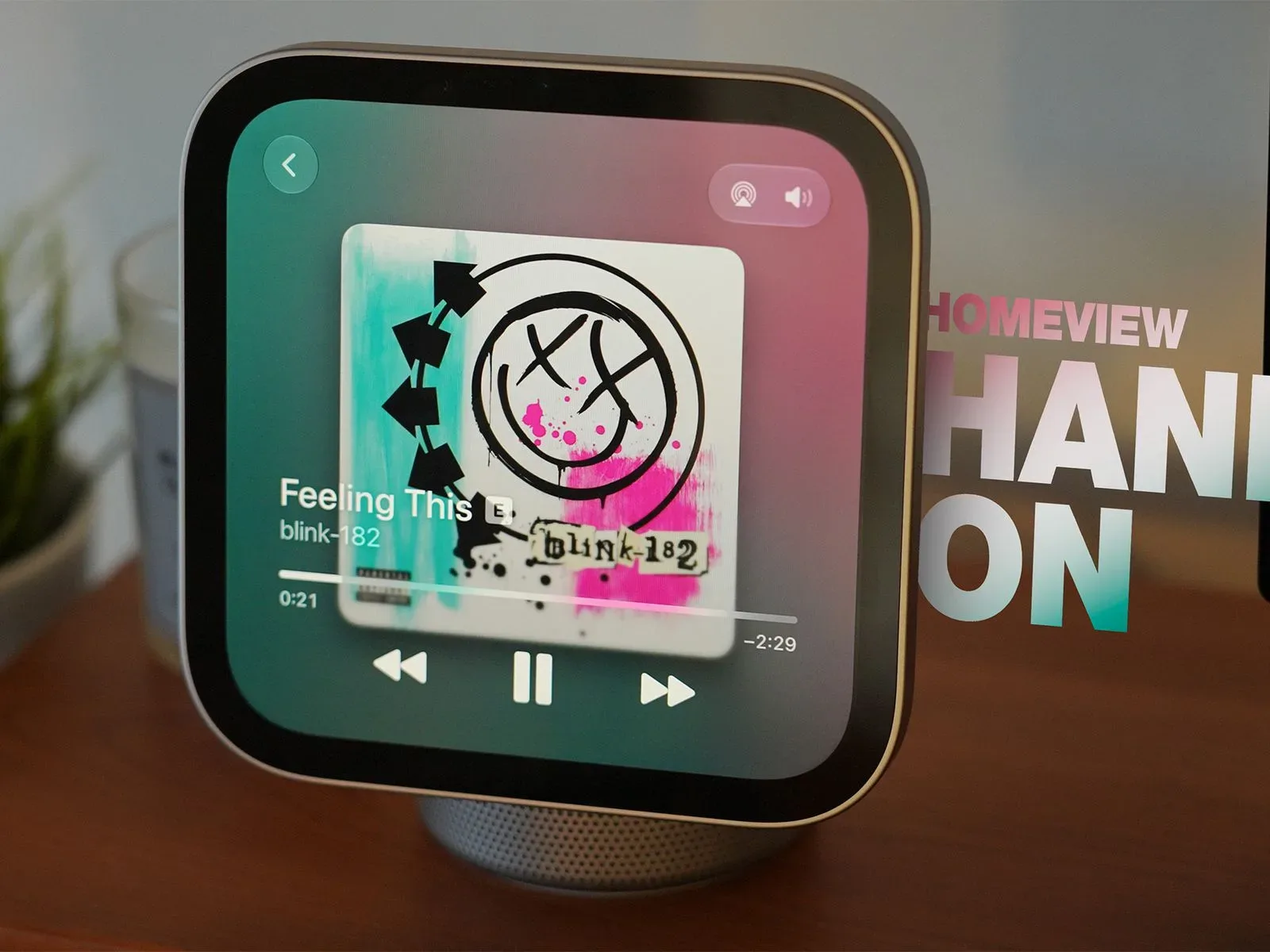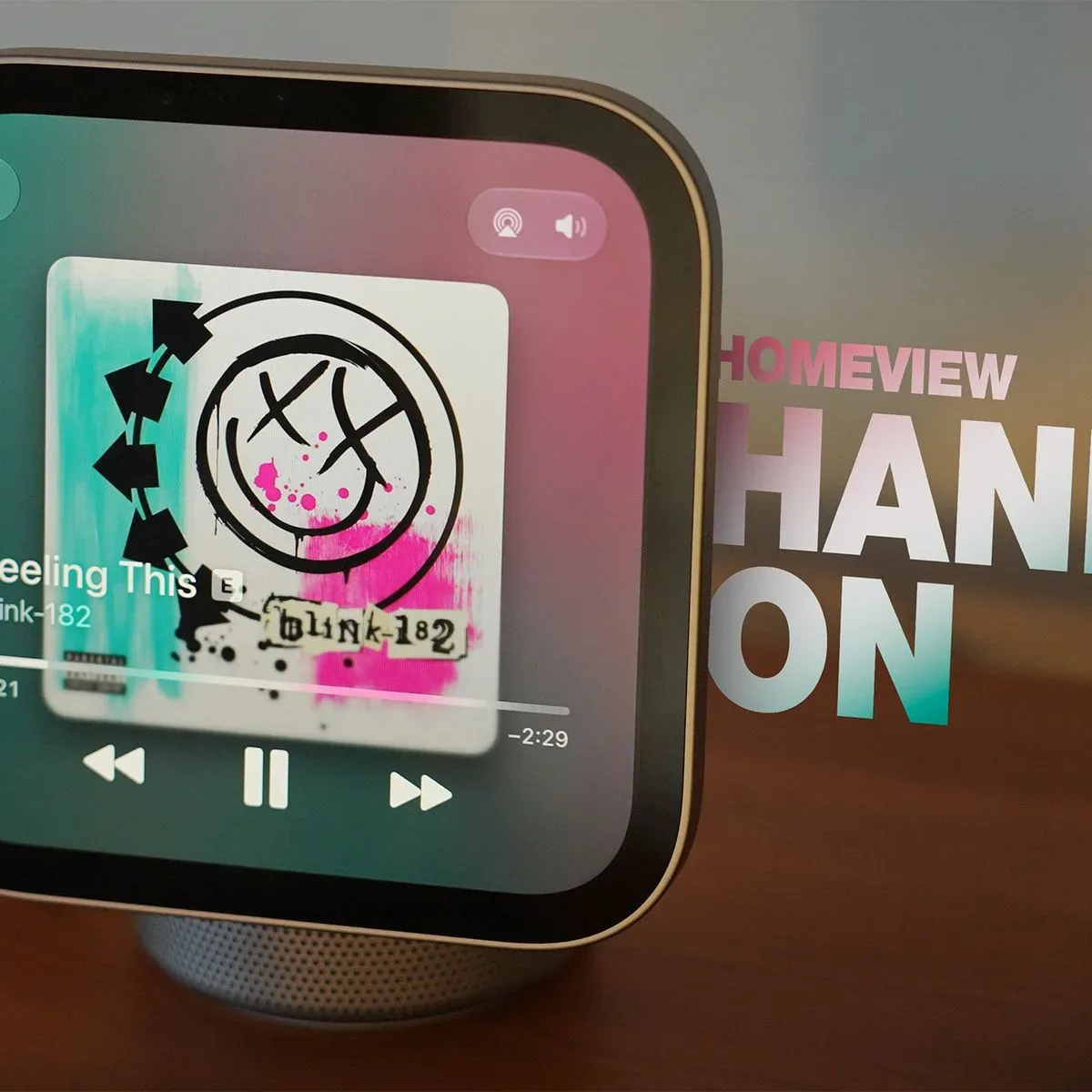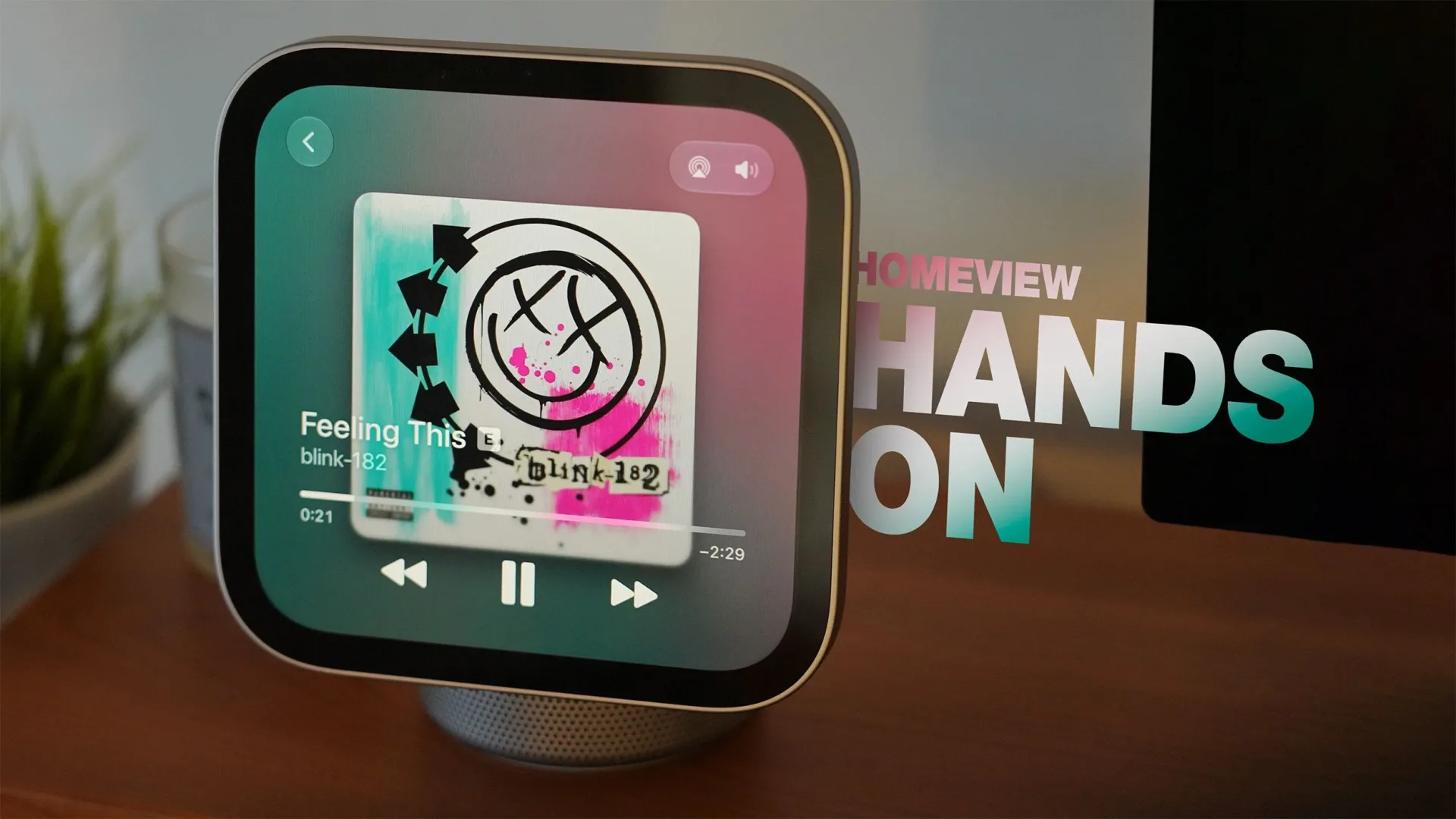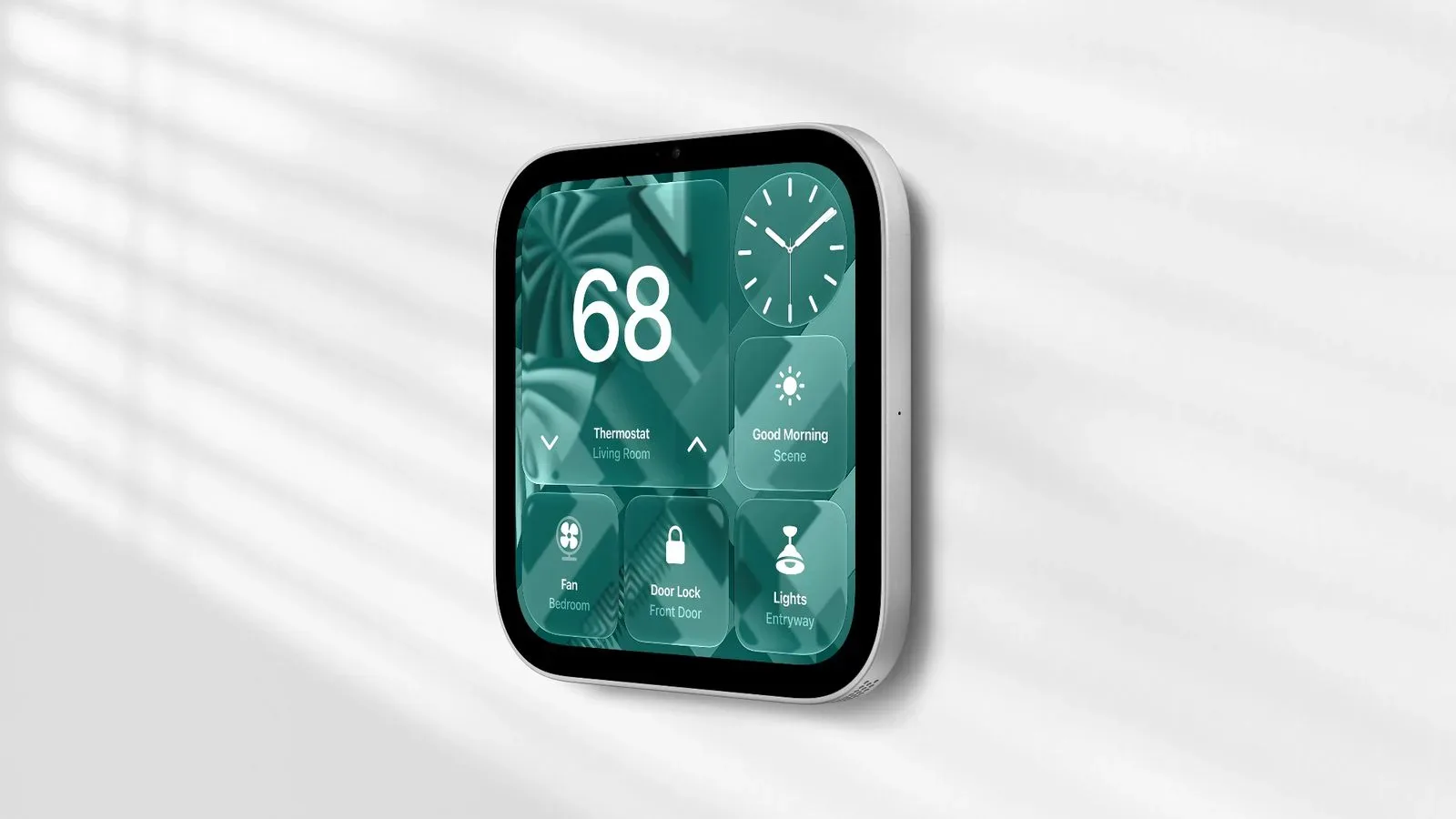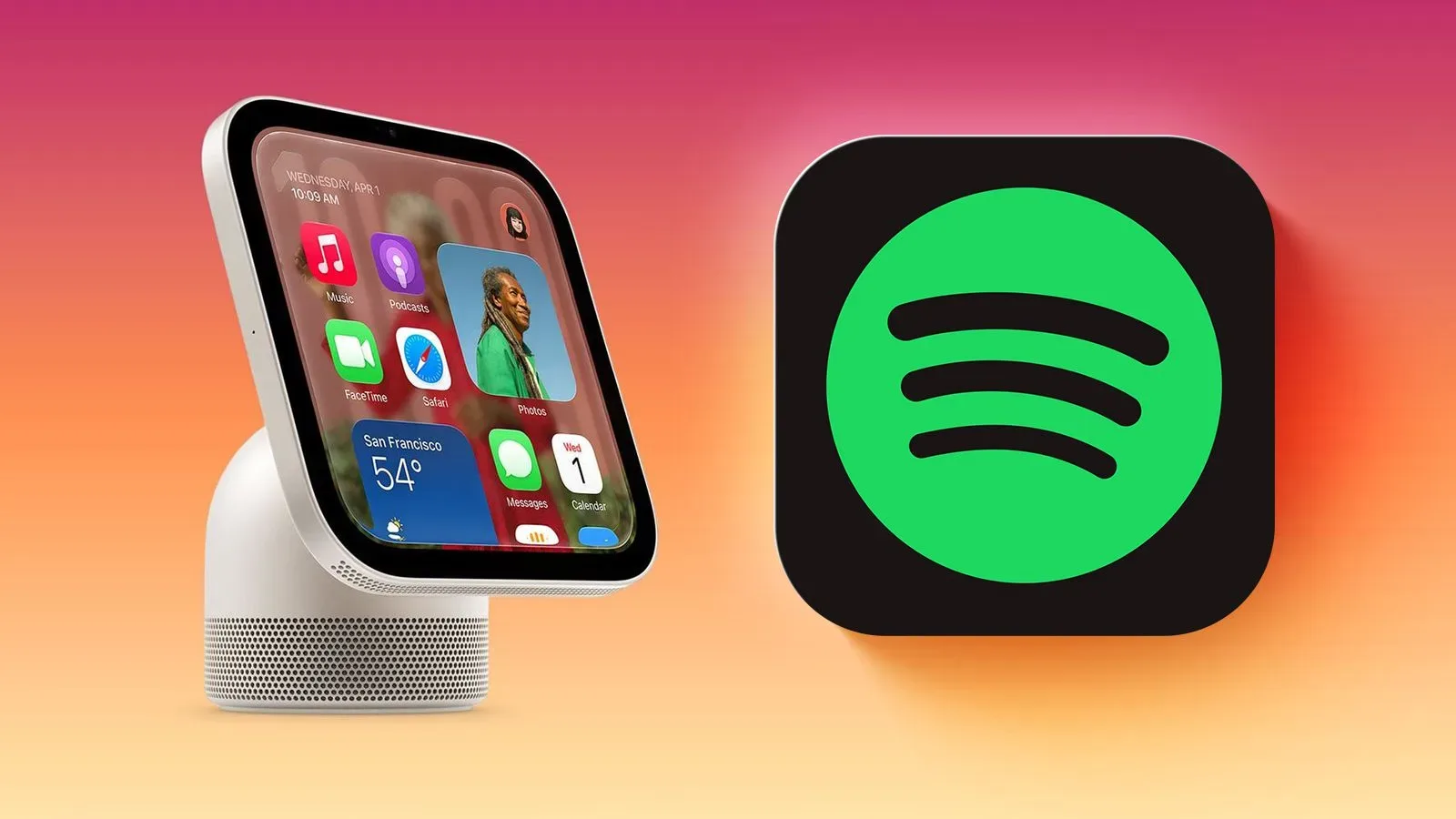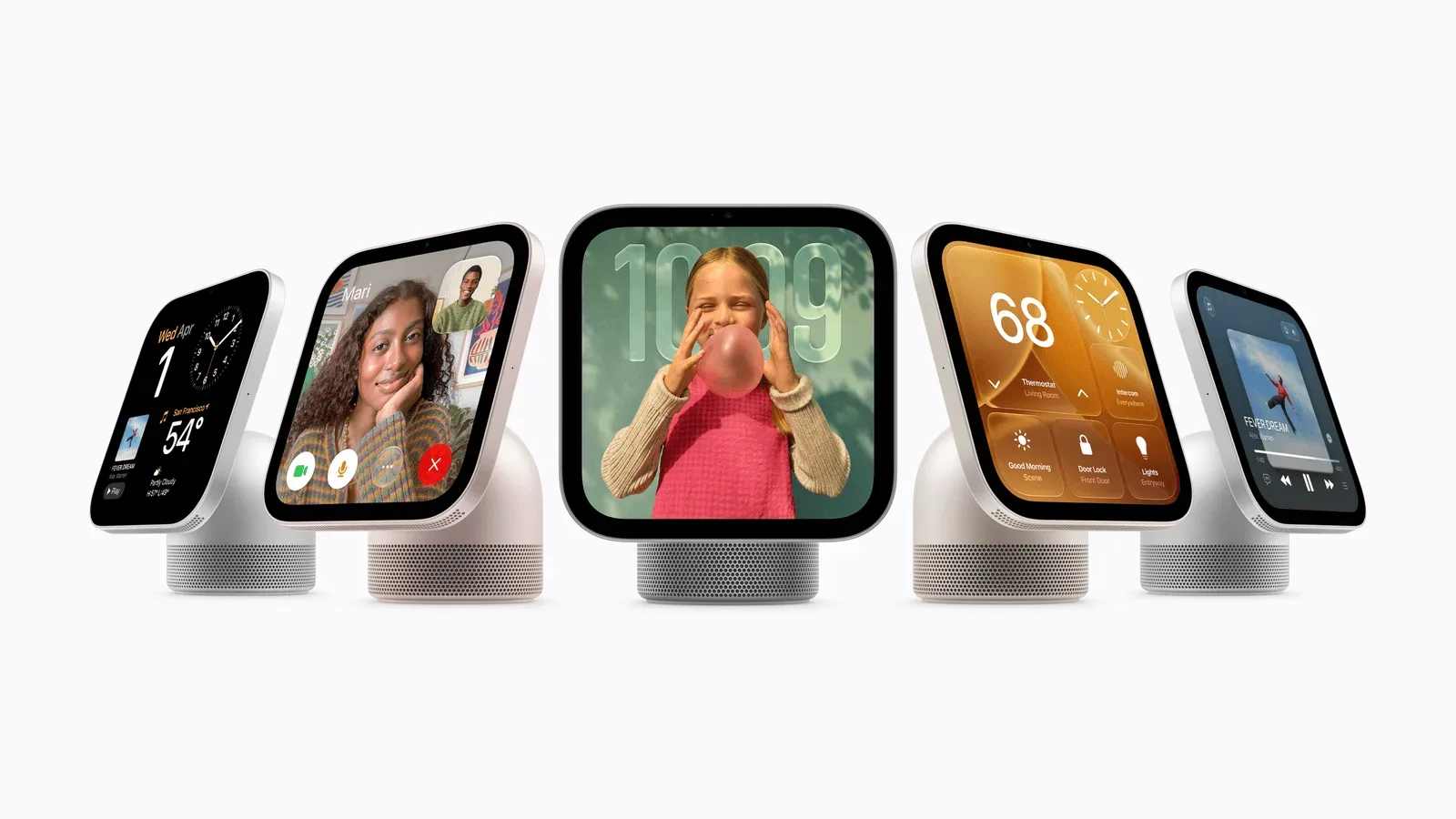
Apple’s new HomeView is a smart-home hub built around a conspicuous idea: put a small, dedicated screen where a household actually lives. The device pairs a 7-inch square display with an aluminum speaker base, joined by a stainless-steel tilting hinge. It is positioned for countertop, bedside and side-table use, while a separate wall-mounted configuration is also offered.
At $299 in the United States, HomeView is not priced as a casual accessory. It is asking buyers to pay for a permanent, shared screen for home controls, communication, media and routine information. Whether that makes sense depends less on the length of its app list than on a simpler question: does the home need a device that remains visible and available when nobody wants to reach for a phone?
The answer may be yes for households that already use connected accessories and regularly make video calls, listen to music or manage calendars in common rooms. For people hoping it will become a general-purpose small tablet, the limitations are clear from the start: there is no App Store.
A dedicated display, rather than another personal screen
HomeView’s basic hardware arrangement matters because it explains the product’s intended role. The display is square rather than a conventional widescreen panel, and it sits on a speaker base rather than inside a handheld chassis. The tilting hinge should let owners adjust the screen’s angle for the countertop, nightstand or side-table placements Apple identifies.
This is an appliance-like approach. A phone is personal, portable and usually locked. A HomeView, by contrast, is meant to stay in place and be usable at a glance. That can make the difference when checking a shared calendar, setting a timer, making a FaceTime call or bringing up smart-home controls. A fixed home screen also has one practical advantage over an app on a phone: it does not disappear into a pocket when somebody leaves the room.
Apple says HomeView can be used with Siri AI, for controlling smart-home accessories, FaceTime video calls and music playback. In this context, Siri AI is the voice-driven assistant interface. The important practical point is not the label, but the type of interaction it enables: a person can speak to a stationary household device instead of navigating touch controls for every request.
Voice control does not eliminate the need for a display. Some tasks are naturally visual. A timer, calendar item, weather readout or list is easier to confirm when it stays on screen. The stated mix of software suggests HomeView is designed around that combination: quick visual reference, touch when precision is useful, and voice for hands-busy moments.
The software is deliberately focused
HomeView comes with Alarms, Calendar, FaceTime, Find My, Home, Intercom, Messages, Music, Podcasts, Reminders, Safari, Settings, Timers, Weather and World Clock preinstalled. That is a substantial set for household routines, but it is not an open-ended software platform.
The absence of an App Store is one of the most consequential details in the specification. An App Store would allow owners to decide for themselves which additional services or specialized tools belong on the device. Without one, the supported experience is bounded by Apple’s supplied apps and the compatible services it chooses to accommodate. That can be a feature for buyers who want a less cluttered, more predictable hub. It is a drawback for anyone whose preferred smart-home workflow, communications tool or media service is not included.
Safari is an interesting inclusion because a web browser can provide access to information and services that do not have a dedicated HomeView app. But browser access and a purpose-built application are not the same thing. A browser can be useful for occasional visits; it does not guarantee that a site is suited to a 7-inch square screen, nor does it turn HomeView into an unrestricted app device.
The named apps also divide the product’s job into a few recognizable lanes:
- Home management: Home, Intercom, Timers, Alarms and Weather support the shared rhythm of a room or household.
- Communication: FaceTime, Messages and Intercom make the screen a possible contact point for people inside or outside the home.
- Personal organization: Calendar, Reminders, Find My, World Clock and Safari cover planning, lookup and reference tasks.
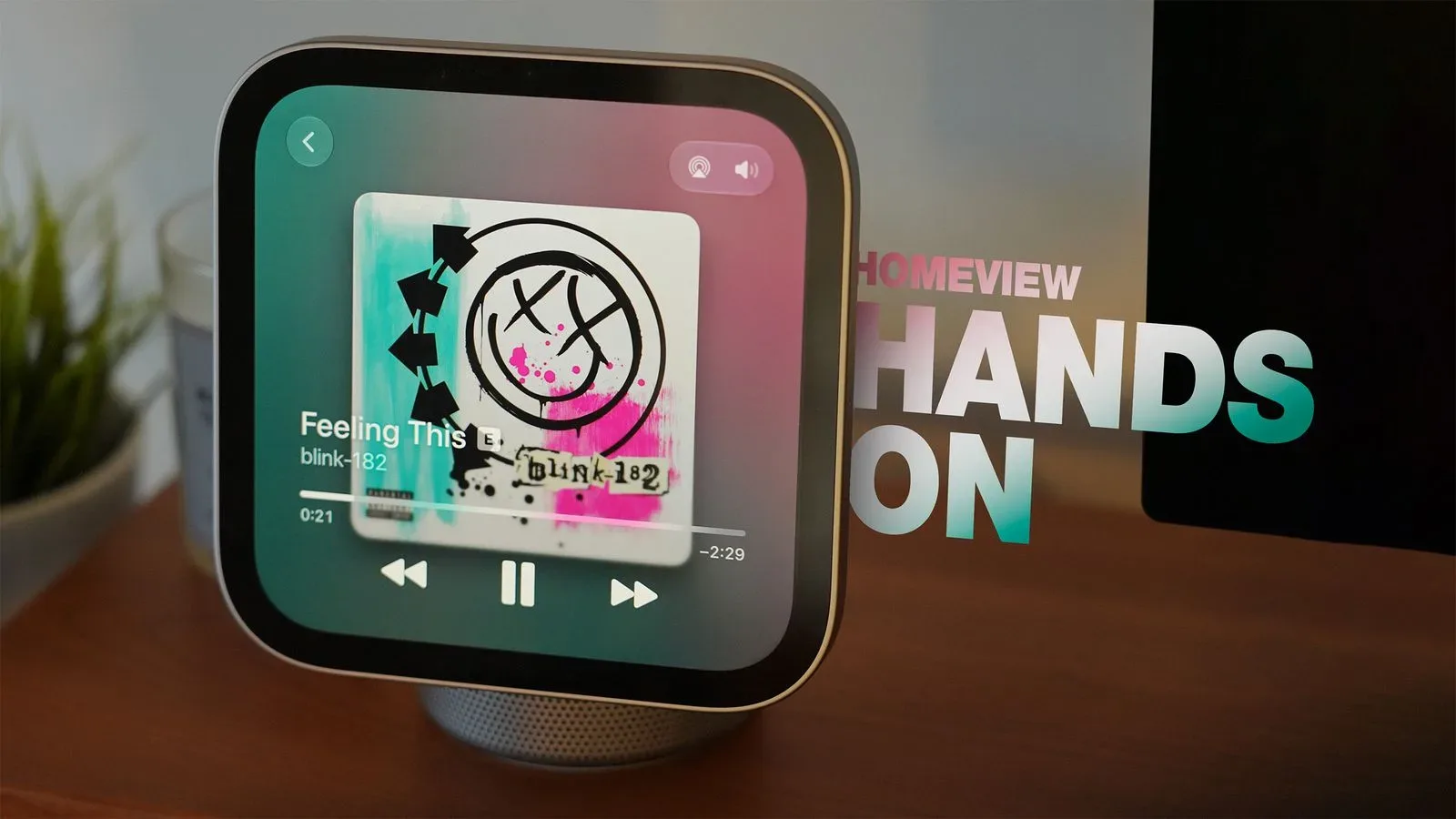
- Audio and entertainment: Music and Podcasts use the speaker base for listening rather than treating the display as only a control panel.
That division helps clarify what HomeView is and is not. It is not presented as a gaming machine, nor as a miniature computer with a conventional catalog of downloadable apps. It is a controlled, shared interface for common tasks.
Media support broadens the proposition, with boundaries
Although there is no App Store, HomeView supports CarPlay-enabled audio and video apps. Apple TV, Spotify and Apple Music Classical are among the examples named. This matters because media capability can make a room device more useful between smart-home interactions. A screen that handles a call, a timer and a music request has a better chance of becoming part of a daily routine than one that only appears when a light needs adjusting.
“CarPlay-enabled” describes apps that work within Apple’s CarPlay ecosystem. Here, it identifies the supported route for compatible audio and video services rather than suggesting that HomeView is a car product. Buyers should be careful not to read the examples as a promise that every audio or video app will be available. Apple identifies the support category and names specific examples; the supplied details do not establish a complete service list.
For entertainment, the 7-inch screen creates an obvious trade-off. It may be useful for short viewing, call-based conversations or controlling media, but it is not a substitute for a larger television or monitor. The more credible appeal is convenience: a compact display and speaker that can play something in the room where someone is cooking, getting ready or winding down.
The same restraint applies to games. Nothing in the available details identifies game support, game streaming, controllers or an on-device game library. The most sensible expectation is therefore no expectation at all. HomeView’s relevance to players is indirect: it may be another device in a connected home, a place to handle messages or music, or a screen for compatible video services, but it should not be bought on the assumption that it replaces a console, PC, handheld or tablet for games.
The $299 price needs to be read alongside placement
Both the tabletop and wall-mounted versions cost $299 in the U.S. The wall-mounted path has an additional expense: a mount is required, and Apple sells three choices priced from $59.95 to $129.95. That puts the known hardware outlay for a wall installation between $358.95 and $428.95 before any other considerations.
That difference is more than an accessory footnote. Placement changes how a shared smart-home screen behaves. A tabletop unit can move between rooms and can be tried in a new location with less commitment. A wall-mounted device can look more integrated and remain consistently accessible, but it turns HomeView into a more deliberate fixture. The mount cost is therefore part of the product decision, not merely a checkout add-on.
For a counter or nightstand, $299 buys a ready-made screen-and-speaker object with a tilting display. For a wall, the total is higher and the decision deserves a more specific use case. A buyer should be able to identify the room, the people likely to use it and the recurring tasks it will simplify. If the answer is vague, the tabletop model is the less committed route based on the information available.
Who the device appears to suit
HomeView looks most persuasive for an Apple-centered household that wants a common interface rather than another individual device. The strongest case is not any one feature. It is the accumulation of small interactions: asking Siri AI for something while occupied, seeing a calendar in a common area, starting a FaceTime call, controlling connected accessories, using Intercom, and playing music or podcasts from the same hardware.
It may also appeal to people who prefer constraints. No App Store means fewer decisions about installation and fewer opportunities for a dedicated household screen to turn into a catch-all distraction box. That is an interpretation of the design, not a guarantee of simplicity in every home; the value still depends on whether Apple’s preinstalled apps and supported services match the owner’s routines.
The weaker fit is equally clear. Buyers who chiefly want a flexible tablet, broad application choice or confirmed gaming capabilities should not assume HomeView will cover those needs. The stated software selection is intentionally narrow, even if it covers a useful range of Apple-oriented tasks.
There is also a timing consideration for prospective owners. A forthcoming software update has been described as addressing Siri camera confusion and adding voice door controls, as covered in details on the planned HomeView update. That makes the launch software only part of the picture. It also reinforces why buyers should judge the device by the features confirmed for their intended setup, not by an assumption that every smart-home action will work in the most intuitive way on day one.
Practical buying checklist
With HomeView launching Friday, the most useful way to assess the $299 price is to reduce the decision to a few concrete checks:
- Choose the room first. Counter, nightstand, side table and wall placement lead to different expectations for viewing, sound and everyday access.
- Decide whether wall mounting is essential. If it is, include the $59.95 to $129.95 mount in the budget rather than treating $299 as the full cost.
- List the services that matter. Confirm that the built-in apps and identified compatible media services cover the household’s actual needs. The lack of an App Store makes this especially important.
- Separate smart-home needs from general-computing needs. Home control, FaceTime, messages, timers and music are central to the pitch; unrestricted app choice is not.
- Set realistic screen expectations. The 7-inch square display is designed for close-range, shared-room utility, not as a replacement for a large media screen.
HomeView’s proposition is ultimately straightforward: a visible, fixed Apple interface for the spaces where people do ordinary things together. The $299 price can be defensible when it replaces frequent small inconveniences with a screen and speaker that are always there. It is much harder to justify when the buyer merely wants an extra display, broad software freedom or a device whose role has not been decided. The wall-mount premium and closed software model make that clarity essential before buying.