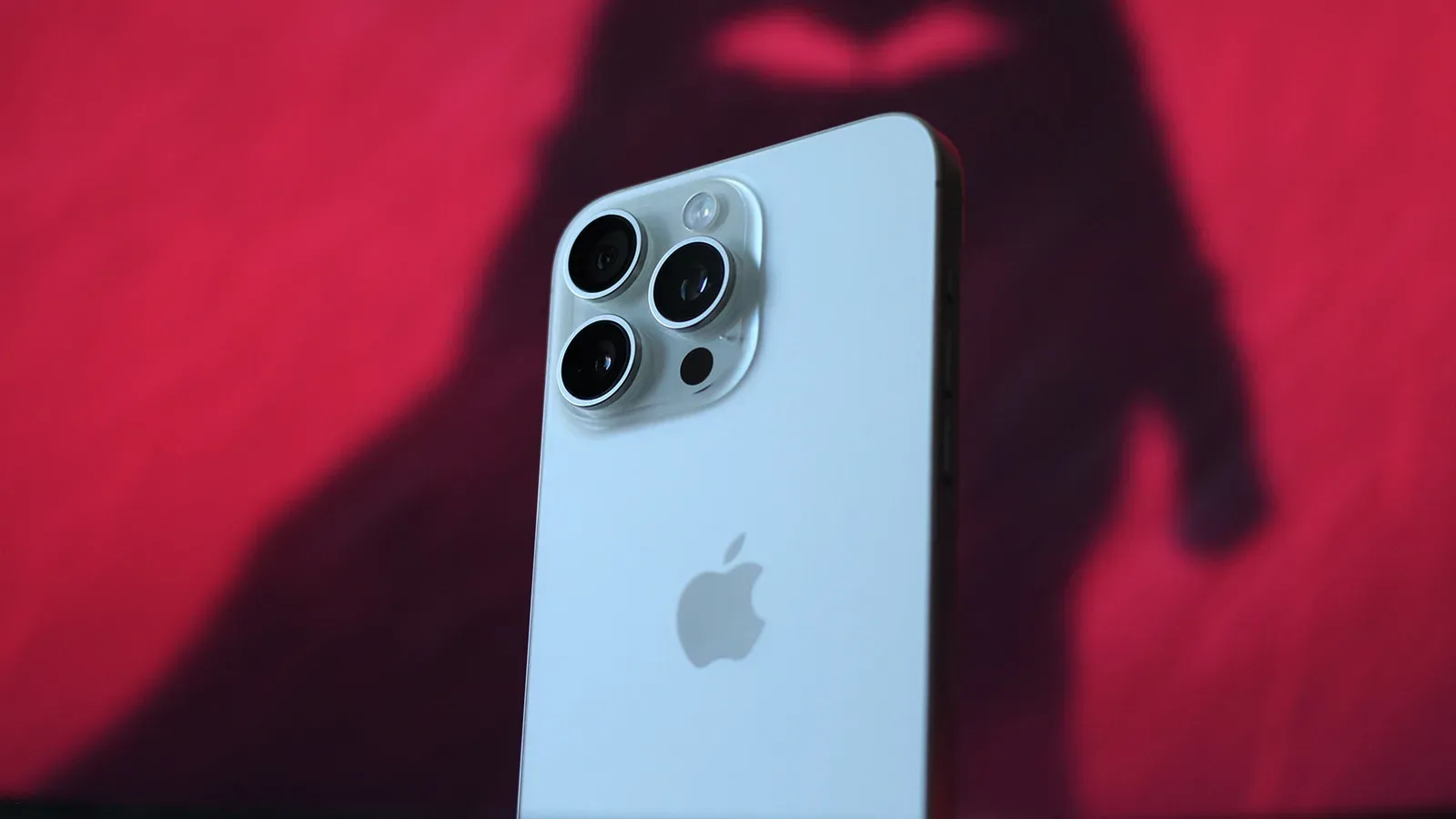
A phone battery percentage can look reassuringly tidy while daily use becomes considerably less tidy. One iPhone 15 Pro Max that has reached 1,000 charge cycles reports 81% maximum battery health—just above the point where iOS would display a battery-service warning—yet it now needs charging at least twice a day. The hardware remains in notably strong condition, while later software performance improvements have made the same phone feel much better to use.
That combination is more useful than a simple “good battery” or “bad battery” verdict. It illustrates the difference between battery health, which estimates remaining capacity relative to when the battery was new, and battery life, the actual time a phone lasts in a person’s changing mix of apps, wireless use, heat, background tasks and operating-system behavior.
What 1,000 cycles and 81% health actually mean
A charge cycle is not synonymous with plugging a phone in once. It represents using a cumulative 100% of the battery’s capacity. For example, draining a phone from 100% to 50%, charging it back to full, and later using another 50% adds up to one full cycle. This matters because frequent partial charges are not automatically equivalent to frequent complete cycles; the cycle tally is tracking total battery use over time.
Apple says iPhone 14 models and older are designed to retain 80% of original capacity at 500 cycles. For the iPhone 15 generation and newer, Apple doubled that design target to 1,000 cycles before capacity falls below 80%. In this case, the iPhone 15 Pro Max is sitting at 81% at the 1,000-cycle mark. On that narrow measure, it is closely aligned with the stated target.
Its original battery capacity is rated at 4,422 mAh. mAh, or milliampere-hours, is a measure commonly used to express how much electrical charge a battery can store. Battery Health presents the result as a percentage rather than translating it into a fixed remaining mAh total, but the basic practical effect is straightforward: reduced capacity leaves less stored energy available between charging sessions.
When the phone was new, it could approach two days of use and exceed 12 hours of screen-on time. Nearly three years later, making it through to evening without charging is no longer reliable. That is a dramatic real-world shift even though the Battery Health number has not crossed into the service-warning zone.
The lesson is not that the health reading is meaningless. It is an important indicator of chemical aging, the gradual wear that lithium-ion batteries accumulate as they are used. Rather, it is a reminder that 81% is not a promise of 81% of a particular person’s former daily runtime. The workload has a big say in the outcome.
Battery capacity is not the same thing as battery experience
Capacity is only one half of a phone’s endurance equation. The other half is how efficiently the device spends that energy. A software release that causes extra heat, slowdowns or heavier background activity can make an aging battery feel substantially worse. Conversely, a more efficient release can improve day-to-day usability without physically restoring any lost battery capacity.
Related coverage includes iPhone 15 Pro Max Reaches 1,000 Cycles With 81% Battery Health.
That distinction appears especially sharp here. The iPhone 15 series arrived with iOS 17, which provided a smooth experience and all-day battery life despite charging speeds that peak at around 27W. Later use of iOS 18 was associated with bugs, weaker performance and poorer battery life. Apple Intelligence features also increased heat and battery drain in this experience.
Then iOS 26 created further trouble, with sluggish behavior and reduced battery life reported through its beta period and stable release cycle. The frustration was not simply that the battery aged. It was that an already smaller energy reserve had to support software that often felt inefficient. A battery-health percentage cannot separate those factors on its own.
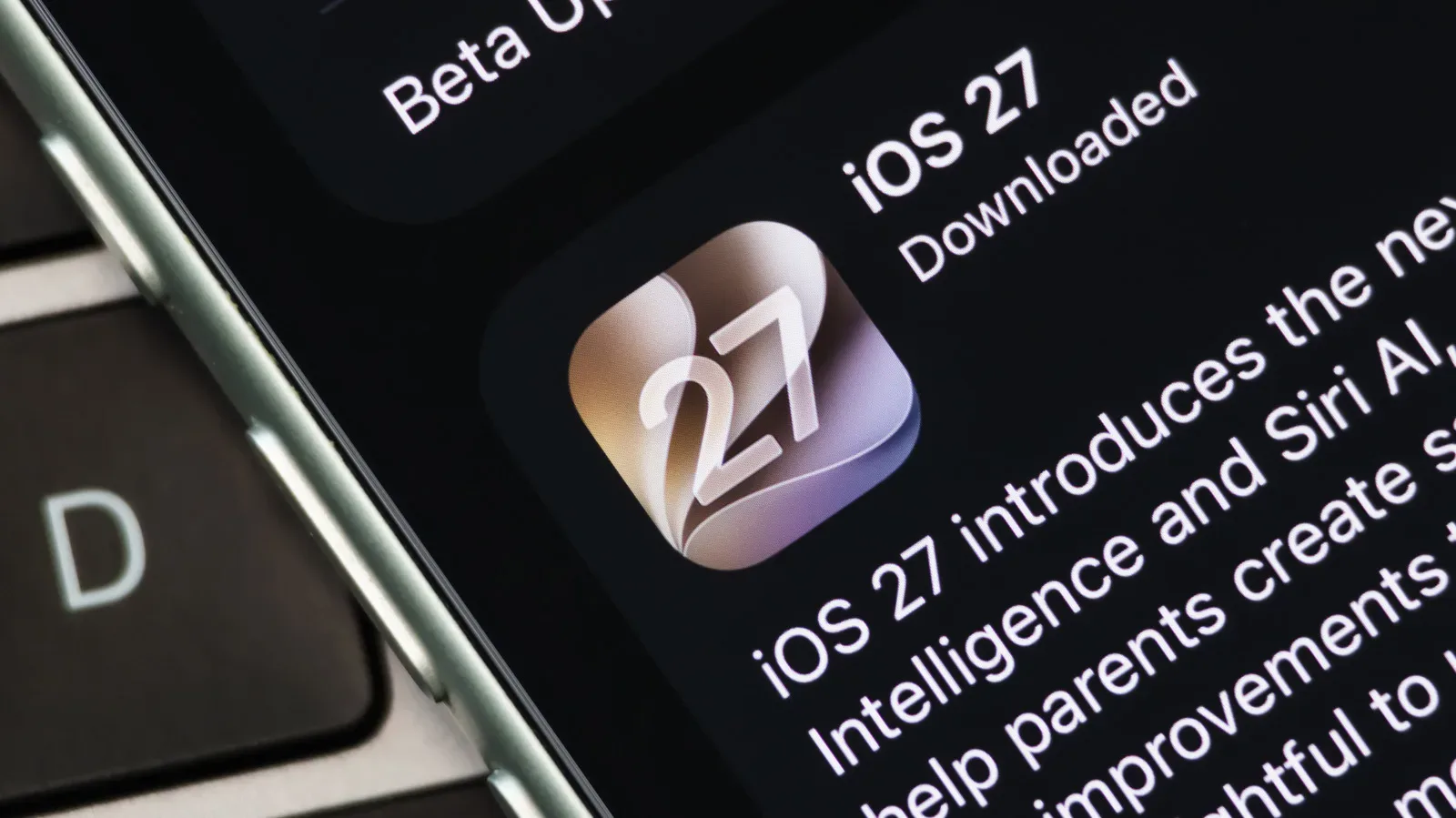
iOS 27, by contrast, is positioned around performance and stability gains. Apple cites app launches up to 30% faster, photo loading up to 70% faster and AirDrop transfers up to 80% faster. Those are maximum figures rather than a guarantee that every action improves by the same amount, but the overall effect reported on this particular iPhone 15 Pro Max is clear: even an early developer beta felt smoother than stable iOS 26 releases.
That does not turn the battery back into a new one. Charging remains necessary at least twice per day, and charging from 80% to 100% still feels slow. It does demonstrate an important practical point: a laggy, hot phone with fading endurance may have a software problem layered on top of battery wear. Replacing the battery might help the latter, but it would not by itself correct the former.
Why heat makes the situation feel worse
Heat is relevant for two connected reasons. First, it can accompany demanding or inefficient tasks that consume power faster in the moment. Second, battery chemical aging is tied to accumulated use and operating conditions, so temperature is part of the broader ownership picture. The account here does not establish a precise causal breakdown for the phone’s 81% reading, but it does show why a warm, heavily taxed device can feel more compromised than its Battery Health percentage alone suggests.
For Android owners working through a related endurance puzzle, background battery drain deserves investigation too. Platform tools differ, but the core idea carries over: before interpreting every lost hour as irreversible battery damage, consider what software is doing with the charge available.
A service warning is a threshold, not a personal upgrade schedule
The iPhone in question has not reached the iOS battery-service warning, because it remains at 81% health. But that status should not be interpreted as an instruction to wait indefinitely if the phone no longer serves the owner’s needs. A warning is a system threshold. It is not a universal declaration that a phone is either perfectly satisfactory at 81% or unusable at 79%.
Someone whose routine includes short commutes and easy access to outlets may regard two daily charges as a minor inconvenience. Someone relying on the same phone for navigation, travel, work calls, photographs or long days away from power may reach a different conclusion. In both cases, the best signal is not merely the percentage; it is whether the phone reliably completes the work expected of it.
There is also a practical difference between a phone that needs a top-up and one that shuts down unexpectedly or cannot sustain normal activity. The earlier controversy around iPhone performance management matters here. In 2017, users noticed slower iPhones as batteries aged. Apple said the performance management was intended to help prevent unexpected shutdowns on devices with degraded batteries. The backlash led to the Battery Health metric and a setting to override performance management.
That history explains why battery condition remains more than an abstract specification. It can affect endurance, charging habits and, in certain circumstances, how a device manages performance. It also reinforces the value of transparent indicators such as health and cycle count, even if those indicators do not tell the entire story.
The rest of the phone can justify a battery replacement
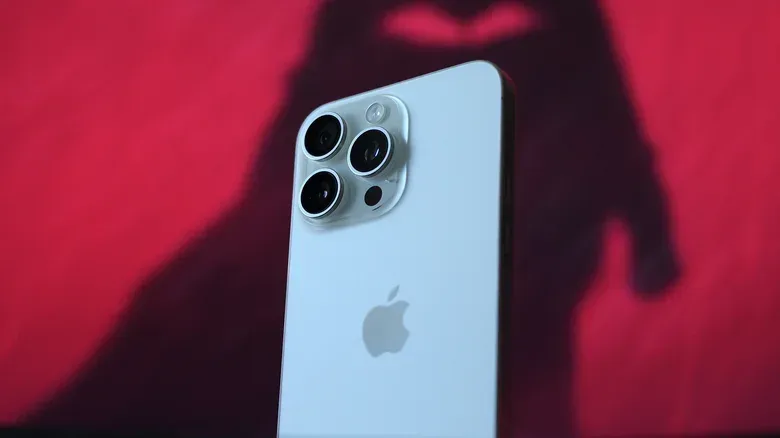
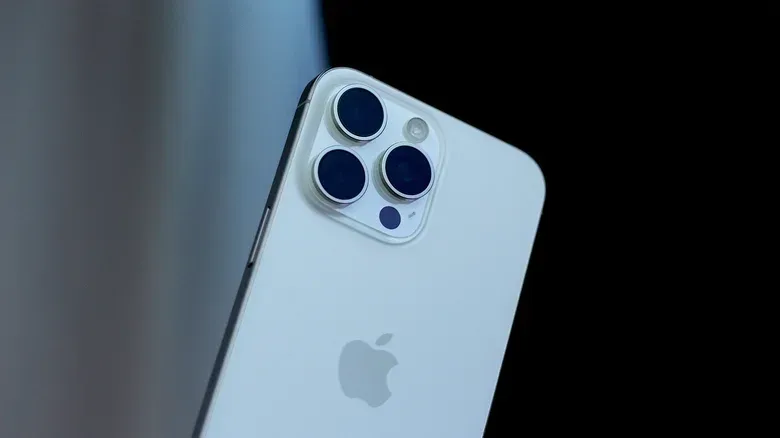
The strongest argument against treating this iPhone 15 Pro Max as disposable is how well the rest of it has held up. Its titanium frame and glass back are described as almost new after mostly caseless use, with no scratches on the body. The display has picked up minor scratches, but the exterior durability remains a conspicuous positive after years of use.
The iPhone 15 Pro line introduced titanium in 2023, replacing stainless steel and reducing weight. Apple later moved to a unibody aluminum chassis in the iPhone 17 Pro, citing better thermal performance. Newer Pro phones may therefore have a cooling-related advantage, but the older titanium model’s resilience is a meaningful counterweight in a long-term ownership calculation. Reports of newer iPhone 18 Pro units scratching shortly after regular use make the well-preserved older chassis stand out further, though individual results will naturally vary with handling and use.
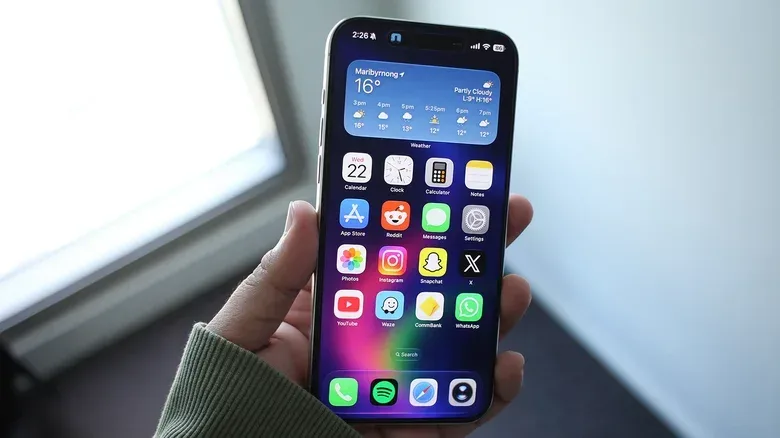
Other core components are still doing their jobs well: the triple-camera system continues to produce strong photos and video; the buttons remain clicky; and the speakers remain a hardware highlight. Even the Dynamic Island—initially a design workaround for hardware constraints—has become a useful element of the iOS interface for this user.
The iPhone 15 Pro models also support Siri AI, described here as one of the Apple Intelligence additions that meaningfully expands what the phone can do compared with its launch state. That continuing feature support matters. A battery replacement has more value when the display, cameras, controls, speakers, physical shell and software support are all still worthwhile.
The practical takeaway: diagnose before replacing
This 1,000-cycle iPhone does not provide a universal forecast for every iPhone 15 Pro Max. Usage patterns, charging habits, operating temperatures and software loads can all differ. It does, however, offer a sensible decision framework for owners of aging phones.
- Check both health and cycle count. Health estimates remaining capacity, while cycle count places that reading in the context of accumulated battery use.
- Compare the number with daily reality. A phone that is technically above a service threshold may still fall short of the owner’s needs.
- Separate software symptoms from battery symptoms. A poor OS release can hurt smoothness, heat and endurance without changing the battery’s physical capacity overnight.
- Assess the whole device. Strong cameras, speakers, buttons, physical condition and ongoing feature support can make a battery replacement more compelling than a full phone replacement.
- Do not mistake improved software for renewed capacity. Efficiency can make a phone feel faster and more pleasant, but it does not erase chemical aging.
At 1,000 cycles and 81% Battery Health, this iPhone 15 Pro Max is neither a failure nor the two-day endurance champion it once was. Its battery has plainly aged, yet its hardware is intact and its software experience has rebounded with iOS 27. That makes battery replacement a plausible route to additional useful life—not because a percentage says the device has suddenly become obsolete, but because nearly everything around the battery still appears worth keeping.