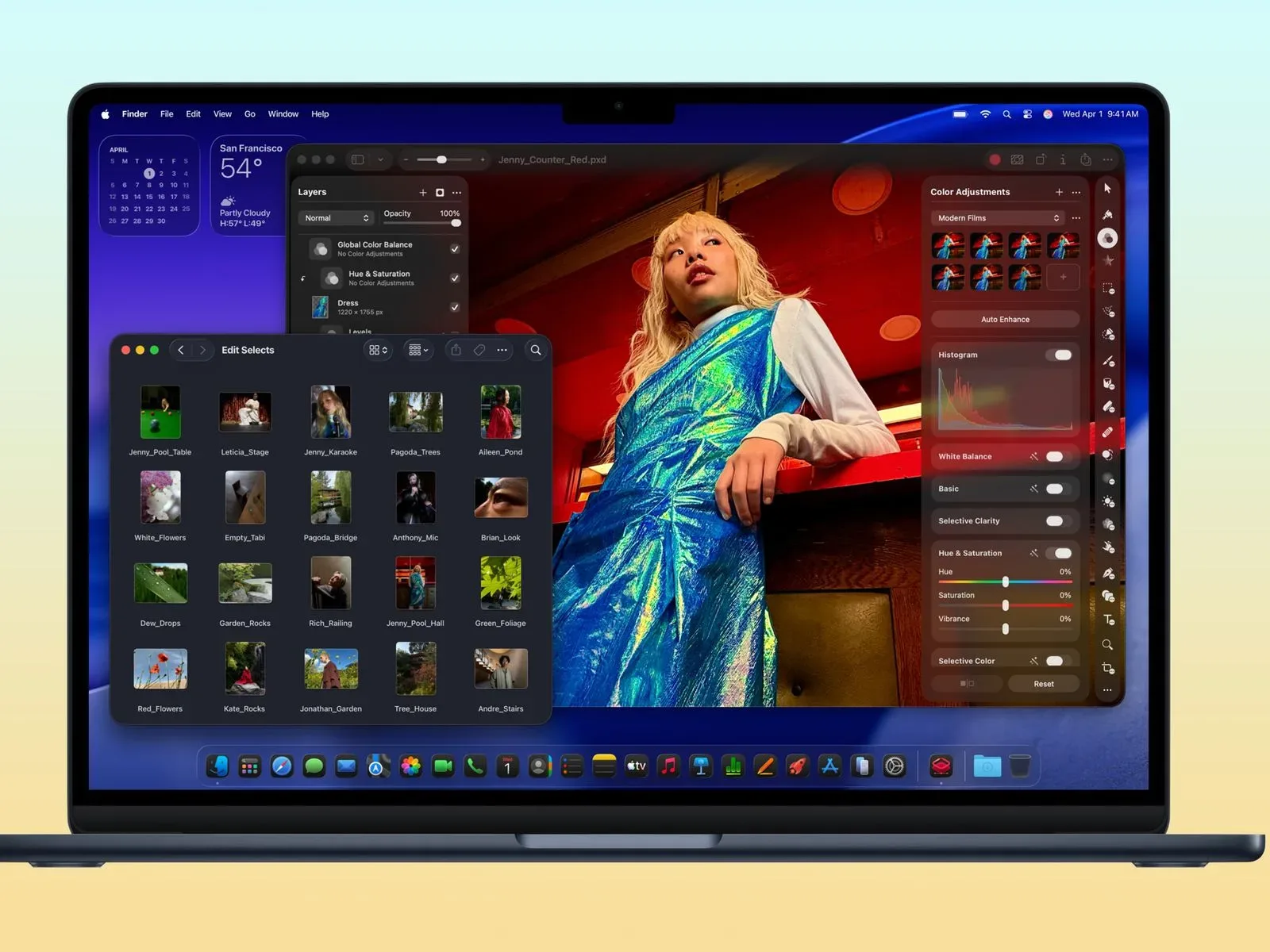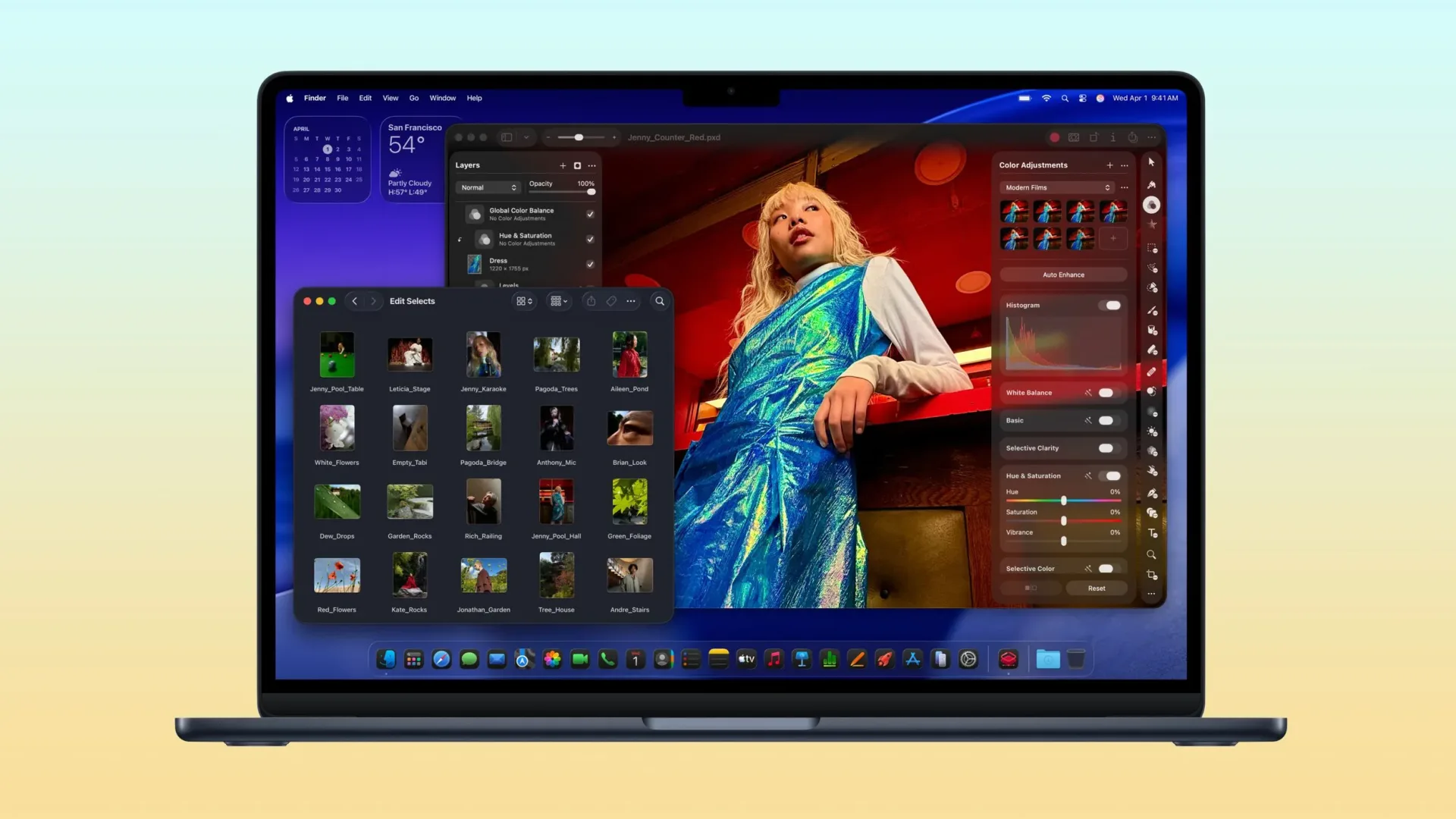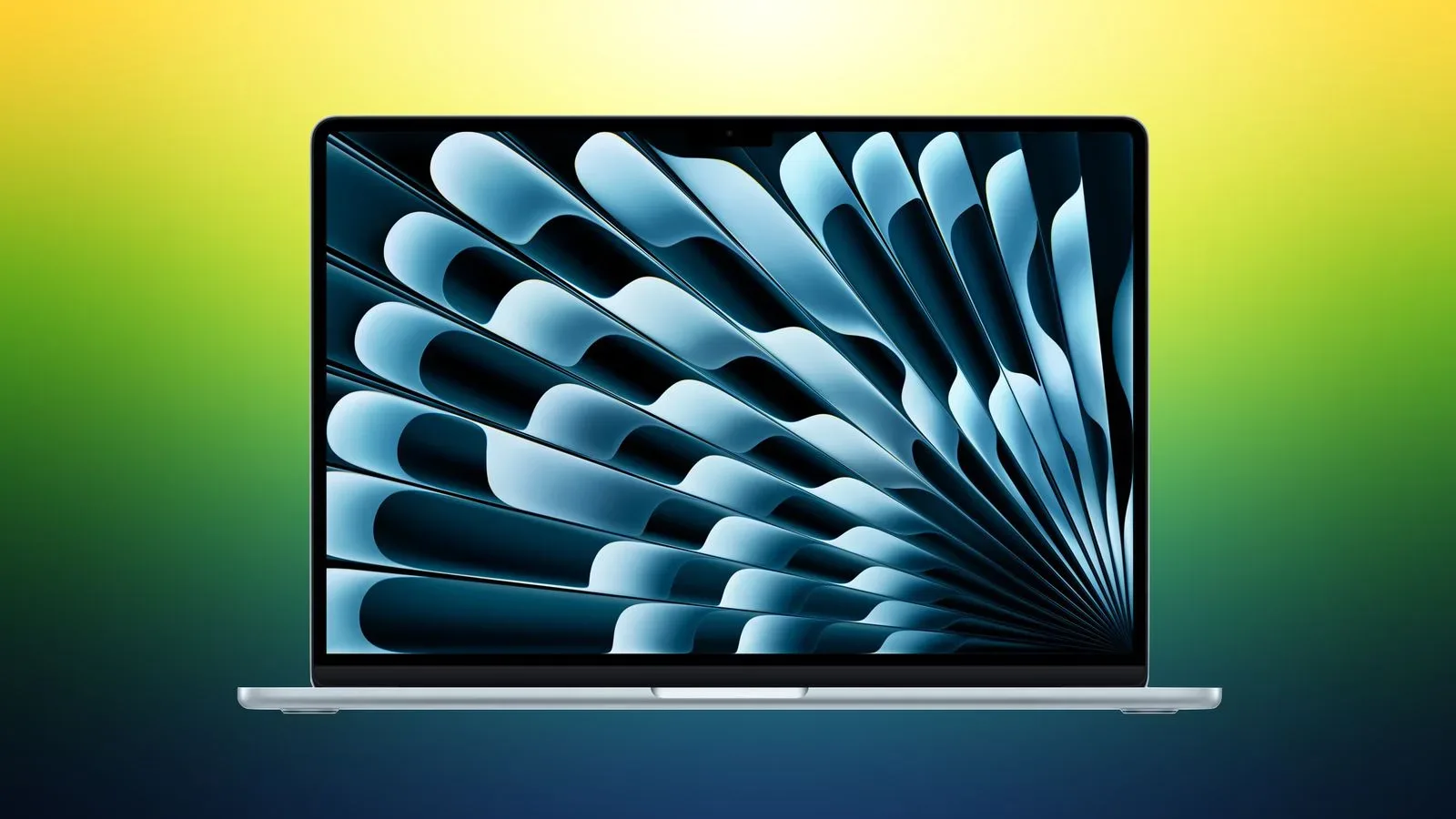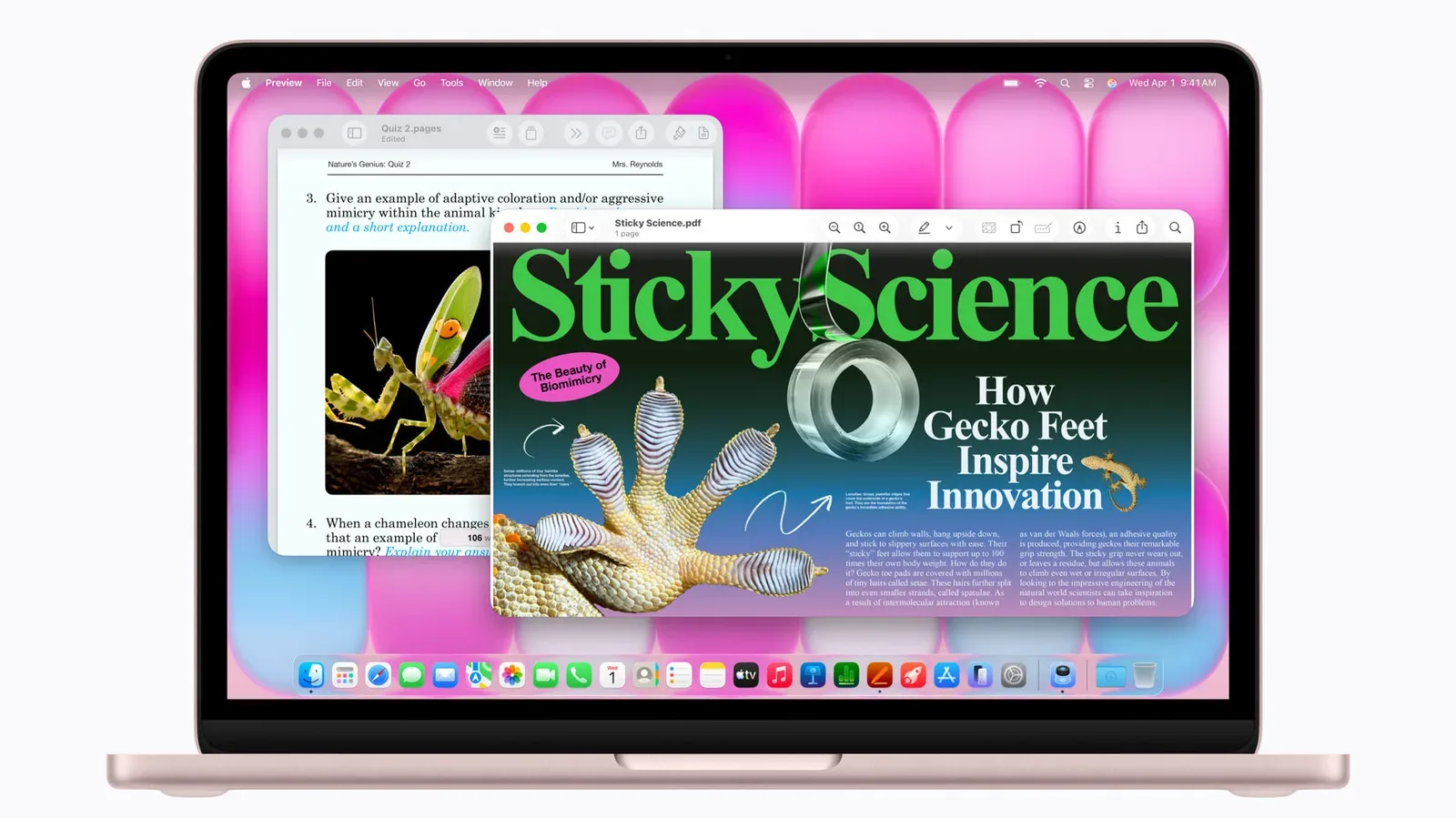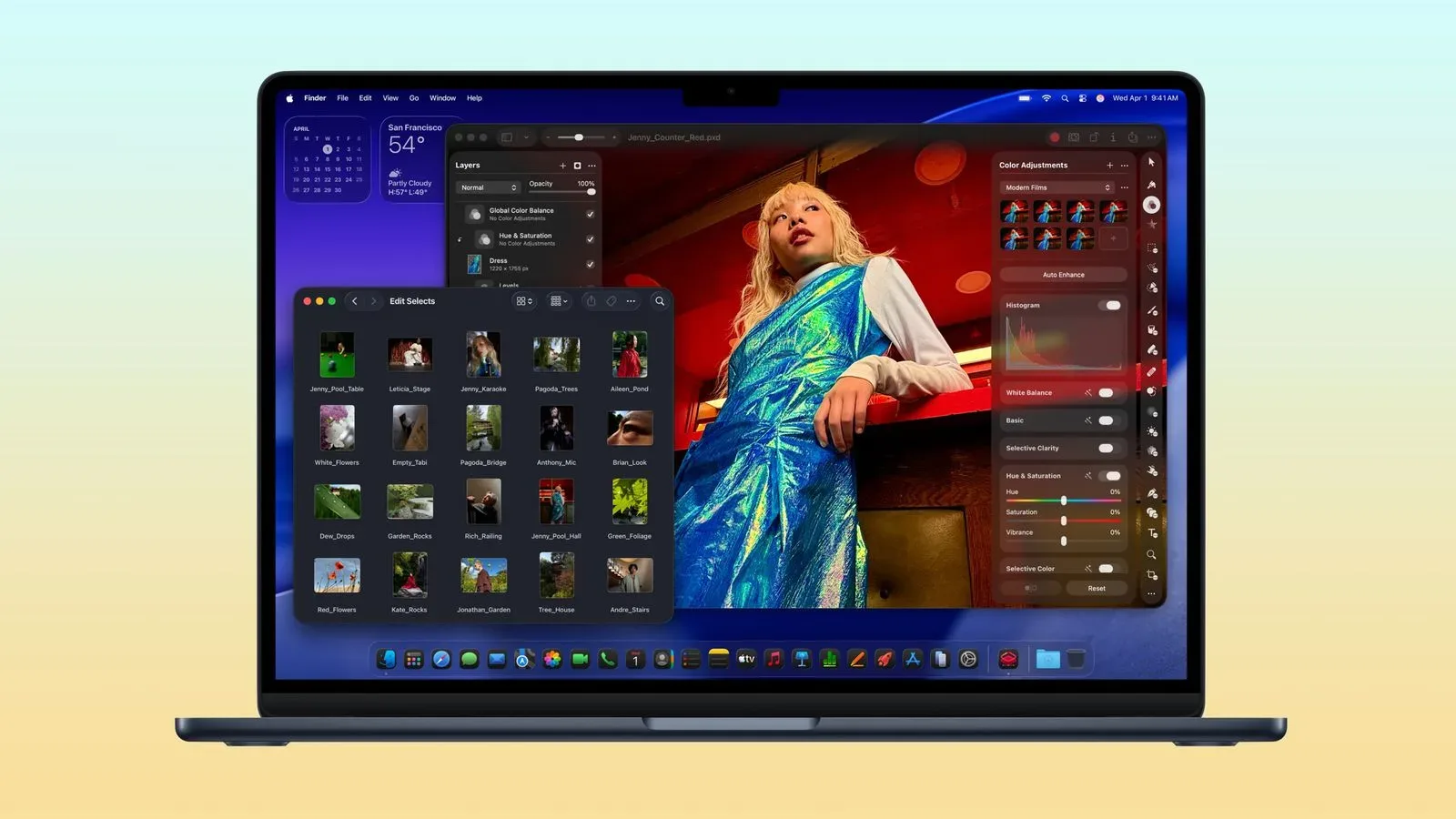
A laptop sale is rarely as simple as the biggest number on the bright red badge. Configuration, screen size, storage, delivery timing and color can all change the practical value of a deal. Still, a flat $200 reduction across nearly every listed M5 MacBook Air configuration gives prospective buyers a notably clear starting point.
Amazon’s current pricing puts the 13-inch M5 MacBook Air with 512GB of storage at $1,099.99. The 15-inch M5 MacBook Air with 16GB of memory and 512GB of storage starts at $1,299.99. That is a $200 reduction from the respective listed prices, and the same $200 discount also applies to the 15-inch model with 16GB of memory and 1TB of storage, which is listed at $1,599.00.
Nearly every color and storage configuration is listed as available. Delivery estimates point to early next week for many machines, with faster delivery potentially available to Prime members. As with any retailer listing, stock, colors, arrival windows and pricing can change before checkout, so the product page is the place to verify the exact configuration rather than treating a headline price as a permanent fixture.
The prices at a glance
- 13-inch M5 MacBook Air, 512GB: $1,099.99
- 15-inch M5 MacBook Air, 16GB/512GB: $1,299.99, reduced from $1,499.00
- 15-inch M5 MacBook Air, 16GB/1TB: $1,599.00, reduced from $1,799.00
Each of those examples represents a $200 saving. The 15-inch listings are especially easy to compare because they hold the 16GB memory figure constant while changing storage from 512GB to 1TB. The additional 512GB of storage costs $299 at these sale prices. That is not a judgment on which one is universally better; it simply frames the decision around the actual difference buyers are paying for.
What the configuration names mean
Storage is the device’s internal space for applications, documents, photos, videos and downloaded files. A 512GB machine has half a terabyte of stated storage, while a 1TB machine doubles that stated capacity. The right option depends on the buyer’s expected local-file needs rather than on a vague idea that more is always necessary.
For someone who primarily works in a browser and keeps a modest local library, 512GB may be the more cost-conscious way to take the $200 promotion. Someone who knows they will retain larger local files may see a more direct reason to consider the 1TB option. The sale does not erase the $300 difference between those 15-inch configurations, so it is worth recognizing that the discount is equal but the storage decision remains meaningful.
Memory, listed here as 16GB on the specified 15-inch systems, is separate from storage. In ordinary computer terminology, storage is the longer-term place where files and installed software reside, while memory is used while tasks and programs are active. The supplied listings identify 16GB of memory for the two 15-inch examples; they do not establish specifications for every other model, so shoppers should read the individual listing carefully before assuming a configuration is identical.
The phrase 13-inch or 15-inch identifies the screen-size class, not just a cosmetic variation. Screen size can affect how much physical display room a buyer has, while also affecting the laptop’s overall footprint. The sale establishes a $200 gap between the cited 512GB starting prices: $1,099.99 for the 13-inch model and $1,299.99 for the 15-inch model. Buyers choosing between them are therefore weighing the larger size against a $200 higher sale price, before accounting for any other differences shown on the listings.
Why an even discount still deserves a careful comparison
A broad sale can make buying easier because it avoids the familiar situation where only one unpopular configuration receives the meaningful reduction. Here, the stated $200 markdown reaches nearly every M5 MacBook Air model, while nearly every color is also reported in stock. That gives shoppers more room to choose based on actual requirements instead of chasing a single configuration solely because it is discounted.
It also means the promotion is not automatically a reason to buy the highest-capacity option. If every relevant choice receives the same $200 reduction, the comparison between models largely remains what it was beforehand: what does the extra storage or larger screen cost, and will it be used? Put differently, the sale improves the entry price, but it does not turn a $300 storage step into a $100 one.
That distinction is useful because percentage-off language can obscure dollar decisions. The reported prices provide firm numbers for the three named examples. A prospective 15-inch buyer can see that the 512GB model is $1,299.99 and the 1TB model is $1,599.00. The sale saves the same $200 in both cases. The remaining decision is a $299 one.
A practical checkout checklist
- Confirm the display size. Make sure the cart contains the 13-inch or 15-inch MacBook Air intended. The cited 512GB starting prices differ by $200.
- Read the full memory and storage line. “512GB” and “1TB” identify storage, while the cited 15-inch examples also specify 16GB of memory. Do not treat one number as shorthand for the entire configuration.
- Check the final price, not merely the product family page. The reported promotion is $200 off nearly every configuration, but a selected color or capacity should still show the expected price before purchase.
- Check color availability. Nearly every color is reported to be in stock, which is encouraging, but a specific choice may change availability.
- Review delivery timing. Many delivery estimates are around early next week, and Prime members may see earlier arrivals. The estimate presented during checkout is the relevant one for an individual order.
That process may sound methodical for a straightforward retail purchase, but it protects against the classic configuration mix-up: seeing a low starting number, then discovering the selected model has a different capacity, size or delivery date. A deal should lower the cost of the computer a buyer intended to buy, not steer them into a different one by accident.
The broader buying context
The available information supports a pricing story, not a performance verdict. It identifies the products as M5 MacBook Air models and supplies configuration, availability and delivery details, but it does not provide benchmarks, battery results, port selection, display measurements, gaming performance or workflow testing. Those gaps matter. A discount can be excellent relative to a prior list price without answering whether a laptop is the right fit for a particular workload.
For readers assessing laptop needs more broadly, storage management is another practical consideration. Keeping local files organized can influence how comfortable a given capacity feels over time; our guide to building a better Windows storage-cleanup routine explores the general idea that storage habits deserve more thought than an occasional automated cleanup. The operating-system-specific steps in that piece are not a MacBook Air buying guide, but the underlying distinction between short-term housekeeping and ongoing file management remains useful context.
For the deal itself, the clearest takeaway is narrow: buyers who already want an M5 MacBook Air have multiple configurations discounted by $200, with the 13-inch 512GB version at $1,099.99 and the 15-inch 16GB/512GB version at $1,299.99. The 15-inch 16GB/1TB version sits at $1,599.00. With broad configuration and color availability reported, the sensible move is to choose the screen size and storage capacity that genuinely match the intended use, then verify the live listing before committing.
Shop the products
Check current price, model and availability at the retailer.