Nintendo Switch Online does not use a separate “cancel immediately” button in the usual sense. To stop the next renewal charge, you need to turn off automatic renewal on the Nintendo account that bought the membership. Your access is not cut off the moment you do it: the membership stays active until the end of the period you have already paid for.
That distinction is the important bit. Switching off auto-renewal means Nintendo should not bill the payment method again when the current pass expires. It does not mean unused time is refunded, and it does not mean the online service vanishes from your console today. Nintendo Switch Online must be set not to renew at least 48 hours before the membership’s expiry time.
For anyone trimming recurring costs, that makes the safest move fairly straightforward: if you are uncertain about renewing, turn off auto-renewal well before the deadline. You can continue using the benefits attached to the active membership through its listed expiration date, then decide later whether buying another pass makes sense.
Before you cancel: know what will change
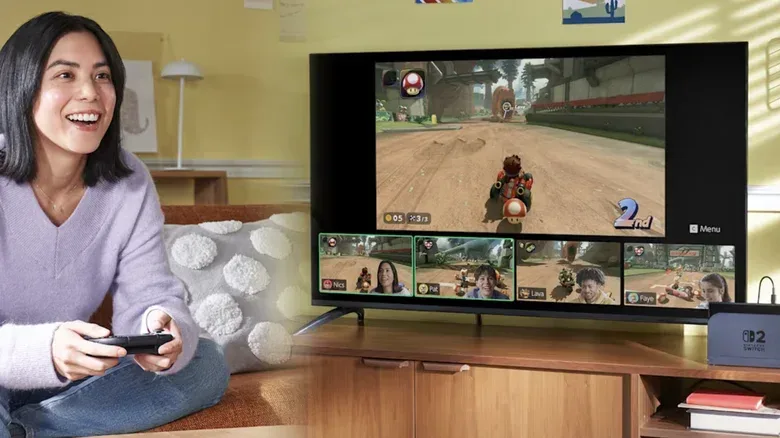
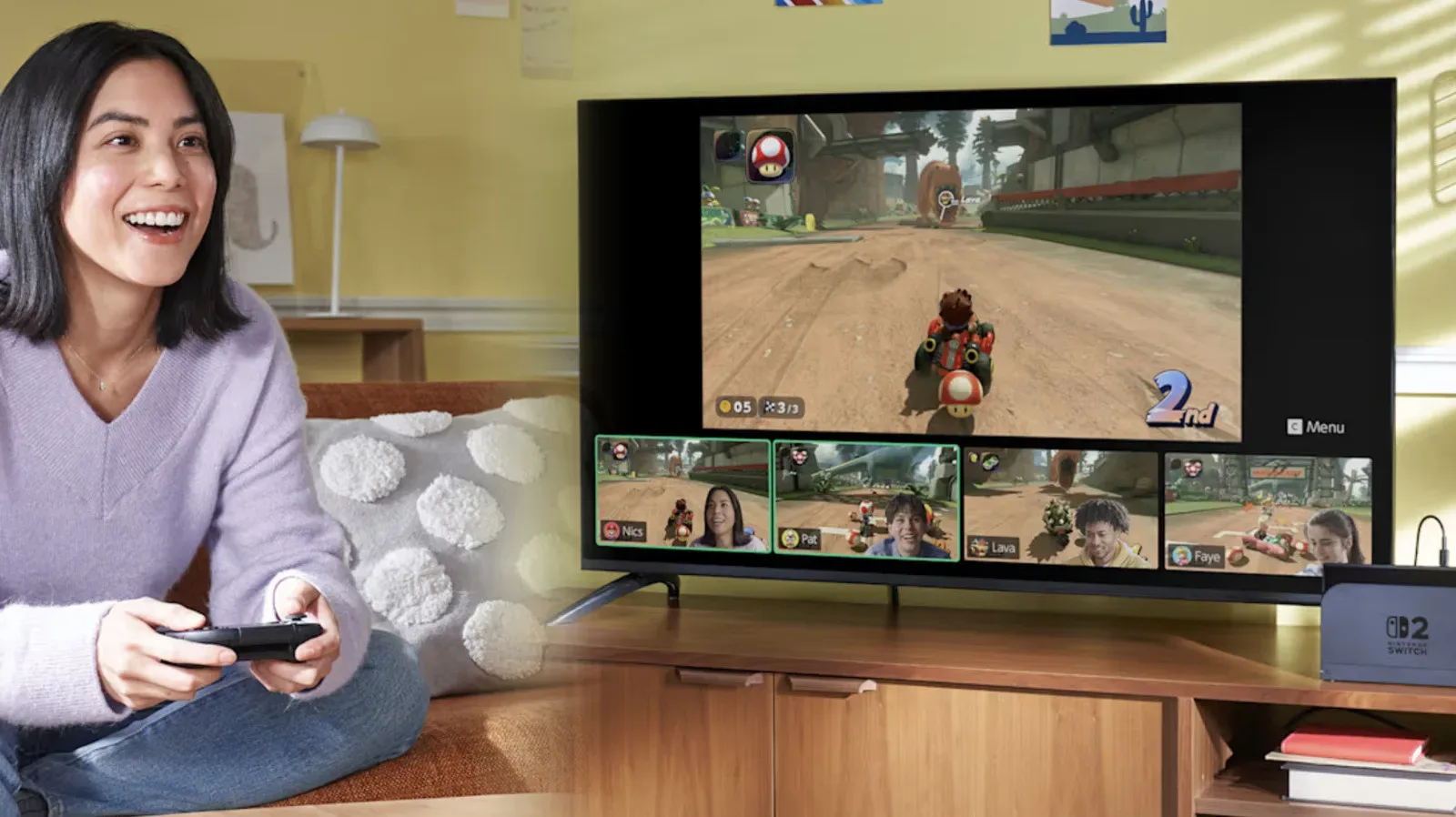
Nintendo Switch Online supports online play in compatible games, including Mario Kart World and Animal Crossing: New Horizons. It also includes access to retro games from systems such as the NES and Game Boy, cloud saves and exclusive games. On Switch 2, GameChat is another included feature, while Expansion Pack subscribers on that hardware can access GameCube games.
Those benefits are useful only to the degree that they match how you play. A player who mainly buys single-player games and does not use cloud saves or retro libraries may have a different answer from someone who plays online with friends every week. The key is to evaluate the plan you have, rather than assuming every Nintendo account needs a continuously renewing subscription.
“Auto-renewal” is a billing setting. It authorizes the next subscription term to be charged automatically when the current one ends. Turning it off is therefore the practical cancellation process: it prevents that next charge while allowing the current term to run its course.
Turning off automatic renewal preserves the remaining time you have already paid for, but it does not create a prorated refund for that time.
For example, ending renewal halfway through an annual membership does not return half of the annual payment. The subscription remains available for the rest of its already-paid term, then ends. This is why canceling early is often less risky than waiting: you keep present access while avoiding an accidental future renewal.
Related coverage includes How to Cancel Nintendo Switch Online Without Losing Remaining Time.
How to turn off Nintendo Switch Online auto-renewal on Switch
Use the Nintendo account that actually pays for the membership. If more than one user profile exists on the console, choosing the wrong account can make it appear as if no plan is active.
- Open the Nintendo eShop on the Switch.
- Select the account that purchased Nintendo Switch Online.
- Select the user icon in the upper-right corner to open Account Information.
- Choose Nintendo Switch Online from the menu on the left.
- Select Cancel Your Subscription by Turning Off Automatic Renewal.
- Follow the confirmation prompt.
On Switch 2, the cancellation option is available within Account Information as well. After selecting it, a notice should show that access continues until a specific pass-expiration date. Take a moment to read that date. It is the most useful confirmation that the plan will remain usable for now but will not continue into another paid period automatically.
How to cancel Nintendo Switch Online from a phone or computer
You do not need the console in front of you to manage the renewal setting. Sign in through the Nintendo Account portal using the account that purchased the plan, then:
- Select Nintendo Switch Online.
- In the Active Plan area, find Cancel Your Pass by Turning Off Auto-Renewal.
- Select it and choose Confirm.
The different wording on the web and on the console points to the same outcome: automatic billing for the next term is switched off. Once confirmed, check the displayed expiry information and retain it for your own records. If you are near the end of a membership, do not leave this to the last minute; Nintendo’s 48-hour cutoff matters.
The deadline that can catch people out
The 48-hour requirement is not merely a suggestion. Automatic renewal must be disabled at least 48 hours before the current membership ends. If the expiry date is approaching, check the account immediately rather than assuming a cancellation entered shortly before the deadline will stop the charge.
There is little downside to disabling renewal earlier if you have not made up your mind. The service continues until the current period ends. In practical terms, early cancellation is better understood as setting an end date for billing, not as throwing away active service.
This approach can also make a broader subscription review easier. Make a note of the displayed expiration date, then consider which features you actually expect to use before then: online multiplayer, cloud saves, the classic-game collection, exclusive titles or, on Switch 2, GameChat and applicable Expansion Pack benefits. A clear list makes the next purchase a deliberate choice instead of a default charge.
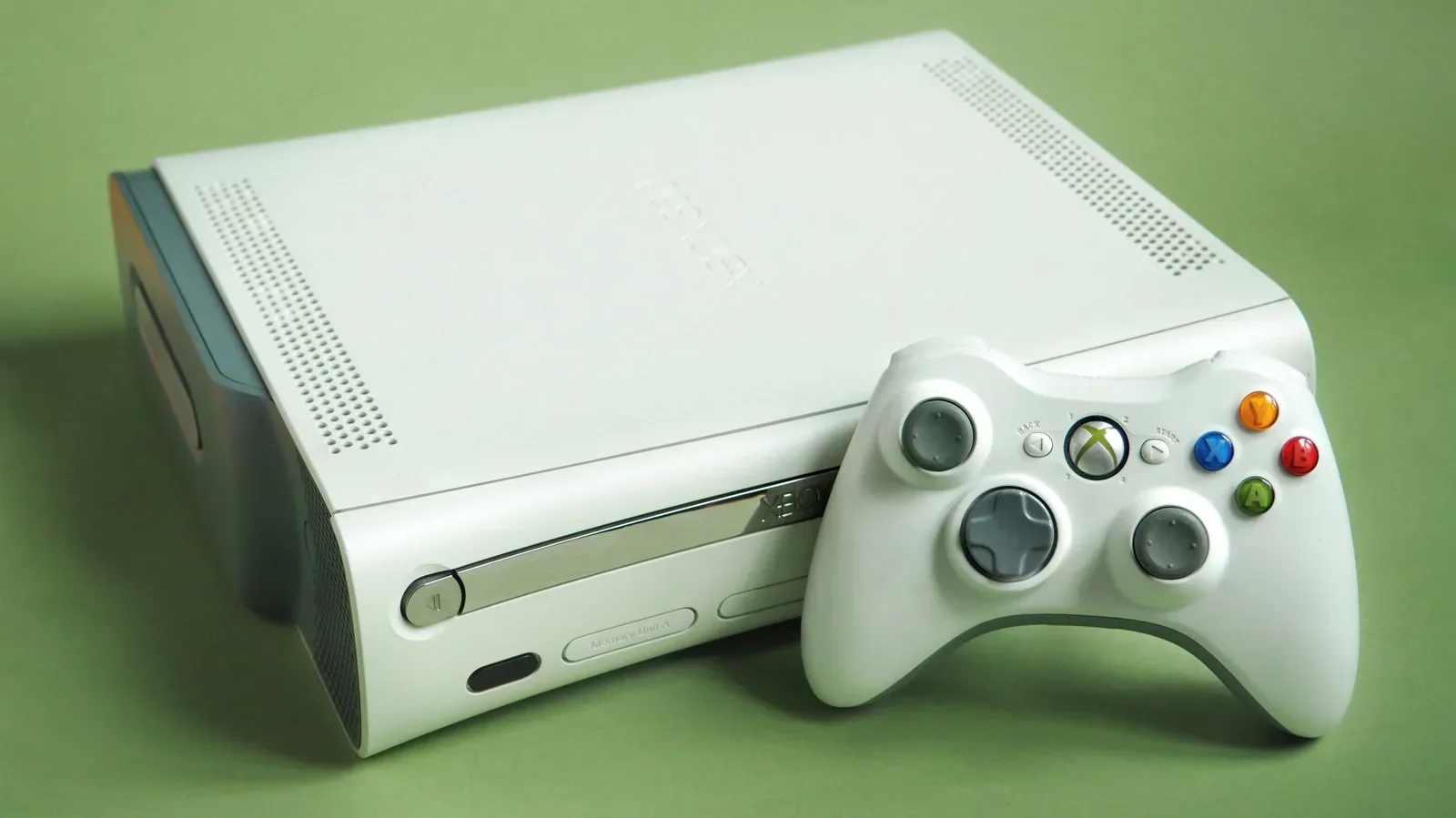
If retro access is the primary reason you subscribed, it may also be worth separating nostalgia from the recurring plan itself. Hardware you already own can have other uses; our guide on how to turn an old Xbox into a retro machine, media box or PC controller is a useful reminder that a subscription audit can start with the gear already at home. That does not replace Nintendo Switch Online’s specific library or features, but it can help frame what you value most.
Family memberships: one setting affects the group
A family subscription needs extra consideration. When auto-renewal is turned off for a family plan, it is turned off for every member of that family group. The action affects future billing for the shared membership, not merely the account holder’s individual use.
Before doing it, it is sensible to let the other members know the expiration date. They can continue to use the service through the paid period, but should not be surprised when access ends afterward if no new pass is purchased. The account that controls the plan is the one that must make the renewal decision.
Can you reverse the decision?
Not by simply flipping the same setting back on. Once automatic renewal has been disabled, it cannot be re-enabled. If you later decide to stay with Nintendo Switch Online, the solution is to purchase a new subscription pass.
That is another reason to confirm the date shown after cancellation. You have a clear window to use the current subscription, assess whether you miss its features and, if necessary, buy a new plan after the existing pass ends. There is no need to keep auto-renewal active just to retain the time already purchased.
Account housekeeping while you are signed in
Managing a membership is also a useful time to verify account access. Nintendo is ending sign-in through Google and Apple accounts in early 2027. If either is part of your current login routine, review and change the login method while you are already in the Nintendo Account portal. Doing that now can prevent an avoidable access problem later.
Quick cancellation checklist
- Use the Nintendo account that bought the membership.
- Turn off automatic renewal in the eShop’s Account Information area or in the Nintendo Account portal.
- Do it at least 48 hours before the membership ends.
- Read the confirmation and note the expiration date.
- Expect access to continue through the paid term.
- Do not expect a refund for unused days.
- For a family plan, tell other members: turning off renewal applies to the whole group.
- If you change your mind after disabling renewal, purchase a new pass; the setting cannot simply be turned back on.
The shortest version is simple: turn off auto-renewal early, confirm the expiry date and keep playing until that date arrives. That stops a future payment without sacrificing the remaining Nintendo Switch Online time you have already paid for.