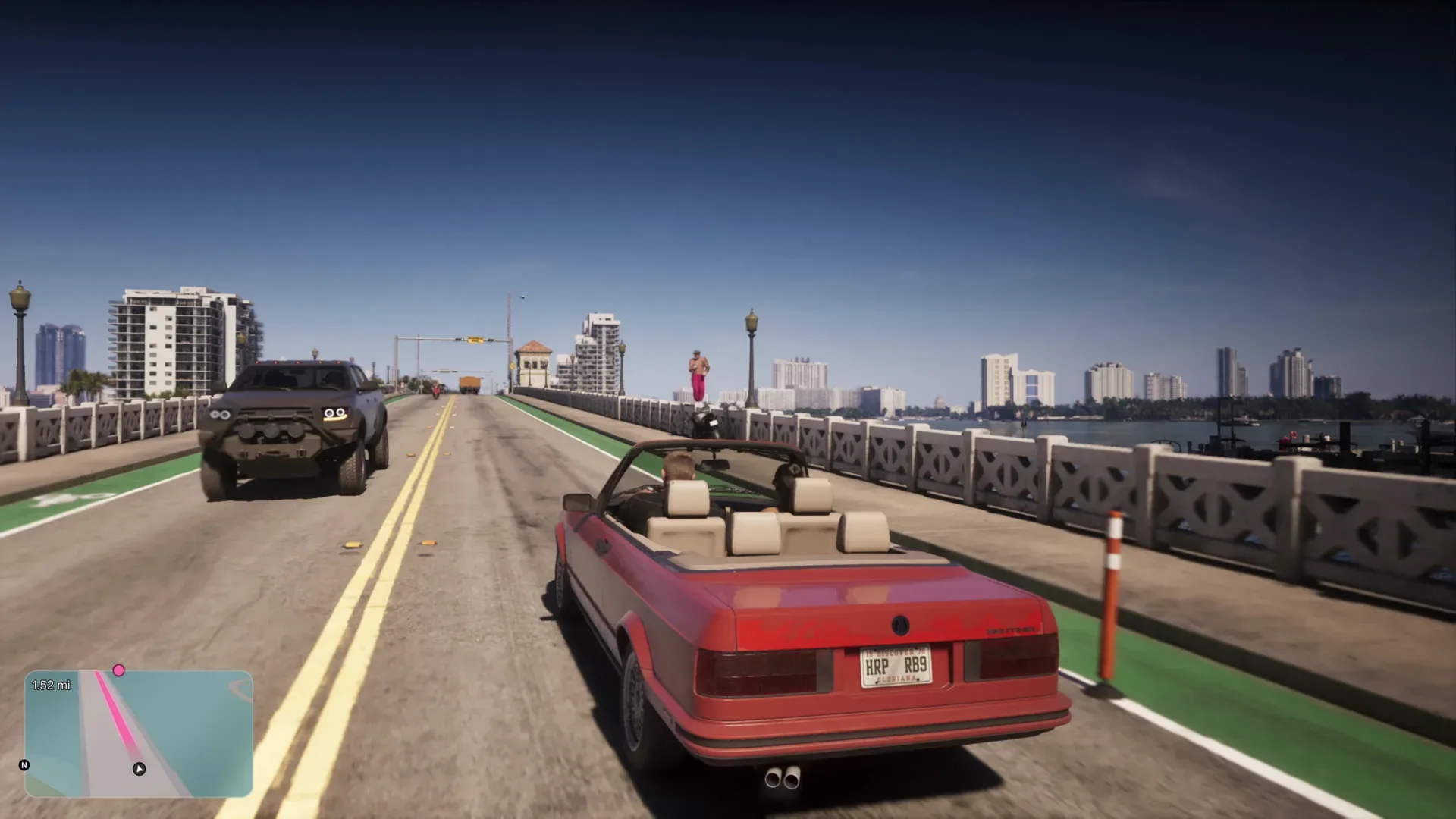
Grand Theft Auto 6 has a lot of vehicle actions competing for a limited number of controller inputs. That makes a few of its faster commands particularly easy to miss: several depend on a double-tap rather than a held input or a menu selection. For players driving through Vice City as Jason or Lucia, these shortcuts can make ordinary travel feel less interrupted—whether the aim is silencing the radio, changing the lights, making a quick escape, or keeping a boat moving while exploring its deck.
The important caveat is that these are vehicle-specific controls. A button can have a different job on foot, in a car, or aboard a boat. The commands below also use PlayStation/Xbox terminology where applicable: Circle/B means Circle on PlayStation controllers and B on Xbox controllers, while Triangle/Y follows the same convention. No equivalent keyboard bindings are established here, so PC players should not assume the controller inputs translate directly.
Quick GTA 6 vehicle-control reference
- Double-tap Left on the D-pad in a car: toggle the radio on or off.
- Double-tap Circle/B in a car: cycle headlights through off, high beams, and low beams.
- Double-tap Triangle/Y in a car: exit while leaving the engine and radio on.
- Click the Right Stick near drivers: make the character yell at nearby motorists, an action described in the game’s help material as “road rage.”
- Double-tap Triangle/Y in a boat: leave the driving position and walk around the deck while the boat continues cruising.
Radio toggle: double-tap Left on the D-pad
In a car, double-tapping Left on the D-pad turns the radio on or off. This is a direct toggle, so it avoids entering the vehicle submenu simply to stop or restore the music.
That distinction matters because a submenu is a deliberate interaction: it asks the player to bring up an interface, choose an option, then return to driving. A toggle is an immediate binary action. For a player who changes the radio frequently—perhaps to hear ambient sound during a trip, then bring music back afterward—the double-tap removes that extra interface step.
It is also an example of why input timing matters. A double-tap means pressing the same direction twice in quick succession, not holding it. Holding Left on the D-pad is associated with the vehicle submenu, so the two actions occupy related but distinct input patterns. If the menu appears instead of the radio changing, the likely issue is timing: the input may have registered as a hold rather than two discrete presses.
Headlight control without opening the vehicle submenu
Double-tap Circle/B while in a car to rotate through three headlight states: off, high beams, and low beams. This provides a fast alternative to using the vehicle submenu to manage the lights.
“Cycle” is the key technical term here. Unlike an on/off toggle, which moves between two states, a cycle advances through a sequence. If the desired setting is not selected after the first double-tap, repeat the input until the lights reach the state needed. The confirmed sequence includes all three modes, rather than treating high beams as a separate menu-only adjustment.
For players who care about the small details of driving through the open world, this makes lighting an action that can be handled without pausing their normal steering and navigation rhythm. It is also useful simply because it clarifies that the lights are not limited to an off/on choice. The shortcut exposes both low- and high-beam settings through one repeatable controller action.
Related coverage includes GTA 6 Vehicle Shortcuts for Radio, Lights, Exits and Boats.
Leave a car running with a double-tap of Triangle/Y
Double-tap Triangle/Y while driving a car to exit without switching off the engine or radio. The game’s help menu identifies this behavior and notes that it can even be used while moving: the character rolls out while the vehicle carries onward and can crash into something.
This is not the same as a standard exit. The defining feature is persistence: the vehicle remains active after the character gets out. In practical terms, that creates a different kind of getaway or distraction option from parking, shutting down, and walking away. The car’s continued motion is part of the command’s purpose, not an accidental side effect.
There is an obvious trade-off. A running, moving car is less predictable than one left safely parked, particularly since the described use involves sending it into an obstacle. Players looking for precision should treat the shortcut as a situational action, not a replacement for every ordinary exit. But when the goal is to abandon the vehicle quickly while its trajectory continues, it is an unusually compact command.
The same input does something different on a boat
In a boat, double-tapping Triangle/Y has a related theme but a different result. Instead of simply stepping out of a car, the character gets up from the controls and can walk around the deck while the boat keeps cruising.
This is a useful reminder that GTA 6’s context-sensitive controls are tied to vehicle type. Memorizing the button alone is not enough; remember the situation attached to it. In a car, the command preserves the vehicle’s running state as the character exits. On a boat, it preserves forward travel while the character moves away from the helm and onto the deck.
The boat shortcut can be particularly easy to overlook because it does not resemble a conventional driving action. It turns an ongoing journey into an opportunity to use the vessel’s deck rather than requiring the boat to be stopped first. That makes it a small but expressive open-world feature: travel continues, yet the player is not locked into the driver’s position.
The right-stick “road rage” action
Clicking the Right Stick while near other drivers makes the character yell at them. GTA 6’s help material calls this the road rage button. “Click” in this context means pressing the stick inward like a button, not pushing it in a direction.
It is a minor control compared with driving, exiting, or changing lights, but it shows that nearby traffic can be addressed with a dedicated interaction. It is also one of the shortcuts that is documented in the help menu, unlike the radio and headlight double-taps, which are not identified there in the available information.
That uneven documentation is the real lesson behind this collection of inputs. Some functions are surfaced through the game’s help materials, while others appear to be much less visible. A player can spend a long time in a sprawling game and still miss a shortcut that changes a familiar action from a menu task into a two-press command.
How to remember the shortcuts without random button mashing
There is no need to test every possible double-tap while driving. A more reliable approach is to group the confirmed controls by purpose:
- Left D-pad: radio management in a car.
- Circle/B: car lighting.
- Triangle/Y: leaving the controls while preserving motion or power—cars and boats use it differently.
- Right Stick click: interacting vocally with nearby drivers.
It also helps to test a shortcut in a low-pressure moment rather than during a mission or a high-speed chase. That is not because these inputs are complicated; it is because the distinction between a tap, double-tap, hold, and stick click is easiest to learn when other actions are not competing for attention. Once the rhythm is familiar, the radio and lighting commands in particular become simple quality-of-life tools.
Players who want more general gaming reading beyond Vice City can also check our coverage of three PC games available free for the weekend.
For now, the safest takeaway is straightforward: GTA 6’s vehicle controls contain more than the most visible prompts suggest. Double-tapping Left on the D-pad, Circle/B, and Triangle/Y covers radio, lights, and vehicle exits; clicking the Right Stick triggers road rage; and boat travel has its own version of the Triangle/Y shortcut. Those are small inputs, but they can remove menu friction and reveal more ways to interact with the game’s vehicles.