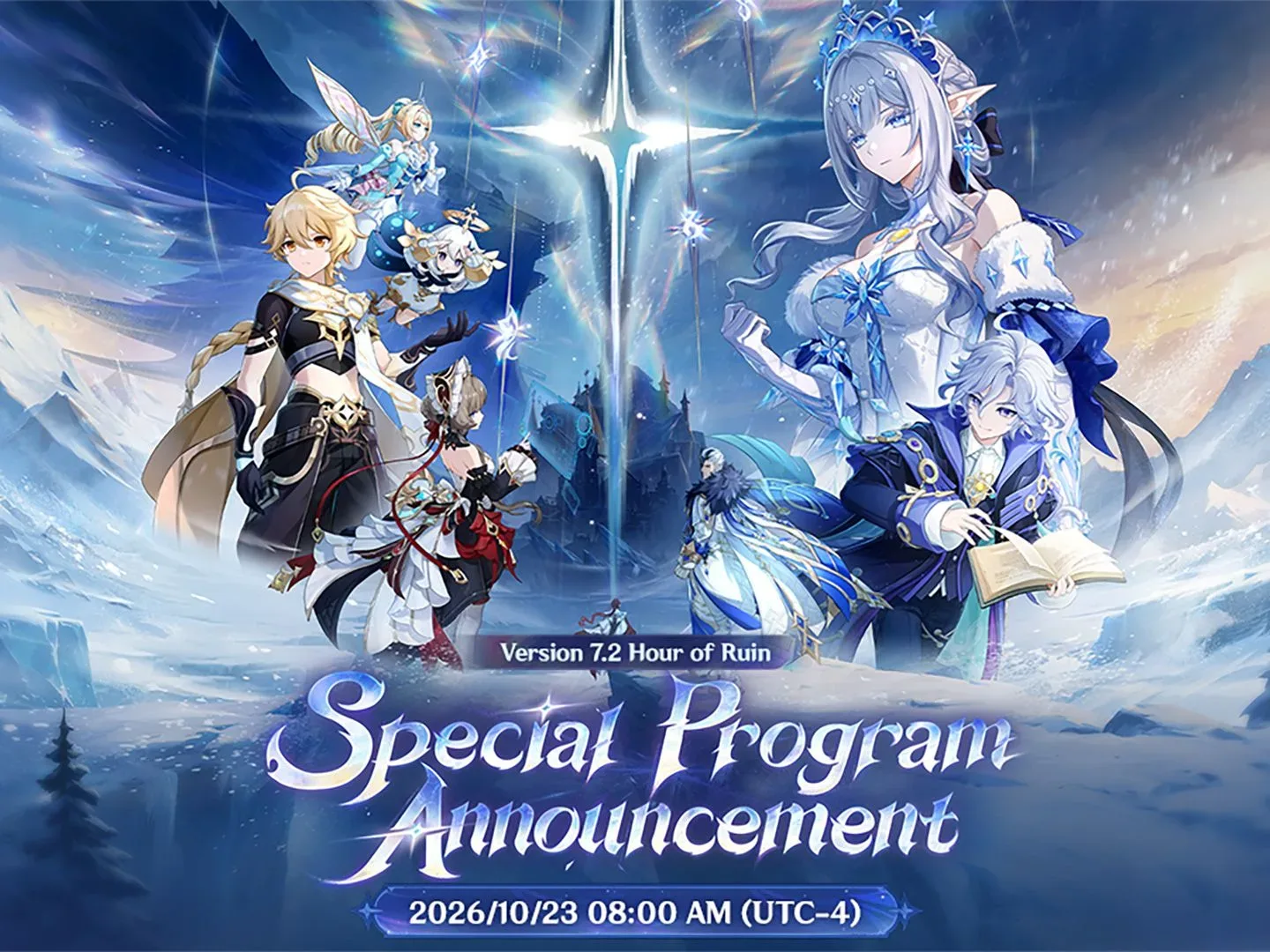
Genshin Impact’s 7.2 livestream promotion includes three limited-time redemption codes worth a combined 300 Primogems, alongside Mystic Enhancement Ore, Hero’s Wit and 50,000 Mora. The codes are connected to the latest special-program broadcast and have a short stated redemption window, so the important job is to submit them before the deadline rather than leave them in a browser tab for later.
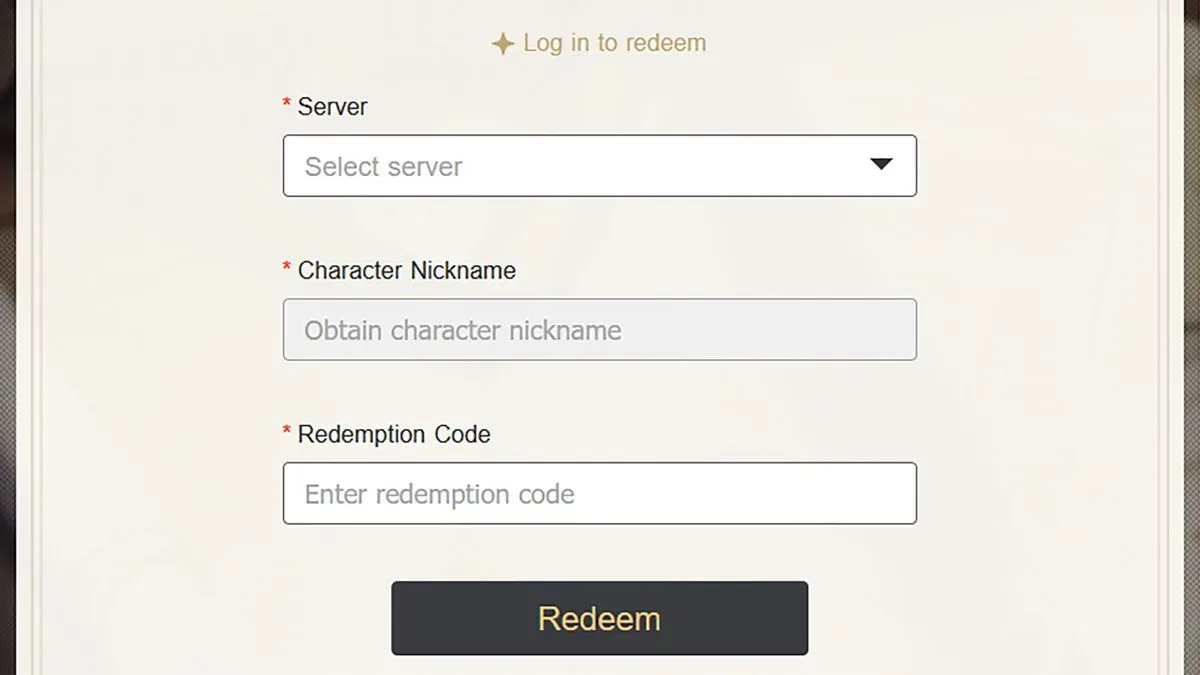
Enter each code separately, then check the in-game mailbox for the delivered items. There are two stated redemption methods: an in-game option available in some versions, and the official web gift-redemption page. The web method requires players to sign in with their HoYoverse account and confirm that the selected server and character are correct before submitting a code.
All Genshin Impact 7.2 livestream codes
- HourofRuin — 100 Primogems and 10 Mystic Enhancement Ore
- ExpertMitya — 100 Primogems and 5 Hero’s Wit
- PhotoTime — 100 Primogems and 50,000 Mora
Redeeming all three provides the following total:
- 300 Primogems
- 10 Mystic Enhancement Ore
- 5 Hero’s Wit
- 50,000 Mora
Primogems are the portion of the bundle that can be spent, while the remaining rewards are named upgrade and currency resources. The codes split those extras across the three entries rather than repeating the same package each time. That means a player who wants the full set needs to redeem HourofRuin, ExpertMitya, and PhotoTime individually.
For more context, explore Apple Music’s Web 404 Hides a Click-Wheel iPod—and a Breakout Easter Egg.
Expiry time: redeem before October 25 at 9 PM PDT
The stated cutoff is Sunday, October 25 at 9 PM PDT. The listed equivalent times are Monday, October 26 at 12 AM EDT and 4 AM GMT.
Limited promotional codes are different from rewards already delivered to an account. Before the expiry point, the key step is successfully submitting each code through either redemption route. Once submitted, the reward is sent through the game’s mailbox. Waiting to collect the mail is not the same as waiting to redeem the code.
That distinction matters because the mailbox is described as having a separate, longer window: in-game mail generally expires one month after it is sent. Players still should not treat that as a reason to delay. The one-month timing concerns mail that has already arrived; it does not extend the October code deadline.
Related coverage includes Genshin Impact 7.2 Livestream Codes: Claim 300 Primogems Before They Expire.
How to redeem the codes in Genshin Impact
Some versions of Genshin Impact include a direct in-game redemption route. Use the following path:
- Open Settings.
- Open the Account menu.
- Select the Redeem now prompt.
- Enter one of the three codes.
- Repeat the process for the other two codes.
- Open the in-game mailbox to receive the rewards.
This method keeps the entire process in the game, but it is explicitly only available in some versions. If the Account menu does not present the “Redeem now” prompt, that is a sign to use the web redemption route instead of continuing to search through unrelated settings.
How to redeem the codes on the official website
The alternative is the official gift-redemption page. This route is especially useful for players whose version does not show the in-game option, or for anyone who prefers entering the short codes with a keyboard.
- Visit Genshin Impact’s official gift-redemption page.
- Log in using the HoYoverse account connected to the game account.
- Check the regional Server and Character Nickname.
- Enter or paste a code into the Redemption Code field.
- Select Redeem.
- Submit the remaining two codes in the same way.
- Launch the game and collect the sent items from the mailbox.
After login, the server and character nickname should populate automatically. They are still worth checking before submitting anything. “Server” identifies the game region tied to the account, while “Character Nickname” identifies the character receiving the mail. Verifying both is a simple safeguard when more than one account or regional profile may be in use.
Copying and pasting the codes can reduce avoidable entry mistakes. The three strings are short but contain a mix of words and capitalization: HourofRuin, ExpertMitya, and PhotoTime. Submit the code shown, then move on to the next one rather than assuming a successful redemption applies the whole bundle at once.
What happens after a successful redemption
The reward does not appear directly in the inventory at the redemption screen. It is sent through Genshin Impact’s in-game mailbox. That makes the mailbox the final checkpoint for the process: after redeeming the codes, open mail and claim the attached rewards.
Players do not need to collect the mail immediately after the code is accepted, but there is still a timer to bear in mind. In-game mails usually have an expiry date one month after sending. Claiming them promptly removes the risk of overlooking a delivered package among later mail.
For a clean, low-effort routine, submit all three codes in one sitting, open the mailbox immediately afterward, and claim the three corresponding messages. This separates the two time-sensitive stages: first, redeem before the stated October 25 deadline; second, collect the delivered mail before its individual expiration.
Why these codes are worth entering
The reward total is not a choice between items. Each accepted code supplies its listed package, so the complete promotion combines spendable Primogems with three other resource types. The distribution is also easy to audit: every code grants 100 Primogems, and each has one distinct additional reward set.
That structure makes it straightforward to tell what is missing if only part of the bundle reaches the mailbox. A 100-Primogem package with 10 Mystic Enhancement Ore corresponds to HourofRuin; a package with five Hero’s Wit corresponds to ExpertMitya; and the 50,000 Mora package corresponds to PhotoTime. The complete result should add up to 300 Primogems plus all three types of extras.
The codes were issued around the version 7.2 special program, which also offered a look at incoming content. However, the immediate practical detail is the limited redemption period. Version information can be useful context, but it is not needed at the redemption screen: the exact code text, the correct account, the right selected server and character, and the mailbox collection step are what determine whether the promotional items arrive.
Quick checklist before the codes disappear
- Redeem HourofRuin.
- Redeem ExpertMitya.
- Redeem PhotoTime.
- Do it before the stated October 25, 9 PM PDT cutoff.
- Use Settings > Account > Redeem now if that option exists in the installed version.
- Otherwise, sign into the official gift-redemption page with the appropriate HoYoverse account.
- Confirm the automatically filled server and character nickname before selecting Redeem.
- Open the in-game mailbox and claim all delivered rewards.