Control Resonant gives Dylan a way to undo major build decisions, but it does not hand out that flexibility freely. Reset Items are consumables used for respeccing, and the available information points to them being both expensive and limited across a playthrough. That makes them less like a routine convenience and more like an emergency tool for when a character setup genuinely needs to change.
The straightforward route is to purchase Reset Items from vendors around the map. Each one costs 5,000 Source. Vendors only carry a small number, with their total stock tied to Vendor Level, so there is no indication that a player can endlessly buy resets simply by accumulating currency.
Reset Items may also appear as rewards for some missions and quests. However, those rewards are described as sporadic rather than reliable, meaning they are useful bonuses instead of a strategy players can plan around. If Dylan needs a rebuild, vendors are the dependable option—provided there is stock left and enough Source on hand.
Where to get Reset Items in Control Resonant
Buy them from map vendors
The most consistent source of Reset Items is the vendor network spread across Control Resonant’s map. A single Reset Item costs 5,000 Source. Vendor inventory varies with Vendor Level, but each vendor sells only a couple in total.
- Cost: 5,000 Source per Reset Item
- Where: Vendors located around the game map
- Stock: Limited, with the amount depending on Vendor Level
- Best use: A planned rebuild after committing to an approach that no longer suits Dylan
“Limited stock” is the detail worth treating seriously. A respec currency can sound forgiving because it permits experimentation, but the practical result here is a trade-off. Spending Source on a reset means committing a substantial amount of currency to reversing a prior choice, while using one of a finite number of items that may be more valuable later.
Mission and quest rewards
Some mission or quest completions can grant Reset Items. The catch is predictability: these rewards do not appear to be a regular or guaranteed part of progression. Players should take them when they come, but should not delay an important build decision in expectation of receiving one shortly.
In simple terms, vendor stock is the known quantity; quest rewards are the occasional extra. That distinction matters for resource planning. A player who knows a rebuild is necessary can budget 5,000 Source and check vendors, while a player waiting for a quest reward is relying on an uncertain outcome.
How to respec Dylan
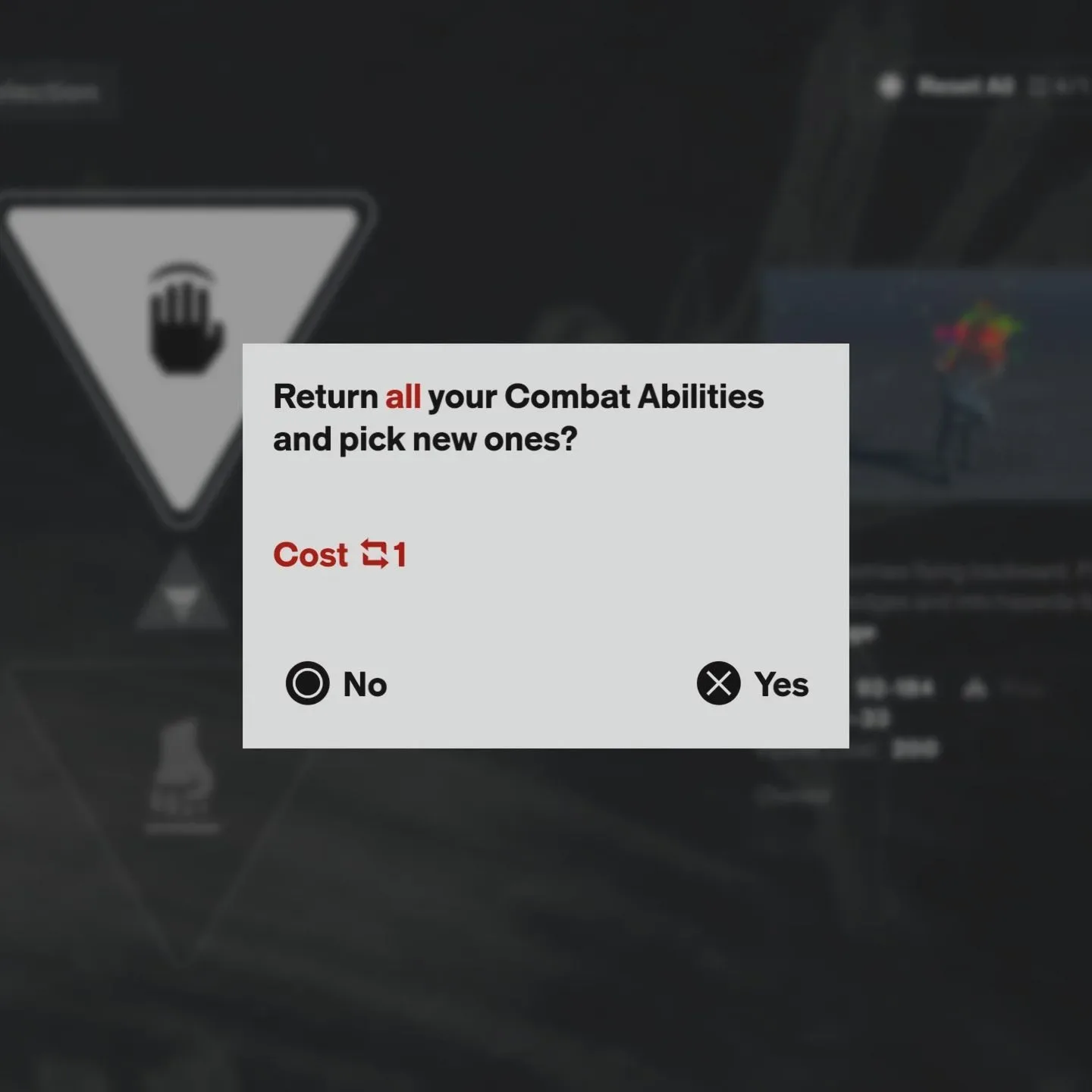
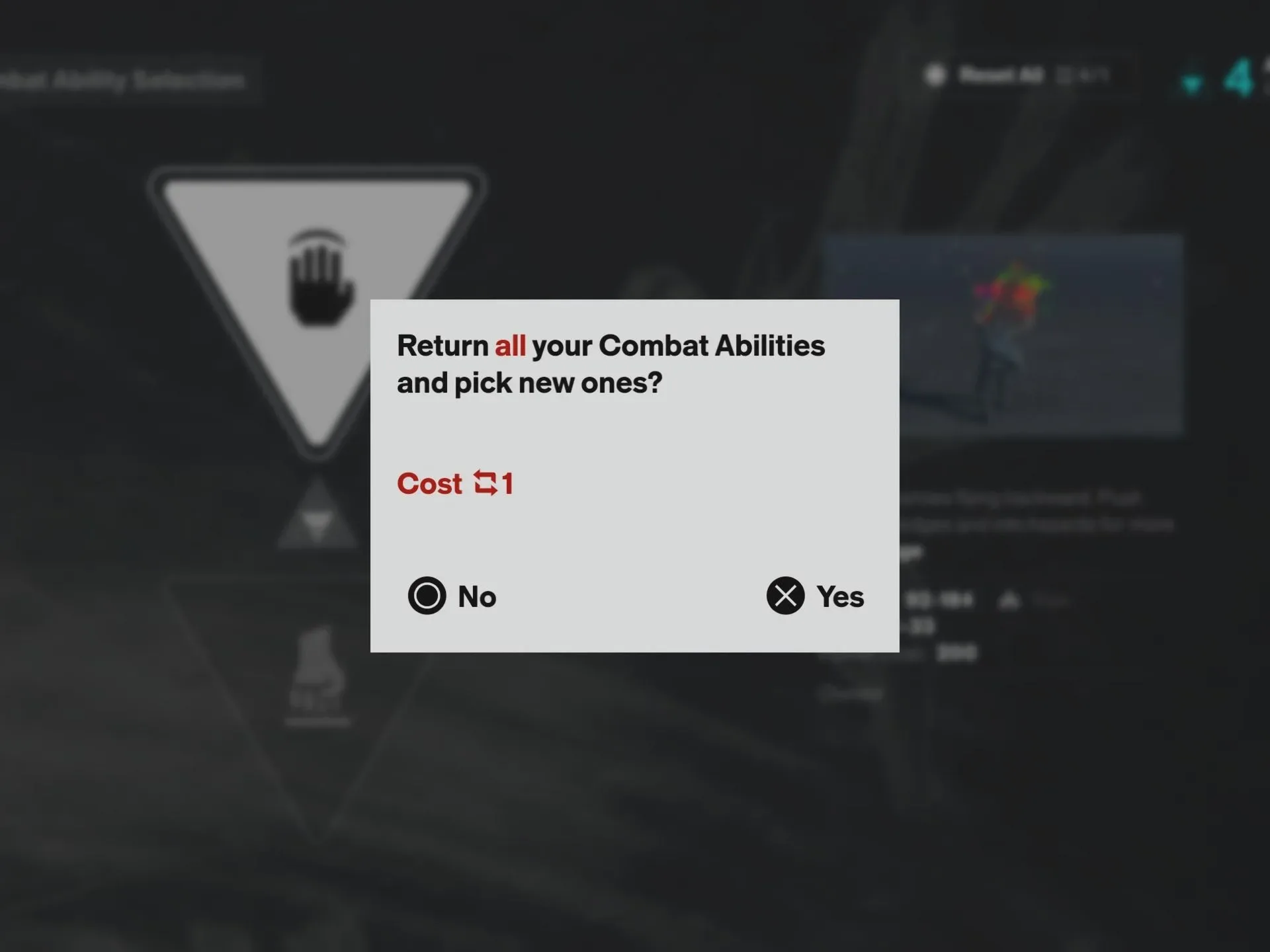
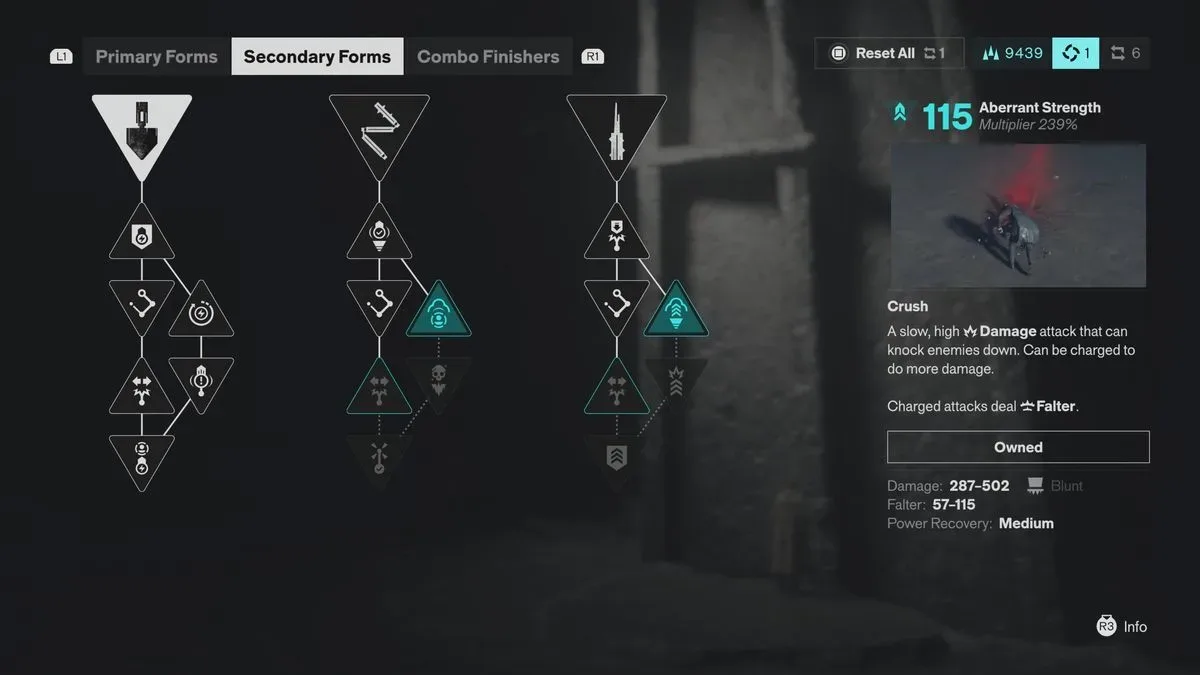
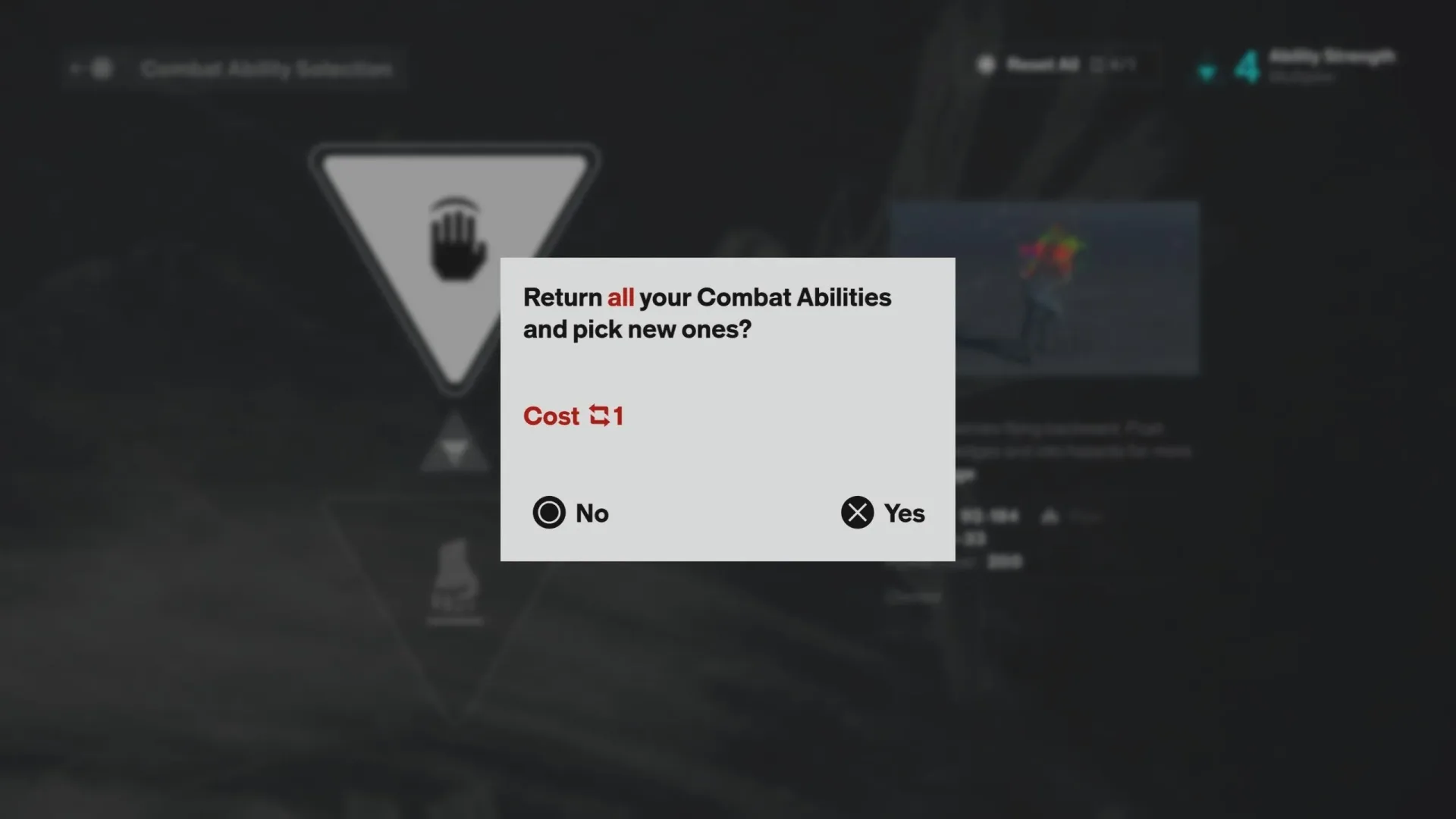
Respeccing is done back at the Gap, Control Resonant’s hub zone. Once Dylan has a Reset Item, enter the menu for the category that needs to be changed. The interface displays a button prompt at the top of the relevant menu; holding that button spends the item and completely resets the selected category.
Related coverage includes Control Resonant Reset Items: How Respecs Work and Where to Find Them.
The important wording is selected category. The available details describe resetting one area at a time, rather than a single Reset Item automatically rebuilding every part of Dylan at once. Before confirming the prompt, make sure the menu open is the one you actually intend to clear.
A Reset Item can fully respec any of the following:
- Abilities and powers: Dylan’s chosen power options.
- Weapon upgrades and Aberrant Form upgrades: Advancement tied to weapons and the Aberrant Form.
- Talents: The game’s skill-tree progression.
- Combo Finishers: Chosen finisher options.
A respec, short for “respecialization,” is a game-system term for reclaiming a character’s prior build choices so those choices can be assigned differently. In Control Resonant, that function is divided among several systems rather than presented as one vague, universal build reset. A player changing a combat power is dealing with a different category from someone reconsidering a Talent allocation or a Combo Finisher.
When a Reset Item is worth spending
The best reason to spend one is an exclusive decision: a selection that prevents access to another option and cannot be solved by simply earning more materials or points. The available guidance particularly identifies powers and abilities as a situation where a reset can be easier to justify, because choosing one option may exclude another.
That makes a Reset Item a sensible response to a real change in priorities. Perhaps Dylan was built around one ability direction and the player now wants to explore a mutually exclusive alternative. In that situation, accumulating ordinary progression resources may not address the original decision at all; the reset is the tool designed to reopen it.
It can also be sensible when a player has spread investment across a category only to decide that the structure of the build needs to be different. Since the reset completely clears the category involved, it offers a clean route to reassigning choices rather than trying to patch over earlier commitments.
When to save the item instead
Do not use a Reset Item merely because a new weapon upgrade or Talent looks appealing. If the desired choice can be purchased by finding more upgrade materials or acquiring more Talent Points, then continuing to progress is likely the cheaper answer. The reset item is finite; ordinary materials and points are the resources intended for expanding an existing build.
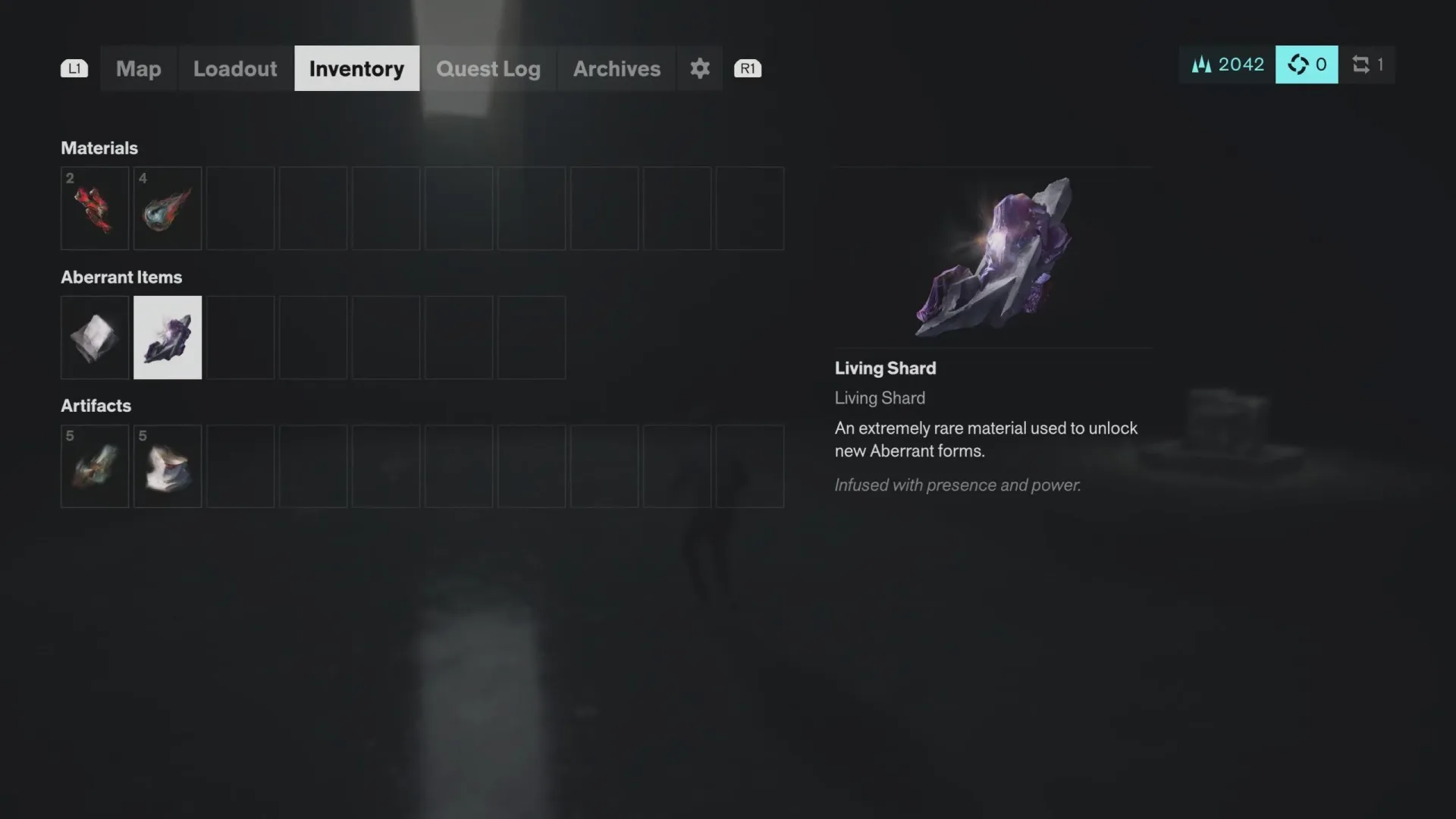
This is especially relevant for weapons and Talents. Wanting an additional upgrade is not necessarily the same as regretting a previous upgrade. If there is a path to obtaining the new purchase without erasing the old one, a reset turns into an avoidable expense. Players looking to expand weapon, Form or finisher options can consult the Control Resonant Living Shards guide before deciding that a respec is necessary.
The same caution applies to curiosity-driven experimentation. It is understandable to want to test every available configuration, but the system’s limited supply means that a casual trial can close off flexibility for a more significant later rebuild. Treating each Reset Item as a reserve rather than a default menu option is the safer approach.
A practical reset checklist
Before holding the confirmation button in the Gap, run through a short checklist:
- Identify the exact category you want to change. Is the issue an ability choice, a weapon or Form upgrade, Talents, or a Combo Finisher?
- Ask whether more materials or Talent Points would solve it. If yes, keep the Reset Item.
- Check whether the old choice locks out the new one. A reset has more value when the desired option is mutually exclusive with the current selection.
- Decide on the replacement build first. Know what you intend to choose after clearing the category, rather than resetting solely because the existing arrangement feels imperfect.
- Remember the 5,000 Source replacement cost. If vendor stock remains, another reset still requires a substantial currency commitment—and stock itself is not unlimited.
Control Resonant’s system is therefore flexible, but deliberately not frictionless. Dylan can be rebuilt across abilities, upgrades, Talents and finishers, yet every reset consumes a scarce resource. Buy Reset Items from vendors when needed, watch for the occasional quest reward, and use the Gap menus only after separating a genuine build reversal from a progression problem that more materials can solve.