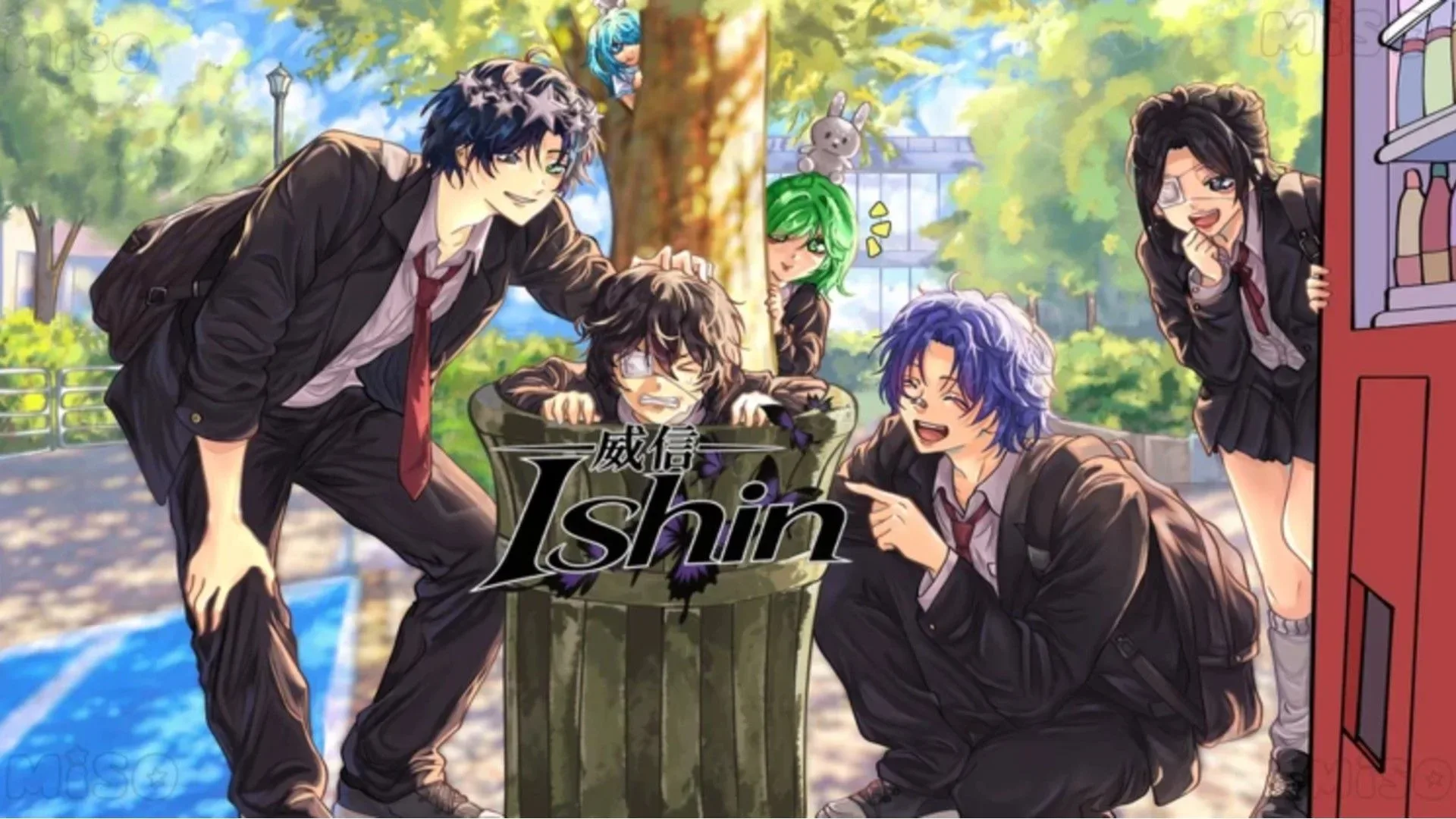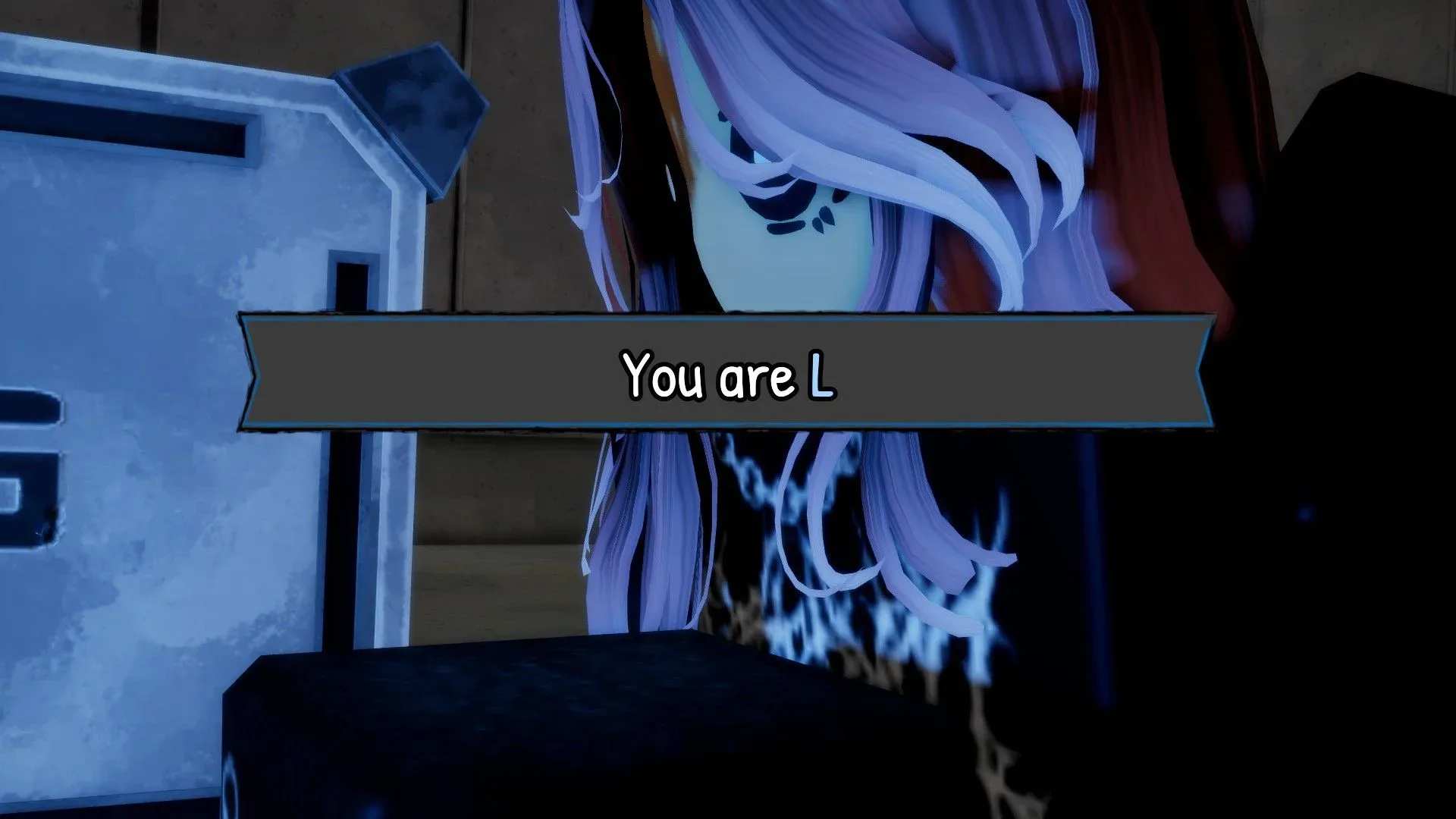
Bloxnote players have one currently listed code to try for a useful stack of Apples and a cosmetic movement reward. The code is ABASAIYANWALK500K, and it awards 1,000 Apples alongside the Saiyan Walk Emote.
This is a social-deduction Roblox experience inspired by Death Note: players either attempt to identify Kira or take the role associated with the notebook while avoiding suspicion. In that setting, the reward is deliberately cosmetic rather than a competitive boost. Apples can be put toward emotes and titles, while the Saiyan Walk is an emote reward of its own. That makes the code worth entering for players who want more ways to express themselves in a game built around reading the room, bluffing, and occasionally making everyone wonder why somebody is dramatically strutting away from a very suspicious situation.
Codes can change quickly. Several earlier Bloxnote promotions have already expired following the game’s September 2026 launch, so it is sensible to claim a listed code promptly rather than saving it for a future session.
Active Bloxnote code
- ABASAIYANWALK500K — 1,000 Apples and the Saiyan Walk Emote
The code is reported as not case-sensitive. Players still need to enter every character correctly, however, so copying it exactly is the safest approach. Case-insensitive means capital and lowercase letters should not alter whether the game recognizes a code; it does not mean that missing numbers, letters, or an extra space will be accepted.
For more context, explore MindsEye Developers Report Further Layoffs as Build a Rocket Boy’s Future Remains Unclear.
How to redeem a Bloxnote code
- Open Bloxnote in Roblox.
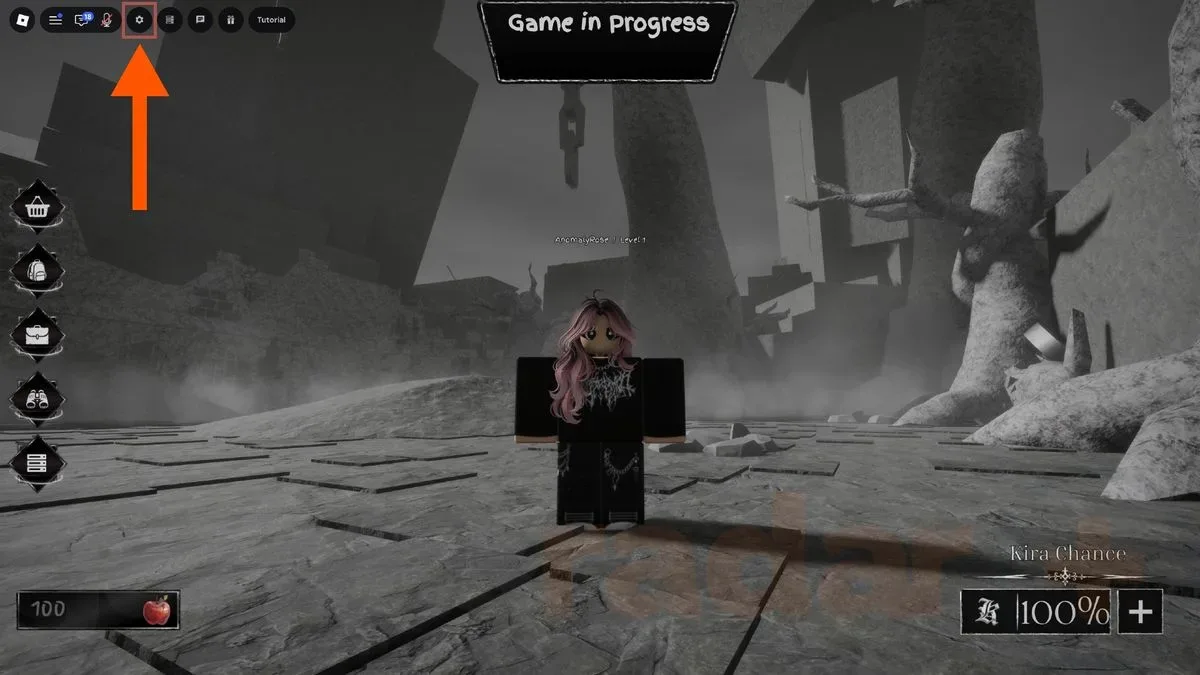
- Select Settings in the upper-left corner of the screen.
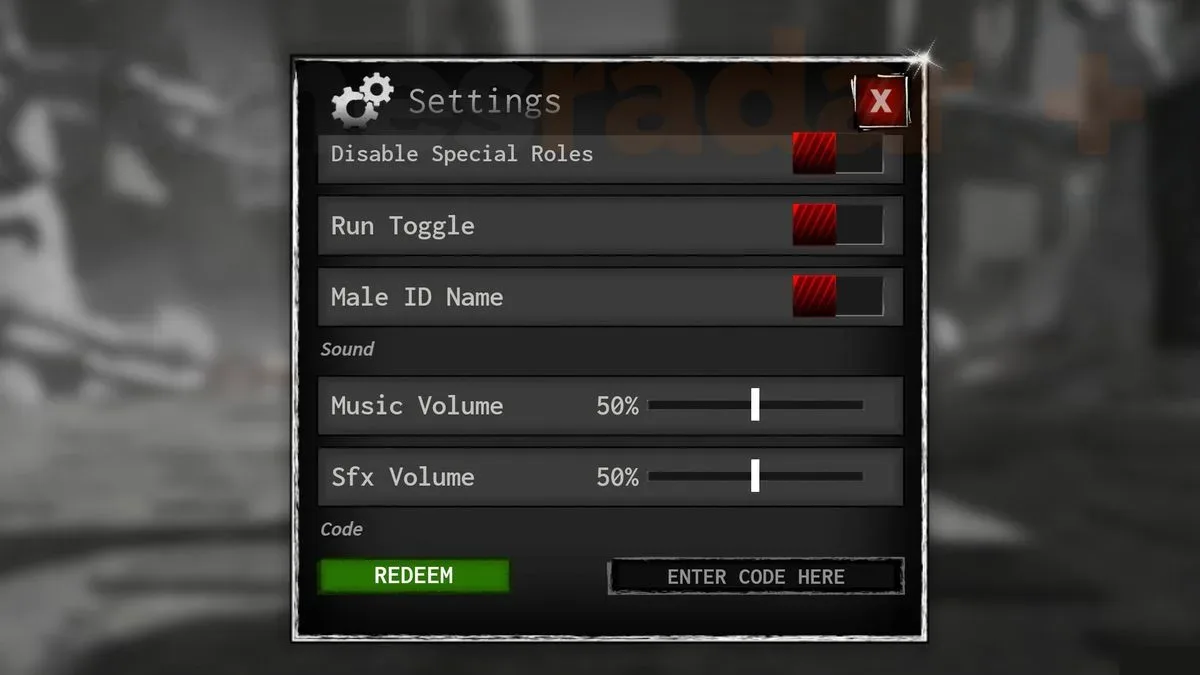
- Scroll down through the Settings window until the code redemption field appears.
- Enter ABASAIYANWALK500K.
- Choose the green Redeem button to claim the listed rewards.
Redemption can be done while a match is underway, except in the meeting room. Technically being able to open Settings mid-game is not the same thing as it being a wise time to do it. A social-deduction round depends on awareness of what other players are doing and saying, so handling the code before a match—or after one ends—avoids turning a quick cosmetic claim into a missed accusation, defense, or vote.
What Apples are used for
Apples are Bloxnote’s reward currency in the information available here. They can be spent on emotes and titles. An emote is an in-game character expression or animation, while a title is a label associated with the player. Neither is described as changing a player’s ability to win a round.
That distinction matters for anyone deciding how urgently they need the reward. The code does not provide a gameplay advantage over other players. Instead, it supplies customization options: a way to communicate, celebrate, posture, or perhaps make one’s alleged innocence look just a little more theatrical. In a genre where players are constantly interpreting behavior, emotes are part of the game’s social texture, even when they are not mechanical tools.
Players can spend Apples on those smaller customization options or retain them while working toward the Rem skin. The available information does not give an Apple price for that skin, so there is no basis for calculating how far 1,000 Apples goes. Still, the choice is straightforward: spend currency as it arrives for immediate cosmetic variety, or save it for a larger cosmetic target.
Why the Saiyan Walk reward stands apart
The current promotion gives both currency and a named emote. The 1,000 Apples provide flexibility because they can be directed toward emotes or titles later. The Saiyan Walk is a direct unlock, removing any need to decide whether to spend Apples on that particular expression. For players who enjoy collecting visual options, it is effectively two kinds of reward in one redemption: currency for future choices and an immediate cosmetic animation.
For players focused only on match outcomes, the practical impact is more limited. There is no indication that Apples, titles, skins, or emotes change Kira’s capabilities, reveal information, affect voting, or otherwise alter the core deduction loop. Treat the code as a customization bonus, not a shortcut through the game.
Bloxnote’s deduction setup and why cosmetics fit it
Bloxnote frames its matches around the central tension of identifying Kira—or, from the other side, evading detection as the notebook owner. That puts conversation and player perception at the center of a round. Emotes will not prove anybody’s role, but they can make the interactions around a match livelier. A celebratory animation after a correct read, a title that suits a player’s persona, or an ill-timed flourish after something suspicious happens can all become part of the table talk.
That should not be confused with evidence. A player using a particular emote is not inherently more or less suspicious, and a cosmetic reward is not a strategic item. The useful takeaway is simpler: these rewards personalize the social layer around Bloxnote’s core game. If that is appealing, redeem the code. If the only goal is competitive progression, the listed reward is not positioned as a major reason to play.
Expired Bloxnote codes
The following codes are listed as expired and should not be expected to redeem:
- VISITS200K — previously 1,000 Apples
- SORRYFORSHUTDOWN — previously 500 Apples
- SRRYFORSHUTDOWN — previously 500 Apples
- RELEASE — previously 500 Apples
The two shutdown-related entries are easy to confuse. One uses the full spelling SORRY, while the other begins SRRY without the “O.” Both are expired, so neither should be entered in place of the active code.
The existence of expired launch-period promotions is also a reminder that a code list is a snapshot, not a permanent menu. A redemption attempt can fail because a promotion has ended even when the text was entered accurately. For the latest available listing of the September reward, see this Bloxnote code update.
Quick redemption checklist
- Use ABASAIYANWALK500K, the currently listed active code.
- Expect 1,000 Apples and the Saiyan Walk Emote.
- Open Settings from the top-left of the screen and scroll to the redemption box.
- Enter the code carefully; capitalization is not the concern, but spelling and characters are.
- Redeem outside the meeting room, ideally when a match is not demanding attention.
- Do not rely on VISITS200K, SORRYFORSHUTDOWN, SRRYFORSHUTDOWN, or RELEASE; they are expired.
In short, this is a low-friction cosmetic pickup rather than a power-up. Claim the Apple bundle and Saiyan Walk while the code is still listed, then decide whether those Apples belong in immediate emotes and titles or in a longer save toward the Rem skin.